

Samsung LS22D300GAUXXU 22" Full HD IPS monitor
Reviews
Price
Product description
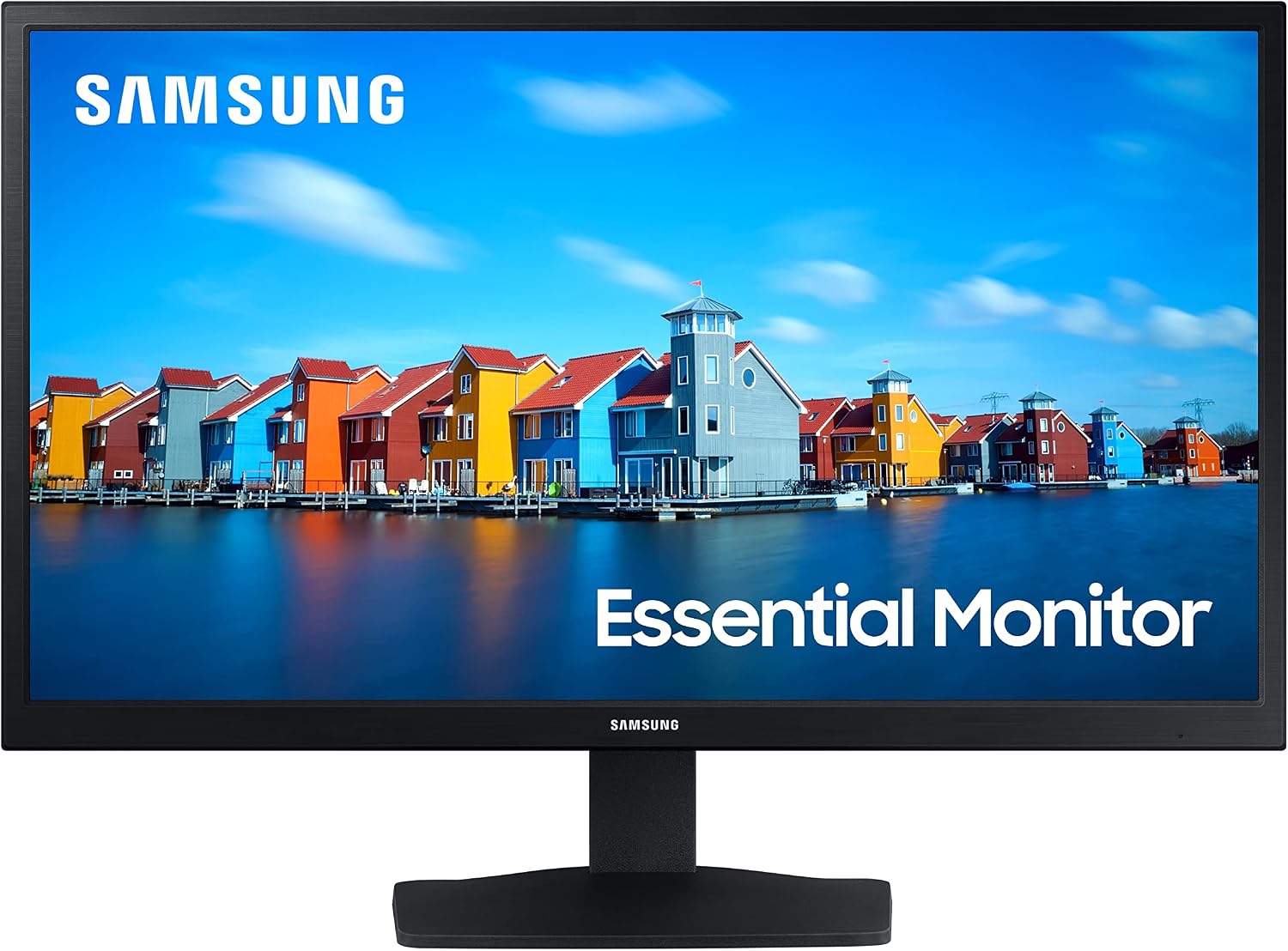
This 22-inch Full HD IPS monitor from Samsung combines clear colour reproduction and a slim profile for home offices, creative work and casual gaming. With a 1920 x 1080 resolution and a 100 Hz refresh rate, it aims to reduce motion blur and deliver smoother visuals while keeping eye comfort in mind.
Key Points
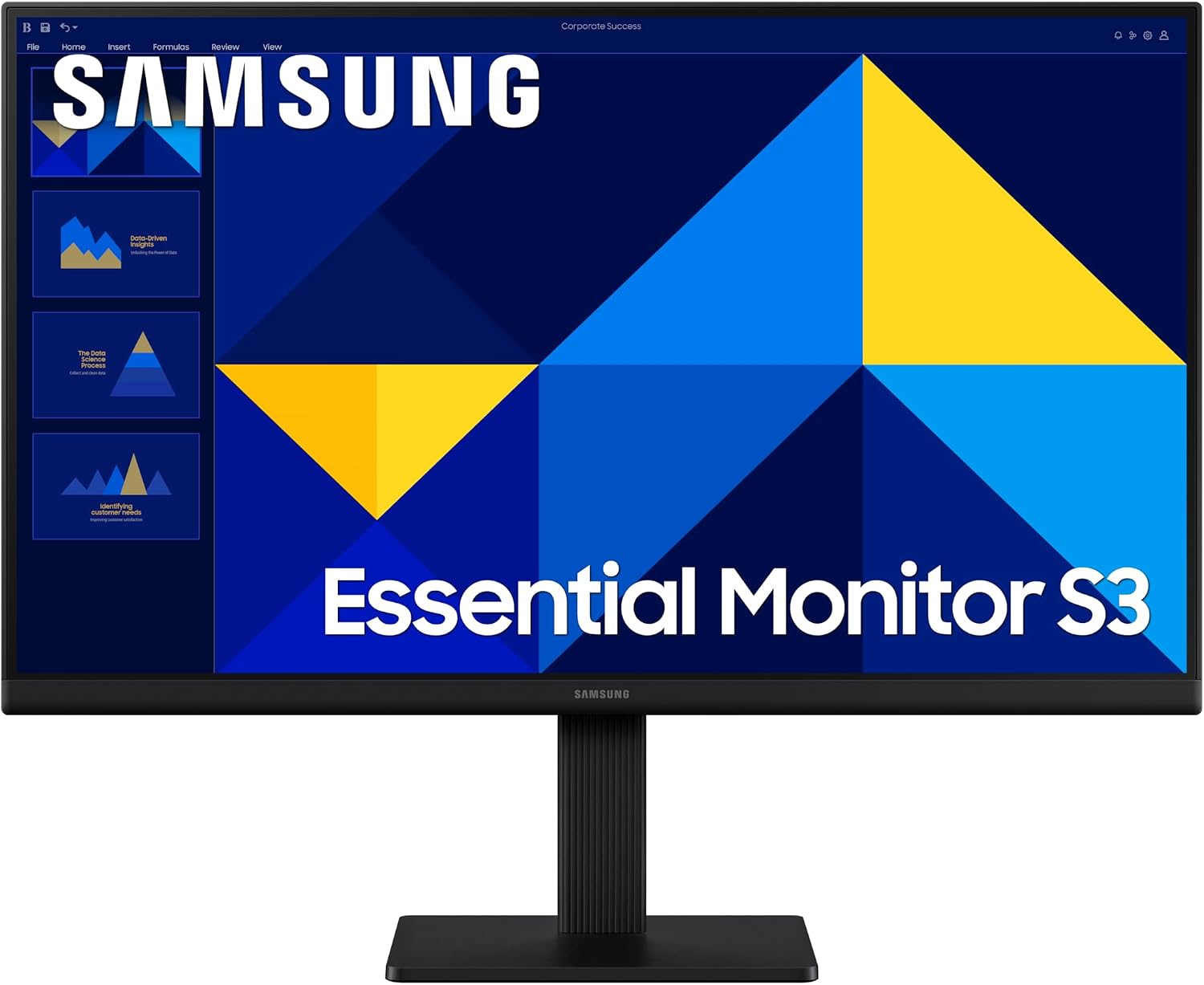
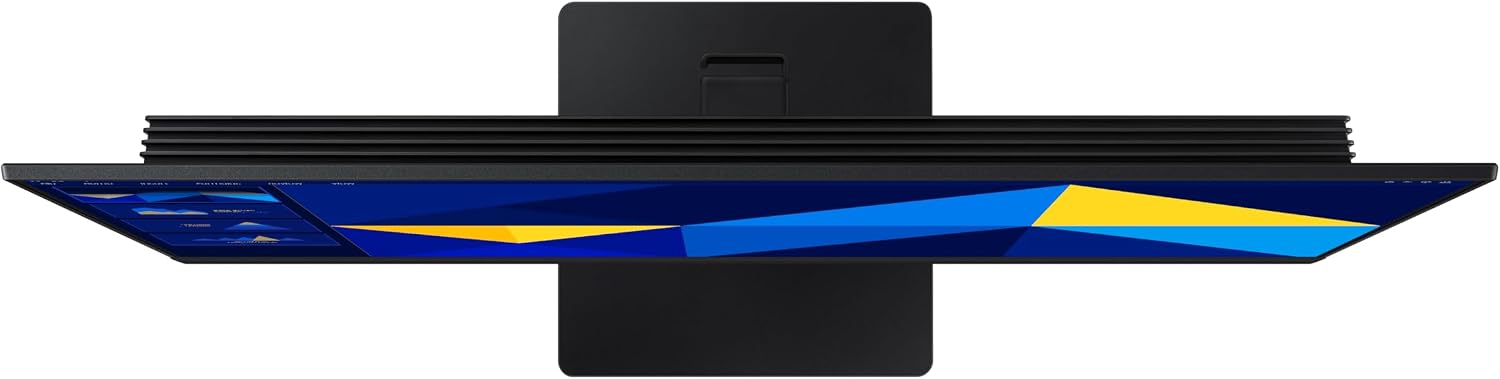
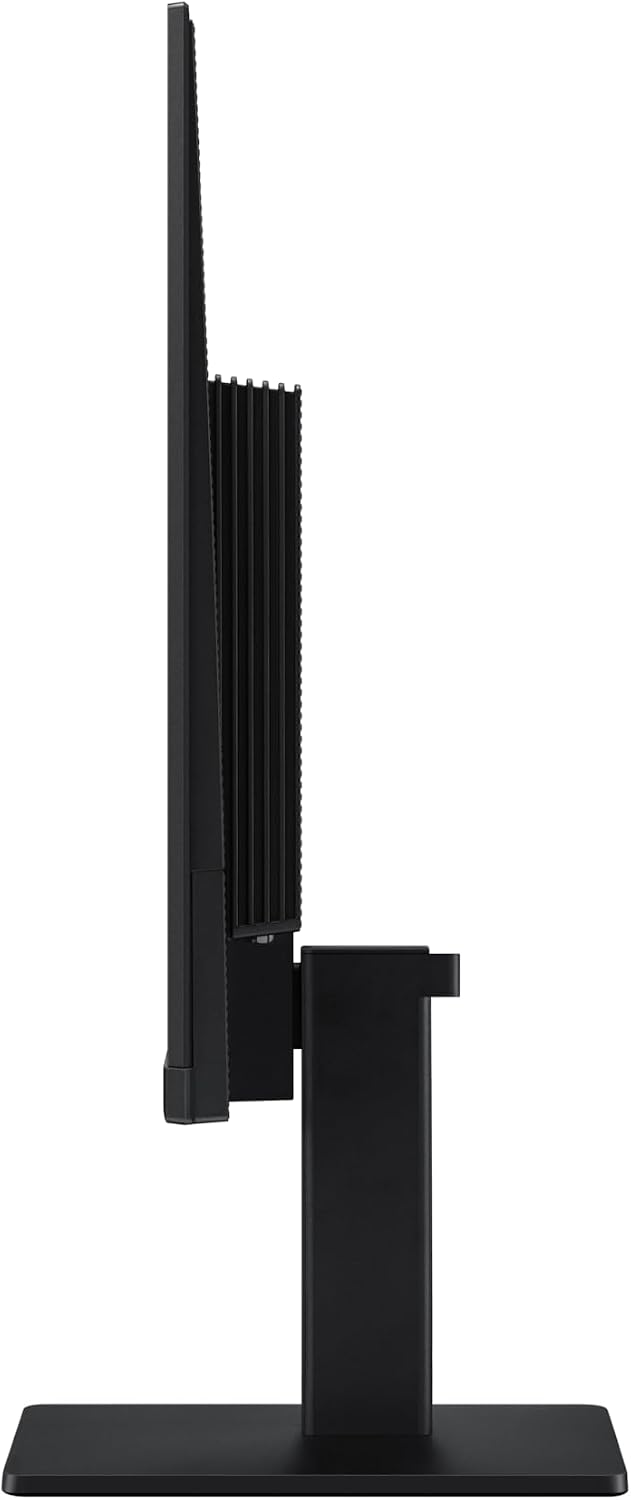
The IPS panel keeps colours bright and consistent across wide viewing angles, which is useful when multiple people look at the screen or you move your head while working. The 100 Hz refresh rate improves fluidity for video playback and gaming compared with standard 60 Hz panels, according to the manufacturer. Eye comfort is addressed through a dedicated Eye Saver Mode and reduced screen flicker, so longer sessions can feel less tiring for the eyes. The monitor’s ultra-slim bezels give a modern look that suits multi-monitor setups and compact desks. There is also a Game Mode that applies optimised settings to help reduce input lag and enhance visibility in darker scenes.
Technical Specifications
- Name: Samsung LS22D300GAUXXU
- Panel type: IPS
- Resolution: 1920 x 1080 (Full HD)
- Refresh rate: 100 Hz
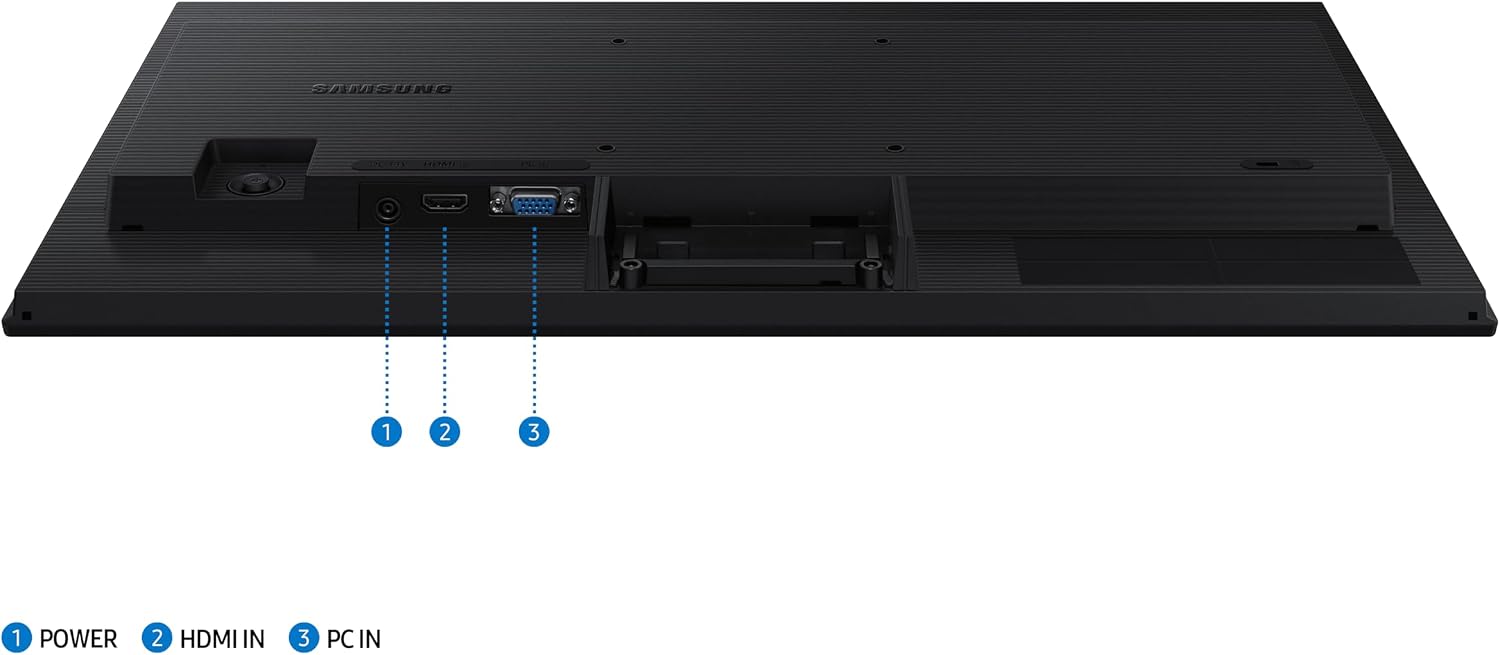
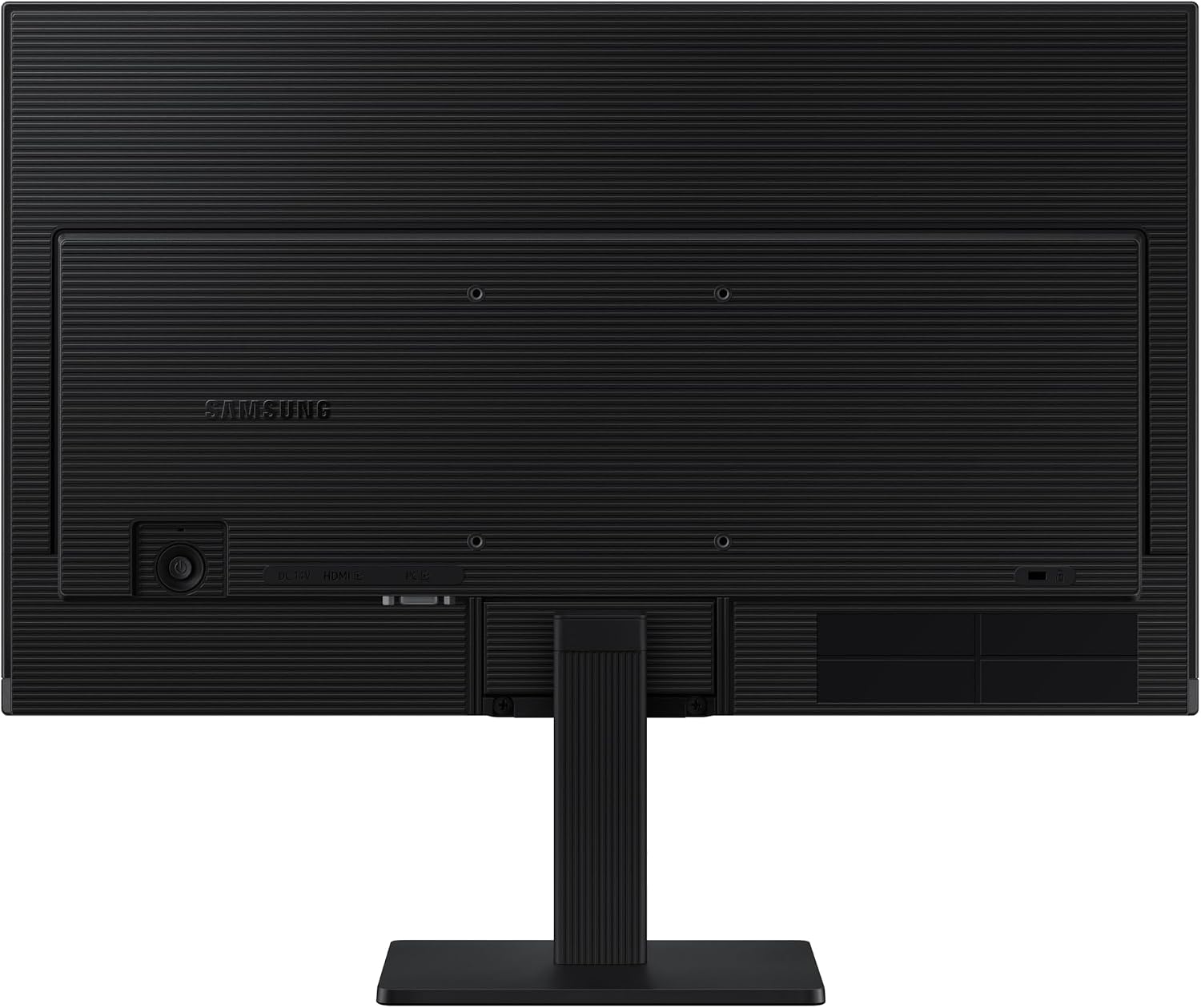
- Inputs: VGA, HDMI
- Special features: Eye Saver Mode, reduced flicker, Game Mode
Benefits
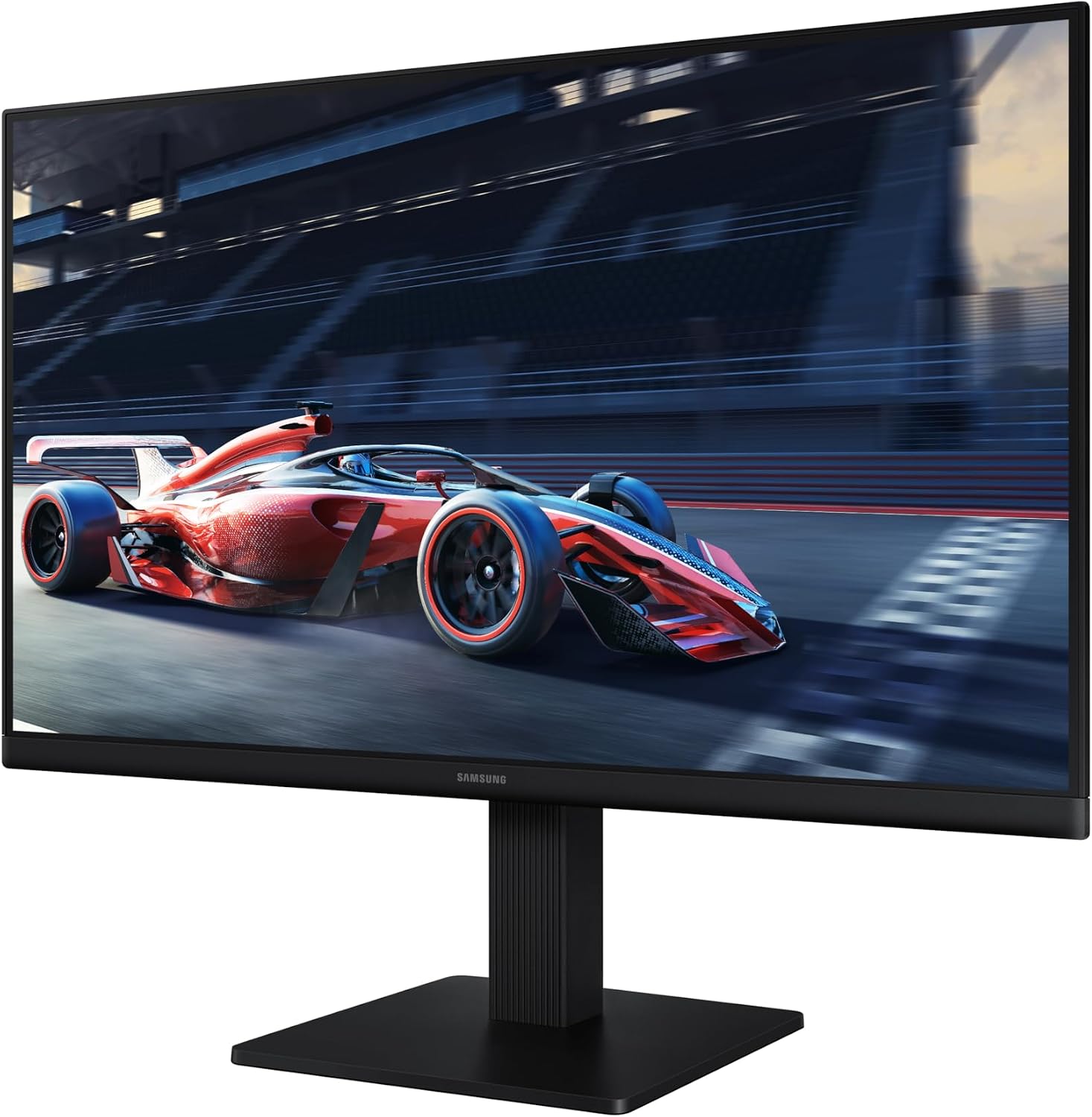
Colours remain accurate and stable when you change viewing angle, which benefits photo editing and collaborative work. The increased refresh rate reduces perceived motion blur for fast-moving content, making video and gaming sessions feel smoother. Eye Saver Mode and flicker reduction aim to lower eye strain during extended use, so you can work for longer without frequent breaks. The slim edged design contributes to a cleaner desk aesthetic and minimises distractions around the display border.
Usage Recommendations
For general productivity, pair the monitor with a laptop or desktop via HDMI for the best combination of resolution and refresh rate. Use Eye Saver Mode and the reduced flicker setting during long editing sessions or late-night work to limit visual fatigue. When gaming, try Game Mode to see if the preset configurations improve responsiveness and contrast in darker scenes, but consider fine tuning brightness and colour settings for a more accurate image depending on the title. If you plan to use multiple screens, the ultra-thin bezels make aligning displays easier and create a more continuous viewing area.
Consider that while the 22-inch Full HD format balances desk space and clarity, users seeking higher pixel density or larger panels for detailed professional colour work might prefer larger or higher resolution displays. Also note that VGA is available for legacy compatibility, but HDMI is recommended for optimal image quality and refresh rate.