

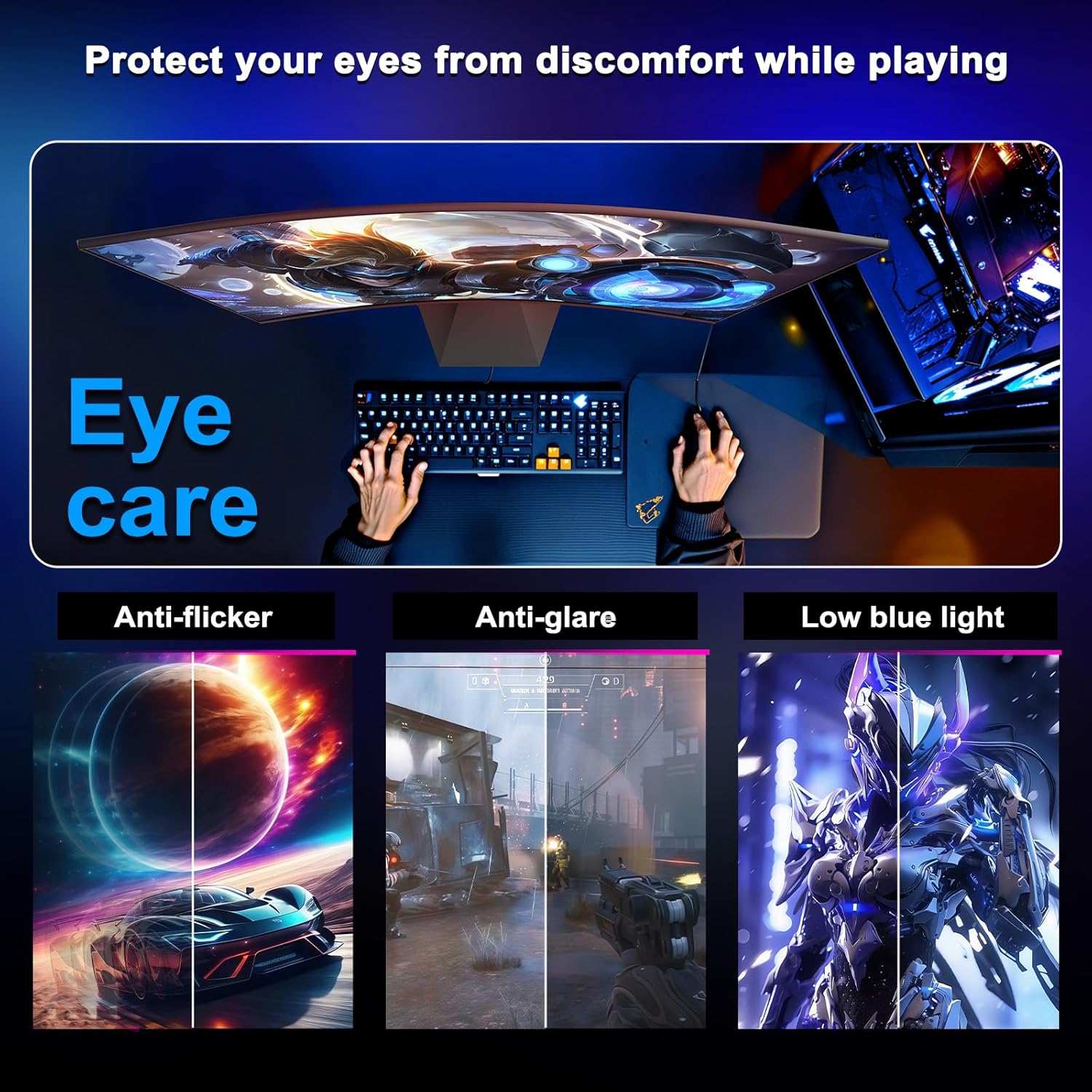
Minifire 24-Inch Gaming Monitor (MFG24C1L): 160Hz Curved Full HD for Competitive Play
Product description
What this is and what it aims to solve
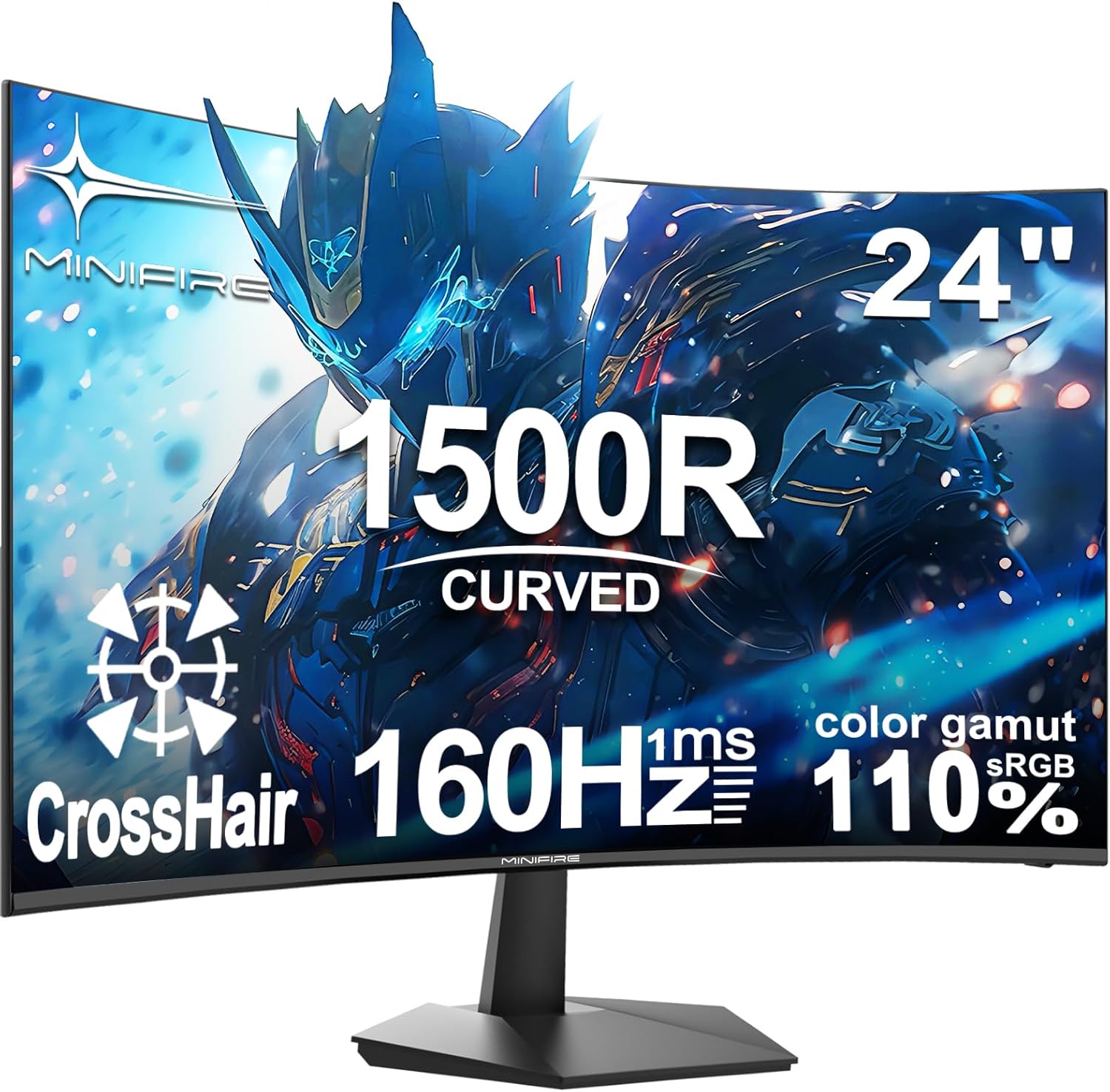
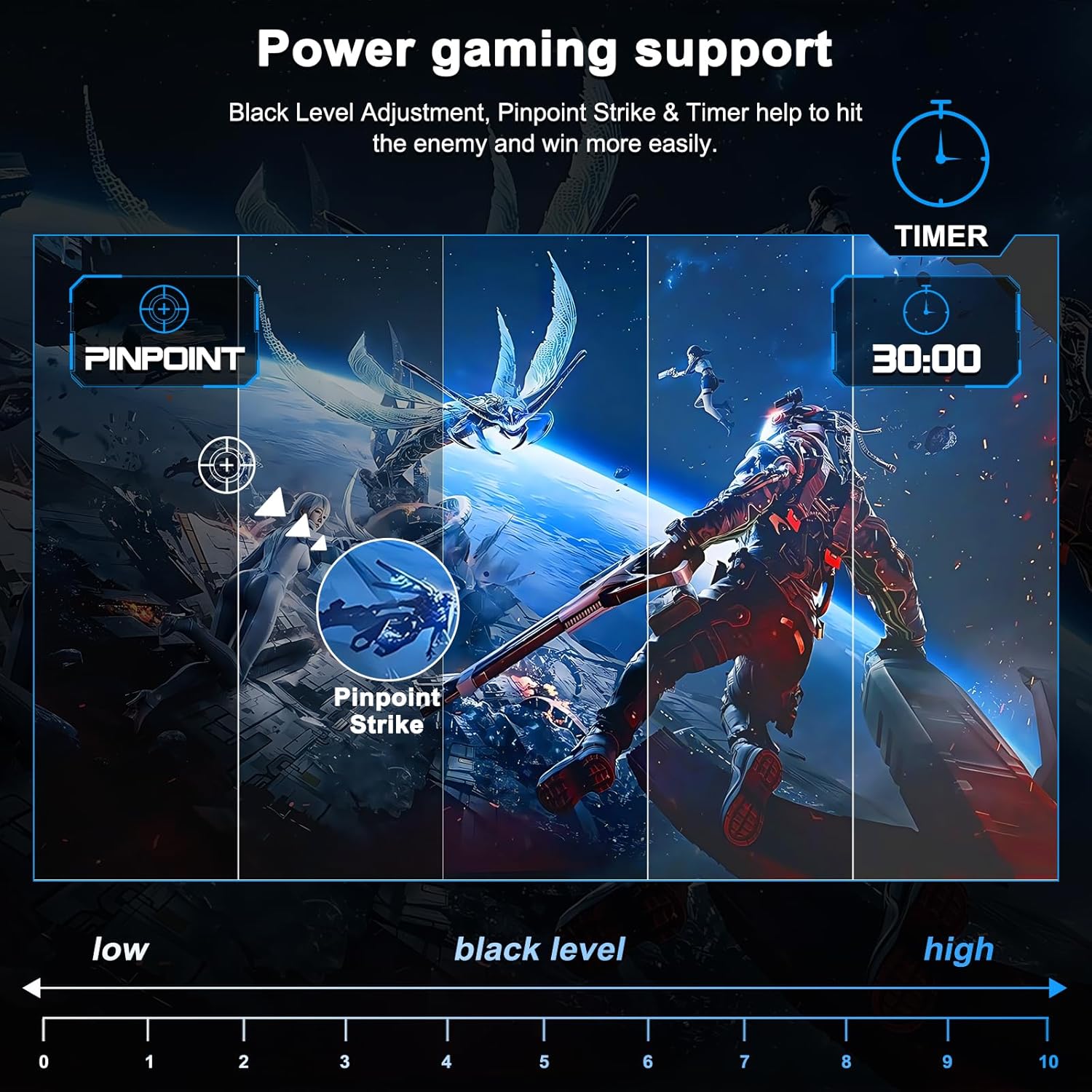
The Minifire MFG24C1L is a 24-inch, Full HD gaming monitor designed to deliver smooth, responsive visuals for fast-paced titles. It targets players who want a straightforward display that blends high refresh rate with a curved panel for a more immersive feel. On paper, the 160Hz refresh rate and 1ms response time promise crisp motion and reduced blur during quick actions, while the 1500R curvature aims to wrap the image a touch more than a flat screen. This can help with peripheral awareness during competitive play, but the impact varies by personal preference and desk setup.
How it performs in practice
The combination of 1080p resolution and a 24-inch diagonal tends to yield a comfortable pixel density for desktop gaming, with sensible clarity for tasks like aiming and tracking in shooters or fast-paced MOBAs. The panel is described as gaming-optimised, with features intended to lower input lag and prioritise responsiveness. Connectivity includes HDMI and DisplayPort, which covers the common paths to a PC or gaming console, making it a practical, no-frills choice for a budget-conscious build.
What stands out
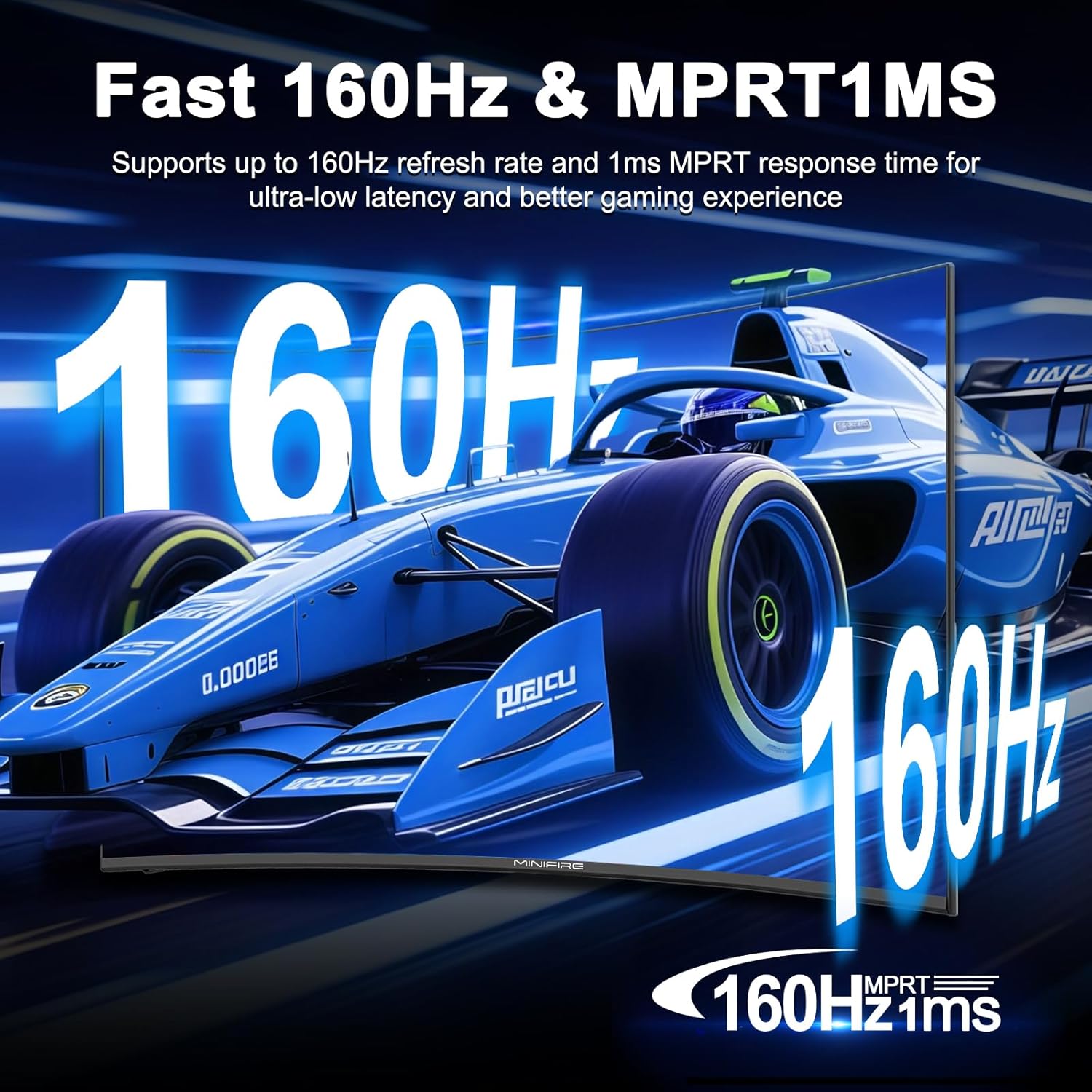
- High refresh rate: 160Hz is well suited to titles that reward smooth motion and quick reflexes.
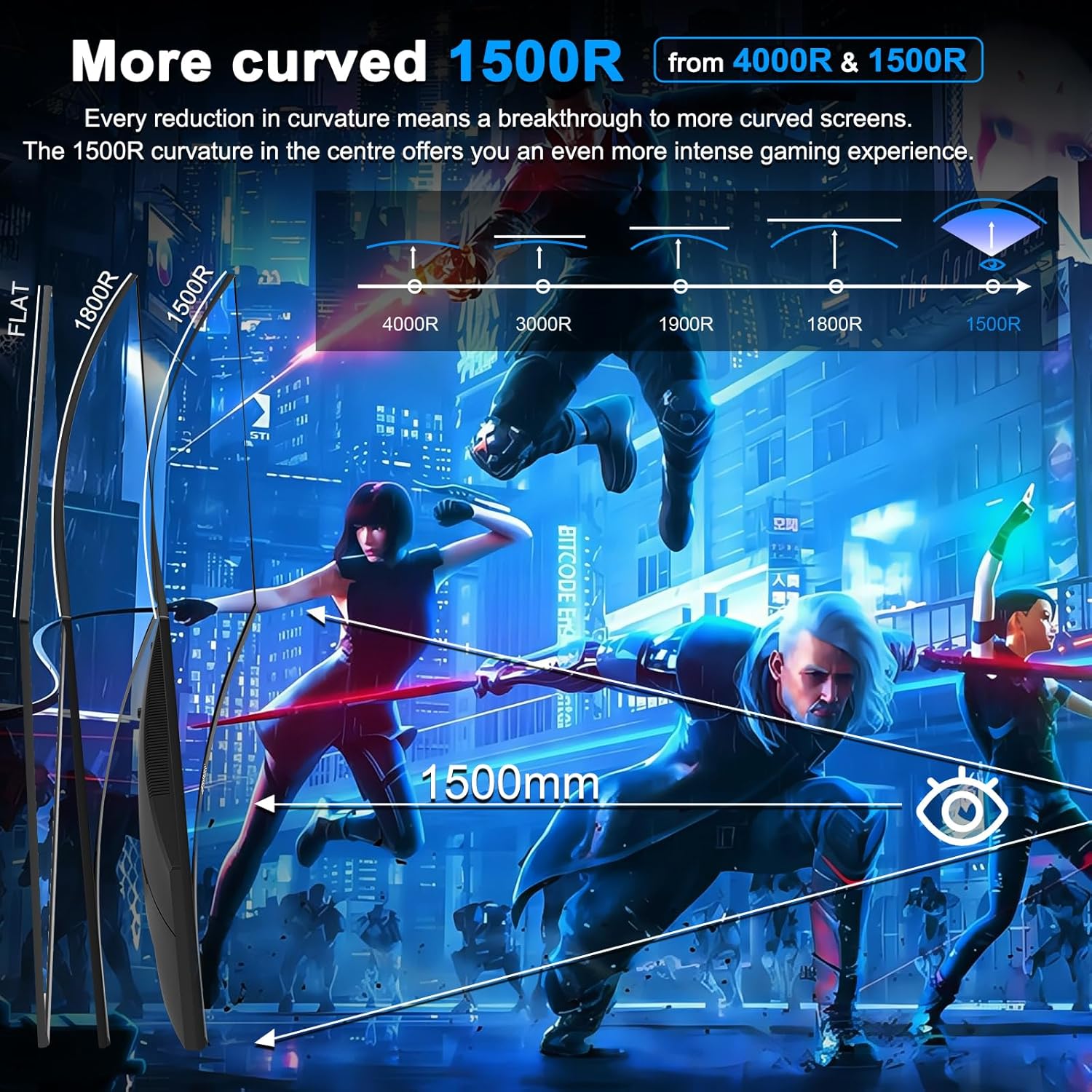
- Curved design: The 1500R curvature aims to pull edges into the field of view for a more engaging experience without demanding extra space.
- Response and consistency: A stated 1ms response time supports snappy transitions and clearer moving images, useful in fast action games.
- Practical connectivity: HDMI and DisplayPort offer straightforward compatibility with mainstream PCs and consoles.
What may give you pause
- Resolution vs. pixel density: At 1080p on a 24-inch screen, you’ll likely enjoy clear visuals, but some users prefer higher resolutions for sharper text and finer detail in non-gaming tasks.
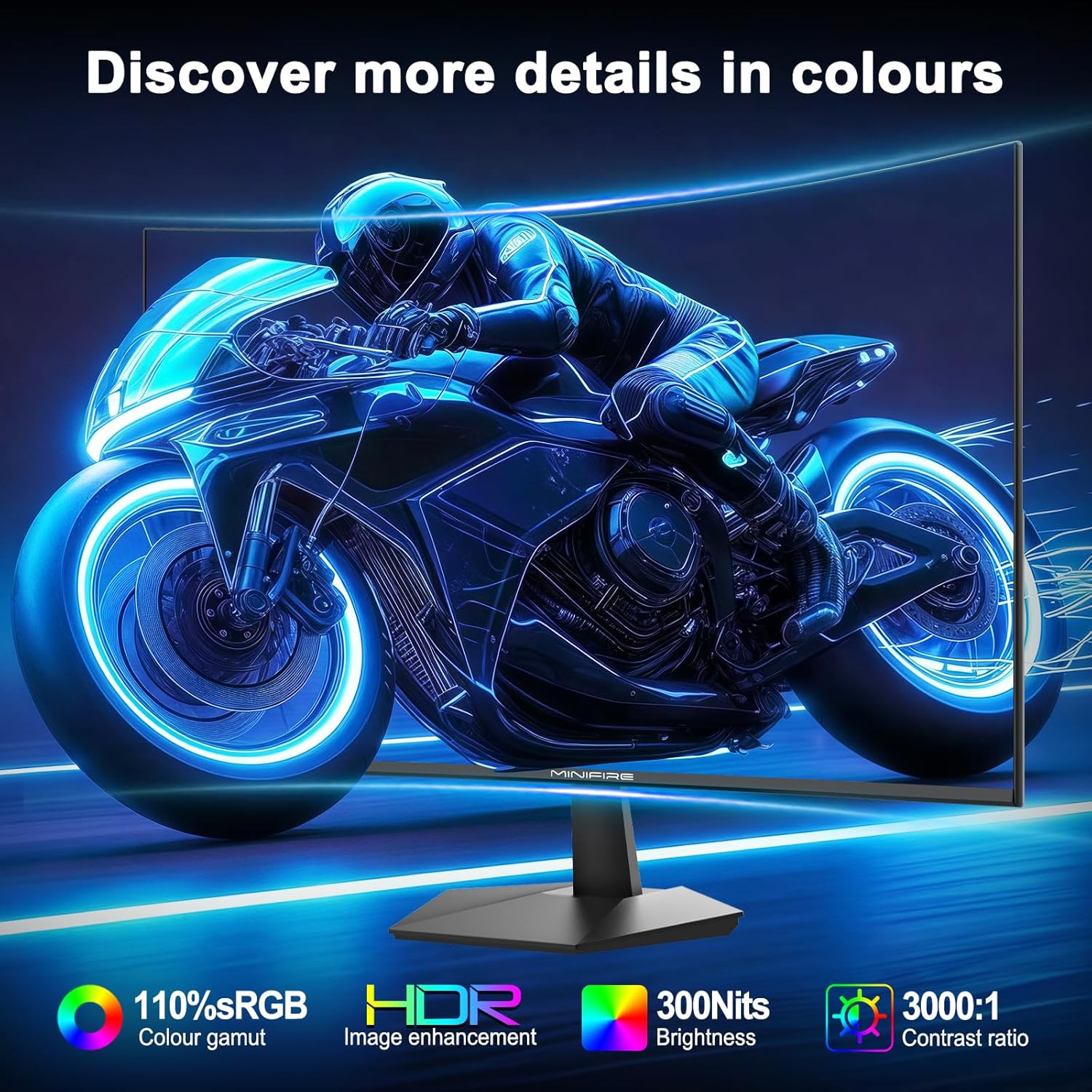
- Panel characteristics: The base description doesn’t specify exact panel type or colour accuracy beyond sRGB coverage. If your work or light gaming demands highly accurate colours, you may want to verify calibration options and true gamut coverage.
- Curvature impact: The 1500R curve is intended to boost immersion, yet personal preference matters, some desk sizes and viewing distances may lessen its perceived benefit.
Who it’s for
- Gamers on a budget who want a high refresh rate without paying premium for a higher-end panel.
- Players seeking a compact, 24-inch screen for desktop use, with a curved shape for a more engaging field of view.
- Setups that require straightforward connectivity (HDMI and DP) and a design that fits into conventional desktops.
Who it isn’t for
- Enthusiasts chasing 1440p or 4K detail on a mid-range budget will likely feel the resolution limits more quickly.
- Pros needing colour-critical work or advanced calibration may find the entry-level spec insufficient without further adjustments or professional panels.
- Those who strongly prefer a flat screen or a larger screen real estate in a dedicated gaming room might not experience the curve as a plus.
When it makes sense to buy
- If you prioritise a high refresh rate for competitive gaming but want to keep overall cost down.
- When you want a compact, easy-to-set-up display that works well with both PC and console inputs.
- If you’re building a pragmatic battlestation where durability, simple adjustments, and straightforward performance are valued over exotic features.
When to look elsewhere
- If you need higher resolution for sharper text and more detailed assets at desktop distances.
- If you rely on precise colour work or require premium viewing angles for content creation.
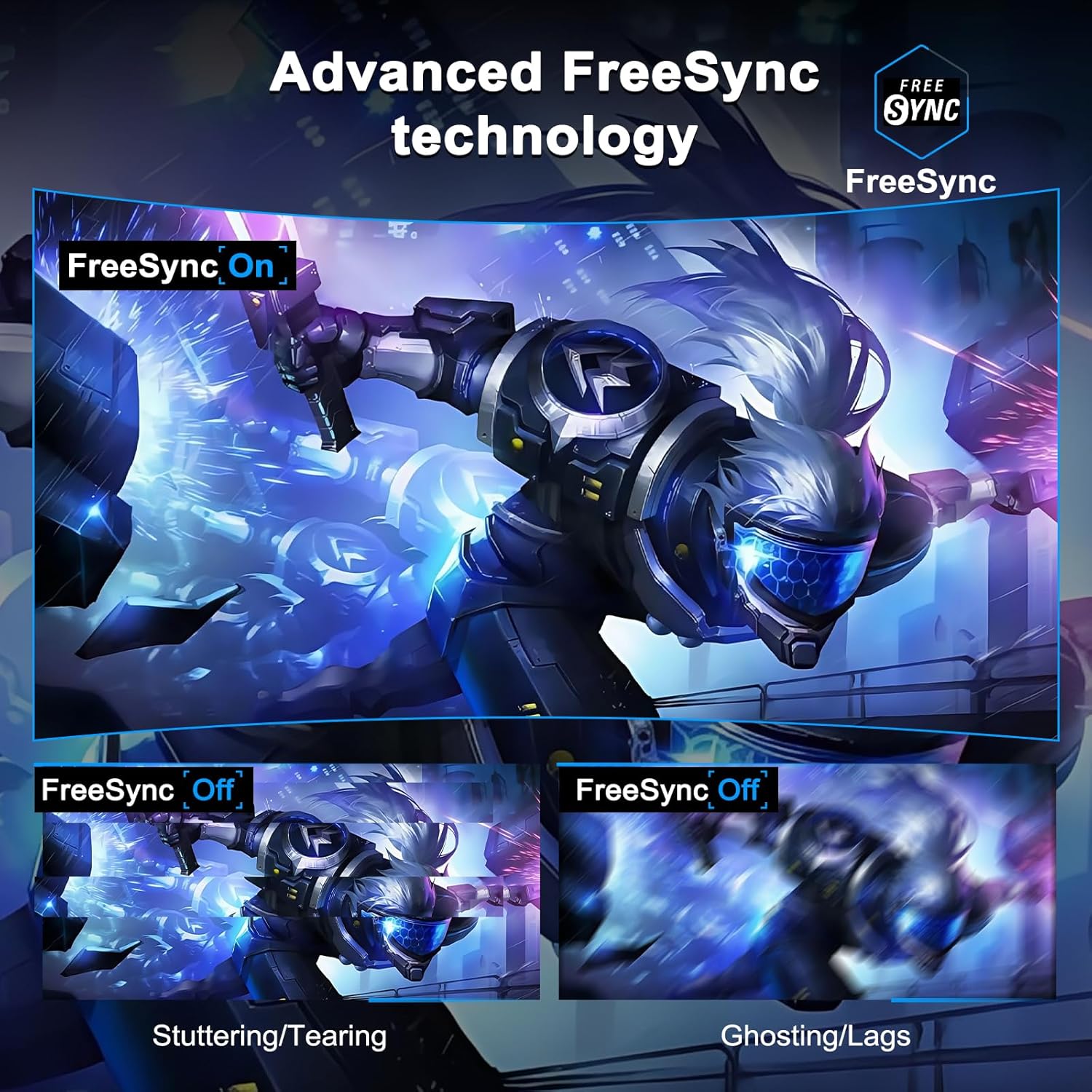
- If you’re chasing features like G-Sync/FreeSync certifications or HDR visibility beyond standard sRGB coverage.
What to review before buying
- Confirm the exact panel type and static colour accuracy figures, if available, plus any factory calibration notes.
- Check the available ergonomic adjustments (tilt, height, swivel) to ensure comfortable long sessions.
- Verify the compatibility with your GPU and whether adaptive sync features are supported across your typical game library.
- Consider your desk distance from the screen, 1500R curvature is most beneficial at closer viewing distances.
Practical usage example
Imagine jumping into a fast shooter with the screen set to a mid-height, slightly tilted position. The 160Hz refresh helps the motion feel smoother during rapid strafing, and the 1ms response reduces motion blur during fast transitions. You’ll notice the curve pulling the action slightly toward you, which can aid awareness in the heat of a match. For casual evenings or training, the monitor provides a simple, reliable baseline that doesn’t demand constant tweaking.
Quick comparison context
If you’re weighing options, a flatter, higher-resolution monitor could yield sharper text and more detailed visuals for general use. However, for a player focused on responsiveness and cost-effectiveness, the Minifire 24-Inch offers a clean, no-nonsense path to better in-game performance without steep compromises on compatibility or setup complexity.
What you’ll notice day to day
- Visuals remain clear at standard desktop distances, with decent motion clarity in fast games.
- The design integrates into most existing desks without demanding unusual mounting needs.
- Ongoing use should stay generally straightforward, with limited need for complex tuning.
The decision you’re making
Is it worth it?
Worth considering if you prioritise a high refresh rate on a compact, affordable 24-inch curved screen for competitive gaming and everyday use. If you want top-tier resolution or advanced calibration out of the box, you may want to look a tier up. For budget-minded gamers who value responsiveness and simplicity, this monitor can be a sensible pick.
Frequently asked questions
- Does it support adaptive sync on both HDMI and DisplayPort?
- Is there height adjustment or only tilt-based ergonomics?
- What is the actual colour accuracy like out of the box on this model?