

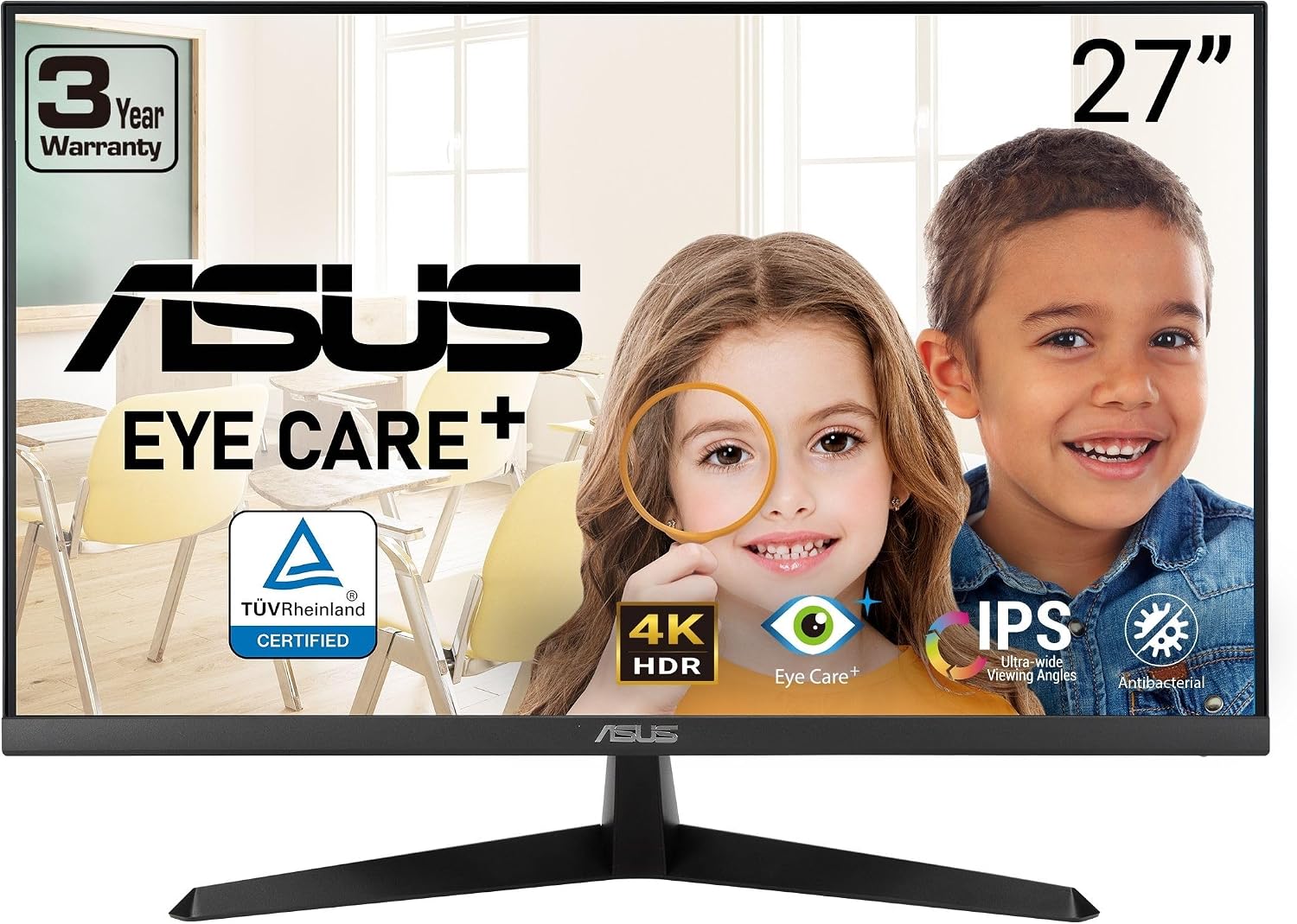
ASUS monitor VY27UQ
Product description
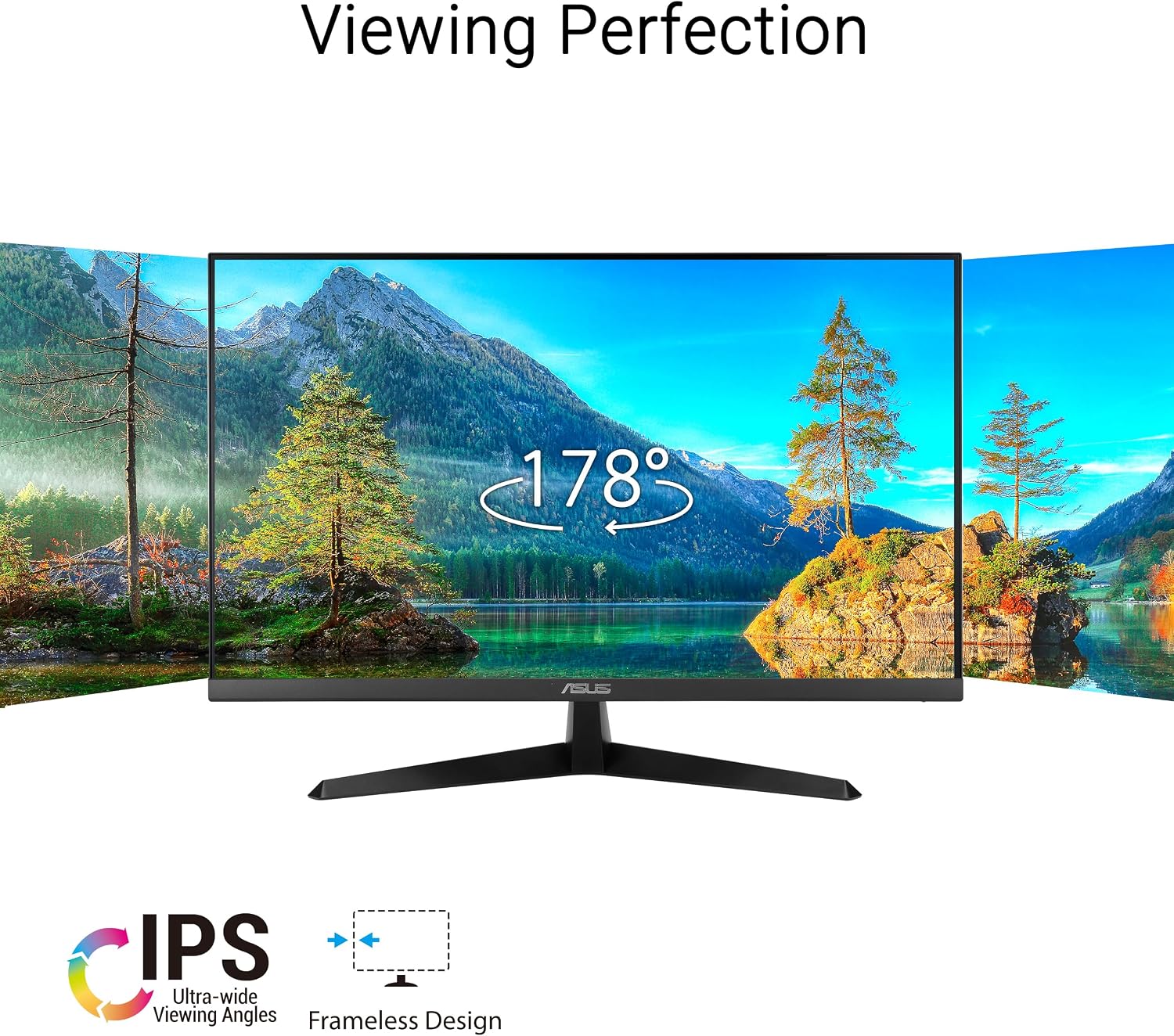
For people who want a sharp desktop display for work, browsing, and entertainment, the ASUS VY27UQ brings 4K resolution to a 27-inch IPS screen. Its 3840 x 2160 resolution and wide viewing angles are useful when you move between documents, video, and other on-screen content. HDMI and DisplayPort give you two connection options, while built-in speakers cover basic audio without requiring separate speakers. It also includes eye-care features and a color mode intended to help people with color-vision deficiency distinguish between colors.
What matters most
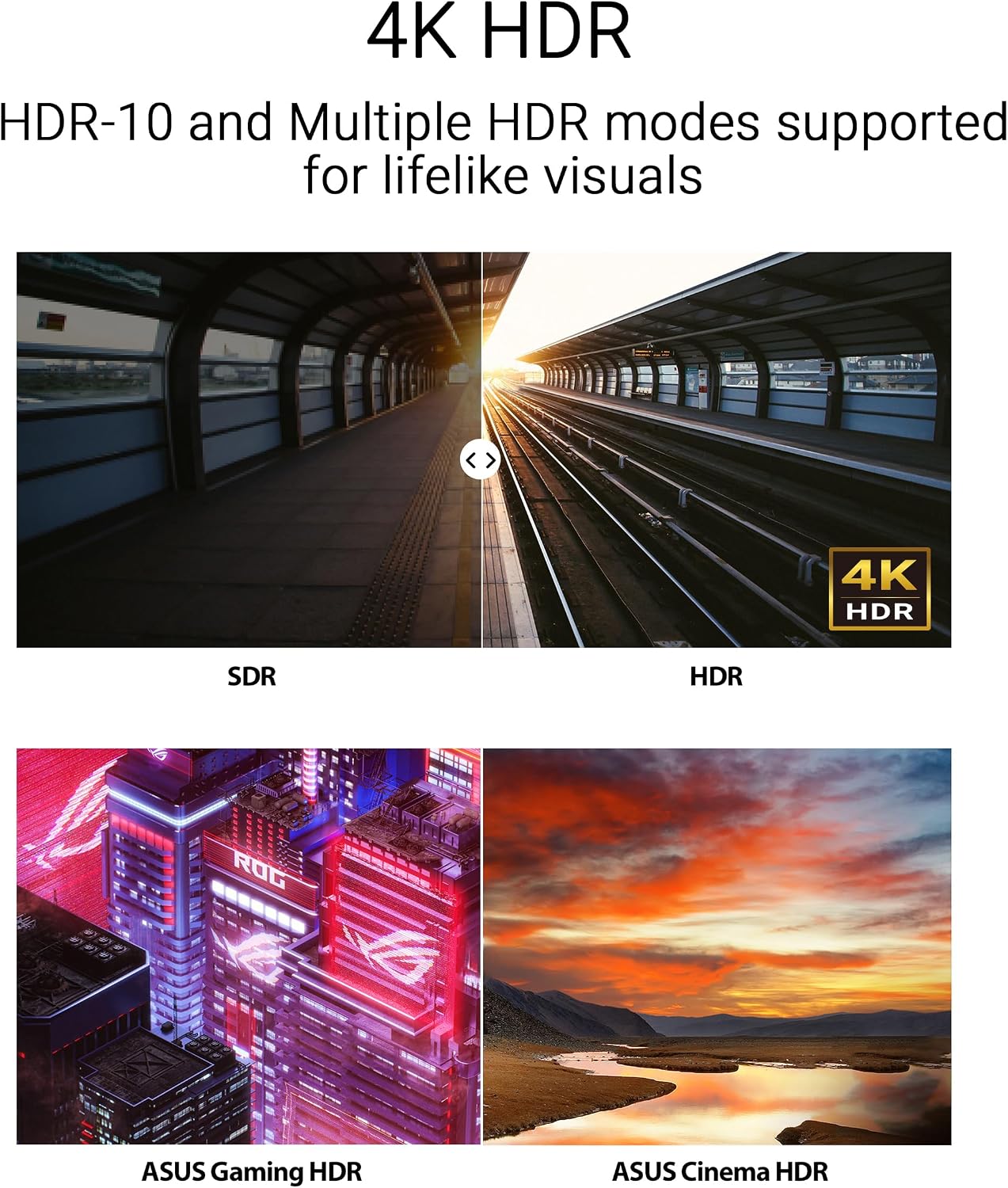
The main reason to consider this monitor is the combination of 4K detail and IPS viewing angles. That can make text and images look crisp on a desktop, and the wide-angle panel is handy if you occasionally look at the screen from off-center. HDR10 support is listed for handling bright and dark areas, though the product details don’t provide brightness or color-gamut figures to help set expectations for HDR work.
Adaptive Sync is included for smoother visuals with compatible content, but the listed information doesn’t state a refresh rate. Keep in mind that you can’t assess how it will suit faster-paced gaming without that measurement. A solid pick if your priority is a high-resolution screen for mixed everyday use, a monitor with more detailed motion specifications may be a better fit if gaming performance is your deciding factor.
How to use it
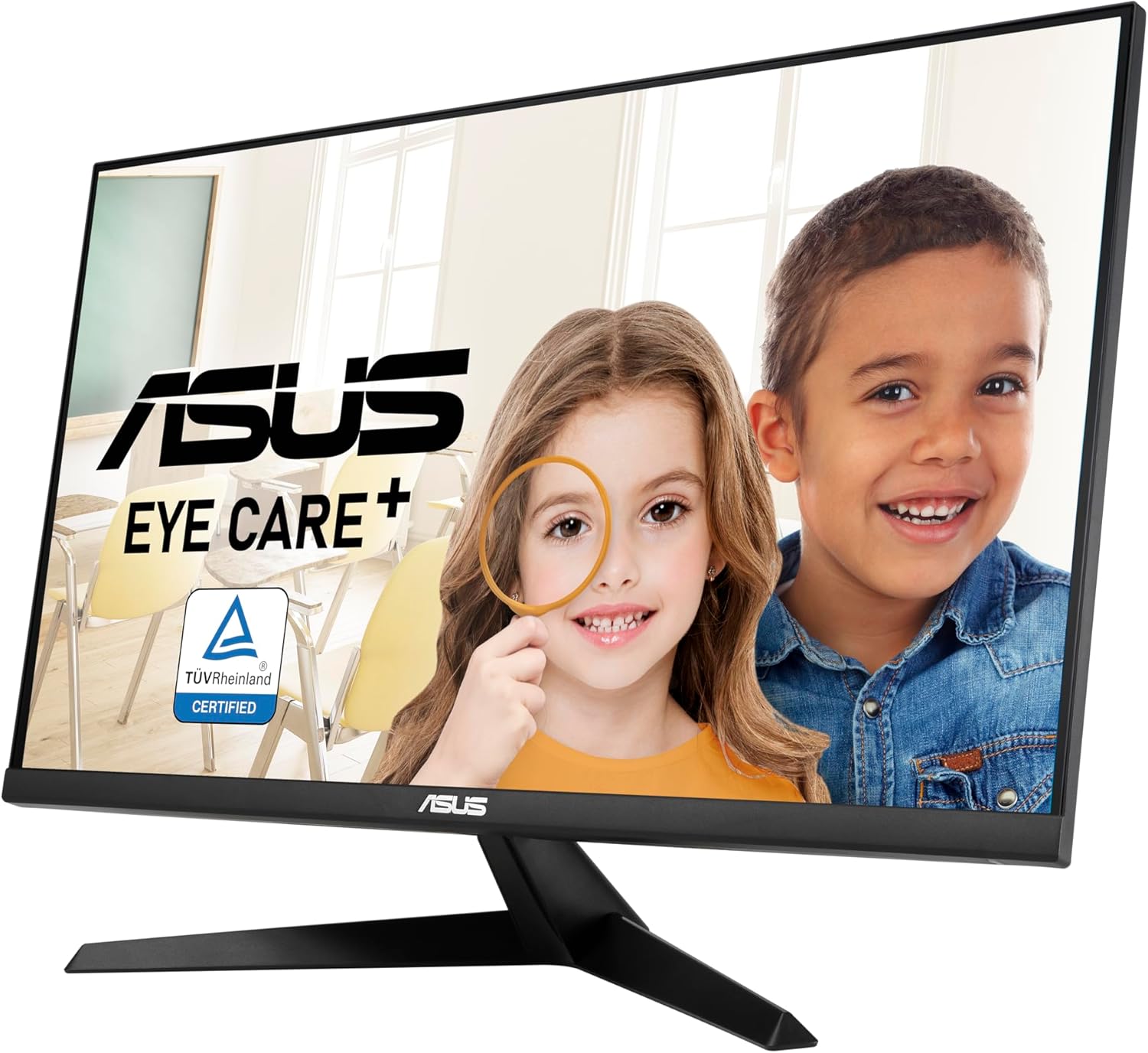
Connect a computer through HDMI or DisplayPort, then use the display for tasks that benefit from extra detail, such as keeping a document open beside a browser window or viewing high-resolution photos. The built-in speakers can handle casual audio, such as a video playing while you work, but the product information doesn’t give speaker output details, so don’t assume they’ll replace a dedicated audio setup.
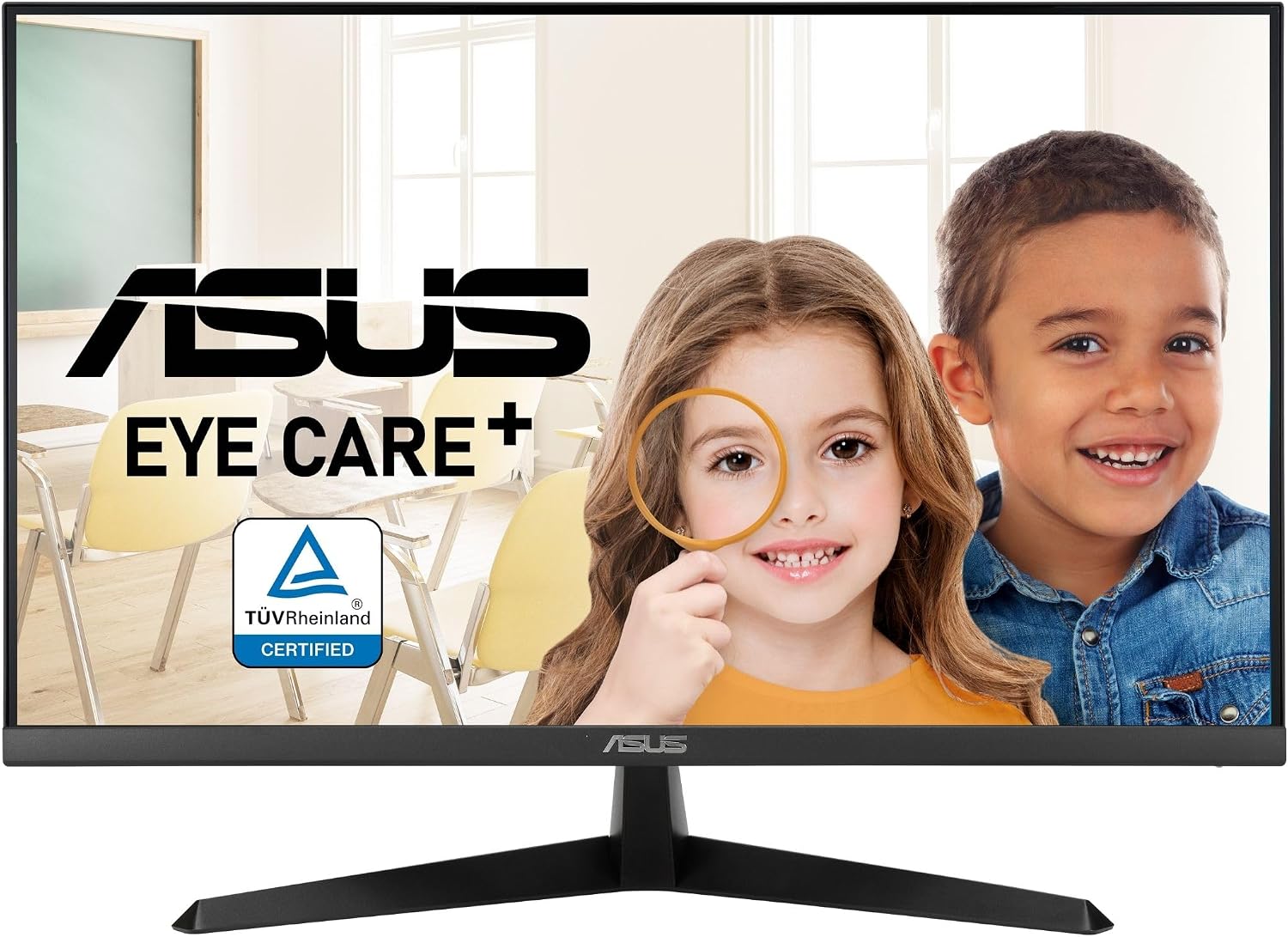
Eye Care Plus includes a Color Augmentation mode and a Rest Reminder. Blue Light Filter and Flicker-Free technology are also listed for extended viewing sessions. These are useful additions if you spend long stretches at a desk, but they don’t change the basic need to take breaks and set up the screen comfortably.
Practical tips
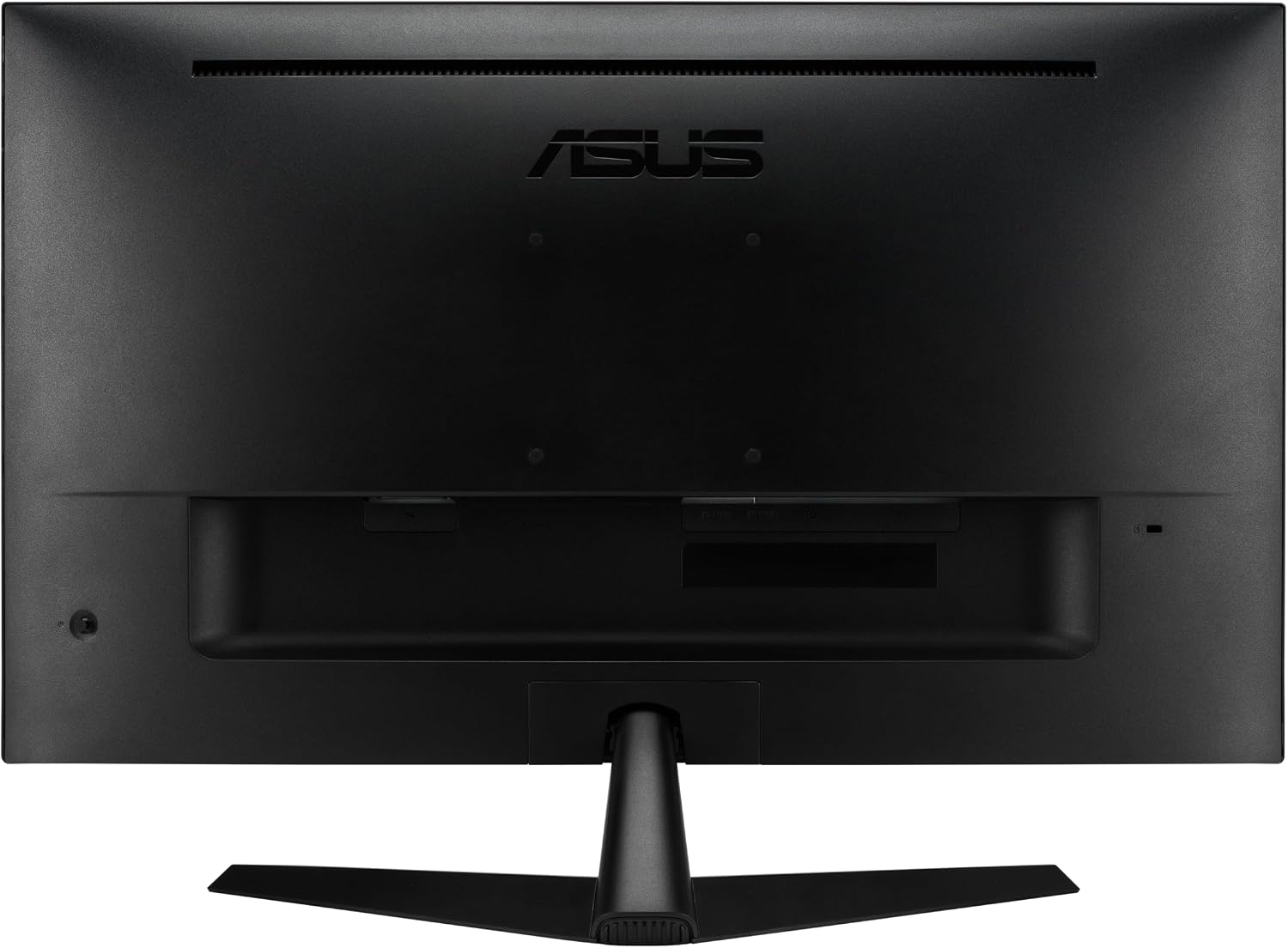
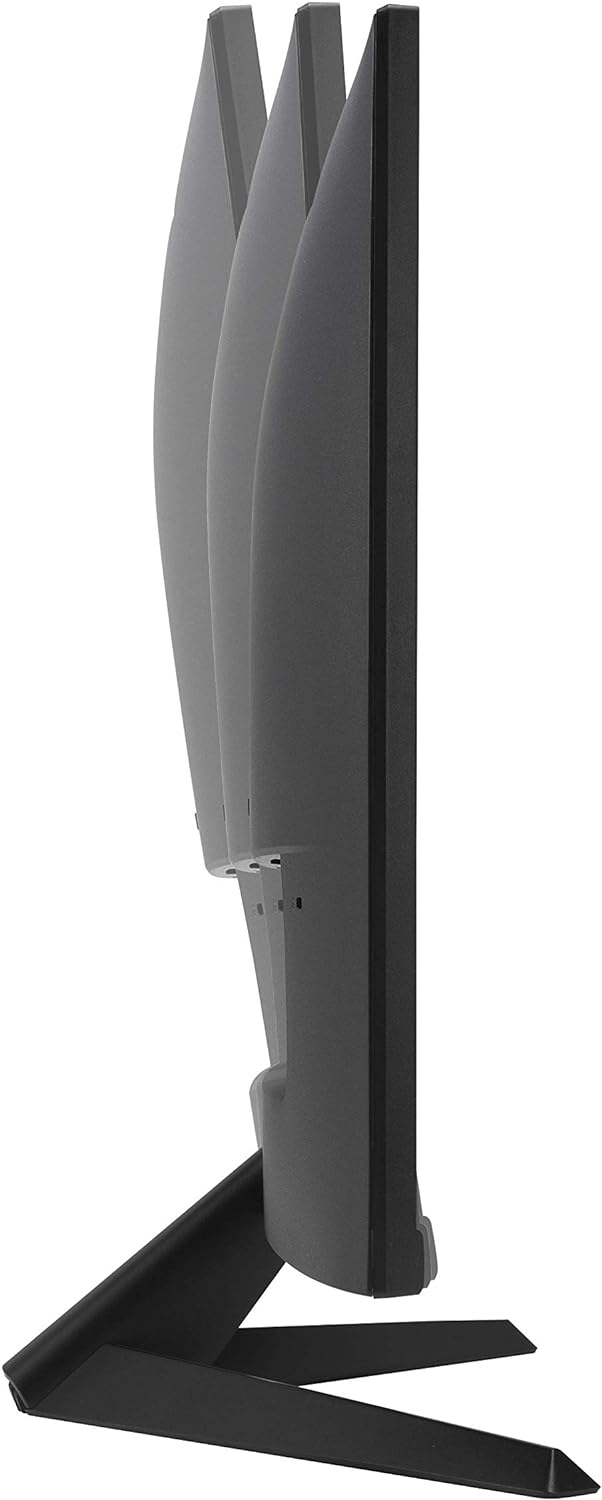
Check which video output your computer supports before choosing between HDMI and DisplayPort. The monitor is also described as VESA wall-mount compatible, which gives you an alternative to placing it on a desk, the listing does not specify the mount pattern, so match your mounting hardware to the monitor’s requirements before buying. Its bacterial and fungal growth-inhibiting treatment applies to the bezels and hotkeys, not to the display surface as a whole.
For a typical work session, you might keep a spreadsheet on one side of the screen and reference material on the other, then use the Rest Reminder during longer stretches. If you need precise details for color-critical work, compare the missing brightness and color-gamut information with the requirements of your workflow rather than relying on the 4K label alone.
Questions before you buy
Does it support 4K resolution? Yes. The listed resolution is 3840 x 2160 on a 27-inch UHD display.
What connections and audio does it have? It lists HDMI, DisplayPort, and built-in speakers. No further connection or speaker specifications are provided.
Can it be wall-mounted? VESA wall mounting is listed, but the mounting pattern is not specified in the supplied details.
Should you buy it?
The VY27UQ makes the most sense if you want 4K detail, an IPS panel, and a straightforward mix of display connections and eye-care features in one desktop monitor. Its color-assistance mode and Rest Reminder add practical touches beyond resolution alone. You may want to skip it if your decision depends on a stated refresh rate, detailed HDR performance, or color specifications that aren’t included here. For general work and media viewing, those omissions may matter less, for a more demanding gaming or color-focused setup, they deserve closer attention.