

Lenovo L27q-4a: 27-Inch QHD IPS Everyday Monitor for Focused Productivity
Product description
What it is and who it’s for
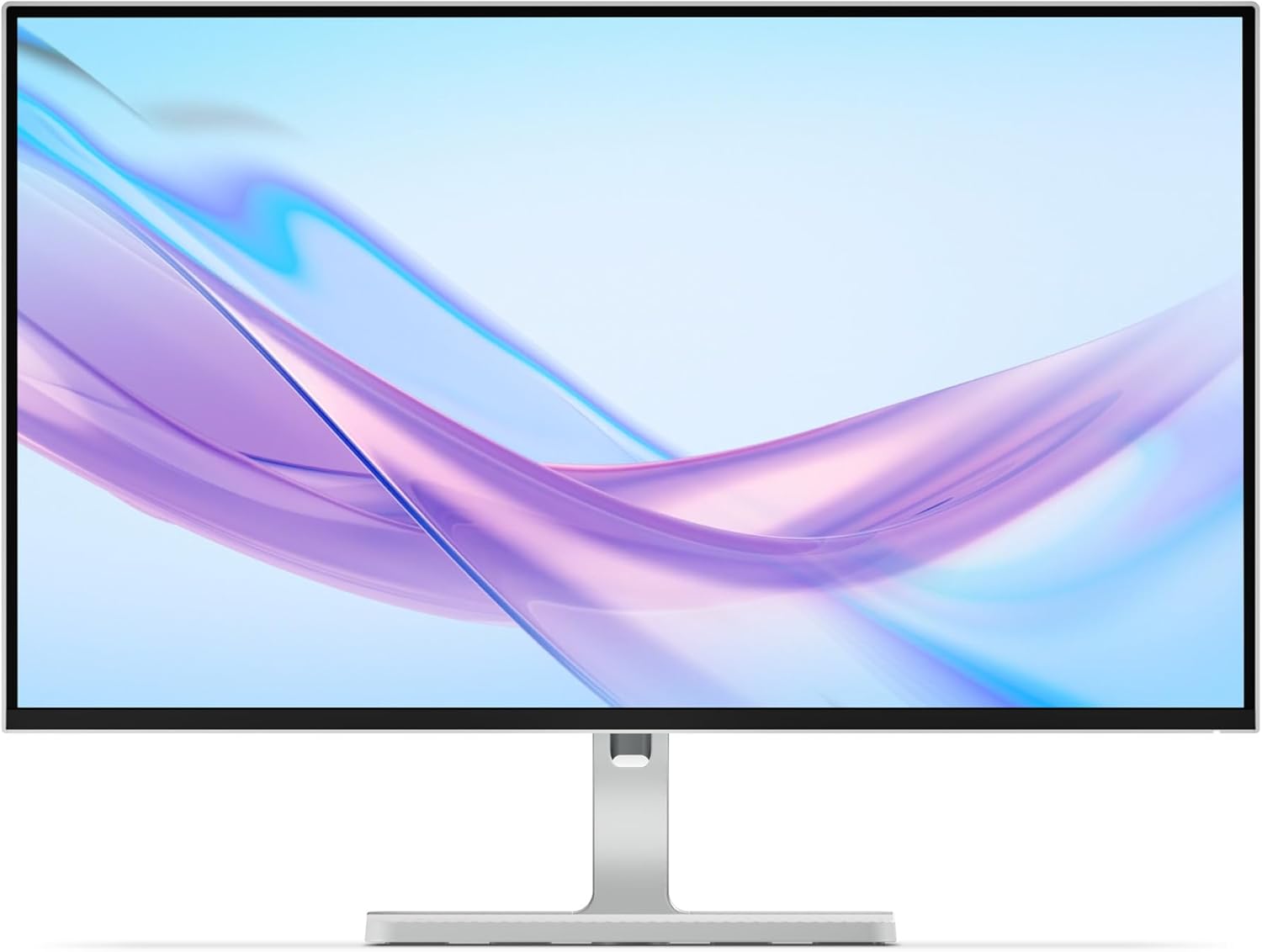
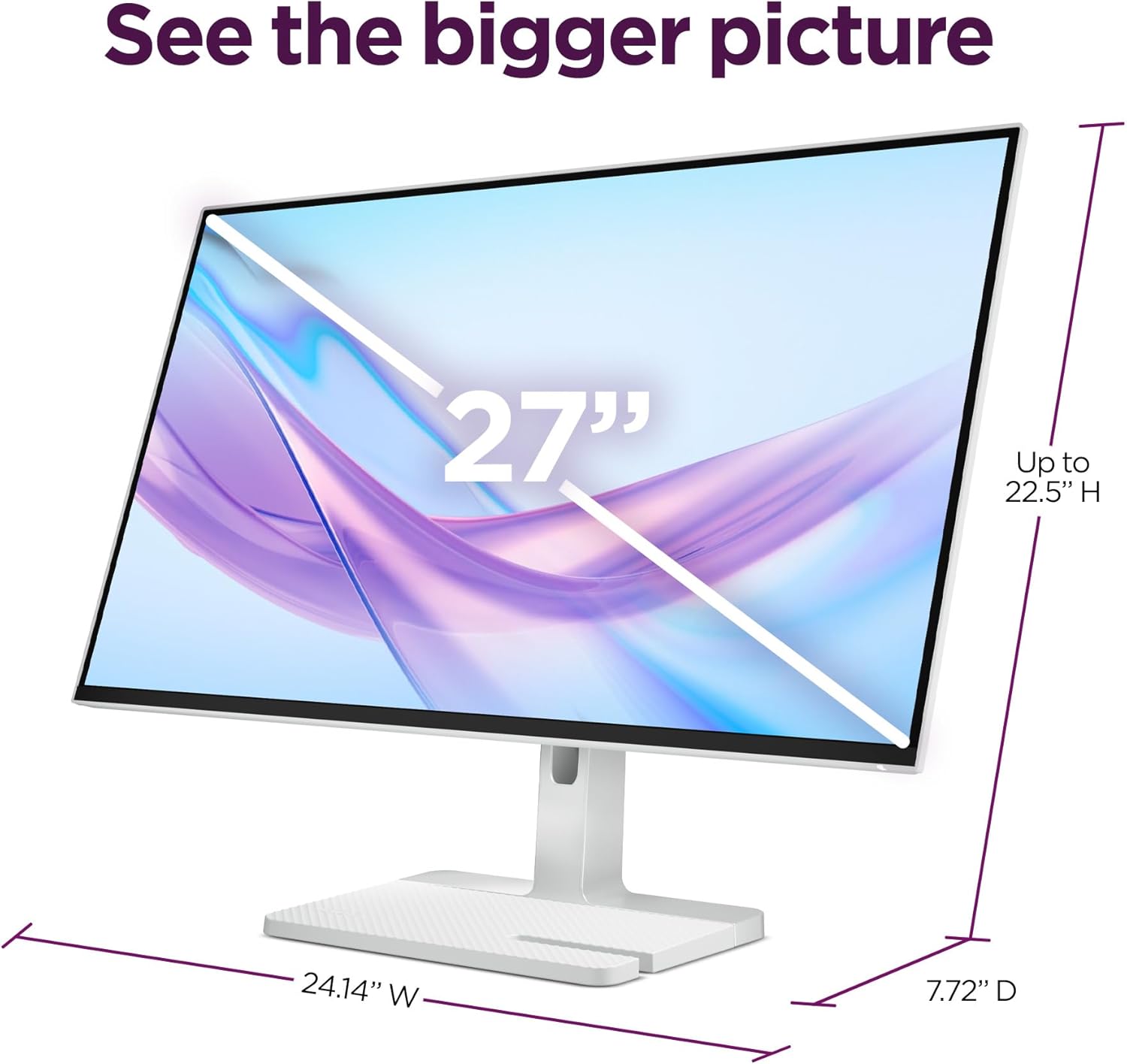
The Lenovo L27q-4a is a 27-inch monitor aimed at everyday productivity, blending a sharp QHD IPS panel with an emphasis on comfort and tidy aesthetics. It’s designed for desk setups where you want more screen real estate without clutter, making it a sensible choice for remote work, multitasking, and content consumption at workstations.
Display quality and speed
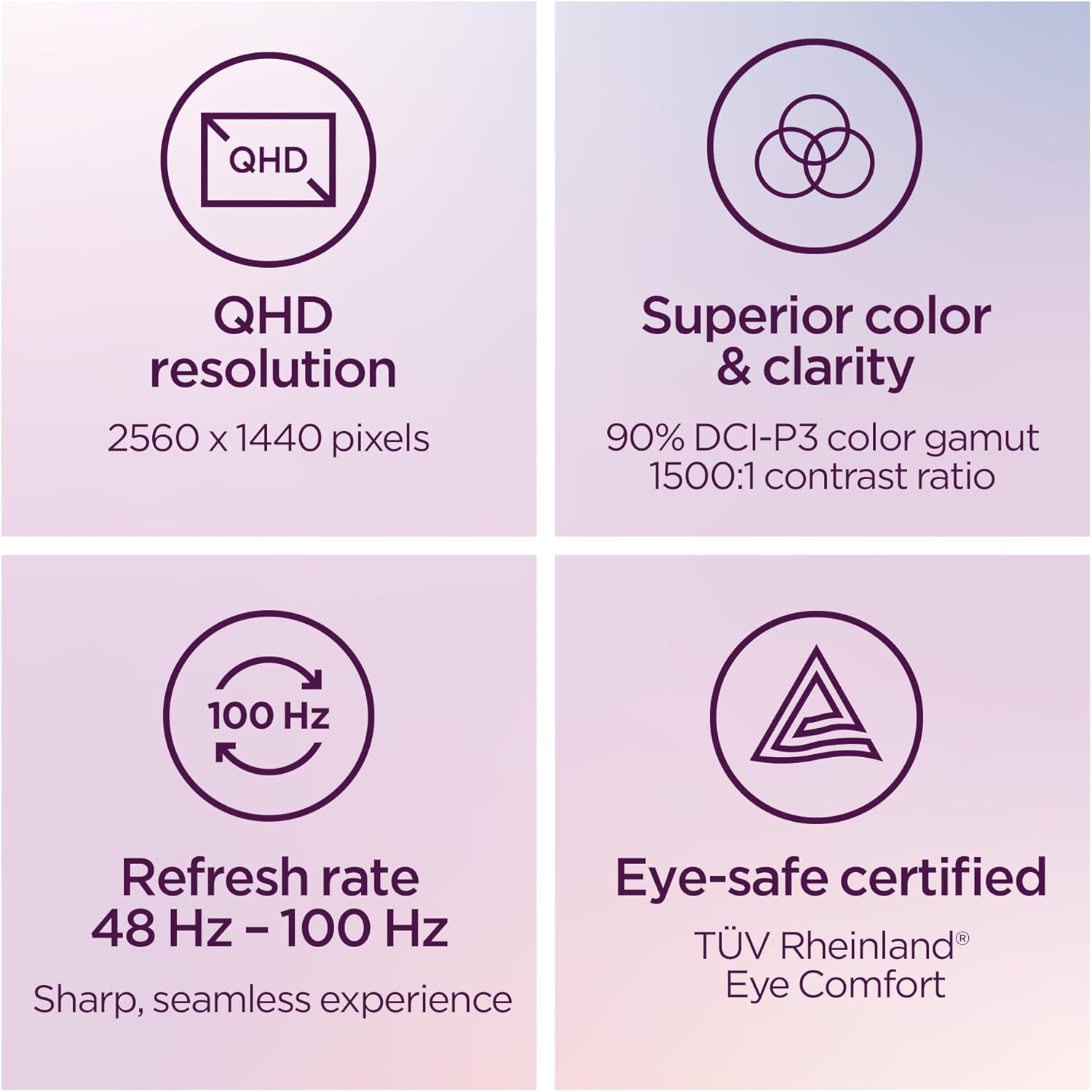
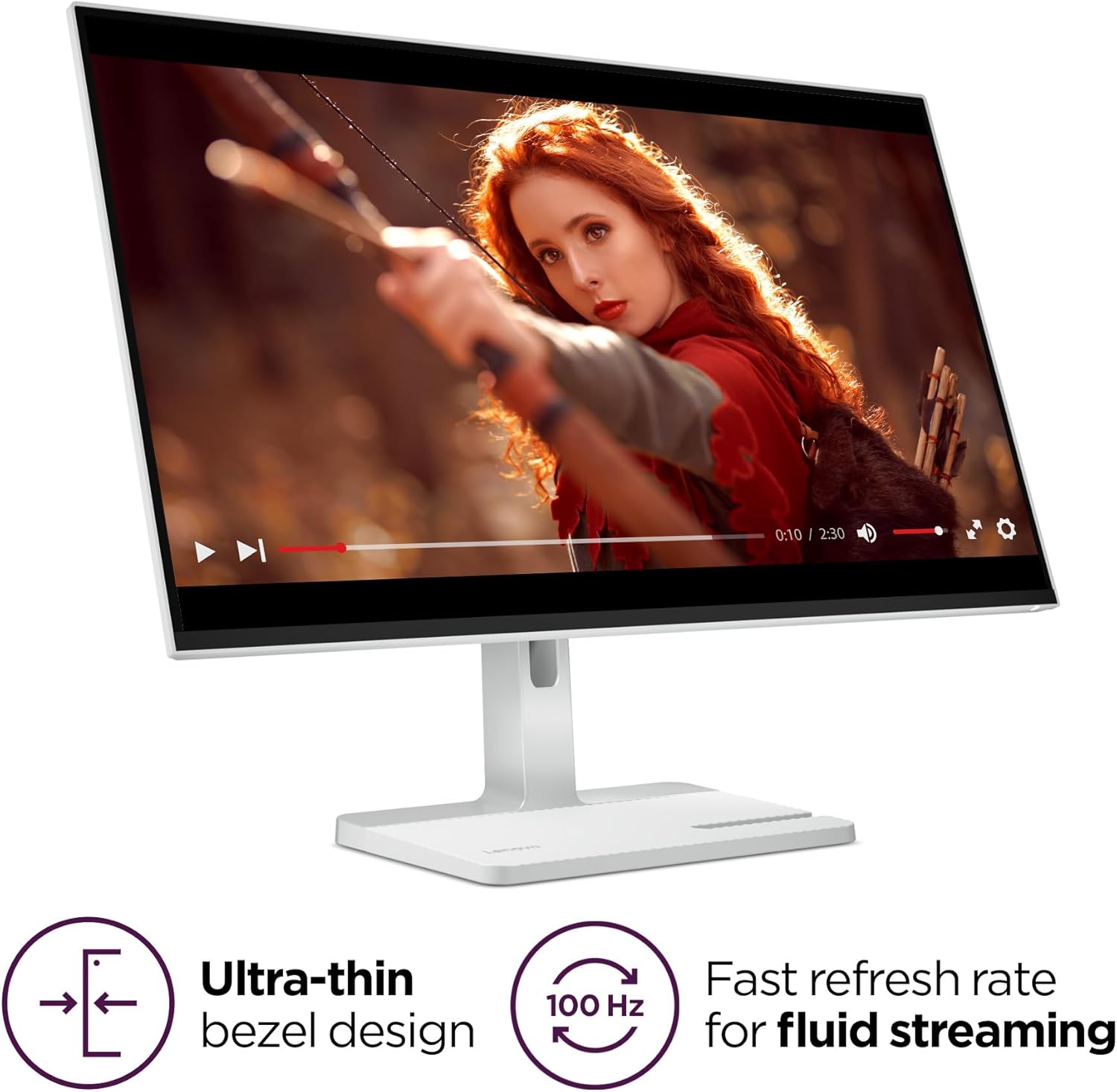
Its 27" QHD display provides ample desktop real estate with crisp detail. The IPS tech offers wide viewing angles and stable color, which helps reduce eye strain during long work sessions. The monitor features a 100Hz refresh rate and a 1ms MPRT response time, benefits that translate into smoother scrolling and snappier transitions for everyday tasks and light multimedia. If you prioritize a balanced mix of clarity and fluidity, this panel keeps up without stepping into high-end pricing.
Audio and meetings
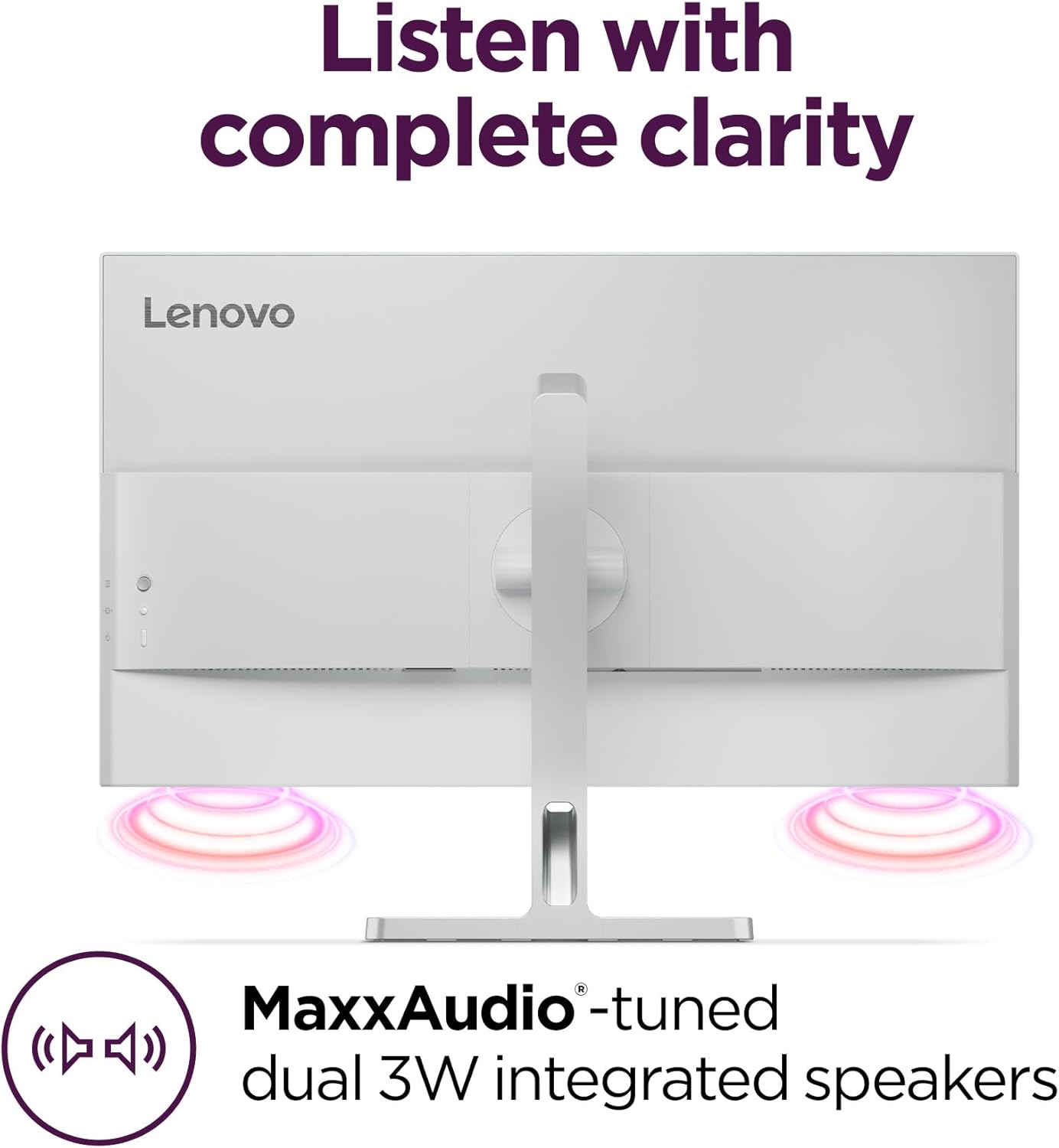
Built-in audio isn’t an afterthought here: dual 3W speakers tuned with MaxxAudio aim to deliver clearer meetings and media playback directly from the monitor. It’s convenient for quick calls or watching tutorials, though it’s worth noting that external speakers or headphones may still be preferable for demanding audio work.
Connectivity and design
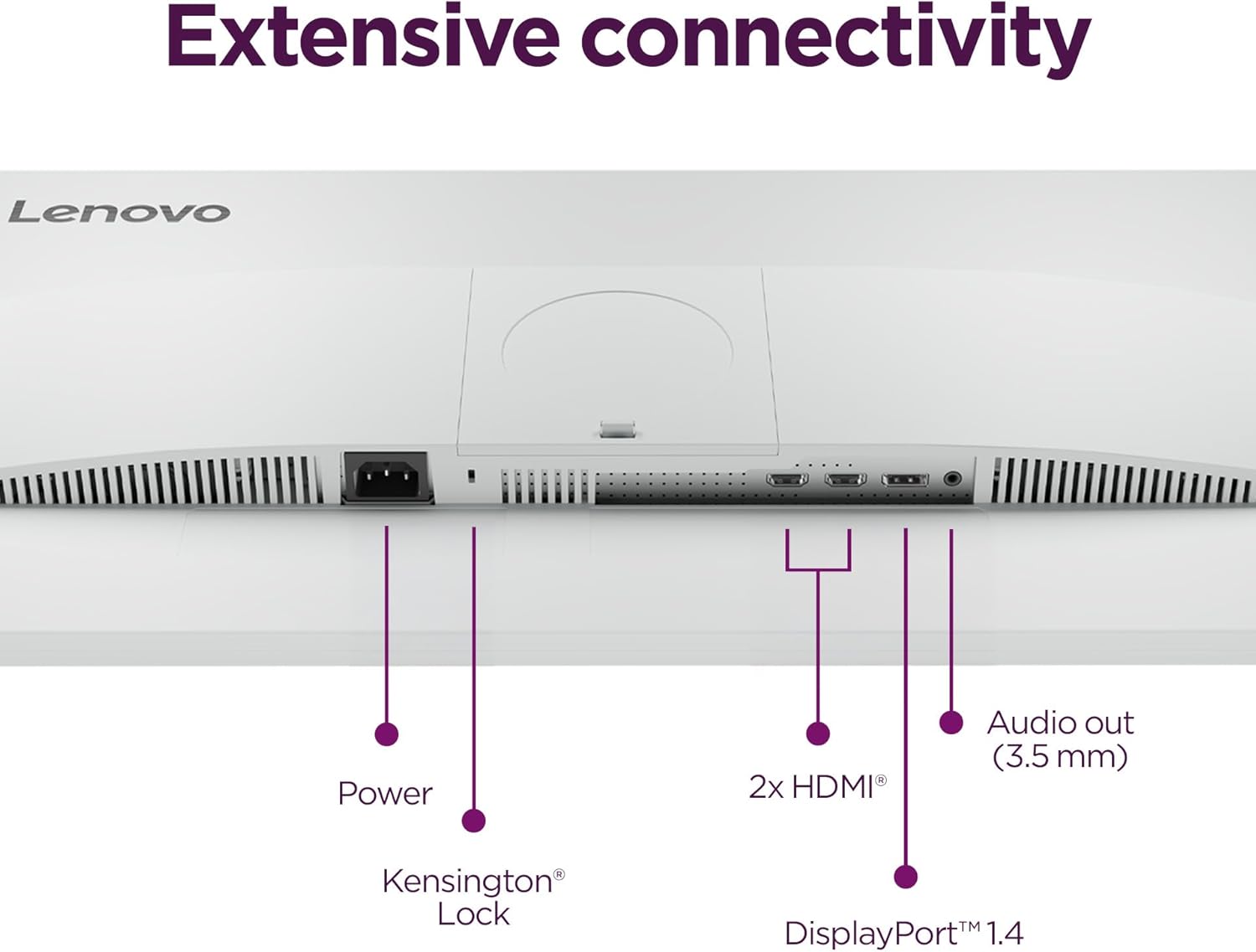
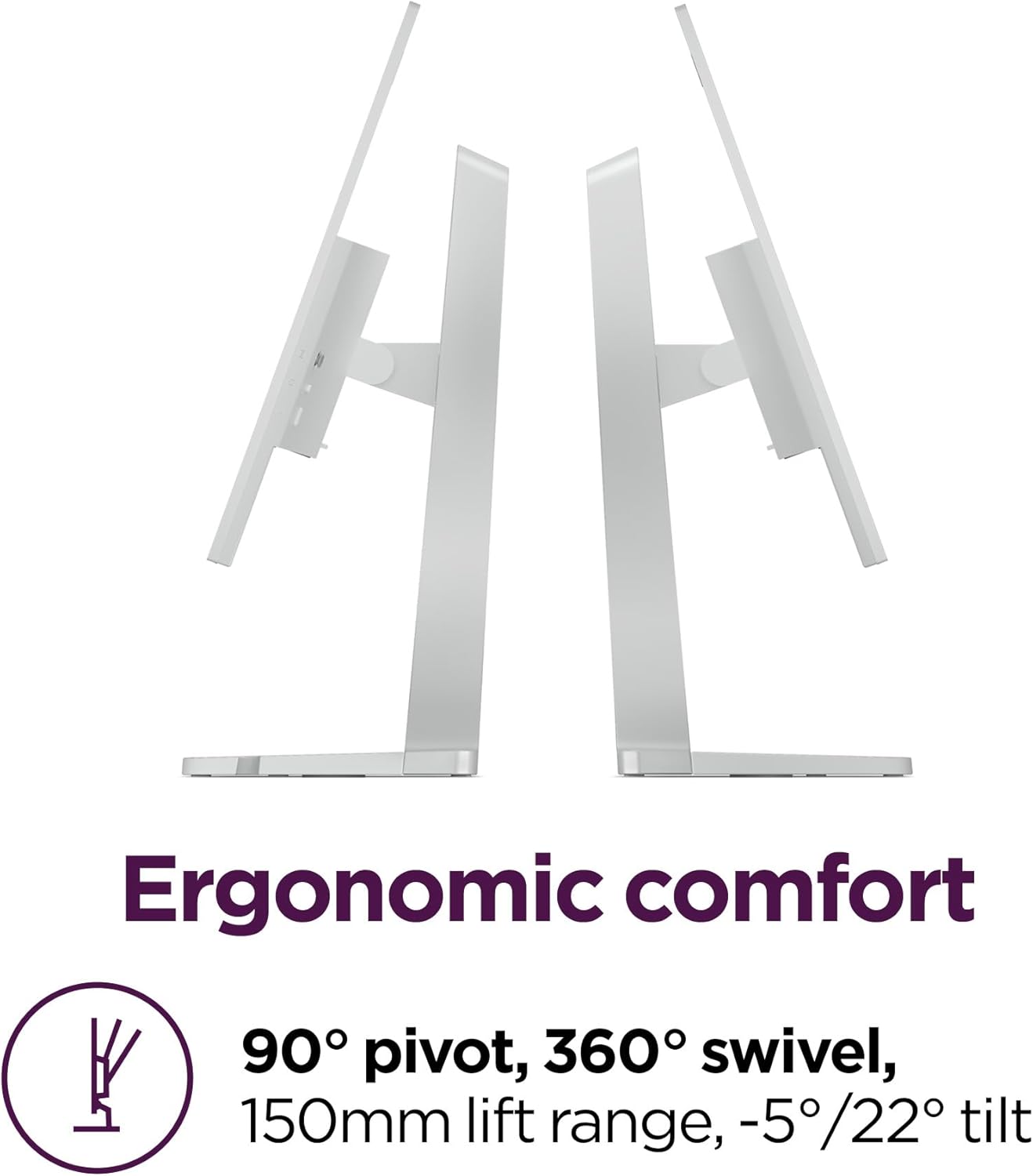
Extensive connectivity options help the L27q-4a fit into a variety of setups, whether you’re plugging in a laptop, desktop, or conferencing device. The design emphasizes a clean, tidy desk with a smart cable management system and an optional VESA mount to free up space. The ultra-thin bezels maximize screen real estate, making the 27" panel feel expansive in smaller rooms.
Comfort and eye care
Lenovo includes Eyesafe Display 2.0 and TÜV Low Blue Light hardware solutions to help minimize visual fatigue after long days in front of a screen. While not a medical claim, these features are worth considering if you spend many hours at your desk.
Pros and cons at a glance
- Pros: large, crisp QHD panel with wide viewing angles, 100Hz refresh for smoother everyday use, 1ms MPRT for snappier responsiveness, built-in MaxxAudio speakers, strong cable management and VESA compatibility, eye-care features.
- Cons: speakers are serviceable but not a replacement for dedicated audio, not a high-end color accuracy option for professional photo/video work, the 100Hz spec is good for productivity but may not satisfy competitive gamers seeking higher refresh rates.
Who it’s for
If you’re a productivity-focused user who wants more screen real estate, reliable daily performance, and a tidy desk, the L27q-4a fits nicely. It’s also reasonable for light multimedia and remote meetings where convenience matters as much as panel quality.
When it makes sense to buy
Consider this monitor when you want a mainstream, all-around display that balances clarity, speed, and comfort without jumping to premium pricing. It’s a practical choice for home offices, students, or teams adopting a uniform, reliable hardware baseline.
When to skip it
If your workflow demands top-tier color accuracy for professional photo or video editing, or you crave extremely high refresh rates beyond 100Hz, you’ll likely want to explore other options.
What to review before purchase
- Verify that your desk space can accommodate the 27" footprint and its stand.
- Check if you’ll rely on the built-in speakers or prefer external audio.
- Confirm your GPU/PC supports a smooth 100Hz output at QHD and whether you’ll benefit from VESA mounting.
Practical use example
Imagine editing a multi-page document while keeping reference material open on the side. The L27q-4a’s wide desktop, clear text, and quick refresh help you move between tasks without excessive panning or blur, and you can drop the monitor onto a wall mount to reclaim desk space.
What stands out in use
The combination of a clean, expansive panel with a minimalist, cable-friendly design and built-in audio makes it a sensible choice for a modern desk where simplicity and functionality matter as much as performance.
FAQ
- Does the monitor support adaptive sync or gaming-specific features? (Not specified in the data, focus remains on productivity and general usage.)
- Can I mount it with VESA? Yes, VESA compatibility is mentioned for space-saving setups.
- Is it suitable for long workstation days? Eye-care features are included, which may help reduce fatigue, though real-world comfort depends on lighting, seating, and usage patterns.
Is it worth it?
Final verdict: A solid pick if you need a capable, no-fuss 27-inch QHD IPS monitor with smooth everyday performance and built-in audio. It suits desk setups prioritizing space efficiency and productivity over color-critical tasks or extreme gaming.