


Samsung ViewFinity S65UC Ultra‑WQHD 100Hz curved monitor
Reviews
Price
Product description
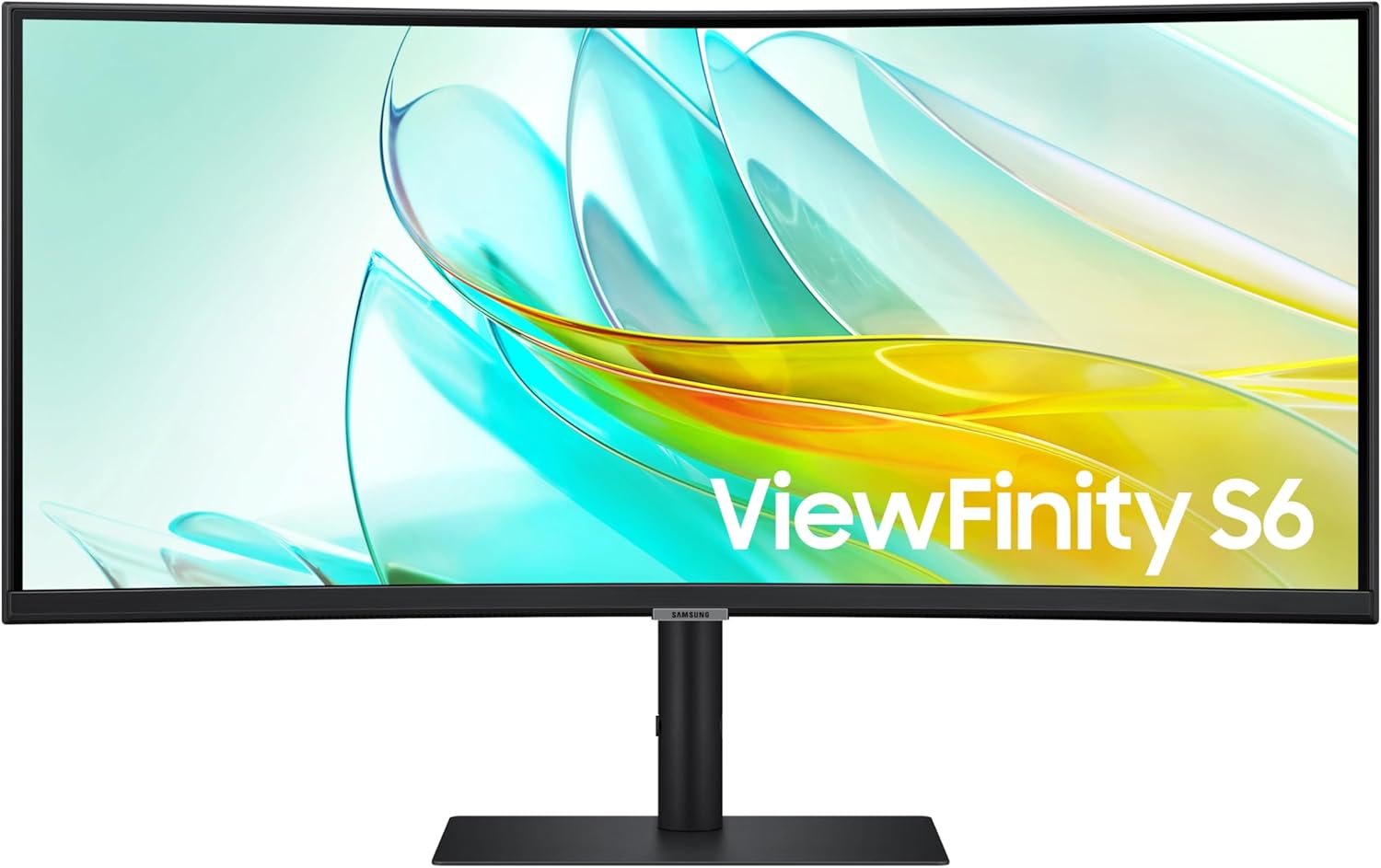
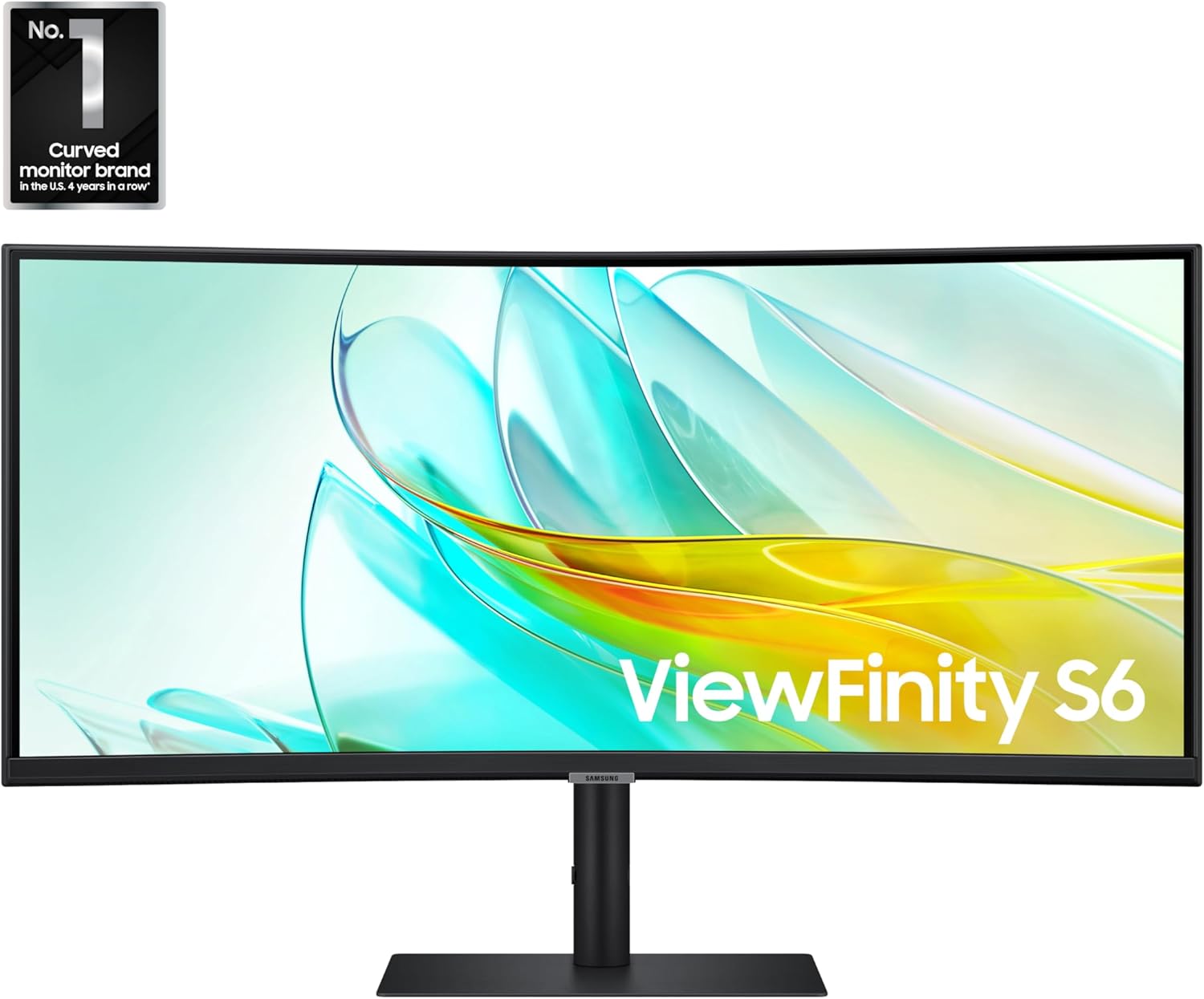
This 34-inch curved monitor from Samsung brings an immersive ultra-wide view for gaming, movie watching, and multitasking with a 21:9 aspect ratio and a 1000R curve that wraps the display around your field of view. It emphasizes color fidelity and smooth motion, making it a solid choice for content creators and gamers who need wider workspace and fluid visuals.
Key Points
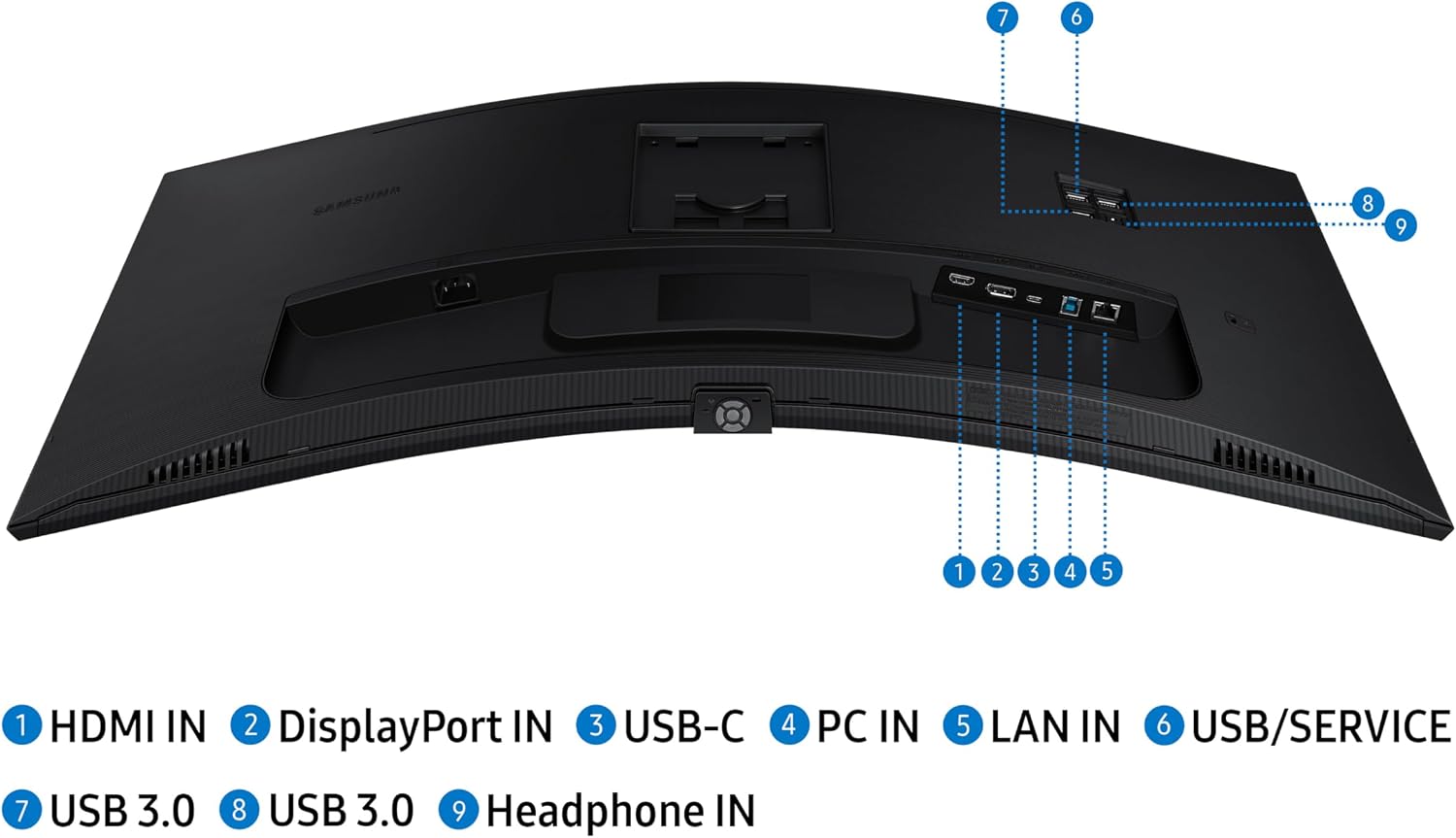
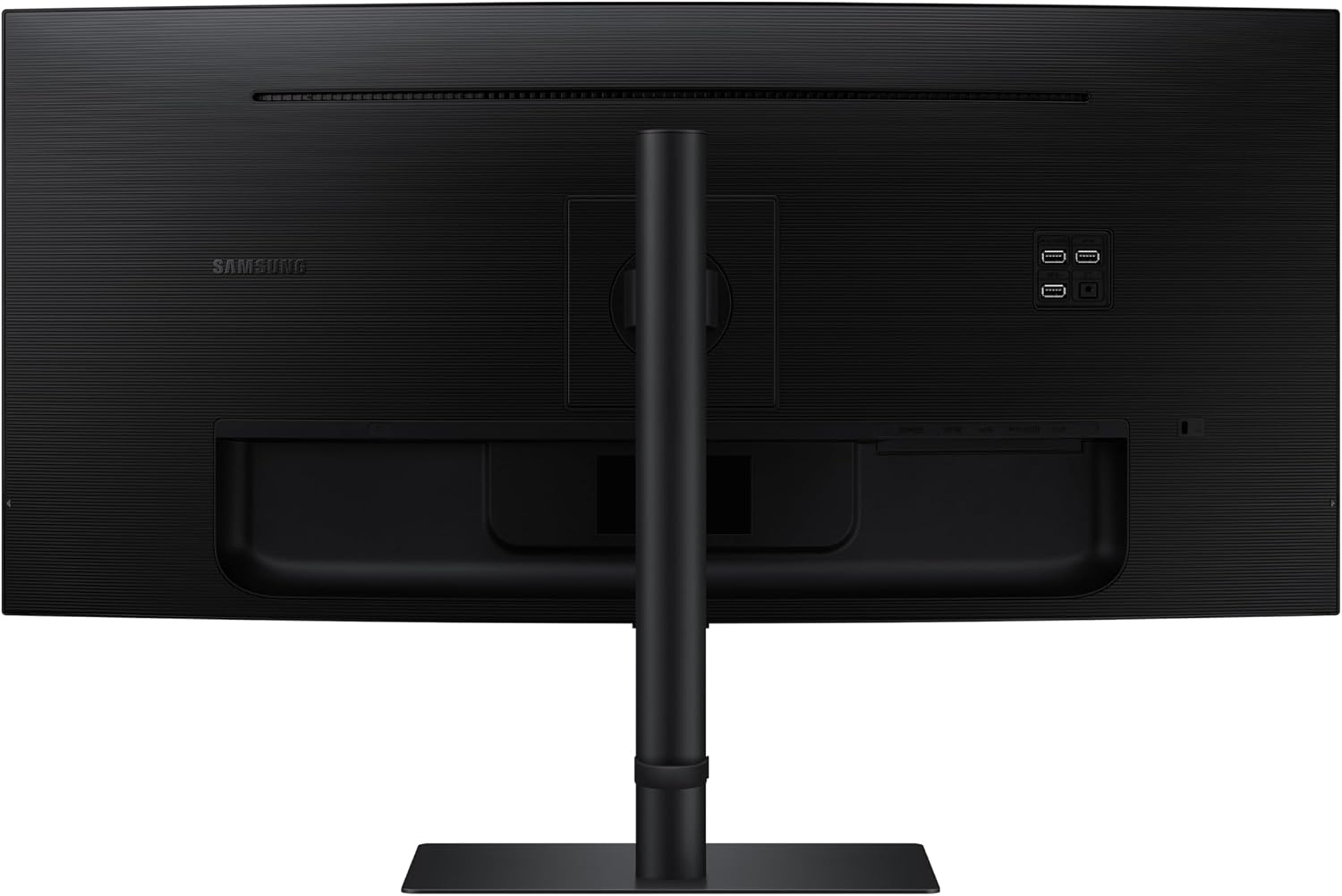
The monitor features Ultra-WQHD resolution and HDR10 support for deeper blacks and brighter highlights, according to the manufacturer. A 100Hz refresh rate combined with AMD FreeSync helps reduce tearing and stuttering during fast-paced scenes. Built-in speakers save desk space and remove the need for extra audio peripherals, while a KVM switch allows control of two connected sources using a single keyboard and mouse. A USB-C port carries power and data over one cable and a LAN passthrough lets you provide Ethernet access to laptops without a native port. TUV certification for eye care indicates adaptive brightness and color temperature adjustments to reduce eye strain during long sessions.
Technical Specifications
- Name: Samsung ViewFinity S65UC LS34C654UANXGO 2025
- Screen size: 34 inches
- Curve radius: 1000R
- Resolution: Ultra-WQHD (ultra-wide QHD)
- Refresh rate: 100 Hz
- Adaptive sync: AMD FreeSync, HDR10
Benefits
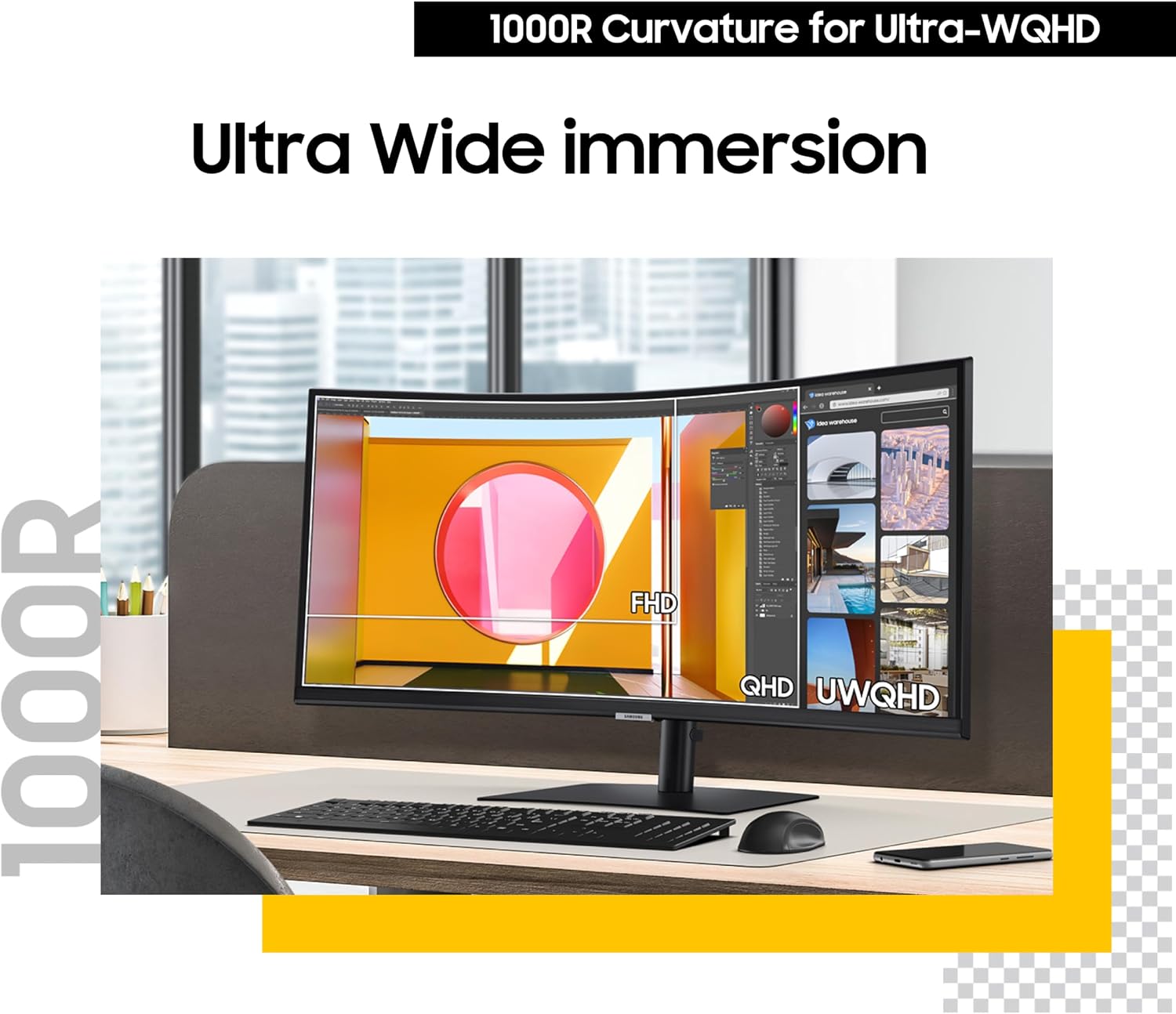
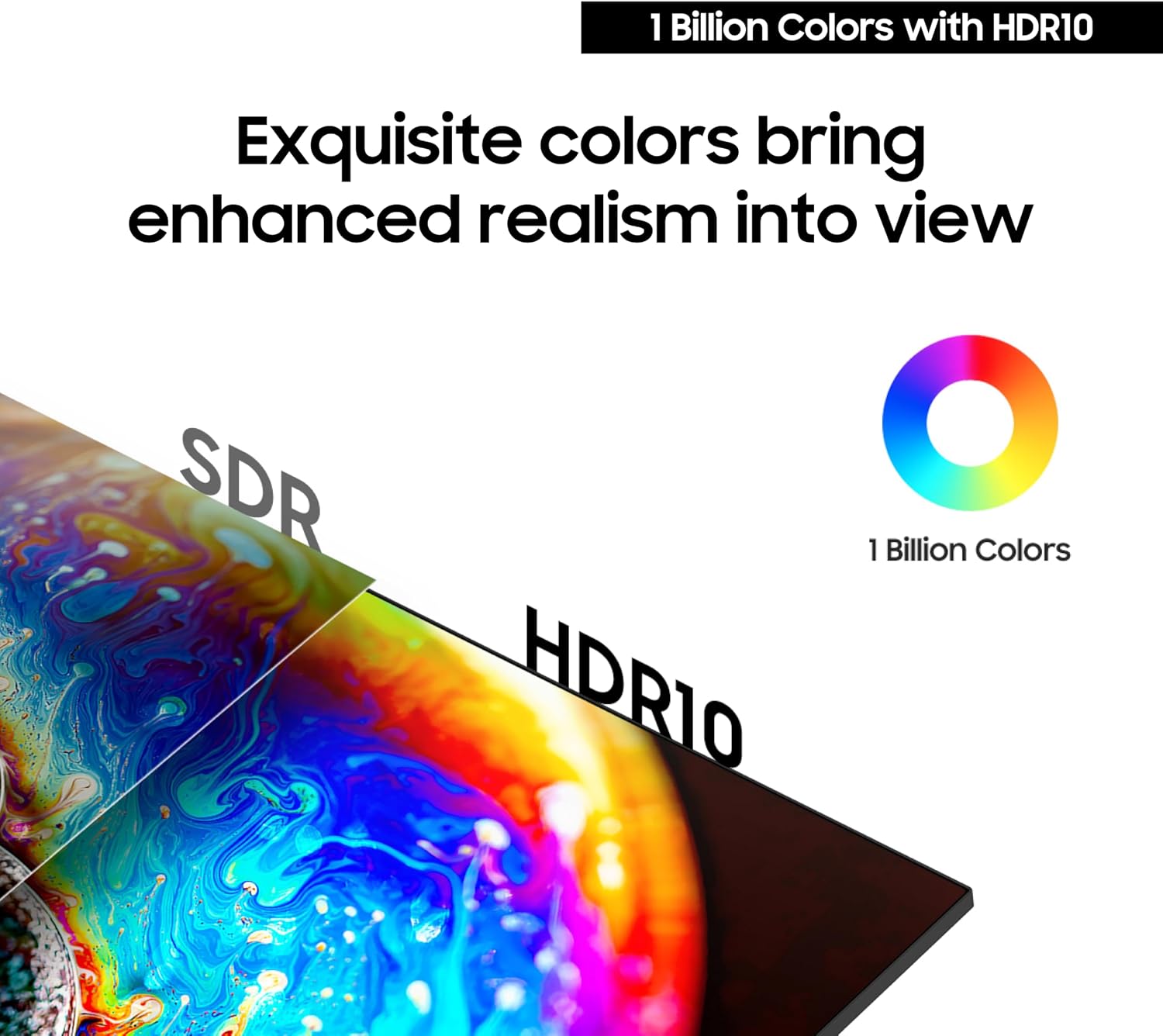
Color reproduction and a wider gamut are highlighted for more accurate detail and realism when editing images or watching high dynamic range content. The curved 21:9 format increases horizontal workspace, which can improve productivity by allowing side-by-side windows and timelines without scaling. The integrated KVM switch simplifies workflows by eliminating the need to swap peripherals between desktop and laptop setups. USB-C connectivity reduces cable clutter by combining power and data into a single connection. Built-in speakers offer a convenient audio solution for everyday use, though they may not replace dedicated speakers for critical listening.
Usage Recommendations
For gaming, use the 100Hz refresh rate and AMD FreeSync together to minimize motion issues and preserve smooth frame pacing. When working on photo or video edits, enable HDR10 content and check color profiles according to your software to get the most accurate results. Place the monitor at a comfortable distance to appreciate the 1000R curvature without neck strain, and enable the TUV intelligent eye care settings for extended night sessions. Consider external audio if you require deeper bass or higher fidelity than the integrated speakers can provide.