

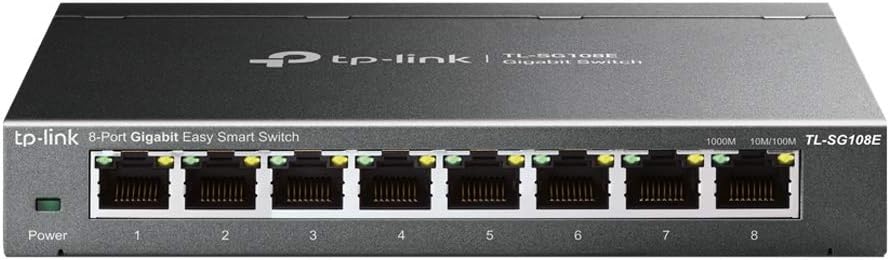
TP-Link TL-SG108E 8-Port Gigabit Easy Smart Managed Switch (Desktop/Wall-Mount)
Product description
What it is and why you’d want it
A small office or home network can outgrow a basic unmanaged switch fast—especially when you start caring about traffic control, segmented networks, or multicast streaming. The TP-Link TL-SG108E is an 8-port Gigabit Ethernet switch built for “easy smart” management: you get a web interface/free software approach, plus features that are typically reserved for more complex gear.
On paper, this is the kind of switch that helps when you want stability and visibility (not just plug-and-forget). You’ll also notice it’s positioned as a practical Layer 2 managed option—meaning it supports VLANs and common network hygiene tools like loop prevention.
Key points
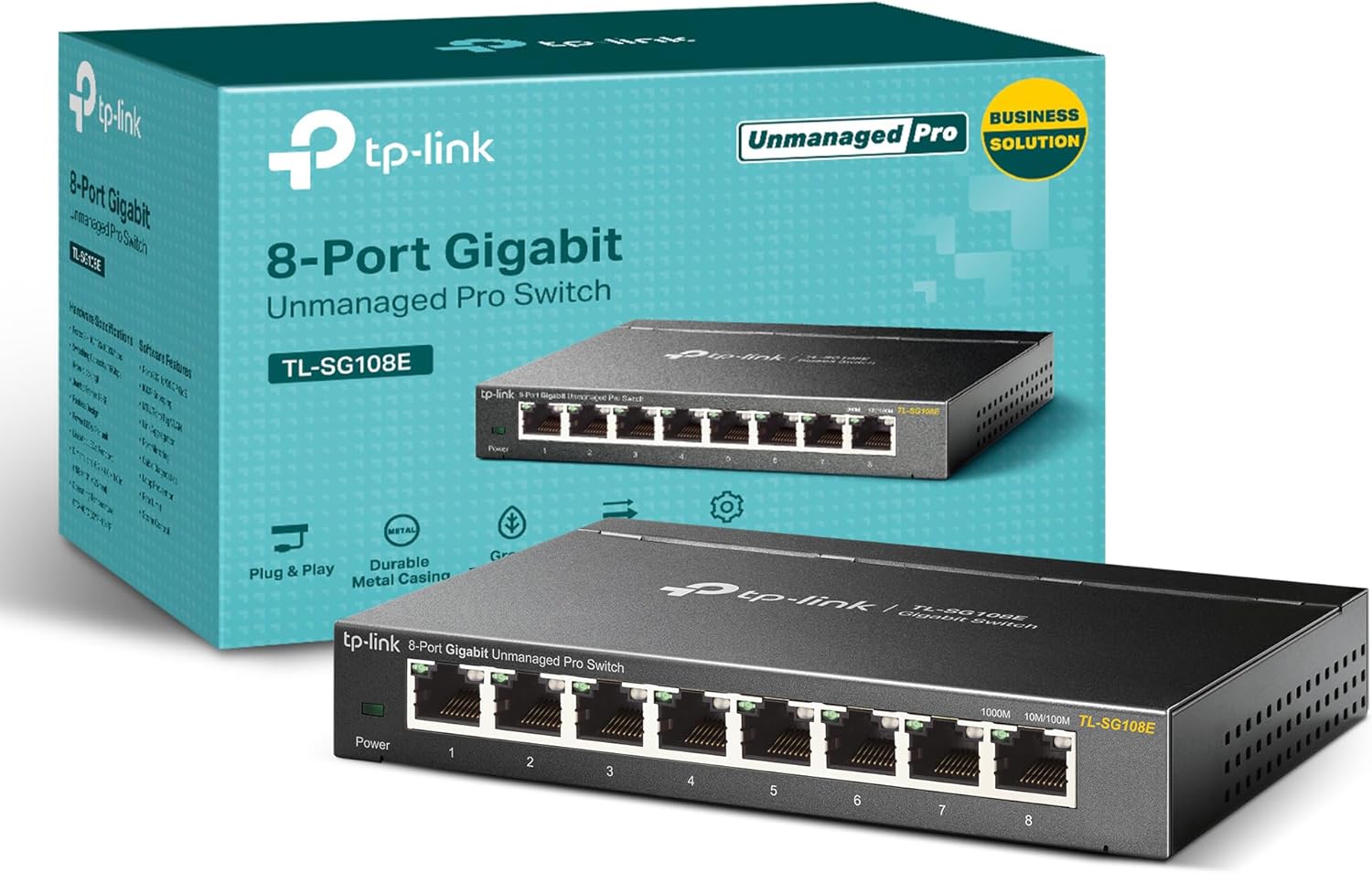
This TL-SG108E is designed for straightforward management without demanding advanced networking knowledge. It includes VLAN support so you can segment traffic, QoS so some applications get more priority, and IGMP Snooping aimed at improving multicast performance. It also supports port mirroring for monitoring and includes features like cable diagnostics and loop prevention.
It’s a compact desktop/wall-mount unit with a sturdy metal design and shielded ports. That last detail matters more than people expect in real setups, where cables get moved, desk corners are crowded, and noise sensitivity can become annoying.
That said, it’s still an 8-port switch—if you’re trying to scale beyond a small rack or you routinely add multiple wired devices, you may outgrow it sooner than you’d like.
The essentials (performance & management features)
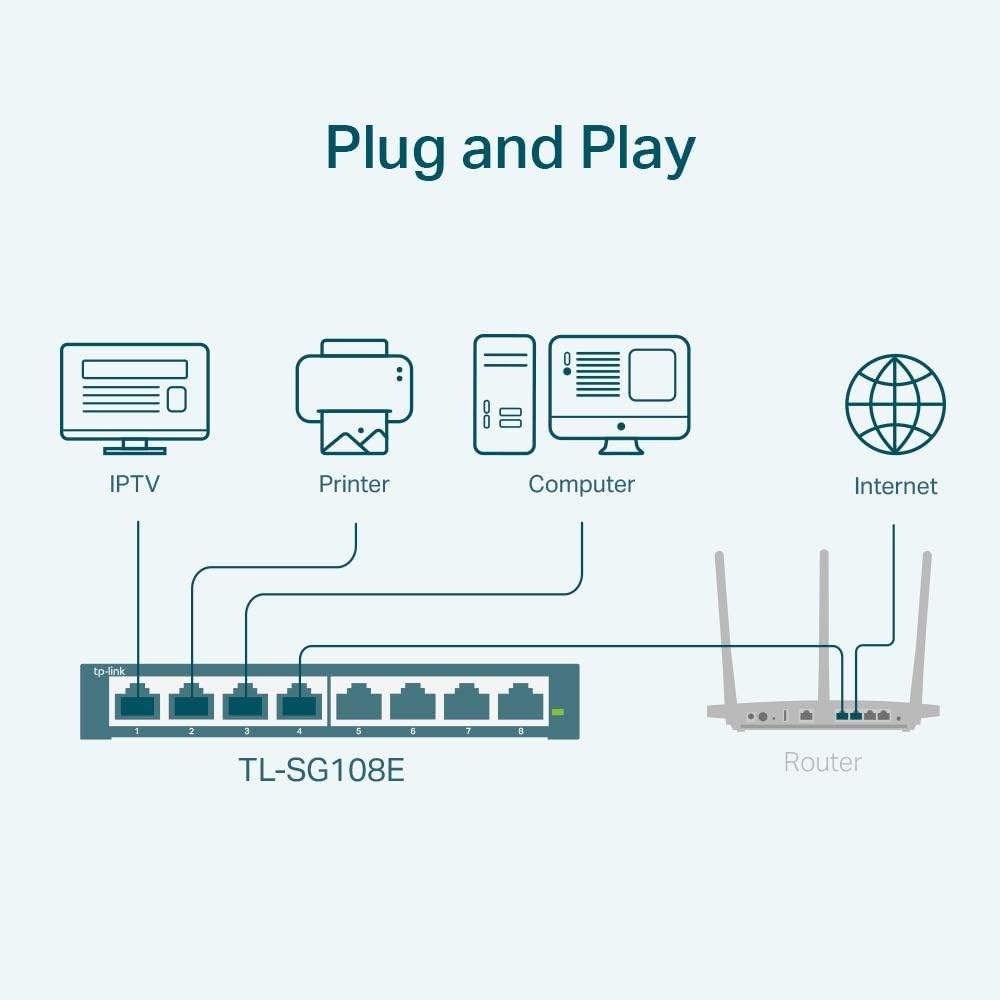
The switch leans heavily into Layer 2 capabilities that are useful in day-to-day network management:
- VLAN support: Segment traffic with support for up to 32 VLANs at the same time, using up to 4K VLAN IDs. If you’re separating devices (work vs. personal, IoT vs. computers) or want cleaner network behavior, VLANs are one of the main tools you’ll reach for.
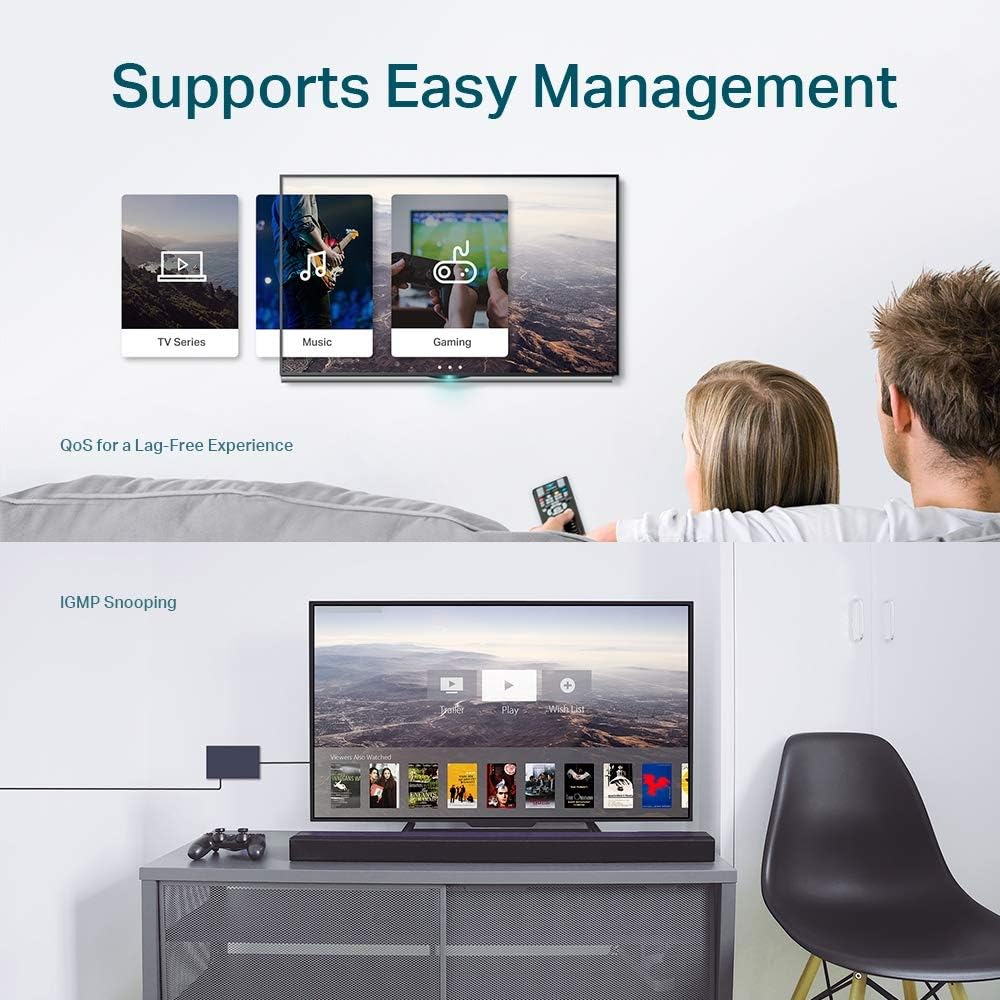
- QoS: Optimize traffic flow for different application types. This can help when you want more consistent performance for time-sensitive traffic, rather than everything competing equally.
- IGMP Snooping: Enhances multicast application performance, which can be relevant for multicast-heavy use cases (for example, certain streaming or networking setups).
- Network monitoring & safety: Port mirroring for monitoring, loop prevention to reduce accidental broadcast storms, and cable diagnostics to help you identify connection issues.
- Link Aggregation (LAG): Combine links for improved throughput or redundancy (useful when you have compatible devices and want more than a single cable’s bandwidth).
In a micro-scenario: imagine you have a desktop, a NAS, and a few wired access points. With VLANs you can separate guest devices from main traffic, and with port mirroring you can watch a specific port to troubleshoot what’s happening without constantly unplugging things.
Tech specs
- Name: TP-Link TL-SG108E
- Type: Easy Smart Managed Switch (Layer 2)
- Format: Desktop/Wall-mount
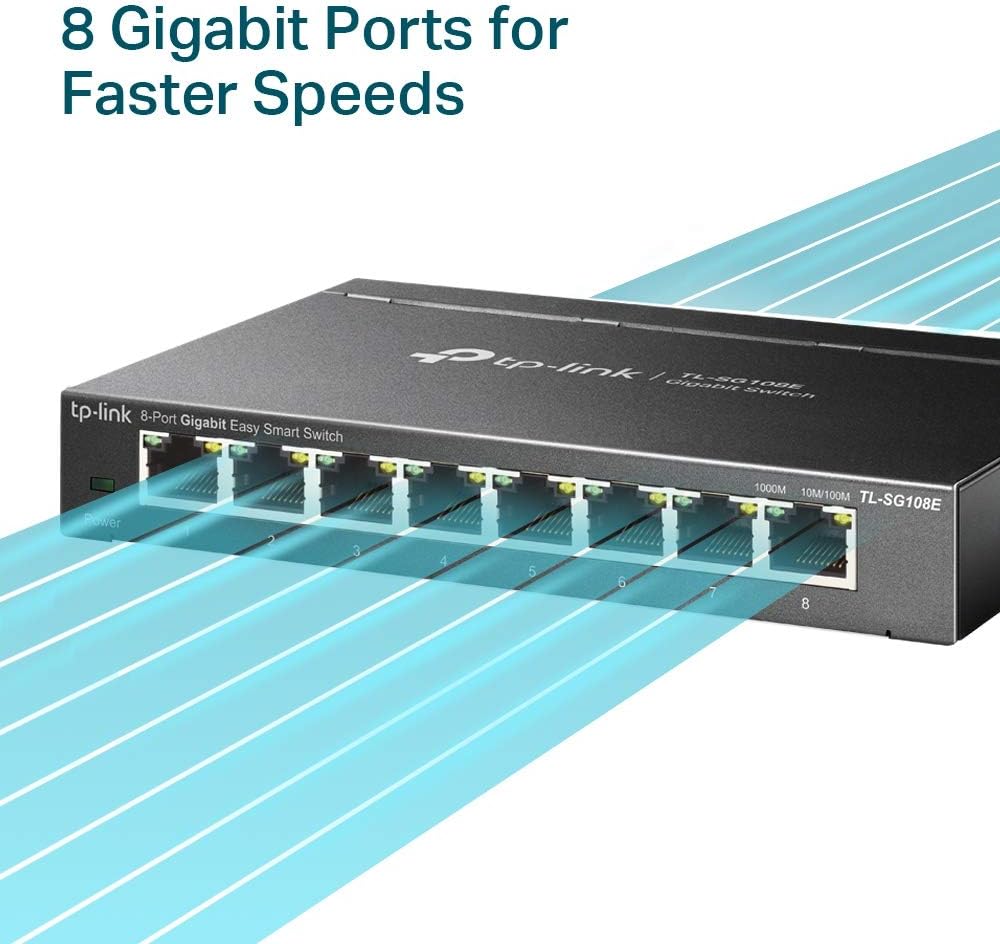
- Size: 8 ports
- Support: QoS, VLAN, IGMP Snooping, LAG, Port Mirroring, Loop Prevention
- VLAN support: Up to 32 VLANs simultaneously (up to 4K VLAN IDs)
Strengths and where it may fall short
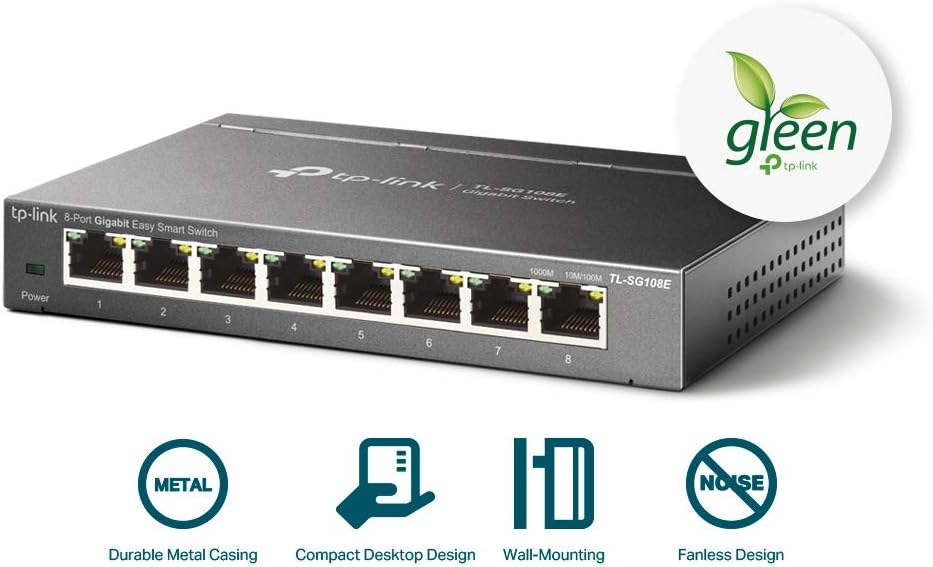
What stands out is the mix of features for a relatively compact 8-port switch. Many unmanaged switches can’t do VLAN segmentation, QoS tuning, or IGMP Snooping in a meaningful way. Here, you’re getting the tools that help networks behave better once you start caring about performance and organization.
Where you should be a bit careful: if your goal is pure raw port count or you expect enterprise-level control, this is more “home/SMB managed” than “serious core switch.” Also, if you’re not planning to use VLANs, QoS, monitoring, or multicast features, you might not feel the value as strongly—unmanaged switches can be simpler and less effort.
Who it’s for (and who should skip it)
This TL-SG108E makes sense if you want a step up from unmanaged switching and you’re likely to use features like VLANs, QoS, or IGMP Snooping. It’s also a good fit if you prefer management that’s accessible via a web interface/free software rather than a steep learning curve.
It may not suit you if you only need a few ports for simple device connections and have no interest in segmenting traffic, prioritizing applications, or doing monitoring.
Final verdict
Worth buying if you need an 8-port Gigabit managed switch with VLAN support, QoS, and IGMP Snooping, plus monitoring and loop prevention features—all in a compact desktop/wall-mount design.

You may want to skip it if you just need basic connectivity, or if you’re planning for a larger wired footprint where 8 ports won’t be enough.
Quick FAQ
FAQ
Does this switch support VLANs? Yes, it supports VLAN segmentation with up to 32 VLANs simultaneously (and up to 4K VLAN IDs).
Is it manageable without advanced networking knowledge? The switch is positioned as “Easy Smart Managed,” with management via a web interface/free software approach.
What does IGMP Snooping do here? It’s meant to enhance multicast application performance, which can matter in multicast-involved setups.
Can I monitor traffic on a port? It supports port mirroring, which can be used for monitoring.
Is it wall-mountable? Yes, it’s designed for both desktop and wall mounting.