

TP-Link TL-SG108PE V3 8-Port Gigabit PoE Easy Smart Managed Switch with 4 PoE+ Ports (64W)
Product description
What it is and what it’s for
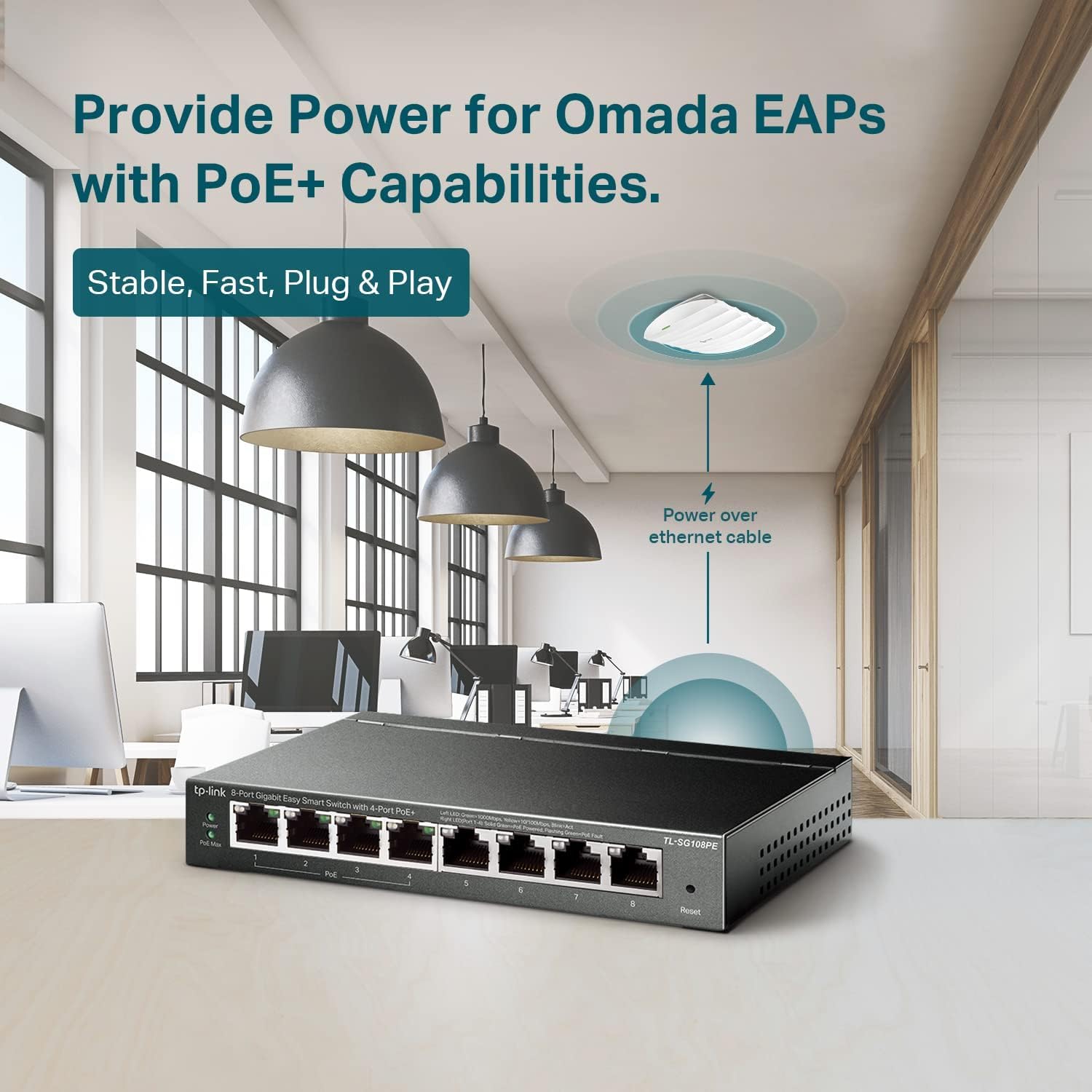
The TP-Link TL-SG108PE V3 is an 8-port Gigabit PoE switch designed to power and connect multiple network devices without running separate power bricks. With 4 PoE+ capable RJ45 ports and a total PoE power budget of 64W, it’s built for setups like a small office, a home network with multiple IP cameras, or a workspace where you want fewer cables and simpler deployment.
On paper, it hits a practical sweet spot: Gigabit switching on all ports, PoE where it matters (the four PoE+ ports), and “Easy Smart” management that stays manageable even if you’re not a network engineer. It’s fanless and uses a sturdy metal design with shielded ports, which is a comfort factor if you’re placing it in a closet, office corner, or any spot where heat/noise isn’t ideal.
Key points (the stuff you’ll actually care about)
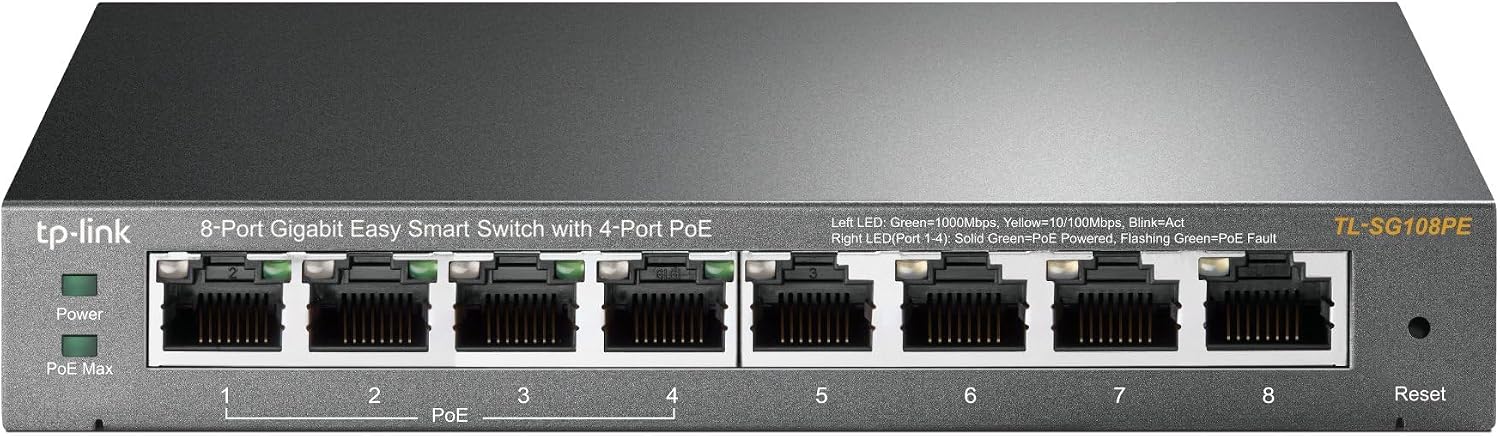
You’re getting a mix of basics and “small upgrades that matter.” The four PoE+ ports support 802.3at/af class devices, with up to 30W per PoE+ port, which is relevant if your cameras, access points, or VoIP gear need more than standard PoE. The rest of the switch also includes four additional Gigabit non-PoE RJ45 ports, so you can connect a router uplink, a PC, a network storage device, or another switch segment without giving up throughput.
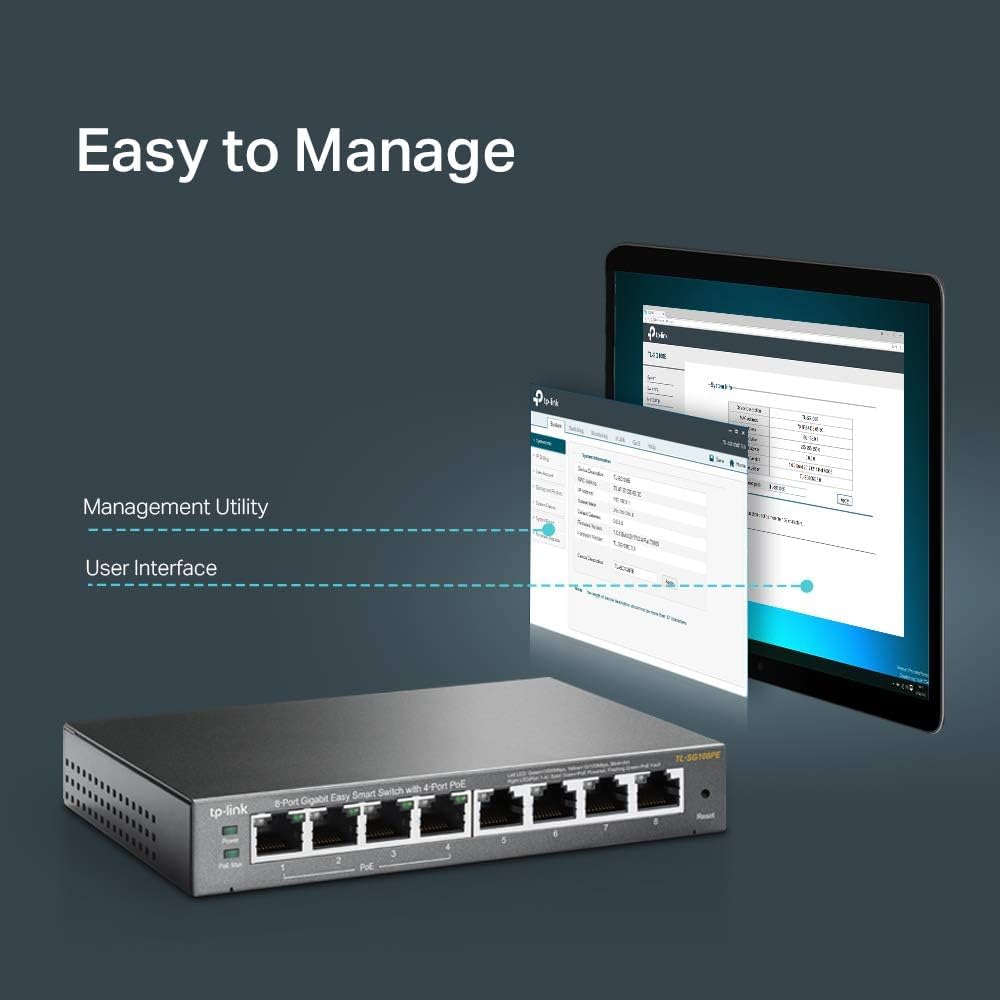
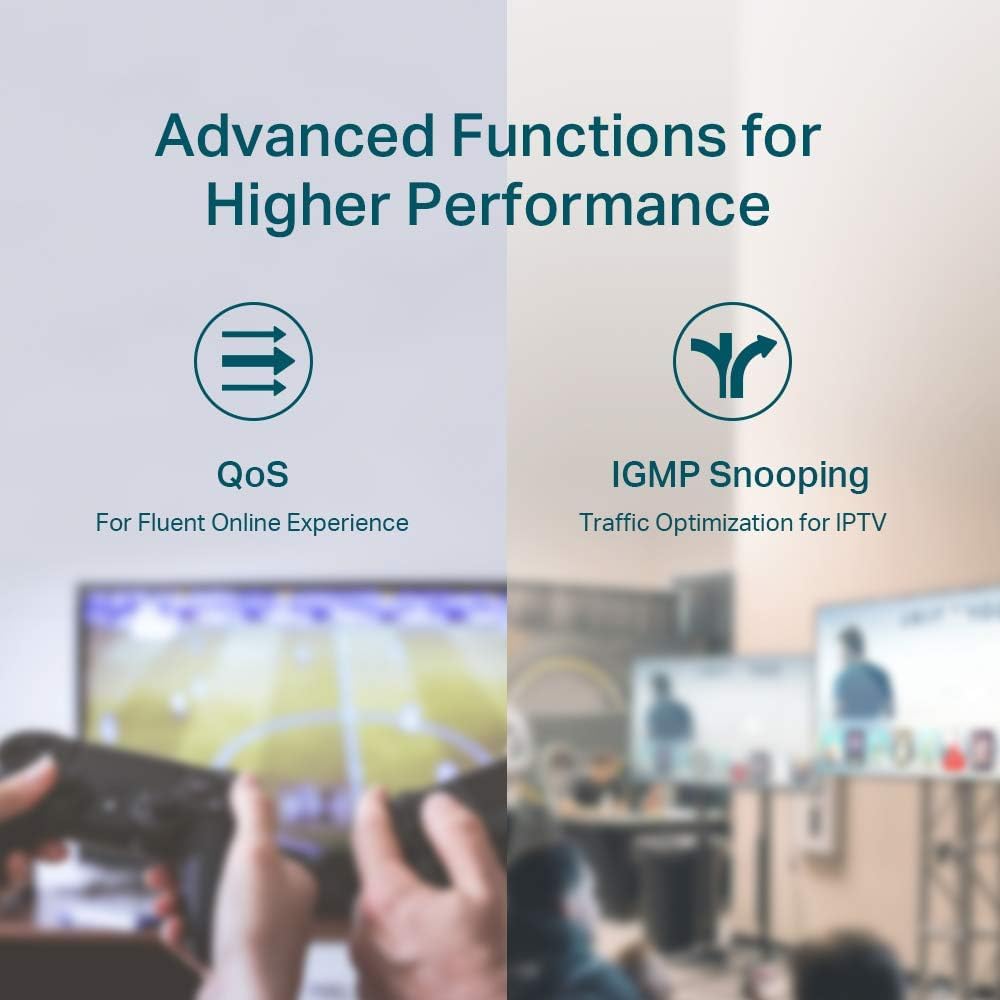
Management is the other big theme here. Instead of being fully “set-and-forget,” the switch includes web-based management and smart configuration tools. There are also features for keeping traffic organized and more predictable—QoS and IGMP Snooping are called out for improving video/voice handling and multicast behavior. VLAN support is included for segmentation, which can help reduce “everything can talk to everything” networking habits.
There’s also a PoE Auto Recovery feature that detects dropped or unresponsive PoE-powered devices and automatically reboots them. That’s the kind of thing that sounds minor until you’re the one dealing with a camera that suddenly stops responding.
One limitation to keep in mind: with a total 64W PoE budget, you’ll want to add up the needs of all PoE devices you plan to power from the four PoE+ ports. If you’re going to run several higher-power devices at once, you may need to plan carefully.
Tech specs (quick reference)
- Name: TP-Link TL-SG108PE V3
- Type: 8-Port Gigabit PoE Switch (Easy Smart Managed)
- PoE ports: 4 PoE+ RJ45 ports
- PoE standards: 802.3at/af
- Max PoE per port: up to 30W per port
- Total PoE power budget: 64W
- Network speed: 10/100/1000 Mbps RJ45 ports
- Non-PoE ports: 4 Gigabit non-PoE ports
- Management: web-based management interface + smart configuration utility
- PoE behavior: PoE Auto Recovery
- Traffic features: Port-based 802.1p/DSCP QoS
- Multicast feature: IGMP Snooping
- Security/segmentation: VLAN features
- Design: fanless, sturdy metal with shielded ports
- Protection: Limited Lifetime Protection
Where it shines in real setups
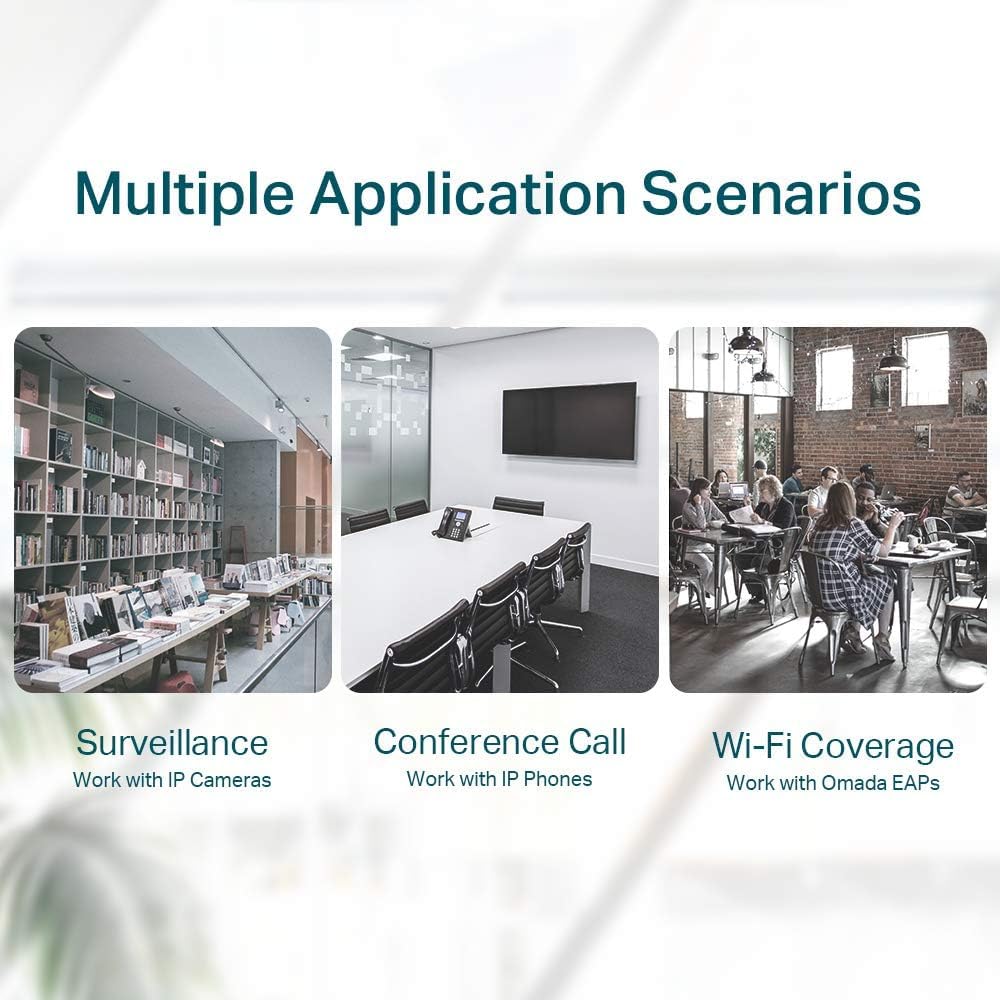
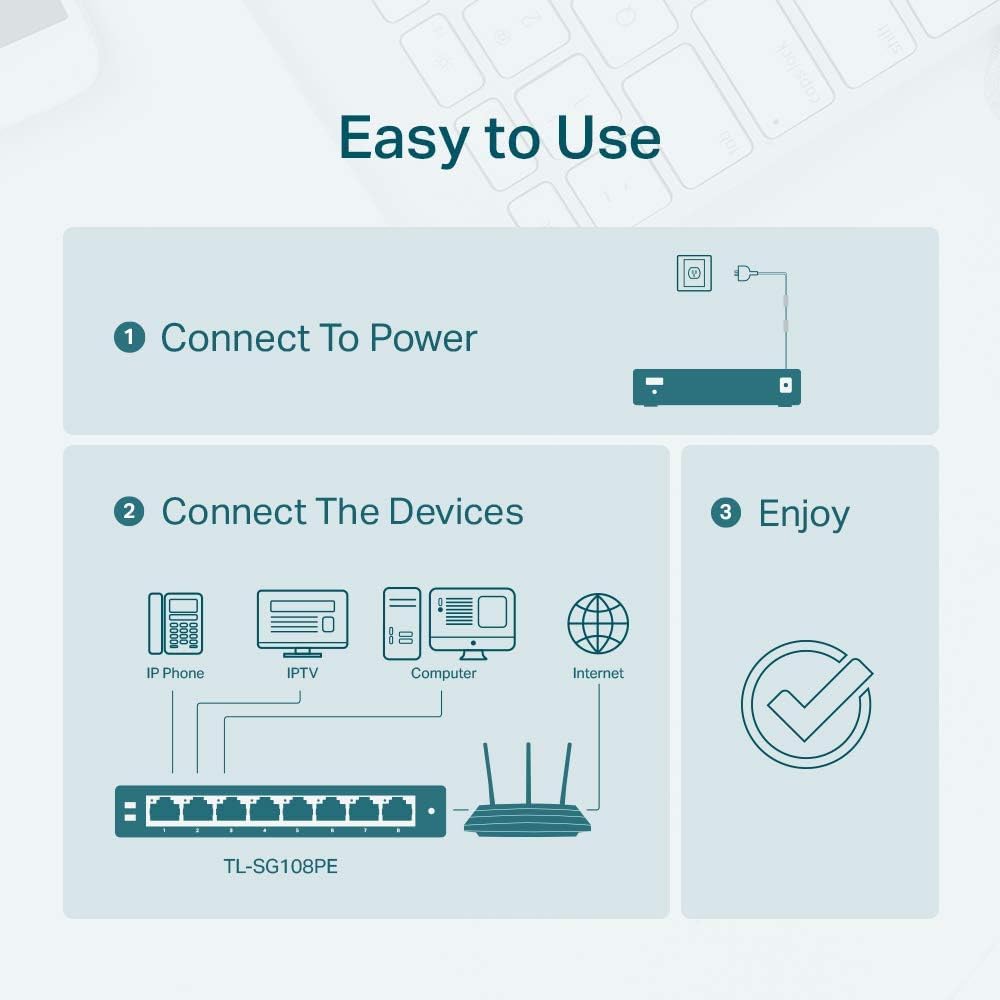
A typical “works right away” scenario: you mount a few PoE cameras in a small environment and want them powered and connected to your network through one device. After placing the switch near your network gear, you plug the uplink (router/network) into the switch, connect the non-PoE devices to the remaining Gigabit ports, then attach the cameras to the four PoE+ ports. If one camera drops off later, PoE Auto Recovery is meant to bring it back without you physically resetting anything.
If you’re using IP cameras or voice/video devices, the stated QoS (port-based 802.1p/DSCP) and IGMP Snooping are the kind of features that help keep performance steadier when multicast/video traffic is involved. You’ll likely notice fewer hiccups when there’s mixed traffic on the same network, especially for video and voice.
Who should buy it—and who might want to skip it
It’s a solid pick if you want an 8-port Gigabit switch with PoE built in, but you don’t want to wrestle with complicated management. You’ll appreciate it if your setup needs PoE for several devices (up to four PoE+ devices) and you care about VLAN/QoS/IGMP features more than you care about advanced enterprise controls.
It might not suit you if you need PoE power beyond the 64W total budget, or if you expect a full “hands-off everything” experience. Even though it’s described as Plug and Play and easy to set up, some of the value (like VLAN segmentation and QoS behavior) depends on how you choose to configure it.
Care & maintenance
Because it’s fanless, it’s designed to run without fan noise and without fan failures from moving parts. Still, you’ll want to keep it in a reasonably ventilated spot and avoid stuffing it into an area with heavy dust. The metal build with shielded ports is a nice practical touch if you’re mounting it where cables may be tugged or routed close to other equipment.
Should you buy it?
Buying this TP-Link TL-SG108PE V3 makes sense when you want an 8-port Gigabit PoE switch that can power up to four PoE+ devices within a 64W total budget, while giving you web-based “Easy Smart” management, VLAN segmentation, QoS, and IGMP Snooping features for mixed traffic. It’s especially worth considering if you’d rather rely on PoE Auto Recovery than manually troubleshoot dropped devices.
You may want to skip it if your PoE requirements exceed what the total 64W budget can handle, or if you only need a basic non-PoE switch and don’t actually plan to power PoE devices. In other words: it’s built for PoE-first networking, not just for adding more Ethernet ports.
Quick overview FAQ
FAQ
Q: Is it truly plug-and-play? A: The switch is described as Plug and Play with easy setup and no software installation needed, but it also includes web-based management, so deeper features may require a bit of configuration.
Q: How many devices can it power with PoE? A: It has 4 PoE+ capable ports, and it lists up to 30W per PoE+ port with a total PoE power budget of 64W.
Q: What networking features are included for video/voice? A: It includes port-based 802.1p/DSCP QoS and IGMP Snooping, both aimed at improving handling of video/voice and multicast traffic.
Q: What does PoE Auto Recovery do? A: It detects dropped or unresponsive PoE-powered devices and automatically reboots them, reducing the need for manual intervention.
Q: Does it have any cooling system? A: It’s fanless, using a metal design with shielded ports as part of its physical setup approach.