

NETGEAR GS348PP-100NAS 48-Port Gigabit PoE+ Unmanaged Switch, 380W
Reviews
Price
Product description
Connect wired devices across an office or equipment area with one switch, while supplying power over Ethernet to supported devices on PoE+ ports. The NETGEAR GS348PP-100NAS combines 48 Gigabit Ethernet ports with plug-and-play setup. Its metal design can sit on a desktop or be installed in a rack.
Tech summary
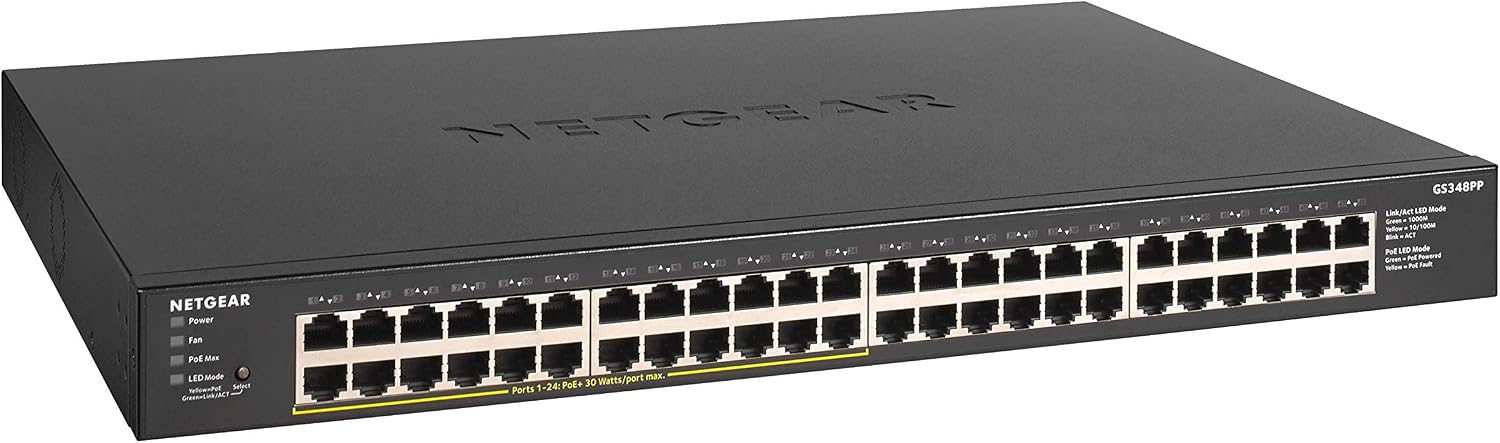
The switch provides 48 ports with 1 Gbps Ethernet connectivity, including 24 PoE+ ports and a 380W total PoE power budget. Dynamic PoE allocation redistributes unused power across the PoE+ ports, helping the available budget serve connected devices as needed. Auto-negotiation detects the optimal speed for connected devices, and the ports work with existing Cat5e or Cat6 Ethernet cables.
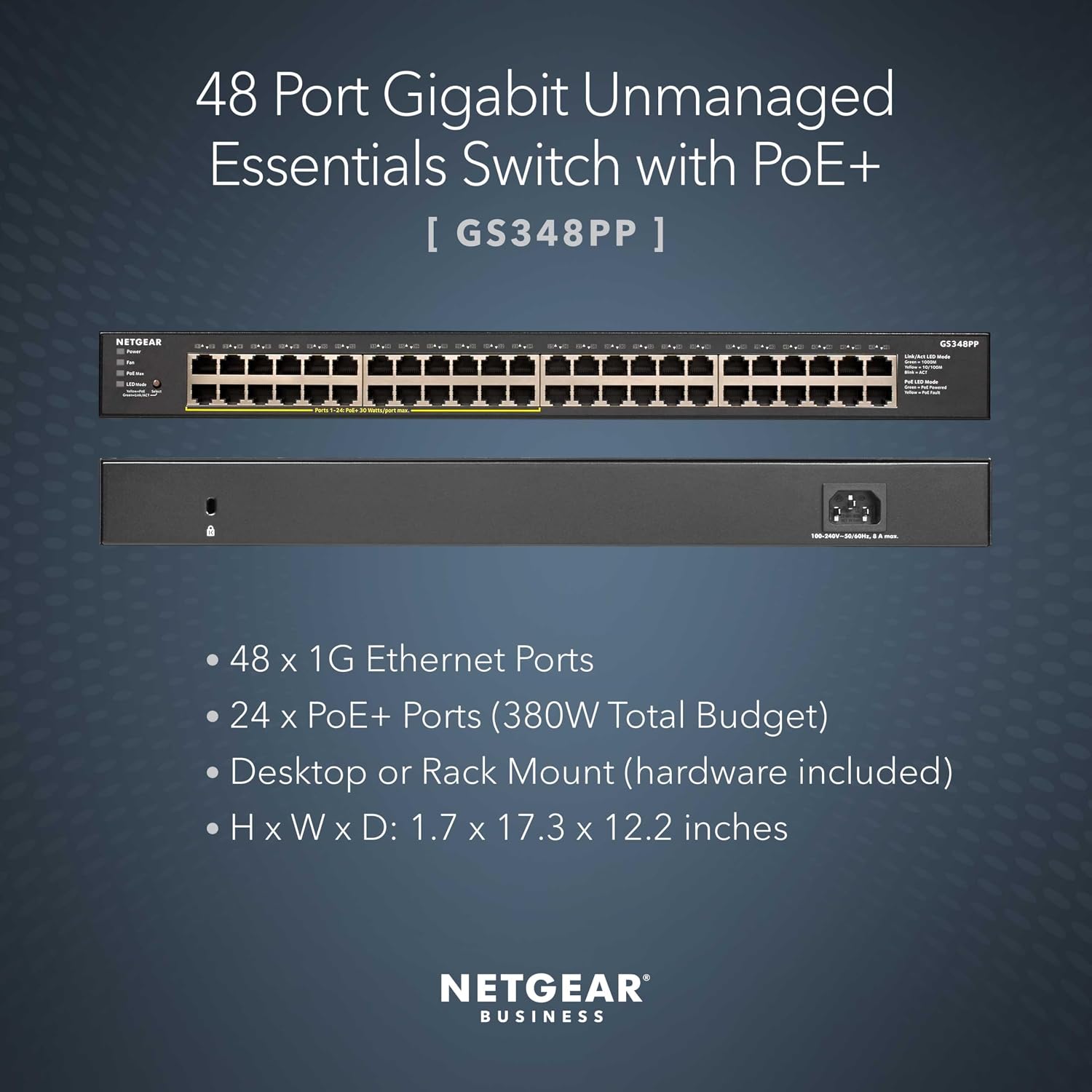
As an unmanaged switch, it requires no software installation or network configuration to get started. The fanless design supports silent operation, while IEEE 802.3az Energy Efficient Ethernet helps reduce power consumption. Its metal case is designed for desktop or rack-mount placement, so it can suit a workspace, network closet, or other wired network setup.
- Ports: 48 Gigabit Ethernet, including 24 PoE+
- PoE budget: 380W total
- Mounting: Desktop or rack mount
- Included: Rack-mount kit, installation guide, power cord, and rubber feet
- Warranty: NETGEAR limited 3-year hardware warranty
What it works with
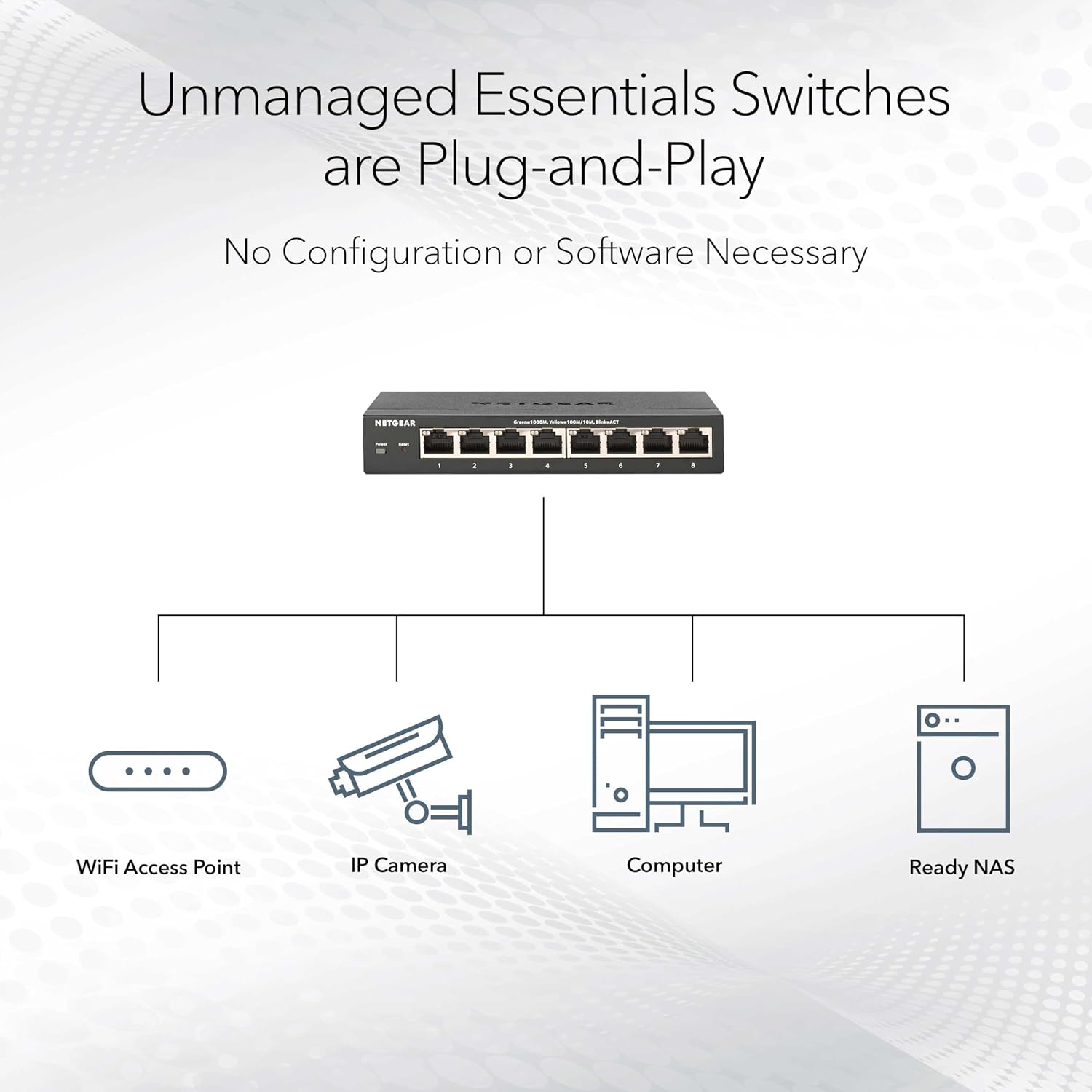

Connect computers and other Ethernet devices using Cat5e or Cat6 cables. For devices that support PoE+, the switch can provide network connectivity and power through the same Ethernet connection, reducing the need to arrange a separate power connection at each supported endpoint. The remaining Gigabit ports provide wired network connections for devices that do not use PoE.
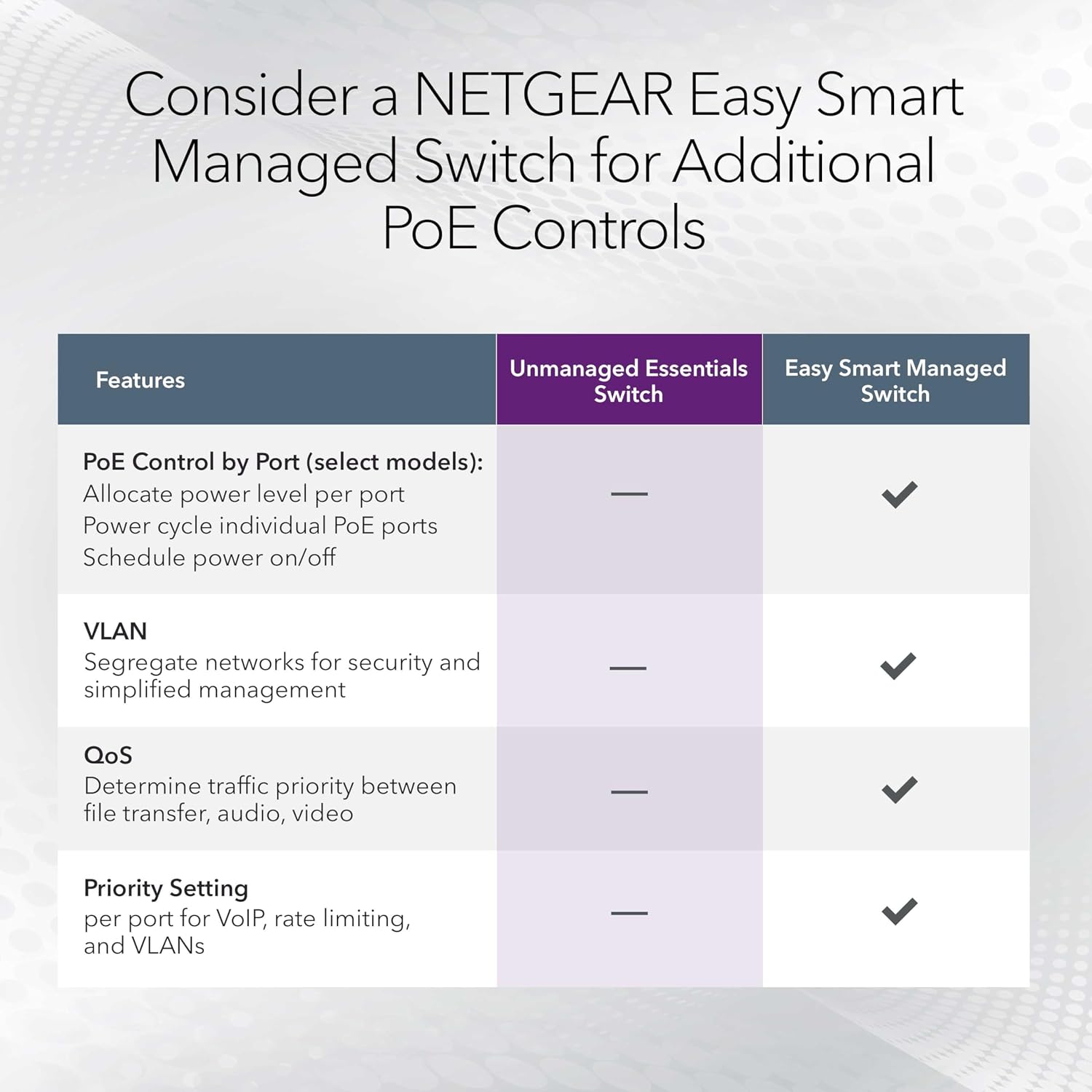
Compared with a basic non-PoE switch, the GS348PP adds PoE+ connectivity for supported devices while keeping standard Ethernet ports available in the same unit. Its unmanaged design suits setups where straightforward wired connectivity is the priority rather than configurable network management. Buyers also highlight ease of use and reliability in their feedback, these are user impressions, not a substitute for the product’s stated specifications.
How to use it

Place the switch on a desktop using the rubber feet, or use the included rack-mount kit for rack installation. Connect it to the wired network and attach endpoint devices with Cat5e or Cat6 Ethernet cables. Use the PoE+ ports for compatible devices that receive power over Ethernet, and the other ports for standard Ethernet connections. The plug-and-play design means there is no software to install or switch configuration required for basic setup.
In a small office or shared workspace, the 48-port layout can bring many wired connections together, with PoE+ available for supported equipment that benefits from a single network-and-power cable. The fanless construction is also useful in spaces where quiet operation matters, such as a work area with desktop network equipment.
Final verdict
The GS348PP-100NAS is suited to wired networks that need numerous Gigabit connections and PoE+ power in one unmanaged switch. Its 24 PoE+ ports, 380W total power budget, flexible desktop or rack placement, and simple setup make it a practical fit for bringing supported powered devices and standard Ethernet equipment onto the same network.