

Acer ODK360 USB-C Hub, 7-in-1 Adapter with 4K HDMI and 100W PD
Product description
Choosing a hub for a few everyday connections is different from setting up a desk with a monitor, storage, and charging all at once. The Acer ODK360 brings those connections together in a compact, aluminum 7-in-1 adapter. It adds HDMI, USB data ports, SD and microSD readers, and a USB-C PD input. Its best fit depends on what your laptop’s USB-C port and charger support.
The essentials
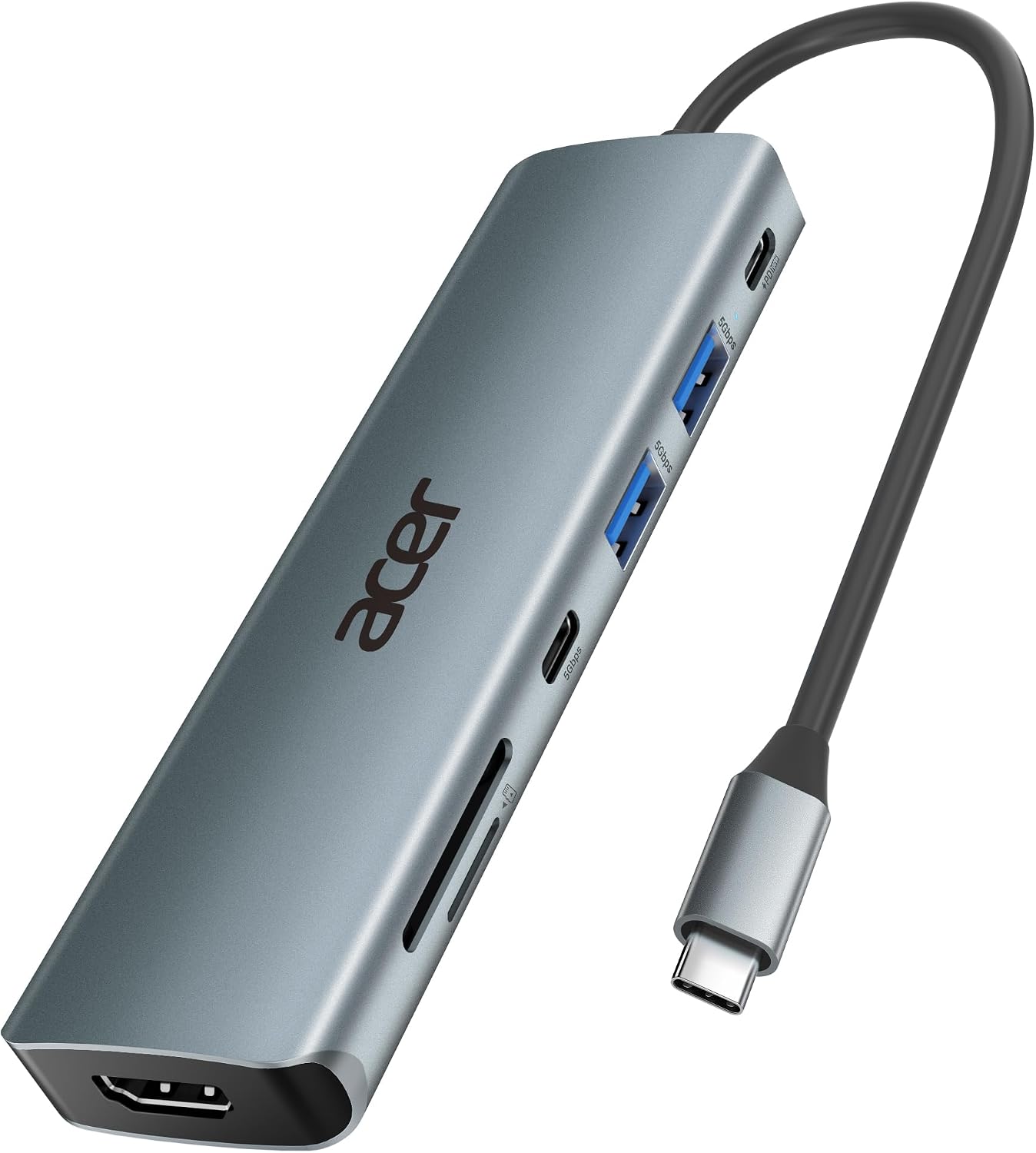
The ODK360 expands one USB-C connection into seven ports: HDMI, two USB-A 3.1 data ports, one USB-C data port, a USB-C PD charging port, an SD card slot, and a microSD card slot. That mix can reduce the need to carry separate adapters when connecting a monitor, peripherals, or memory cards. The aluminum enclosure measures 5.1 x 1.4 x 0.7 inches and weighs 68 g.
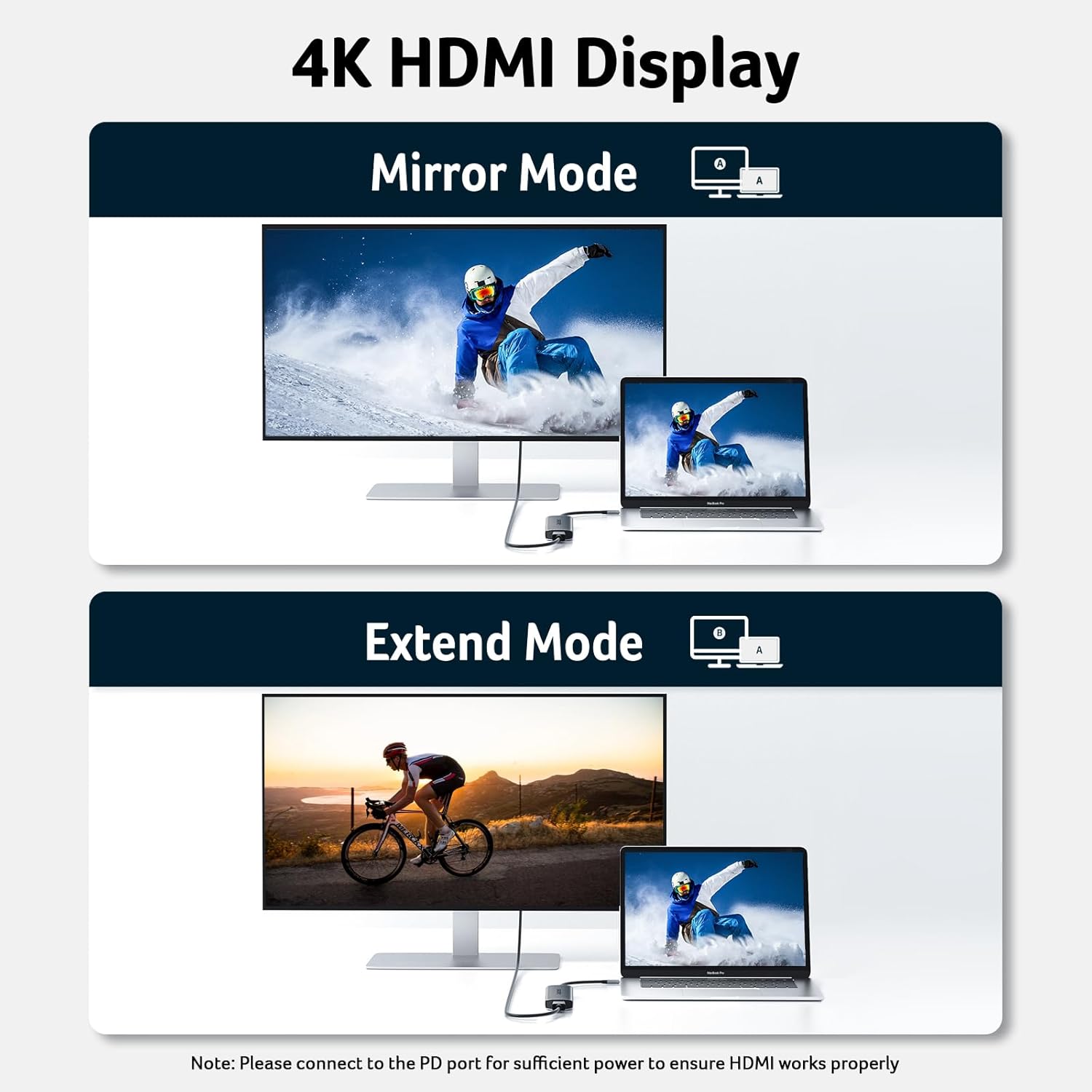
For a display, the HDMI port supports up to 4K at 30Hz. The connected computer or tablet must support video output through USB-C DisplayPort Alt Mode, a USB-C port used only for charging or data will not send video through the hub. This is not a 4K at 60Hz or 2K at 144Hz adapter, so a higher-refresh-rate display setup calls for a different specification.
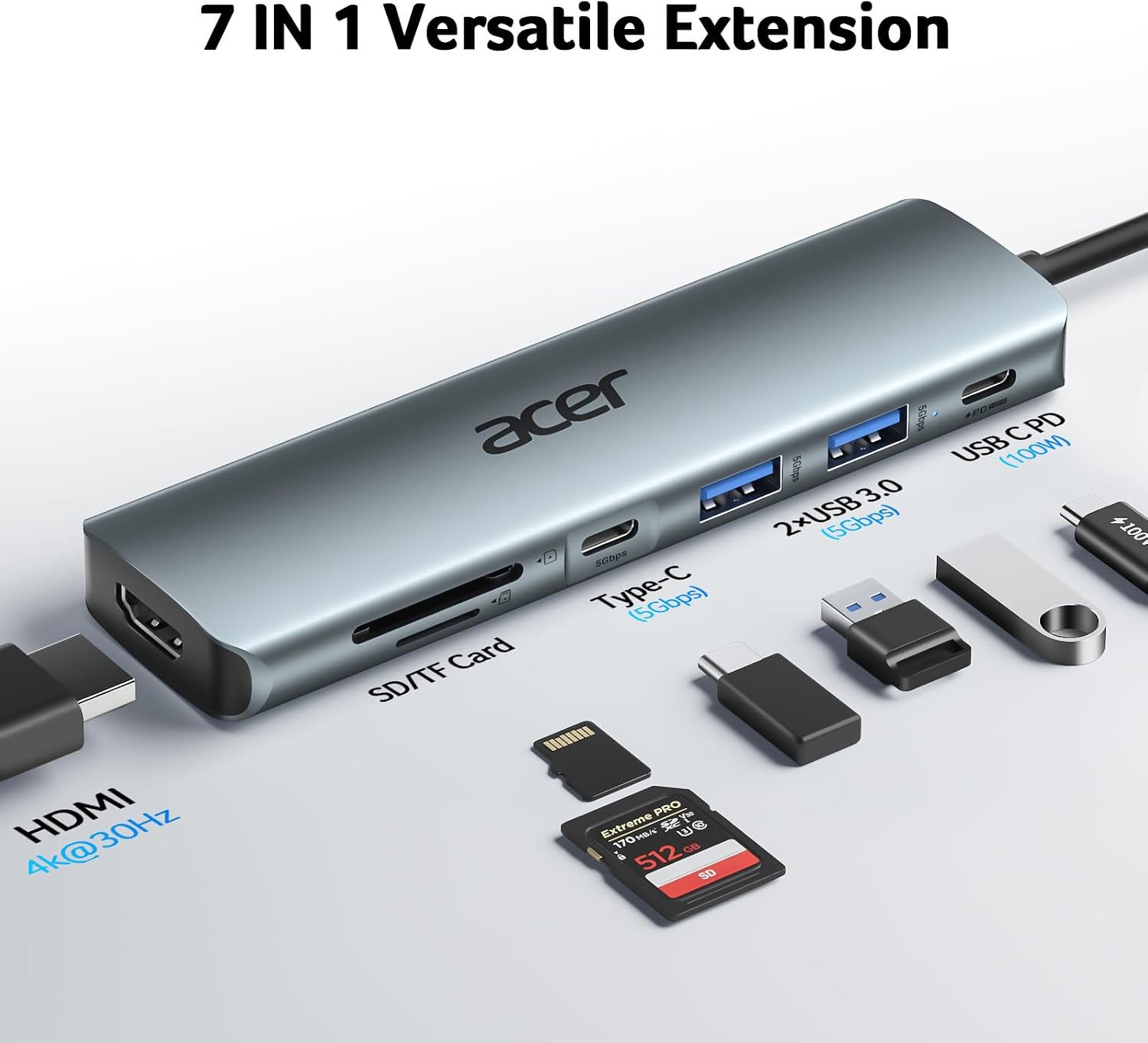
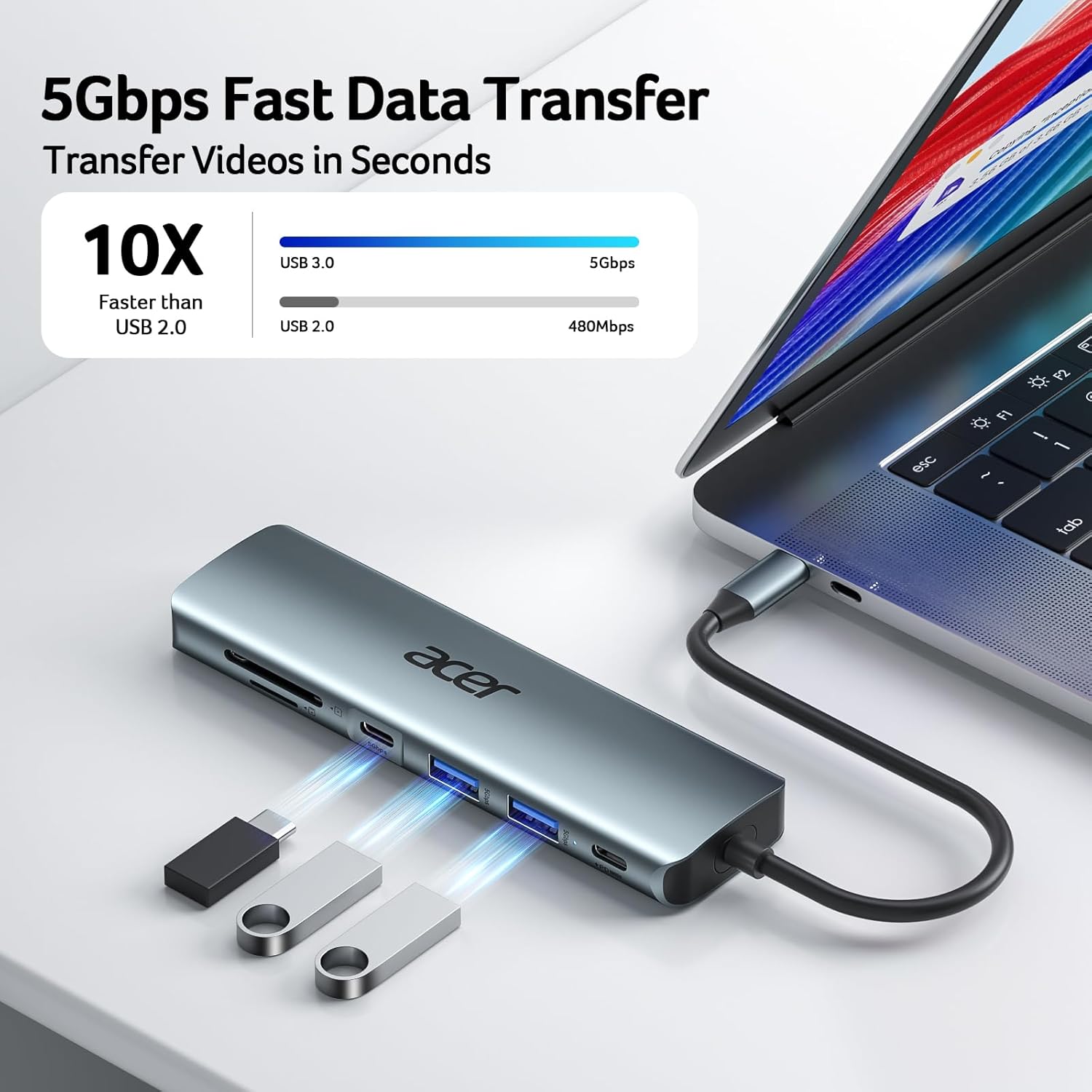
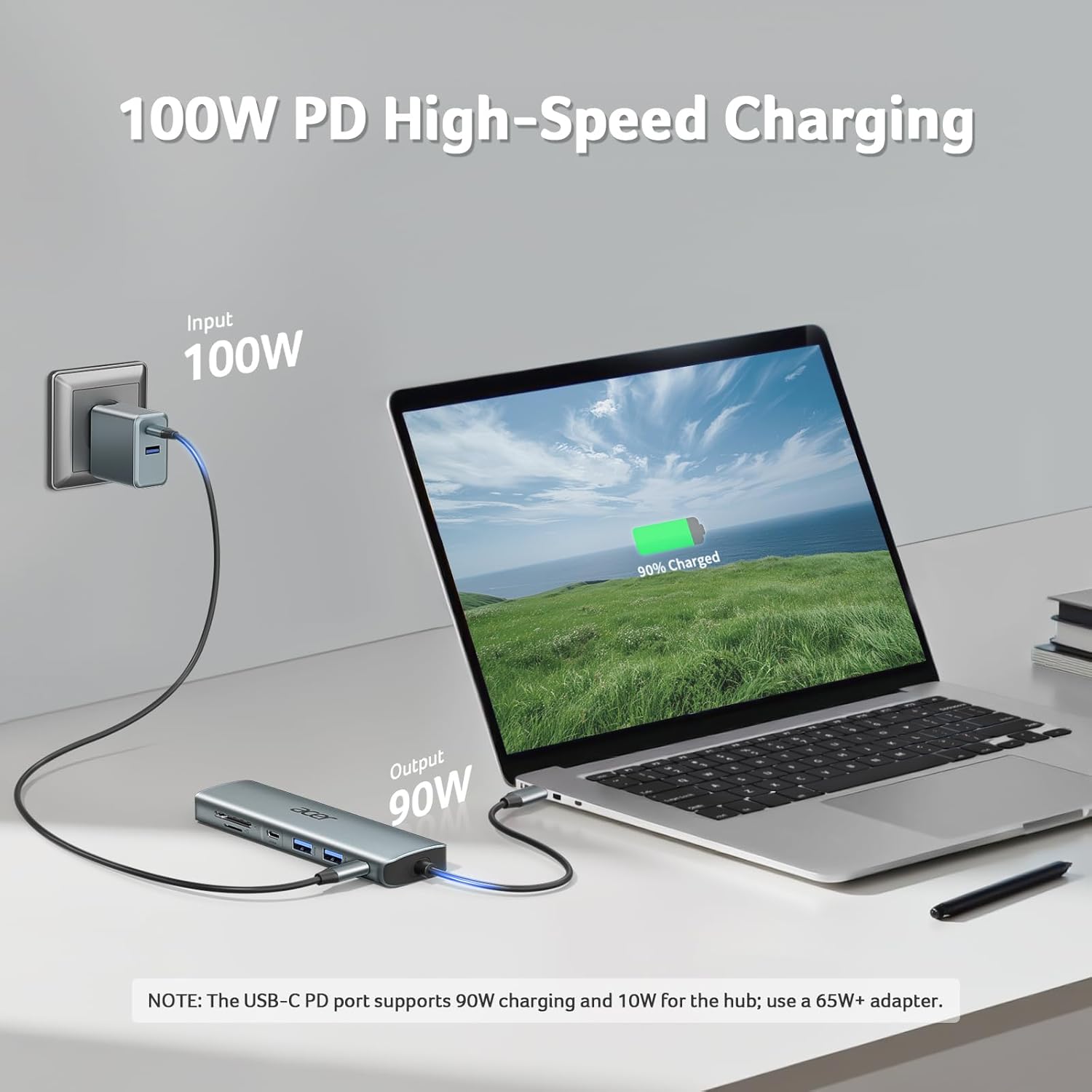
The two USB-A ports and USB-C data port support transfers up to 5Gbps. They are for data, not video or audio. The PD port accepts up to 100W input, with up to 90W delivered to the host device according to the manufacturer. The charger and cable are not included, and the laptop, charger, and cable must support Power Delivery. For best performance, the manufacturer recommends a 65W-or-higher charger.
Everyday use
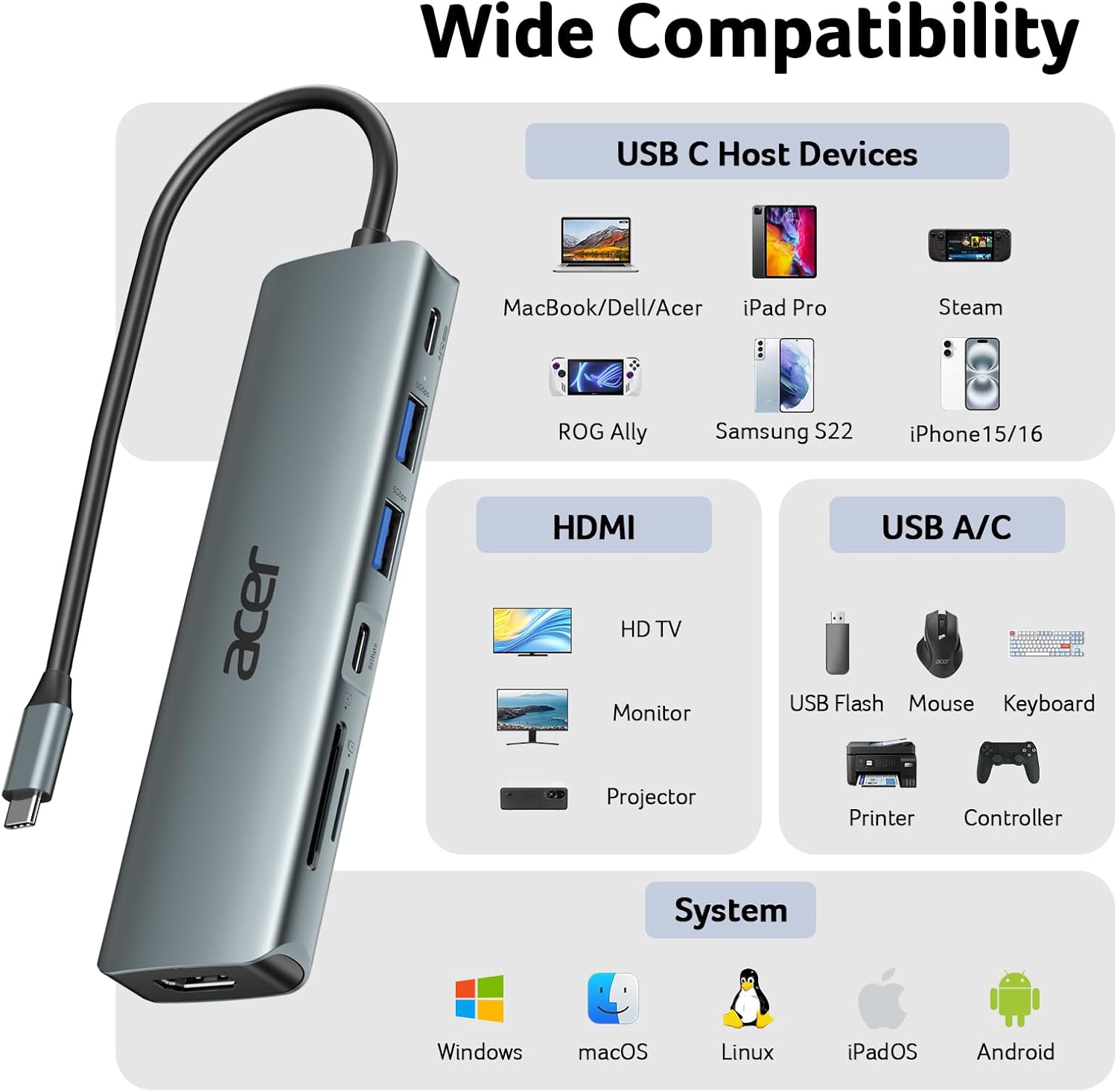
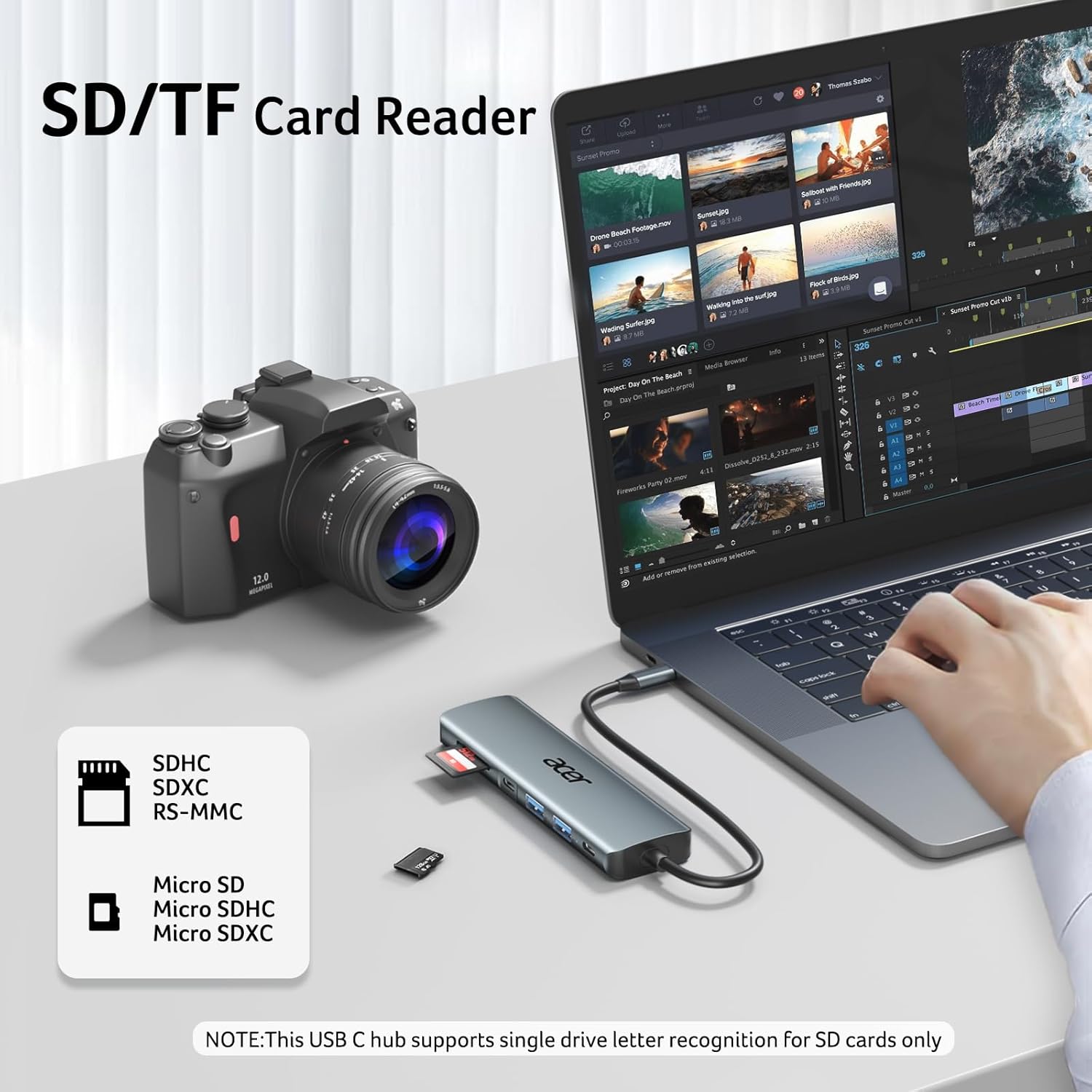
A practical setup could connect a 4K monitor, a USB storage device, and an SD card while power is connected through the PD port. The card slots are useful for moving files from compatible cards without a separate reader, while the USB ports can connect data peripherals. The hub is listed for Windows, Mac OS, ChromeOS, and Linux, but video and charging still depend on the capabilities of the host device.
Buyer feedback is mixed on reliability and performance. Some customers describe easy plug-in use and appreciate having several connection types in one adapter, others report HDMI or charging issues, and opinions on durability and transfer performance vary. That makes the published port specifications a useful starting point, but not a guarantee that every device combination will behave the same way.
Who it’s for
You’ll appreciate it if you want one adapter for a compatible laptop or tablet, a monitor capped at 4K/30Hz, card access, and everyday USB data connections. Compared with a basic single-purpose adapter, the ODK360 covers more tasks in one unit. You may want to skip it if your display needs 4K/60Hz or 2K/144Hz, or if you need extra USB ports beyond the listed seven. Check that your device supports DP Alt Mode for HDMI and PD for charging before choosing it.
Practical questions
Can it connect a laptop to an HDMI monitor? Yes, if the laptop’s USB-C port supports DisplayPort Alt Mode. The HDMI output supports up to 4K at 30Hz.
Can it charge a laptop while other ports are in use? The PD port supports up to 100W input and up to 90W output to the host. The laptop, charger, and cable must support PD, the charger and cable are not included.
Can the USB-C and USB-A data ports output video? No. They are specified for data transfer, up to 5Gbps. HDMI is the hub’s display connection.
Final verdict
The Acer ODK360 is a practical choice when the priority is combining 4K/30Hz HDMI, card readers, USB data, and pass-through charging in one compact hub. Its main decision points are compatibility and display limits: the host needs the right USB-C video and charging support, and the HDMI specification does not cover higher refresh rates. If those match your setup, its range of ports can serve as a single everyday connection point, a more display-focused adapter makes more sense when higher refresh rates are essential.