

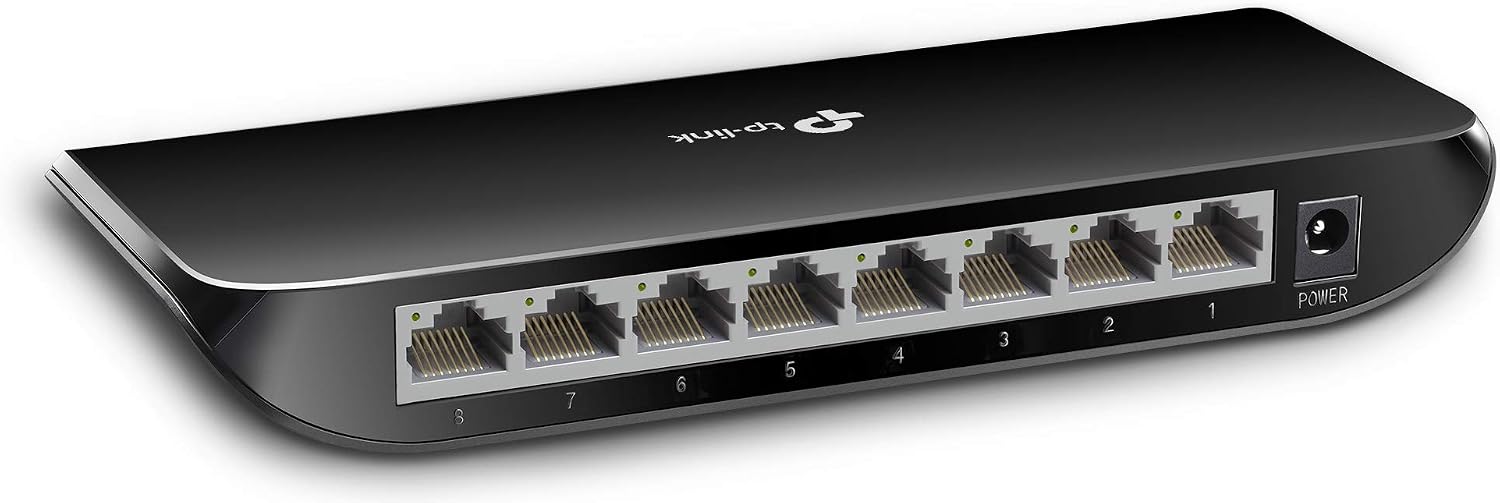
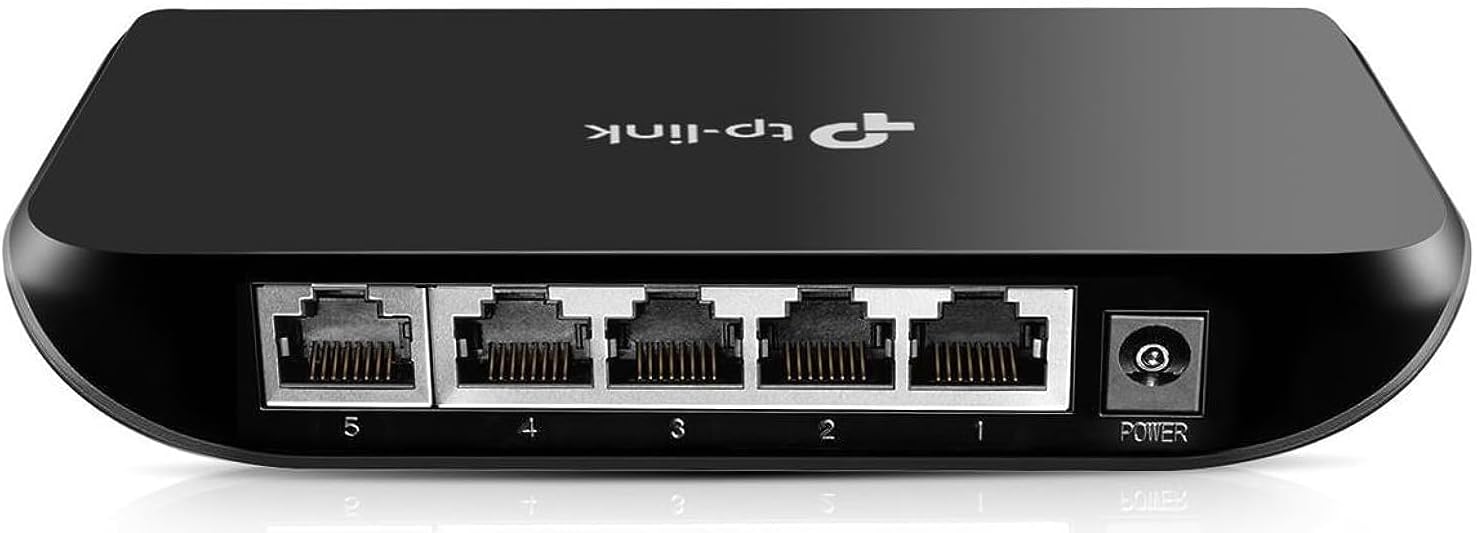
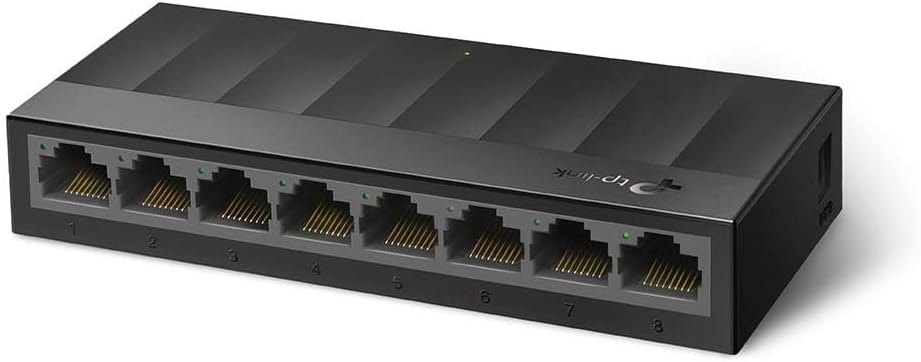
TP-Link Litewave LS1005G 5‑Port Gigabit Ethernet Switch
Reviews
Price
Product description
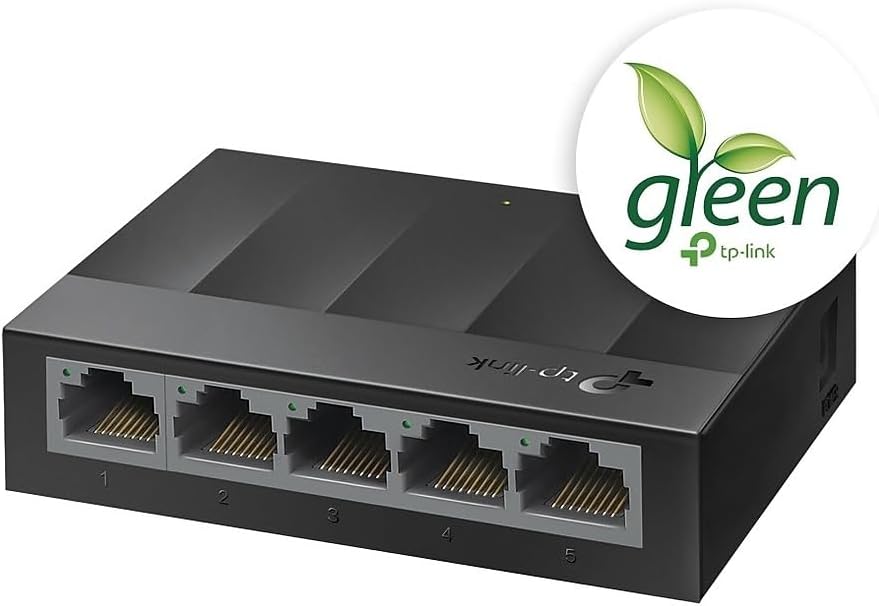
This compact unmanaged switch from TP-Link expands wired connections around a small office or home network while keeping operation quiet and simple. It brings five Gigabit RJ45 ports for desktop devices, making it easy to add a laptop, console, printer, or network storage to a single router port with plug-and-play convenience and low energy use.
Key Points
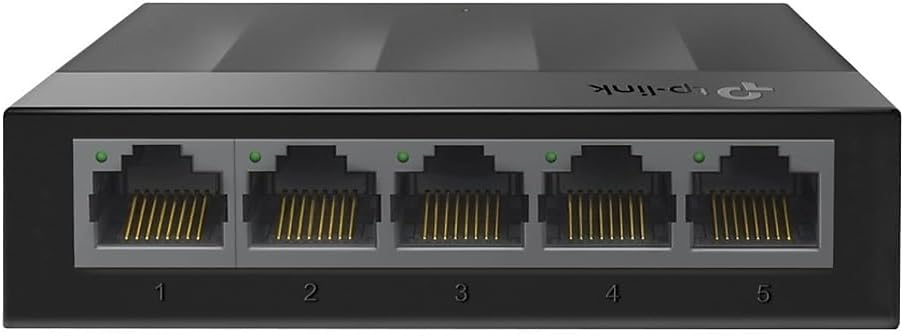
The LS1005G is a fanless 5-port Gigabit Ethernet switch that supports auto-negotiation and MDI/MDIX, so cables and port roles are handled automatically. Setup requires no software or configuration, which is convenient when you need extra wired connections quickly. According to the manufacturer, the design focuses on lower power consumption compared with older generation switches, helping reduce running costs over time. The absence of moving parts also keeps the unit silent during operation, useful for noise-sensitive environments like living rooms or study areas. ⚙️
Technical Specifications
- Name: TP-Link Litewave LS1005G
- Ports: - 5 x RJ45 10/100/1000 Mbps
- Management: - Unmanaged, plug-and-play
- Power saving: - Energy Efficient Ethernet features (manufacturer stated)
- Noise: - Fanless design for silent operation
Advantages
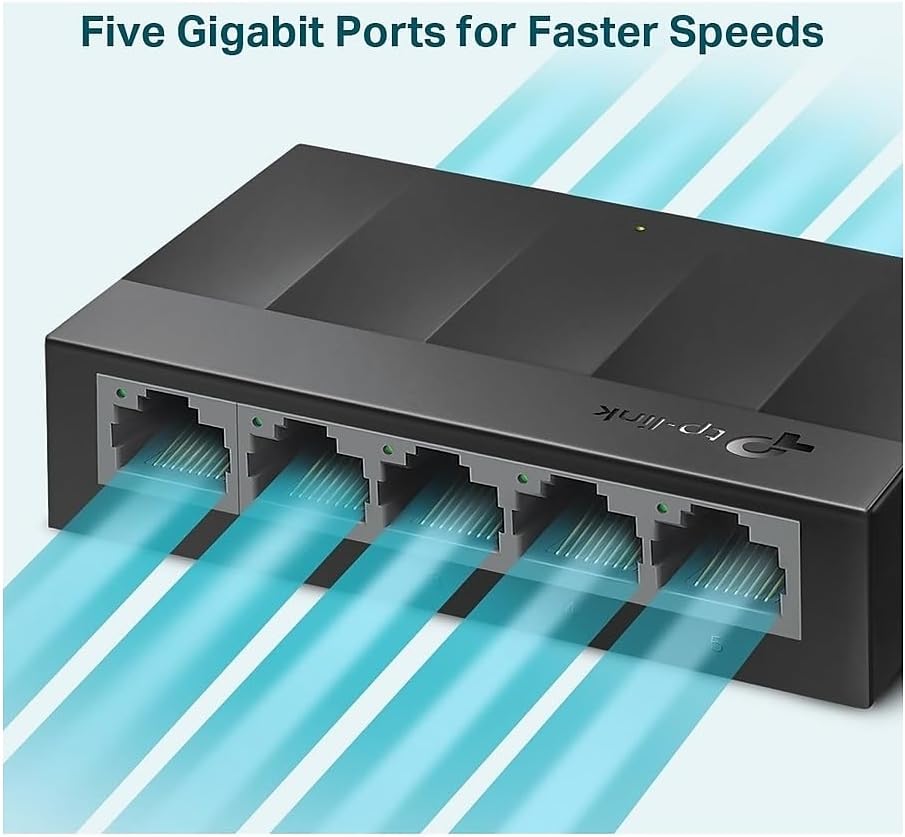
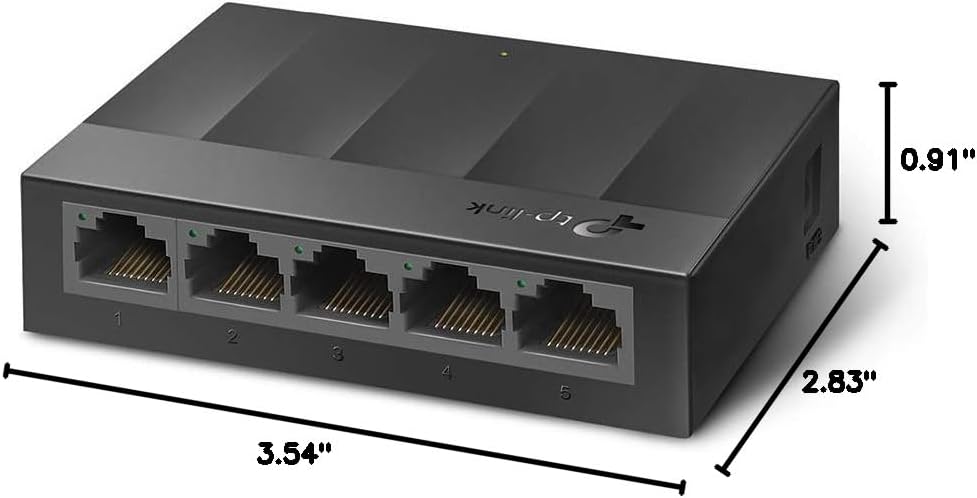
This switch is simple and reliable for expanding a wired network without introducing complexity. It supports full Gigabit speeds across all ports, so local file transfers and streamed content between devices can remain fast when the rest of the network supports gigabit throughput. The auto MDI/MDIX functionality removes the need to distinguish between straight-through and crossover cables, which reduces setup hassle. Additionally, the low-power design can be helpful in setups where many small devices run continuously, potentially lowering electricity usage.
Usage Recommendations
Place the switch near your router or in a centralized spot where multiple wired devices congregate. Use standard Cat5e or Cat6 patch cables to get the full 1 Gbps performance. For mixed-speed environments, the ports will negotiate down automatically for older devices, ensuring compatibility across different generations of hardware. Consider that this model is unmanaged, so advanced features like VLANs, QoS configuration, or port mirroring are not available. If you need traffic shaping or network segmentation, a managed switch would be required instead. 🔌📶
The text ends here.