

Download app on Google Play


Imagen de TP-Link TL-SG1024S 24-Port Gigabit Switch 📶 en OfertitasTOP
New offer
Thumbnail principal de TP-Link TL-SG1024S 24-Port Gigabit Switch 📶
Thumbnail 1 de TP-Link TL-SG1024S 24-Port Gigabit Switch 📶
Thumbnail 2 de TP-Link TL-SG1024S 24-Port Gigabit Switch 📶
Thumbnail 3 de TP-Link TL-SG1024S 24-Port Gigabit Switch 📶
Thumbnail 4 de TP-Link TL-SG1024S 24-Port Gigabit Switch 📶
Thumbnail 5 de TP-Link TL-SG1024S 24-Port Gigabit Switch 📶
Thumbnail 6 de TP-Link TL-SG1024S 24-Port Gigabit Switch 📶

TP-Link TL-SG1024S 24-Port Gigabit Switch 📶

amazon US
Brand: TP-Link
P/N: TL-SG1024S
Reviews
4,7
+1.863

Reviews

4,7
+1.863 reviews

Price

$89.99$64.99-28%
View in store
amazon US
Price history: —

Product description

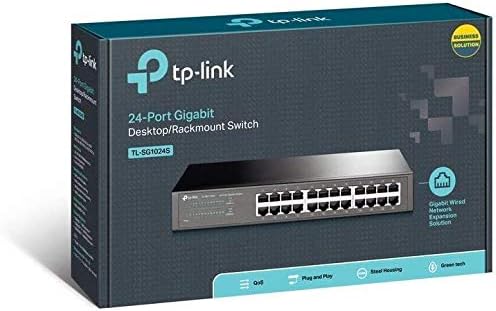
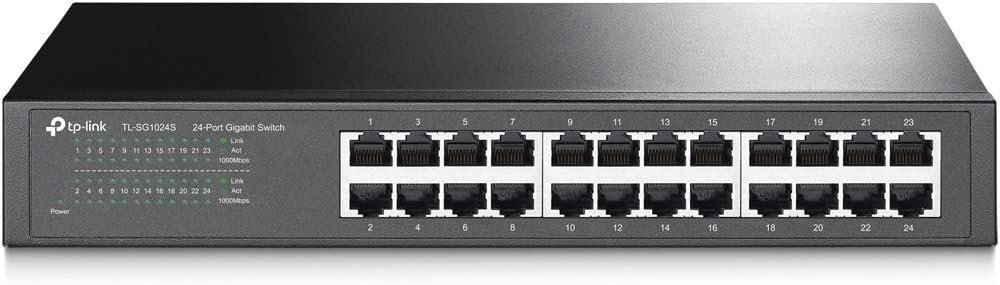
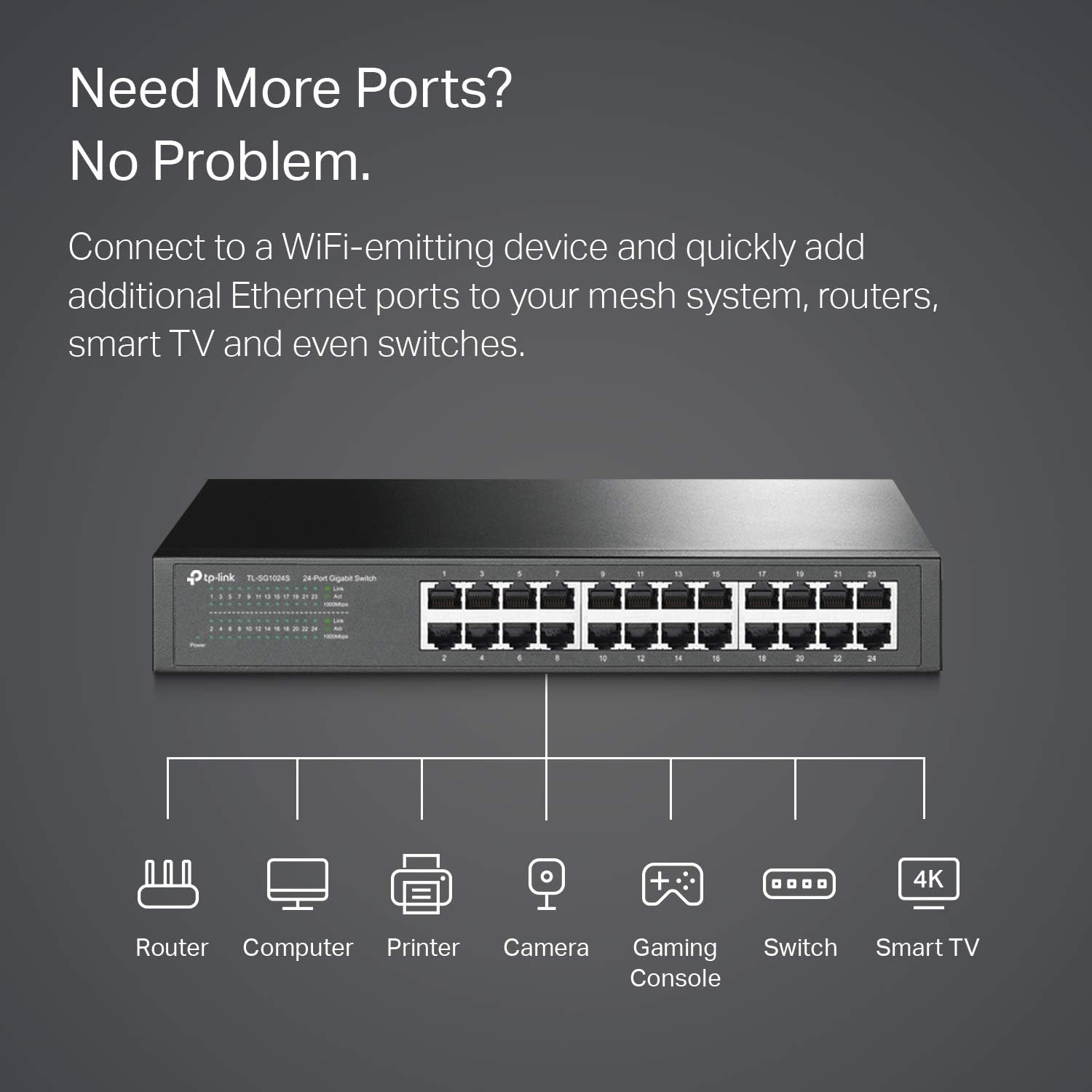
This 24-port gigabit Ethernet switch from TP-Link brings wired connectivity to small offices and home networks with quiet, fanless operation and a sturdy metal chassis. It simplifies network expansion by offering 24 shielded RJ-45 ports for reliable Gigabit throughput, making it useful for connecting multiple workstations, access points, and networked storage with minimal setup.

Key Points
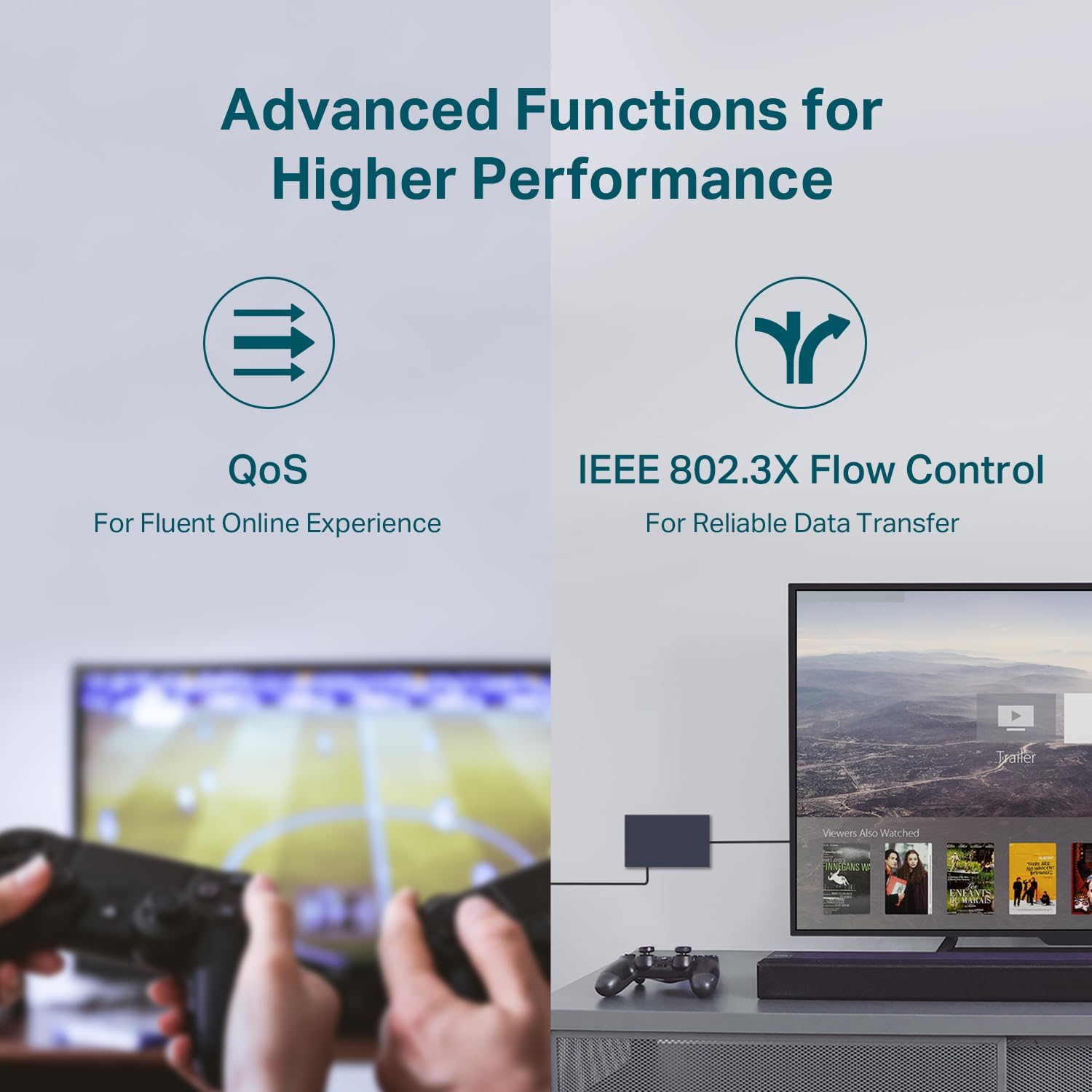
The switch operates without configuration, so it is plug and play and ready for immediate use. Its metal enclosure and support for desktop placement or rackmount installation give installation flexibility for cramped wiring closets or office racks. Traffic optimization features help manage network flow more efficiently according to the manufacturer, and the fanless design keeps noise to a minimum while reducing moving parts that can wear out.
Technical Specifications

  • Name: TP-Link TL-SG1024S
  • Switching capacity: 48 Gbit/s
  • MAC address table: 8000 entries
  • Number of RJ-45 Ethernet ports: 24
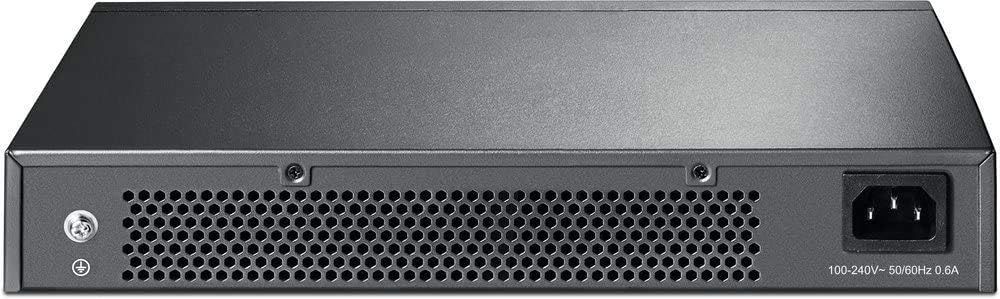
  • AC input frequency: 50 - 60 Hz

Benefits

With 24 Gigabit ports, this switch reduces bottlenecks when multiple devices transfer large files or stream high-definition media. The shielded ports help decrease electromagnetic interference in environments with dense cabling or nearby electronic equipment. Also, the absence of a fan means lower maintenance and a quieter workspace, which can be appreciated in noise-sensitive areas.

Usage Recommendations

Place the switch in a well-ventilated area even though it is fanless, especially if it will run continuously under heavy load. Use shielded Ethernet cables if the installation runs near high-power devices to take full advantage of the shielded ports. Consider labeling ports during setup to simplify later troubleshooting and to keep track of connected devices. Note that this is an unmanaged switch, so it does not provide advanced VLAN or routing controls; it may not meet requirements where detailed traffic segmentation is necessary.

View in store

Price evolution

Price history: —

Description:

This 24-port gigabit Ethernet switch from TP-Link brings wired connectivity to small offices and home networks with quiet, fanless operation and a sturdy metal chassis. It simplifies network expansion by offering 24 shielded RJ-45 ports for reliable Gigabit throughput, making it useful for connecting multiple workstations, access points, and networked storage with minimal setup.

Key Points

The switch operates without configuration, so it is plug and play and ready for immediate use. Its metal enclosure and support for desktop placement or rackmount installation give installation flexibility for cramped wiring closets or office racks. Traffic optimization features help manage network flow more efficiently according to the manufacturer, and the fanless design keeps noise to a minimum while reducing moving parts that can wear out.

Technical Specifications

  • Name: TP-Link TL-SG1024S
  • Switching capacity: 48 Gbit/s
  • MAC address table: 8000 entries
  • Number of RJ-45 Ethernet ports: 24
  • AC input frequency: 50 - 60 Hz

Benefits
With 24 Gigabit ports, this switch reduces bottlenecks when multiple devices transfer large files or stream high-definition media. The shielded ports help decrease electromagnetic interference in environments with dense cabling or nearby electronic equipment. Also, the absence of a fan means lower maintenance and a quieter workspace, which can be appreciated in noise-sensitive areas.

Usage Recommendations

Place the switch in a well-ventilated area even though it is fanless, especially if it will run continuously under heavy load. Use shielded Ethernet cables if the installation runs near high-power devices to take full advantage of the shielded ports. Consider labeling ports during setup to simplify later troubleshooting and to keep track of connected devices. Note that this is an unmanaged switch, so it does not provide advanced VLAN or routing controls; it may not meet requirements where detailed traffic segmentation is necessary.