

TP-Link PCIe WiFi Card AX210
Product description
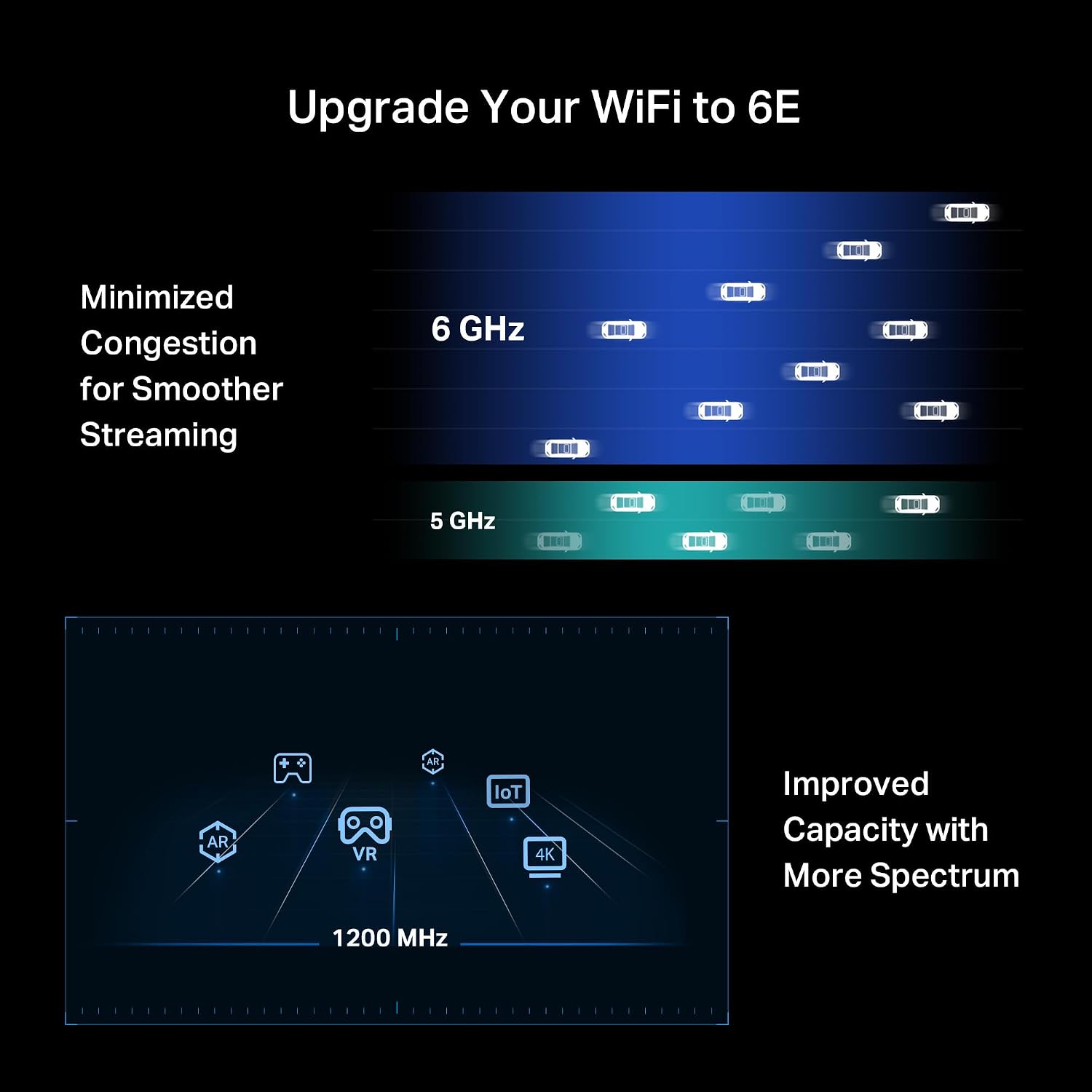
The 6 GHz band is the standout here: it gives a compatible desktop another Wi-Fi band to use, which can help when your network is busy.
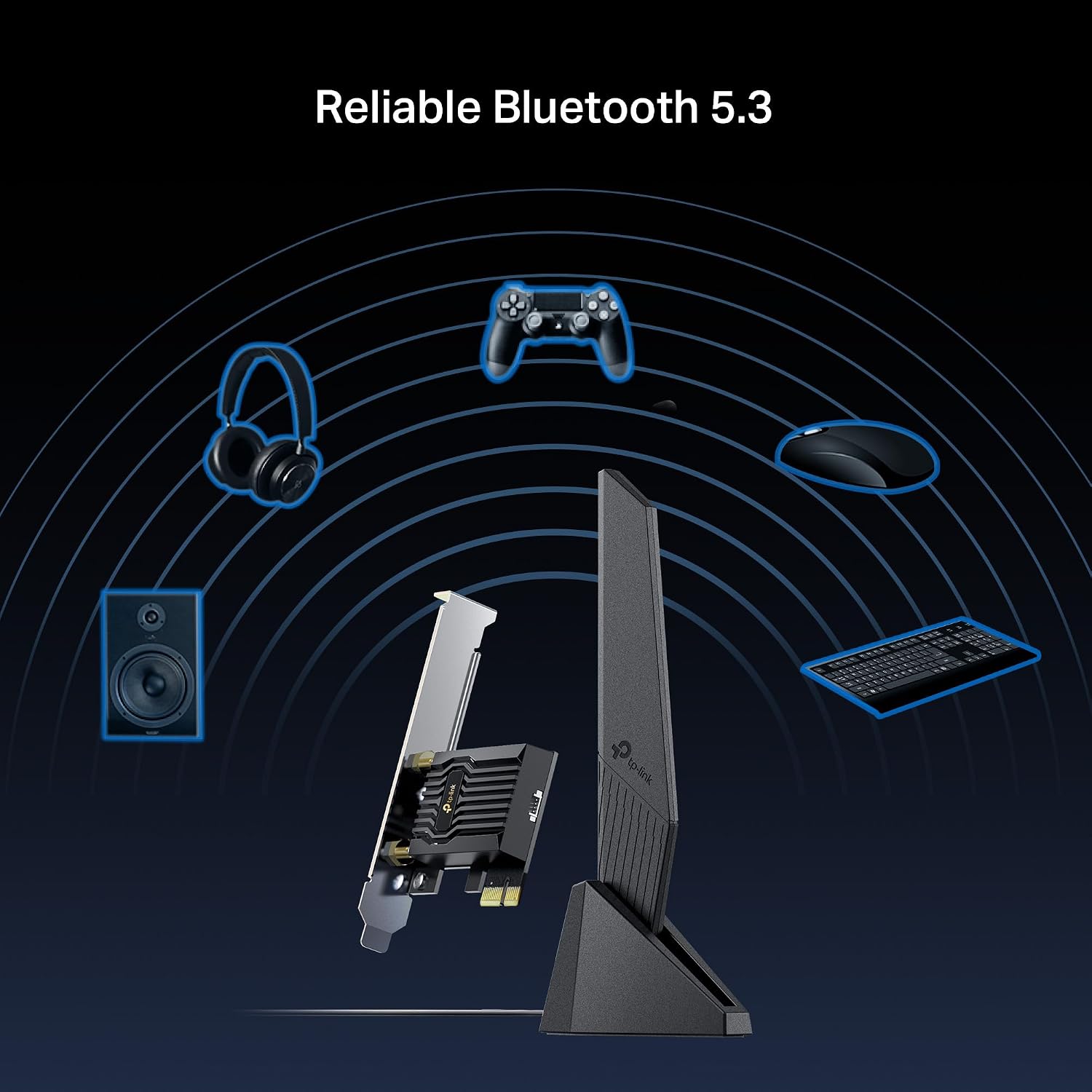
This PCIe card also adds Bluetooth 5.3, so one upgrade can cover wireless networking and nearby accessories.
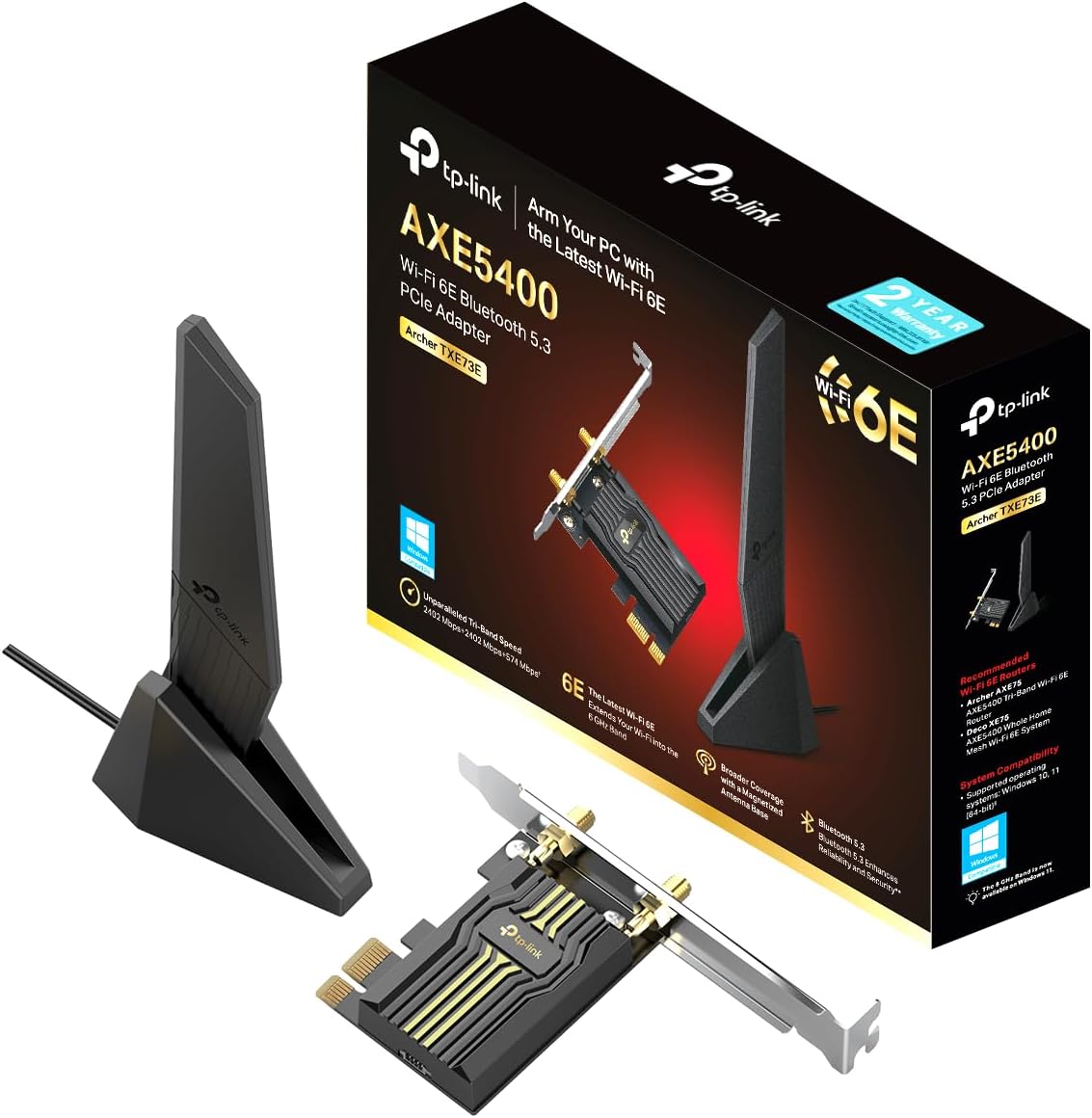
If you prioritize a compact, single-antenna setup, this design may suit your desktop, if you prefer multiple external antennas, look for a card built around that approach instead.
Where it shines
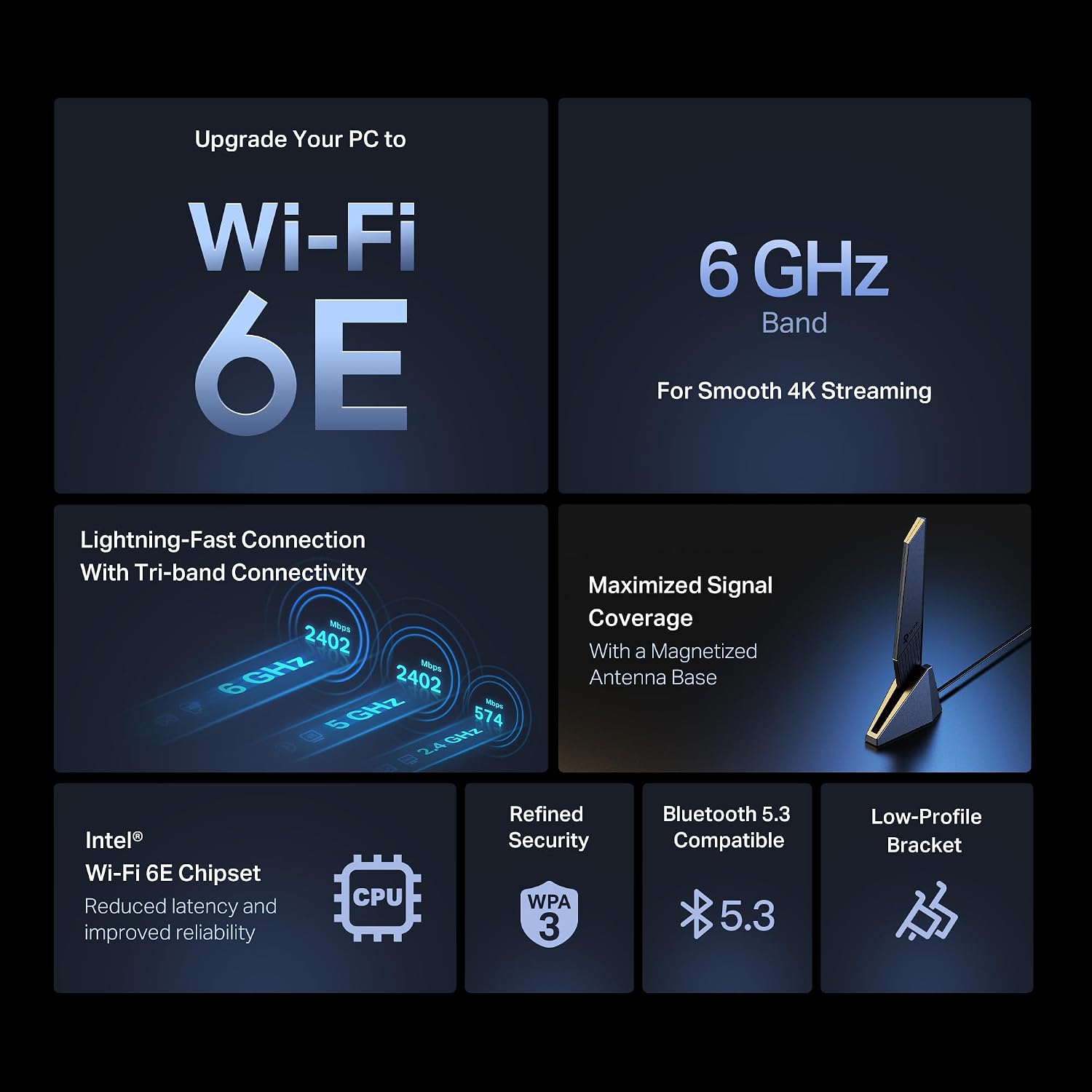
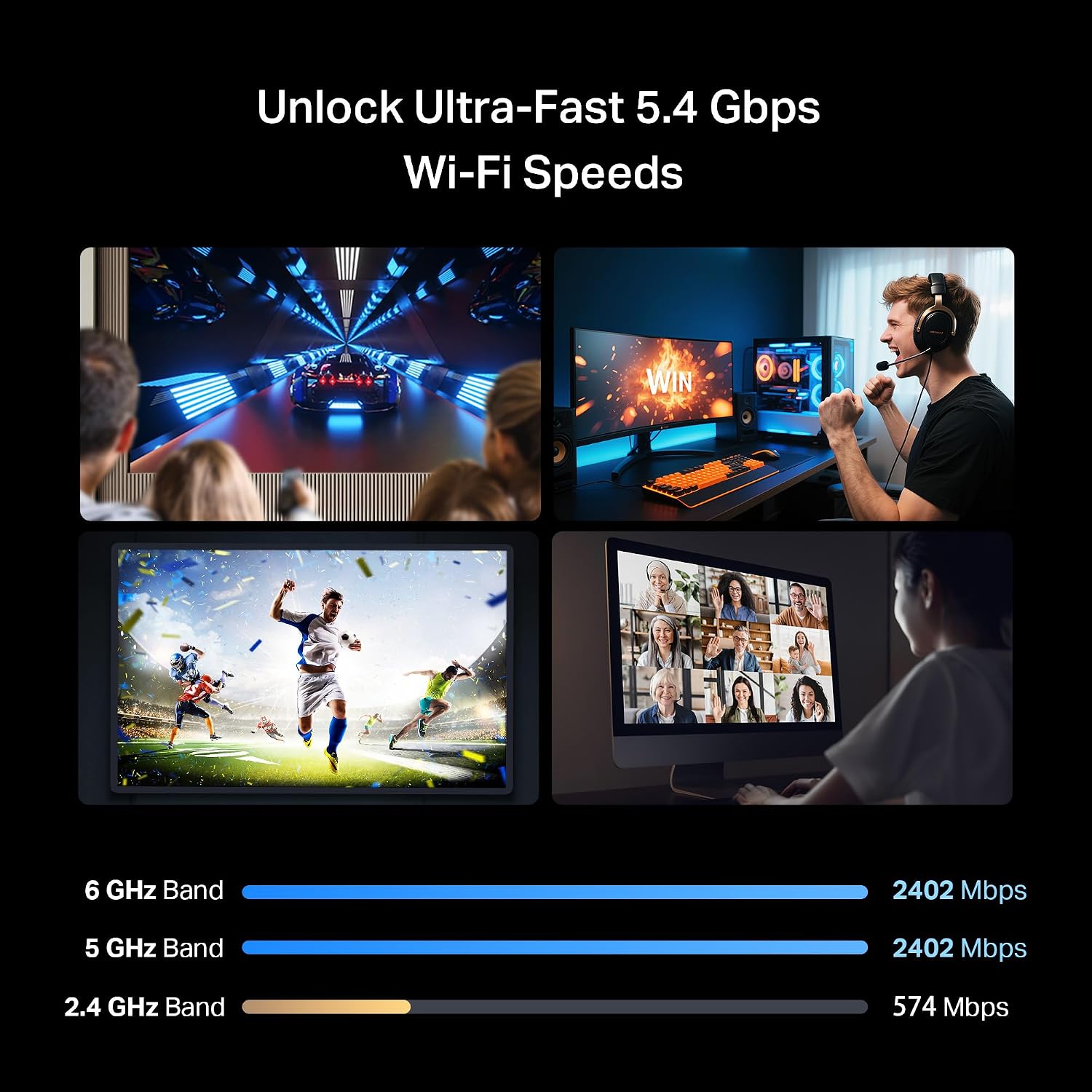
The tri-band design supports 2.4 GHz, 5 GHz, and 6 GHz connections, with advertised wireless speeds of up to 5.4 Gbps. That figure depends on the router and conditions, though, the card cannot exceed the router’s maximum speed, and walls, distance, and network congestion can affect results. To use 6 GHz, you’ll need Windows 11 and a Wi-Fi 6E or newer router. The listing also supports Windows 10 and 11 (64-bit), but its 6 GHz feature has that Windows 11 requirement.
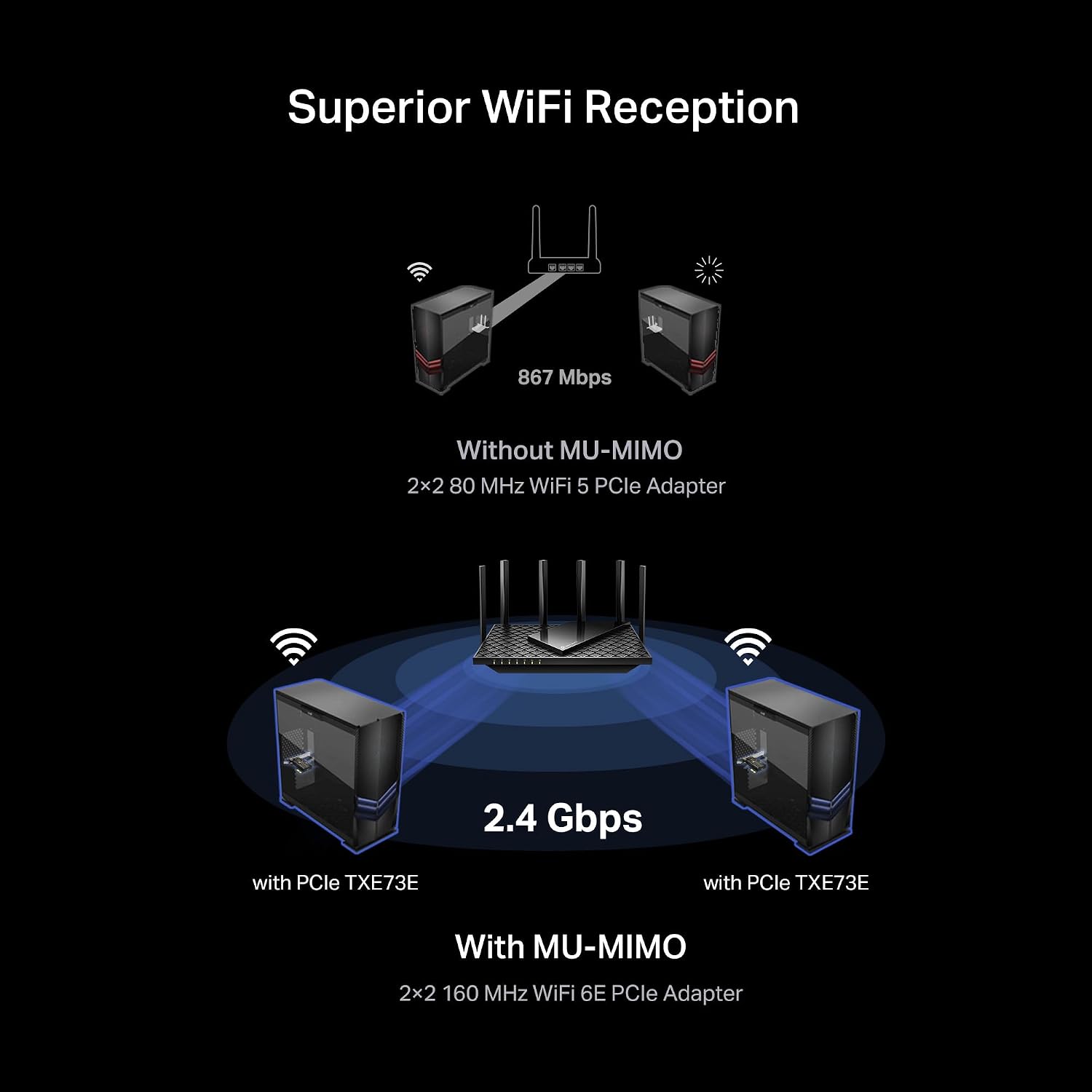
For example, a desktop in a shared home network could use the 6 GHz band for a large download while other devices remain on the router’s other bands. OFDMA and MU-MIMO are intended to help manage traffic on busy networks, which may be useful for gaming or VR, they don’t guarantee lag-free performance. WPA3 support adds a newer wireless security option, provided the router supports it too.
What matters most
The single high-gain antenna keeps the setup compact, and its flexible, magnetized base gives you some freedom to position it around the desktop. That’s useful when the PC sits under a desk or close to other equipment, though a single antenna offers less antenna-placement flexibility than a multi-antenna design. Worth considering if you want to add Wi-Fi 6E and Bluetooth without choosing a larger antenna arrangement.
Bluetooth 5.3 is listed for accessories such as controllers, headsets, and keyboards. The key buying detail is not just the card’s advertised speed: your router, operating system, and placement all affect which features you can actually use. On the spec sheet, the headline speed is a maximum, not a promise of everyday throughput.

Best use cases
This makes the most sense for a desktop that needs wireless connectivity or an upgrade from an older Wi-Fi setup, especially when it will connect to a Wi-Fi 6E router and run Windows 11. It also suits a PC where a tidy antenna arrangement matters and Bluetooth for nearby accessories is useful. Better avoided if you need 6 GHz on Windows 10, don’t have a compatible router, or expect the card alone to improve a weak internet connection. A wired connection or a different network upgrade may be a better fit if your priority is consistent performance rather than adding wireless bands.
Buying verdict
Choose this TP-Link card when you’re upgrading a desktop and can make use of tri-band Wi-Fi, Bluetooth 5.3, or both. The strongest reason to pay attention to its feature set is access to 6 GHz—not a guaranteed speed jump. Before choosing it, make sure your system can use the PCIe card, your router supports the band you want, and you’re comfortable with a single-antenna design. If those pieces line up, it’s a focused way to add modern wireless features, if they don’t, much of what distinguishes it may go unused.