

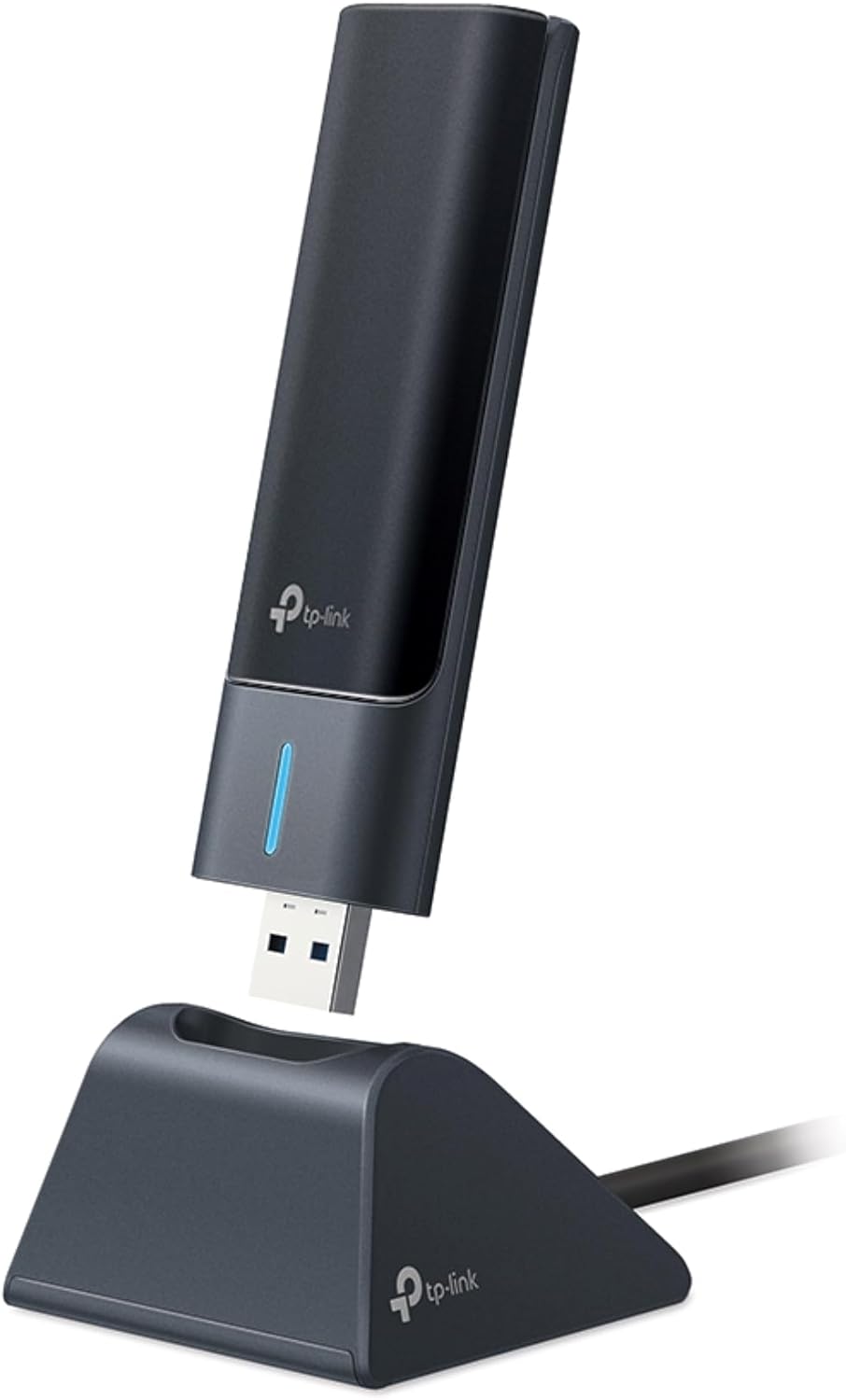
TP-Link USB Wi-Fi Adapter Archer T3U Plus
Product description
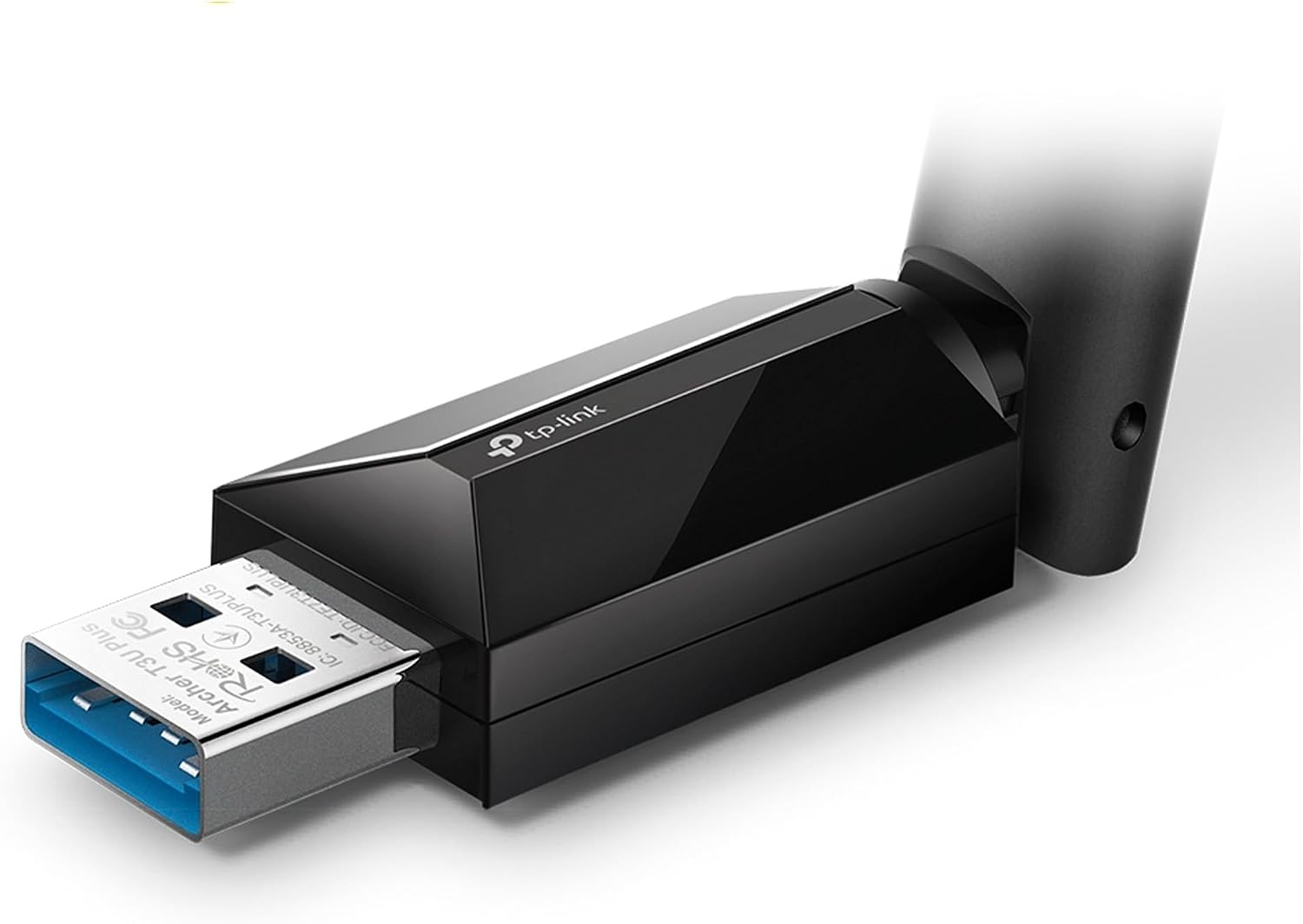
A desktop without built-in Wi-Fi, or one that needs a wireless upgrade, can be awkward to place near a router. The TP-Link Archer T3U Plus adds dual-band wireless through a USB 3.0 connection, with an adjustable external antenna you can point toward the router. It’s a practical alternative to running an Ethernet cable when a wired connection isn’t convenient, though your router and signal conditions still shape the result.
Its listed compatibility covers several Windows versions and macOS releases, which helps narrow down whether it fits your setup.
Key specifications
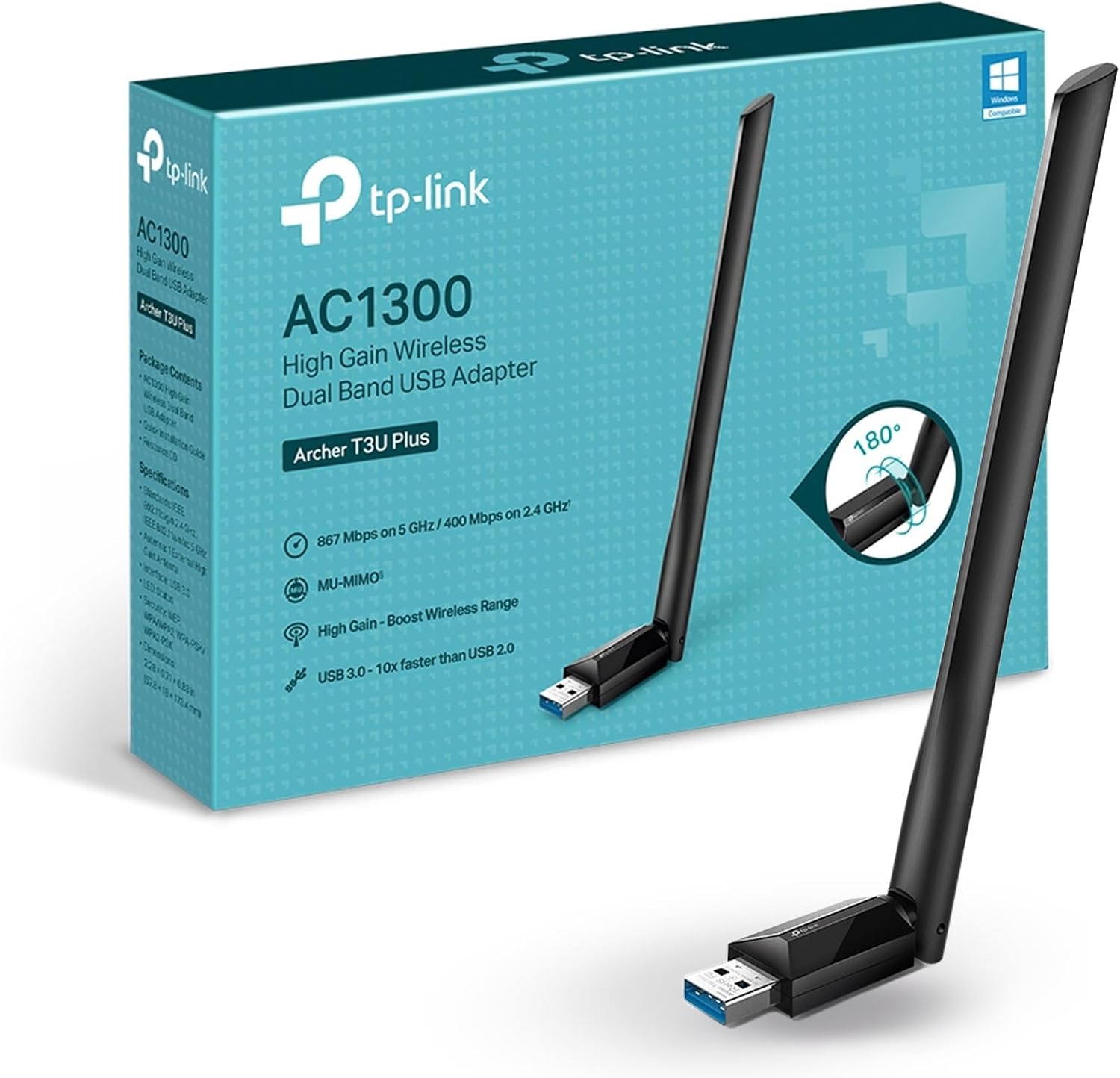
The Archer T3U Plus is an AC1300 dual-band USB Wi-Fi adapter with MU-MIMO and a 5 dBi high-gain antenna. The listed maximum rates are 867 Mbps on 5 GHz and 400 Mbps on 2.4 GHz. Those figures describe the adapter’s wireless capability, not a guaranteed internet speed: the product information says actual speeds cannot exceed the router’s maximum. Your network and connection conditions matter too.
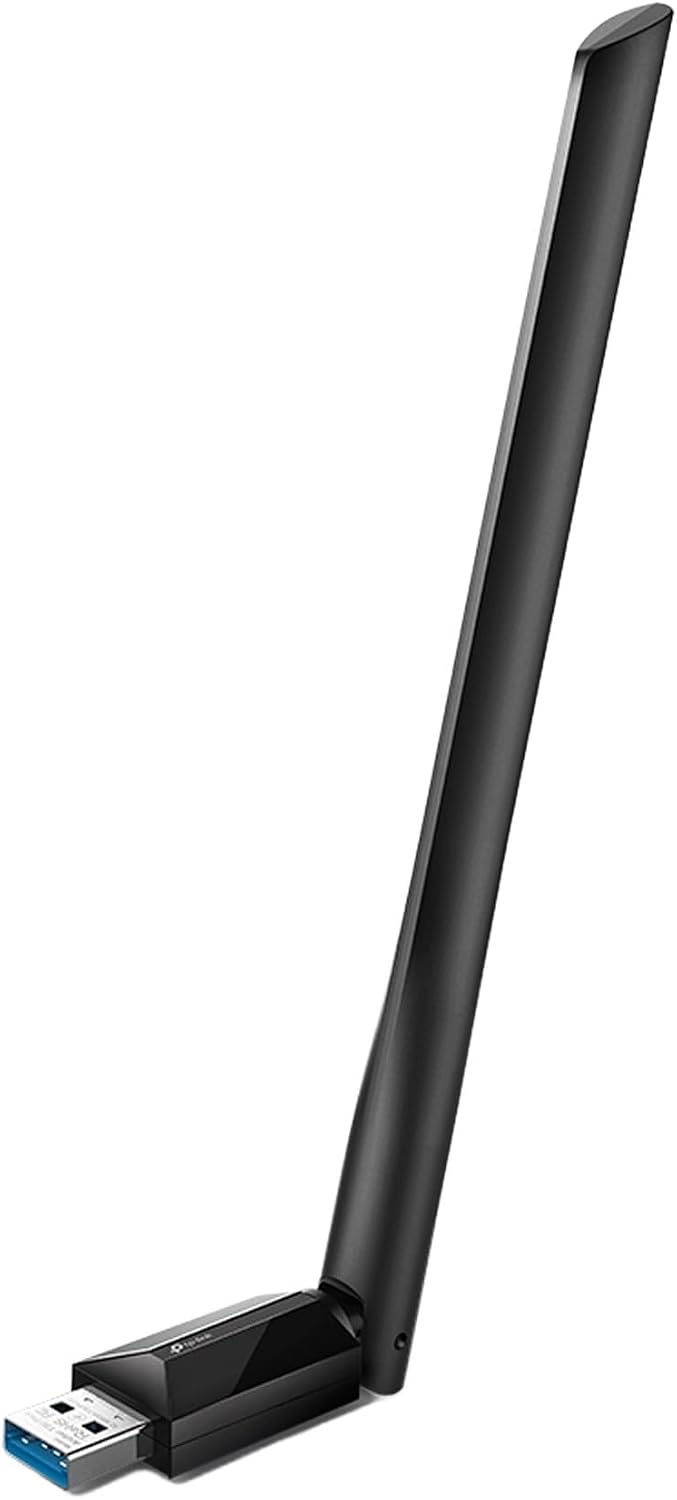
The two bands offer a choice between 5 GHz and 2.4 GHz, while the antenna can rotate in different directions to face the router. That gives you some flexibility if the desktop sits under a desk or beside a wall. The connection is USB 3.0, so check that your computer has a suitable port available. Supported systems listed are Windows 11, 10, 8.1, 8, 7, and XP, plus macOS 10.9–10.15.
Who it’s for
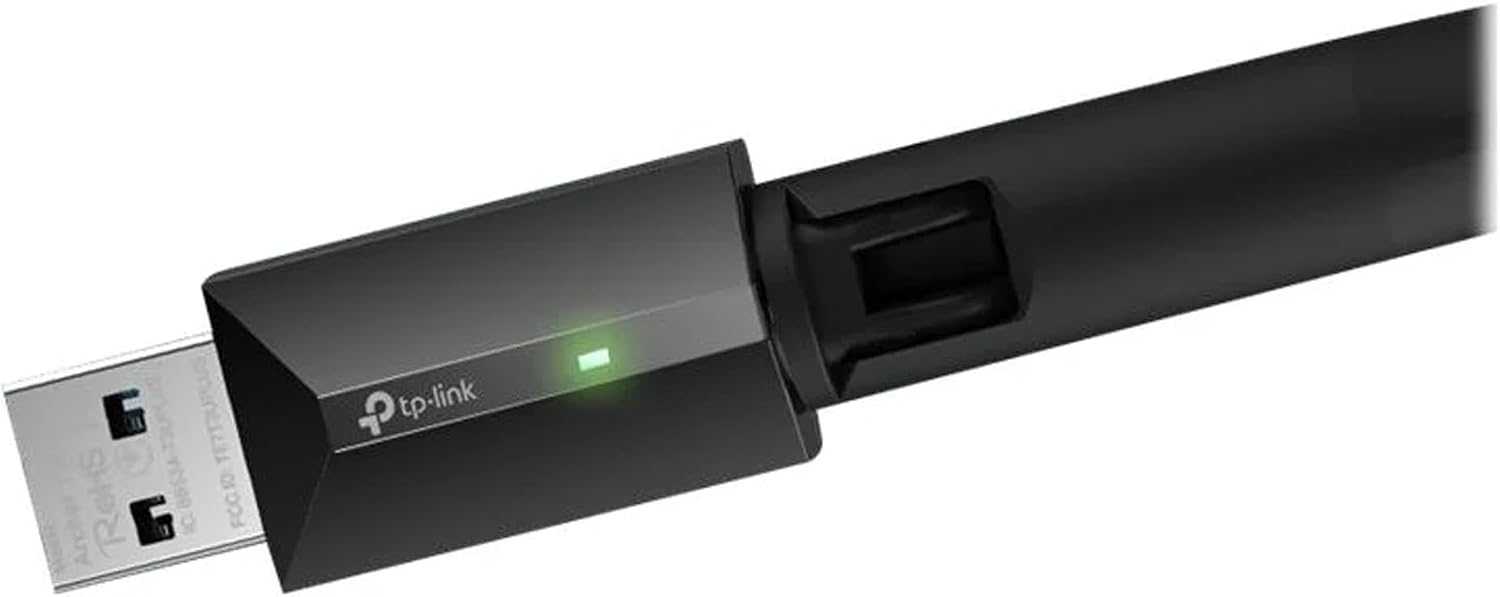
This is aimed at desktop users who need to add Wi-Fi or replace an existing wireless connection without installing a separate internal card. It may also suit a computer that has a weak or inconveniently positioned wireless connection, since the external antenna can be adjusted toward the router. For example, if your PC sits under a desk, you can angle the antenna toward the room rather than leaving it pointed at the floor.
It makes sense if you want a USB-based setup and your operating system appears on the compatibility list. Not the best choice if you need a wired connection, use an unlisted operating system, or require a specific physical fit: dimensions aren’t provided, so a tight placement means choosing without that measurement.
Everyday use
The product description says the adapter uses a user-friendly interface for setup, but it doesn’t specify what comes in the box or give step-by-step installation details. MU-MIMO is intended to improve network throughput and efficiency, the benefit depends on the rest of your network, so it shouldn’t be treated as a guaranteed speed boost for every computer.
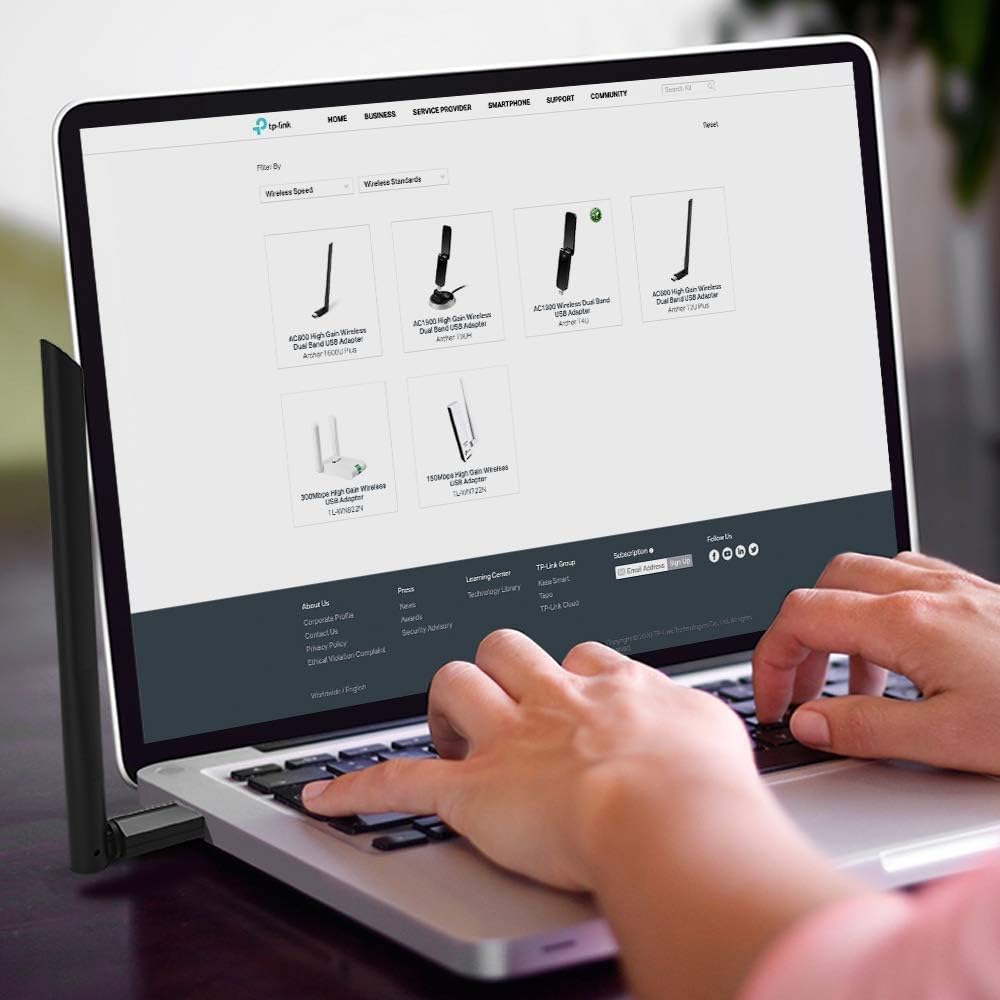
Compared with a basic USB adapter that has no external antenna listed, this model gives you a directional adjustment option and dual-band access. That extra flexibility is useful when placement is part of the problem, but it won’t overcome a router’s speed limit or make a poor wireless signal disappear in every room.
Questions before you buy
Will it make my internet faster? It can add or upgrade Wi-Fi, but the listed rates are adapter maximums. The product information states that actual speeds cannot exceed the connecting router’s maximum.
Can I use either Wi-Fi band? Yes. The listed bands are 2.4 GHz and 5 GHz, with maximum rates of 400 Mbps and 867 Mbps, respectively.
Which operating systems are listed? Windows 11, 10, 8.1, 8, 7, and XP, as well as macOS 10.9–10.15. Other versions aren’t specified.
When it makes sense
Choose the Archer T3U Plus if your desktop needs Wi-Fi, you have a USB 3.0 port, and you want dual-band access plus an antenna you can reposition. Look elsewhere if your setup calls for a wired link, an unlisted operating system, or confirmed physical dimensions before purchase. Its strongest case is straightforward: add wireless connectivity to a compatible desktop and gain some control over antenna direction, while keeping expectations tied to the router and network you already have.