

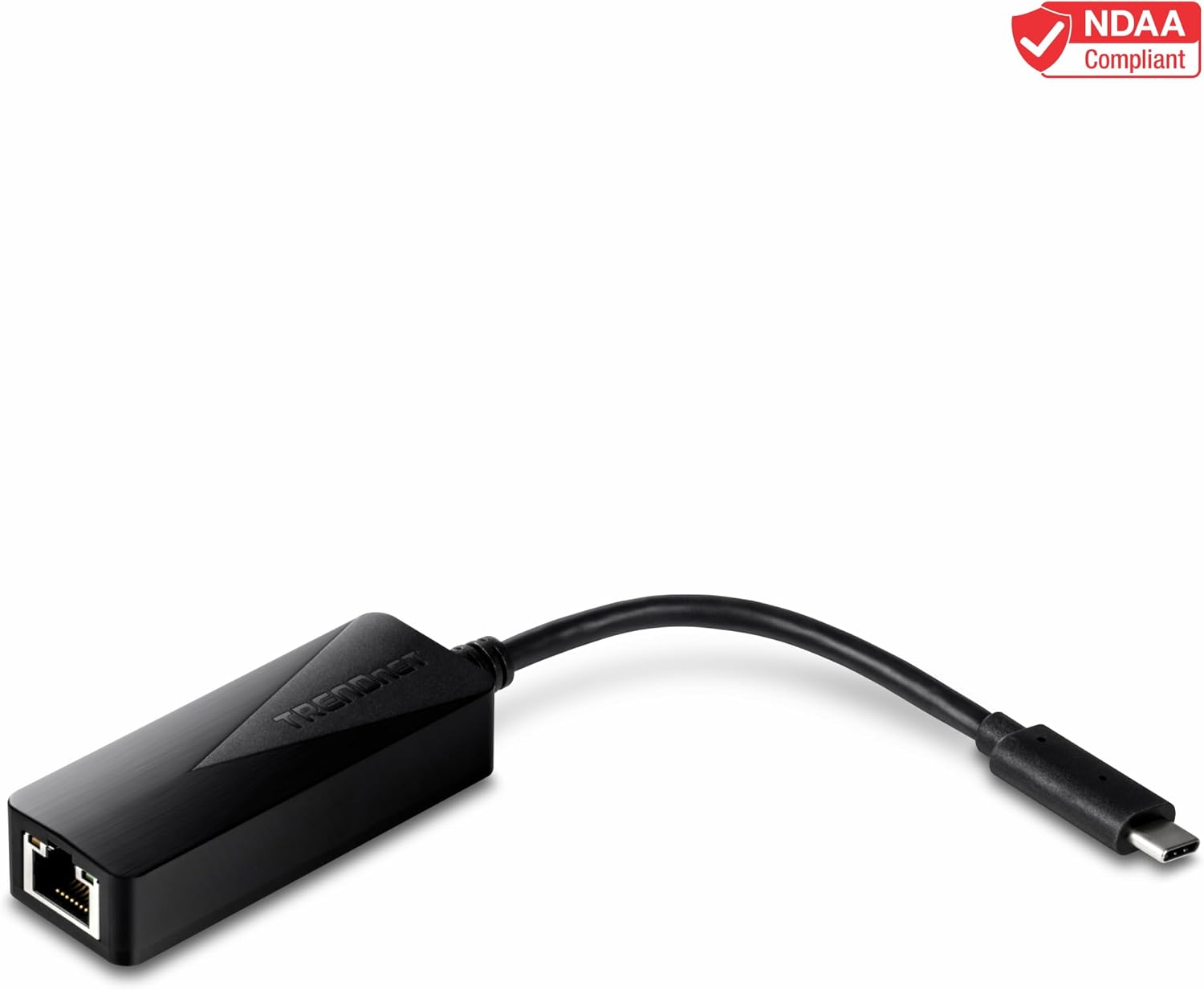
TRENDnet TUC-ETG USB-C to Gigabit Ethernet Adapter (Windows, Mac, Nintendo Switch) — USB-C to 1 Gbps wired LAN
Product description
What it is
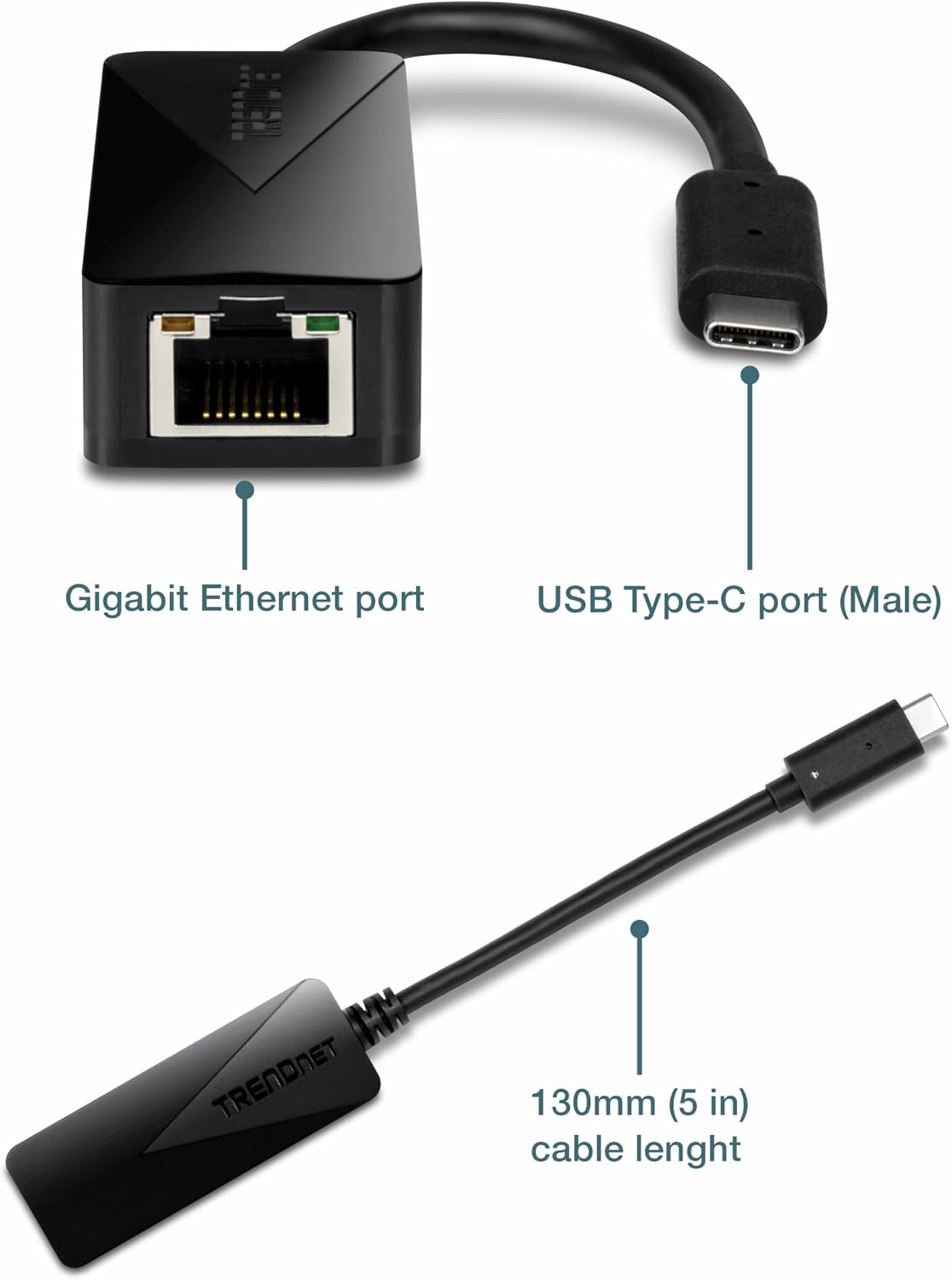
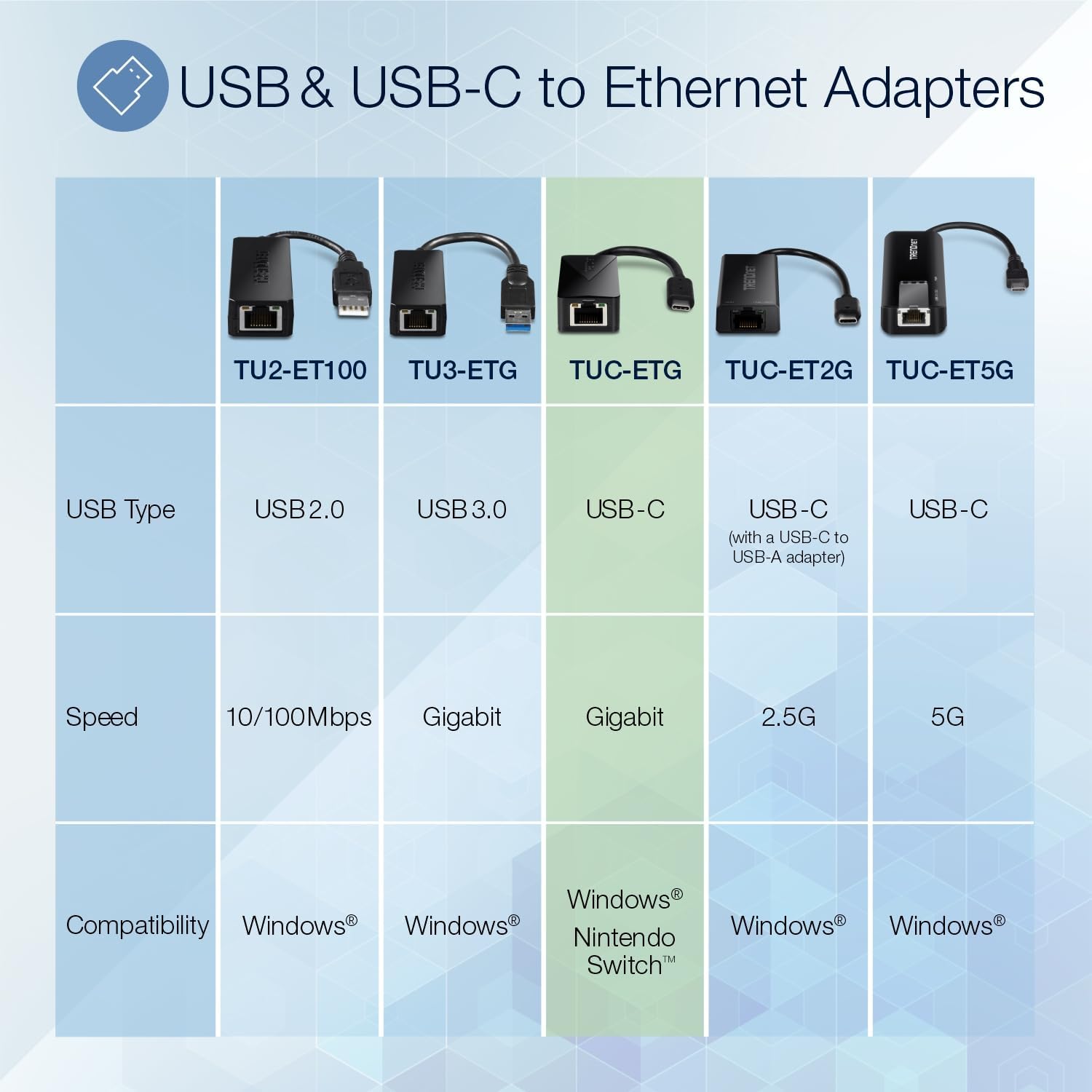
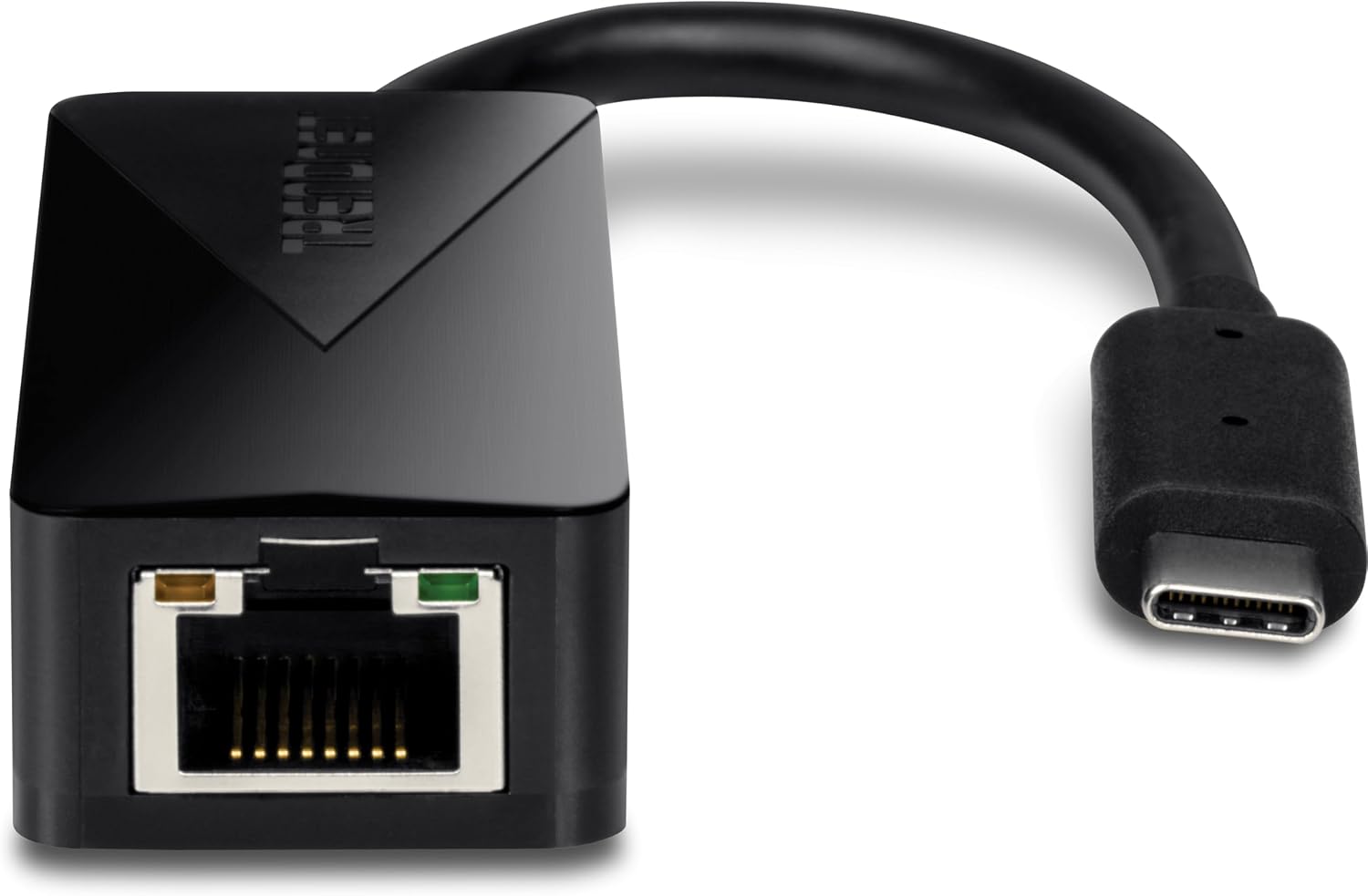
The TRENDnet TUC-ETG is a compact USB-C to Gigabit Ethernet adapter that adds a wired network port to devices lacking one or needing a docked connection. It’s designed for Windows, macOS, and Nintendo Switch, promising simple plug‑and‑play setup with a single USB-C interface and a single Gigabit Ethernet port.
How it works
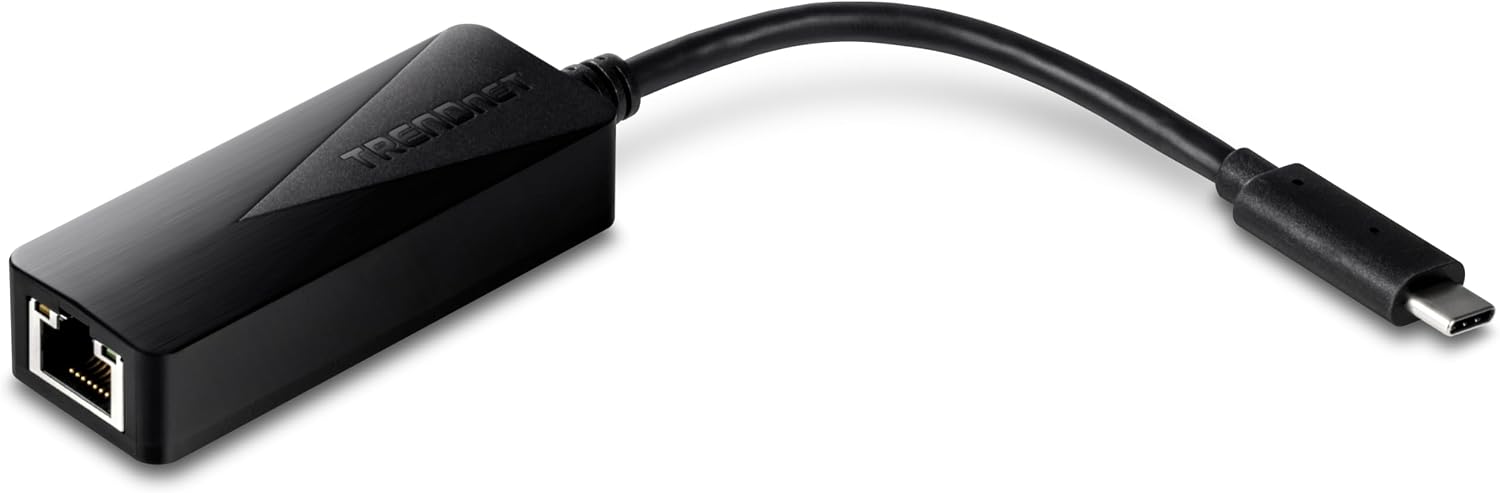
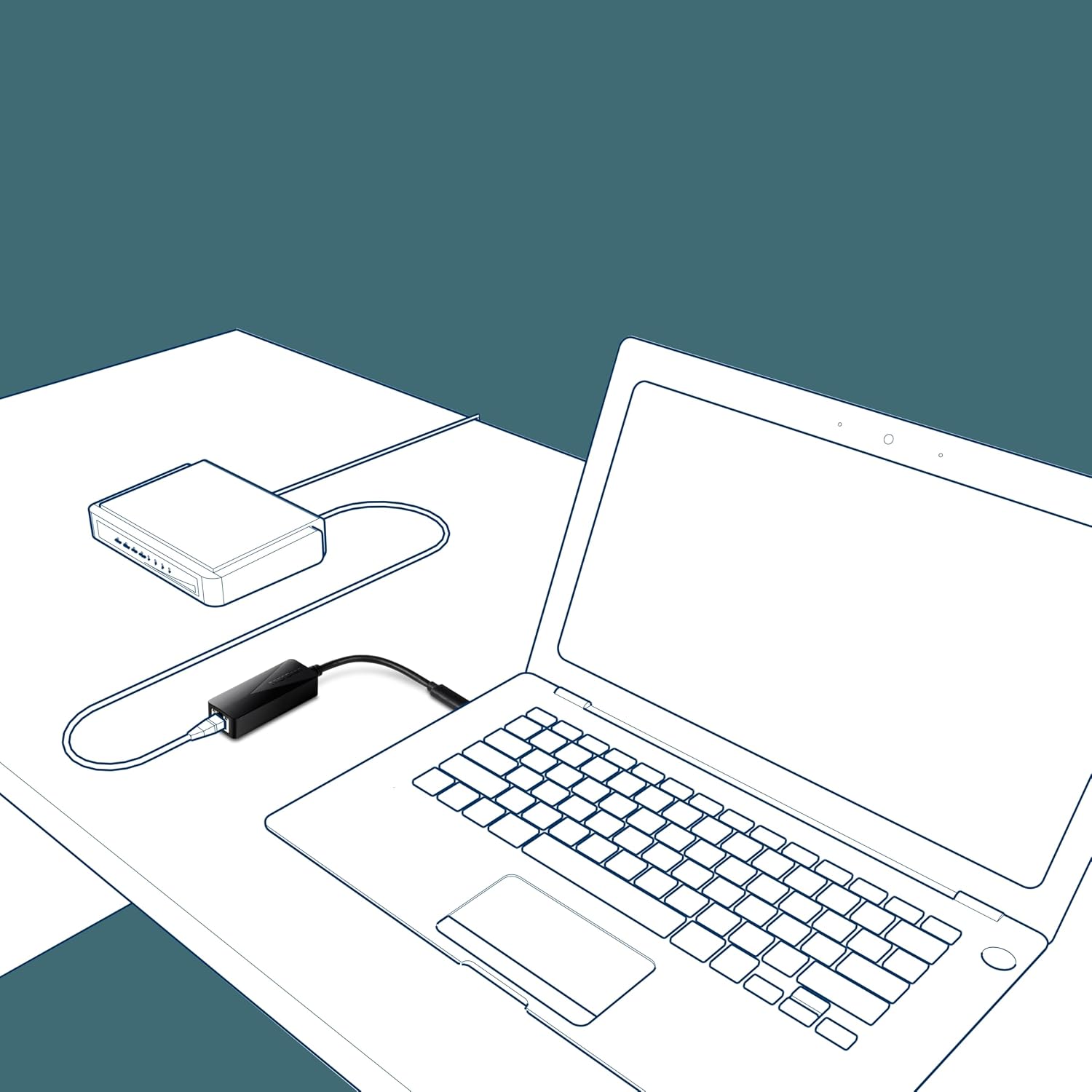
Plug the USB-C end into your computer, gaming console, or other USB‑C device, and connect a network cable to the RJ-45 port. It enables wired Ethernet speeds up to 1 Gbps in Full Duplex scenarios, leveraging existing cabling for more stable, lower-latency connections compared to wireless alternatives. The adapter is NDAA compliant, which can matter for government or regulated environments, and TRENDnet backs it with a two‑year manufacturer protection plan and English-speaking tech support.
What stands out on paper
On paper, this adapter offers a straightforward way to add wired networking to devices that either lack Ethernet or would benefit from a dedicated connection. It’s a single-port solution with a compact form factor, suitable for travel or desk setups where a compact dongle is preferred. The advertised USB 3.1 Type-C interface supports modern devices, and the product claims compatibility across Windows, Mac, and Nintendo Switch.
Real-world limitations to consider
While Gigabit Ethernet is standard for many homes and offices, the actual speeds you experience depend on the network, cables, and hardware on your end. The base description also mentions a max data rate of 2Gbps in Full Duplex, which can seem inconsistent with the 1Gbps Ethernet port, if you prioritize peak throughput, you’ll want to manage expectations around that claim and focus on typical Gigabit performance. Also, not all USB-C hubs or docks provide full functionality of this adapter, so test in your setup before relying on it for critical work.
Who it’s for
This adapter makes sense if you: need a reliable wired connection for a laptop, MacBook, or desktop with only USB-C, want to connect a Nintendo Switch to a stable network for online gaming, or require a compact solution for travel setups. It’s especially useful when you want a simple, portable way to switch from Wi‑Fi to wired without opening a PC’s internals or investing in a larger Ethernet adapter.
Who it isn’t the best for
If you’re chasing multi‑port hubs, higher‑speed networking beyond 1Gbps, or Ethernet features like PXE boot, this model may fall short. For users who expect consistent 2Gbps+ speeds, or those needing advanced Ethernet features, a different approach or a more feature-rich NIC might be preferable. Also, if your device isn’t USB‑C or doesn’t support USB 3.1, compatibility could be limited in edge cases.
When it makes sense to buy
- You want a tiny, low‑friction way to add wired Ethernet to a USB‑C device.
- You’re using a Nintendo Switch or a Mac/Windows laptop that benefits from a stable wired connection.
- NDAA compliance is a factor for your procurement or workflow.
What to review before buying
- Confirm your device supports USB‑C with full USB‑C Ethernet adapter functionality.
- Check your cable quality and network path to ensure you’re getting close to 1 Gbps where possible.
- Consider the two‑year TRENDnet protection and whether you’ll value the included support promise.
Practical usage note
Imagine a scenario where your wireless signal is flaky in a living room—plug in this tiny dongle, run a CAT5e/6 cable to your router, and you’re suddenly streaming or gaming with far fewer hiccups. It’s not a cure-all, if your local network is already saturated, wired speeds won’t magically exceed what the network can deliver.
What you’ll notice in everyday use
If you prioritize stability over wireless convenience, you’ll notice fewer dropouts and lower latency in online gaming or video calls. For casual browsing or light streaming, the difference may be subtler, but the wired path tends to be more predictable under load.
FAQ (brief)
- Is it compatible with Nintendo Switch? Yes, it supports Nintendo Switch via USB-C.
- What speed can I expect? Up to 1 Gbps in typical wired scenarios, performance depends on network and cabling.
- How long is the warranty? Two years of TRENDnet Manufacturer Protection.
Is it worth it?
This is a solid pick if you need a compact, plug‑and‑play USB-C to Gigabit Ethernet adapter for everyday use on Windows, Mac, or Nintendo Switch, especially when NDAA compliance and support are meaningful to you. It may not be the best choice if you require multi‑port, higher‑speed, or feature‑rich networking in a single device, or if your network routinely pushes beyond 1 Gbps.