

TP-Link Ethernet Adapter UE310C
Product description
Technical details
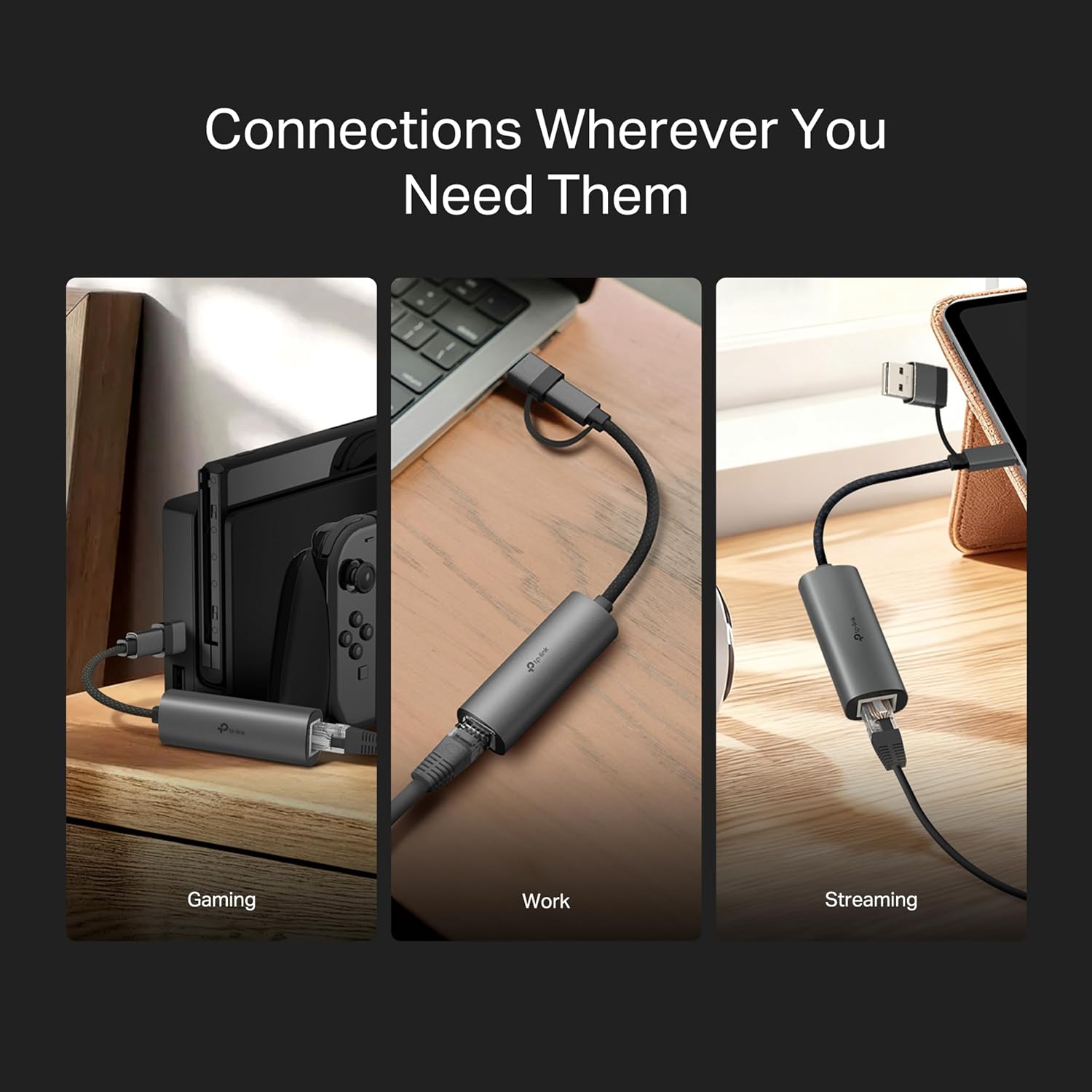
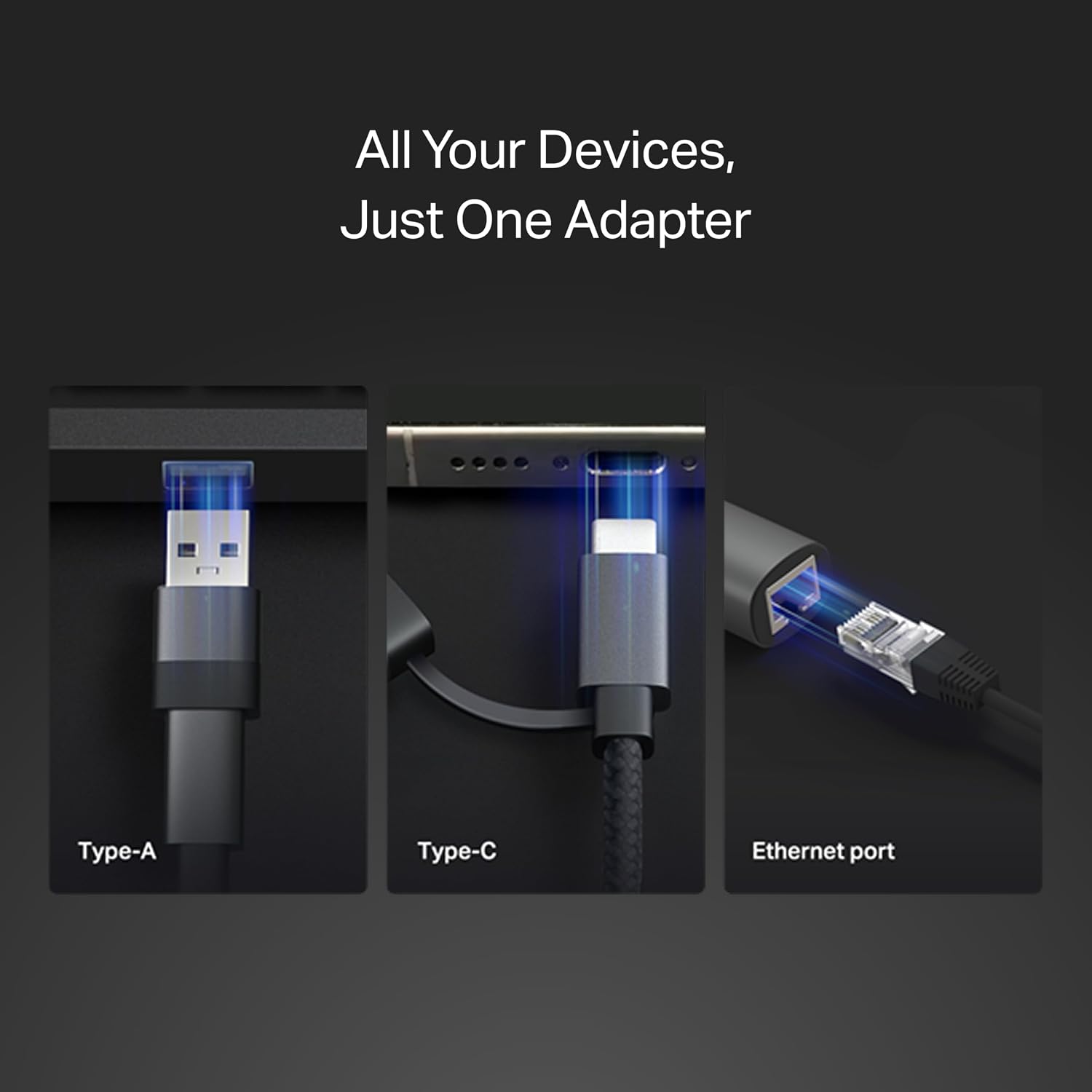
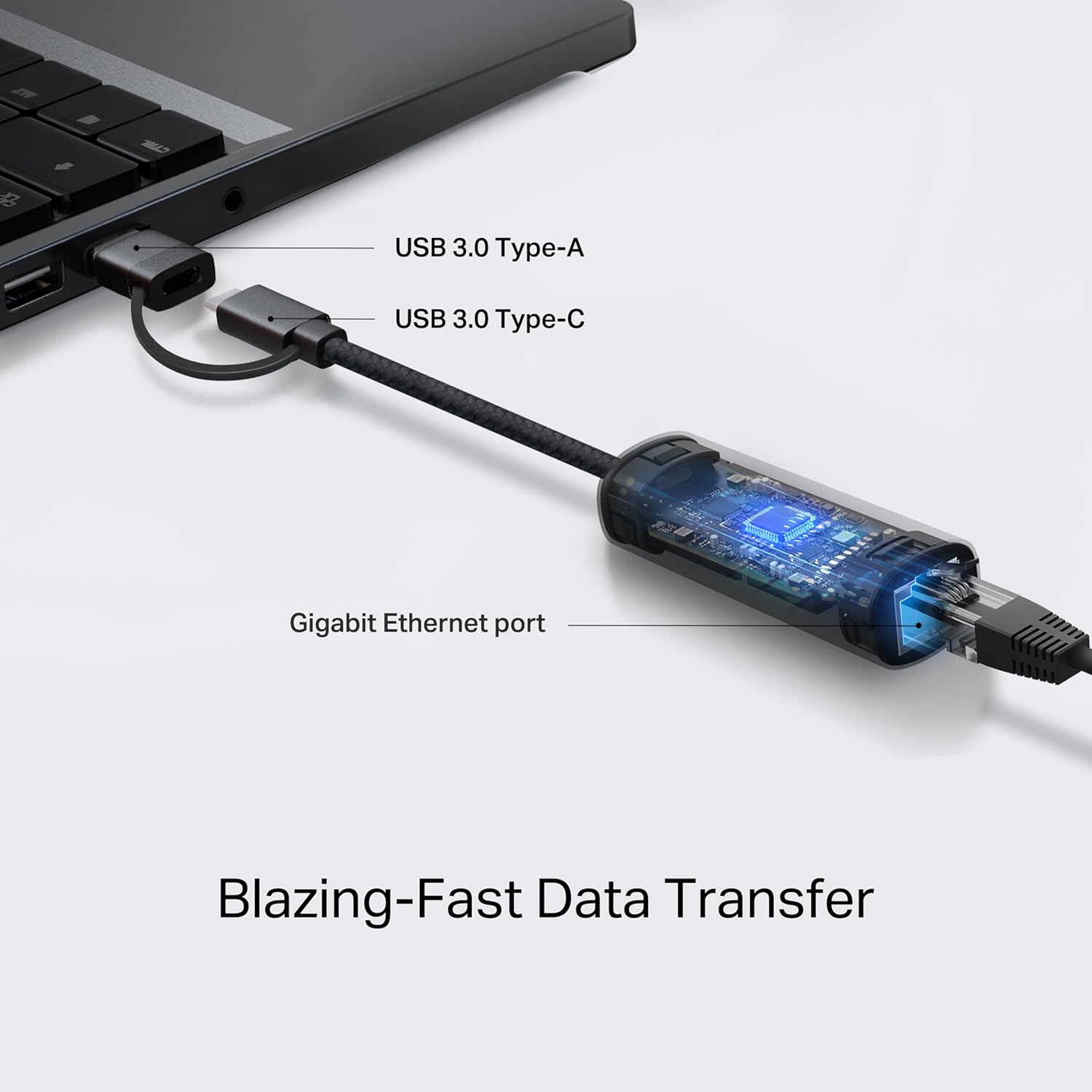
When a laptop’s Wi-Fi is unreliable or you need a wired connection at a desk, the TP-Link UE310C adds an RJ45 Ethernet port through USB. Its 2-in-1 design supports USB-C and USB-A, so it can suit newer laptops as well as devices with a USB 3.0 port. The adapter supports Gigabit Ethernet up to 1000 Mbps, though actual speeds depend on the network and connected devices. Its aluminum case keeps the design compact, but the connection still depends on having an available compatible port and wired network access.
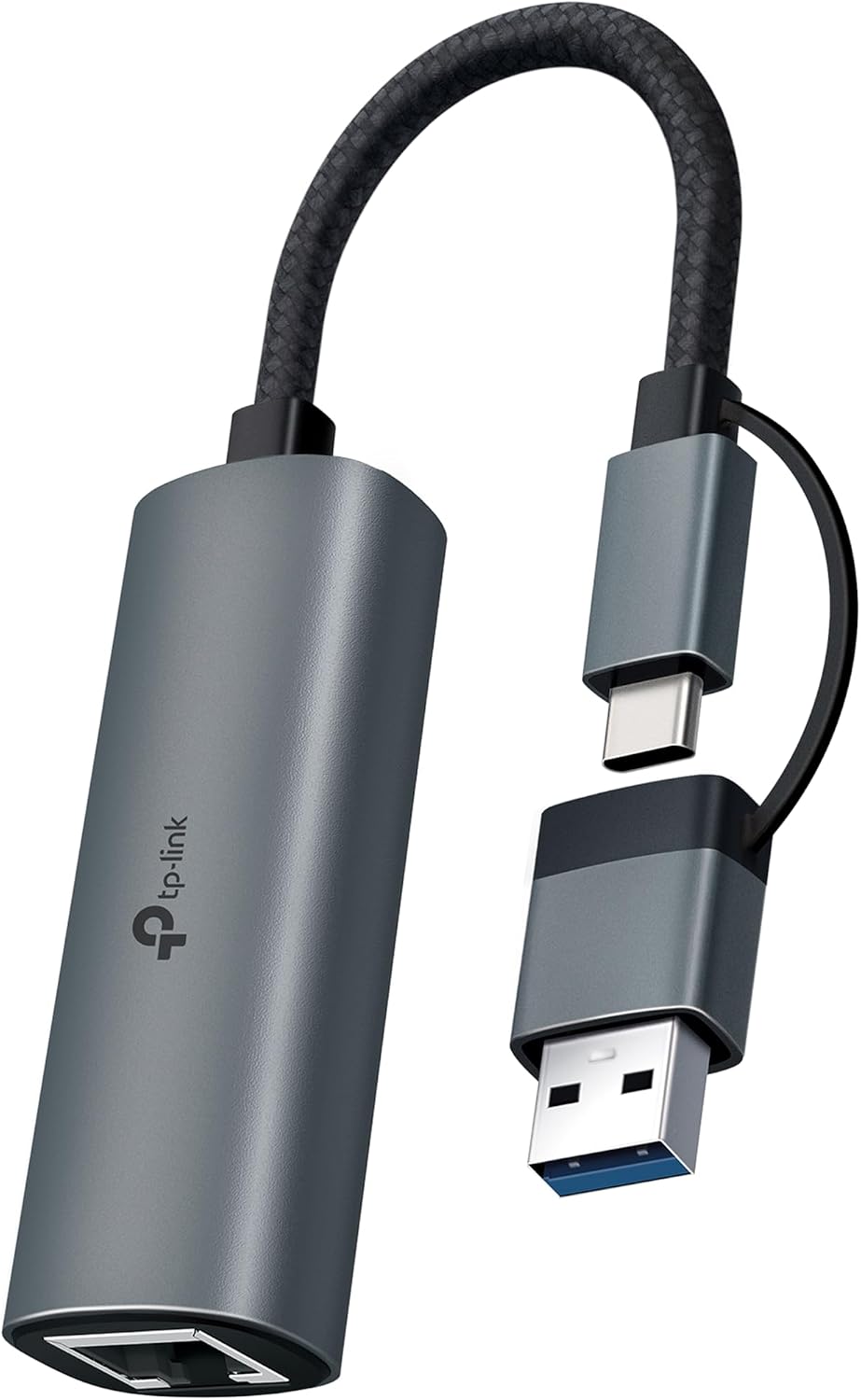
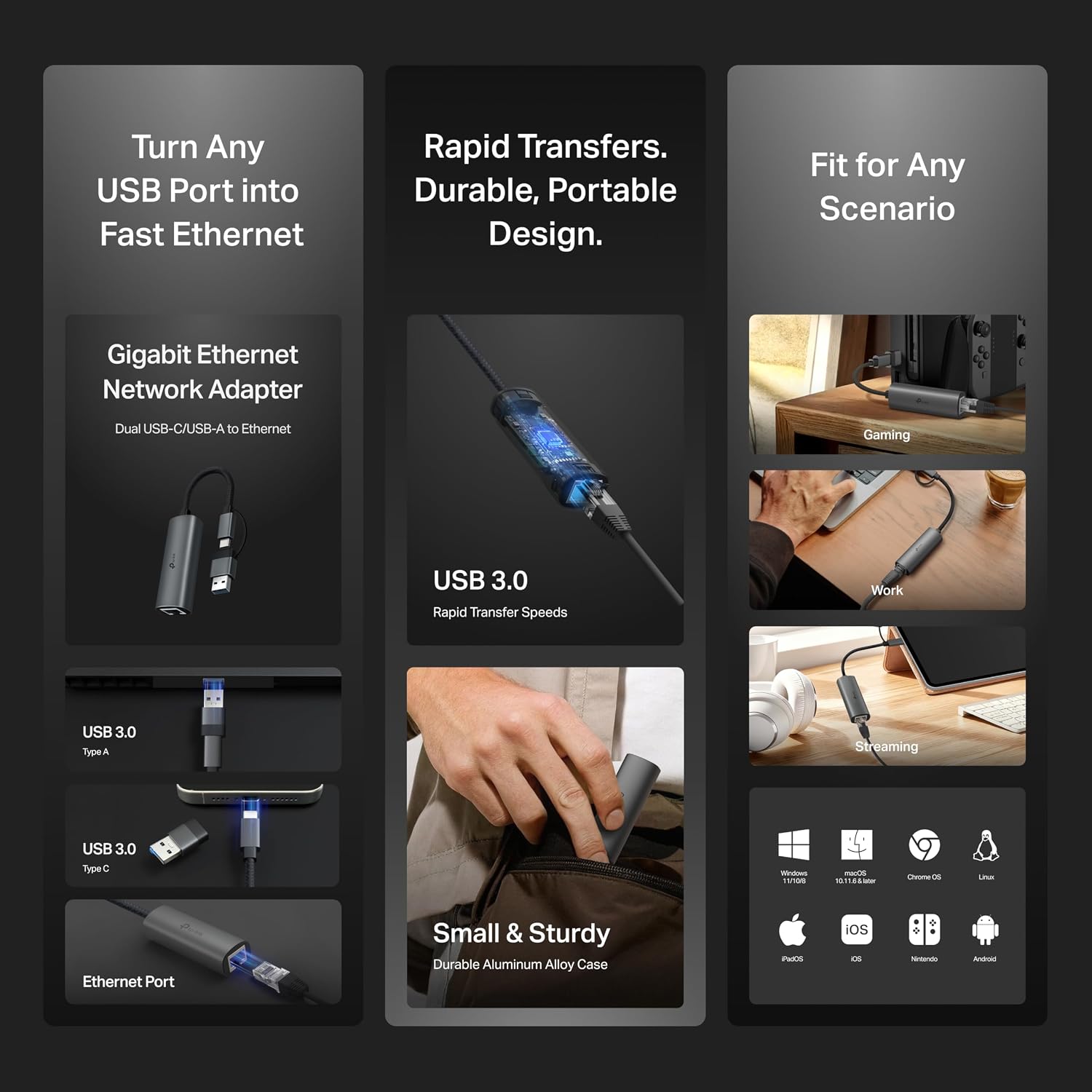
The key details are straightforward: USB 3.0 interface, RJ45 Gigabit LAN, and a housing made from aluminum alloy. The product is listed as compatible with Thunderbolt 3 and 4, alongside a range of operating systems and devices. That broad compatibility is useful for a shared adapter, but it does not guarantee identical setup on every device or OS version.
Requirements
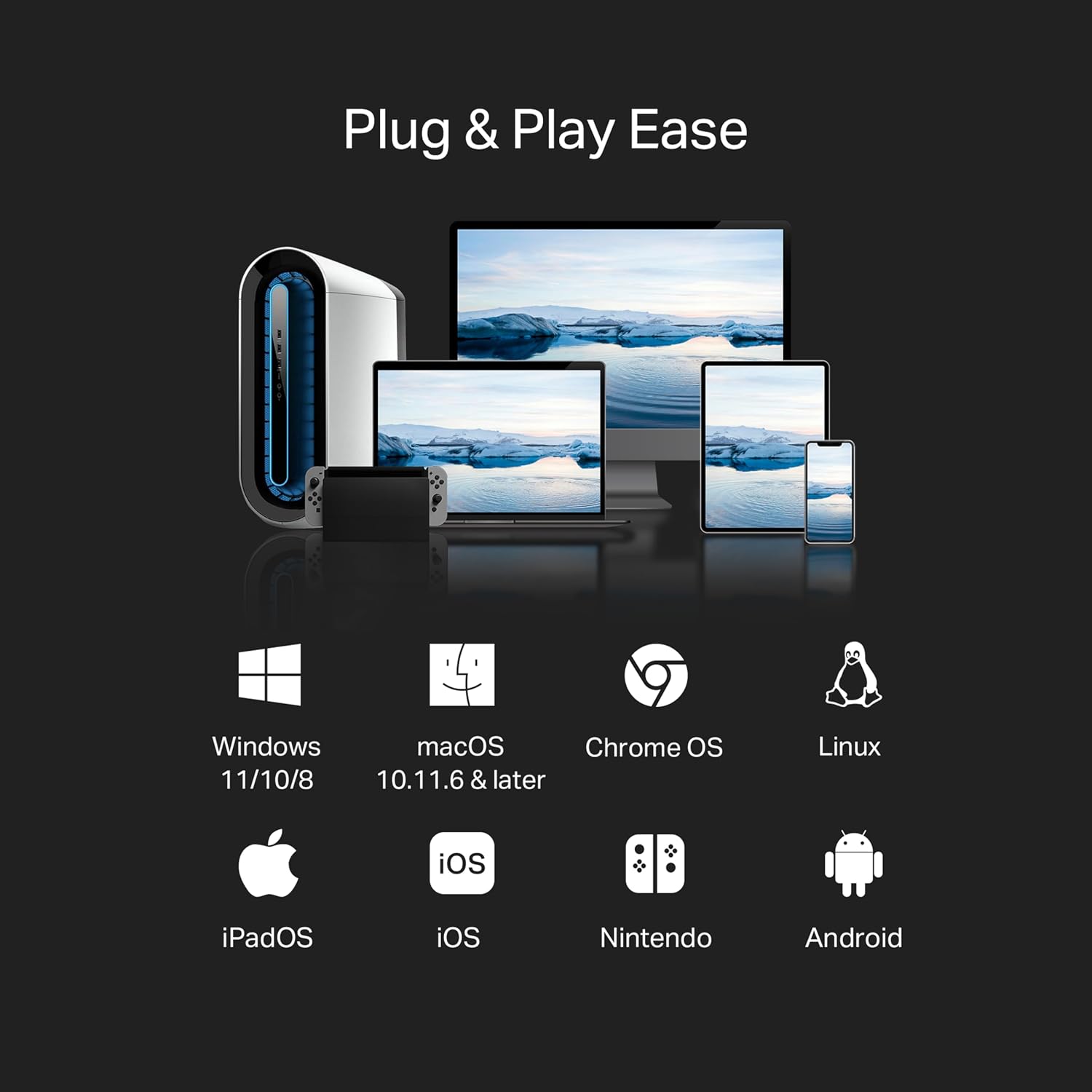
You’ll need a compatible USB-A or USB-C connection and access to an Ethernet cable and network. The listing names Windows, macOS, Chrome OS, Linux, iPadOS, iOS, Android, and Nintendo systems, it also notes that older versions may require a driver download and installation. The plug-and-play claim therefore has a practical caveat: setup may not be automatic on every older system.
From the way it is set up, the adapter makes most sense where a wired network is available and a device needs an Ethernet port. It suits you if you move between a USB-C laptop and a USB-A computer and want one small adapter for both. You may want to skip it if you need a wireless solution or cannot confirm that your particular device and OS version support the adapter.
Usage tips
For a video call in a hotel room, for example, connect the adapter to your laptop, attach the room’s Ethernet cable, and use the wired network instead of relying on variable Wi-Fi. It can also be useful at a home desk for downloads or streaming when you prefer a cable connection. Gigabit support describes the adapter’s maximum network capability, not a guaranteed internet speed, the router, service, network conditions, and connected device all affect the result.
Choose the USB-A or USB-C connection that matches your device, then check whether your OS needs a driver if the adapter is not recognized. Compared with buying a basic USB-to-Ethernet adapter limited to one connector, this dual-interface design offers more flexibility across devices. A more demanding setup may call for checking the network and device specifications too, since the adapter alone cannot improve a slower connection.

Practical doubts
Does it support Gigabit Ethernet? Yes. The RJ45 port supports speeds up to 1000 Mbps, with actual performance dependent on the network and connected devices.
Can it connect through either USB-A or USB-C? Yes. Its 2-in-1 design is intended to support both connection types, and the listing also states Thunderbolt 3 and 4 compatibility.
Will it always work without installing a driver? Not necessarily. It is described as plug and play, but the listing says older OS versions may require a driver download and installation.
Is it worth it?
The UE310C is a practical fit if you want wired Ethernet on compatible devices and value having both USB-A and USB-C connections in one compact adapter. The aluminum case and Gigabit support make sense for desk use or travel where a cable is available. Its main limitation is that compatibility and real-world speed depend on the host device, operating system, and network, so it is less compelling if you need guaranteed performance across an unspecified device setup.