

D-Link AC1300 USB WiFi Adapter 2.4/5GHz 📡
Product description
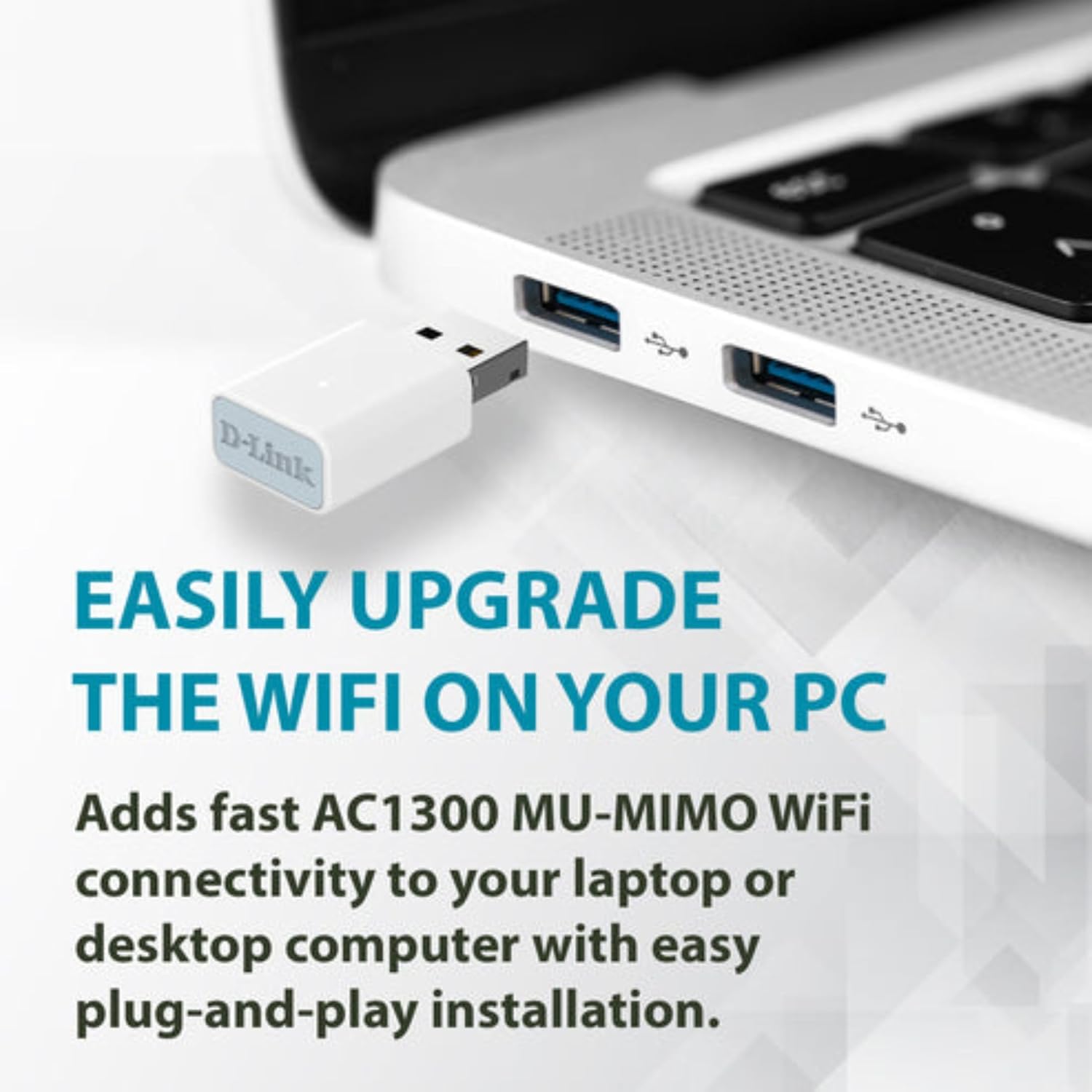
This compact USB Wi-Fi adapter brings AC1300 speeds to a laptop or desktop, improving streaming, gaming, and video calls with reduced lag and more consistent connections. Its travel-friendly size fits easily in a bag or pocket, making it simple to add dual-band wireless to devices that need an upgrade.
Key Points
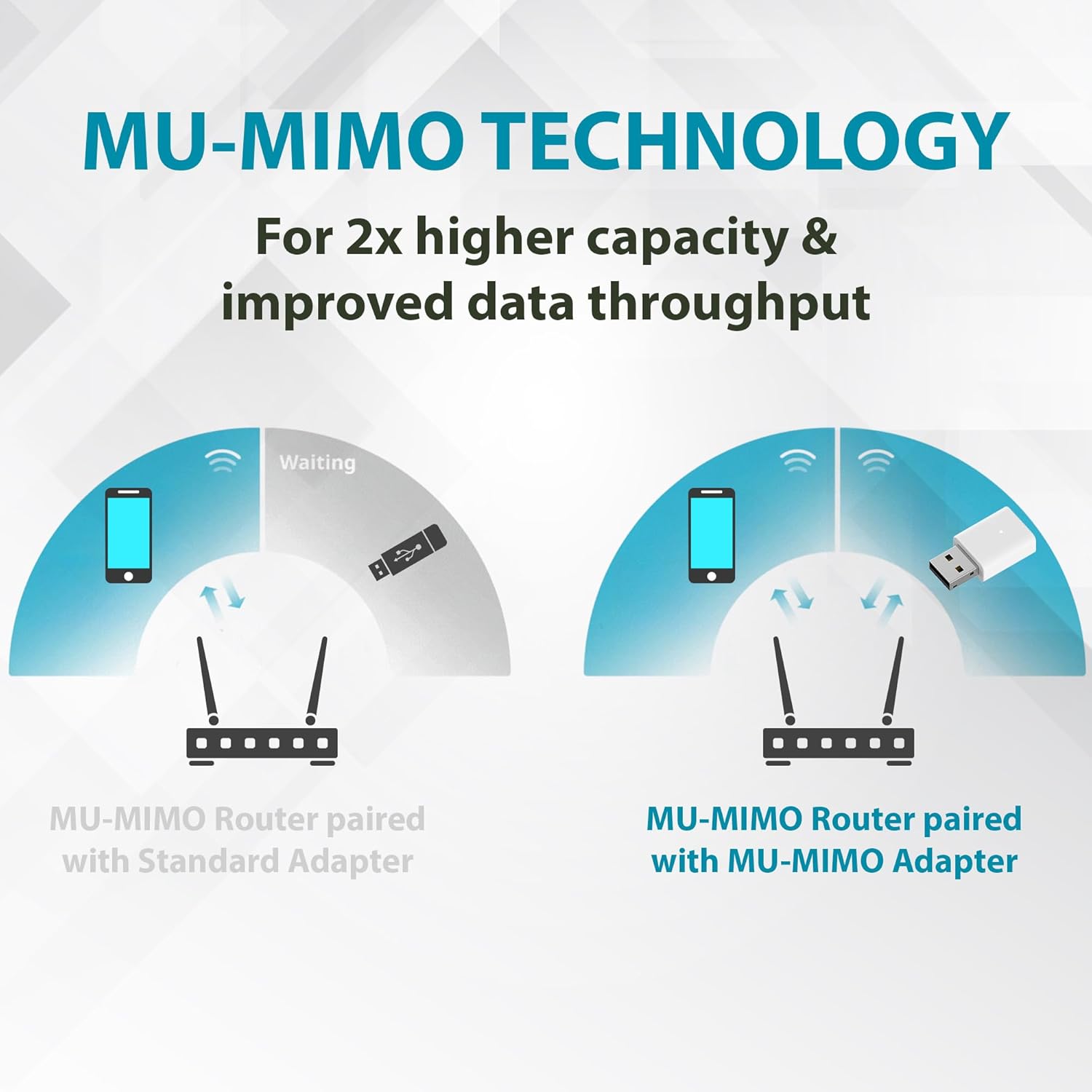
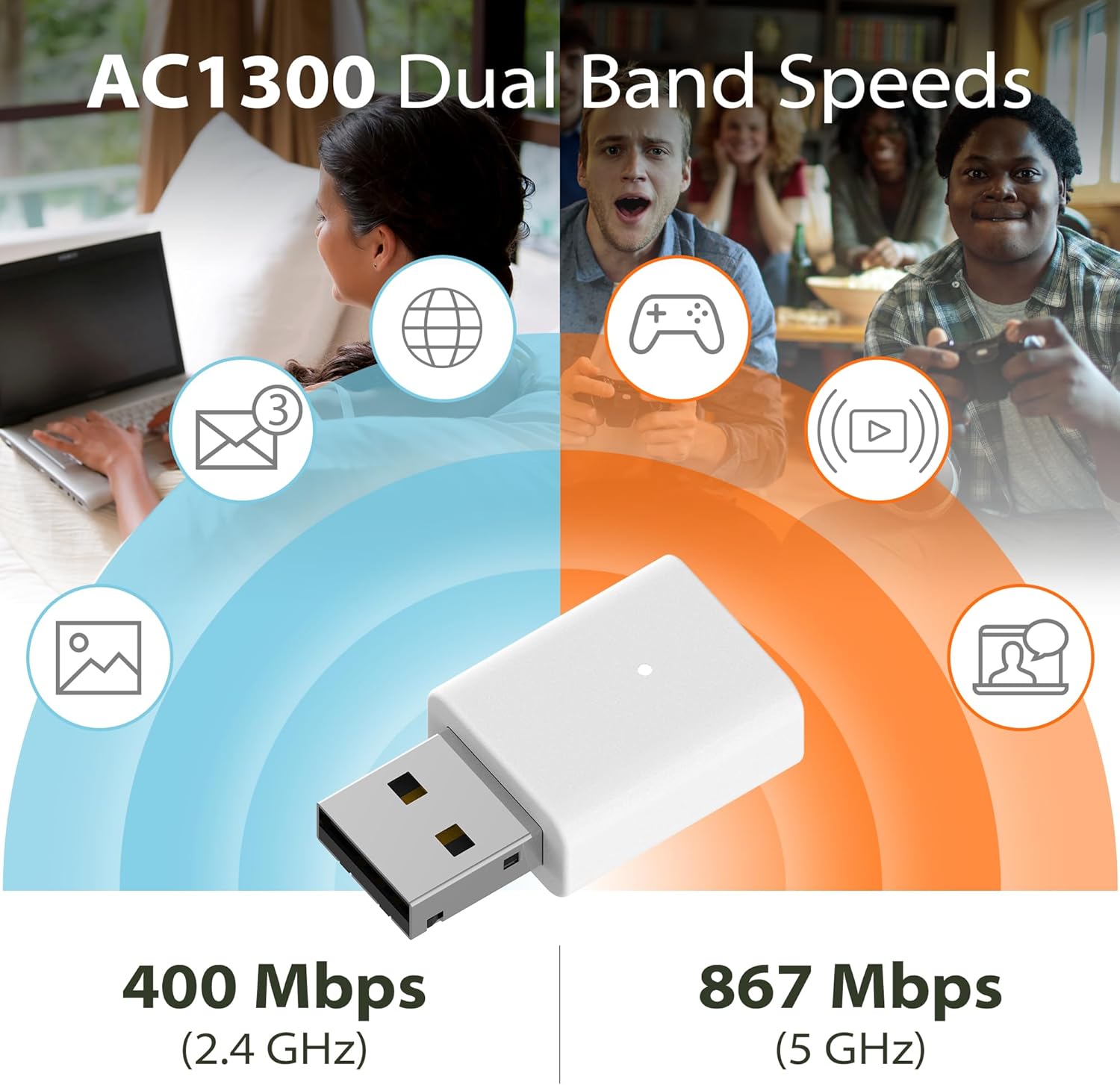
The adapter supports dual-band Wi-Fi with theoretical rates of up to 400 Mbps on 2.4 GHz and 867 Mbps on 5 GHz, according to the manufacturer, which helps when juggling web browsing, HD streaming, and online games. Its MU-MIMO capability reduces network congestion so multiple devices on the same network can perform better at the same time. The plug-and-play setup is designed for quick use on Windows machines and keeps installation straightforward for less technical users. 🧳
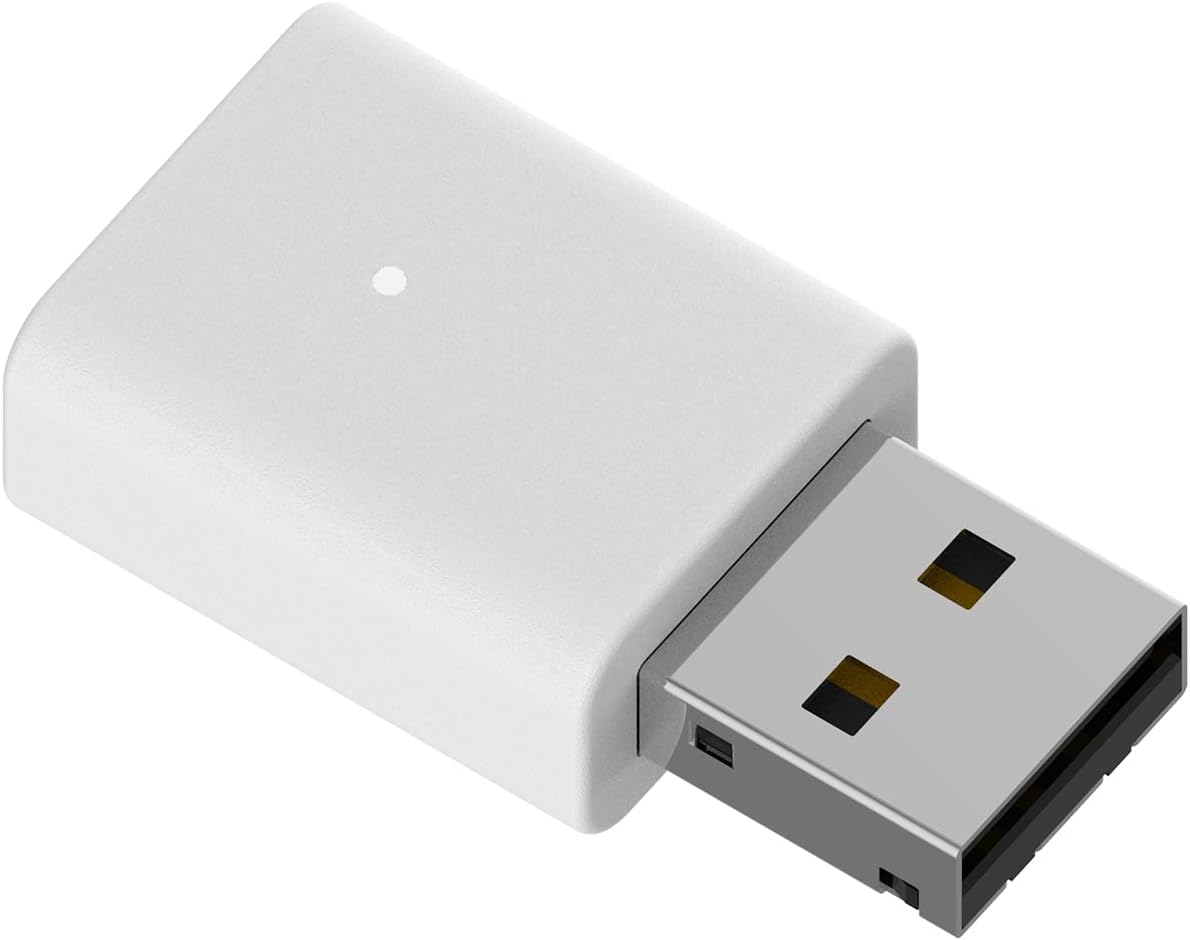
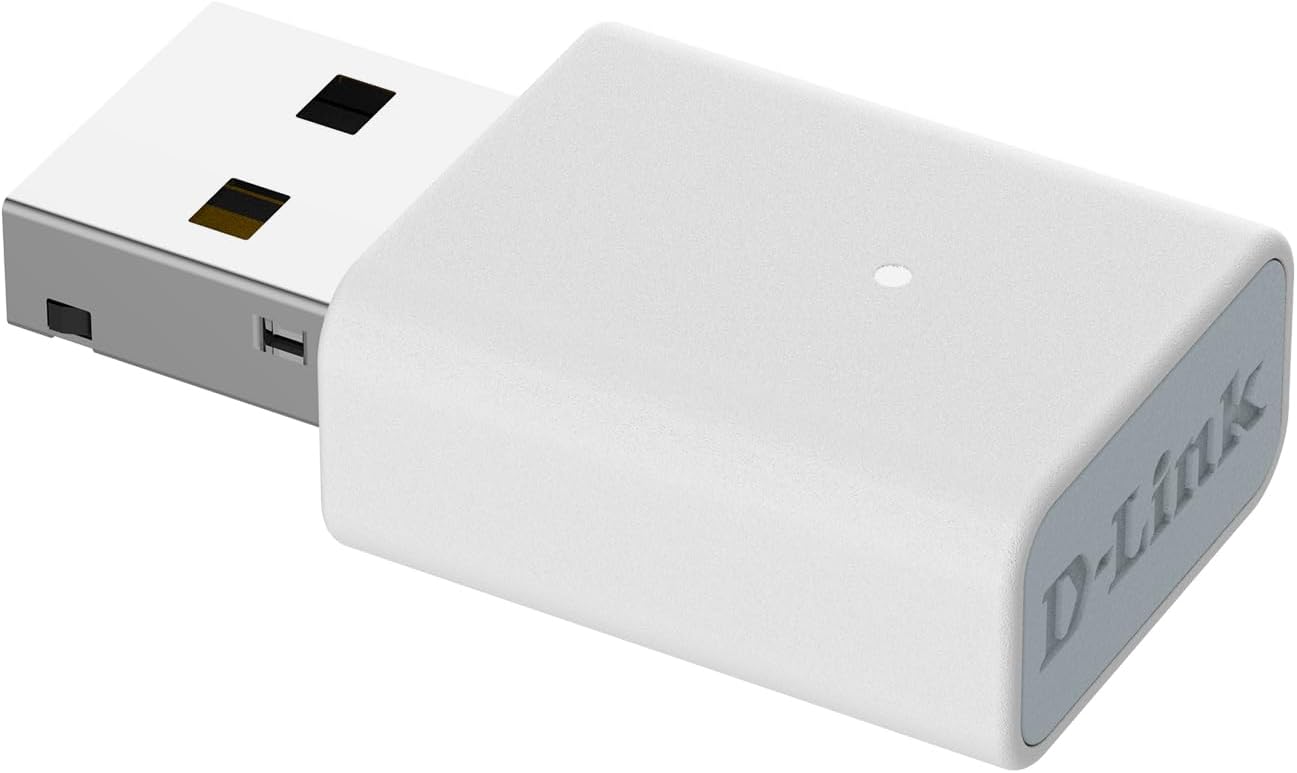
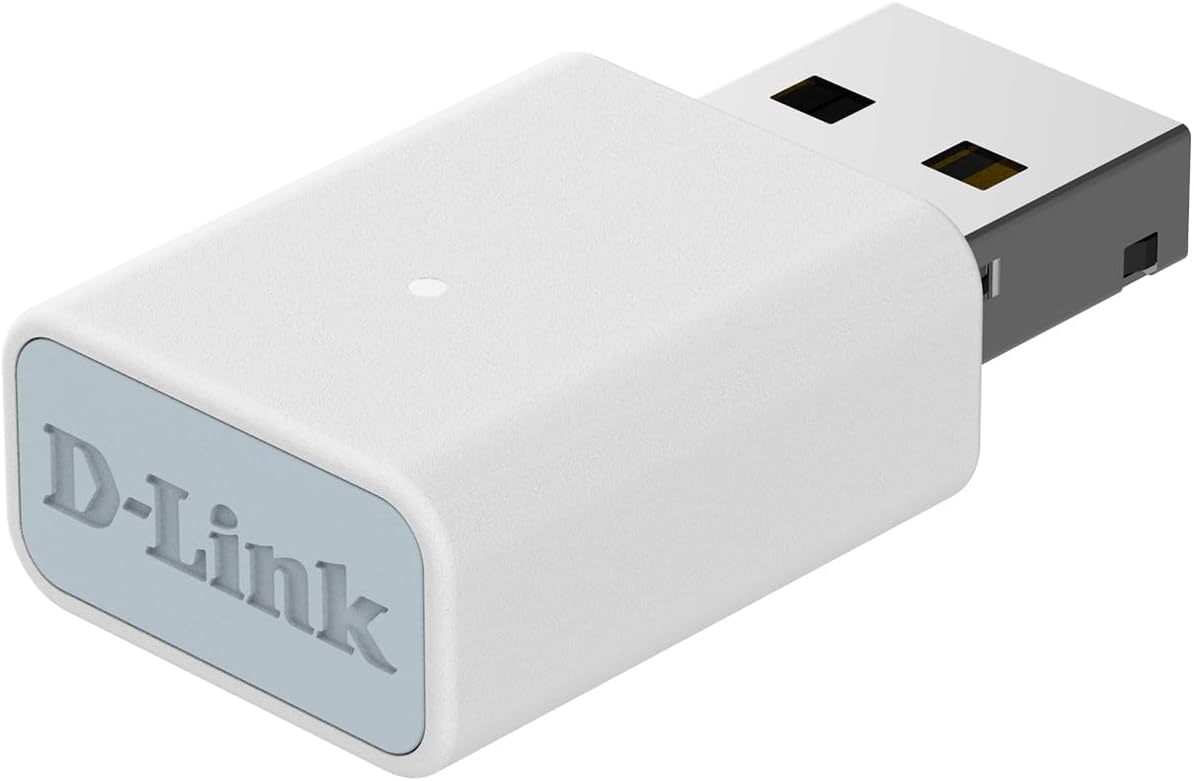
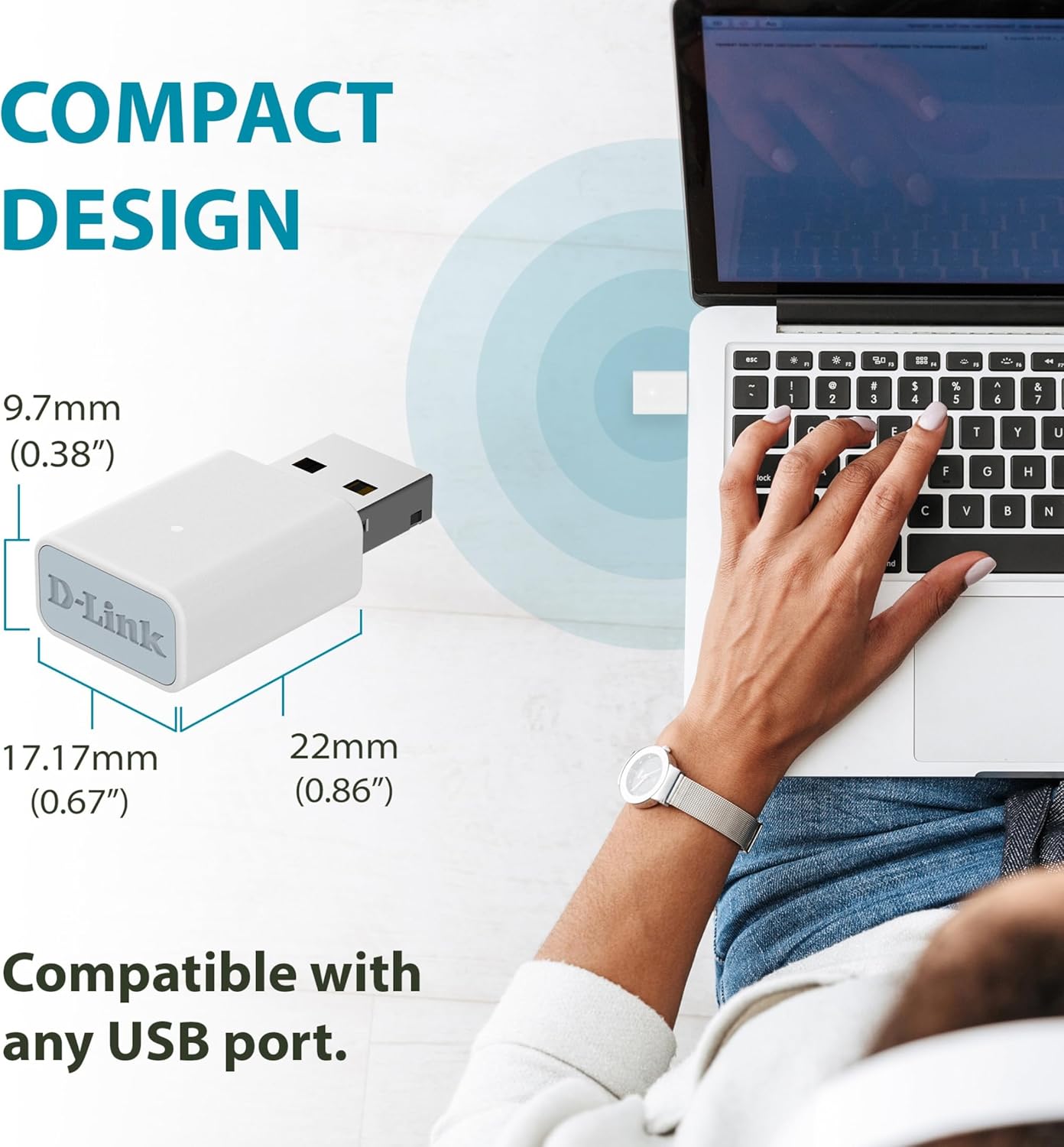
This travel-size dongle measures 34.2 x 17.17 x 9.7 mm, so it is unobtrusive when connected to a laptop or small desktop. The adapter also includes updated security with WPA3 128-bit encryption for stronger wireless protection during regular home and public network use. 🔒
Technical Specifications
- Name: D-Link AC1300 USB WiFi Adapter (AC13U)
- Wireless standard: 802.11ac dual-band
- Maximum data rates: 400 Mbps (2.4 GHz) and 867 Mbps (5 GHz) as stated by the manufacturer
- Dimensions: 34.2 x 17.17 x 9.7 mm
- Compatibility: Supports Windows 10 and Windows 11 drivers
- Security: WPA3 128-bit encryption
- Additional tech: MU-MIMO support
Usage Recommendations
For stable HD streaming or moderate online gaming sessions, connect the adapter to the 5 GHz band when possible to benefit from higher throughput and lower interference. If you are in an area with many older devices or thick walls, switching to the 2.4 GHz band can help extend range though at lower peak speeds. When traveling and using public Wi-Fi, ensure WPA3 networks are preferred for the best available protection and avoid sending sensitive information over open networks. ⚠️
If your workstation already has a fast internal adapter, this model is particularly useful as a portable backup or for older systems lacking modern Wi-Fi. Consider positioning the USB port toward the outside edge of a laptop or using a short extension to reduce obstruction from metal surfaces, which can affect signal strength.