

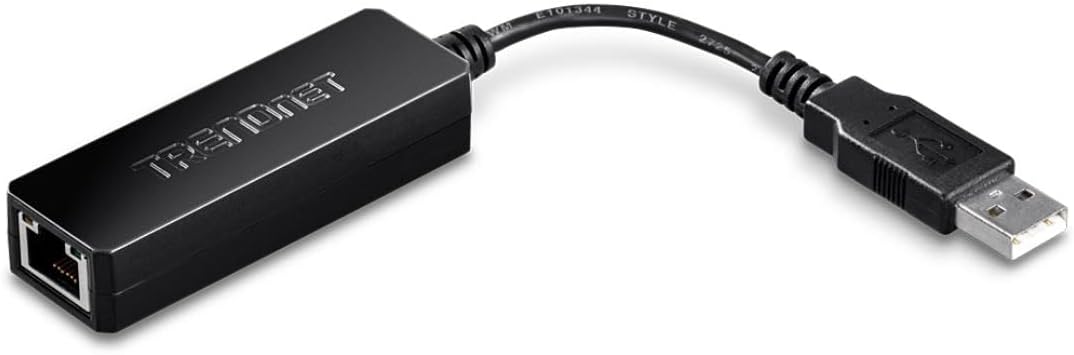
TRENDnet TU2-ET100 USB 2.0 to Fast Ethernet Adapter with AX88772A
Product description
What it is
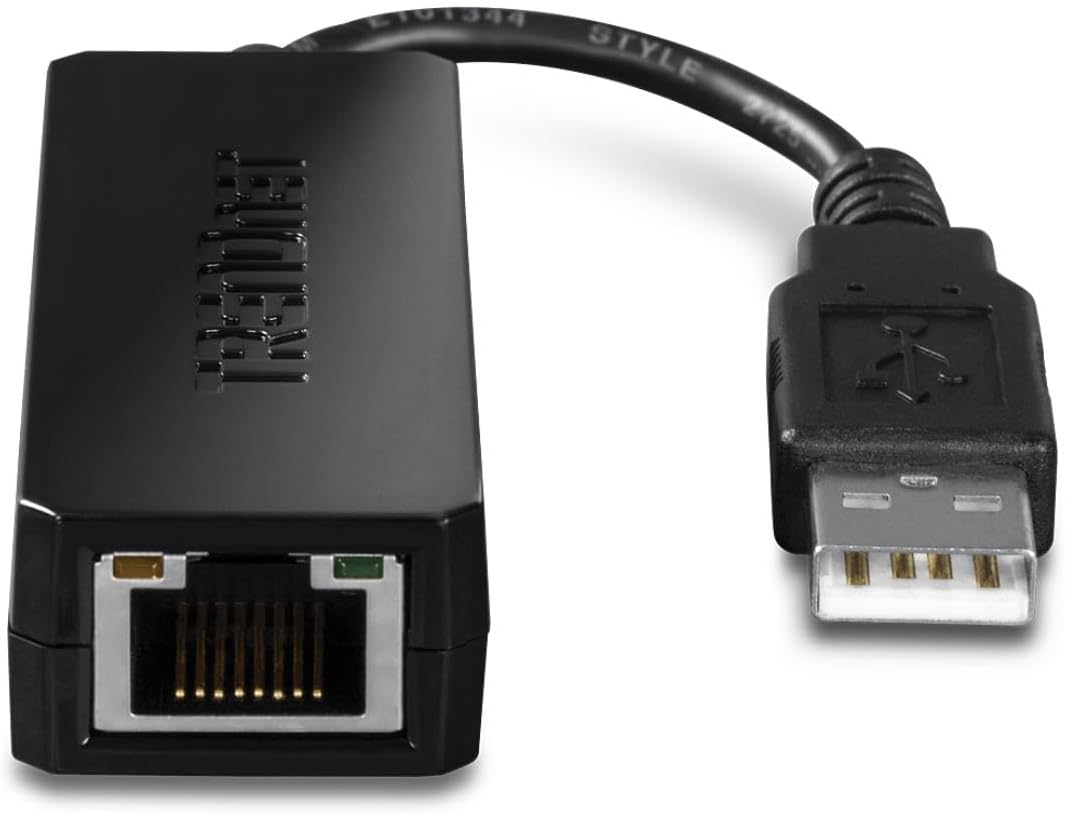
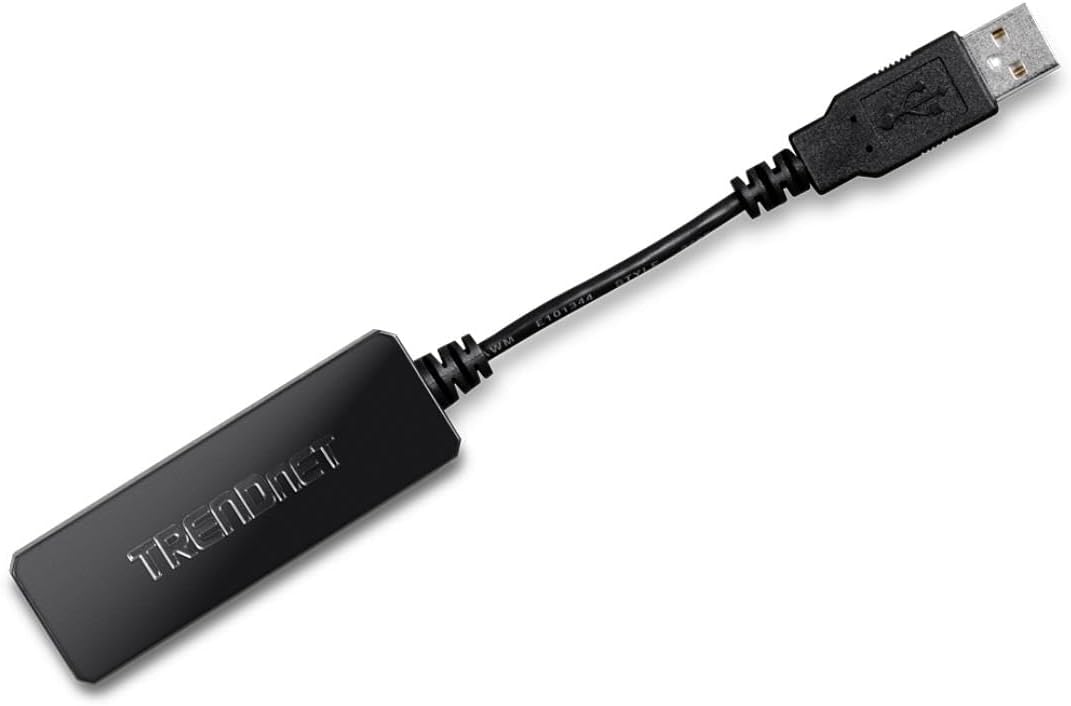
The TRENDnet TU2-ET100 is a compact USB 2.0 to 10/100 Mbps Fast Ethernet adapter. It adds a dedicated Ethernet port to USB-enabled laptops, desktops, or small form factor devices, letting you connect to wired networks without opening the chassis.
What it solves
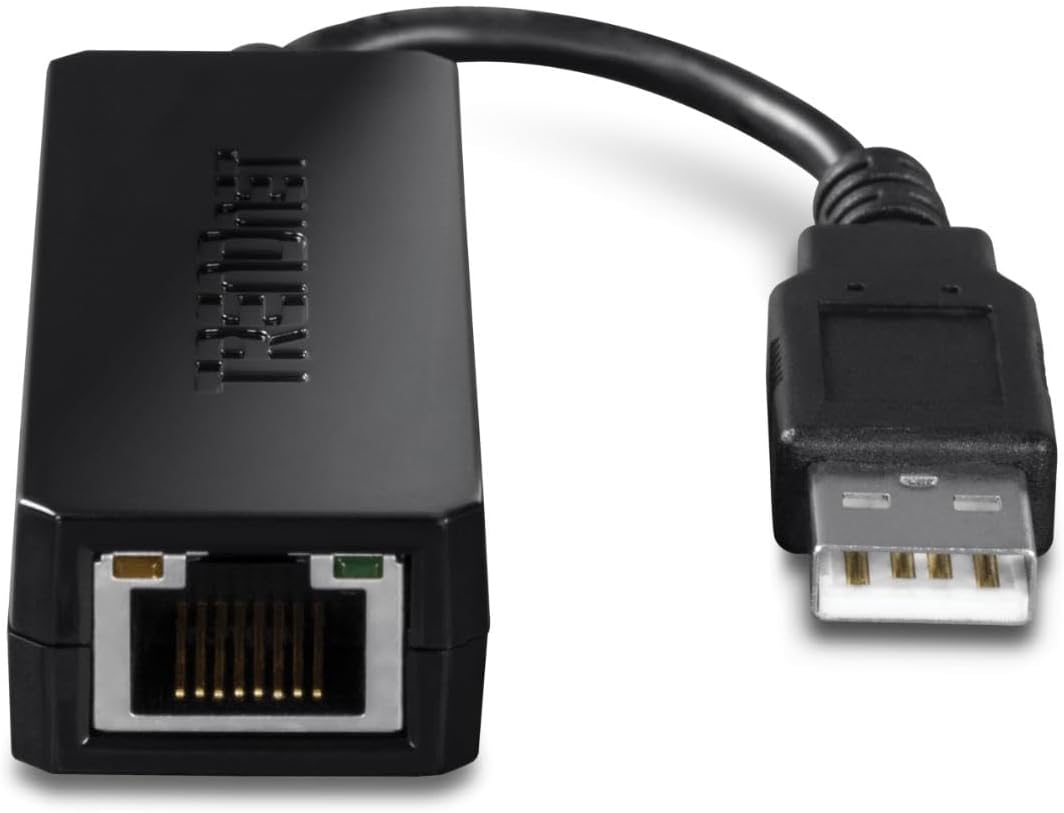
If you need a quick way to access a wired network from a USB-equipped computer, especially when Wi‑Fi isn’t available or reliable, this adapter provides a simple, bus-powered path to a LAN. It’s designed to be plug-and-play on supported Windows and Mac OS systems and offers a practical upgrade for devices lacking an Ethernet port.
Key specs at a glance
The adapter offers 1 x 10/100 Mbps Fast Ethernet port and 1 x USB Type A male port, with backward compatibility to USB 1.0. It enables full duplex Ethernet speeds up to 200 Mbps, a pace suitable for basic file transfers, network shares, or streaming within a local network. The chipset is AX88772A, a common solution for USB-to-Ethernet needs, which helps with compatibility across typical consumer devices.
Who it’s for
This is a sensible choice if you own a laptop or desktop that only has USB and you need reliable wired network access for work, school, or home. It’s also convenient for temporary setups, travelers, or classrooms where a stable Ethernet connection boosts performance over inconsistent wireless signals.
Benefits you’ll notice
On paper, it delivers a straightforward, no-fruss USB-to-Ethernet bridge with a dedicated port. For many users, the biggest win is improved reliability for file transfers and stable local network access when wireless isn’t up to the task. It’s small and portable, so you can carry it in a bag and still have a wired option when needed.
Potential drawbacks
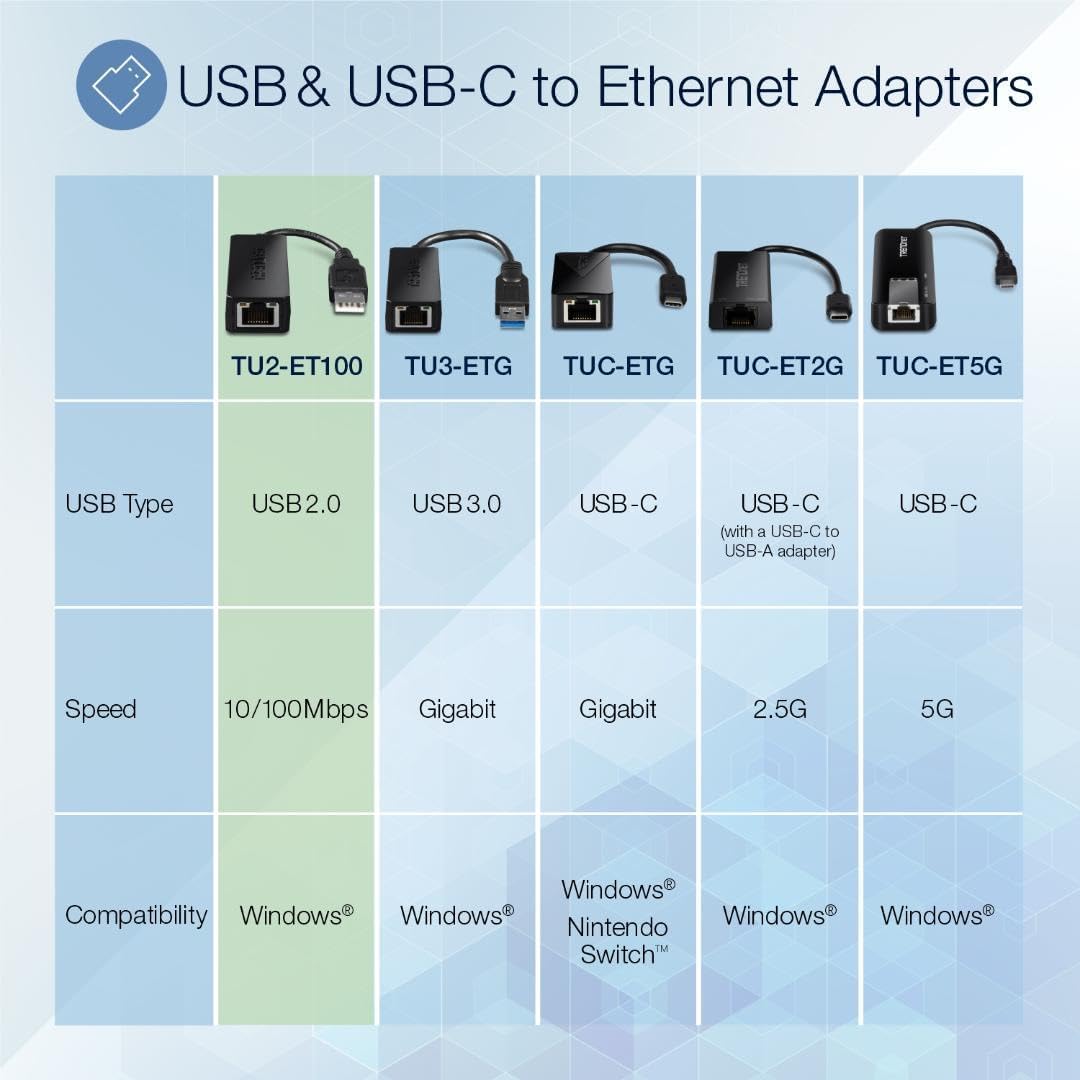
Not every use case benefits equally. If you’re aiming for gigabit speeds or demanding network tasks, a 100 Mbps link may feel limited compared with newer USB-C adapters or built-in gigabit ports. Also, while it supports Windows and Mac OS, advanced network features or driver-level customization aren’t highlighted here, so power users may want to verify driver compatibility with their specific environment.
How to use it
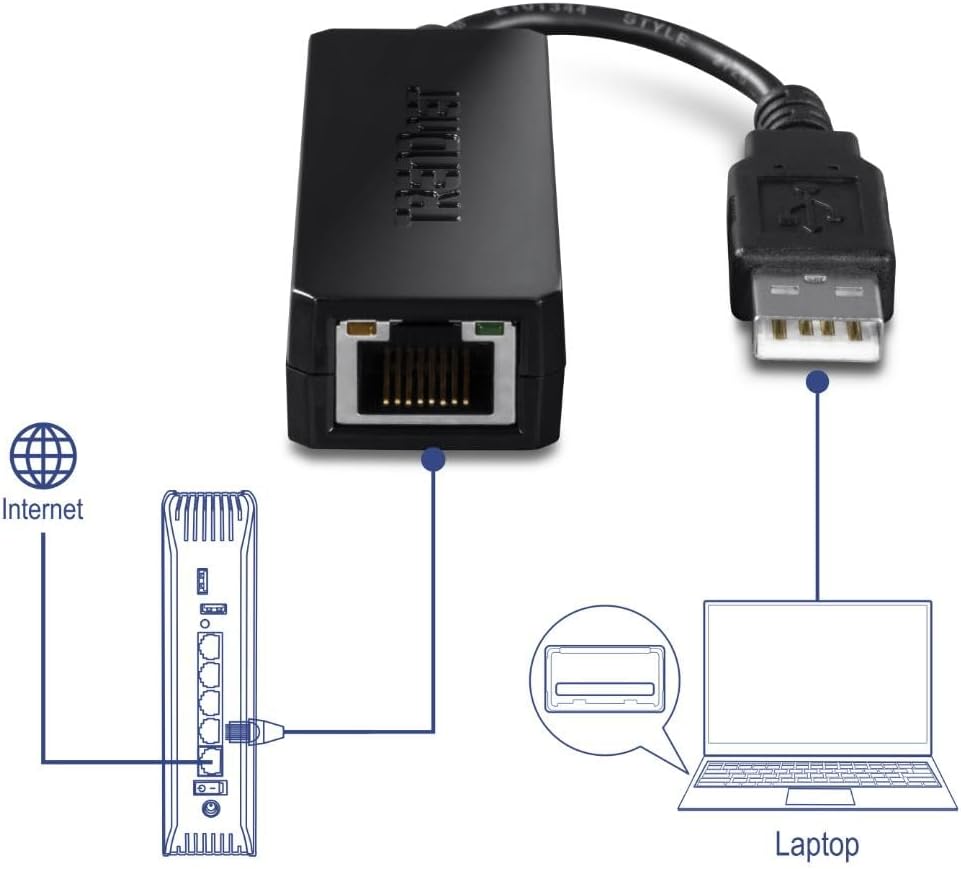
Plug the USB end into your computer and connect an Ethernet cable to the Fast Ethernet port. For best results, use a standard CAT5e or better cable and ensure your network device supports 10/100 Mbps. If you’re on a managed network, check if any driver updates are advisable for your OS version to maintain smooth operation.
What to check before buying
Ensure your device has a free USB 2.0 port and that you’re comfortable with a 100 Mbps Ethernet link, not a gigabit one. Confirm your operating system compatibility, and consider whether you need additional features or driver support beyond basic connectivity.
Practical use case
A typical scenario is a notebook without a built-in Ethernet port, you plug in the TU2-ET100, connect to an office or hotel network, and you’re back to stable file access and network printing without fiddling with wireless credentials. It’s a simple upgrade path for more reliable LAN access in travel or shared workspaces.
What it means in the market context
This adapter sits in the entry-to-mid range of USB-to-Ethernet solutions. It’s best for users who prioritize a small, inexpensive, and easy-to-transport wired option over higher-end, feature-rich NICs. If your needs lean toward higher speeds or more advanced networking features, other options may be more suitable.
Final verdict
Final verdict: It makes sense if you need a budget-friendly, plug-and-play USB to Ethernet bridge for everyday tasks on Windows or Mac OS. It won’t replace a full gigabit NIC for heavy workloads, but it offers dependable wired connectivity where Wi‑Fi is unreliable or unavailable. If your priority is simplicity and portability, this does the job.
FAQ
- Do you get gigabit speeds with this adapter? No, it supports 10/100 Mbps Ethernet speeds, up to 200 Mbps in full duplex on paper.
- Is it compatible with USB 3.0 ports? Yes, it should work via USB 3.0 ports as a USB 2.0 device, though transfer speeds will be limited to USB 2.0 capabilities.
- Can it work with Linux? The base spec mentions Windows and Mac OS, Linux support is not specified here, so verify with your distro if needed.