



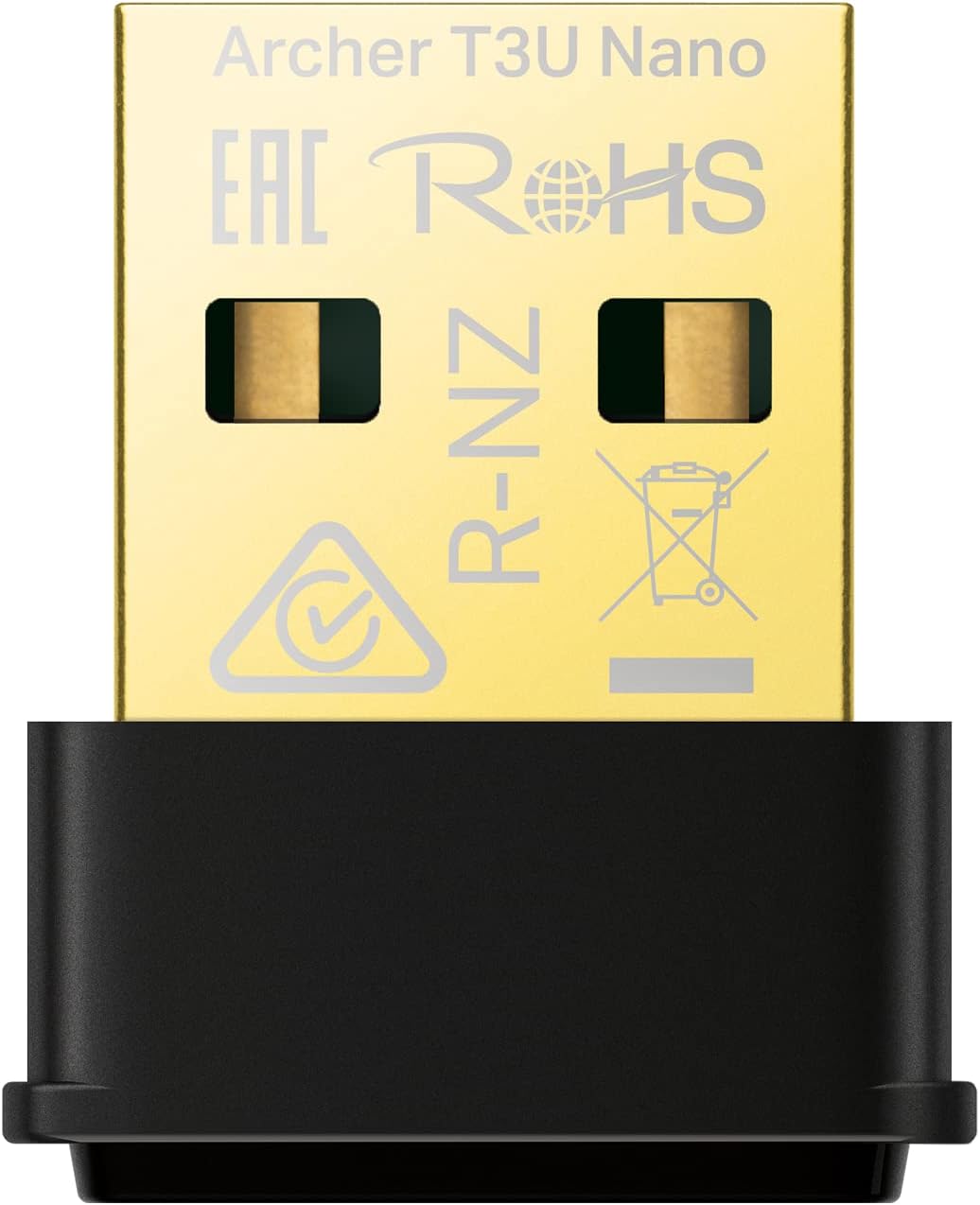
TP-Link Archer T3U Nano AC1300 USB WiFi Adapter 📡
Reviews
Price
Product description
This compact USB Wi-Fi adapter from TP-Link brings dual-band AC1300 connectivity to a laptop or desktop, combining portable size with faster wireless links for streaming, browsing and light online gaming. With support for 5 GHz and 2.4 GHz bands and WPA3 security, it is useful for users who need a quick plug-and-play way to add or replace Wi-Fi on Windows and older Mac systems.
Key Points
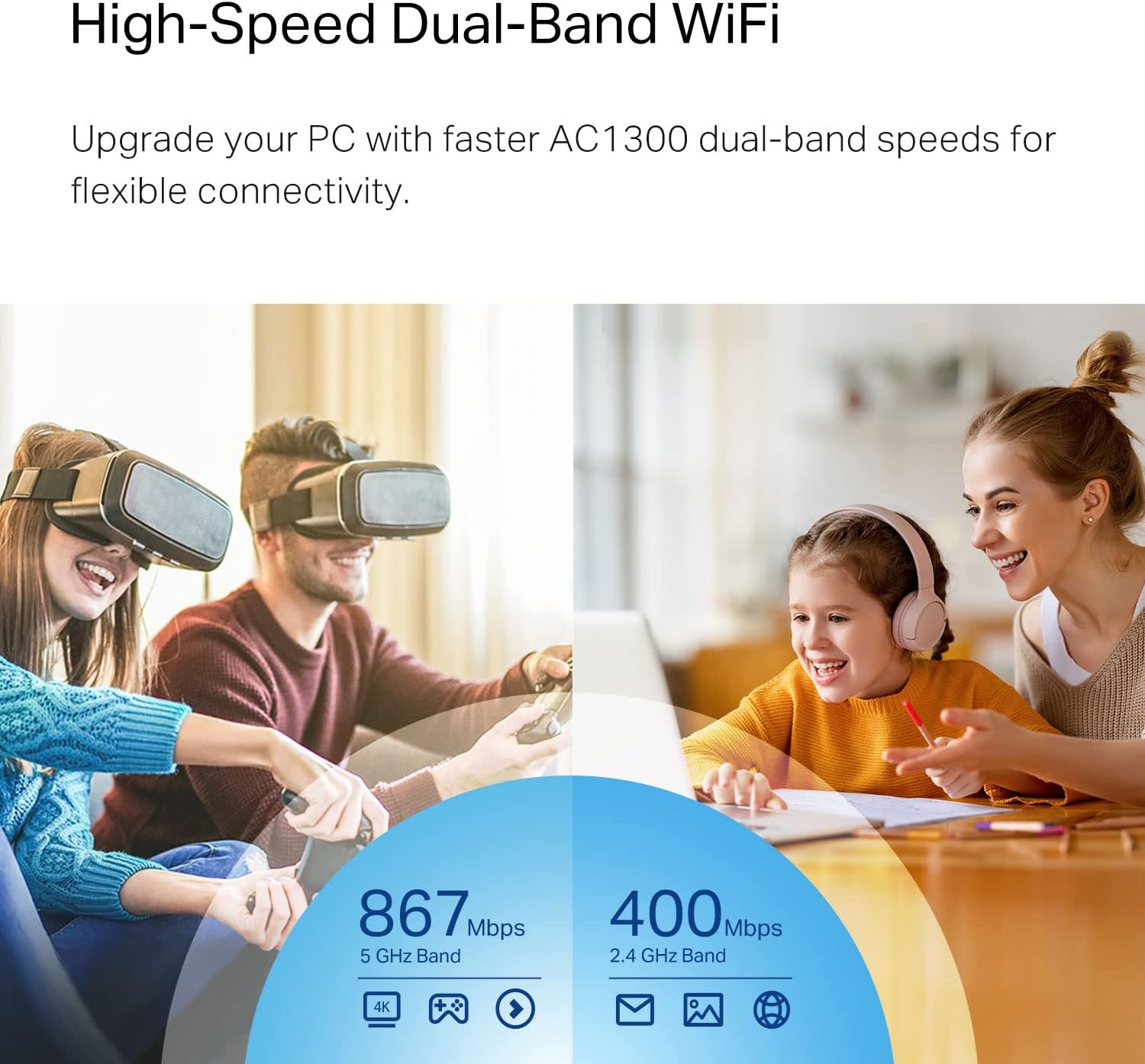
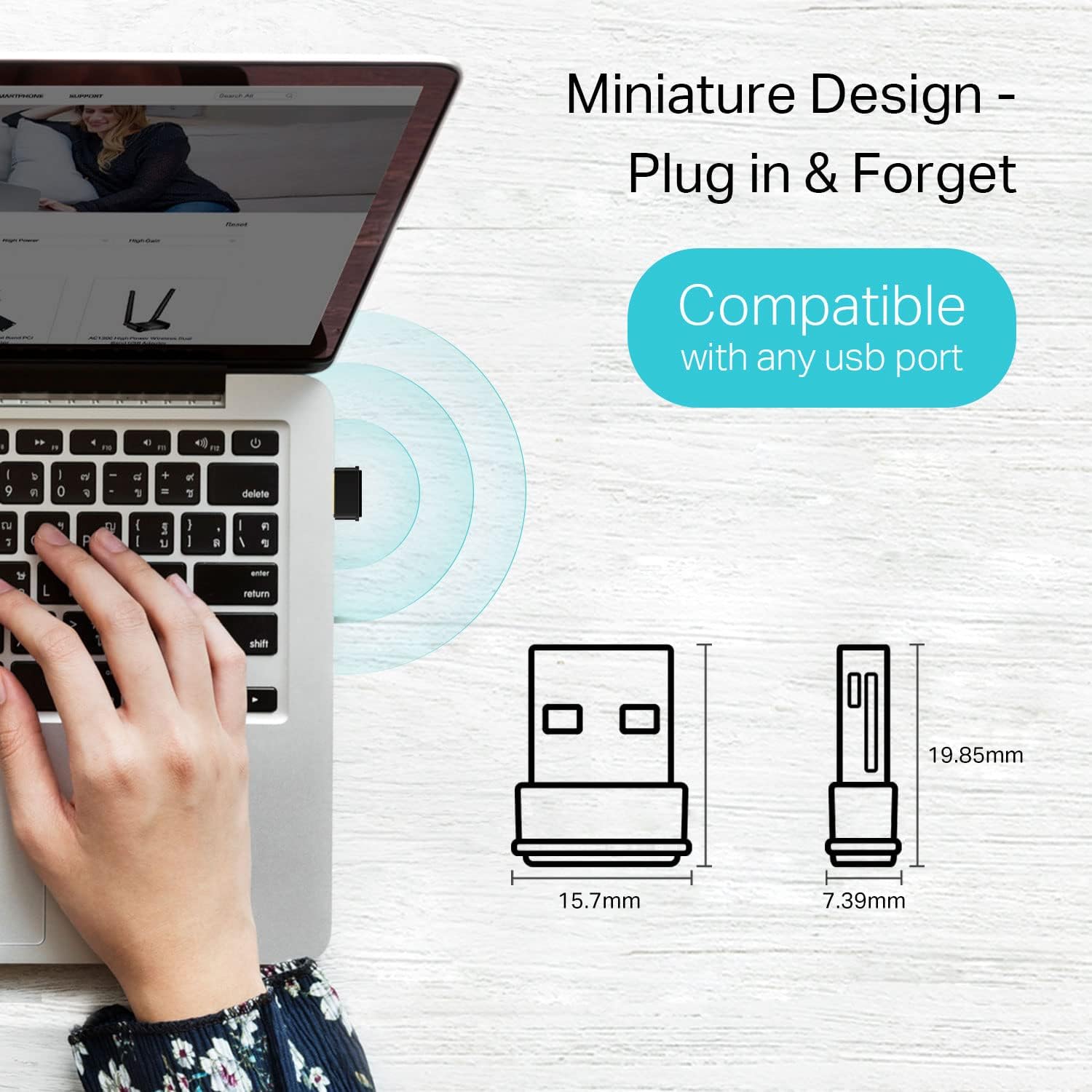
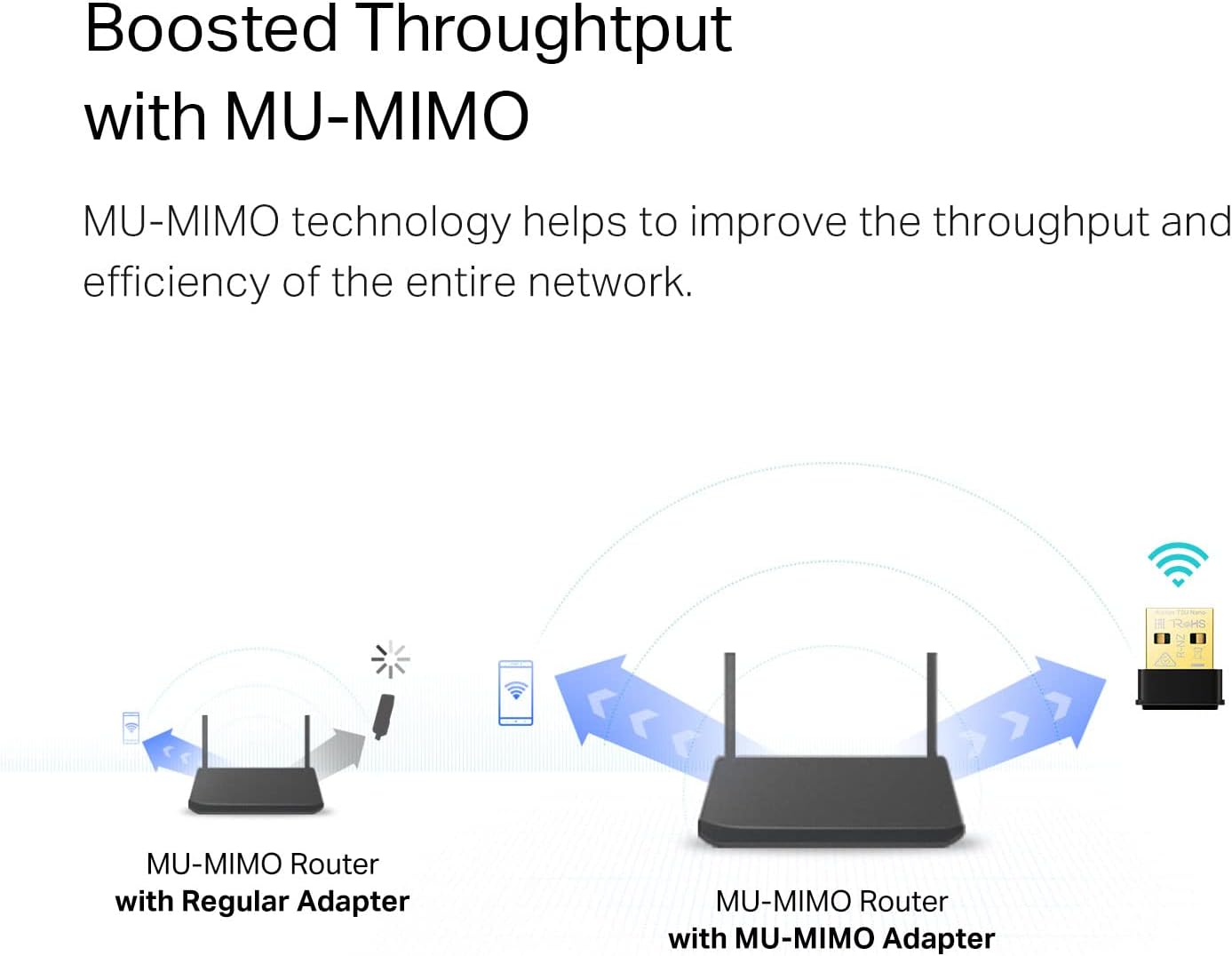
The Archer T3U Nano offers dual-band speeds up to 867 Mbps on 5 GHz and 400 Mbps on 2.4 GHz according to the manufacturer, which helps reduce lag during video calls or HD streaming. Its travel-size design stays plugged into a USB port without protruding much, making it convenient for mobile setups and compact desktops. The adapter supports MU-MIMO to improve network efficiency when multiple devices are connected, and includes enhanced security with WPA3 for more individualized protection while online. Note that driver availability may vary on very recent macOS versions beyond macOS 10.15.
Technical Specifications
- Name: TP-Link Archer T3U Nano
- Wireless standard: IEEE 802.11ac (AC1300)
- Dual-band speeds: 5 GHz up to 867 Mbps, 2.4 GHz up to 400 Mbps
- Compatibility: Windows 11, 10, 8.1, 8, 7 and up to Mac OS 10.15
- Security: WPA3 support
- Additional tech: 256-QAM modulation, MU-MIMO enabled
Why This May Interest You
If your device lacks a modern Wi-Fi radio or you want a discreet alternative to a bulky adapter, this nano unit is a practical choice. It improves throughput on both common bands, so downloading files over the 5 GHz band and maintaining stable connections on 2.4 GHz are both possible. The inclusion of 256-QAM means higher data density in the signal, which can translate to better real-world speeds under compatible routers.
Usage Recommendations
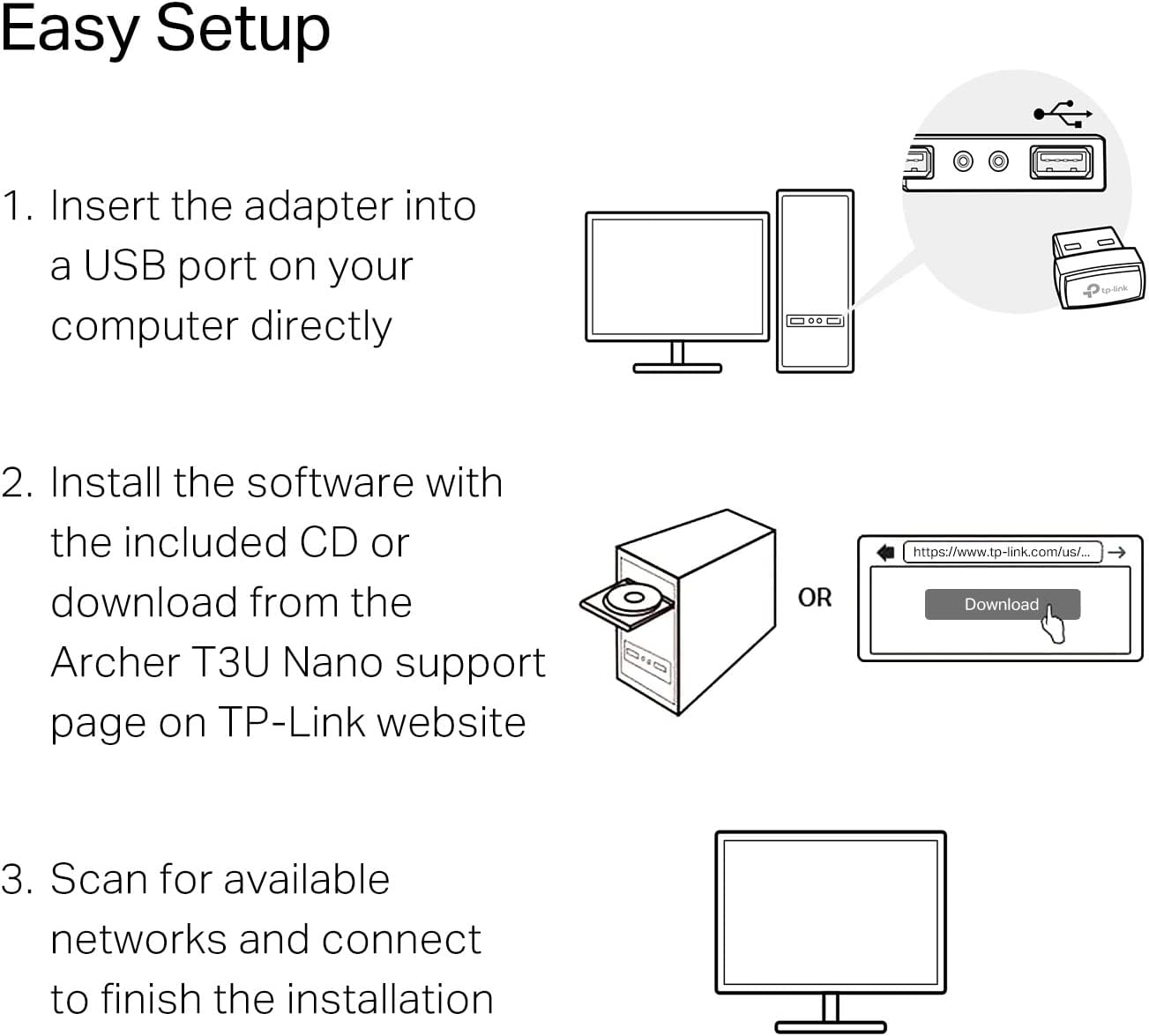
Plug the adapter into an available USB port and install drivers when prompted for the best compatibility on Windows systems. Place the computer where it has a clear path to the router to maximize the 5 GHz range, as higher frequencies have less wall penetration. Consider updating router firmware and enabling WPA3 if both router and client support it for stronger security.