

TP-Link TX201 2.5GB PCIe Network Card (2.5G Base-T) — PCIe to 2.5 Gigabit Ethernet Adapter
Product description
Key takeaways for real-world buying
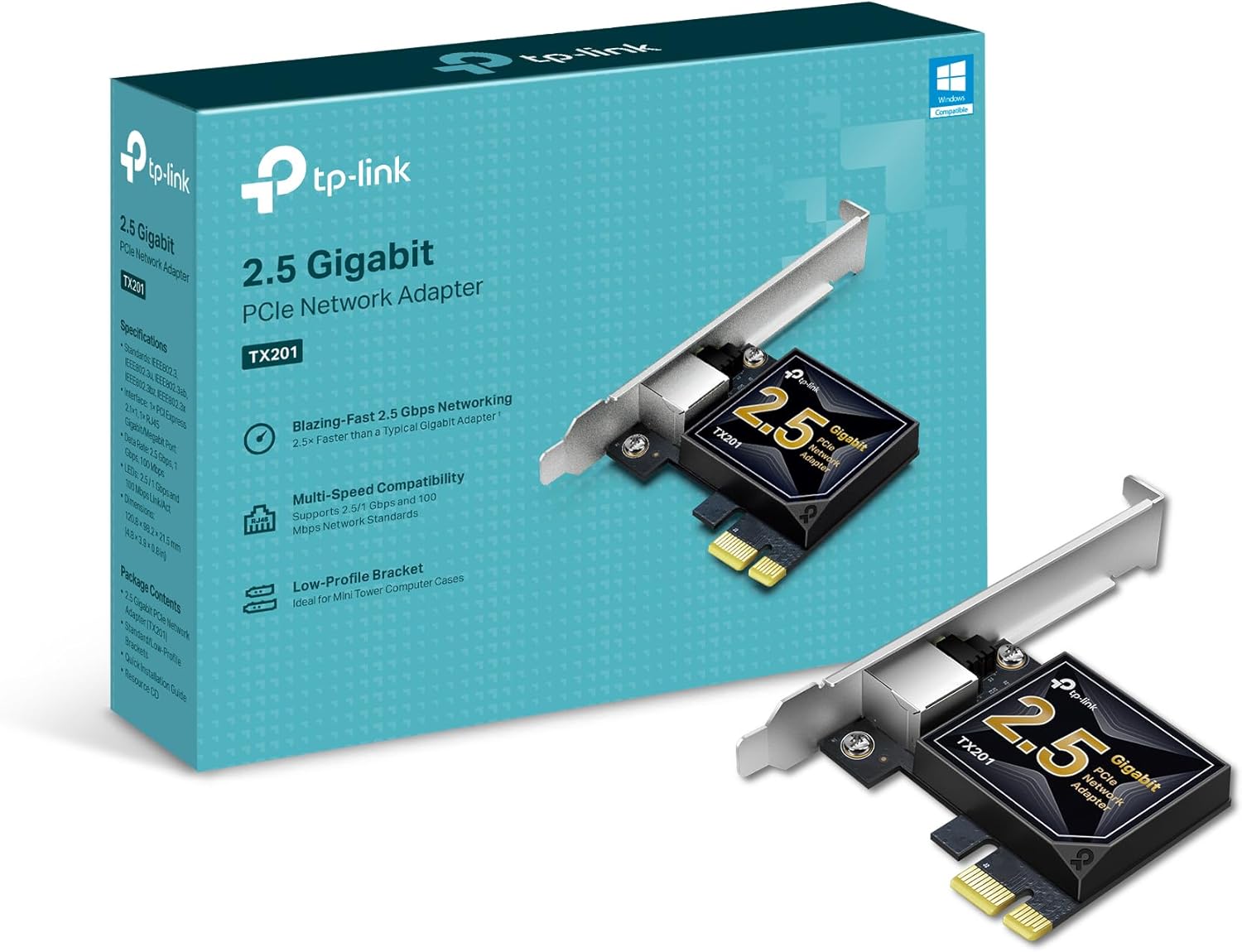
If you’re stepping up from a basic Gigabit setup and want more headroom on your network, the TP-Link TX201 is a straightforward way to do it. On paper, it delivers up to 2.5 Gbps using 2.5G Base-T, and it’s designed to negotiate automatically down to slower Ethernet speeds if your gear can’t keep up.
The catch is simple: performance depends a lot on conditions like distance, obstacles (for example, walls), and the rest of your network. So this card can be a big upgrade when your modem/router, switches, cables, and endpoints are in the right place—but it won’t magically make a weak setup fast.
What it is and what problem it solves
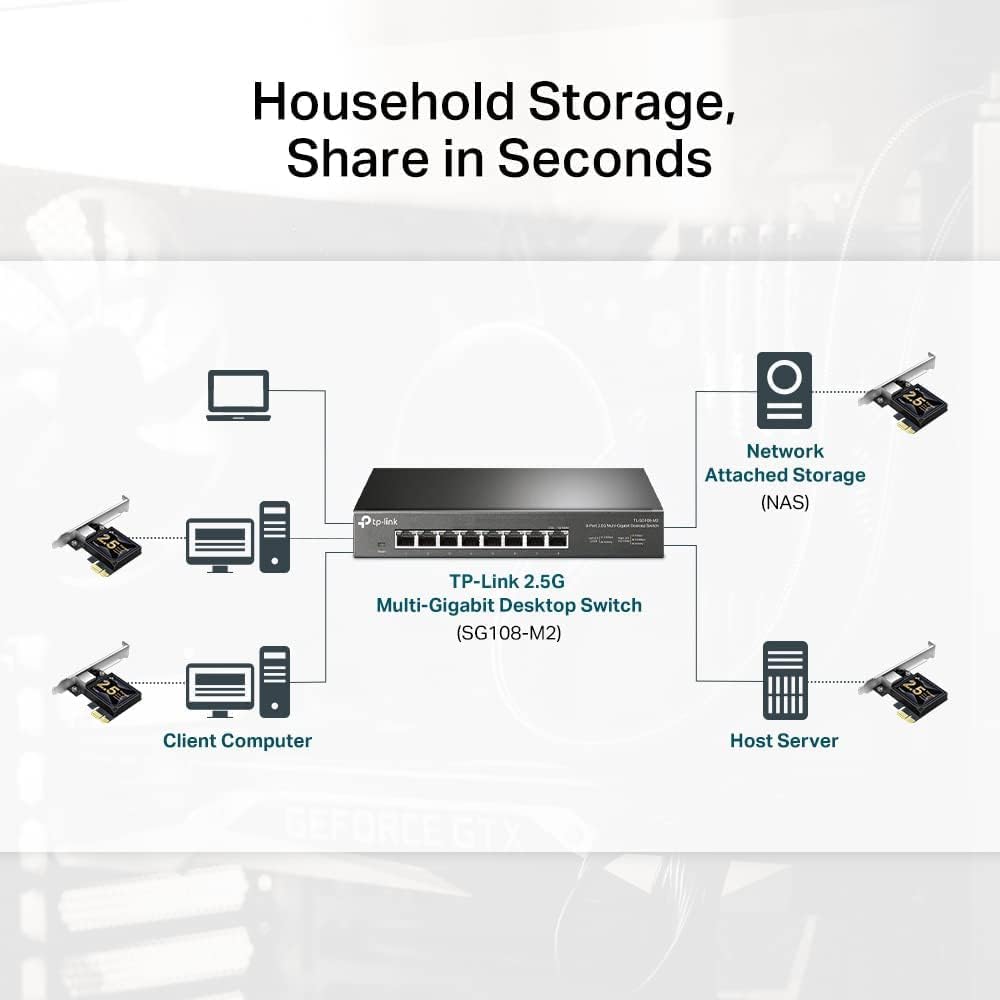
The TX201 is a PCIe Ethernet network adapter that adds a 2.5 Gigabit Ethernet port to a compatible desktop system. It’s meant for people who want better throughput than typical 1 Gbps adapters, especially for local transfers, smoother online play, or handling more network traffic without feeling bottlenecked.
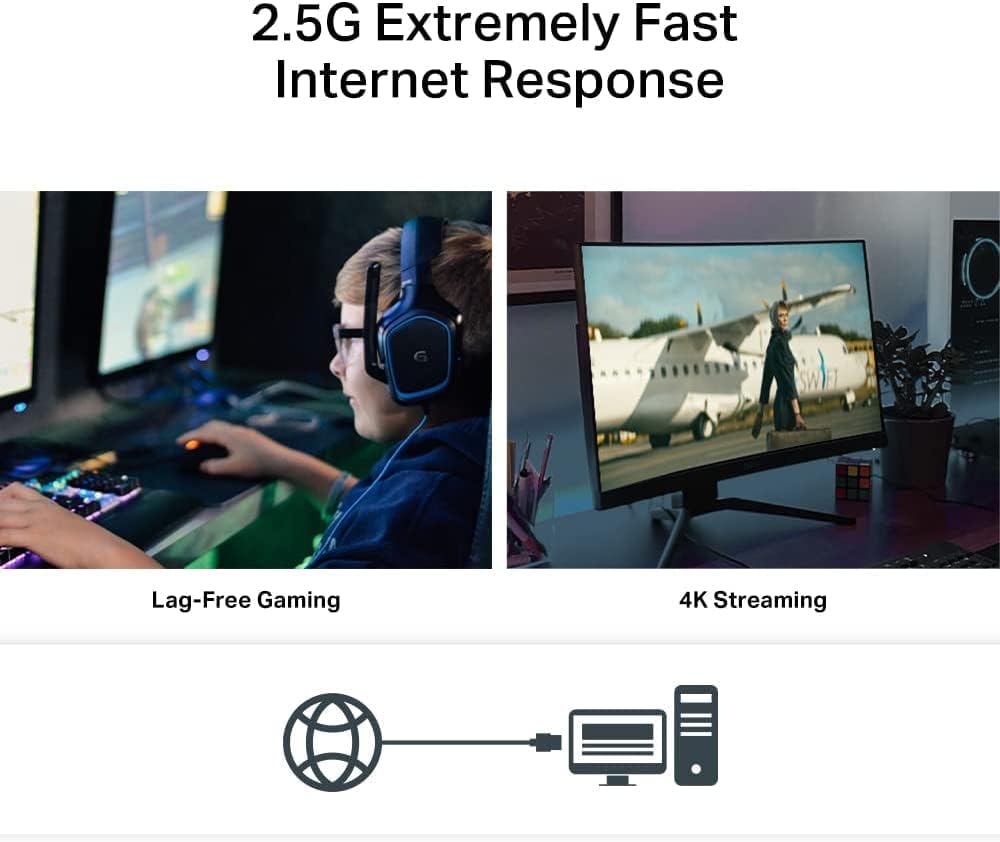
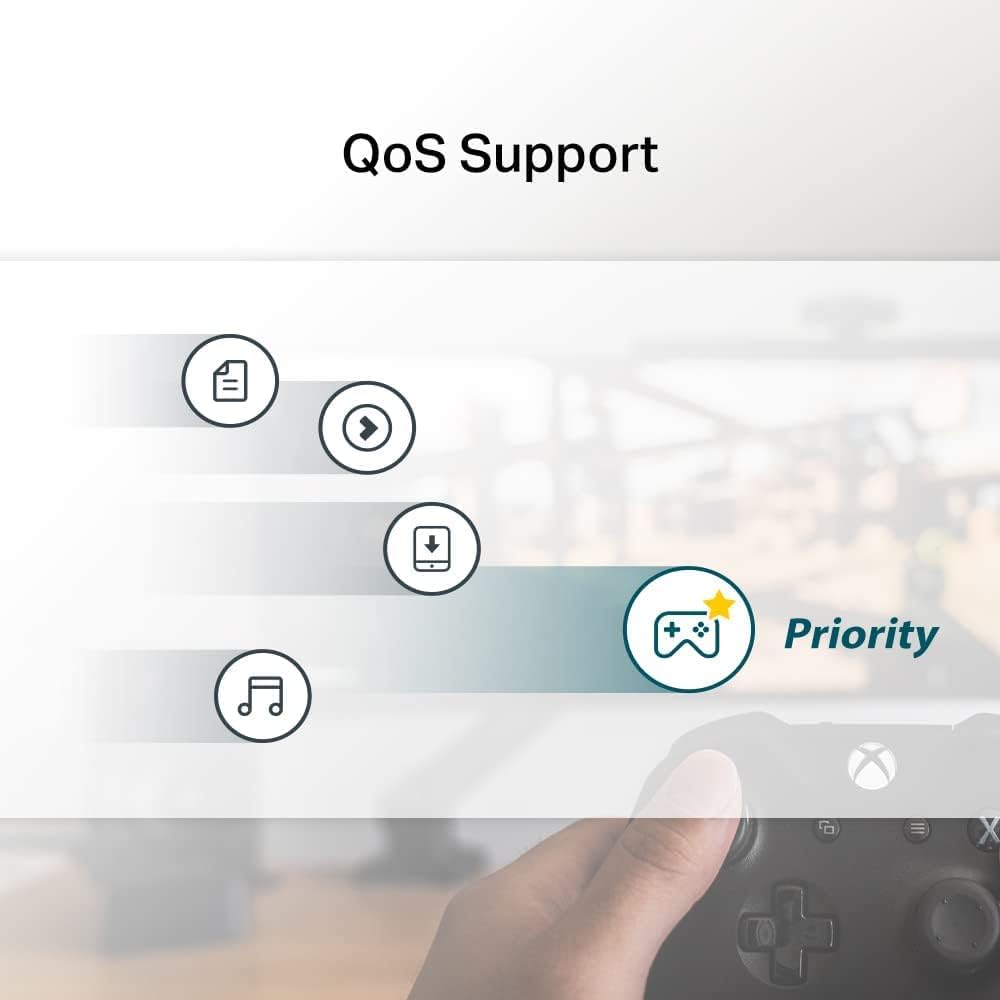
A quick micro-scenario: imagine you’re downloading a large game update and your network is congested. The included QoS (Quality of Service) support is there to help prioritize gaming traffic, which can make latency feel less chaotic when other devices are busy.
Key features that matter day to day
The main selling point is the 2.5G Base-T capability. It’s also backwards compatible with 2.5 Gbps, 1 Gbps, and 100 Mbps Base-T connectivity, so you’re not locked into perfect speeds right away.
It also brings QoS for prioritized performance—useful if you care about gaming responsiveness and want to reduce the impact of congestion on your PC.

And for convenience, it includes Wake on LAN (WOL), which can help you remotely power on or manage your computer (as long as the rest of your system supports it the way you expect).
Finally, the inclusion of both low-profile and full-height brackets is a practical detail. If you’re working with a mini tower or a case with tight clearance, having the right bracket included can save you from extra hassle.
Compatibility and limits to keep in mind
This adapter is listed as compatible with Windows 11/10/8.1/8/7, Windows Server 2022/2019/2016, and Linux. That’s a solid range for a PCIe network card, especially if you run a mixed environment at home or in a small office.
Still, keep expectations grounded: the “up to 2.5 Gbps” headline won’t automatically show up everywhere. You’ll get less when your cables, distance, or obstacles reduce signal quality, or when your connected devices negotiate at lower speeds.
Where it shines (and where it may fall short)
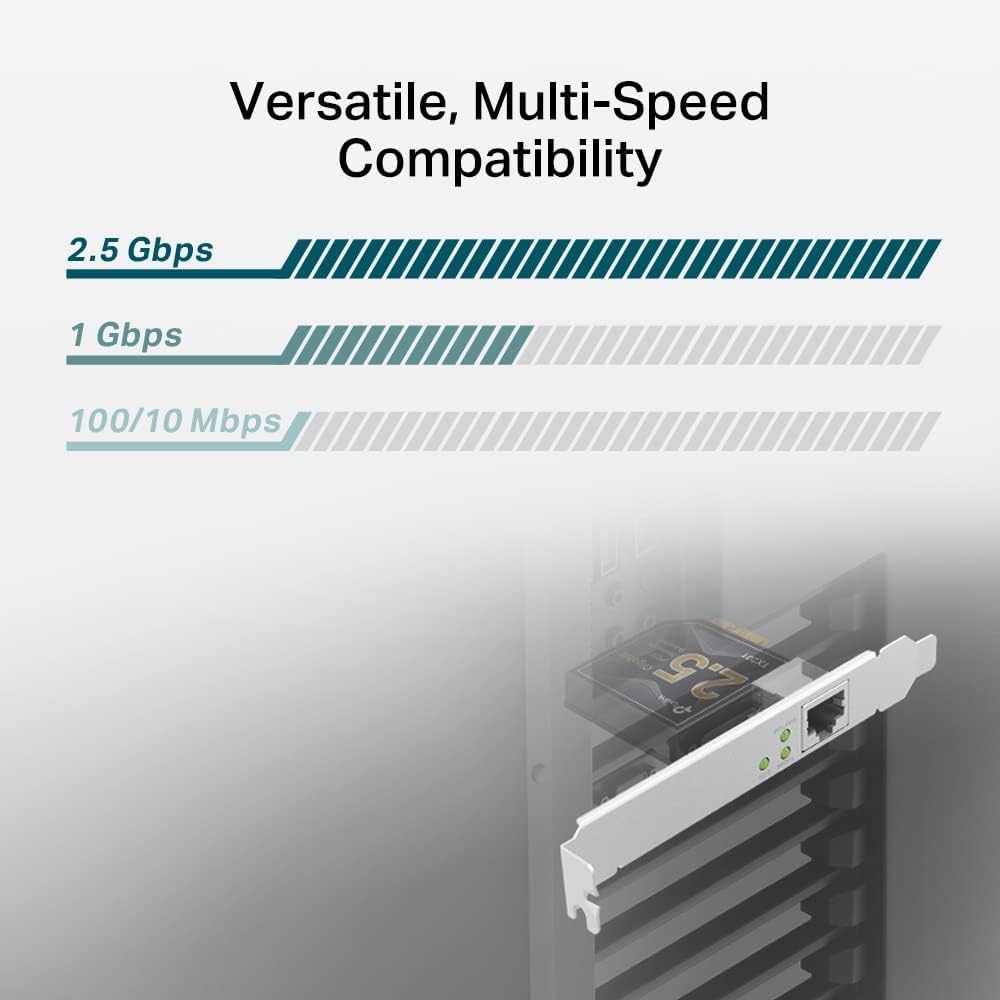
It’s a good fit if you’re upgrading a desktop that currently tops out at standard Gigabit Ethernet and you want a meaningful jump in potential network speed—without giving up compatibility with slower devices.
It may not be the best choice if your network environment is still heavily constrained (for example, if most of your path is only rated for 1 Gbps and you don’t have a plan to improve the other links). In that case, you might not feel much difference beyond what you already get.
If you prioritize gaming traffic handling, QoS support is a plus. But if your priority is purely raw speed in perfect conditions, you still need to make sure the rest of your setup can actually take advantage of 2.5G.
Tech specs
- Name: TP-Link TX201 2.5GB PCIe Network Card (2.5 G Base-T)
- Type: PCIe to 2.5 Gigabit Ethernet Network Adapter
- Format: RJ-style Ethernet via Base-T connectivity (2.5G Base-T referenced)
- Capacity: Up to 2.5 Gbps
- Compatibility: Windows 11/10/8.1/8/7, Windows Server 2022/2019/2016, Linux
- QoS: Quality of Service technology for prioritized performance
- Wake on LAN: Supported for remote power on/off
- Brackets: Low-profile and full-height brackets included
In the box
- TP-Link TX201 2.5GB PCIe network adapter
- Low-profile bracket
- Full-height bracket
Should you buy it?
A purchase makes sense if you have (or plan to build) a 2.5G-ready path and you want a practical upgrade from standard Gigabit Ethernet. It also helps if you care about gaming congestion handling through QoS and want Wake on LAN for remote management.
You may want to skip it if your current network link is likely to stay at 1 Gbps most of the time, or if your setup involves long runs and obstacles where signal quality could hold you back. On paper it’s designed to negotiate, but the “feel” of the upgrade depends heavily on your real conditions.
If you’re the kind of buyer who checks compatibility first (OS, PCIe slot availability, and your overall network speed expectations), the TX201 is an easy, sensible move. If you just want a guaranteed speed boost no matter what, you might end up disappointed.
Mini FAQ
Does the TX201 automatically negotiate lower Ethernet speeds?
Yes. It’s described as backward compatible with 2.5 Gbps, 1 Gbps, and 100 Mbps Base-T, and it should automatically negotiate between higher and lower speeds.
Is QoS included for gaming traffic?
The product description says it includes QoS (Quality of Service) technology to prioritize performance and help avoid network congestion for PC gaming.
Does it support Wake on LAN (WOL)?
Yes, it’s listed as supporting Wake on LAN to remotely power on or off your computer.
What operating systems is it compatible with?
It’s listed as compatible with Windows 11/10/8.1/8/7, Windows Servers 2022/2019/2016, and Linux.
Will I get 2.5 Gbps in every setup?
Not necessarily. The description notes that performance varies by conditions, including distance to devices and obstacles like walls, plus what speeds other devices negotiate.