

BENFEI USB-C to Ethernet Adapter 100W 🔌
Product description
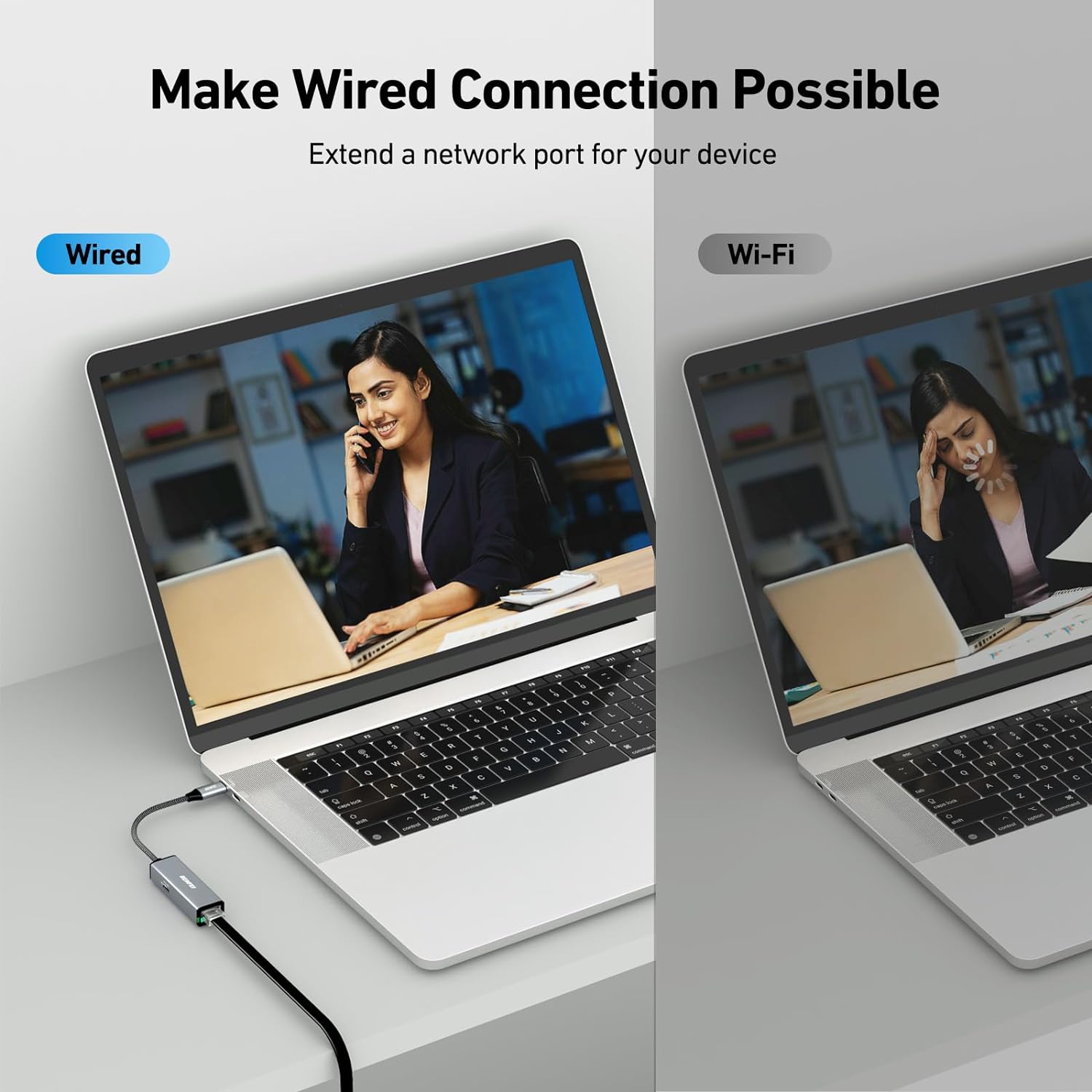
This compact USB-C to Ethernet adapter brings wired reliability and pass-through charging to laptops and phones, perfect for hybrid work and streaming at home. If you need a stable connection for large downloads or video calls, this USB-C to Ethernet adapter helps reduce dropouts while keeping devices powered, and it works without driver installs on most modern systems. 🌐
Key points
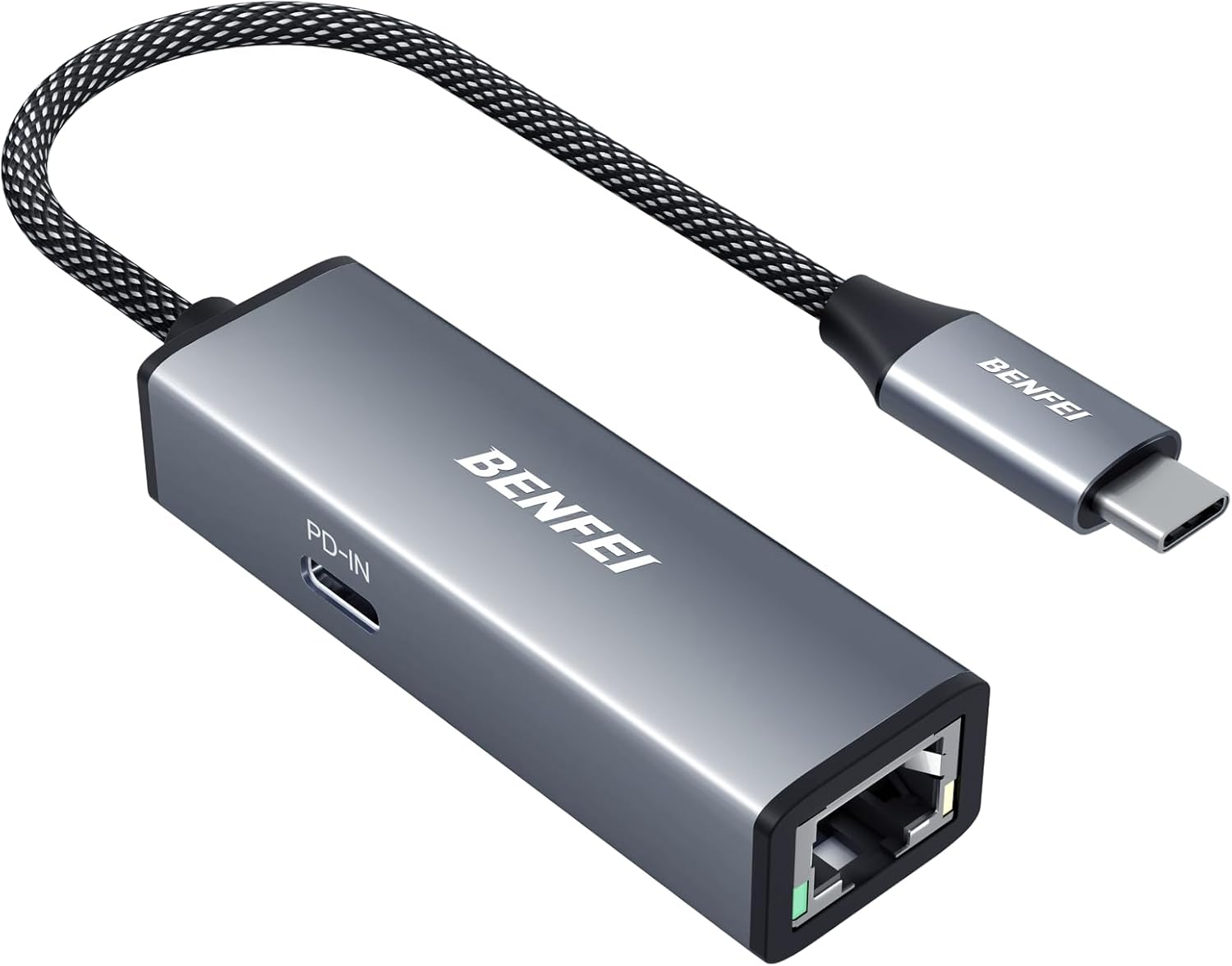
The adapter pairs a Gigabit RJ45 port with a 100W Power Delivery passthrough so you can connect to a wired network and charge simultaneously. It is plug and play on Windows 11 and 10, macOS, Chrome OS and many Android devices, which makes setup fast and low fuss. Built with a braided nylon cable and an aluminum housing, it focuses on durability and heat dissipation during extended use. Keep in mind that the maximum charging rate can depend on the device protocol support, and some phones or laptops may not reach the full 100W according to the manufacturer.
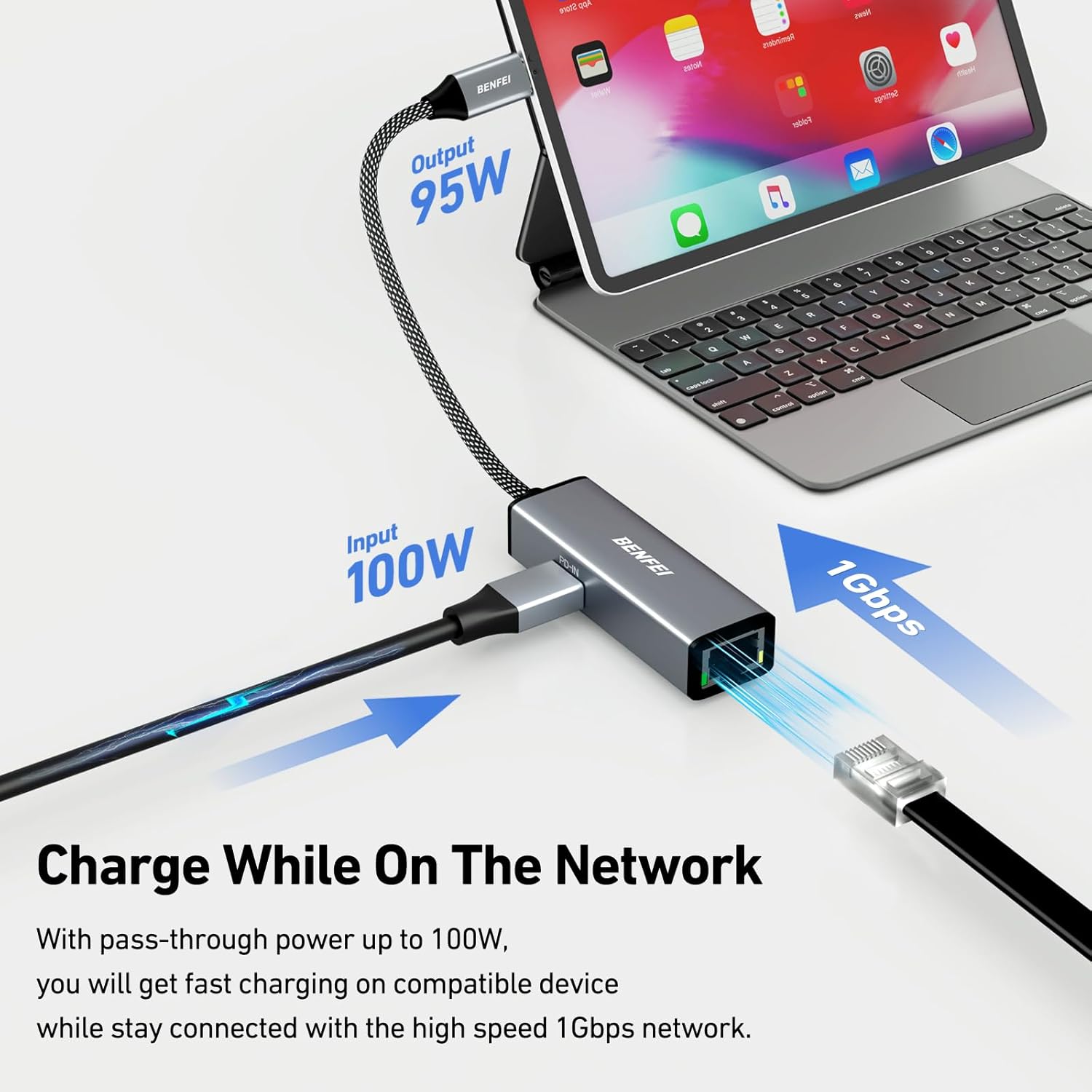
Tech specs
- Reference: BENFEI USB-C to Ethernet Adapter
- Connectivity: USB-C to RJ45 Gigabit Ethernet
- Power: 100W Power Delivery passthrough
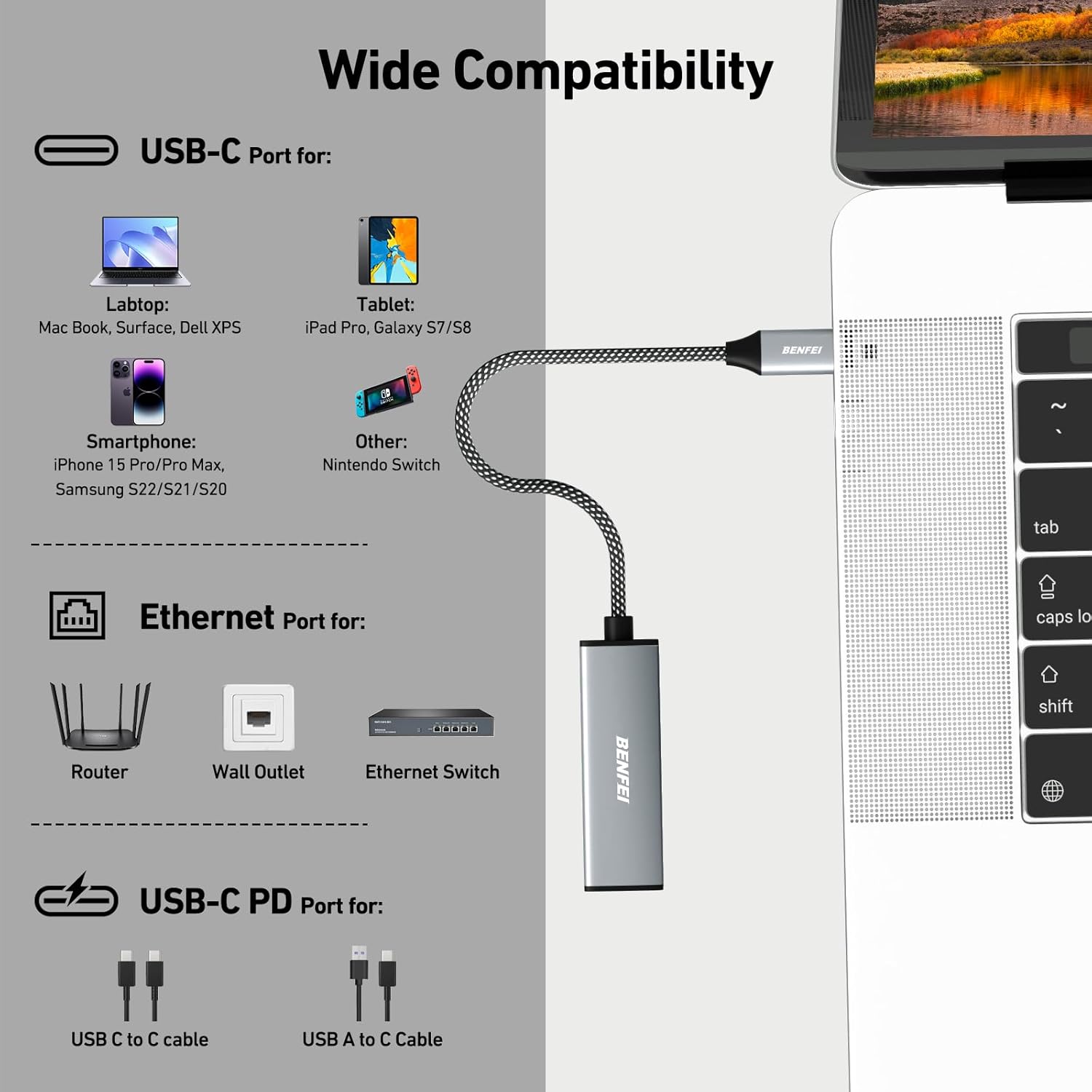
- Compatibility: Windows, macOS, Chrome OS, Android and devices with USB-C or Thunderbolt 3/4
- Build: braided nylon cable and aluminum casing
What stands out
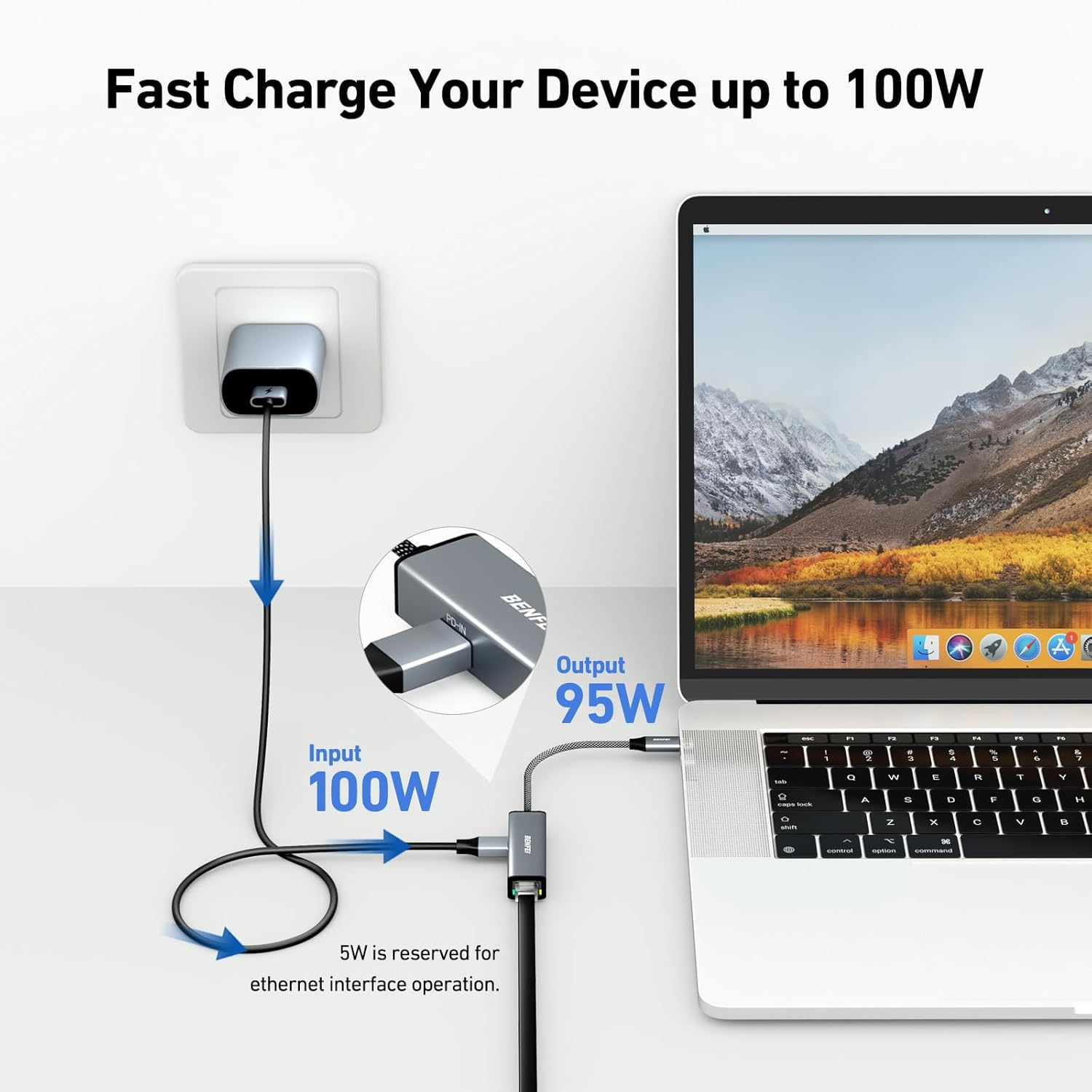
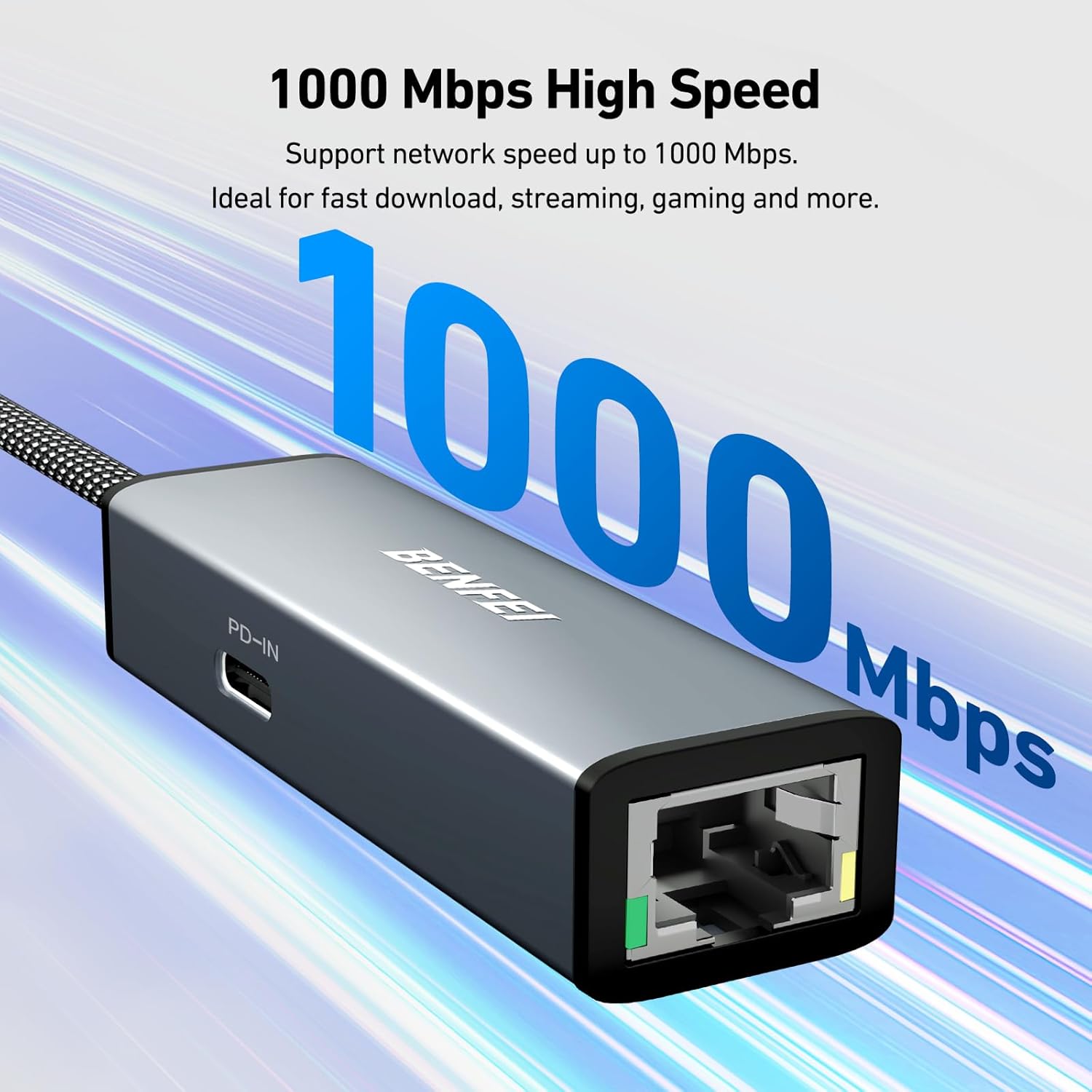
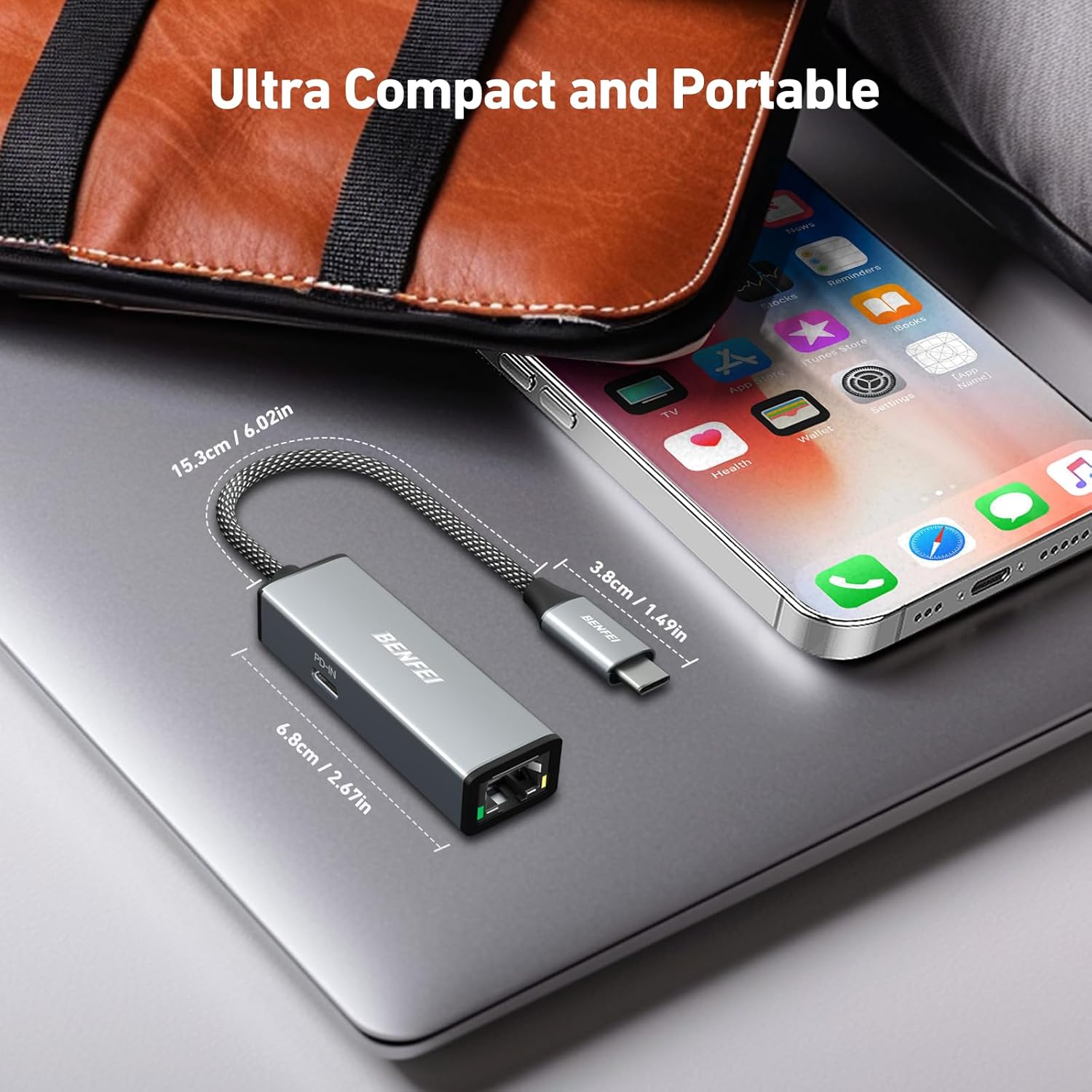
The clear strength is the combination of Gigabit Ethernet and 100W PD in a compact dongle, which means fewer adapters on your desk and more consistent bandwidth for work or entertainment. You will notice fewer interruptions on bandwidth heavy tasks, and the metal shell helps keep the adapter cooler under continuous load. BENFEI USB-C to Ethernet Adapter is presented as a dependable accessory rather than an active networking device.
Compatibility
It works with a wide range of USB-C and Thunderbolt equipped gear, including many modern laptops, tablets and phones, and it is listed as compatible with popular models like iPhone 15 Pro Max and recent MacBook Air and Pro models. Braided cable construction adds a bit of resilience for daily use and travel, though very tight bends should be avoided to preserve cable life.
Practical tips
For best results plug the adapter directly into a USB-C or Thunderbolt port on your computer, avoid long passive extenders, and connect to a Gigabit switch or router when possible for full speed. 🧵 If your device does not charge at the expected rate, check the device power delivery protocol and try another USB-C port. 🔌