

TP-Link Archer TBE230U BE3600 Wi-Fi 7 USB Wi-Fi Adapter for Desktop PC
Product description
Overview
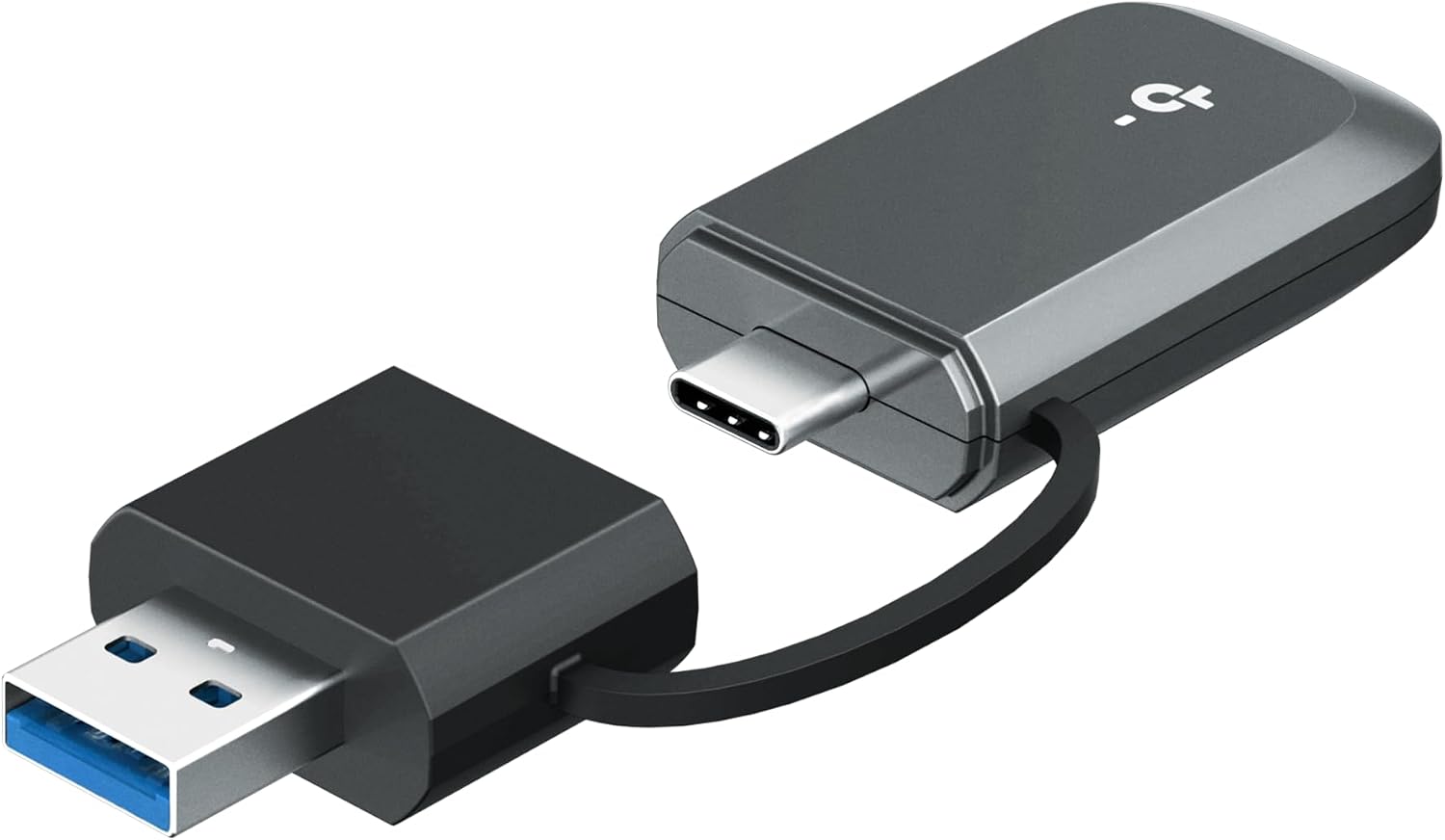
The TP-Link Archer TBE230U BE3600 is a USB Wi-Fi 7 adapter designed to upgrade a desktop or laptop's wireless performance. It supports dual-band speeds up to 3.6 Gbps with MU-MIMO and OFDMA, and it offers both USB-C and USB-A connectivity so you can plug it into newer laptops or older desktops without extra dongles. On paper, this setup aims to deliver faster, more stable connections for gaming, 4K streaming, and remote work.
What it is for
If you’ve got a wired Ethernet handy but want wireless flexibility, this adapter is meant to be a compact, plug-and-play solution that improves throughput and reliability without swapping out your router or adding a PCIe card. It’s positioned for users who want smoother online gaming, steadier video calls, and less buffering on media-heavy days.
Pros and what stands out
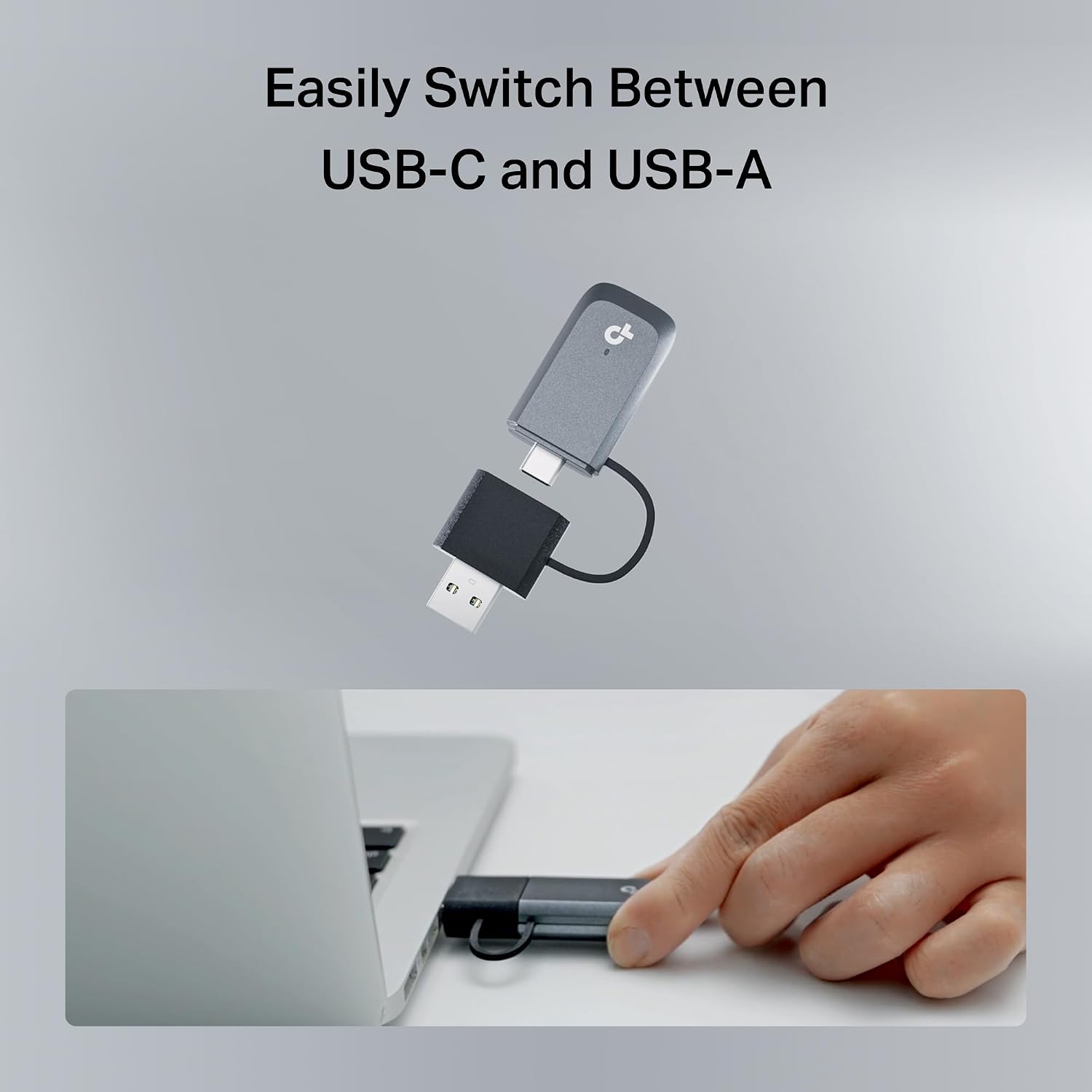
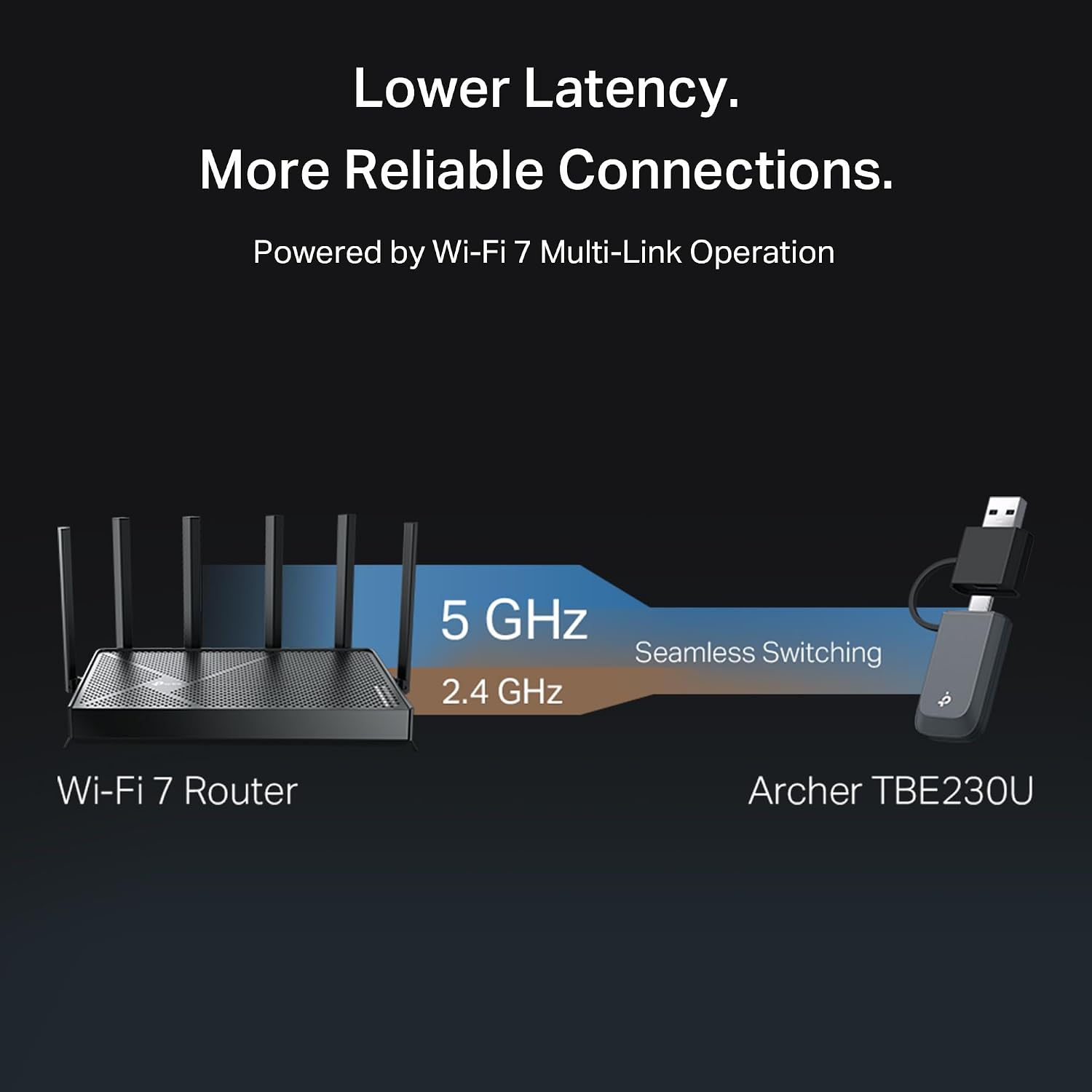
You’ll notice the dual USB options (USB-C and USB-A) for versatile compatibility with modern and legacy devices. The inclusion of Wi-Fi 7 features like Multi-Link Operation (MLO) and beamforming suggests better throughput and coverage, especially in busy home networks where multiple devices contend for bandwidth. A compact, portable design with built-in cooling vents helps manage heat during heavier use, which can contribute to steadier performance.
Cons and caveats
On the hardware side, dual-band models don’t use the 6 GHz band, so you won’t get that extra band if your router supports Wi‑Fi 6E/7. Also, real-world speeds depend on your router, environment, and distance—so the upper 3.6 Gbps figure is a theoretical ceiling. If your current router isn’t Wi‑Fi 7-enabled, you may not reach the maximums advertised here. It’s also important to confirm driver support and OS compatibility with Windows 10/11 before buying.
Who it’s for
This adapter is a solid option for desktop users who want a simple upgrade path to faster wireless performance without opening the PC case or purchasing a PCIe card. It also fits laptop users who occasionally dock at a desk and want a flexible, multi-USB solution. If you’re prioritizing a balance of speed and ease of use, and you already have a capable Wi‑Fi 7 router, this device can complement that setup.
Who it isn’t ideal for
If you rely on the 6 GHz band or you’re chasing the absolute highest throughput in a multi-gigabit wired setup, this device won’t replace a more robust PCIe solution or a newer router in all scenarios. It’s more about improving wireless access on a desktop or laptop rather than delivering hardcore, workstation-grade networking.
What to check before buying
- Ensure your router supports Wi-Fi 7 and Multi-Link Operation for best results.
- Decide between USB-C or USB-A ports on your computer and verify compatibility.
- Confirm Windows 10 or 11 driver availability to avoid setup surprises.
- Consider room layout and potential obstacles that could affect signal, even with beamforming.
Practical use case

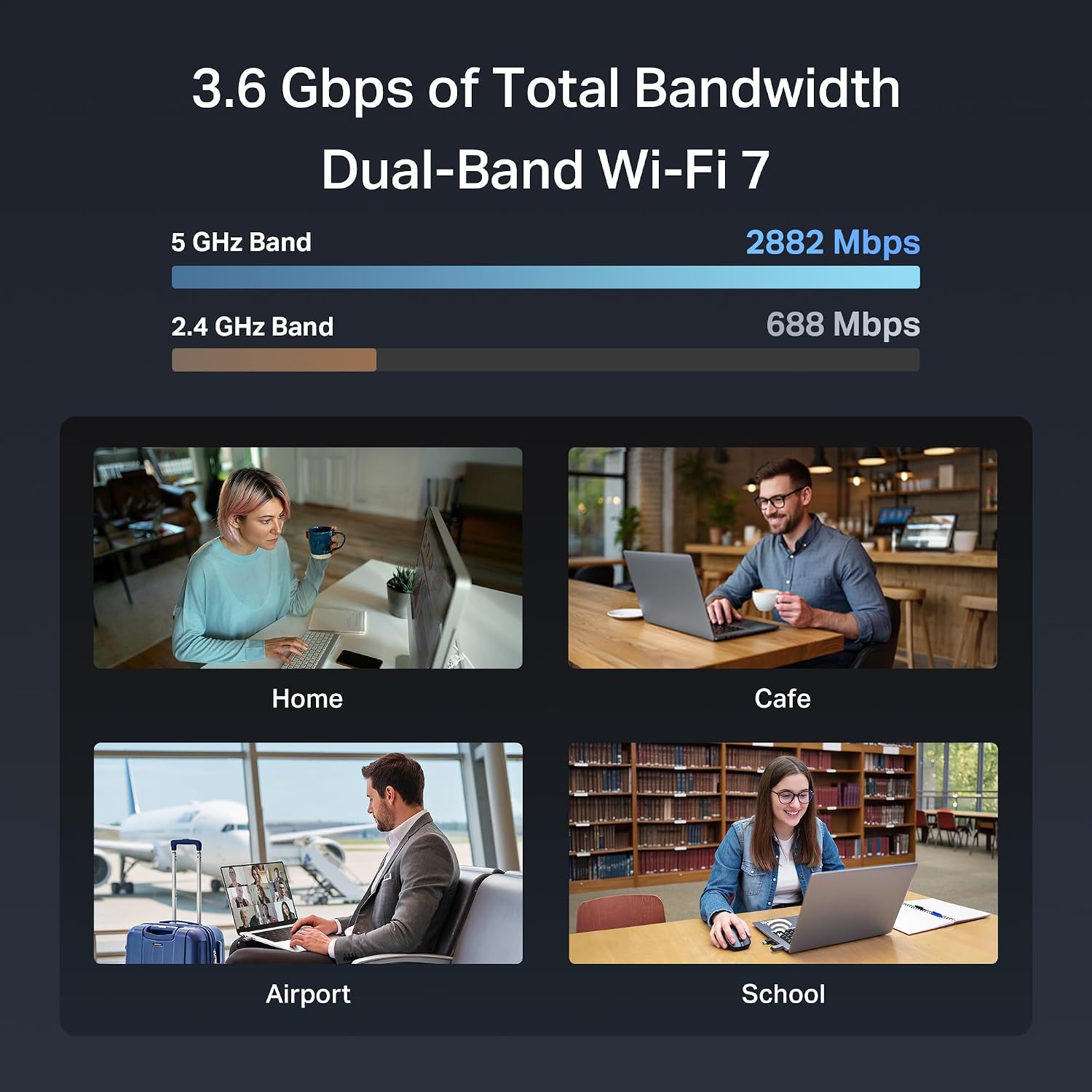
Imagine gaming from a desktop located a few rooms away from the router. With this adapter, you can expect a more stable connection than a basic USB adapter, with smoother frames and fewer hiccups during busy online moments. In a streaming scenario, 5 GHz performance might handle 4K content more consistently, while 2.4 GHz keeps everyday tasks responsive.
FAQ
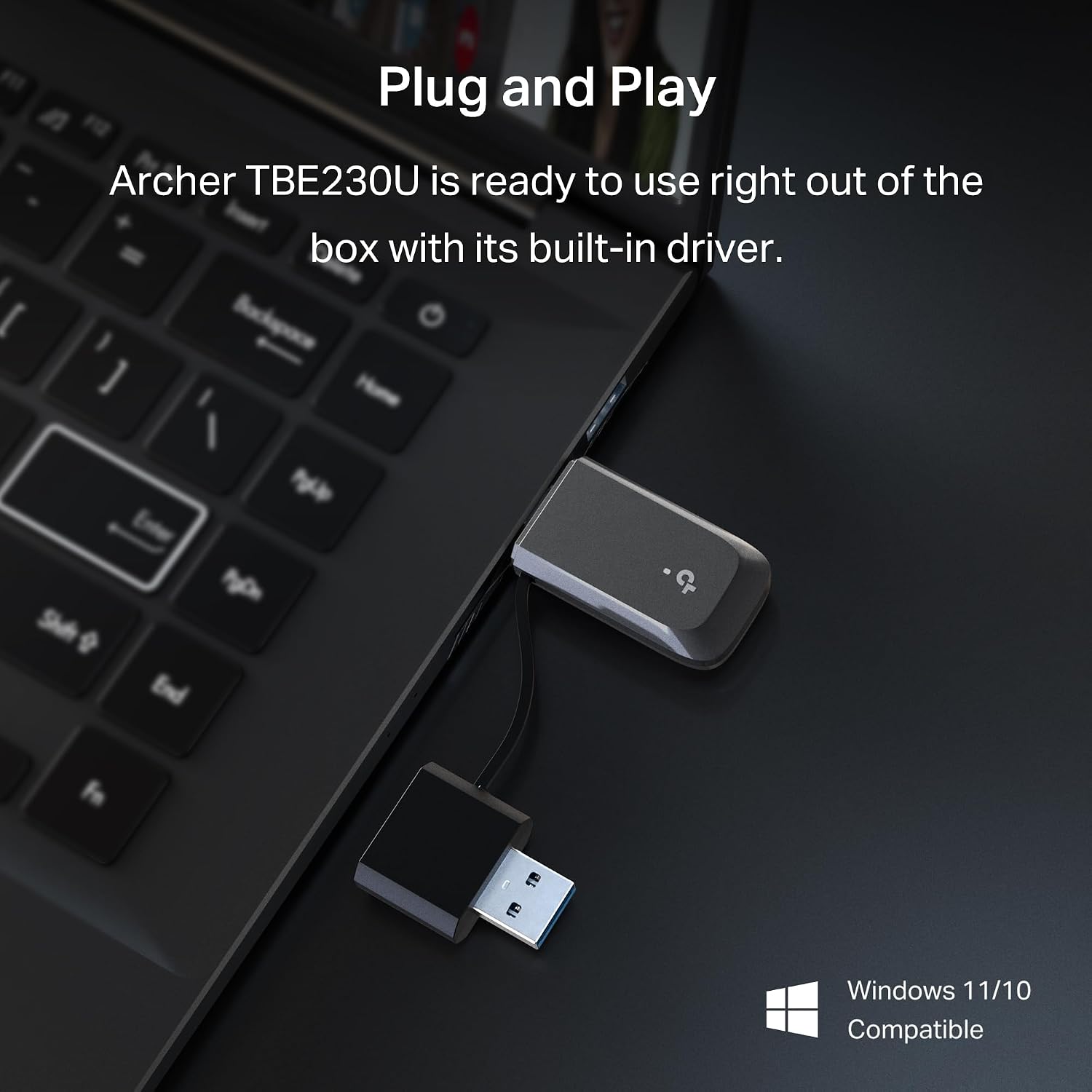
- Does it require a driver installation? The product is marketed as plug and play, but you may need drivers for optimal operation on Windows 10/11.
- Can it connect to a Wi-Fi 7 router? Yes, and Multi-Link Operation aims to improve stability when multiple bands are used.
- Is the 6 GHz band available with this adapter? No, this model supports dual-band only (2.4 GHz and 5 GHz).
Tech specs
- Type: USB Wi-Fi 7 adapter (Dual-Band)
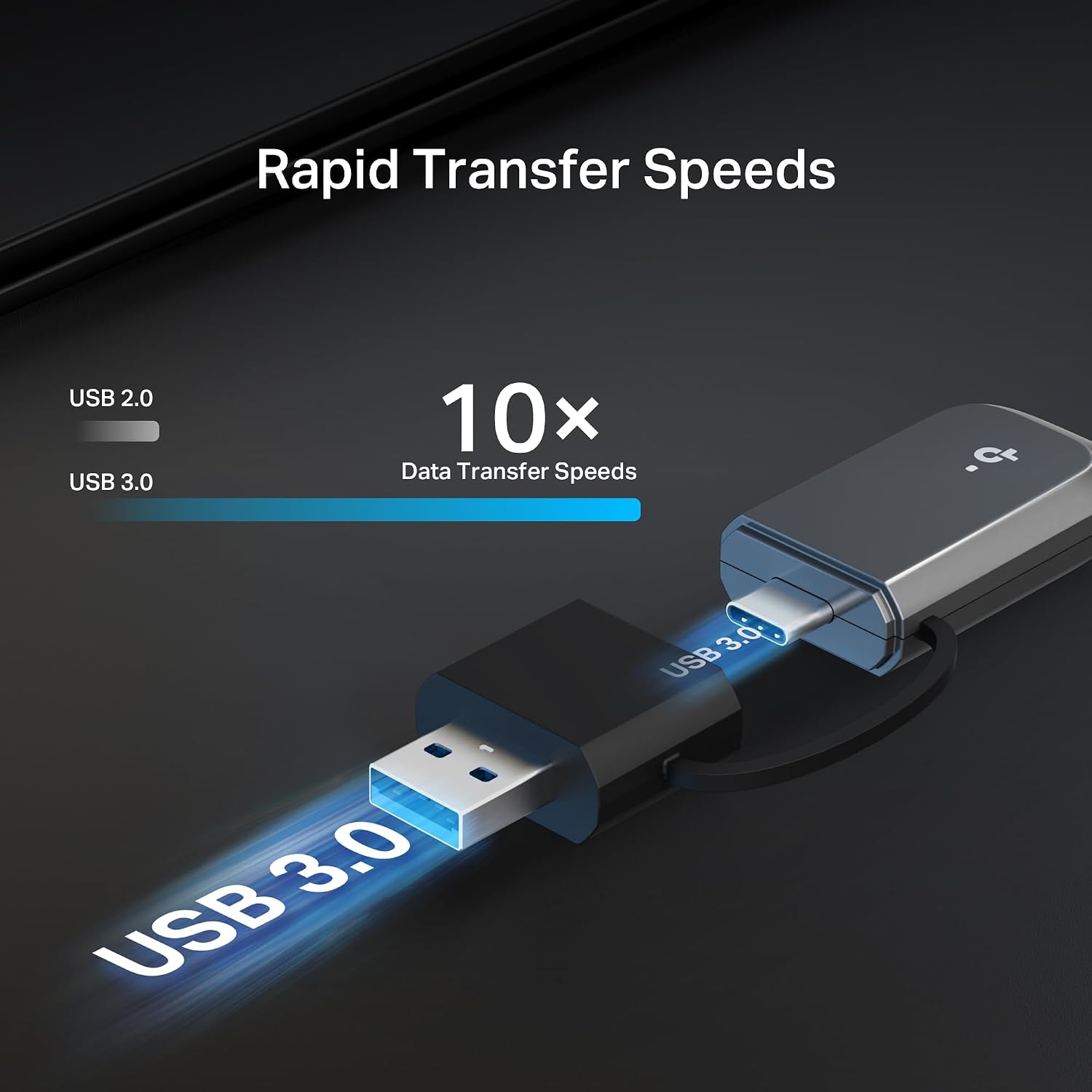
- Connectivity: USB-C and USB-A 3.0 (2-in-1 adapter)
- Speed: up to 3.6 Gbps total theoretical, with up to 2882 Mbps on 5 GHz and 688 Mbps on 2.4 GHz
- Security: WPA3
- OS: Windows 10 & 11 compatibility
- Features: Multi-Link Operation (MLO), Beamforming, OFDMA, MU-MIMO
- Form factor: Compact with cooling vents
Decision: Is it worth it?
If you prioritize an easy upgrade path that blends modern Wi‑Fi 7 tech with broad USB compatibility and a compact footprint, this adapter can be a sensible pick for improving wireless performance on a desktop or laptop without major changes to your setup. It’s likely to be most compelling if you already have a Wi‑Fi 7 router and want better stability in busy networks. You may want to skip it if you require the 6 GHz band or if you need the absolute highest possible throughput for a wired-like experience.