

TP-Link Archer TX20U WiFi 6 USB Adapter ⚡
Reviews
Price
Product description
This TP-Link Archer TX20U WiFi 6 USB adapter delivers faster wireless speeds with reduced network congestion compared to earlier Wi-Fi 5 models, making it ideal for streaming, online gaming, and large file transfers. It supports an AX1800 dual-band connection across 2.4 GHz and 5 GHz frequencies, offering improved range and signal clarity for homes with multiple devices.
Key Points
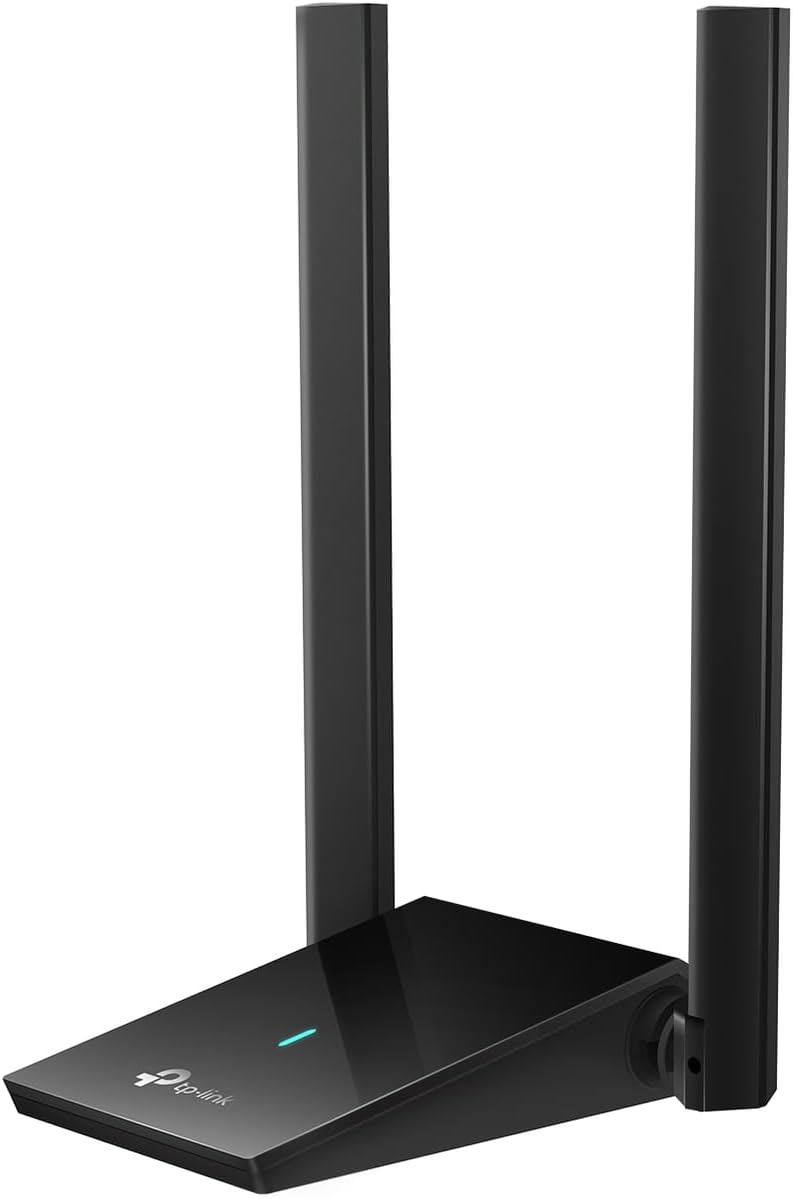
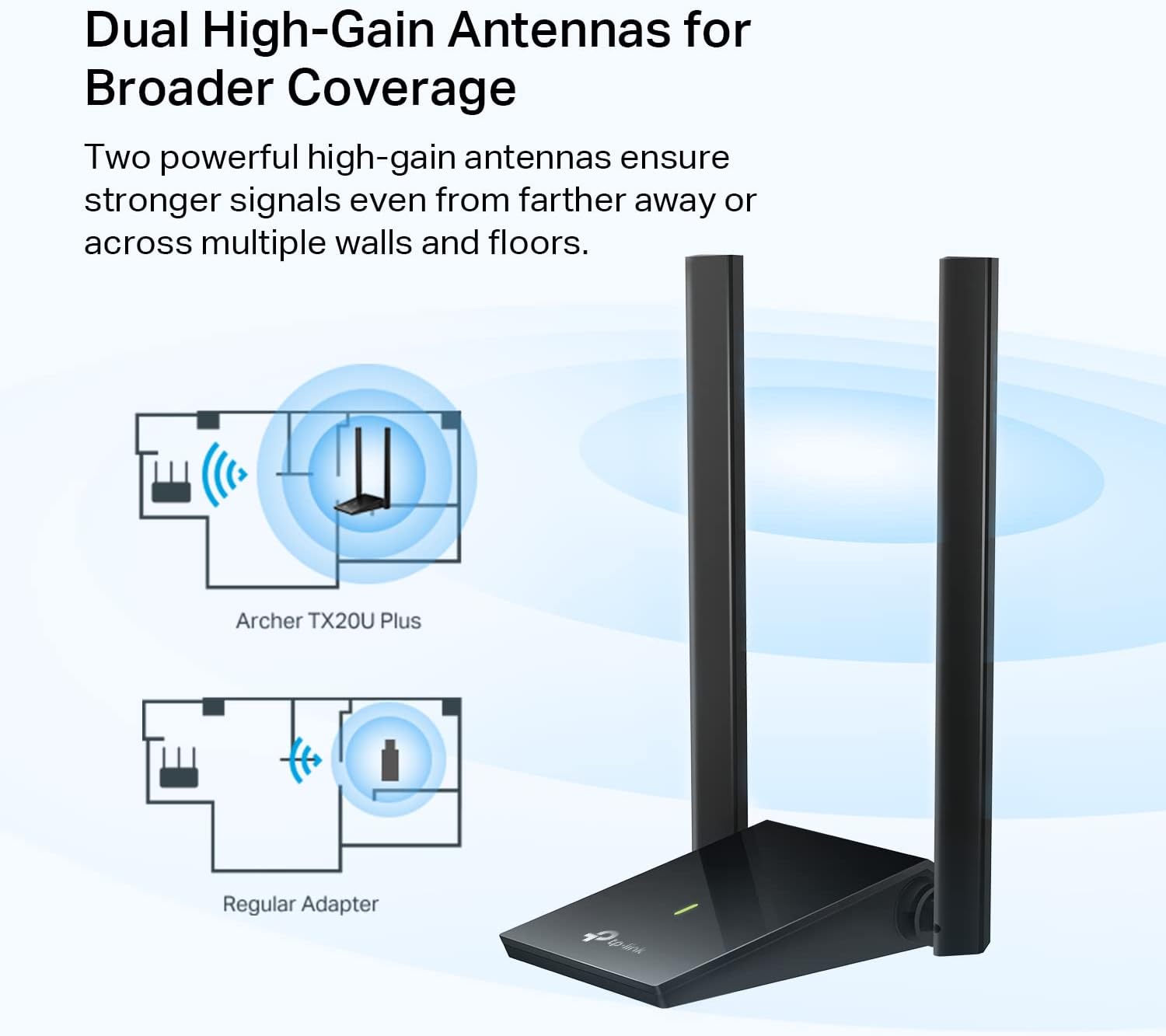
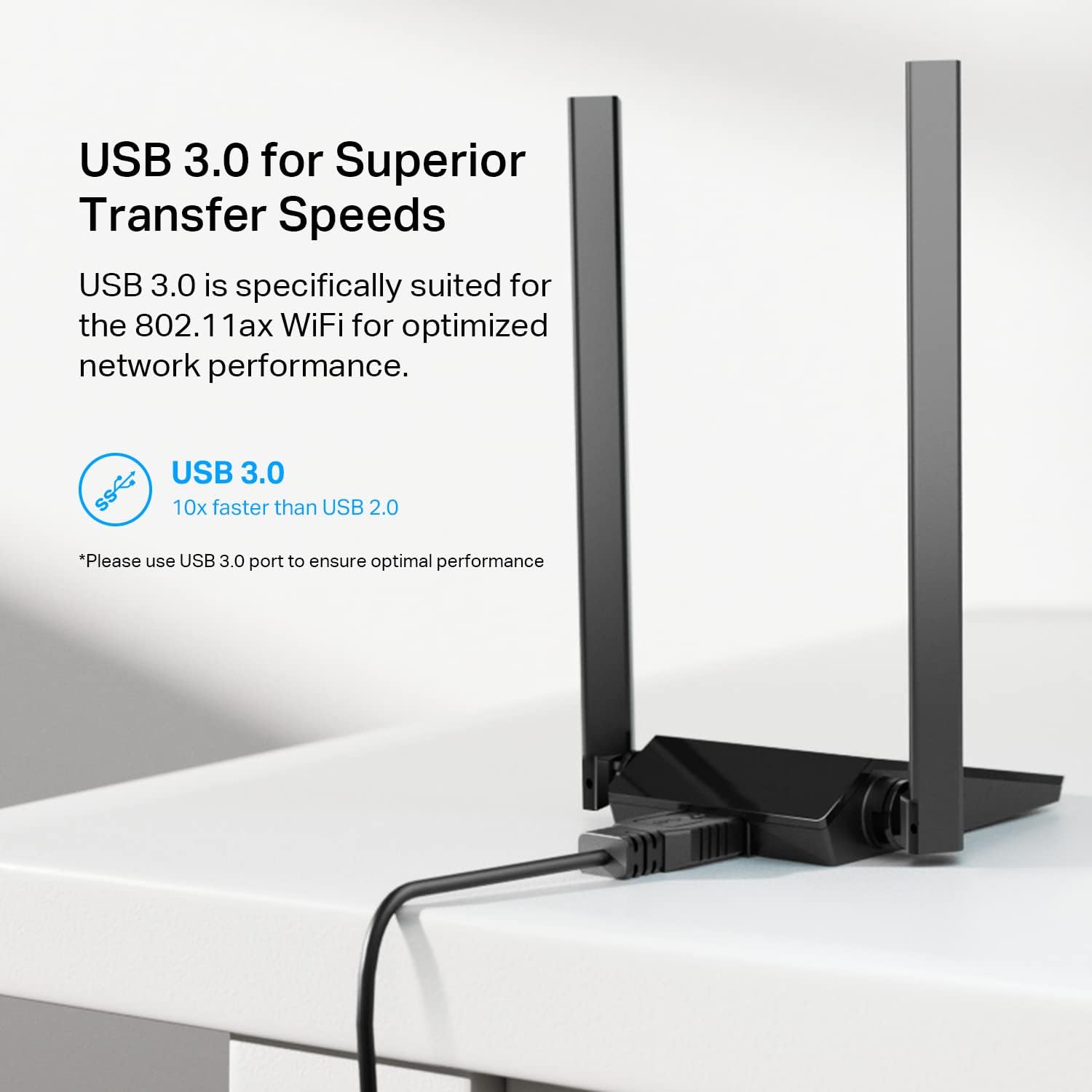
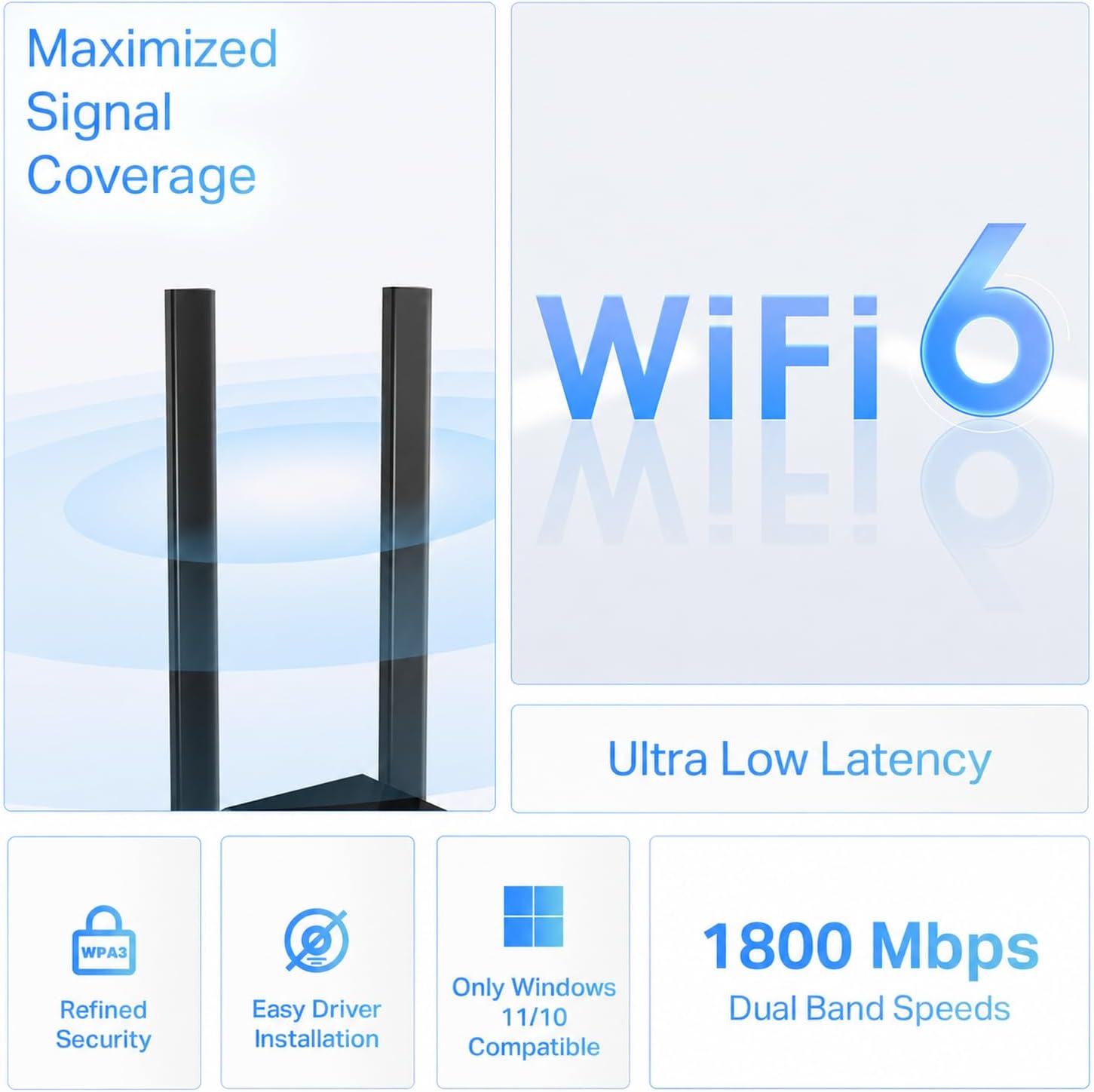
The TP-Link Archer TX20U provides robust performance through Wi-Fi 6 technology, which enhances data handling in busy networks. It supports WPA3 encryption for stronger password protection, ensuring safer access to your home network. The device includes adjustable antennas to improve signal strength depending on your setup. It also features MU-MIMO and OFDMA, which help reduce interference and boost efficiency during peak usage times. With a 1.2-meter USB 3.0 cable, placement is flexible and convenient for desktop or wall mounting.
Technical Specifications
- Brand + Model: TP-Link Archer TX20U
- Wi-Fi Standard: WiFi 6 (802.11ax)
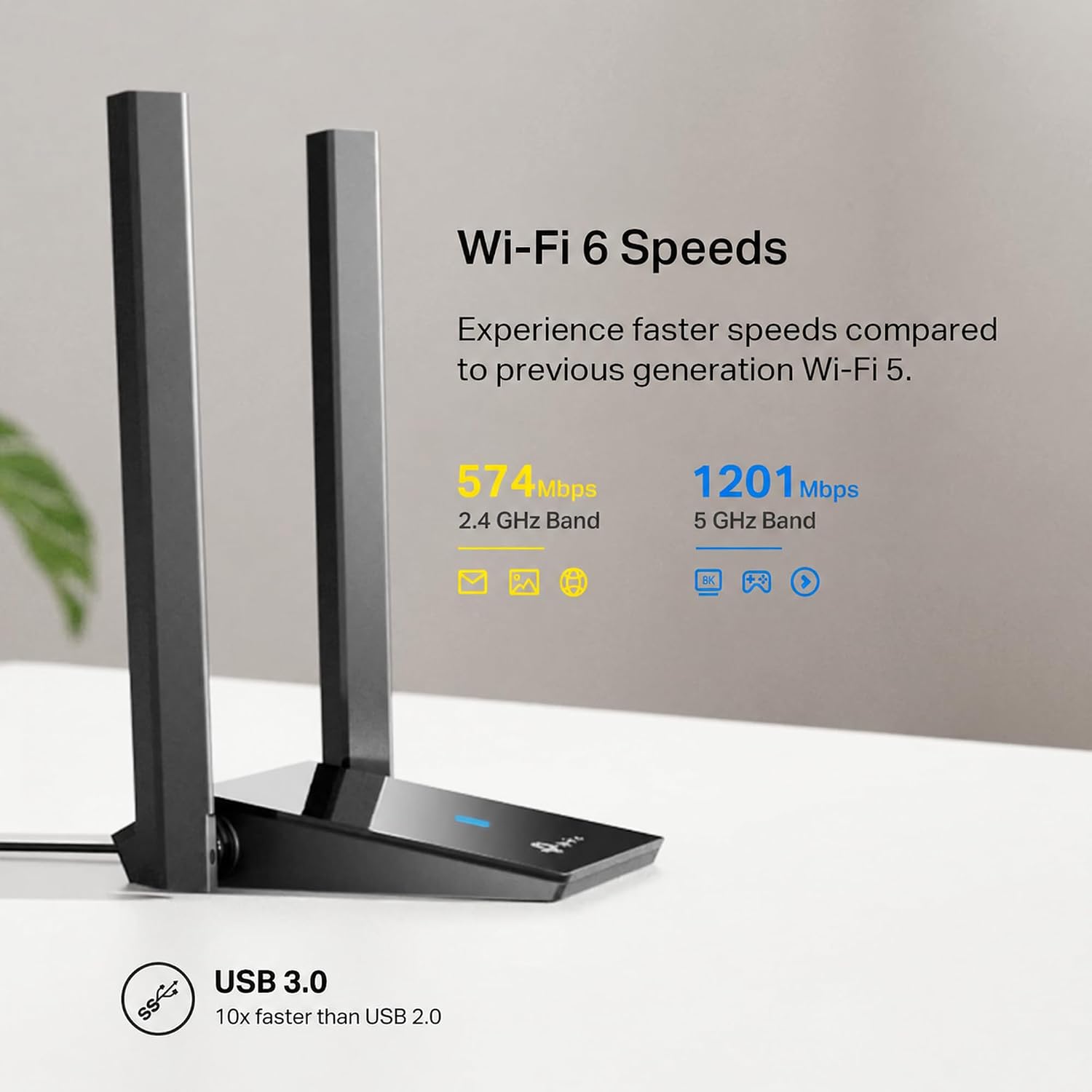
- Dual-Band Frequency: 2.4 GHz and 5 GHz
- Maximum Speed: 1800 Mbps (AX1800)
- 5 GHz Band Speed: 1201 Mbps
- 2.4 GHz Band Speed: 574 Mbps
- Cable Type: USB 3.0, 1.2 meters
Benefits
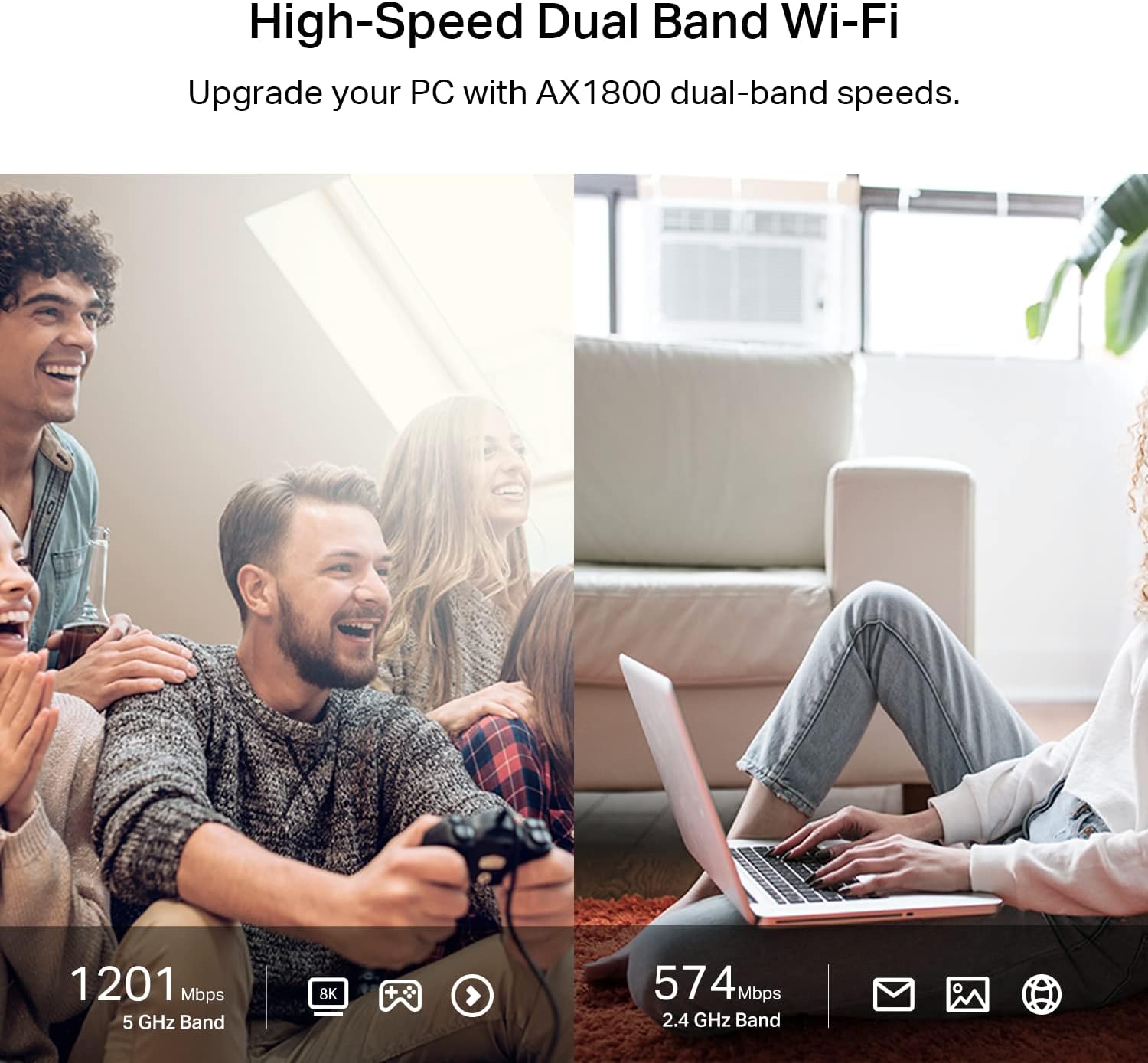
This adapter improves network performance in homes with many connected devices, especially during high-demand activities like video calls or online gaming. The 5 GHz band delivers faster speeds with less interference, while the 2.4 GHz band maintains stable coverage for basic tasks. The combination of MU-MIMO and OFDMA ensures smoother data transfer between devices, even when multiple users are active simultaneously. According to the manufacturer, it maintains consistent performance across various network environments.
Usage Recommendations
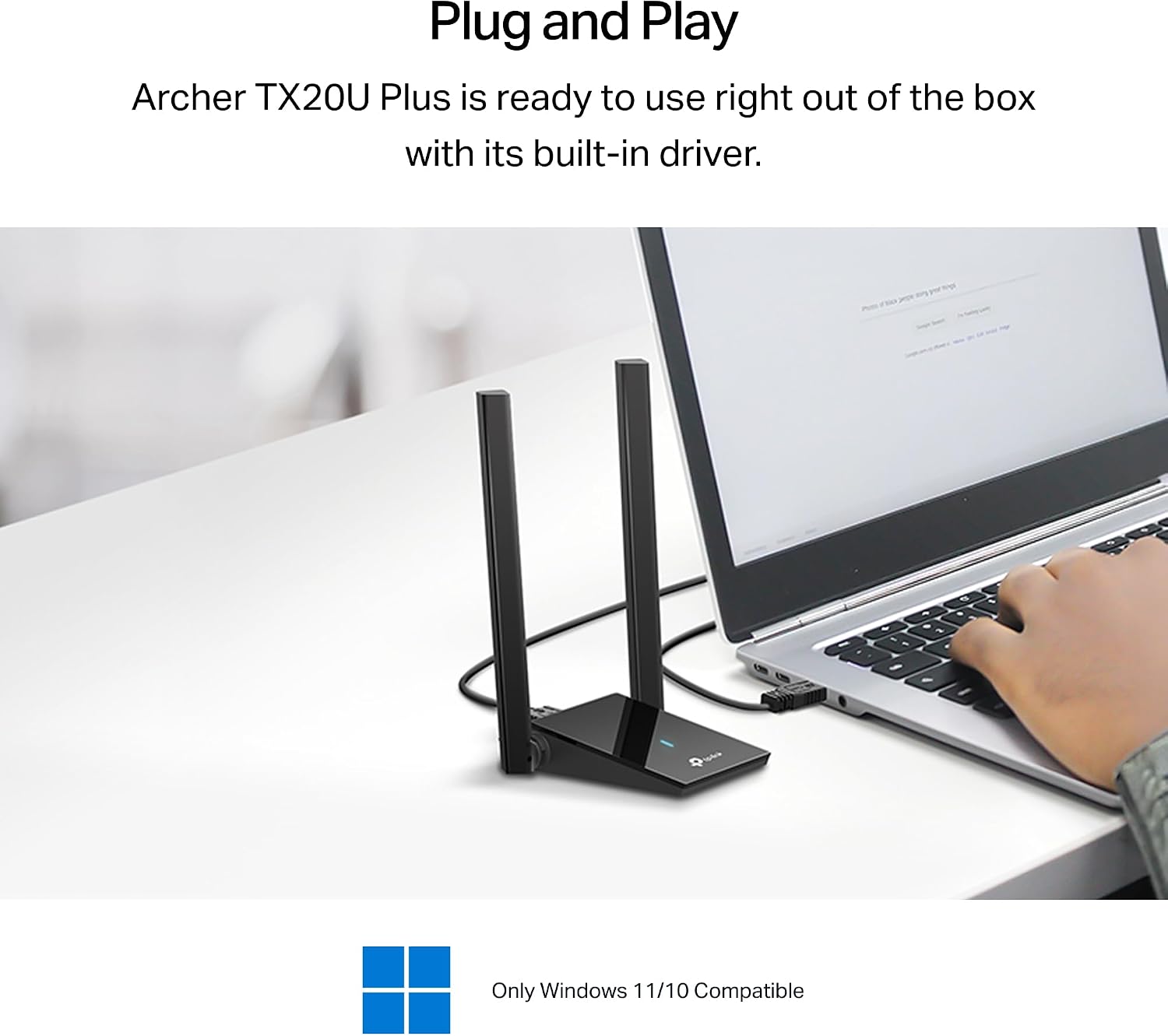
Place the adapter near your main router for optimal signal reach. Use the adjustable antennas to point toward devices that experience slow connections. Avoid blocking the adapter with thick walls or metal objects. For best results, connect it directly to a USB port on your computer or desktop. If you have a large home with multiple smart devices, the improved bandwidth handling will help maintain responsiveness. The device works seamlessly with most routers and operating systems without requiring special setup.