

QGOO AC1300 WiFi Adapter 📡
Product description
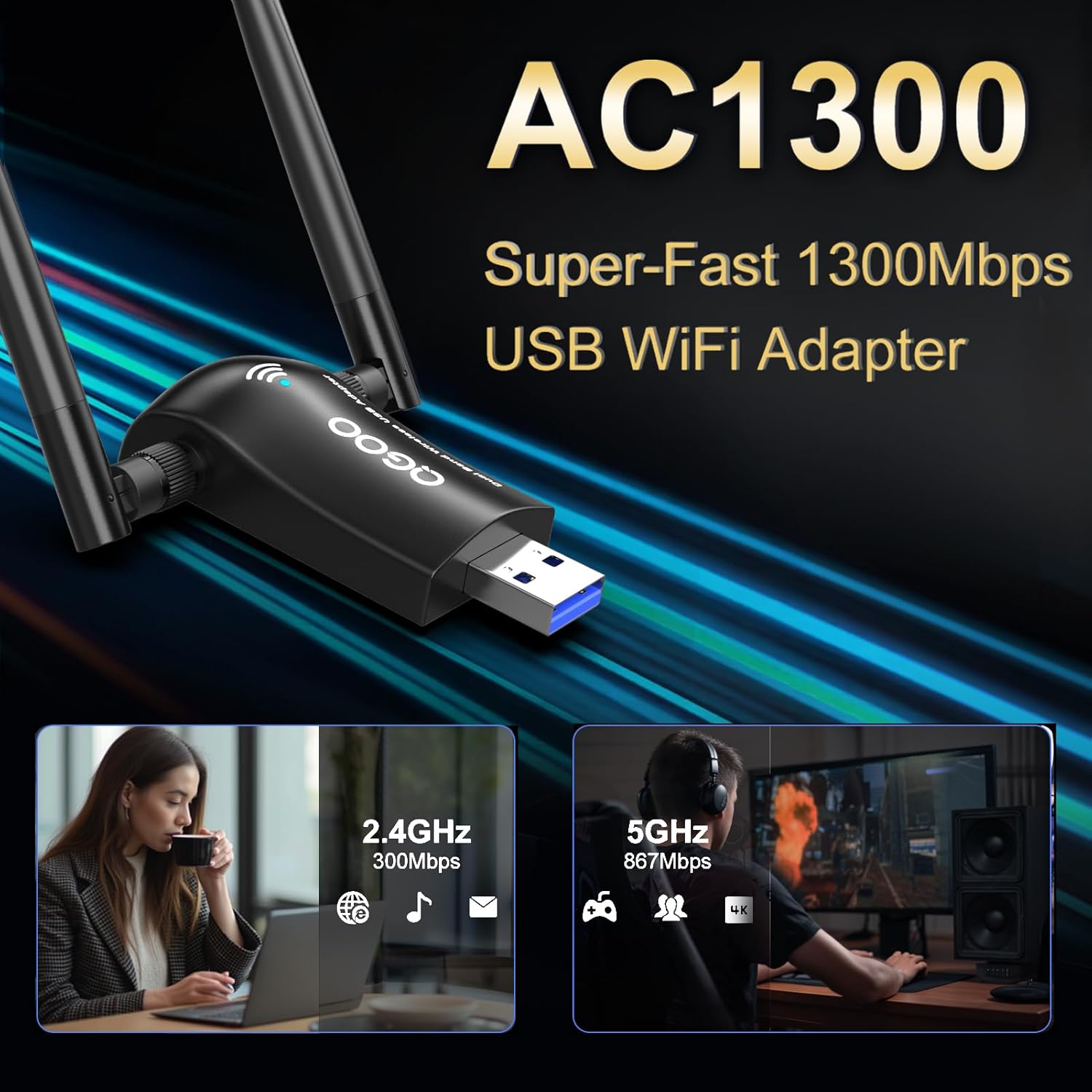
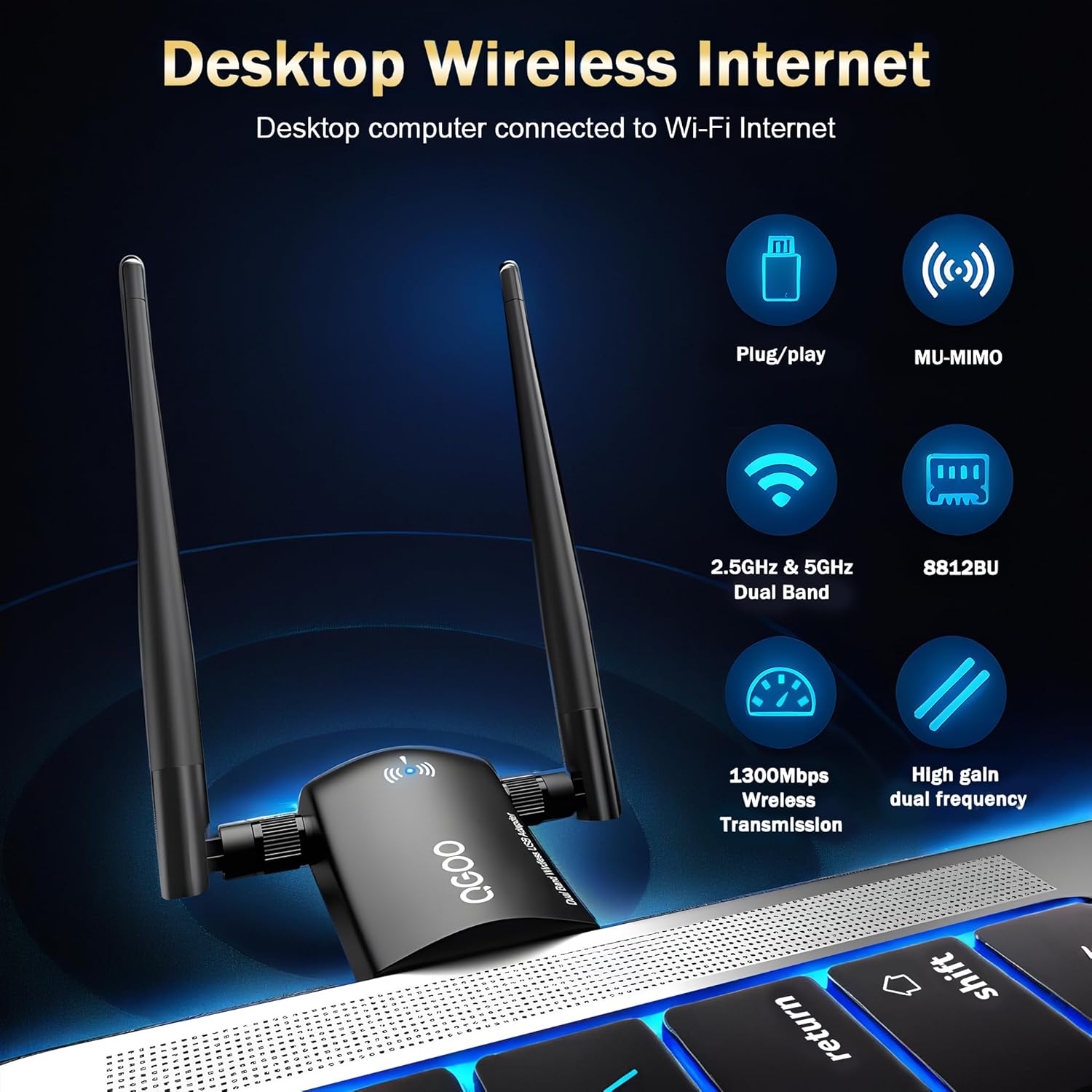
This dual band USB WiFi adapter brings faster wireless connections to desktops and laptops, reducing lag in video calls and smoothing HD streaming. If your built in adapter struggles, the QGOO AC1300 provides an easy upgrade with support for 5 GHz and 2.4 GHz networks, and USB 3.0 throughput for better real world speeds. For casual gaming and home media the increased link rate helps lower latency and keeps streams stable, and it installs quickly on Windows 11 and 10.
Key points
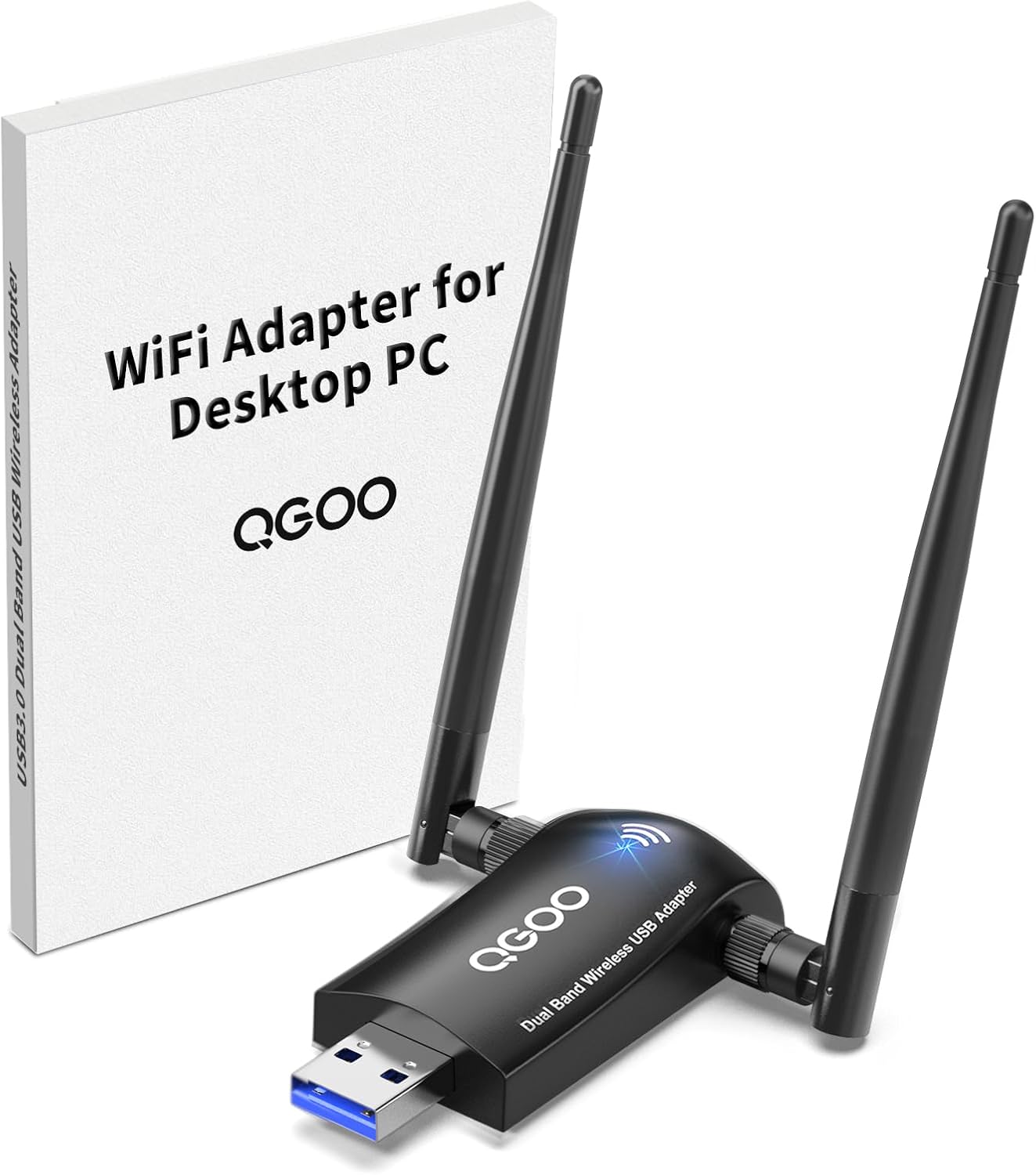
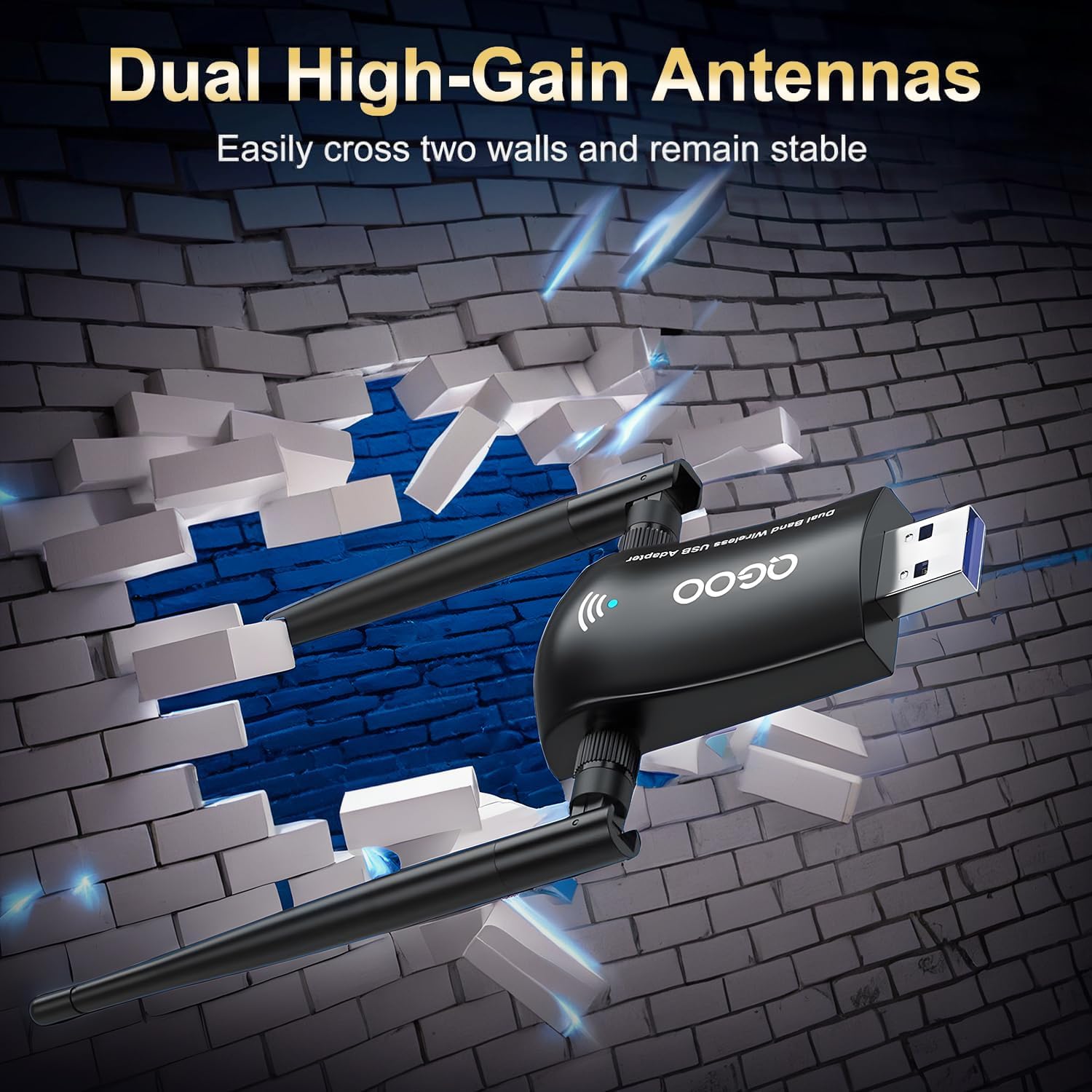
The adapter focuses on straightforward performance and range while staying compact enough for a desk setup. QGOO AC1300 targets users who want a noticeable network boost without rewiring or buying a new PC. Hardware features include dual 5 dBi external antennas that aim signals toward connected devices, which can improve reception in rooms that previously had weak coverage. Keep in mind that driver support varies by system, and Mac or Linux users may need to install additional drivers or find alternative solutions. ⚠️ 1300 Mbps is an aggregate figure based on band sums, according to the manufacturer.
Who it’s for
A solid pick if you use a desktop or older laptop with slow WiFi and want a simple plug and play upgrade for smoother video streaming, faster downloads, and reduced lag during online sessions. It fits home offices and living rooms where a modest antenna gain can make a real difference in signal stability. 🎮
It might not be a great match if you run macOS or a Linux distribution that lacks ready drivers, or if you need enterprise grade security and management features, since the adapter is aimed at consumer use and home networks.
Tech specs
- Name: QGOO AC1300 WiFi Adapter
- Speed: 867 Mbps on 5 GHz, 400 Mbps on 2.4 GHz
- Antennas: 5 dBi high gain dual external antennas
- Interface: USB 3.0
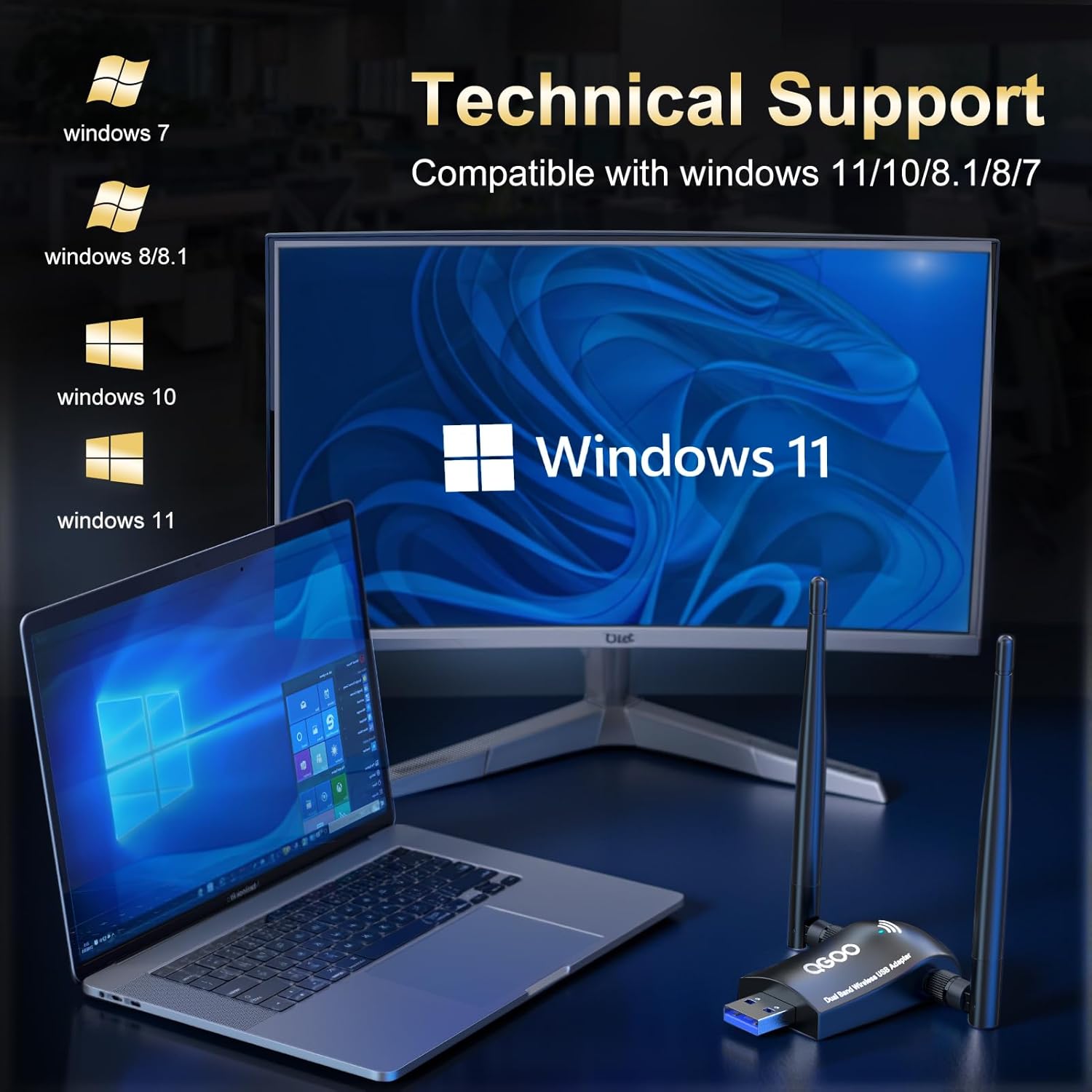
- Compatibility: Windows 11, Windows 10, Windows 8.1, Windows 8, Windows 7
What you’ll notice day to day
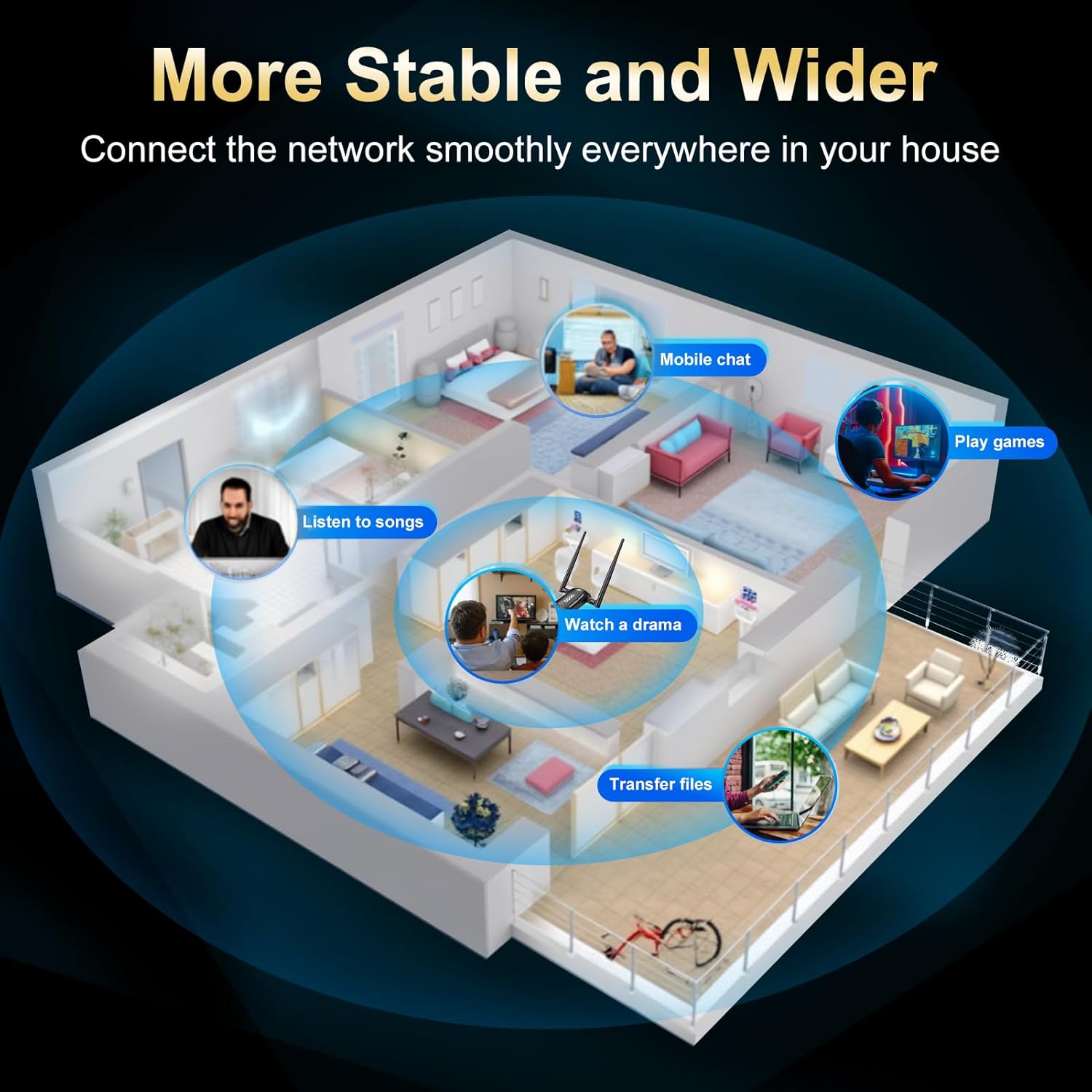

Installation is quick on supported Windows versions and the unit stays discreet when plugged into a rear or front USB port. Expect clearer video calls and higher sustained throughput for cloud backups and media playback. The physical antennas make placement important, so a slight repositioning of the dongle can yield better reception in tricky spots. The manufacturer notes that performance depends on router capabilities and local interference, so actual speeds will vary.
Maintenance
Keep the adapter dust free and avoid tight USB hubs that block airflow or impede signal angle. Driver updates from the manufacturer can improve stability over time, but remember to verify Windows compatibility before installing. Store the unit in a dry place when not in use to protect the antenna joints and USB connector.