

ASUS ROG USB-BE92 Tri-Band WiFi 7 USB Adapter (BE6500, 6GHz, WPA3, MLO)
Reviews
Price
Product description
The essentials
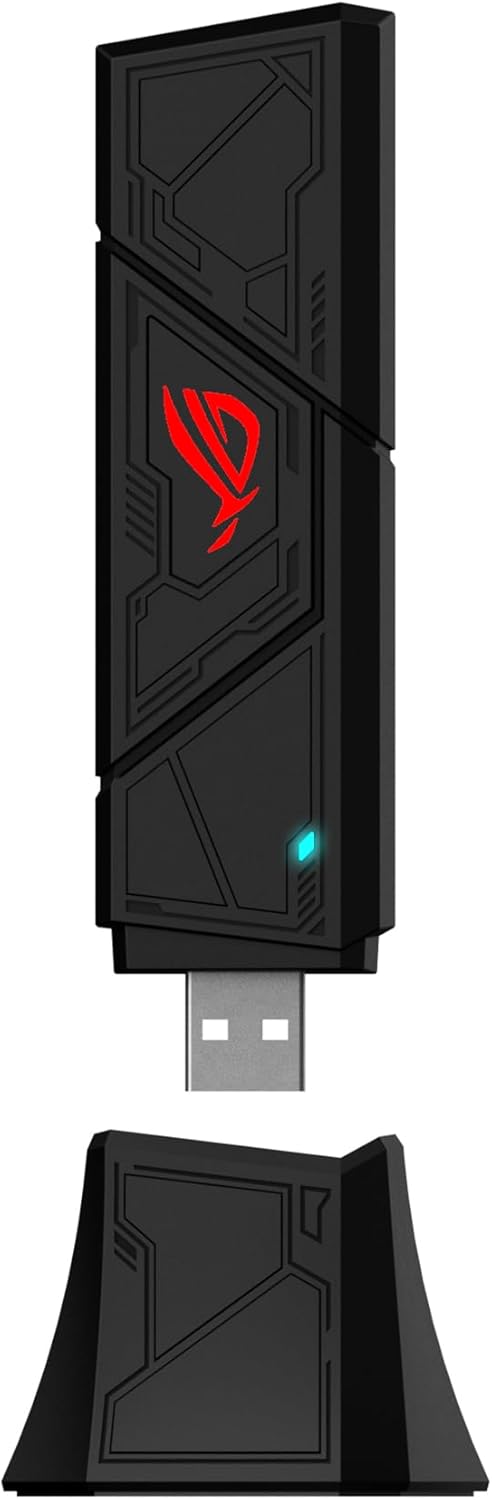
If your current WiFi feels like it’s hitting a ceiling—especially during busy hours—this ASUS ROG USB-BE92 WiFi 7 USB adapter is built to move that ceiling. On paper, it targets ultra-high throughput with WiFi 7 (802.11be) features, including multi-link operation (MLO) and support for 4096-QAM, plus a 6GHz-focused design that aims to reduce congestion.
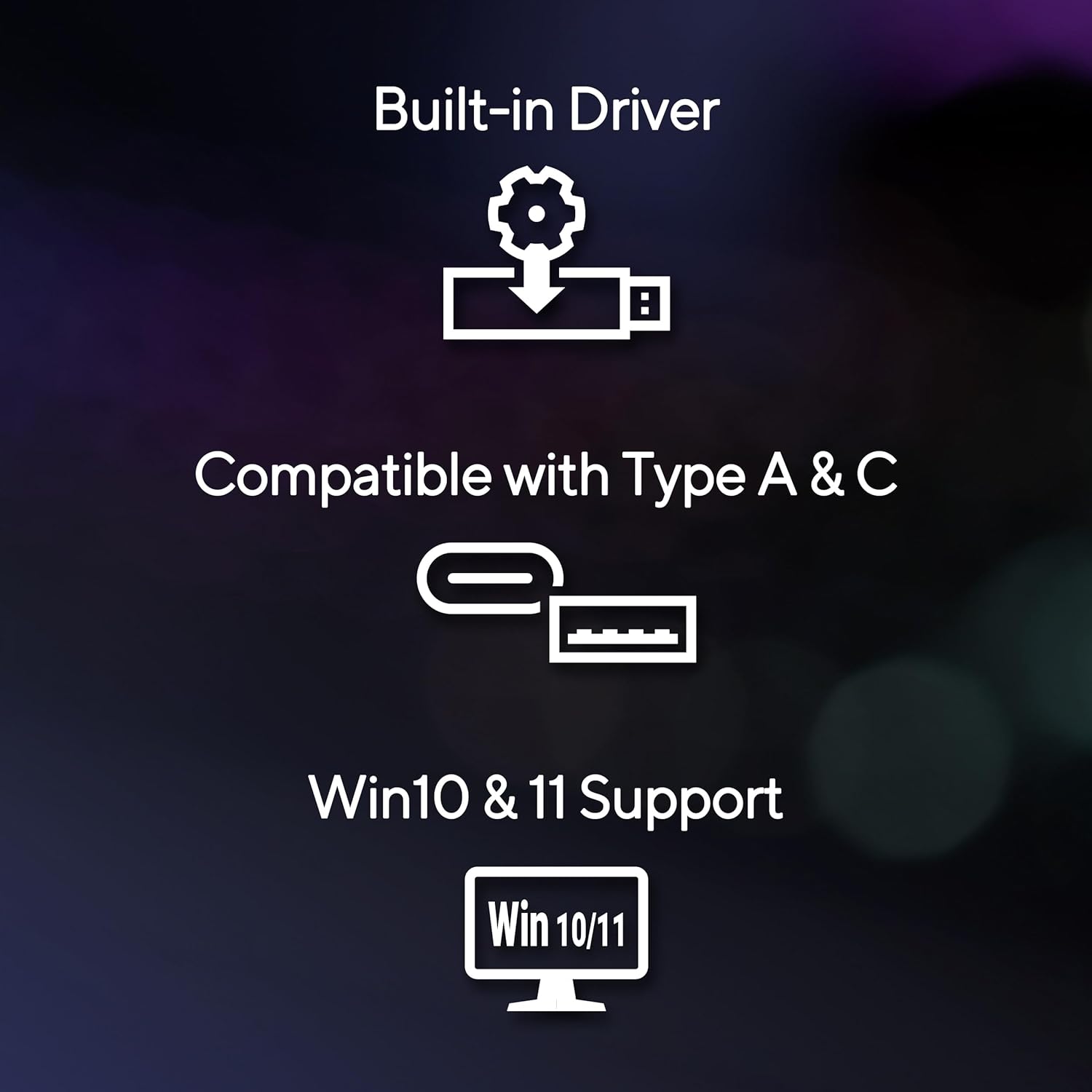
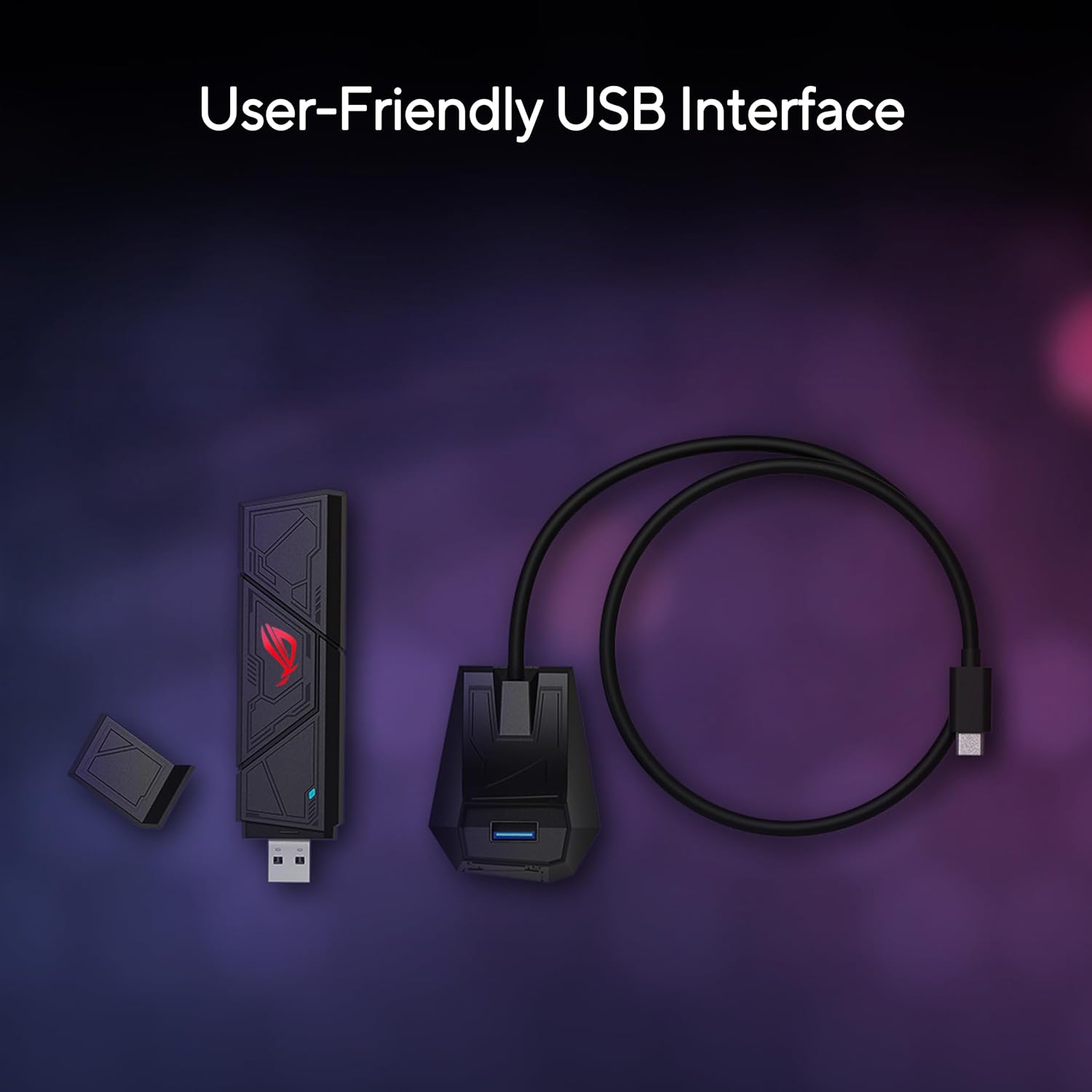
It’s also a practical kind of upgrade: a USB adapter meant to be plug-and-play, with support for both Type A and Type C connections. That matters because compatibility hassles can kill momentum. Here, you get a single adapter designed to cover more than one port type—so you’re less likely to be blocked by what your device has.
That said, it’s not a magic wand. WiFi 7 performance still depends heavily on your router setup and your environment. If you don’t have the right WiFi 7 network and enough 6GHz availability, the “fastest on paper” part can stay theoretical.
Key takeaways
The headline specs are the story: WiFi 7 tri-band, up to 6,500 Mbps (as stated), and support for advanced efficiency features like OFDMA, MU-MIMO, and BSS. It’s positioned for faster wireless throughput and better behavior in high-density areas—places where many devices compete for airtime.
Where it really makes sense is when you’re trying to get more stable speed for demanding use cases. Imagine a laptop in a crowded apartment building or a gaming/streaming setup where several devices are active at once. With MLO and 4096-QAM support, the adapter is designed to squeeze more usable performance out of modern networks.
One limitation to keep in mind: without a compatible WiFi 7 router that actually provides those 6GHz and WiFi 7 conditions, you won’t realize the full potential. In that scenario, it may still work as a WiFi upgrade, but it’s not going to perform like the top-case scenario the marketing implies.

What matters most
The ROG USB-BE92 emphasizes two buying priorities: higher-speed capability and more robust network security.
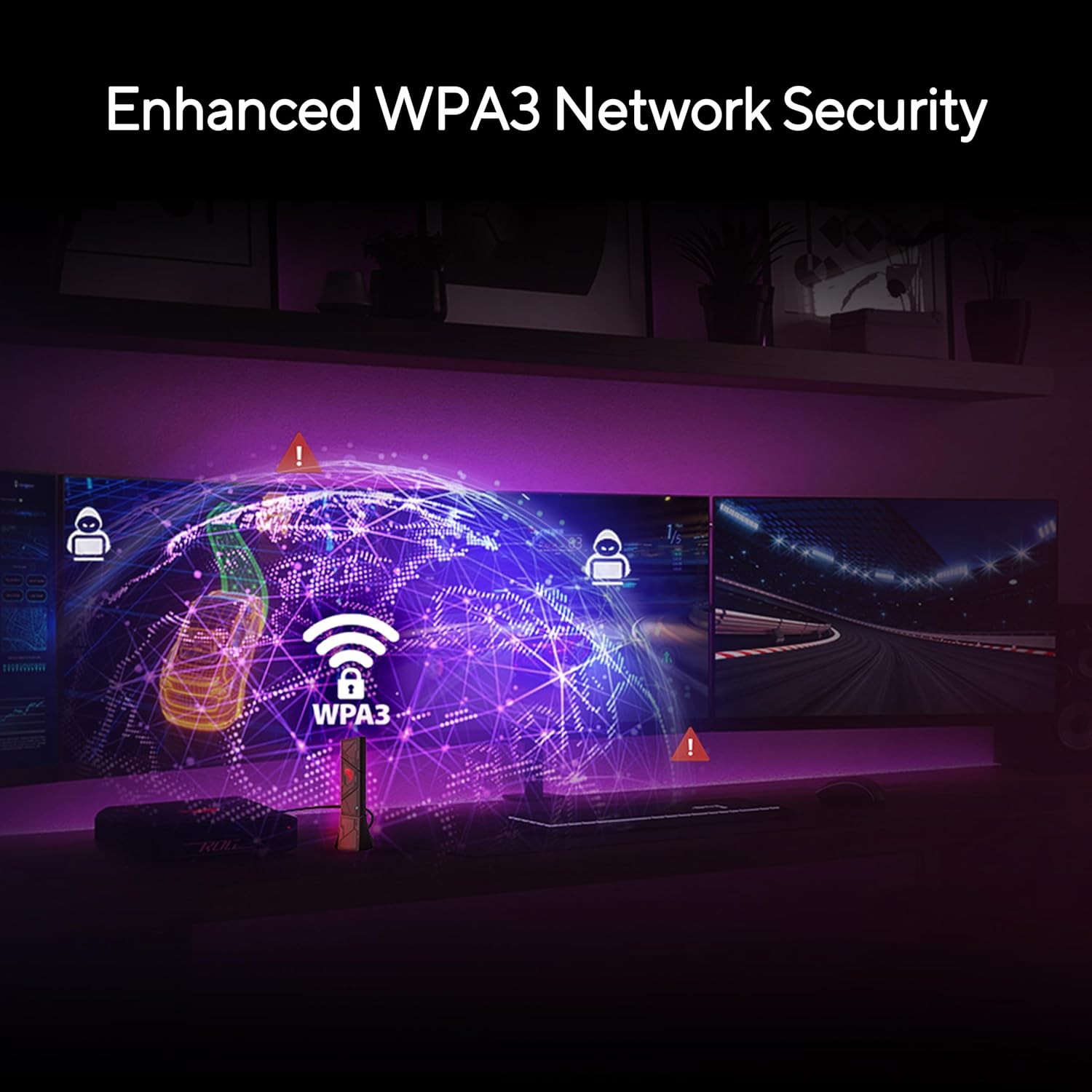
On security, it supports WPA3 network security. That’s a meaningful checkmark if you’re serious about protecting your WiFi connection, especially compared to older security modes.
On speed, the adapter is designed around modern efficiency technologies. The goal isn’t just peak numbers—it’s better performance in crowded environments where many clients are trying to communicate. If you’ve ever felt speed drop off when someone else starts streaming, this kind of feature set is aimed at reducing that “everyone fights for bandwidth” feeling.
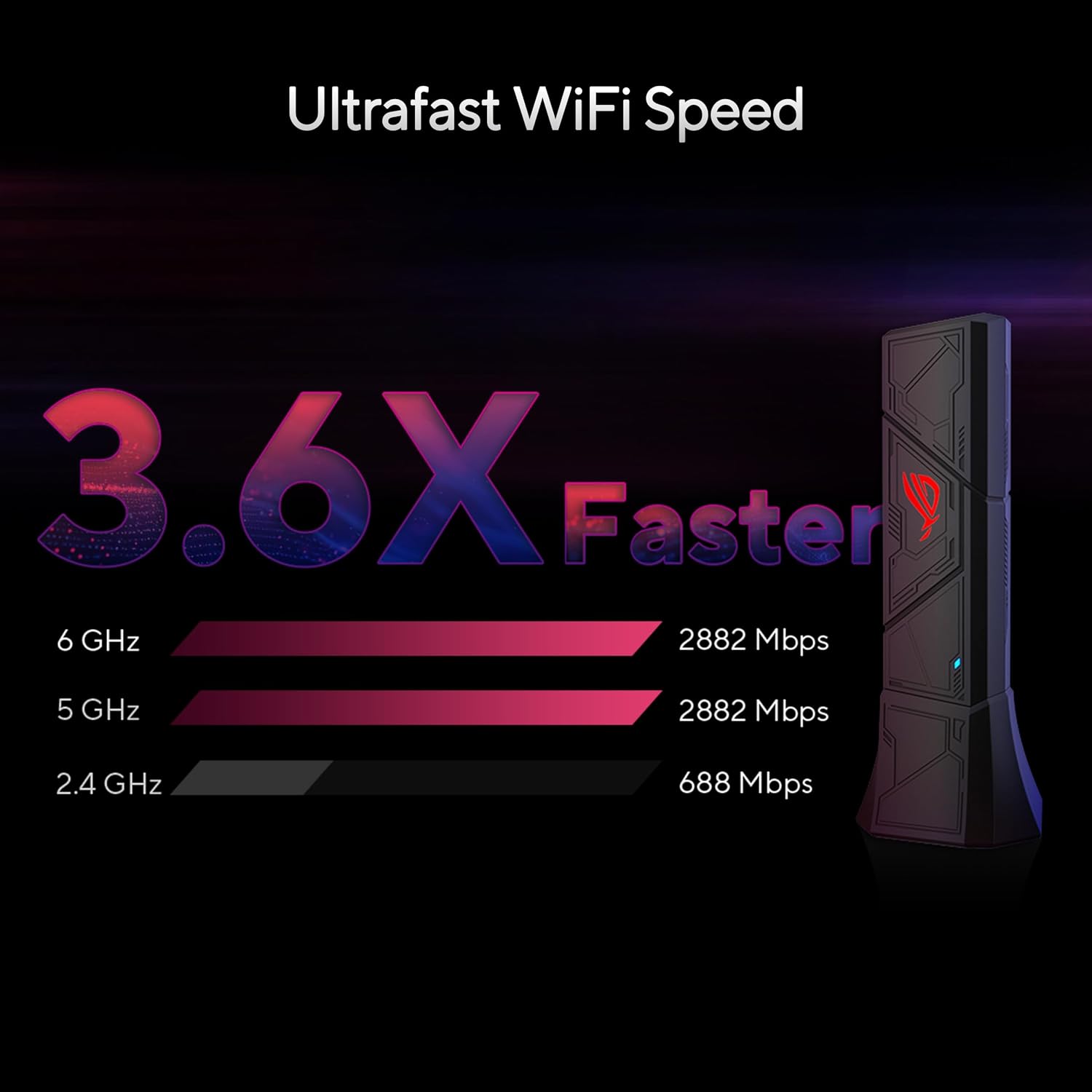
Also, the tri-band setup is part of the strategy: it provides separate bandwidth for 2.4GHz, 5GHz, and 6GHz. The adapter includes a stated wireless bandwidth split across those bands, with the 6GHz band intended to offer less congestion and interference.
Tech specs
- Name: ASUS ROG USB-BE92 Tri-Band BE6500 WiFi 7 USB Adapter
- Type: WiFi USB adapter
- Format: USB
- Capacity: Up to 6,500 Mbps (stated)
- Display: Not applicable
- Resolution: Not applicable
- Refresh rate: Not applicable
- Processor: Not specified
- Memory: Not specified
- Network security: WPA3
Usage tips
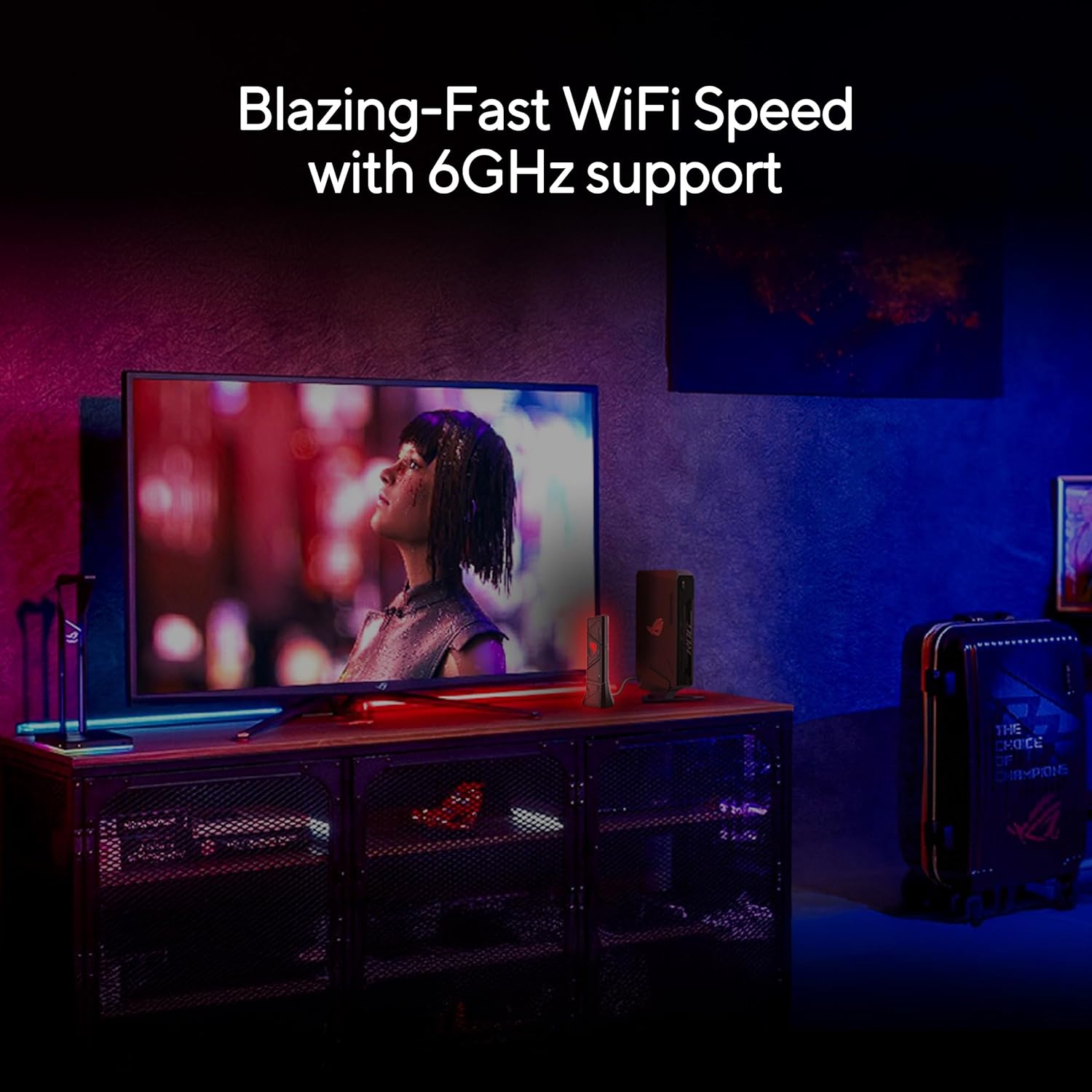
Getting the most out of a WiFi 7 USB adapter isn’t only about buying it—it’s about setup. Start with the basics: confirm your router supports WiFi 7 and that it’s broadcasting the bands you want to use (especially 6GHz if you’re chasing the “less congestion” angle).
Then, do a quick real-world placement check. USB adapters can behave differently depending on signal quality—so if you’re using it on a desktop, try to avoid blocking antennas or placing the USB port where the adapter sits flush against a metal surface.
A simple micro-scenario: you’re transferring a large file while someone else is gaming. With this adapter, the intent is that MLO plus WiFi 7 efficiency features help maintain steadier throughput rather than falling behind the congestion spiral. If your router doesn’t support WiFi 7, though, you may notice the experience doesn’t match the hype—so don’t skip that compatibility check.
Is it worth it?
Buy it if you want a WiFi 7 USB adapter designed for tri-band performance with an emphasis on 6GHz, and you care about WPA3 network security. It’s especially worth considering if you’re setting up a newer wireless environment or you’re in a high-device, high-traffic home where efficiency features like OFDMA and MU-MIMO are relevant.
Skip it (or at least temper expectations) if your current router is not WiFi 7 or you don’t realistically have access to the 6GHz band in your layout. In that case, you may still get an improvement, but you won’t fully unlock the performance story this adapter is built around.
Who it’s for: people upgrading a desktop/laptop and wanting a modern WiFi 7 client with fewer excuses—USB Type A and C support included.
Who should avoid it: buyers who are trying to fix WiFi issues without checking router capability and local signal conditions. If the network side isn’t ready, the adapter can only do so much.
Frequently asked questions
Does this adapter require a WiFi 7 router?
For best results, yes. The adapter is designed around WiFi 7 features, so your actual performance will depend on what your router supports.
What security does it support?
It supports WPA3 network security.
Is the 6GHz band the main advantage?
It’s a major focus of the design. The intent is less congestion and interference on the 6GHz band, but real results still depend on signal availability.
Will it work with both Type A and Type C ports?
It’s compatible with both Type A and Type C connections, which is meant to improve everyday usability.