

TP-Link UE330 USB 3.0 Gigabit Ethernet Adapter 🖥
Reviews
Price
Product description
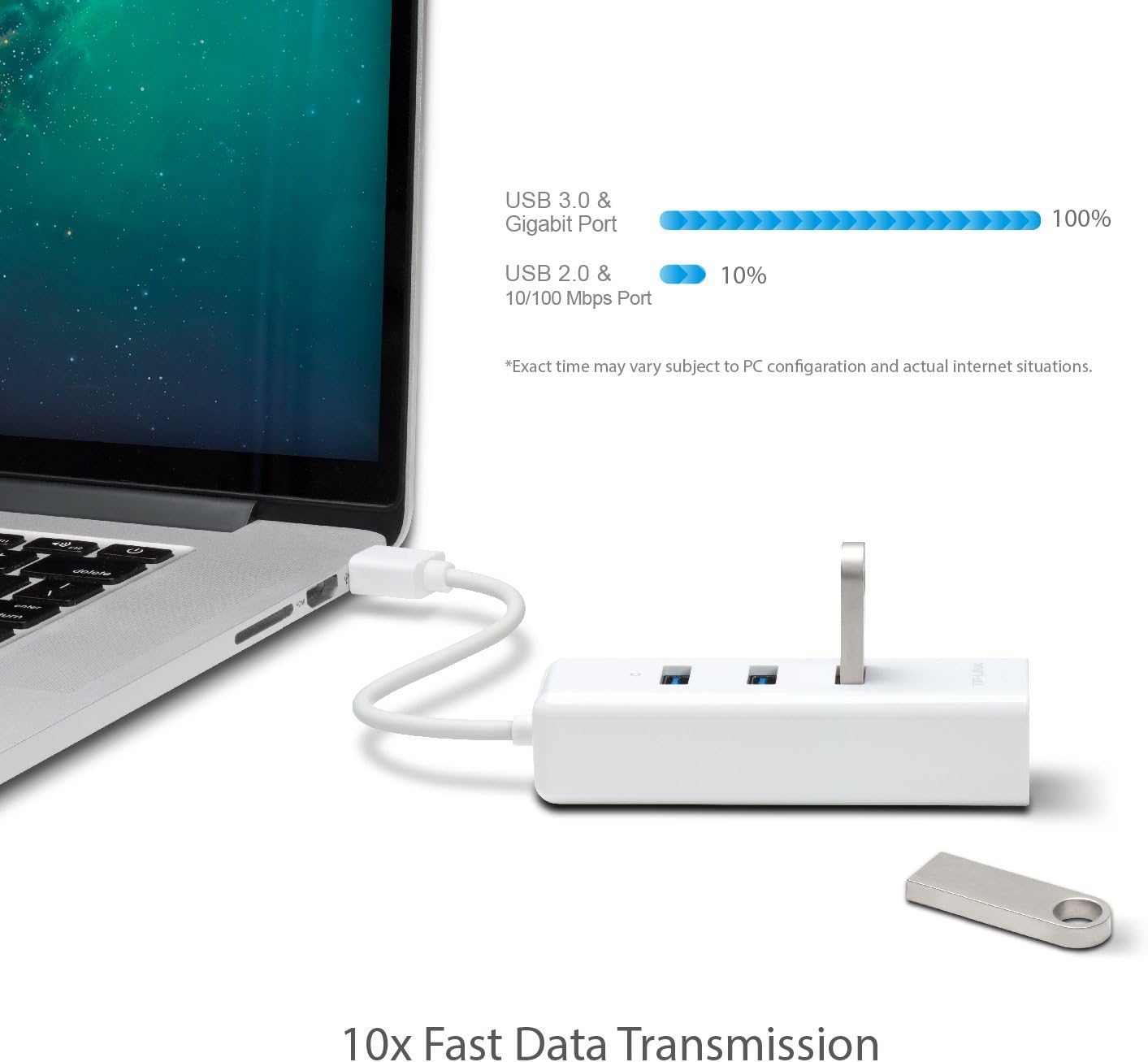
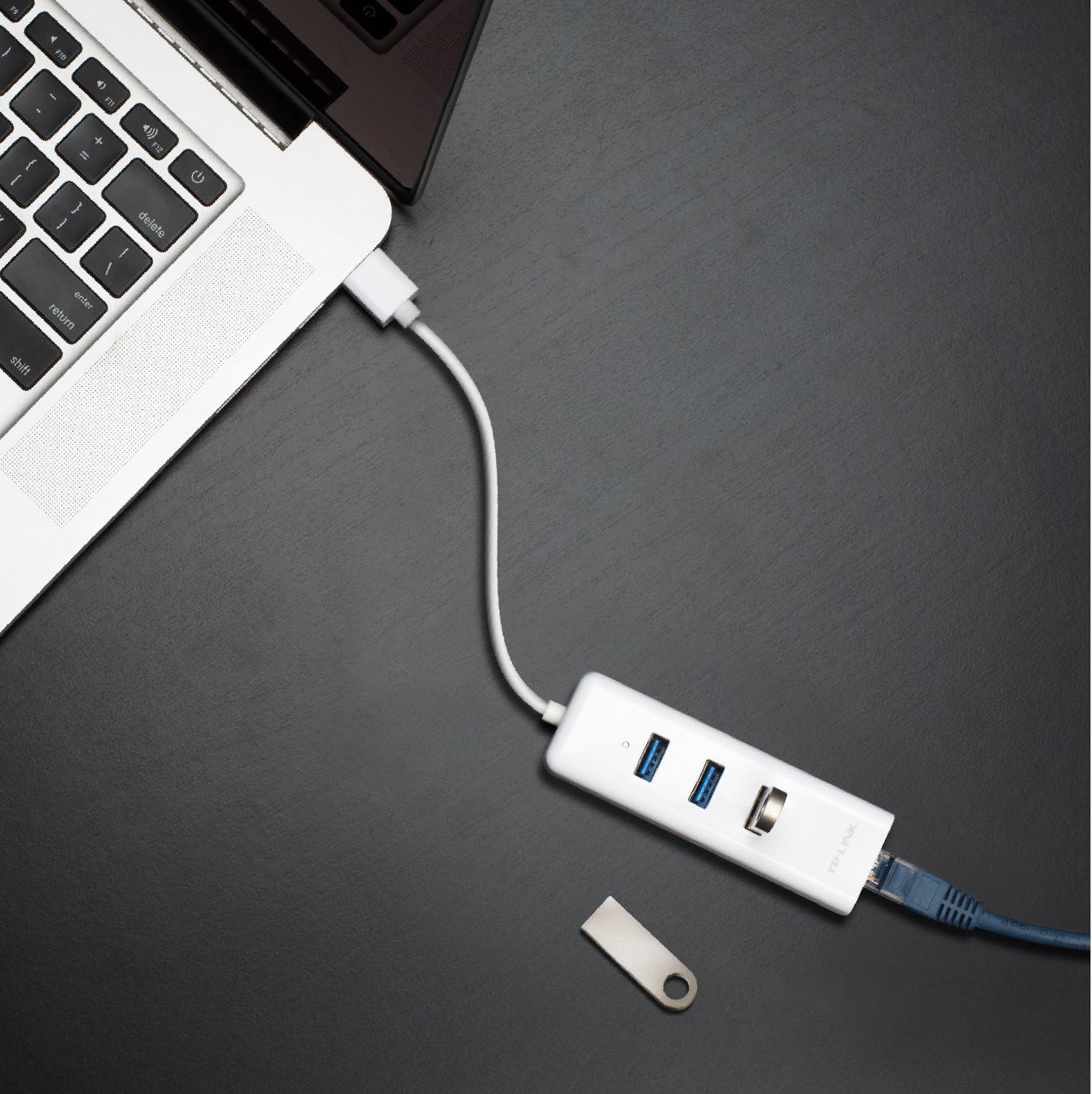
This compact USB 3.0 network adapter turns a laptop’s USB port into a full Gigabit Ethernet connection, offering a stable wired link when Wi-Fi is weak or unavailable. Perfect for travel or home office use, the TP-Link UE330 also adds two extra USB 3.0 ports so you can connect peripherals and maintain fast data transfer at the same time.
Key Points
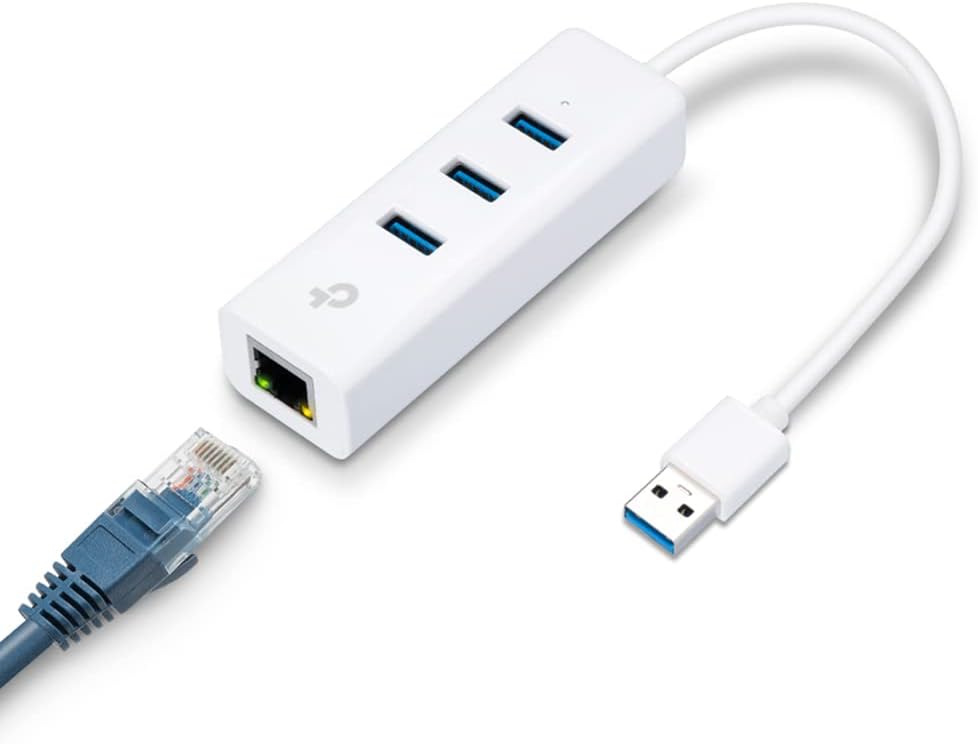
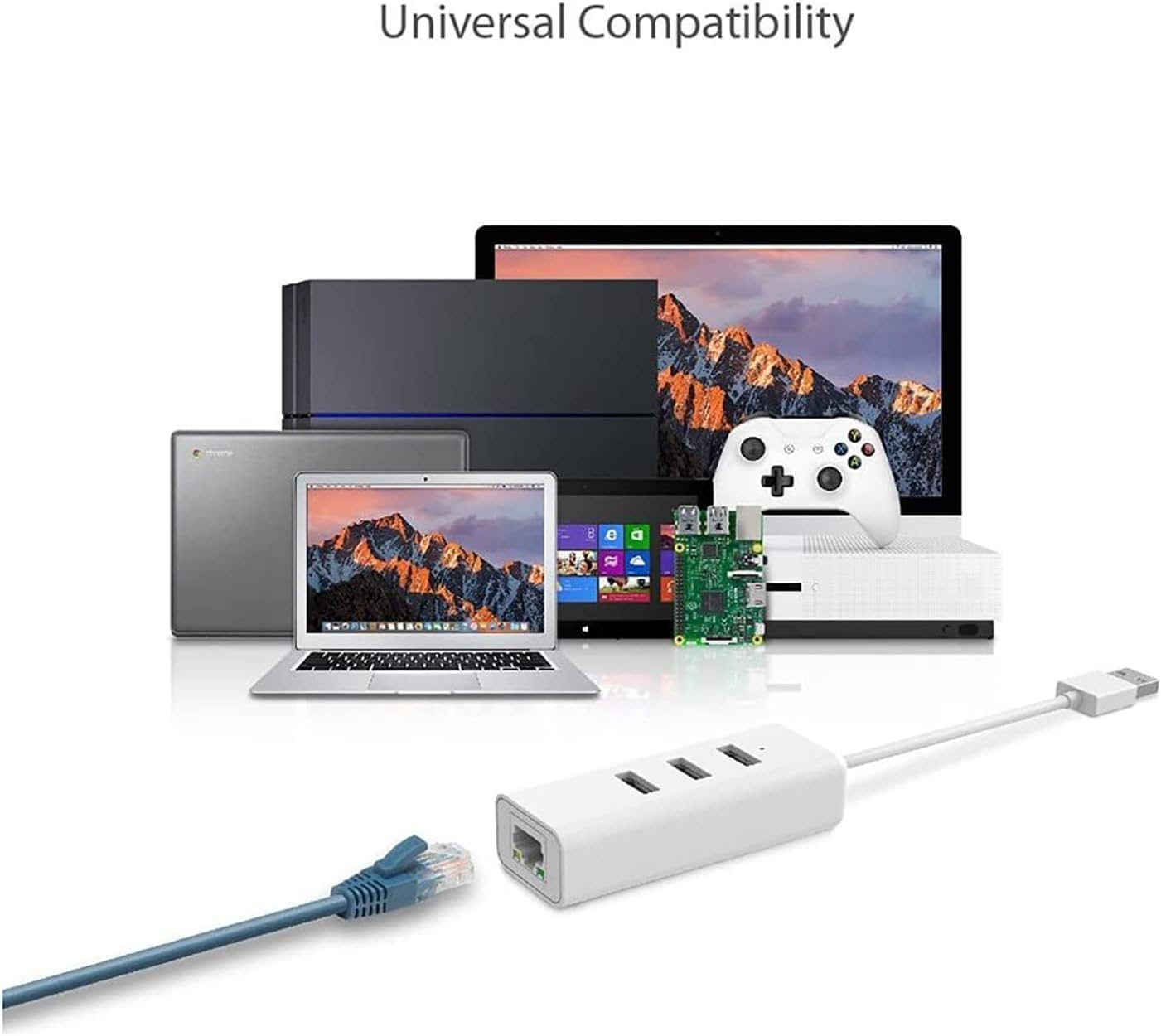
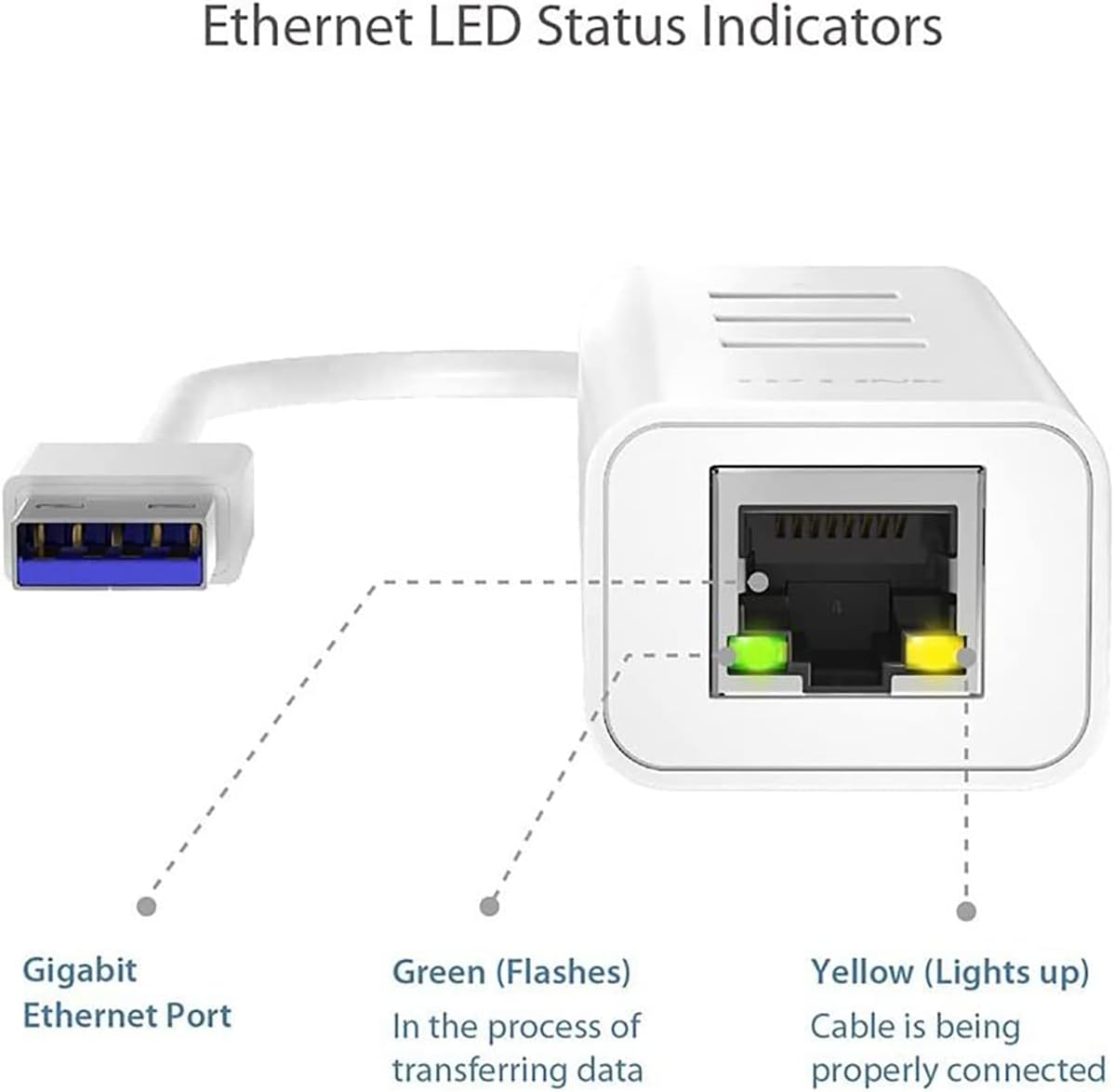
The adapter combines a single Gigabit RJ45 Ethernet port with a 3-port USB 3.0 hub in a small, portable enclosure that fits easily into a bag. It supports a range of operating systems including Windows 7 through 10, Mac OS X 10.6 to 10.14, Linux distributions, and Chrome OS according to the manufacturer. The device is bus-powered so no external power supply is necessary for typical use, making it convenient for meetings and travel. ⚡️
Technical Specifications
- Name: TP-Link UE330
- Ethernet: 1 x Gigabit RJ45
- USB ports: 3 x USB 3.0 Type-A
- Compatibility: Windows 7/8/8.1/10, Mac OS X 10.6–10.14, Linux, Chrome OS
- Power: Bus-powered via USB 3.0
Why This May Interest You
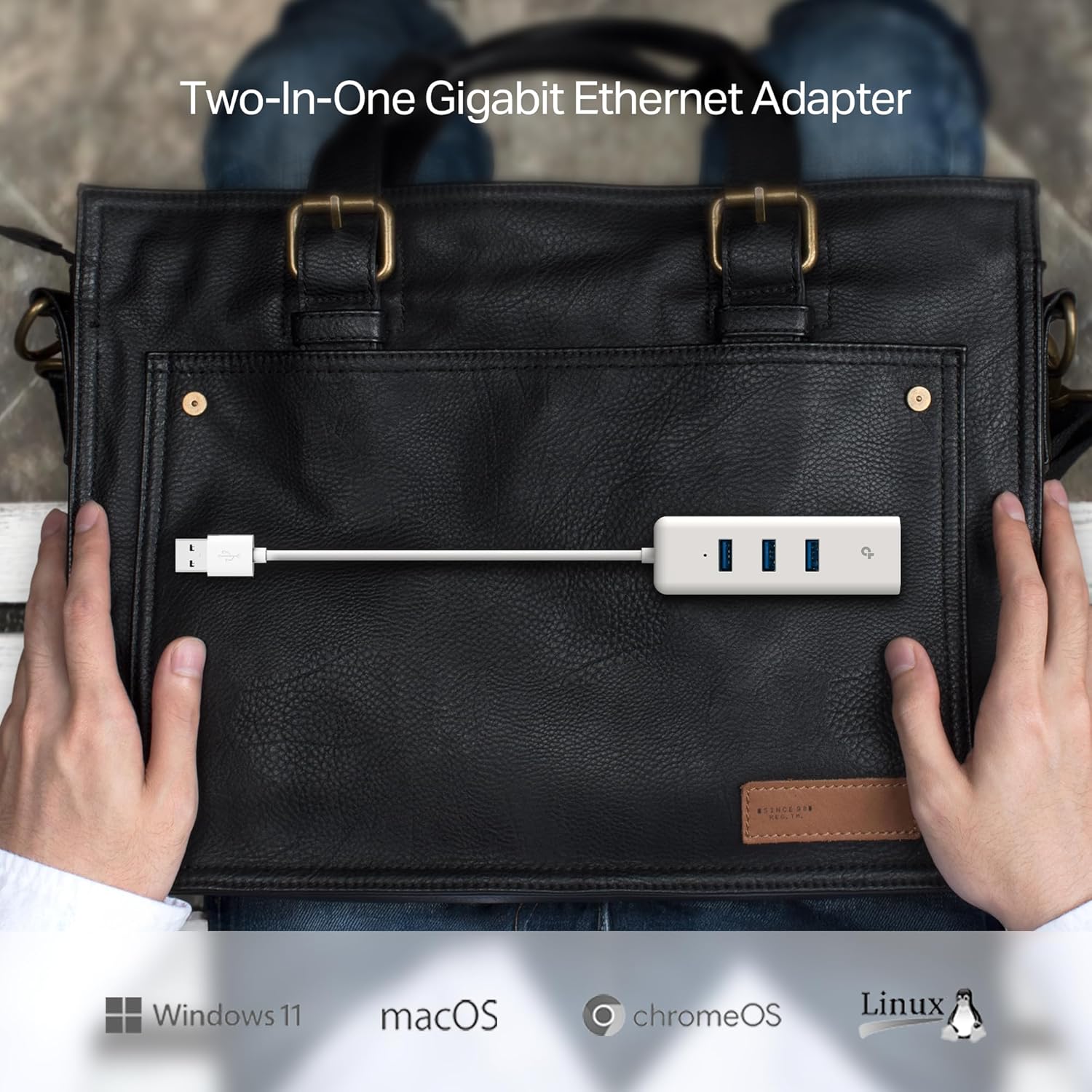
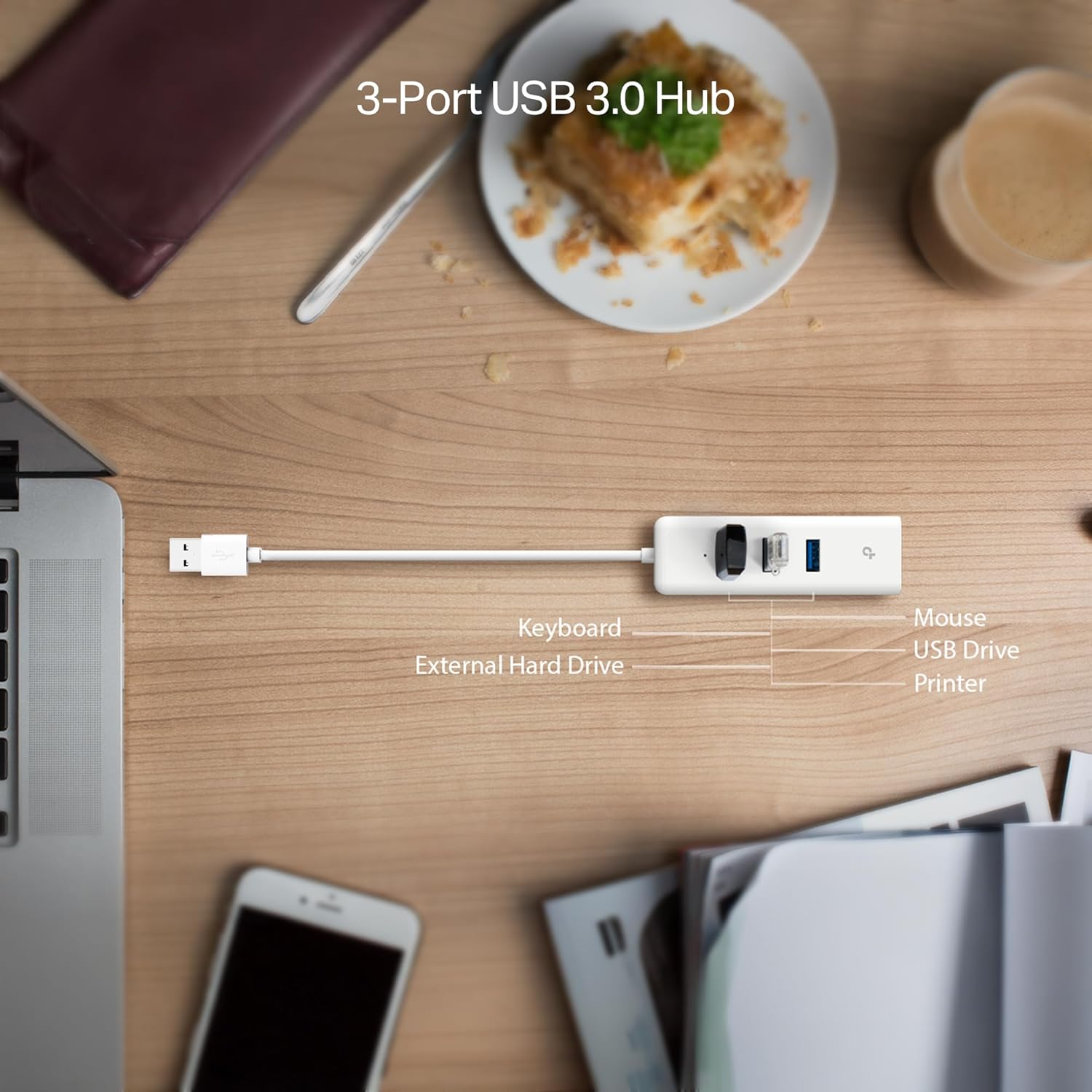
If you need lower latency for videoconferencing or more reliable throughput for file transfers, a wired connection can help. This adapter provides that option without requiring drivers in many modern systems, and the extra USB ports let you keep a mouse, flash drive, or phone connected simultaneously. The compact footprint means it will not clutter a small workspace.
Usage Recommendations
For best performance use a USB 3.0 port on your laptop or host device, especially when transferring large files or streaming high-definition video. When using multiple devices from the hub at once, be aware that heavy power-draw peripherals like some external hard drives may demand their own power source or a powered hub. Drivers may be required for older operating systems, so check the manufacturer support page if your system is not recognized automatically. 🔌💻.