

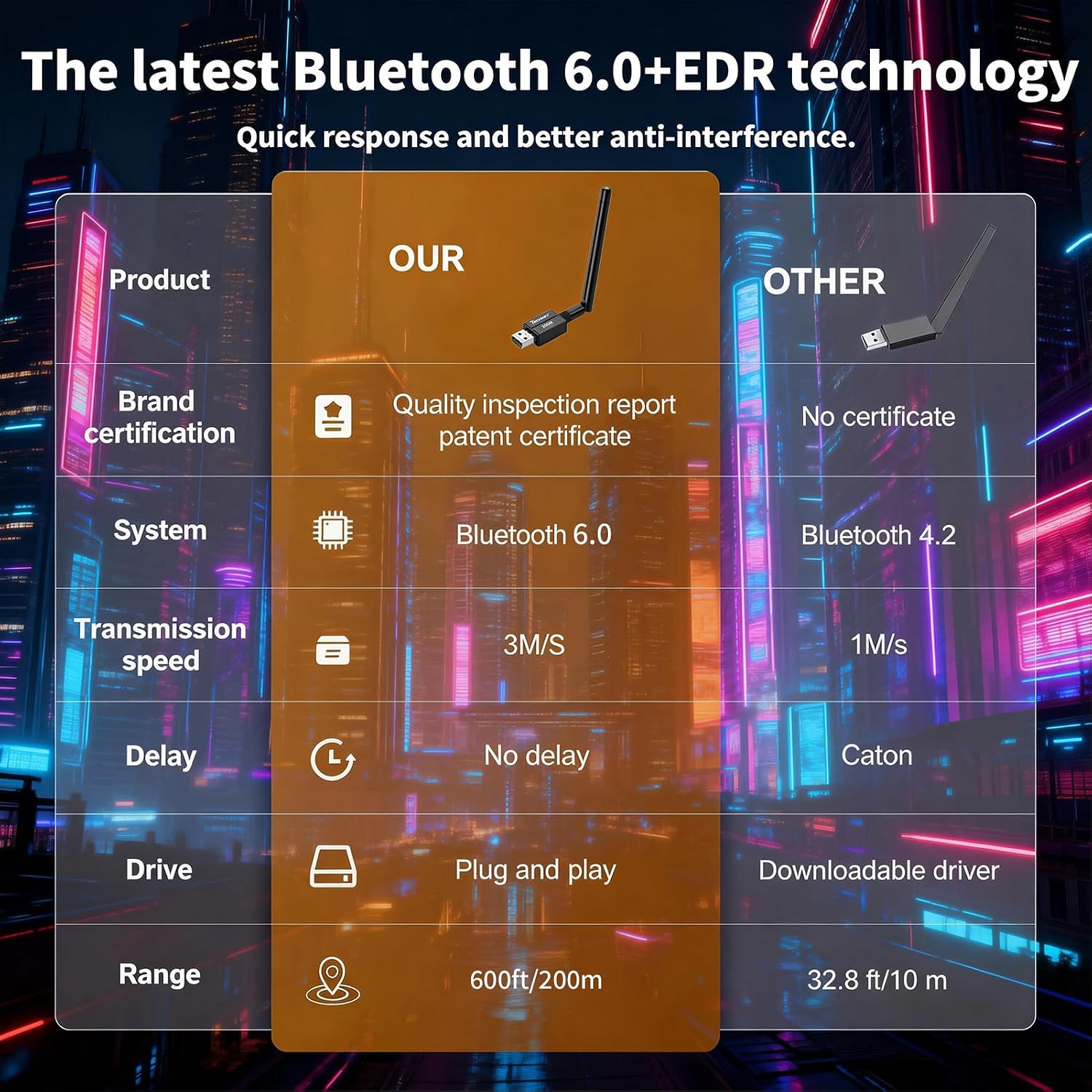
Techkey Bluetooth USB Adapter, Bluetooth 6.0
Product description
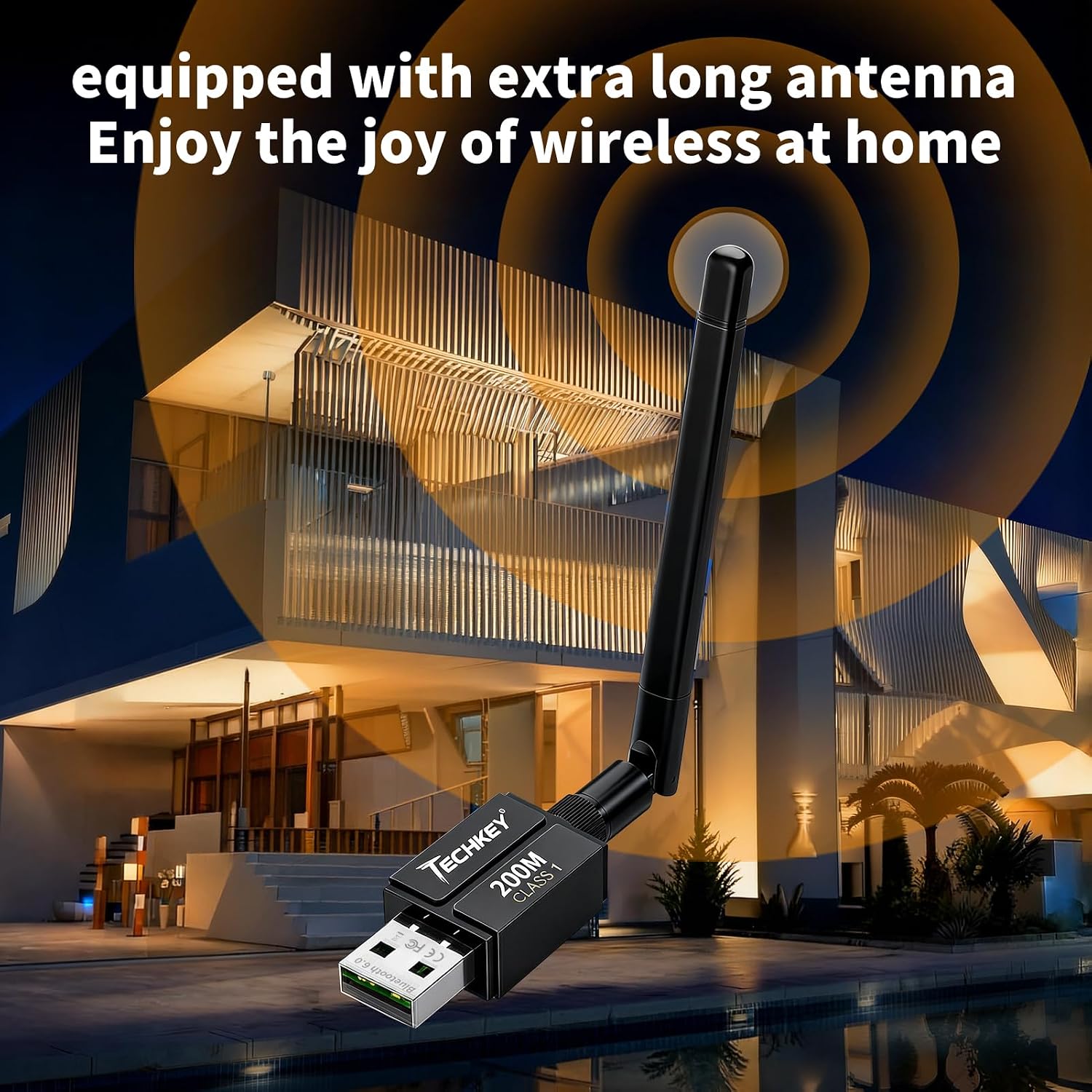
If you only need Bluetooth at a desk, a basic USB dongle may be enough, this Techkey adapter is aimed at people who also want a longer-range connection. Its external antenna and claimed open-area range of up to 600 ft make that distinction clear. If you prioritize reach and connecting several devices, its feature set may fit, if you prefer a tiny adapter with fewer things to consider, this one’s antenna makes it a more noticeable desk accessory.
Where it shines
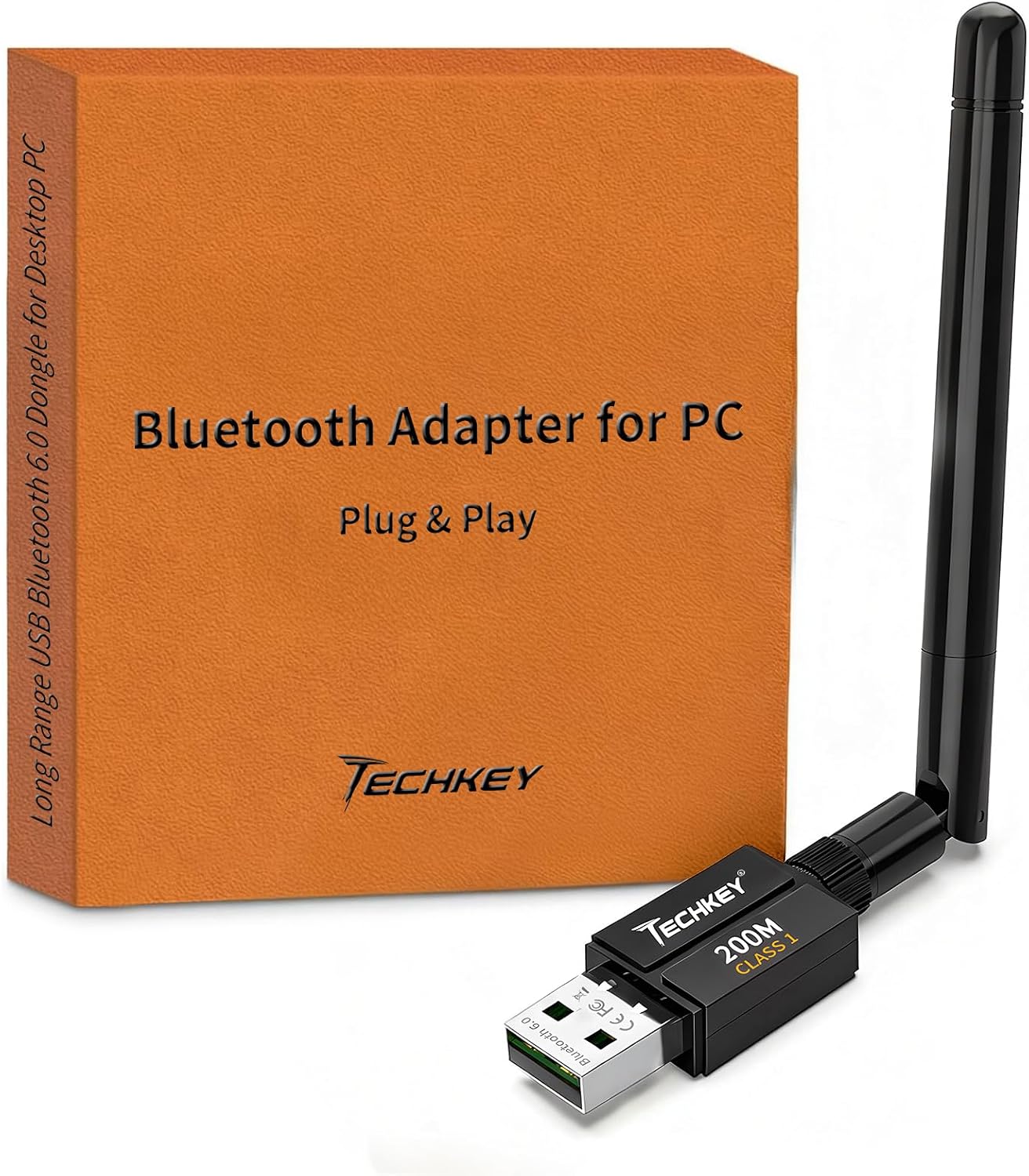
The main appeal is adding Bluetooth to a compatible Windows computer without a complicated setup. The adapter supports Bluetooth 6.0 with EDR and Bluetooth Low Energy, and the listing says it works with earlier versions as well. For everyday tasks, that means you can pair devices such as headphones, a speaker, a mouse, or a keyboard rather than relying on built-in Bluetooth.
The long-range claim is useful context, but it applies to open areas. Walls, other physical obstacles, and wireless interference can reduce actual range, so don’t treat 600 ft as a dependable distance through a home or office. For example, if your desktop sits away from your work area, the antenna may help you place a wireless keyboard or headphones farther from the computer—though the result will depend on the room and surrounding signals.
Key points
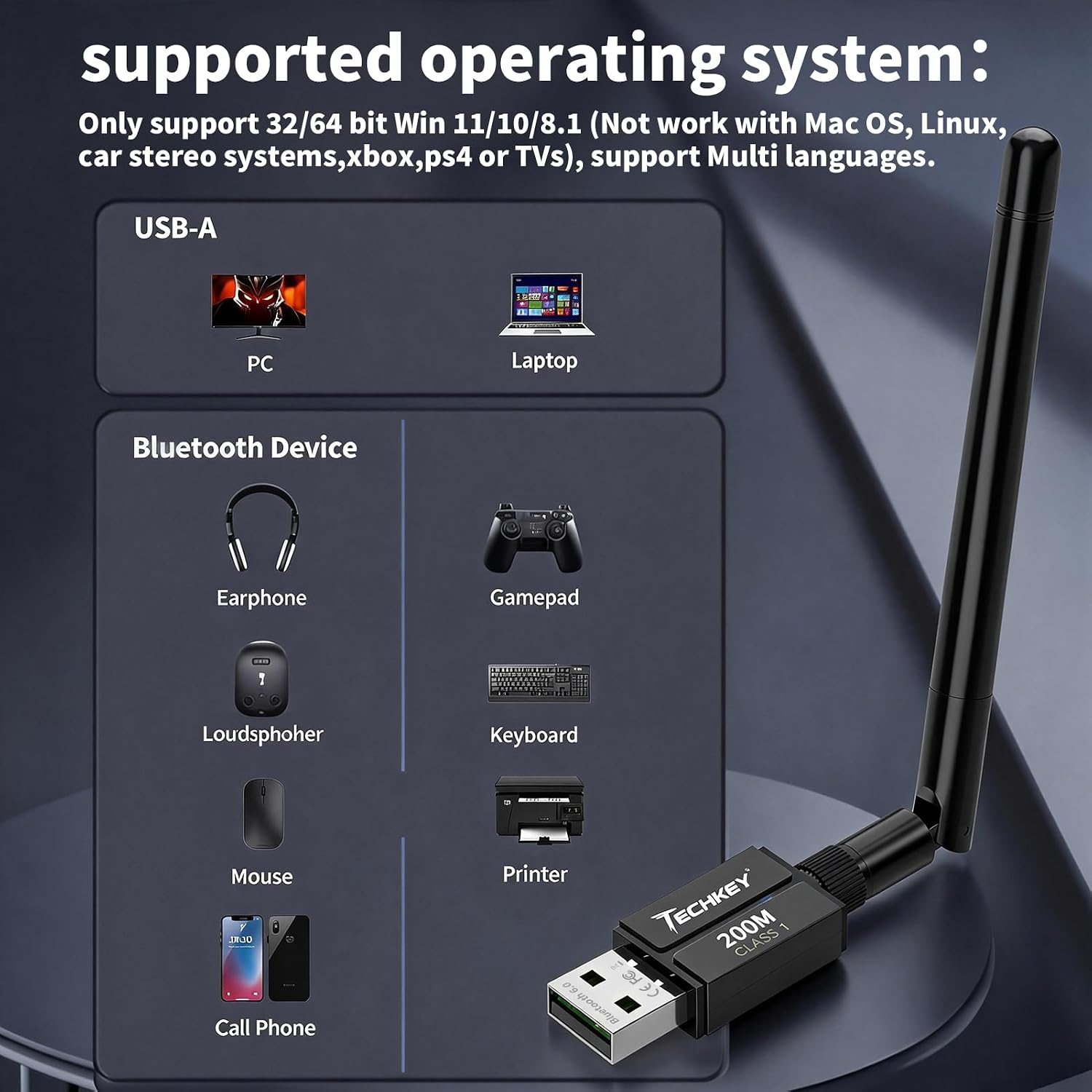
The adapter is described as plug-and-play, with no driver installation required, and is listed for Windows 11, 10, and 8.1. It does not support Mac OS or Linux, so operating system compatibility is a firm dividing line rather than a minor detail. It also isn’t intended for car stereos, TVs, or Xbox and PS4 systems.
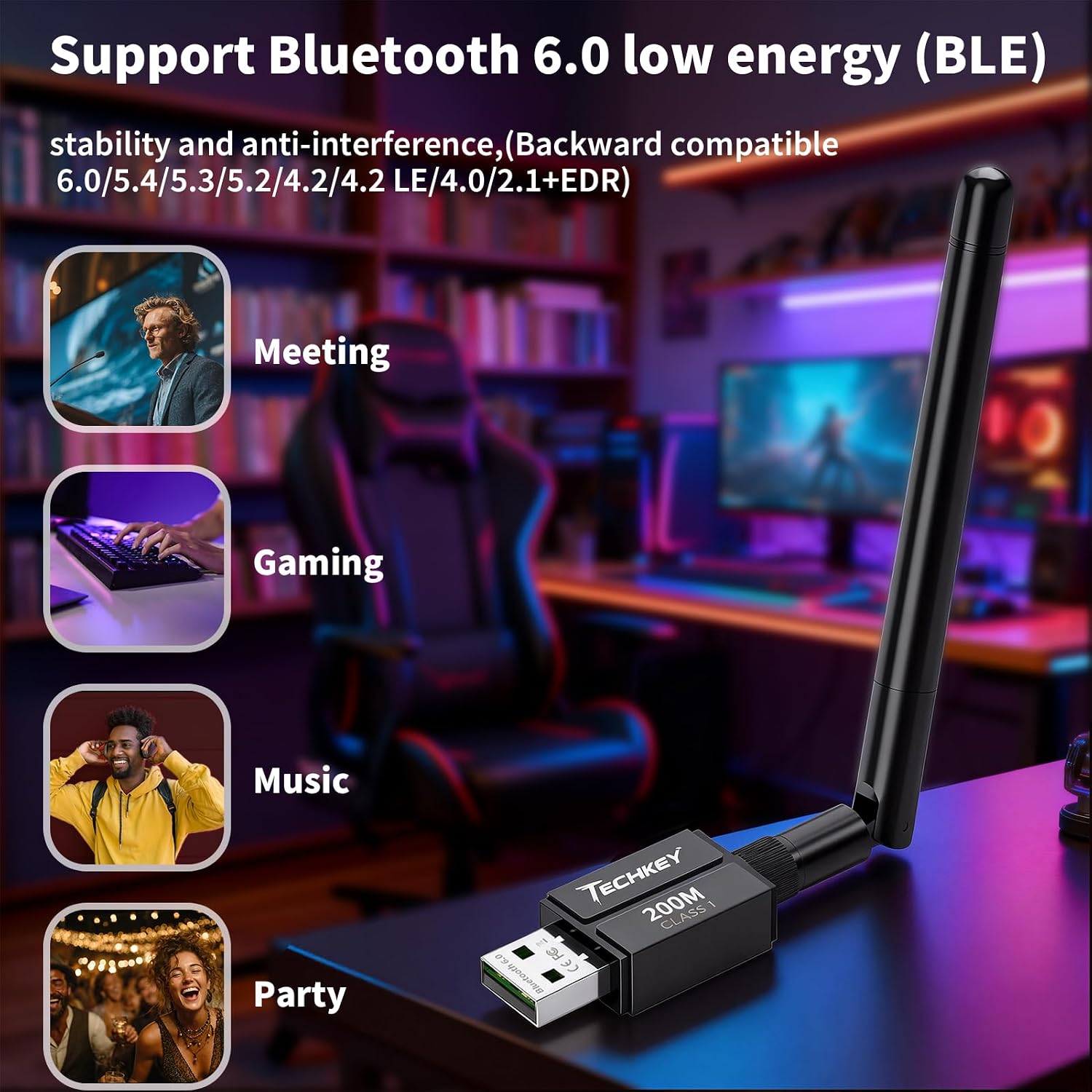
Techkey specifies a transfer rate of up to 3 Mbps and simultaneous connections with up to seven Bluetooth devices. Those figures describe the adapter’s stated capabilities, not a guarantee that every combination of devices will perform identically. If you’re pairing a headset, mouse, and keyboard at once, this capacity may be convenient, for a setup that depends on a particular printer or peripheral, check that device’s own Bluetooth requirements before choosing a generic adapter.
There’s also a print-sharing angle: the listing positions it as a Print Servers class device that can plug into a network-connected desktop and help make a Bluetooth printer accessible as a shared print node. That is a PC-centered arrangement, not a standalone server. The desktop remains part of the setup, so this approach makes more sense for a small workspace where a connected PC is already in use than for print access independent of a computer. Worth considering if you want Bluetooth and a basic shared-print option from one adapter, It’s not for you if you need a Mac or Linux solution, or a dedicated print server that operates separately.
Best use cases
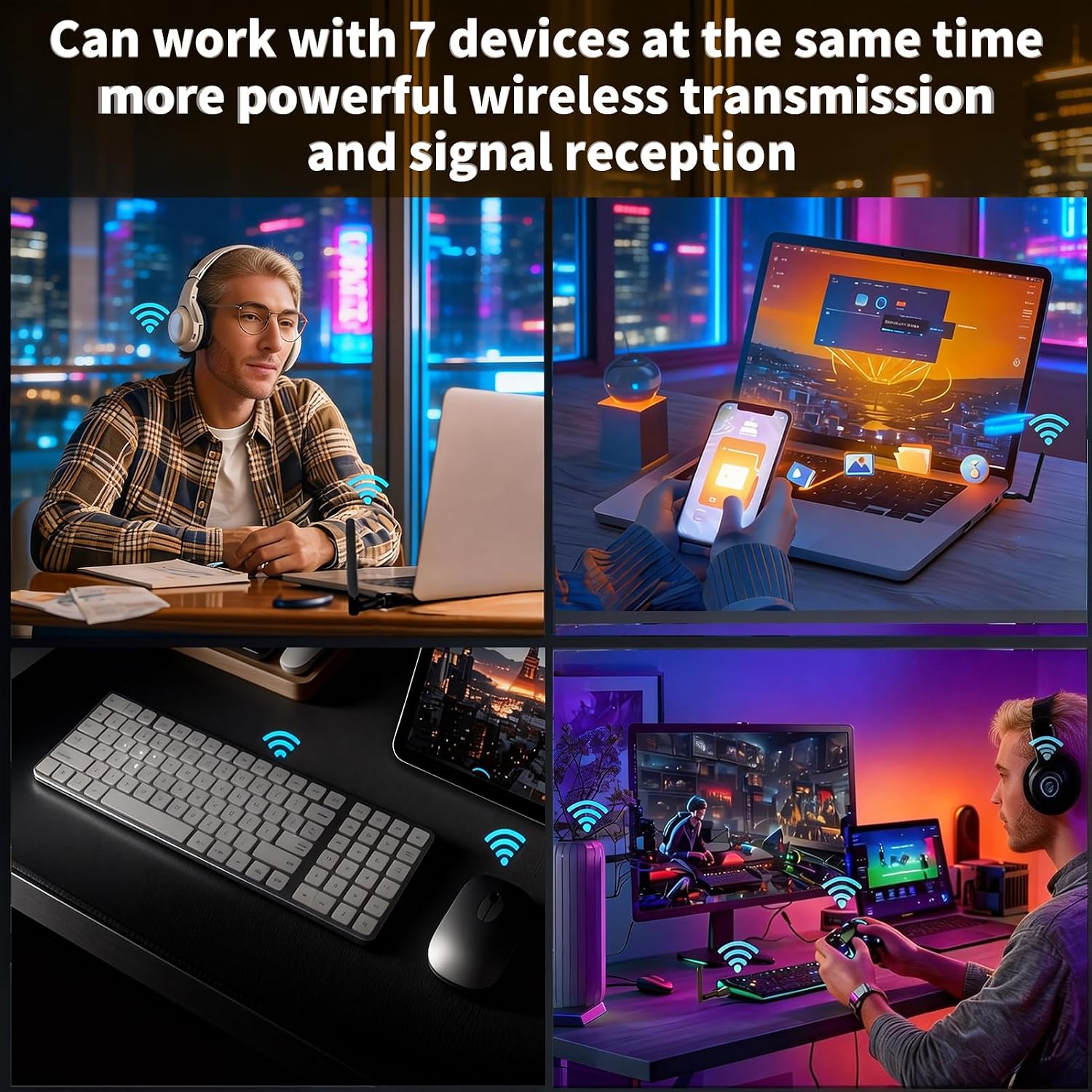
This is best suited to a Windows desktop or laptop that lacks Bluetooth, especially when it needs to connect common wireless accessories or sits farther from them than a short-range adapter comfortably allows. A practical example is keeping a desktop in a home-office corner while using a Bluetooth mouse and headset at a nearby workstation. The stated range may be appealing there, but from the way it is set up, walls and interference still matter more than the headline distance.
The antenna also means this isn’t the most discreet choice for someone who wants a compact dongle that barely protrudes from a laptop. Its connection limit and stated data rate may serve ordinary peripherals, but shoppers with demanding, specialized, or OS-specific needs should focus first on compatibility rather than range.
Final verdict
Choose the Techkey Bluetooth adapter if you need to add Bluetooth to Windows 11, 10, or 8.1 and value an external antenna, support for up to seven connected devices, or the option of routing print sharing through a network-connected PC. The combination is more flexible than a minimal adapter intended only for a nearby mouse or headset, particularly in a small office that already keeps its desktop running.
Skip it if you use Mac or Linux, want a device for a TV or game console, or expect the advertised open-area range to carry unchanged through walls. Its strongest case is a Windows-based workspace where the PC can act as the hub, for a setup that needs to work independently of that computer, a separate dedicated print-sharing solution is a better fit.