

TP-Link Archer AX21 AX1800 WiFi 6 Router
Reviews
Price
Product description
This dual-band Wi-Fi 6 router from TP-Link brings faster wireless connections and broader coverage for home networks, with features geared toward streaming, gaming and multiple smart devices. It targets households that need up to 1.8 Gbps aggregate throughput and easier setup with voice assistants while keeping network congestion lower for many simultaneous users.
Key Points
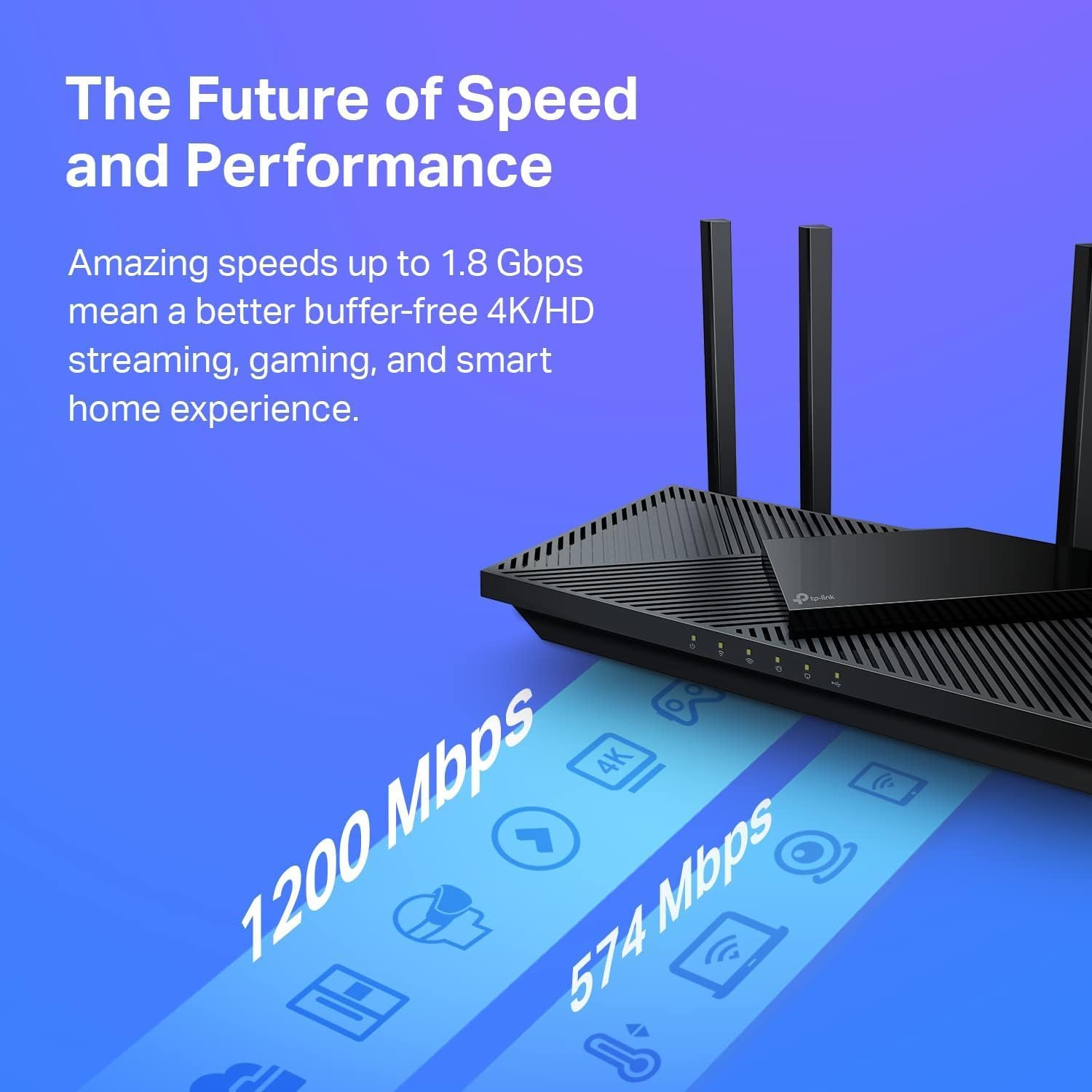
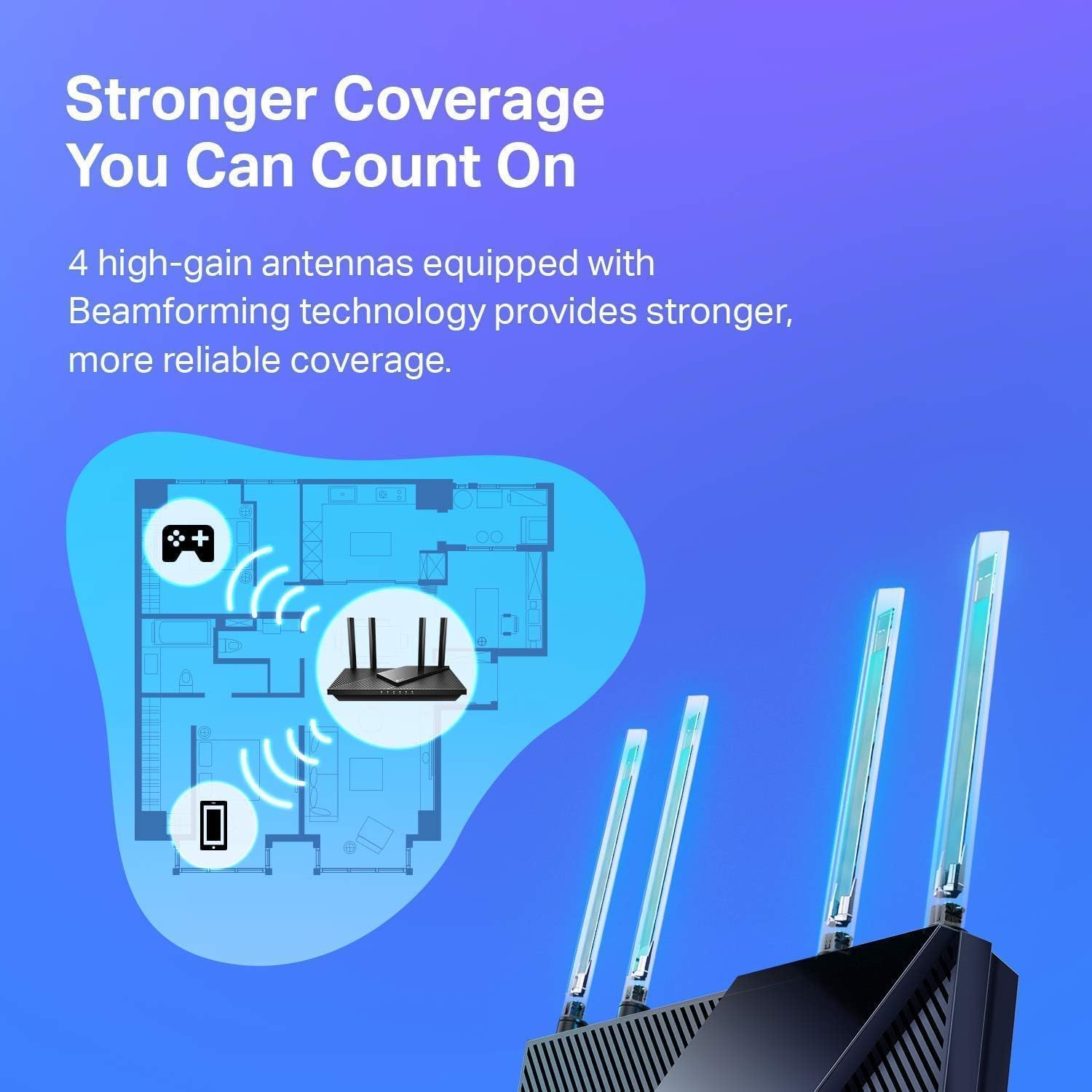
The Archer AX21 (AX1800) uses Wi‑Fi 6 (802.11ax) to deliver improved capacity and reduced congestion compared with older standards. According to the manufacturer, combined speeds reach up to 1.8 Gbps with 1200 Mbps on the 5 GHz band and 574 Mbps on the 2.4 GHz band. It includes four high‑gain antennas and Beamforming to focus signal strength toward distant devices, which helps extend reliable coverage across larger rooms or multiroom apartments. 🏠⚡

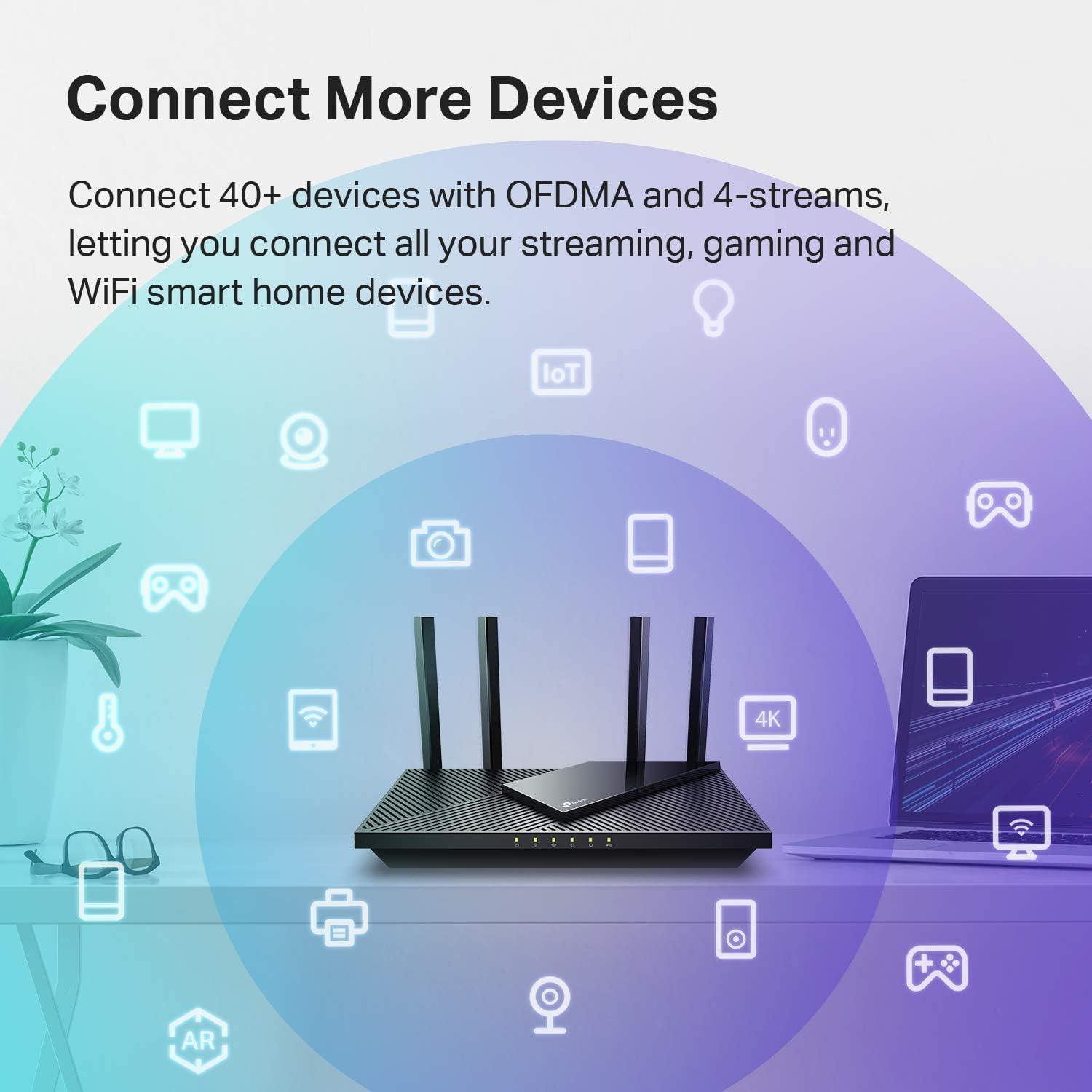
Setup is designed to be user friendly with “Certified for Humans” guidance and compatibility with Alexa for voice-assisted configuration and basic control. The router also features OFDMA to communicate more efficiently with many connected devices at once, making it a practical choice for homes with multiple phones, tablets, smart speakers and streaming boxes. 📶
Technical Specifications
- Name: TP‑Link Archer AX21 (AX1800)
- Wireless Standard: Wi‑Fi 6 (802.11ax)
- Maximum Speed: 1.8 Gbps (1200 Mbps @ 5 GHz, 574 Mbps @ 2.4 GHz)
- CPU: 1.5 GHz quad‑core processor
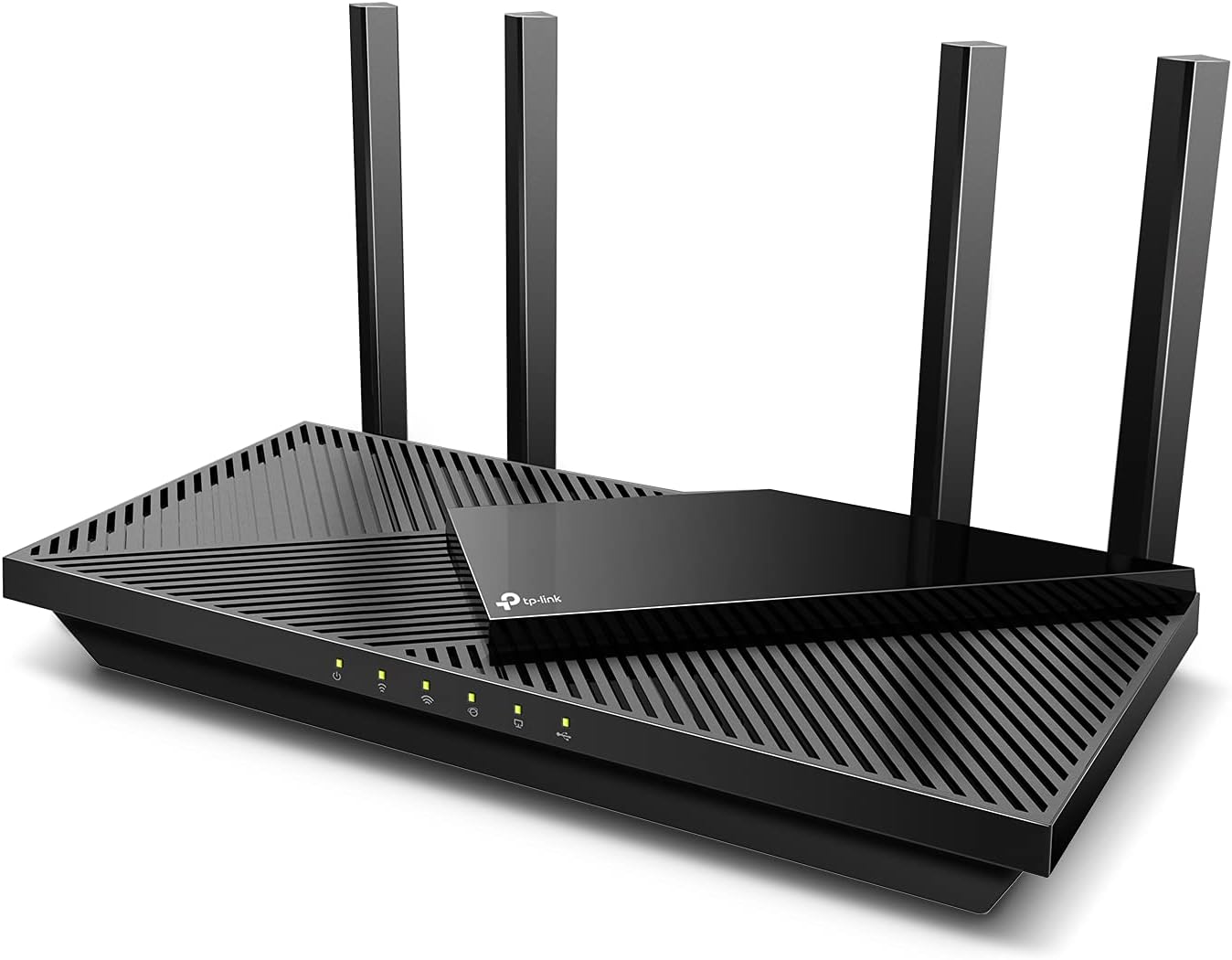
- Antennas: 4 high‑gain external antennas
Advantages
The router’s quad‑core 1.5 GHz processor helps reduce latency and maintain smoother connections when multiple applications run at once, such as 4K streaming and online gaming. Beamforming and the advanced front‑end module contribute to a steadier link to devices that are farther from the router. Additionally, OFDMA improves throughput efficiency when many devices transfer small packets simultaneously, which can make smart home setups feel more responsive.
Usage Recommendations
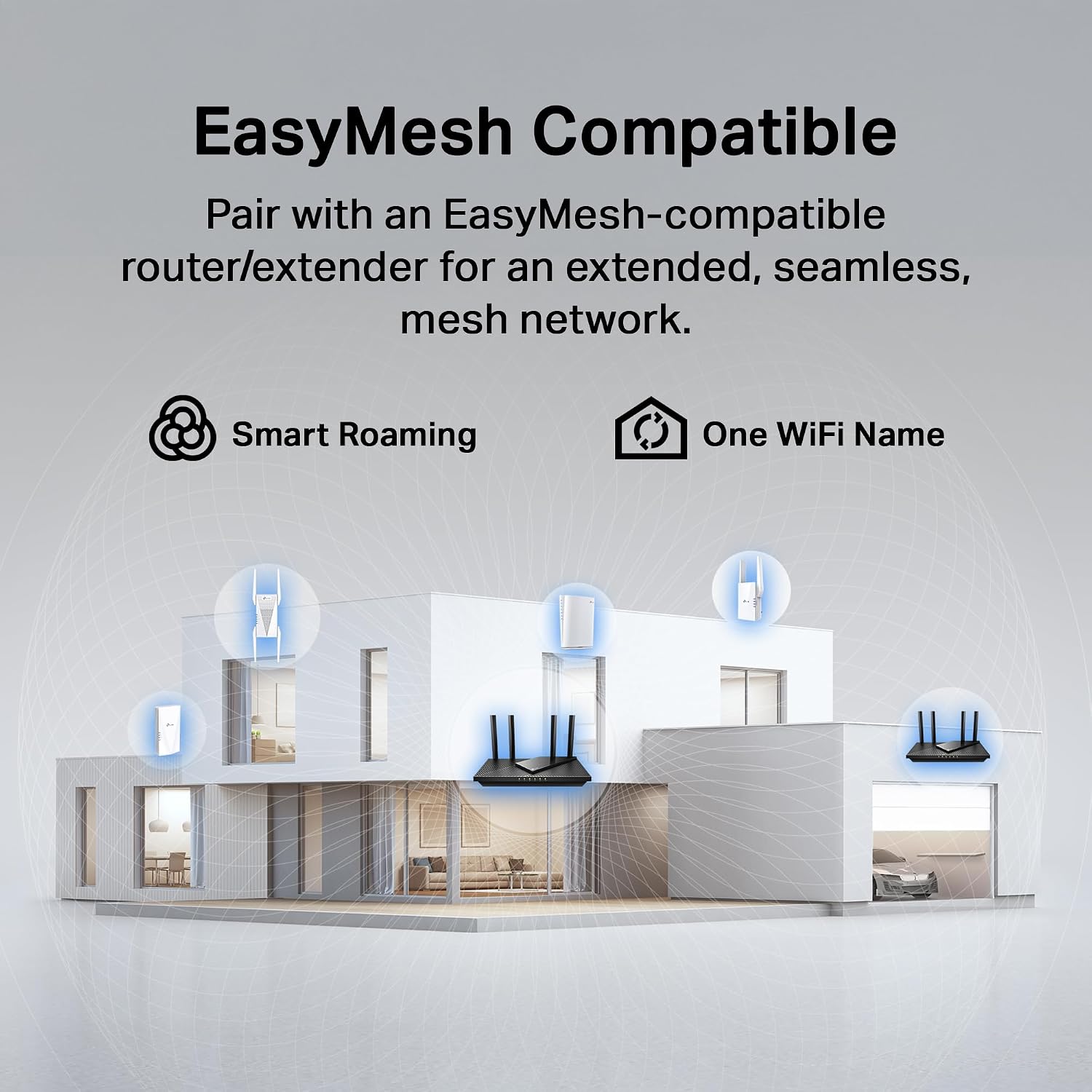
For best results place the router in a central, elevated location away from large metal objects and thick walls. If you rely on many connected devices in different rooms, enable the router’s QoS or prioritize streaming and gaming devices to keep latency low during peak use. Consider pairing it with TP‑Link mesh nodes if you need seamless coverage across multiple floors. 🛋️🎮
Note: performance figures are manufacturer specifications and real‑world speeds depend on local conditions and internet service.