

TP-Link Archer A6 AC1200 Gigabit Router
Reviews
Price
Product description
This dual-band router from TP-Link brings a balance of speed and coverage for home networks that need stable connections for streaming and work. With combined AC1200 throughput and four external antennas, it targets better range and smoother connections for multiple devices in everyday use.
Key Points
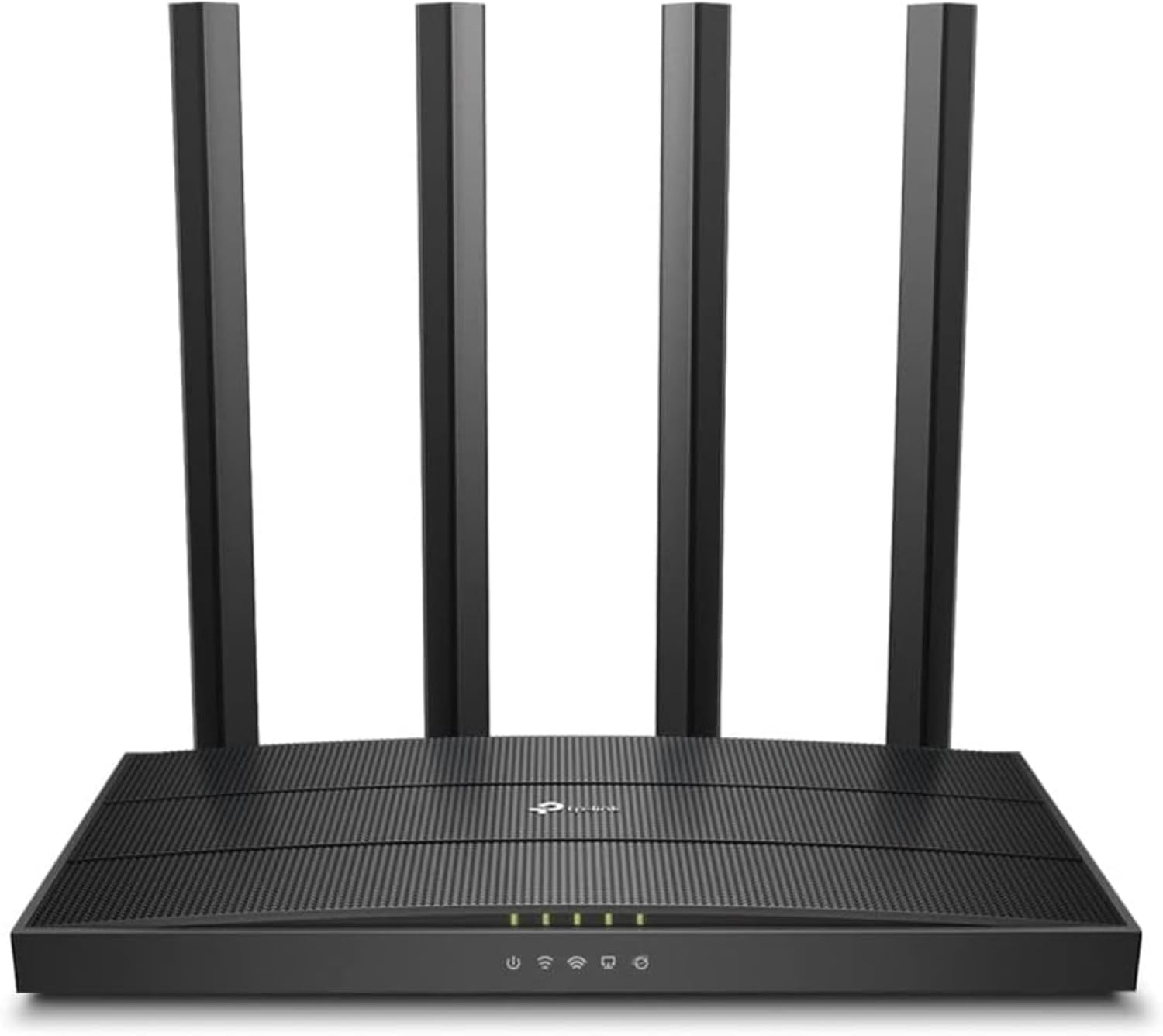
The Archer A6 supports dual-band Wi‑Fi with up to 867 Mbps on the 5 GHz band and 300 Mbps on the 2.4 GHz band, which helps separate high-bandwidth uses like 4K video from basic browsing. MU-MIMO technology allows the router to communicate with several devices at once, reducing waiting time for each device and improving overall network responsiveness. Beamforming and the four external antennas focus wireless signals toward connected devices for enhanced range and more consistent performance across larger rooms. The router also includes AP Mode to turn a wired connection into a wireless hotspot and supports OneMesh for creating a unified network with compatible TP‑Link extenders. Setup is straightforward using the TP‑Link Tether app, which walks through configuration steps on mobile devices.
Technical Specifications
- Name: TP‑Link Archer A6 (AC1200)
- Bands: Dual band, 5 GHz up to 867 Mbps, 2.4 GHz up to 300 Mbps
- Antennas: - 4 external antennas
- Features: - MU‑MIMO, Beamforming, OneMesh, AP Mode
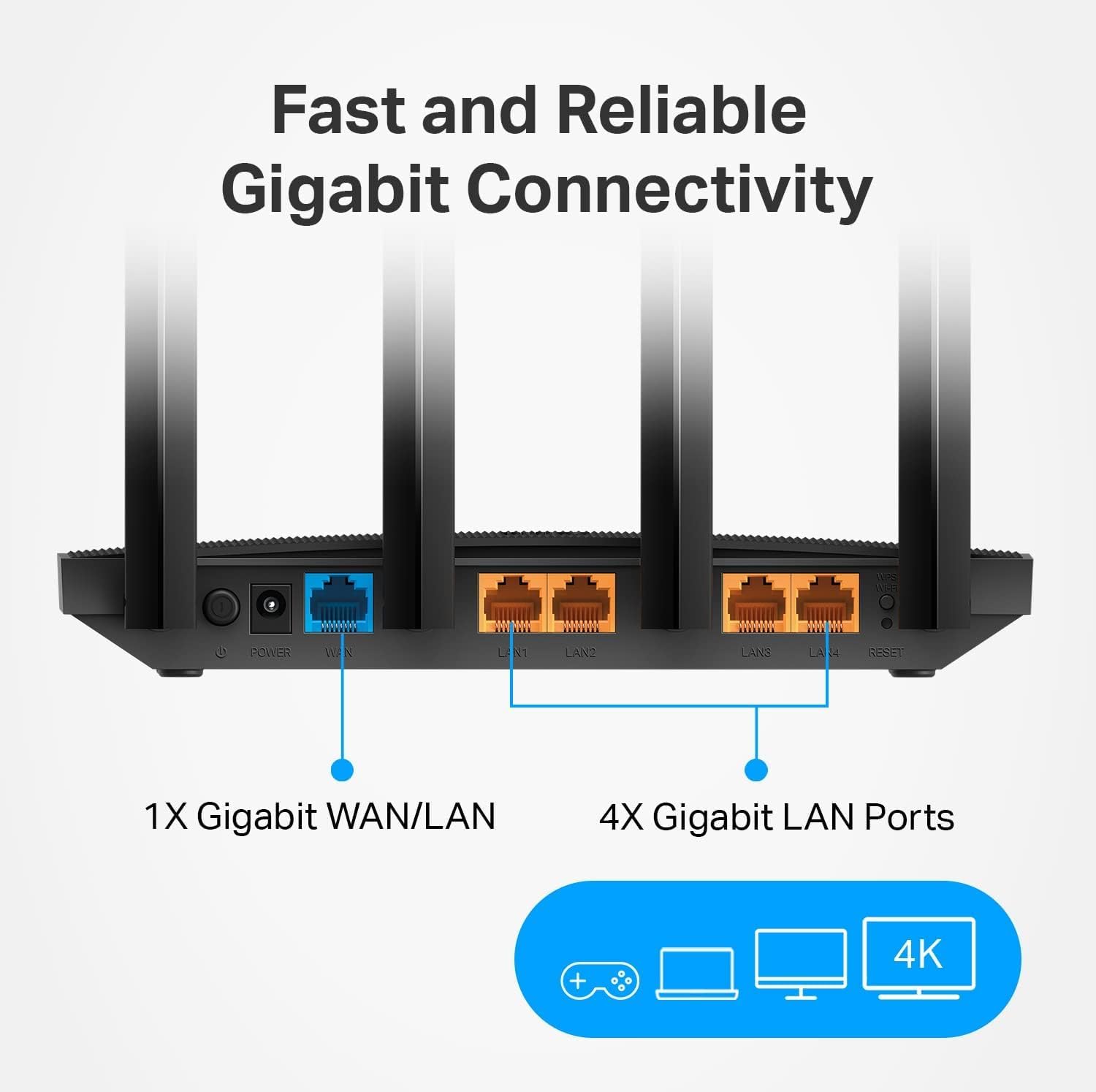
- Ports: - Gigabit Ethernet ports (router supports wired gigabit connections)
- Management: - TP‑Link Tether app for setup and basic network control
The Best of This Model
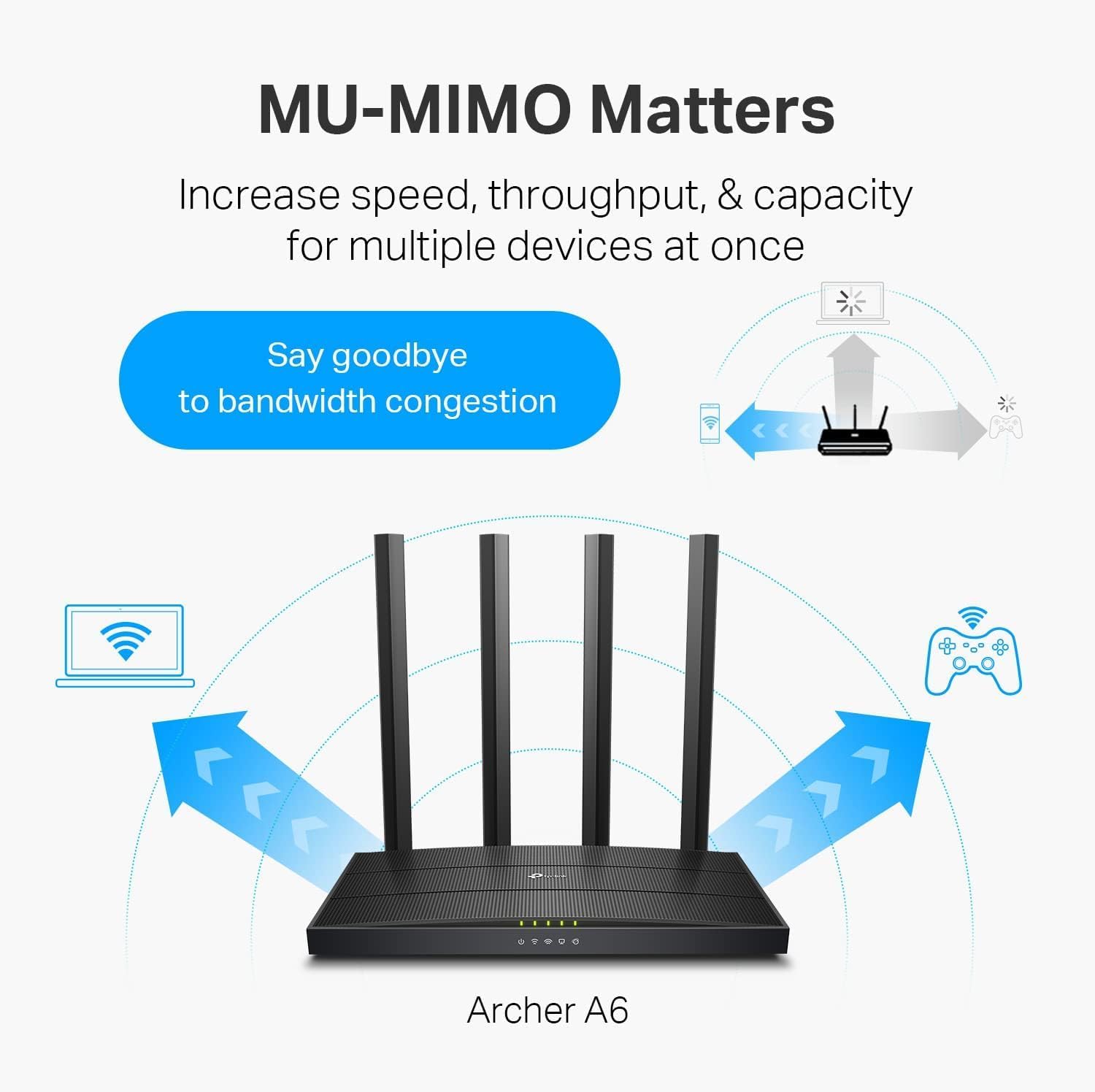
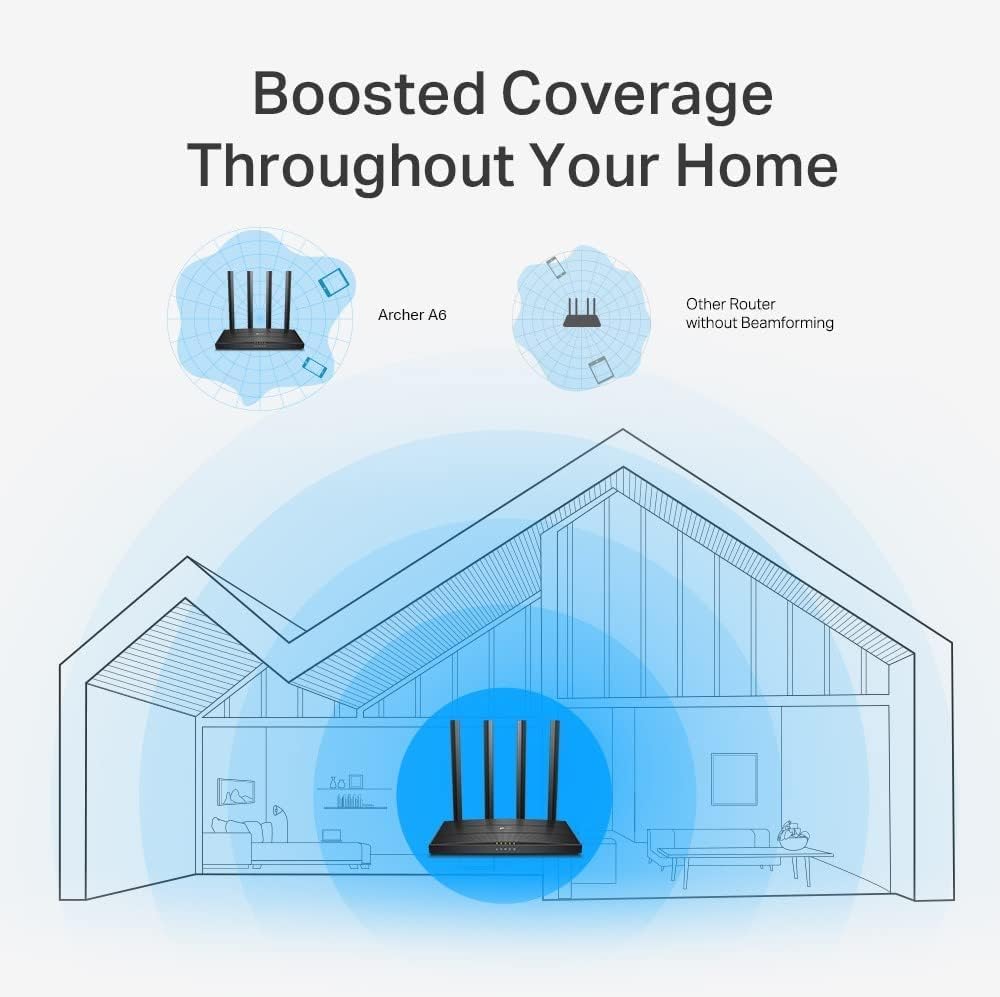
This Archer A6 model focuses on practical improvements rather than high-end extras. It offers a clear upgrade path for households that need faster wireless performance on the 5 GHz band while keeping reliable legacy support on 2.4 GHz. The OneMesh capability is useful if you plan to expand coverage later with compatible extenders and keep a single SSID across the home. For many users, this combination of MU-MIMO and beamforming will be noticeable when several devices are used simultaneously, such as smartphones, smart TVs, and laptops.
Usage Recommendations
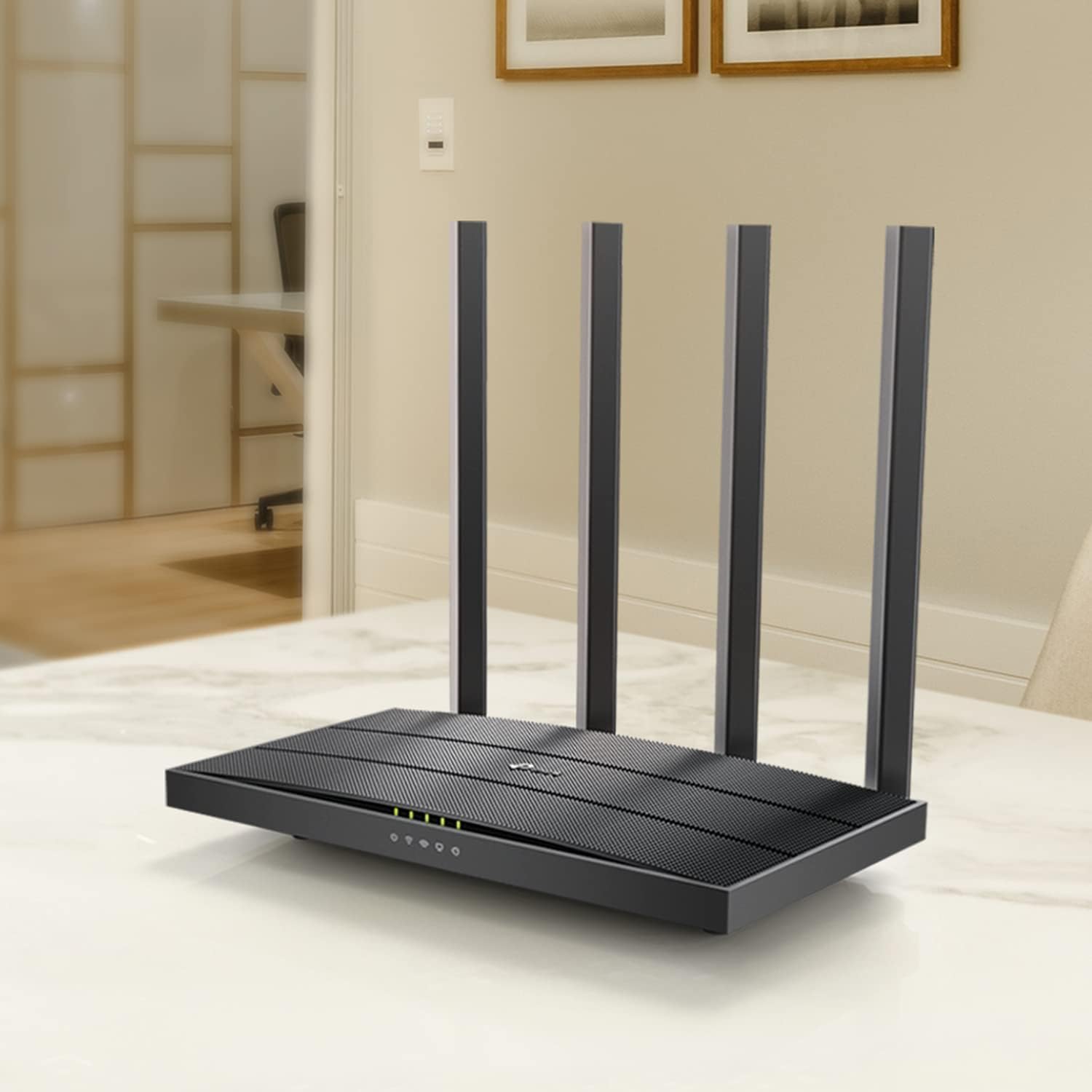
Place the router centrally and elevated to maximize the benefit of the four external antennas and beamforming. Use the 5 GHz band for bandwidth-intensive activities like streaming or online gaming and the 2.4 GHz band for smart home devices that require longer range. Consider enabling OneMesh when adding extenders to avoid multiple network names and to simplify roaming between coverage zones. Note that actual speeds depend on internet service, device capabilities, and home layout, according to the manufacturer. 😊📶.