

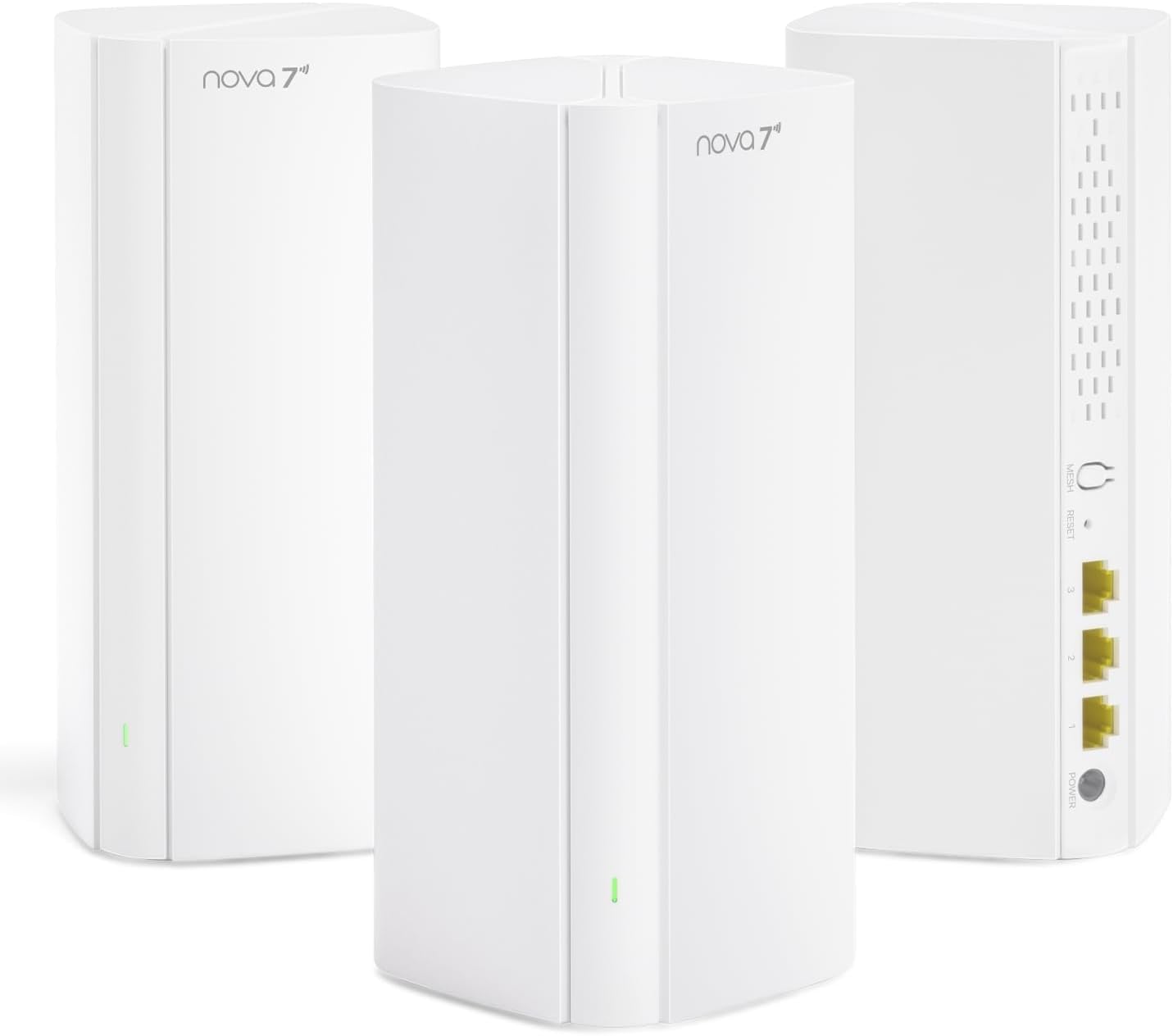
Tenda WiFi 7 Mesh System BE3600 (3-Pack)
Product description
What it is and the need it solves
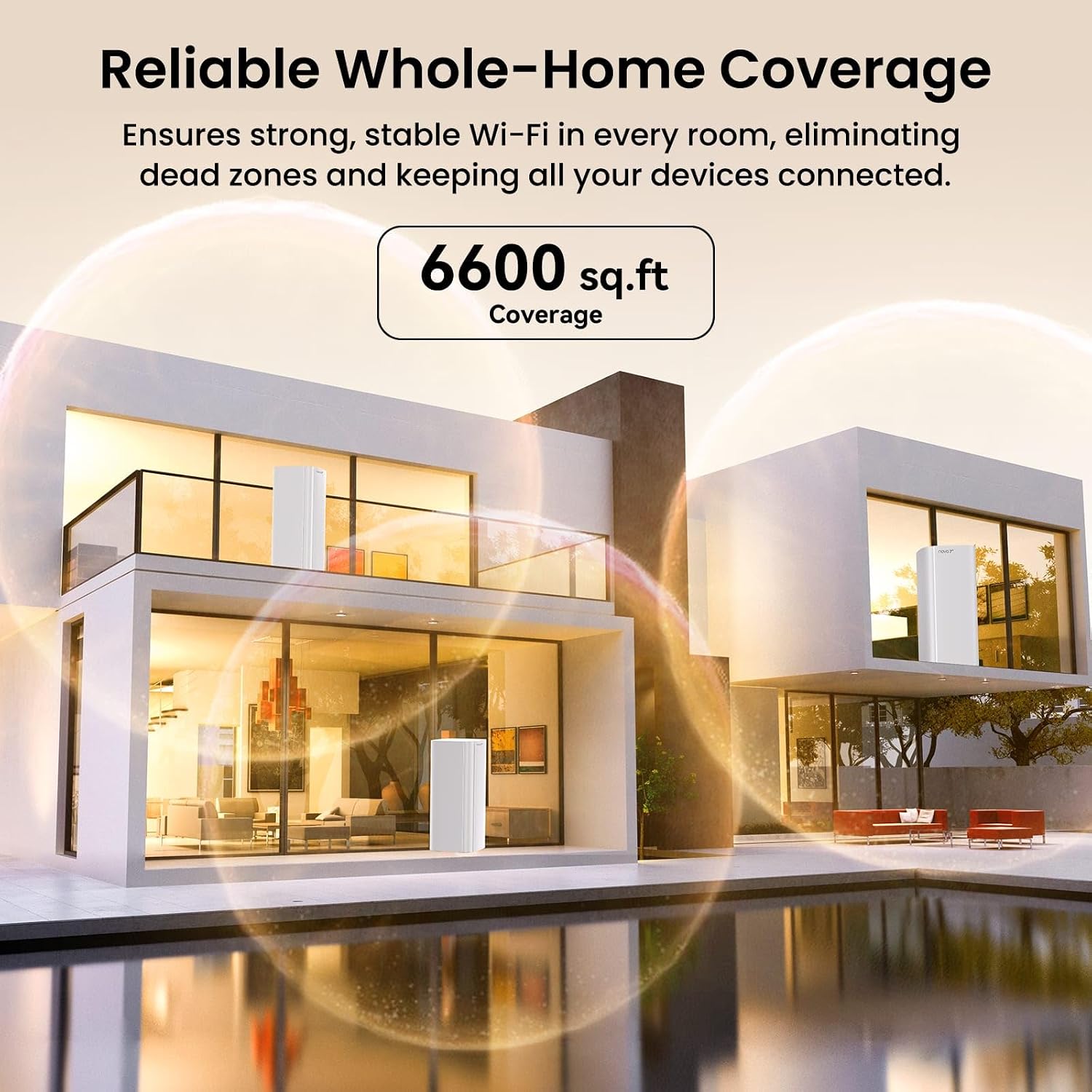
The Tenda BE3600 is a WiFi 7 mesh system designed to blanket large homes with a stable, seamless network. If you’ve ever dealt with dead zones or constant re‑connections while moving through a multi‑story layout, this mesh setup aims to keep devices connected as you roam. It’s positioned as a future‑ready solution for households with multiple smart devices, streaming in 4K, gaming, and working from home where a reliable wireless backbone matters.
Who it’s for
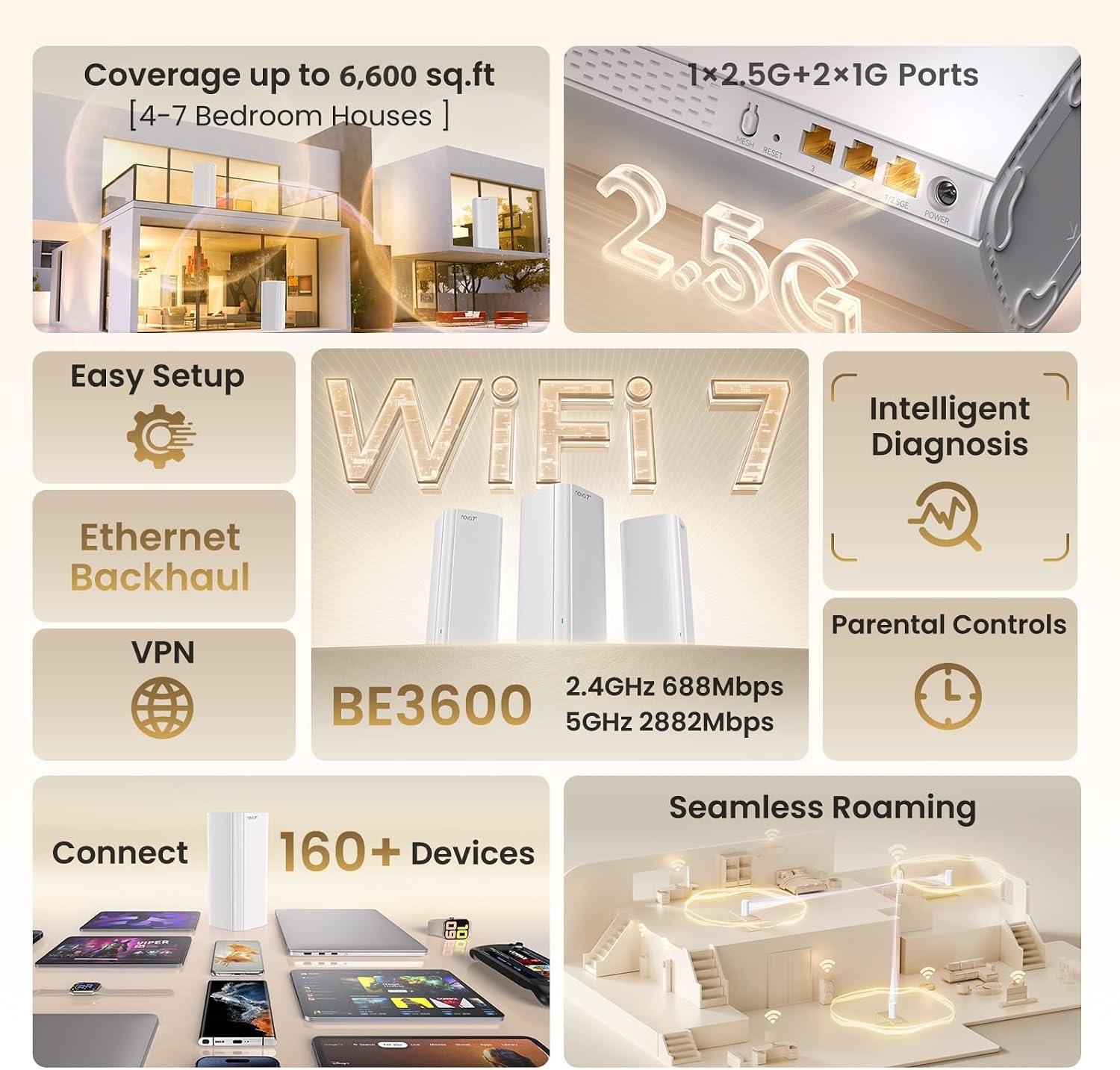
This system works well for households that rely on many wireless devices—phones, laptops, smart TVs, cameras, and IoT gear—across 6,600 sq. ft. of coverage. If you’re upgrading from WiFi 6 or building a new home network that prioritizes stability and smooth handoffs between nodes, BE3600 targets you more than a basic router would.
What stands out
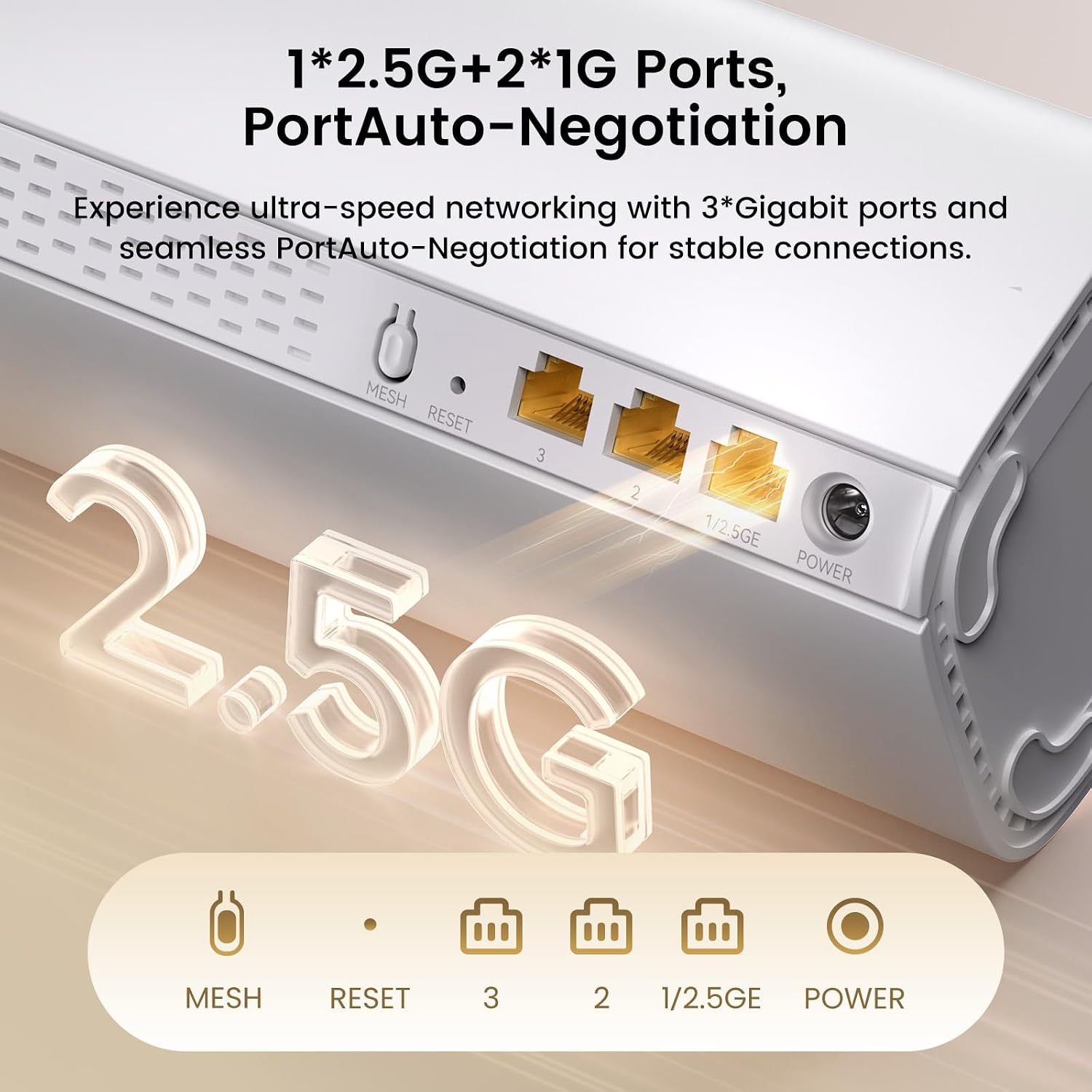
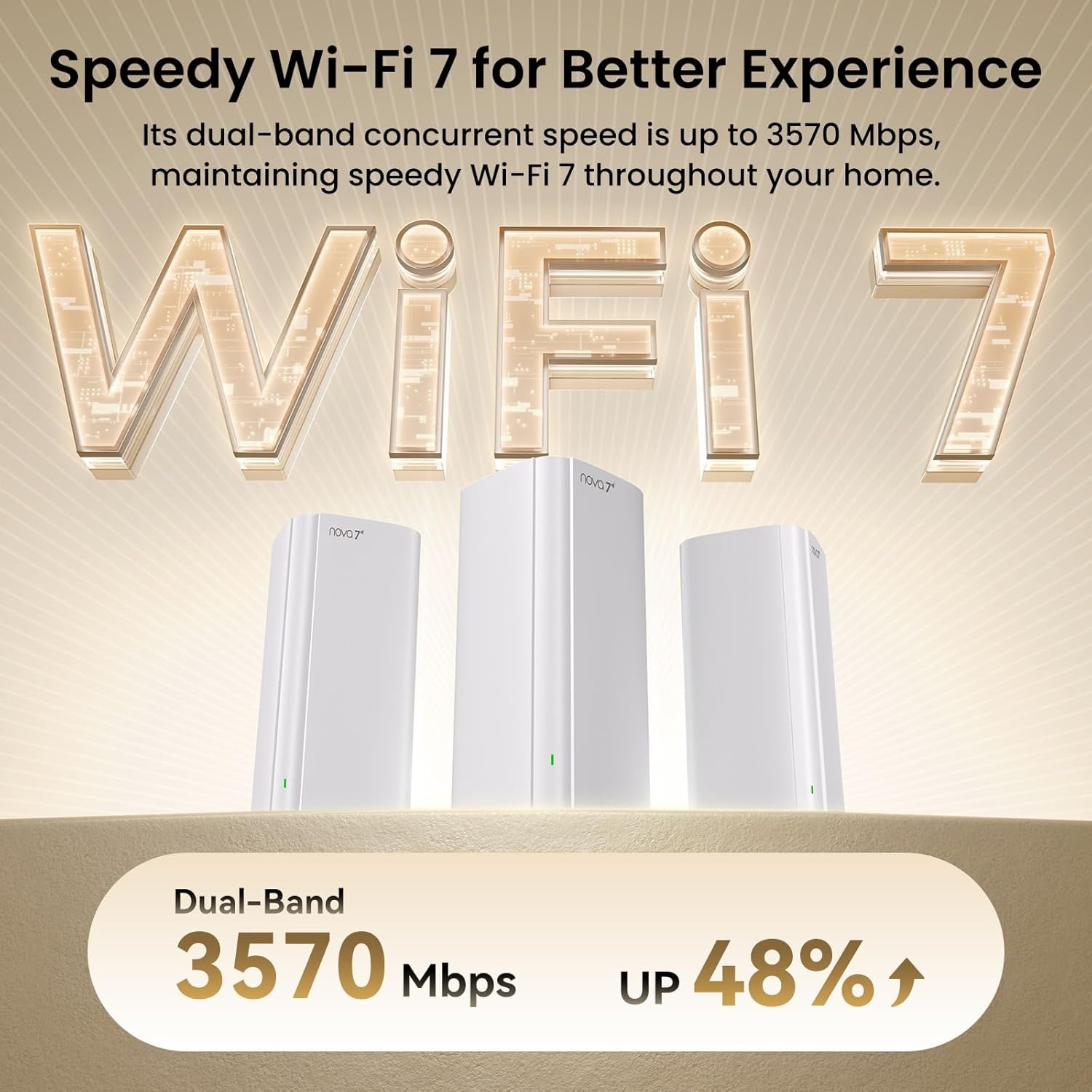
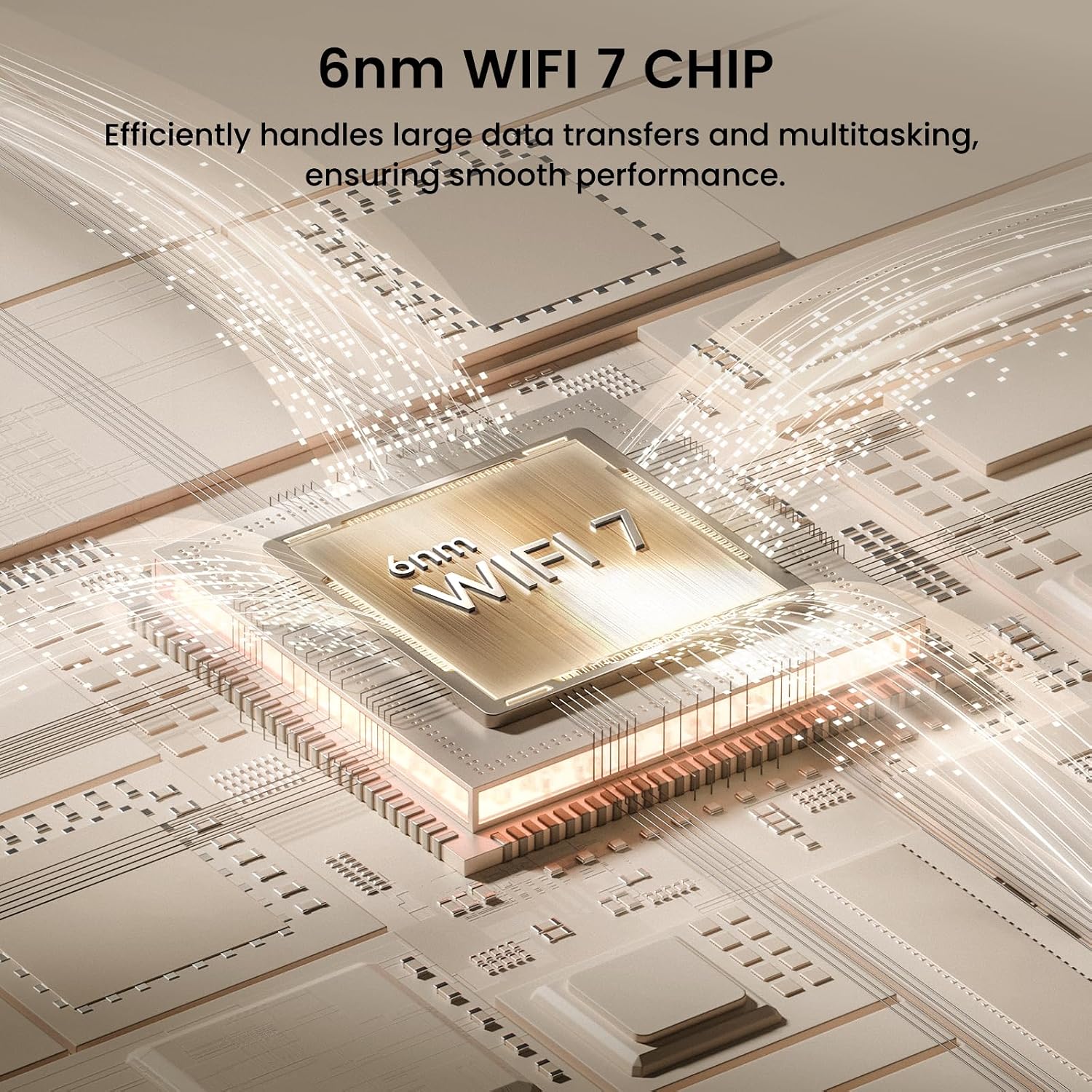
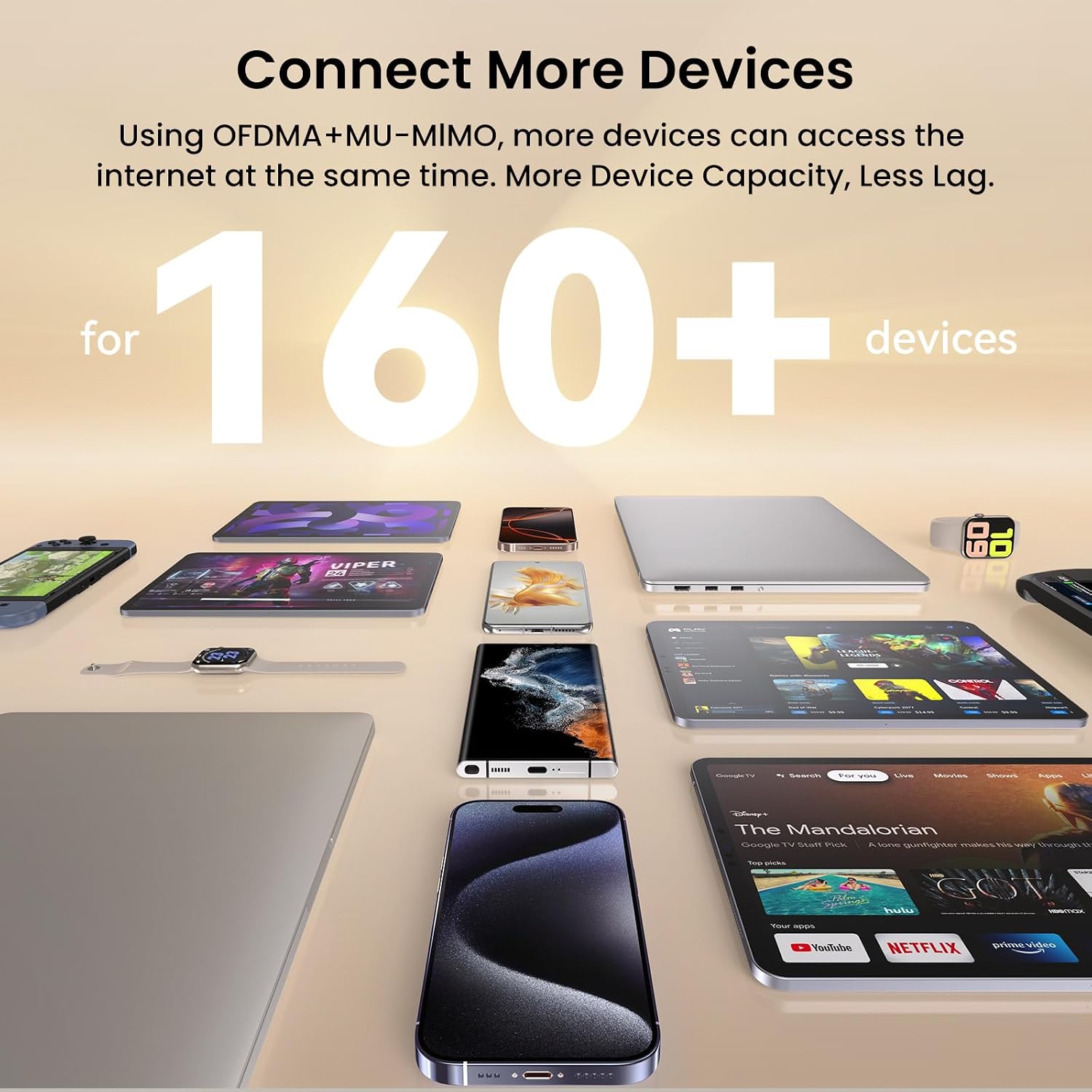
On paper, the BE3600 emphasizes mesh reliability over raw speed. The key differentiators include a 1×2.5G port along with two 1G ports, support for 160+ devices, and mesh networking that aims to minimize weak spots across multiple floors. The kit is marketed as future‑proof under the WiFi 7 umbrella while staying compatible with existing devices, which helps in homes with a mix of newer and older gear. It’s also marketed with user‑friendly setup via an app, which can ease the initial rollout for less tech‑savvy users.
Limitations and caveats
Keep in mind that real‑world gains depend on device support and network conditions. If most of your devices don’t yet leverage WiFi 7 features, you may notice more incremental improvements rather than a dramatic leap. Also, the practical benefits of 160+ device support hinge on how the network is managed—overflow of devices can still saturate a single backhaul if nodes aren’t positioned thoughtfully.
Who it may not be the best fit
If your home has a very small footprint or your internet needs are modest (a few devices, standard HD streaming, light gaming), a simpler setup might suffice and could be easier on your budget. Also, if you rely heavily on ultra‑low latency for competitive gaming, you’ll want to verify the actual latency improvements in your environment before expecting a game‑changing difference.
When it makes sense to buy
Consider BE3600 if you’re upgrading from a single router due to dead zones, you have a multi‑level floorplan, or you want to future‑proof your home for more devices and higher throughput when upgrading to compatible hardware. The 3‑pack option is particularly appealing for larger homes or for those who want a strong, evenly distributed mesh from day one.
What to review before purchasing
- Positioning: place nodes where coverage gaps historically appear (mid‑floor hallways, away from thick walls or metal appliances).
- Device mix: assess whether your devices can leverage the benefits of WiFi 7 or if most will operate on legacy protocols.
- Backhaul considerations: ensure your network environment supports the mesh strategy, and keep firmware updated for best performance and security.
- Security and features: VPN support is noted, but check how you’ll configure it in your home setup and whether it meets your privacy needs.
Practical usage example
Imagine streaming in 4K from a living room and a video call happening in a far corner of the house without interruptions. The mesh handoff should keep devices connected to the best node as you move, rather than dropping connection or buffering. A family with several smart devices and frequent online gaming could appreciate fewer interruptions during peak hours when many gadgets are online.
FAQ (quick answers)
- Does BE3600 support WiFi 7 all across the home? It’s marketed as WiFi 7 and designed to cover large homes, but real performance depends on device support and layout.
- How many nodes are included in the 3‑pack? The model name indicates a ME3 Pro 3‑Pack, implying three units, but confirm exact contents at purchase time.
- Can it coexist with existing routers? It’s designed as a mesh system, using it alongside a separate router may complicate network behavior and is typically not recommended.
Is it worth it?
It’s worth considering if you prioritize improved coverage, smoother device migration between rooms, and future‑ready WiFi 7 features in a multi‑device home. If your space routinely suffers from weak spots and you expect more devices to come online, BE3600 can offer meaningful gains. If you don’t need wide coverage or plan to stay on a modest device footprint, you may want to evaluate simpler or less feature‑dense options first.