

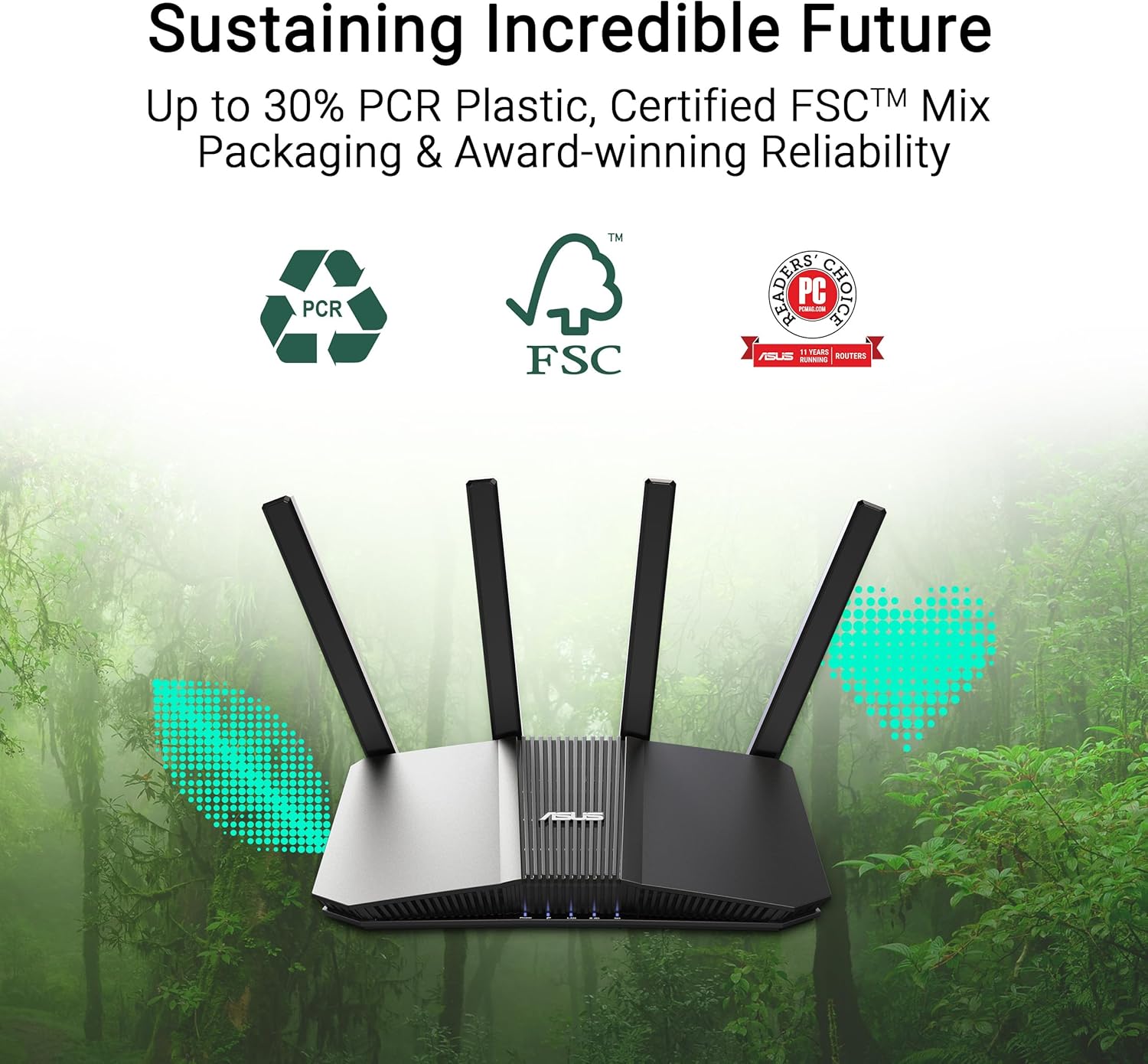
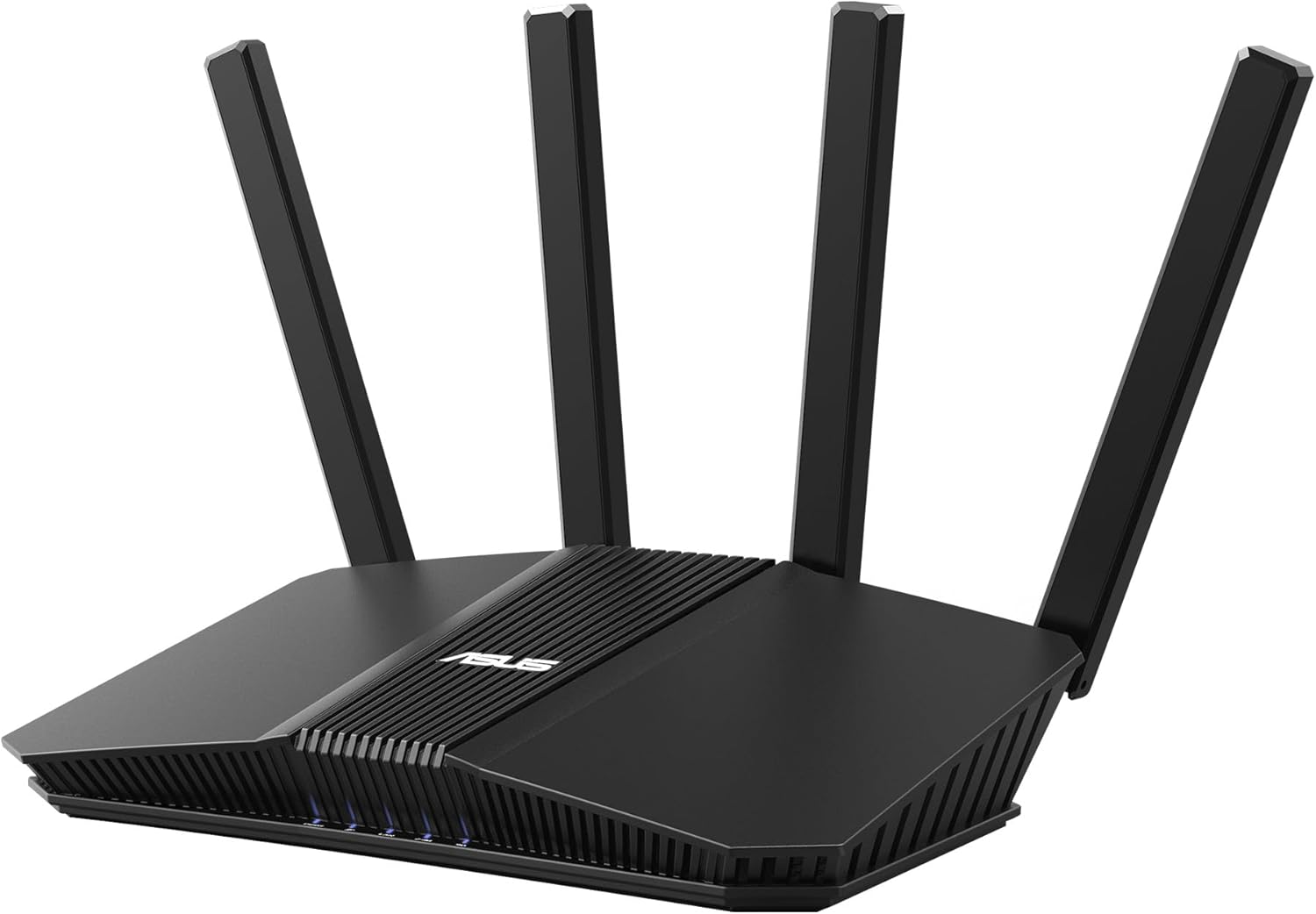
ASUS RT-BE58U WiFi 7 BE3600 AiMesh Extendable Router (MLO, AiDetection 2.5G Port, VPN & Kid’s Network)
Product description
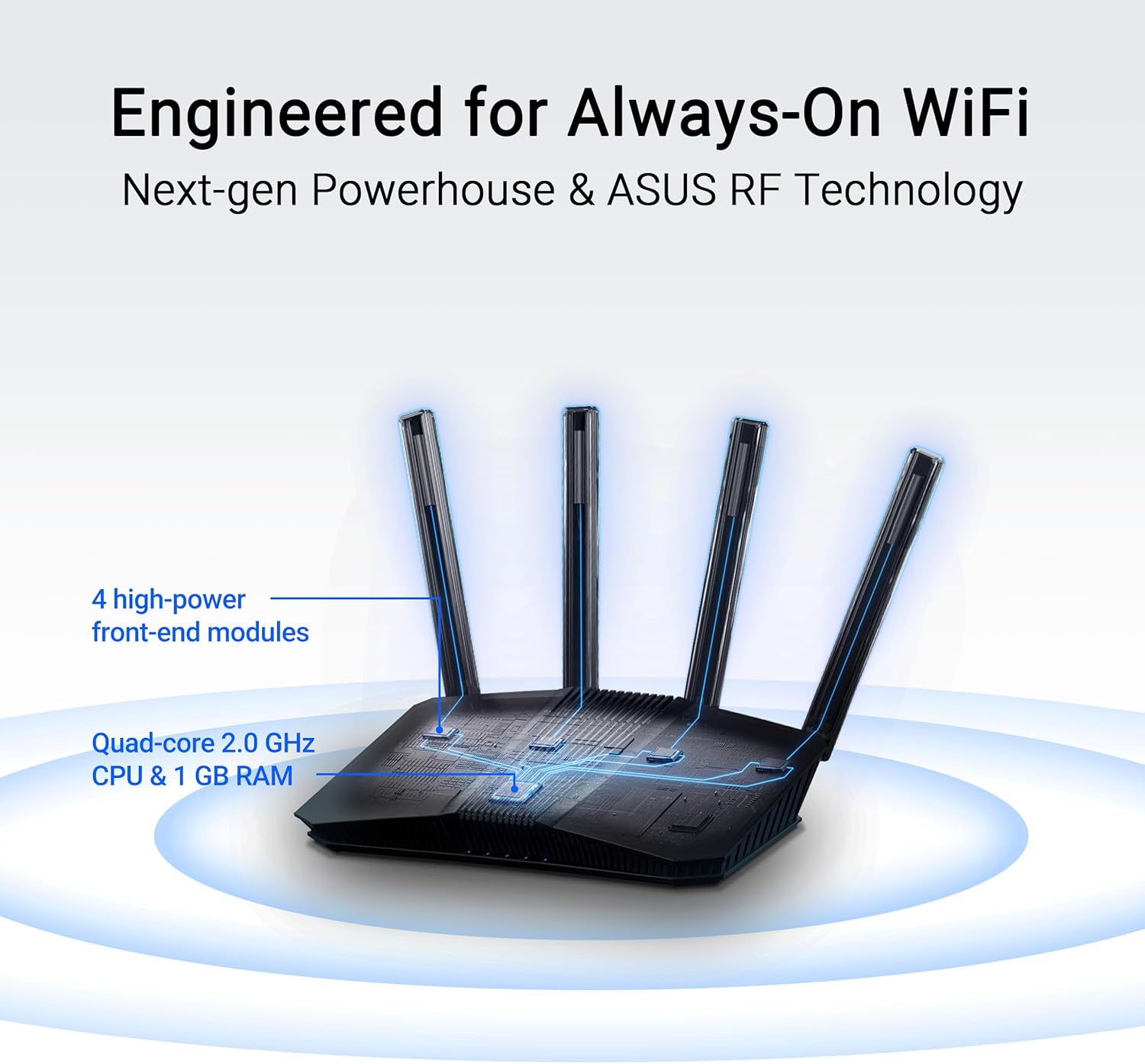
If your home Wi‑Fi feels like it’s holding you back, this ASUS RT-BE58U WiFi 7 router is built to help you move past the “works… most of the time” stage. It’s a dual-band WiFi 7 (802.11be) router positioned around smoother, more efficient connections using MLO, plus a security-and-networking setup that’s aimed at modern households with lots of devices.
Key takeaways
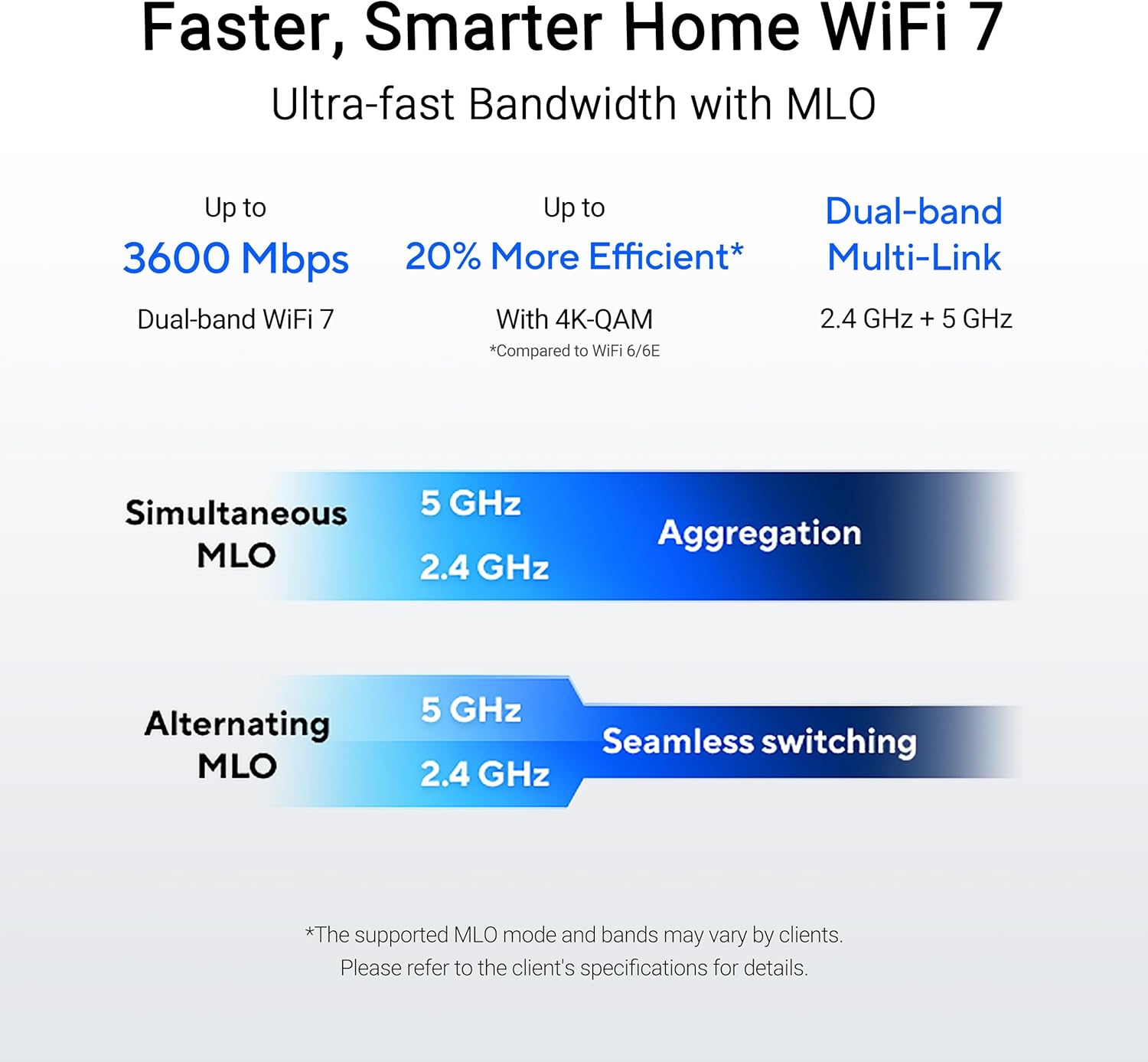
On paper, the RT-BE58U leans into two things: higher WiFi 7 speeds (up to 3600 Mbps for the dual-band setup, per the description) and better connection behavior through MLO (multi-link operation). It also adds several network management options—AI detection on a 2.5G port, multiple SSIDs via Smart Home Master, and separate network options like an IoT network and a Kid’s network.
The honest limitation: you only get the biggest gains if your devices and setup can actually use what WiFi 7 and MLO bring. If you’re mostly on older Wi‑Fi gear, it may feel more like a “good router that future-proofs” than an immediate speed monster.
What matters in daily use (and what to expect)
WiFi 7 is designed for better throughput and more efficient wireless behavior, and the RT-BE58U’s approach is centered around MLO. Practically, that’s the kind of feature you notice when you’re moving between rooms, running downloads, streaming, or dealing with a busy network where multiple devices are competing.
A quick example: imagine you’re in the living room streaming while someone else is on a video call, and you walk toward the kitchen. MLO “connect to multiple bands simultaneously” (as described) is meant to help keep things stable instead of dropping to a single weaker link.

One more day-to-day angle is the Smart Home Master idea. Instead of treating every device type the same, it’s meant to simplify setup and administration—especially for IoT devices, VPN connections, and parental control. That’s useful if you don’t want to manually untangle network settings for every gadget.
Network ports, expandability, and real-world connectivity
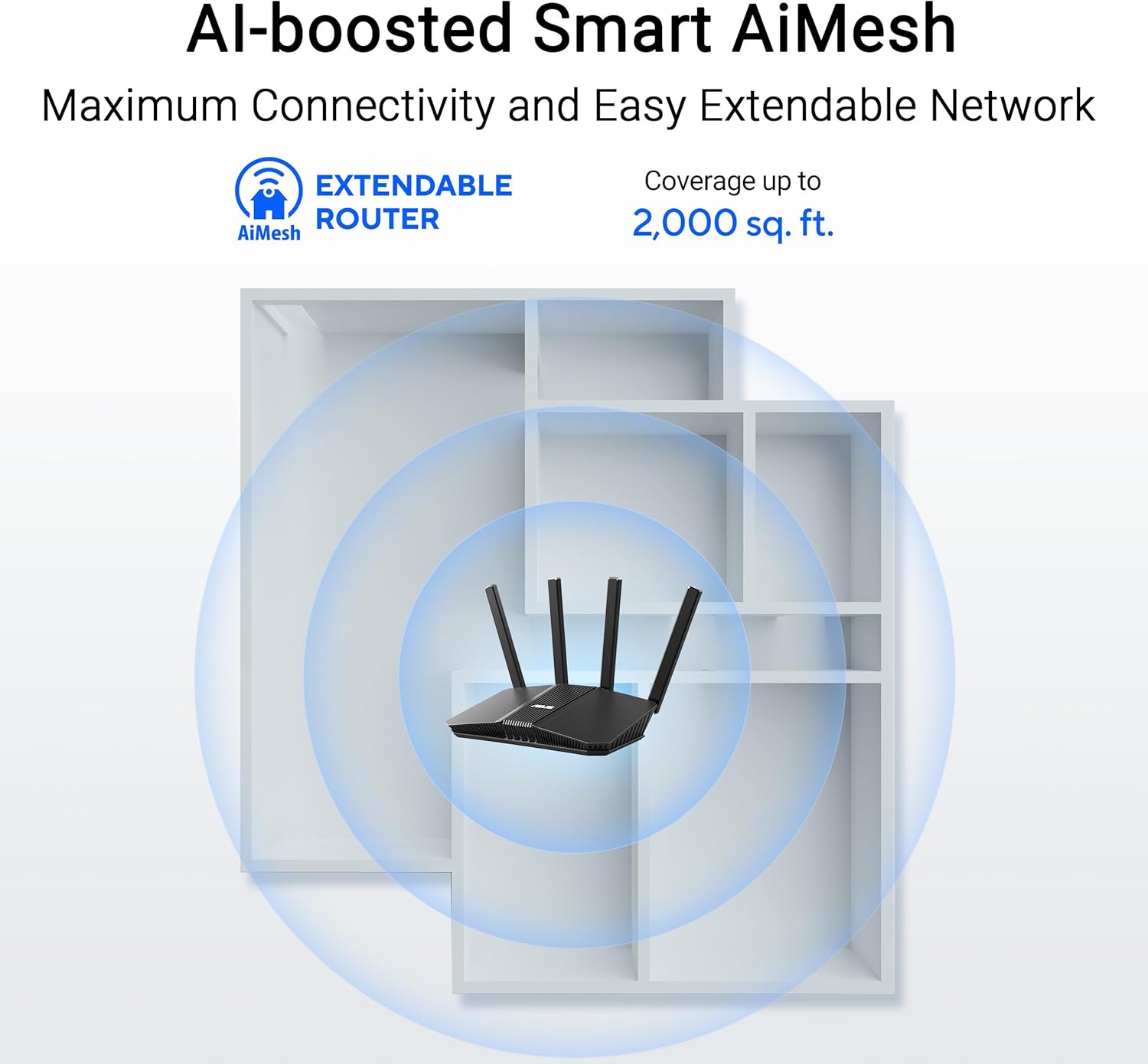
This model is described as an “AiMesh extendable” router, which matters if you want to grow coverage across your home rather than relying on one unit. If you’ve ever dealt with dead zones, this is the type of purchase that can make sense because you’re planning a mesh-style approach.
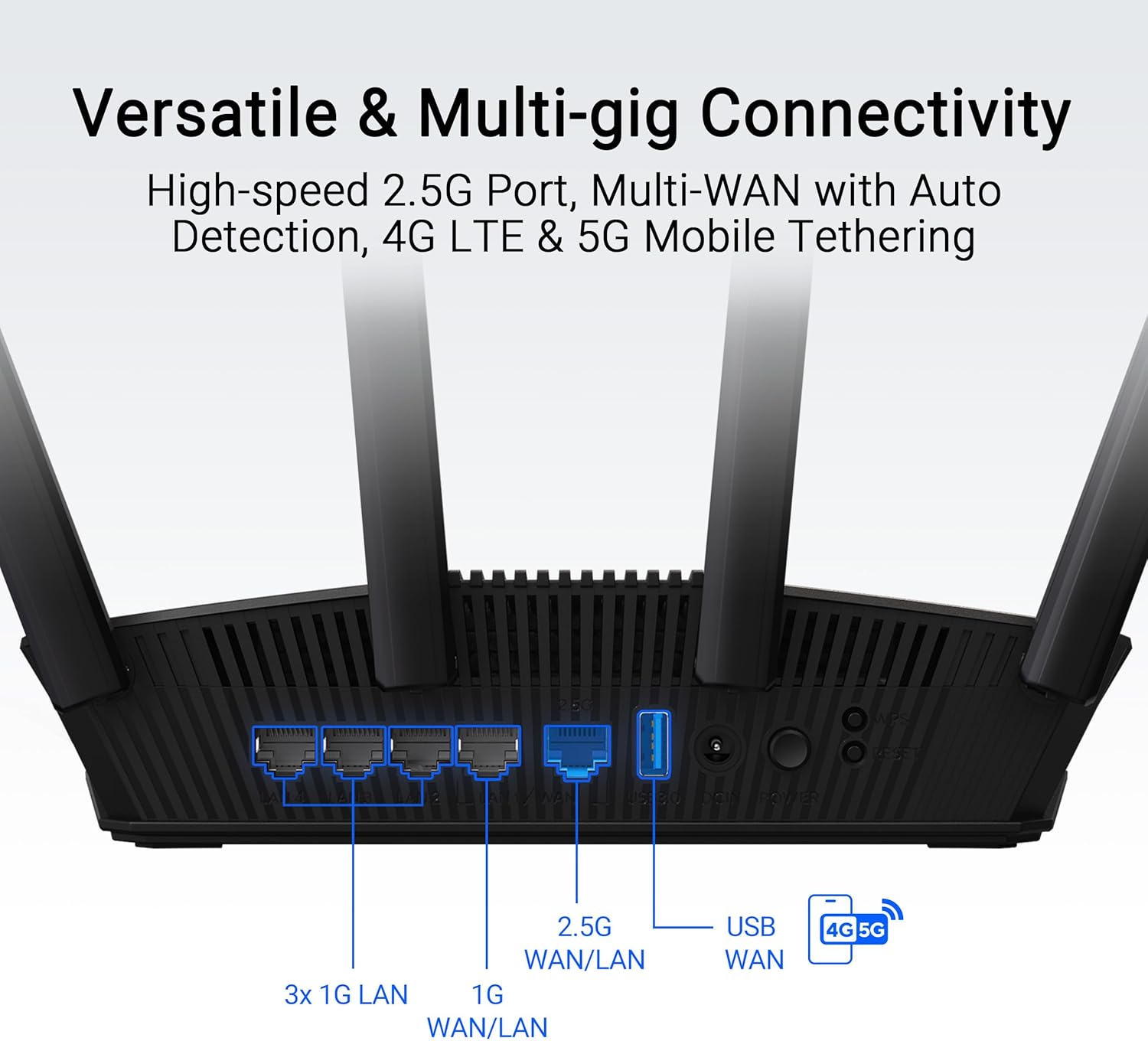
On the wired side, it includes four 1G ports, plus an “Ai Detection 2.5G Port” mentioned in the product name and summary. There’s also a note about a practical configuration for WAN with KI WAN detection, and an option to use a USB port for connecting a mobile 4G LTE and 5G connection.
Where it may not be a perfect fit: if you need a lot of multi-gig wired ports for heavy workstation setups, four 1G ports are a constraint. Still, for many homes, it’s more about Wi‑Fi behavior plus having one faster uplink-ready port conceptually.
Security and parental controls you can actually configure
The RT-BE58U is described with “commercial-grade network security,” including AiProtection Pro (powered by Trend Micro) and “One‑Tap security scanning” plus “safe browsing.” It also mentions VPN network setup and parental control, plus separate Kid’s network and IoT network approaches.
This is the kind of feature set that’s valuable if you have kids at home and you don’t want to rely only on device-level settings. Having a Kid’s network and an IoT network can also reduce the mess of mixing everything on the same general Wi‑Fi.
Keep in mind the nuance: these controls are helpful, but you still need to use them consistently (for example, putting devices into the right network group). Security tools don’t replace basic habits.
The essentials (Tech specs)
- Name: ASUS RT-BE58U WiFi 7 BE3600 AiMesh Extendable Router
- Type: Dual-band WiFi 7 (802.11be) router
- Resolution: 4096-QAM (single-band transmission enhancement noted)
- Processor: Ai detection for 2.5G port (as described)
- Memory: Not provided in the given information
When it makes sense to buy it?
It’s a strong buy if you want a WiFi 7 router that’s meant to handle a busy home—multiple devices, mixed usage (streaming, calls, downloads), and coverage expansion through AiMesh. You’ll likely get more value if you plan to use the Smart Home Master setup for IoT separation, VPN networking, and parental control, rather than leaving everything on one default network.
It also makes sense if you’re looking at options beyond a basic router and you want a security-and-management layer built into the network experience.
Worth considering if: you want a modern router layout with AiMesh expandability, MLO-based connectivity, and network segmentation like Kid’s and IoT networks.
Should you buy it?
A solid pick if you’re chasing smoother WiFi behavior with WiFi 7, want MLO for stability, and care about organized network setup (IoT, Kid’s network, and parental control). It also fits well if you’re thinking ahead with AiMesh-style expansion rather than buying a single unit and hoping for perfect coverage.
You may want to skip it if your home is mostly served by older Wi‑Fi devices and you’re expecting an immediate night-and-day speed jump with no device upgrades. Also, if wired performance is your top priority across many devices, four 1G ports may feel limiting.
Quick FAQ
FAQ
FAQs
FAQs
Final verdict
If you want a WiFi 7 router that focuses on MLO-based connection behavior, AiMesh expandability, and household-friendly network features (Kid’s network, IoT network, parental control, VPN network), the ASUS RT-BE58U is worth a close look. Just be realistic: the biggest benefits show up when your devices can take advantage of WiFi 7, and when you actually use the segmentation and security options in day-to-day setup.