

TP-Link Archer GE400 WiFi 7 Gaming Router (Dual-Band BE6500) with Dedicated Gaming Port
Reviews
Price
Product description
What you’re really buying
The TP-Link Archer GE400 is a dual-band WiFi 7 gaming router built around one idea: reduce lag when it matters and keep your network responsive while everything else (streaming, downloads, smart home) is happening too. It leans into a dedicated gaming port, game traffic prioritization (QoS), and an acceleration path for game servers using WTFast—so it’s not just “faster WiFi,” it’s more about how your connection is handled.
On paper, it targets gamers who care about latency and consistent performance, and also households with multiple devices that want coverage and security support at the router level. Still, no router can fix every real-world problem—distance, walls, and interference can change results, even with beamforming.
Key features that matter for gaming and everyday use
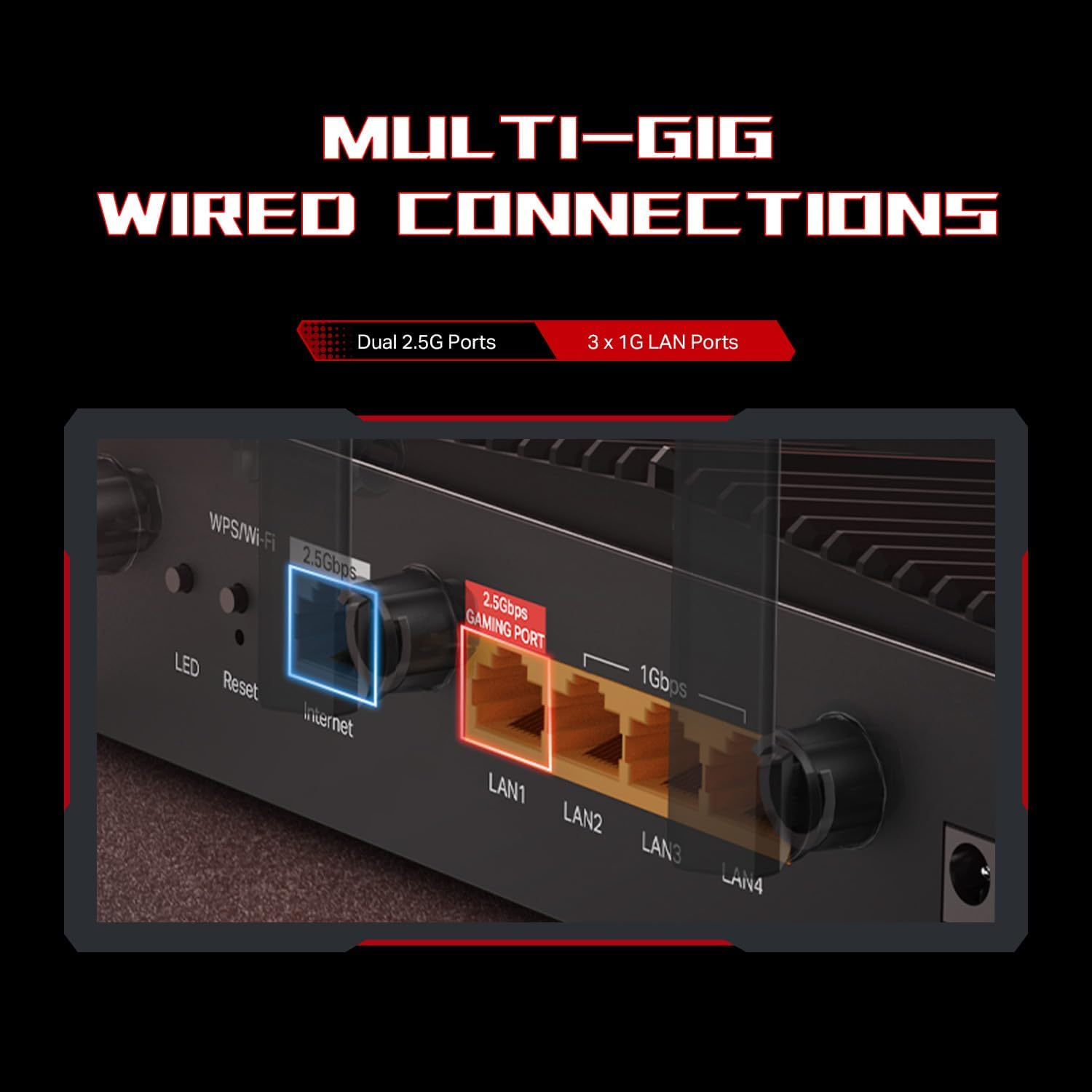
A dedicated gaming port is the kind of feature you notice quickly if you’re the one plugging in a console or gaming PC. Instead of relying only on prioritization over WiFi, you get a specific Ethernet path for gaming.
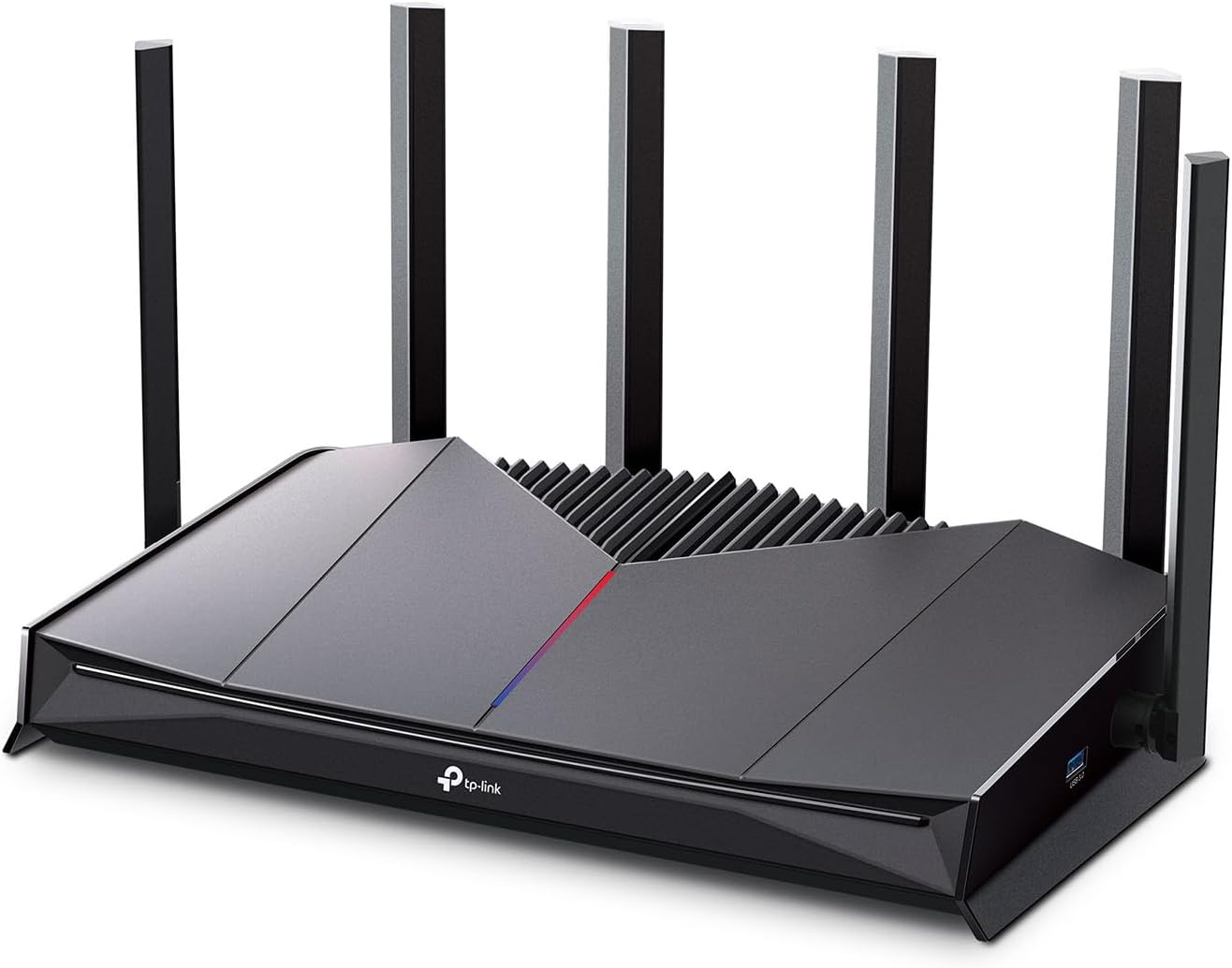
The Archer GE400 also prioritizes game traffic using QoS, and it includes server-side game acceleration through WTFast (as described). The goal is fewer delays and more stable response times during play. Whether you feel the difference will depend quite a bit on your internet plan and the distance/connection quality between devices.
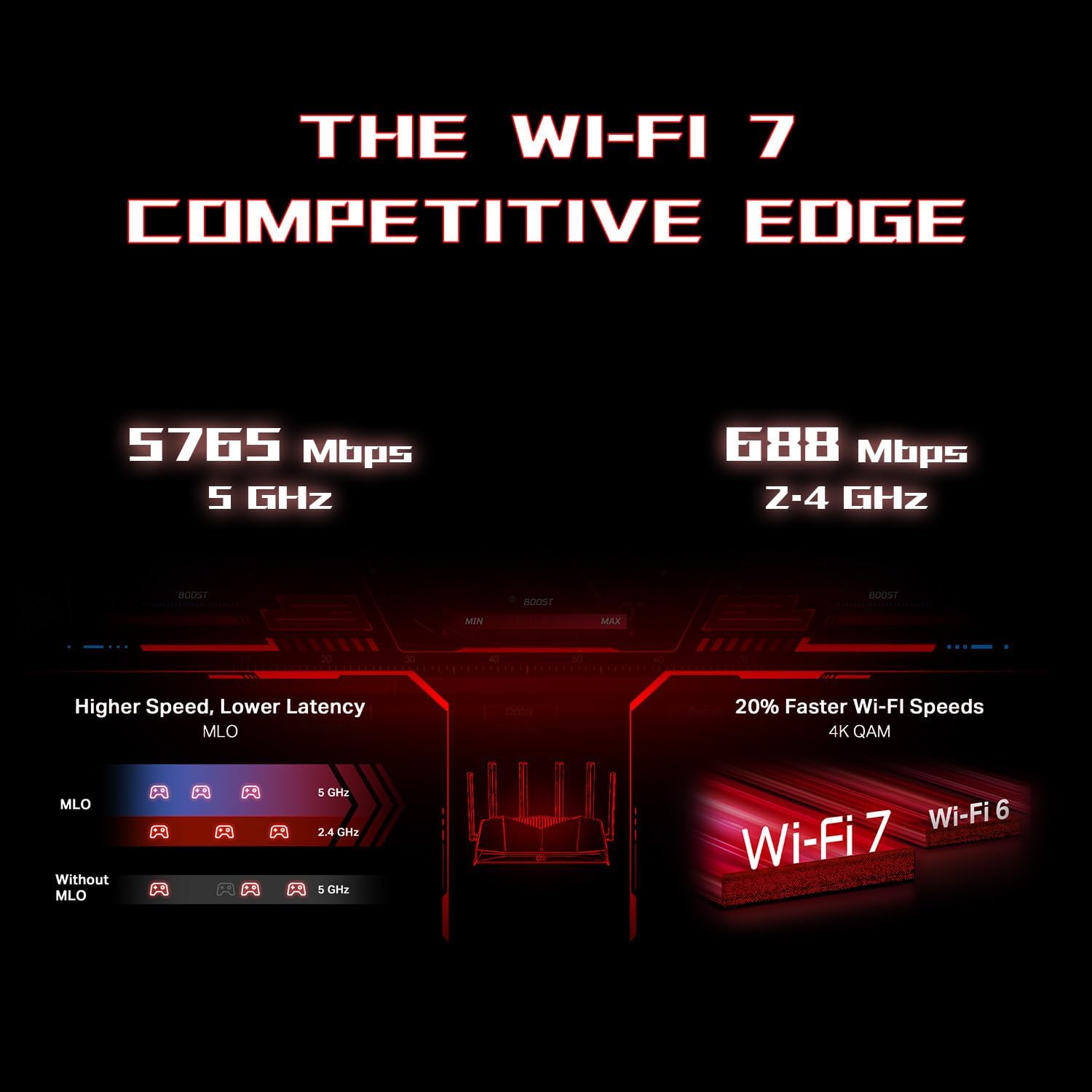
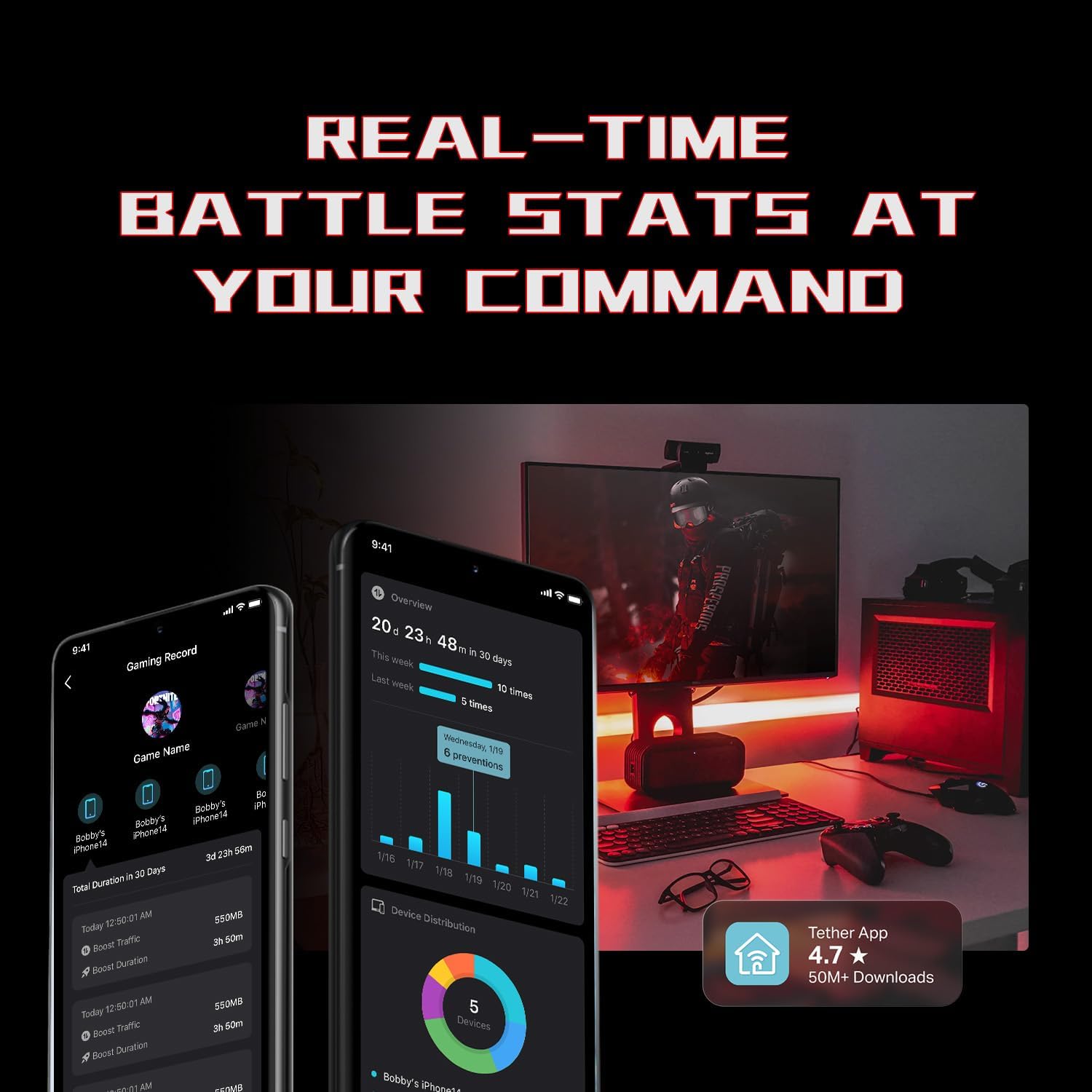
There’s an “environment/panel” style display described in the base info that’s meant to show network and performance cues, plus device information and what looks like a real-time “battlefield” view. It also supports RGB lighting control—more for vibe than function, but if aesthetics matter, it’s part of the package.
Coverage, WiFi performance, and the part that can’t be ignored
TP-Link lists up to 5765 Mbps on 5 GHz and 688 Mbps on 2.4 GHz (with the usual note that performance varies by conditions, distance, and obstacles like walls). The router includes 6 antennas and beamforming to direct WiFi signals toward harder-to-reach areas.
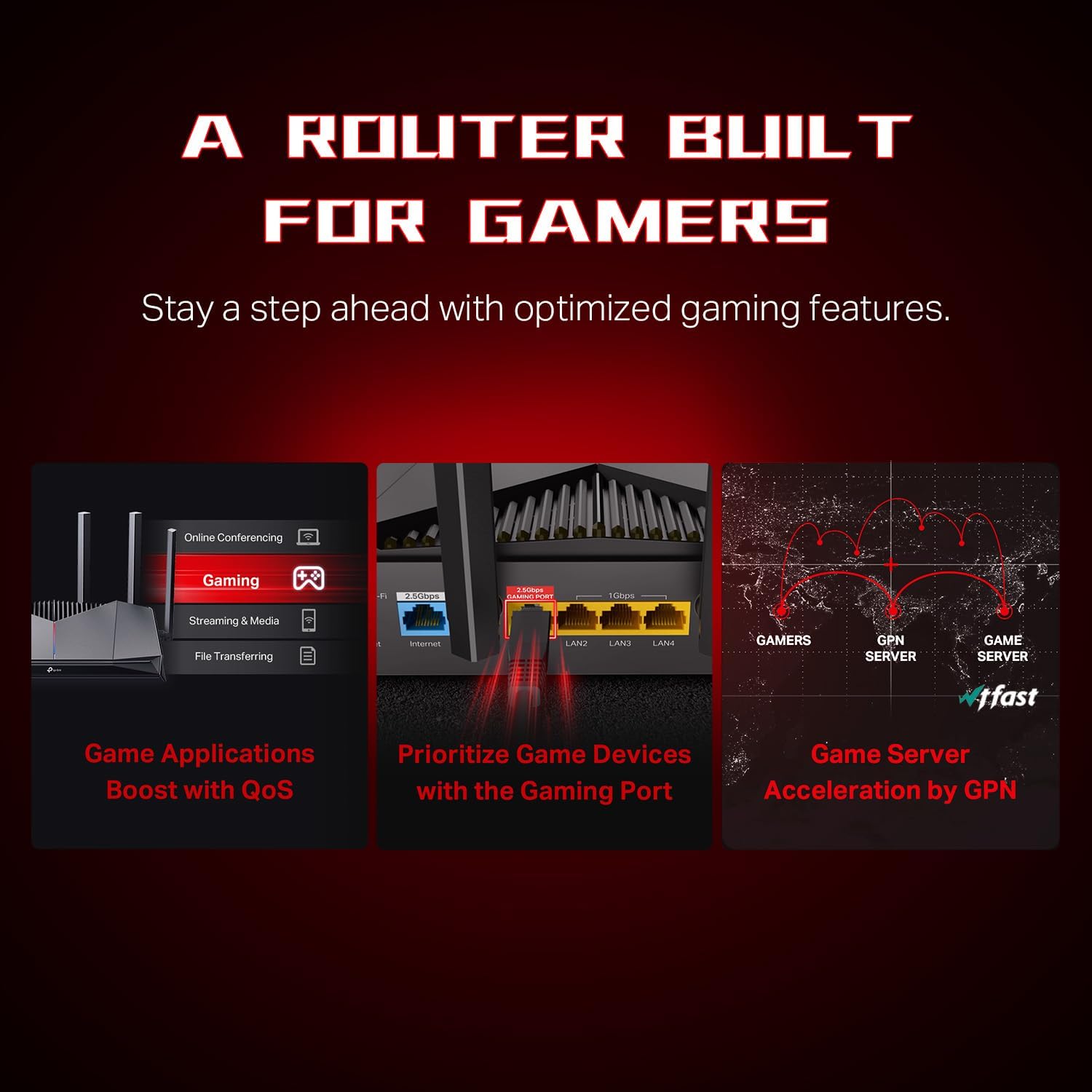
This is worth considering if you’re in a typical home layout where your gaming setup isn’t perfectly centered. Beamforming can help, but it’s not magic: thicker walls and far-away rooms can still cause drops. If your gaming device is in a basement, garage, or far corner, you may need to think about placement or additional coverage options.
Worth noting: this model is described as “No 6 GHz,” so it won’t give you a 6 GHz band for extra throughput the way tri-band WiFi 7 routers do.
Security and network control (homelife included)
The Archer GE400 is positioned with security “by design,” and it references a CISA-driven security promise. It also mentions a protected/security approach called “Homeshield” and a premium security service tier. The base info says the free features include network security, QoS, and basic parental controls.
This matters if you want a router that helps you manage more than just speed—especially in households with kids or lots of connected devices. That said, parental controls being “basic” suggests it may not replace a dedicated parental platform for more advanced needs.
Wired connectivity and what the port choices imply
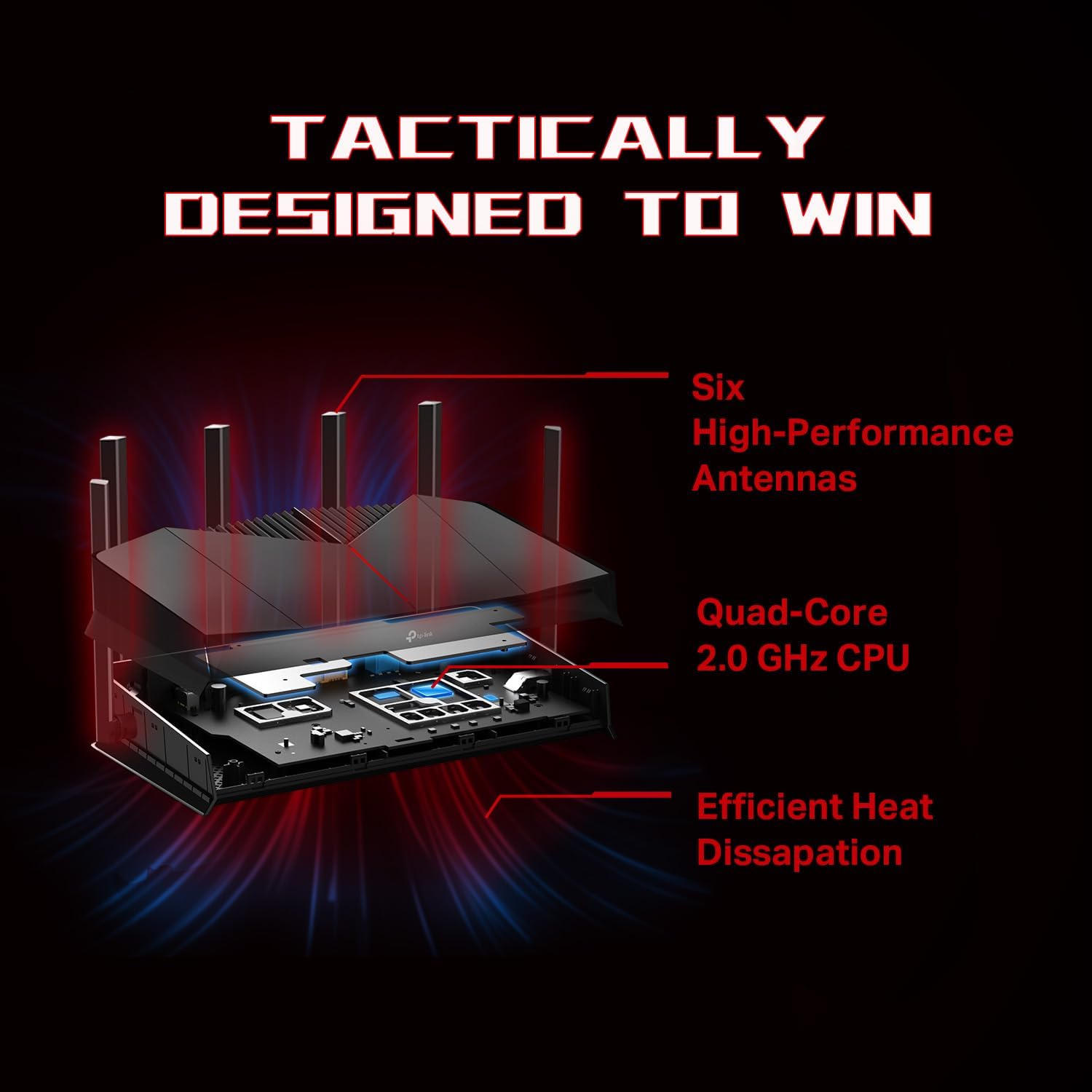
Cable connections are handled with a mix of 2.5 Gbps and 1 Gbps ports: TP-Link lists 1 WAN/LAN at 2.5 Gbps, 1 LAN at 2.5 Gbps, and 3 LAN ports at 1 Gbps.
If your modem and some of your devices support faster Ethernet, this layout can be useful for keeping the heavy lifting off WiFi. The dedicated gaming port is also a big deal for players who prefer a wired connection and want gaming to stay consistent.
It can be a bit confusing if you’re trying to plan exactly which port to use for what, but the overall direction is clear: prioritize gaming and keep high-speed cable options available.
EasyMesh and expandability—plus one important compatibility note
The Archer GE400 supports EasyMesh for extending coverage with compatible TP-Link mesh routers. The base info also mentions adding compatible range extenders and wireless powerline adapters to build a more seamless home network.
There’s a clear limitation stated: it is not compatible with “Deco” mesh systems. So if your home already uses that type of mesh ecosystem, you’ll want to double-check what will actually work together before switching anything.
Quick sizing for expectations: who it suits, and who should pause
It’s a solid pick if you want WiFi 7 features paired with gaming-focused handling—dedicated gaming port, QoS, and WTFast acceleration as described—while also getting security and some parental controls.
It may not be the best match if you specifically need a 6 GHz band for your network design, or if you already invested in a mesh system that’s explicitly called out as incompatible. And if you’re chasing raw speeds in a far room, remember the base info already calls out that results depend heavily on distance, obstacles, and network conditions.
Is it worth it?
Buy the TP-Link Archer GE400 if you’re building a gaming-centered home setup and you’ll actually use the dedicated gaming port (Ethernet) or benefit from QoS prioritization during play. It also makes sense if security and basic parental controls are part of what you want from your router, not just throughput.
Skip it (or at least pause) if 6 GHz support is a must-have for your plan, or if you’re tied to a mesh ecosystem that the base info says isn’t compatible. Also keep expectations grounded: WiFi performance and response times depend on real-world layout and interference, even with beamforming.
Mini FAQ
Does this router include 6 GHz WiFi?
No. The provided product information explicitly states “No 6 GHz,” so you’re working with dual-band 2.4 GHz and 5 GHz.
What makes it “gaming” beyond faster WiFi?
It includes a dedicated gaming port, QoS to prioritize game traffic, and game server acceleration through WTFast (as described in the base info).
Can I set it up using a phone?
Yes. The base info says you can configure it using the TP-Link Tether app (Android or iOS) or via the web interface.
Can it extend coverage with mesh?
Yes, it supports EasyMesh with compatible TP-Link routers and can also work with compatible range extenders and wireless powerline adapters as described. However, it’s not compatible with Deco systems, according to the provided information.