

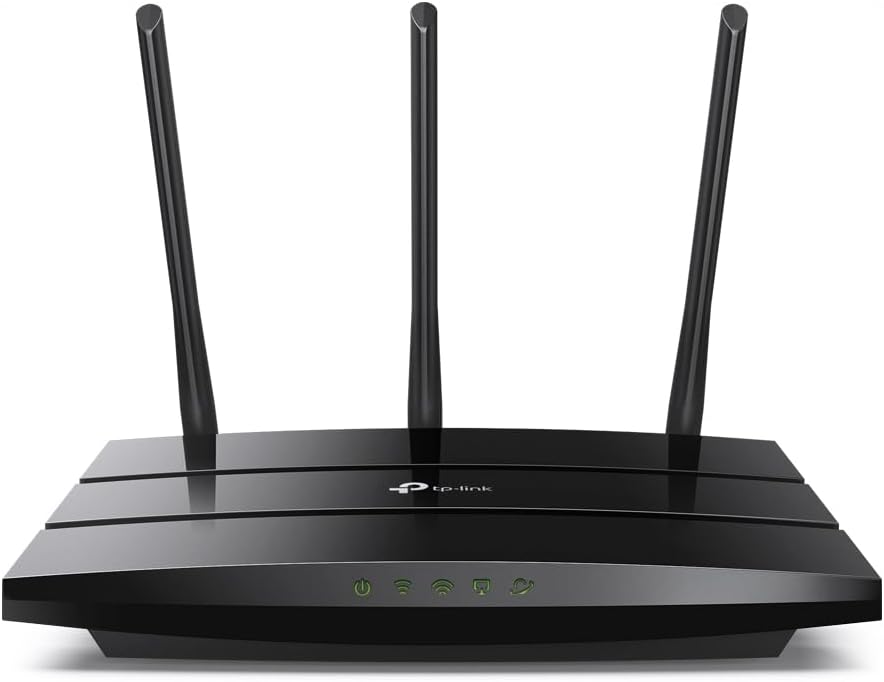
TP-Link Archer A8 AC1900 MU-MIMO Router
Product description
The essentials
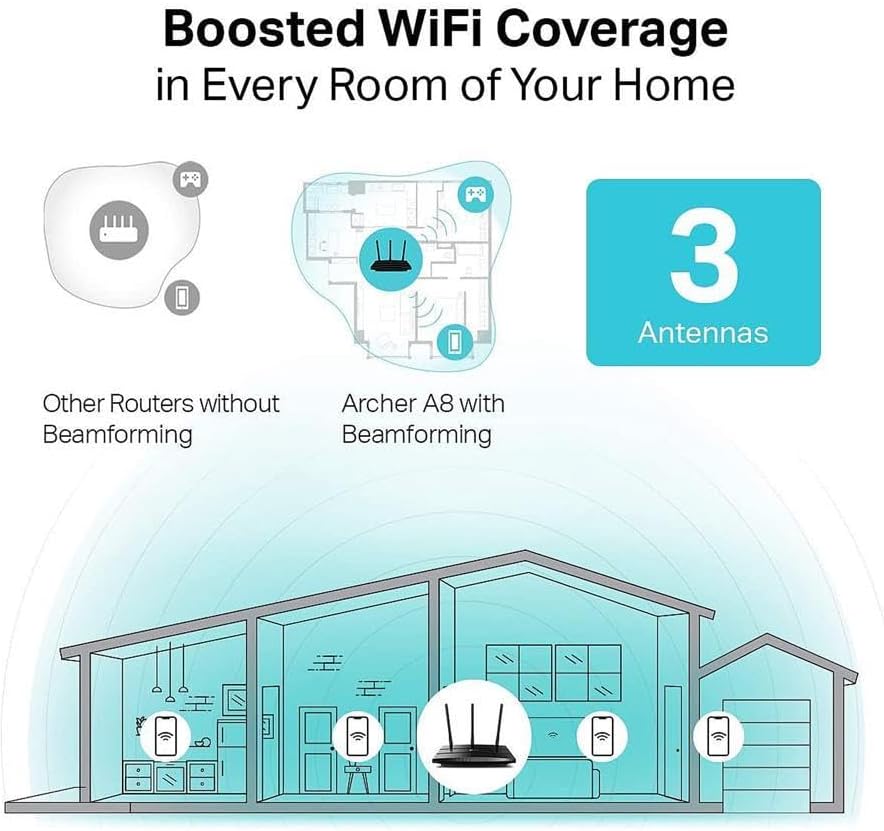
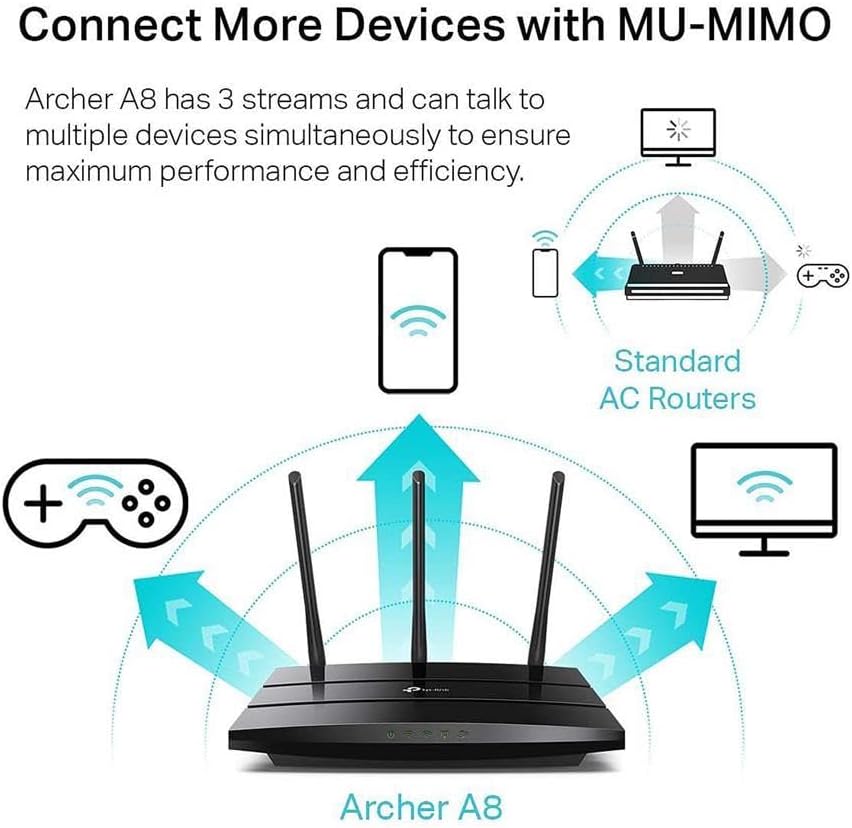
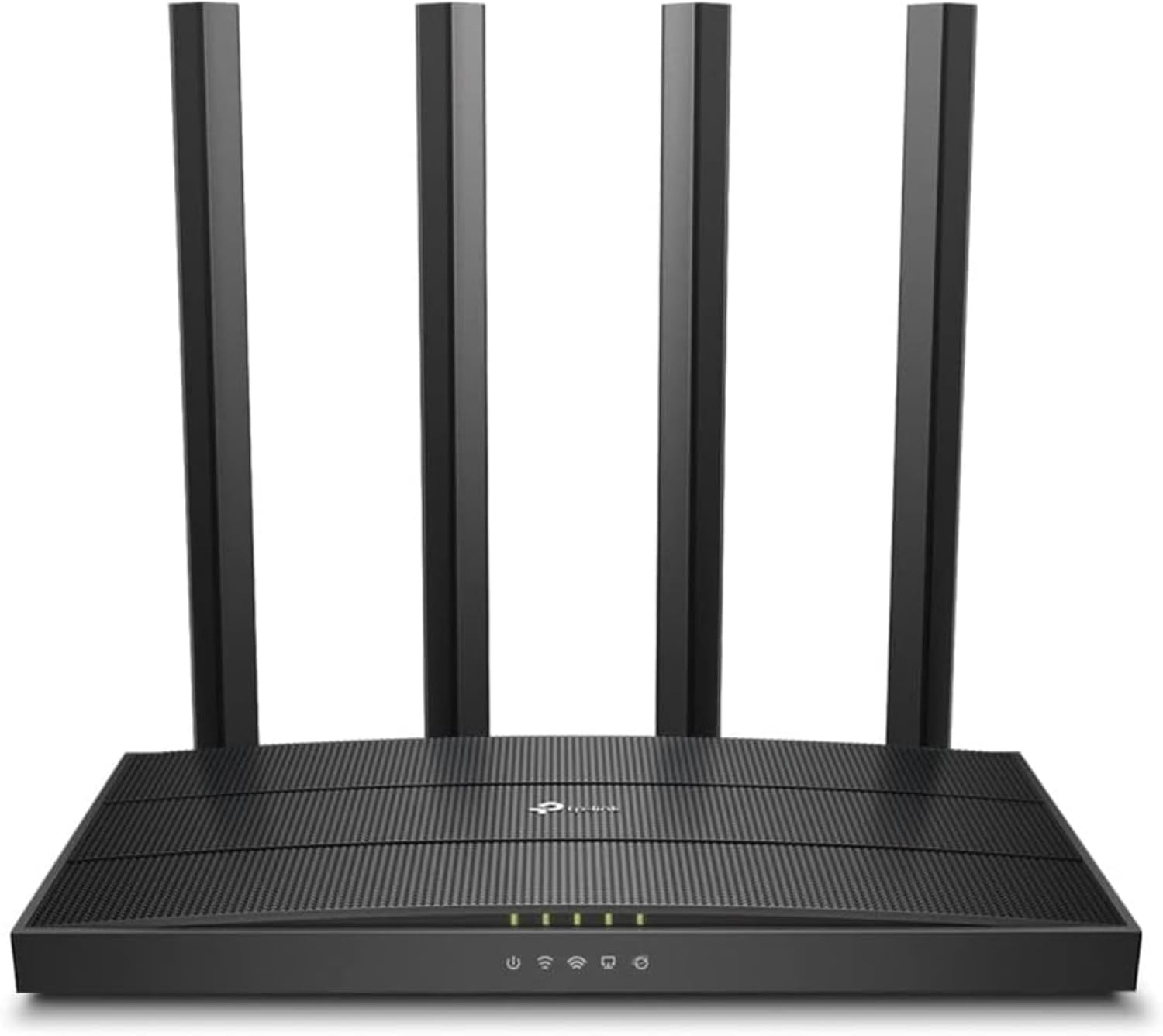
The Archer A8 delivers solid WiFi performance with dual band access, offering up to 600 Mbps on 2.4 GHz and 1300 Mbps on 5 GHz. This AC1900 wireless router is designed to handle multiple devices at once, making it a strong choice for households with streaming, gaming, and smart home devices. With MU-MIMO technology and beamforming, you get more reliable connections and better range in busy living spaces. The Archer A8 is built to work with most internet service providers and includes parental controls to help manage online time for kids. Its OneMesh compatibility means you can extend coverage easily by adding TP-Link extenders, creating a seamless network across your home. Overall, it’s a practical, straightforward router that prioritizes strong wireless performance and easy setup for everyday use.
Technical details
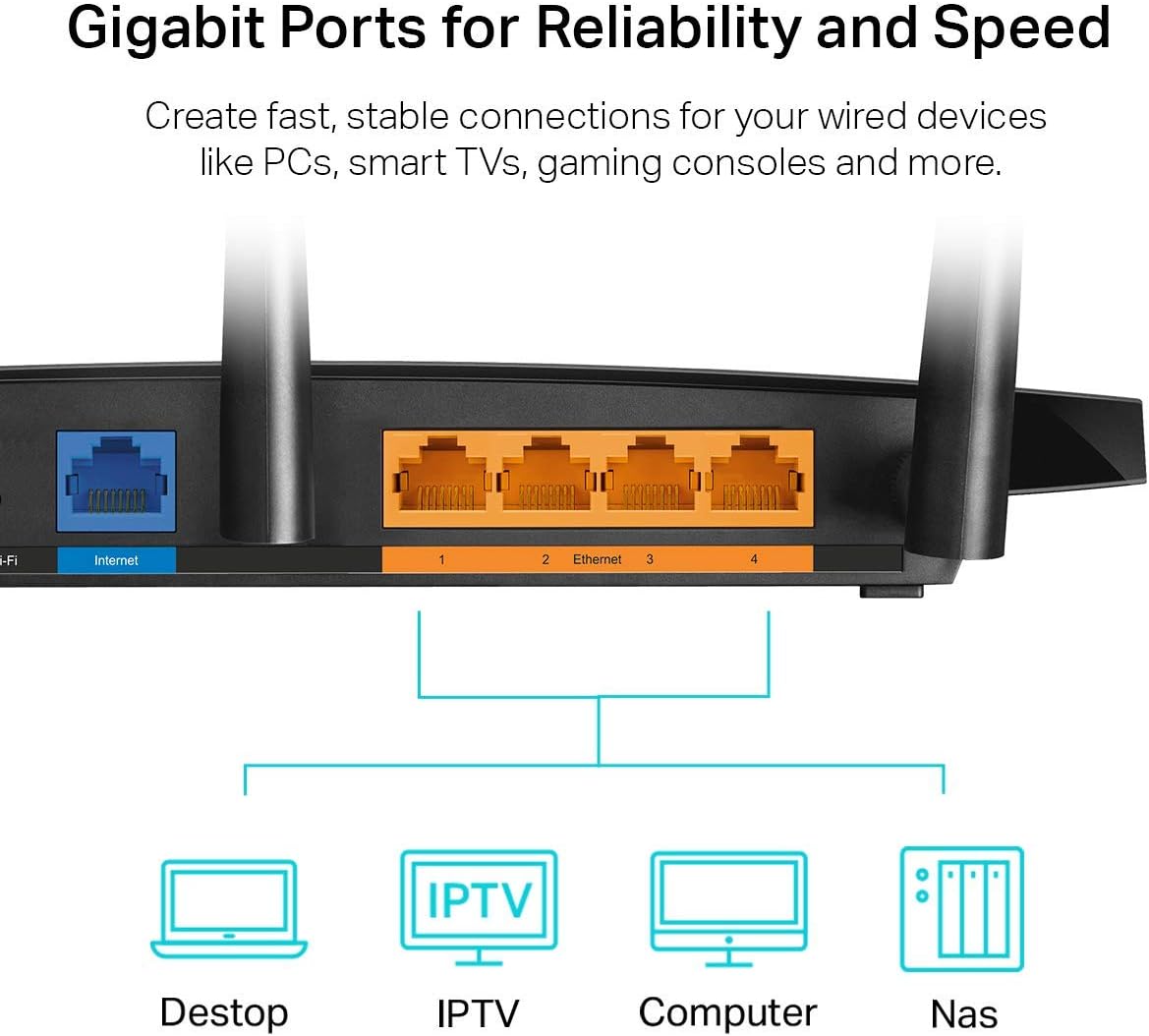
The Archer A8 ships with full Gigabit wired ports to support fast wired connections for PCs, TVs, and gaming consoles. You’ll find 4 x Gigabit LAN ports and 1 x Gigabit WAN port, ensuring a stable backbone for your home network. The device supports beamforming to concentrate signal toward connected devices, improving efficiency and speed at several rooms away. Setup is simple through the free Tether app, which also makes firmware updates easy to manage for ongoing performance and security improvements. The router is designed to work with a wide range of ISPs and requires a modem to connect to the internet. Parental controls help block inappropriate content and set daily time limits, adding a layer of family-friendly protection. Depending on the environment and distance, real-world speeds may vary due to walls and interference, but the Archer A8 consistently provides reliable dual-band coverage for typical homes. This model covers up to 1,200 square feet and is a strong option for users who want a balance of performance, ease of use, and expandability with OneMesh.
Usage and setup
Getting started is quick with the Tether app, guiding you through a simple setup process and offering ongoing controls to optimize performance. If you’re expanding your network, OneMesh compatibility lets you pair the Archer A8 with TP-Link extenders to eliminate dead zones. For households with multiple devices, enabling MU-MIMO ensures each device can communicate efficiently without competing for bandwidth. Consider placing the router in a central location away from thick walls or metal objects to maximize signal. Remember that a separate modem is required by most ISPs, so you’ll connect the Archer A8 to your modem for internet access. If you’re seeking a reliable dual-band router with solid coverage and straightforward parental controls, the Archer A8 stands out as a practical option for everyday home use. 🎯