

TP-Link Deco X55 AX3000 Mesh System 6500 sq ft
Reviews
Price
Product description
This mesh Wi‑Fi system from TP‑Link brings Wi‑Fi 6 performance to larger homes, with a three‑unit Deco X55 kit that aims to replace both a router and traditional extenders while keeping multiple devices online. It is designed to cover up to 6,500 square feet and deliver faster, more reliable wireless for streaming, gaming, and connected home devices.
Key Points
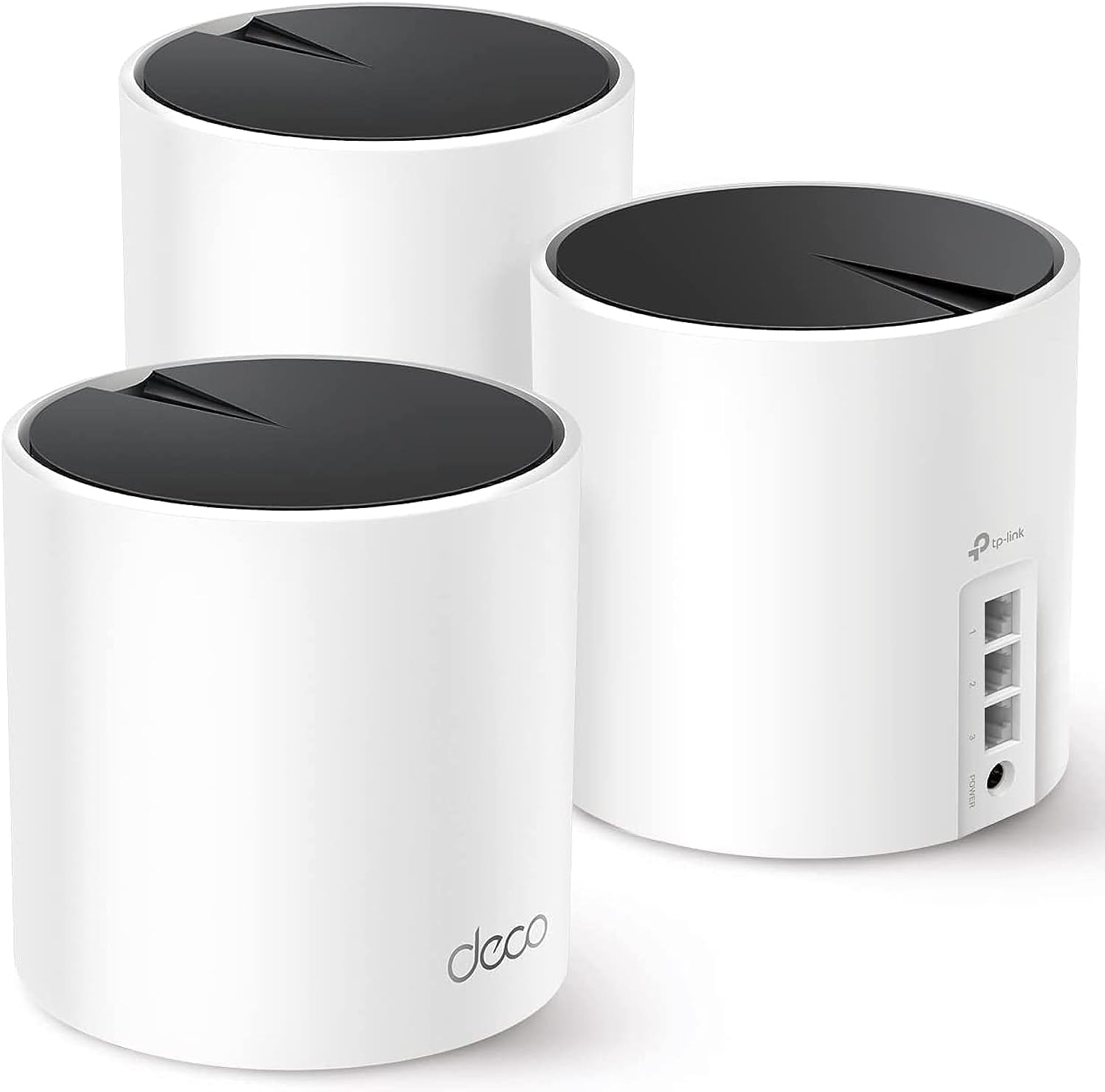
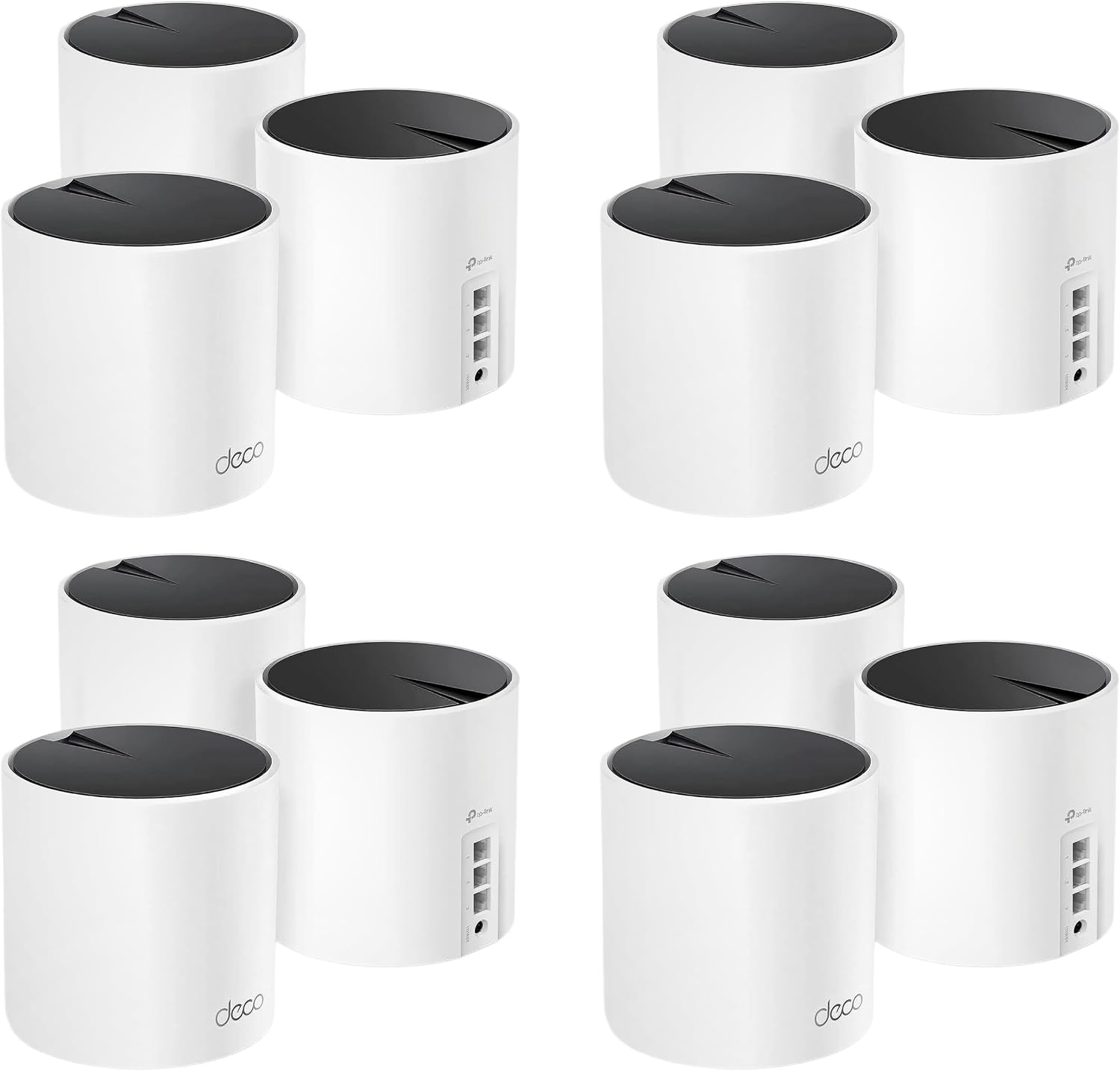
The Deco X55 AX3000 uses Wi‑Fi 6 technology to boost throughput and handle more simultaneous connections according to the manufacturer. A three‑pack configuration claims coverage of up to 6,500 square feet, reducing dead zones more effectively than standalone extenders. Each unit includes three Gigabit Ethernet ports and supports wired Ethernet backhaul to stabilize links between nodes. The system can work with most ISPs when paired with a modem and any Deco in the set can act as the main router. TP‑Link’s AI‑driven mesh adapts to your home network patterns to try to maintain optimal performance over time.
Technical Specifications
- Name: TP‑Link Deco X55 (3‑pack)
- Wi‑Fi standard: AX3000 (2x2/HE160 2402 Mbps + 2x2 574 Mbps)
- Coverage: Up to 6,500 sq ft (approximately 603.9 m²) for a 3‑unit pack
- Ethernet ports: 3 Gigabit ports per unit, supports Ethernet backhaul
- Device capacity: Supports up to 150 devices (manufacturer claim)
Benefits

The move to Wi‑Fi 6 brings several practical improvements in crowded networks. Devices that support the newest standard benefit from higher single‑device throughput and better efficiency when many gadgets are active at once. Wired backhaul support means you can link nodes with Ethernet for lower latency and steadier top speeds, which helps when streaming 4K video or online gaming. TP‑Link HomeShield adds a layer of network and IoT protection with basic security scanning, parental controls, and quality‑of‑service features included for free according to the product information.
Usage Recommendations
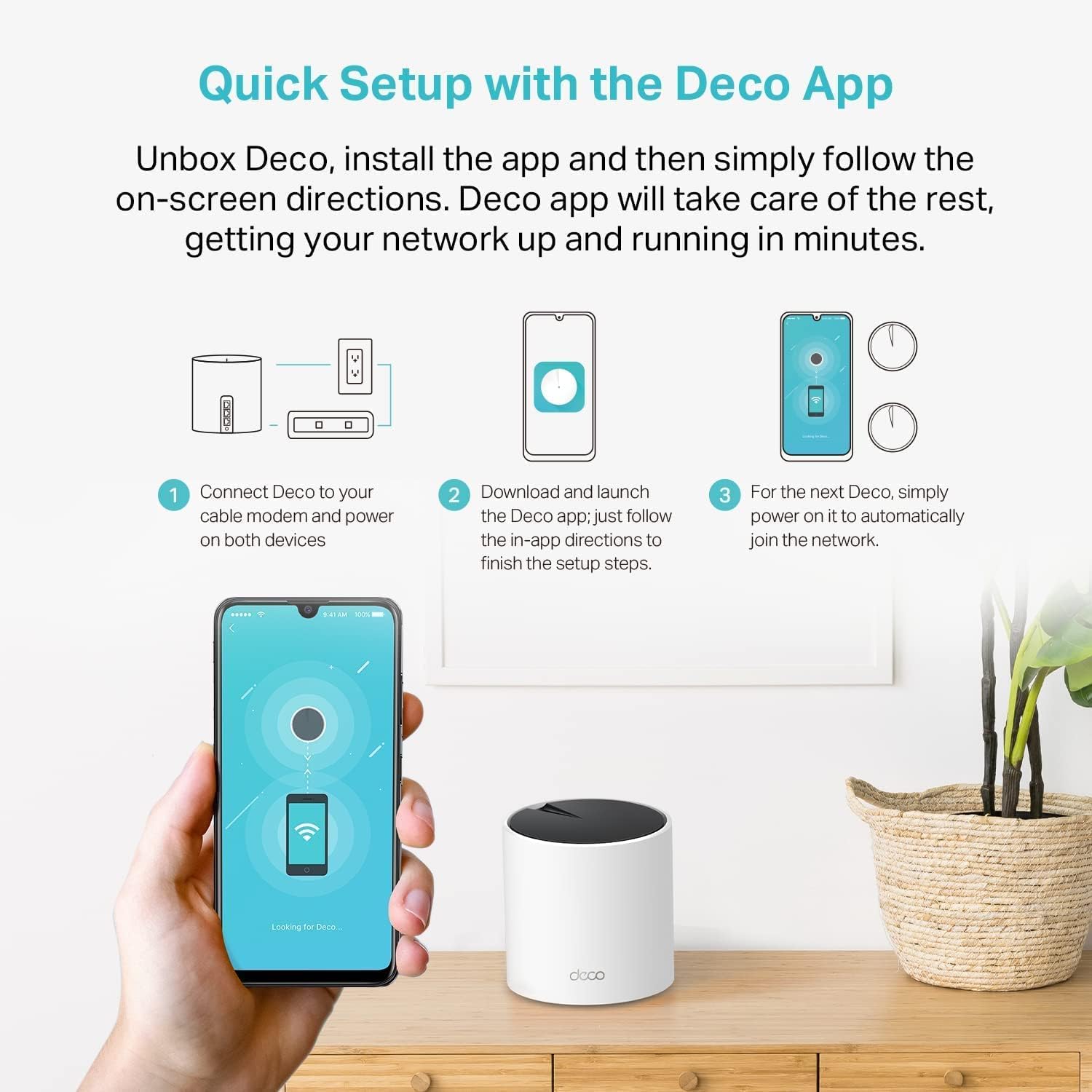
Set up is handled through the Deco app, which guides installation with visual steps and lets you manage guest Wi‑Fi and parental controls from a smartphone. For best results place the three units in open areas spread across floors, and consider using Ethernet backhaul if your home wiring allows it to improve inter‑node throughput. Keep in mind that maximum link rates and coverage are influenced by building materials and placement, and actual performance will vary with device capabilities and ISP speeds. Additionally, some advanced security and management features may require subscription plans to unlock extra functionality beyond the free tier.