



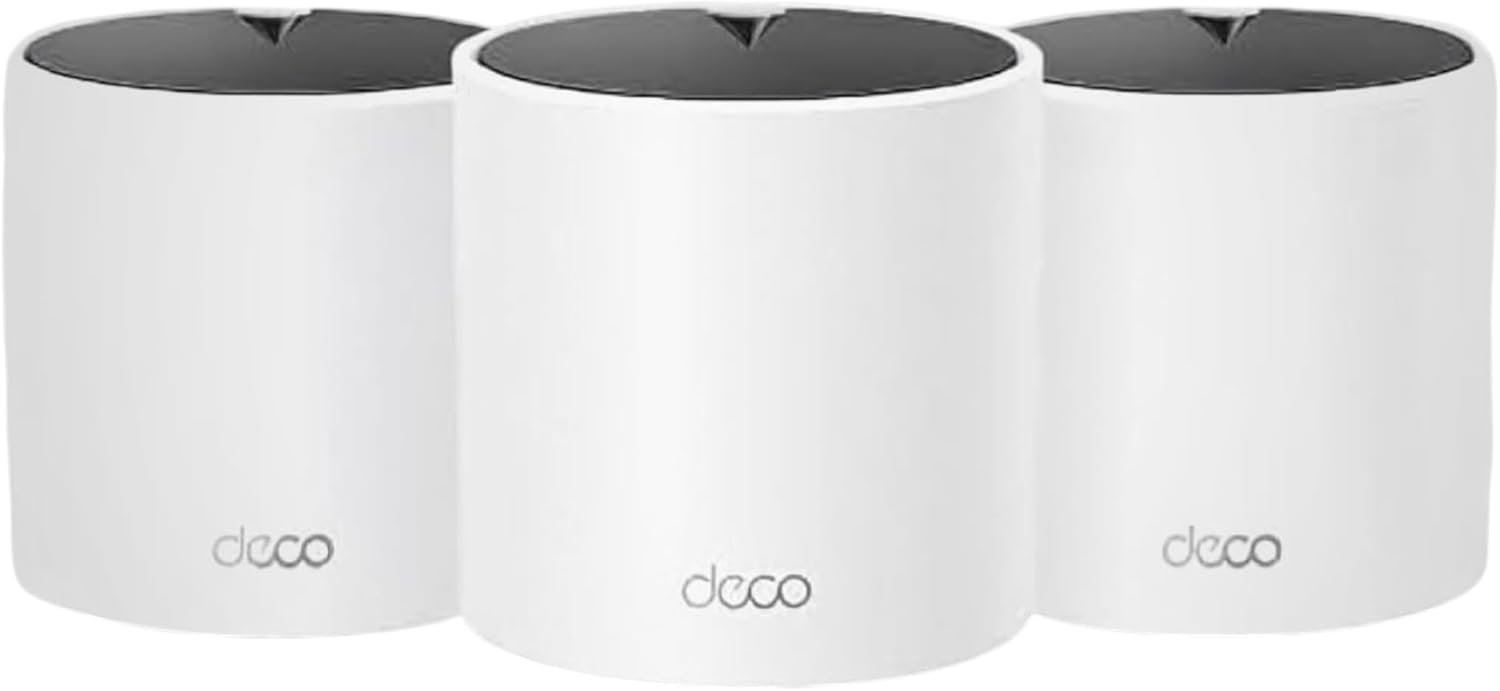
TP-Link Deco X15 Mesh WiFi System 5,600 sq ft
Reviews
Price
Product description
This mesh Wi-Fi system from TP-Link aims to end weak signal spots with a purpose-built AX1500 dual-band setup that keeps many devices connected and moving at full speed. It targets busy homes and larger apartments where coverage matters most, delivering up to 5,600 sq.ft. of unified Wi‑Fi and simplifying network management with the free Deco app.
Key features
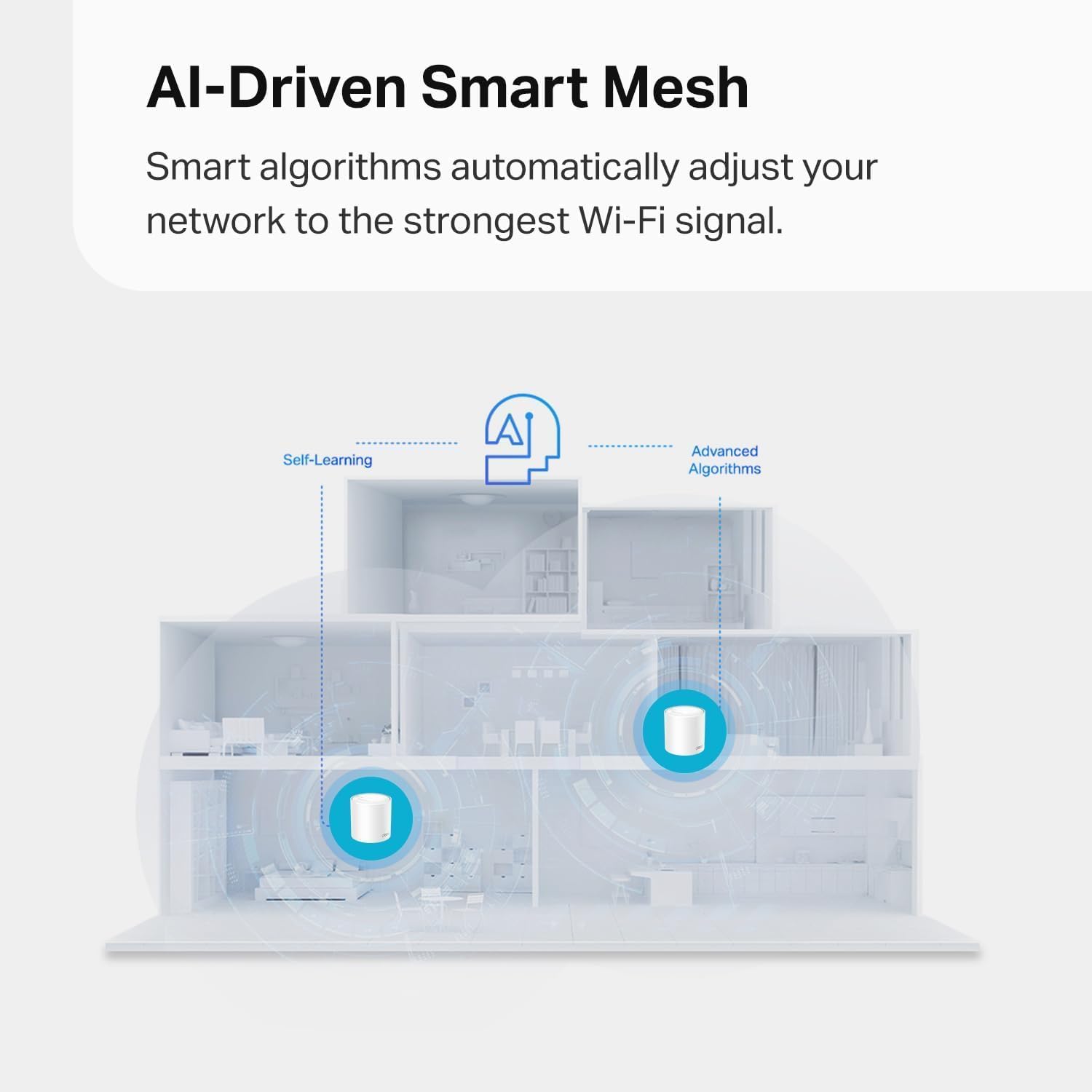
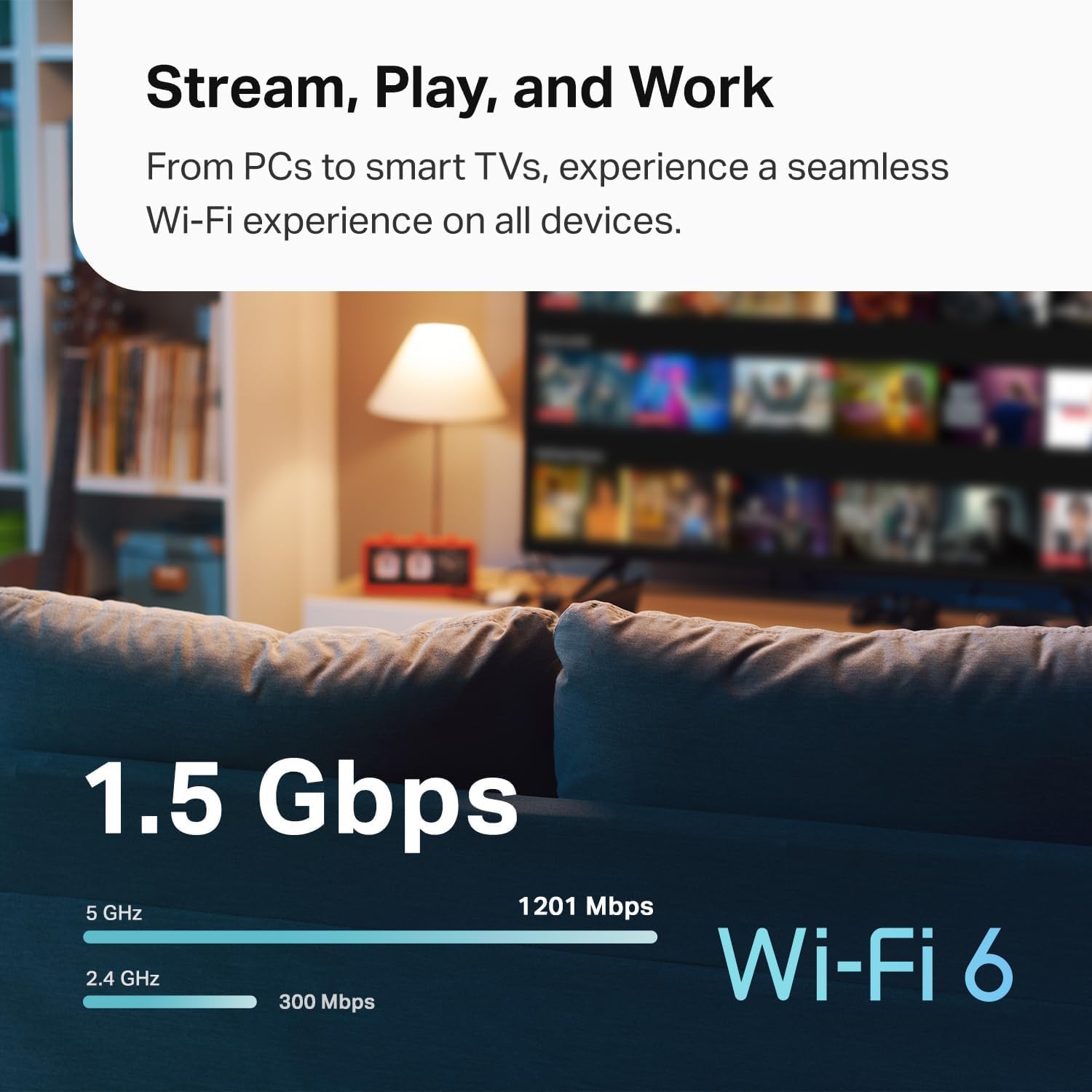
The Deco X15 focuses on consistent coverage and simple setup, combining WiFi 6 performance with TP-Link Mesh intelligence. With dynamic dual-band operation it balances 1201 Mbps on 5 GHz and 300 Mbps on 2.4 GHz according to the manufacturer, reducing buffering and dropped connections during video calls or streaming. Built-in AI-driven roaming hands off devices automatically so you stay on the best node while walking through the house. The system supports up to 120 devices, making it a fit for homes with smart devices, phones, laptops and streaming boxes. Also included is a premium security service that adds network and IoT protection beyond basic firewall functions, while the app provides remote management and scheduled controls for convenience. 👍

Tech specs
- Name: TP-Link Deco X15 Dual-Band AX1500
- Coverage: 5,600 sq.ft.
- Speed: 1201 Mbps on 5 GHz, 300 Mbps on 2.4 GHz
- Ports: 2 Gigabit Ethernet ports per unit
- Capacity: Supports up to 120 devices
Who it’s for
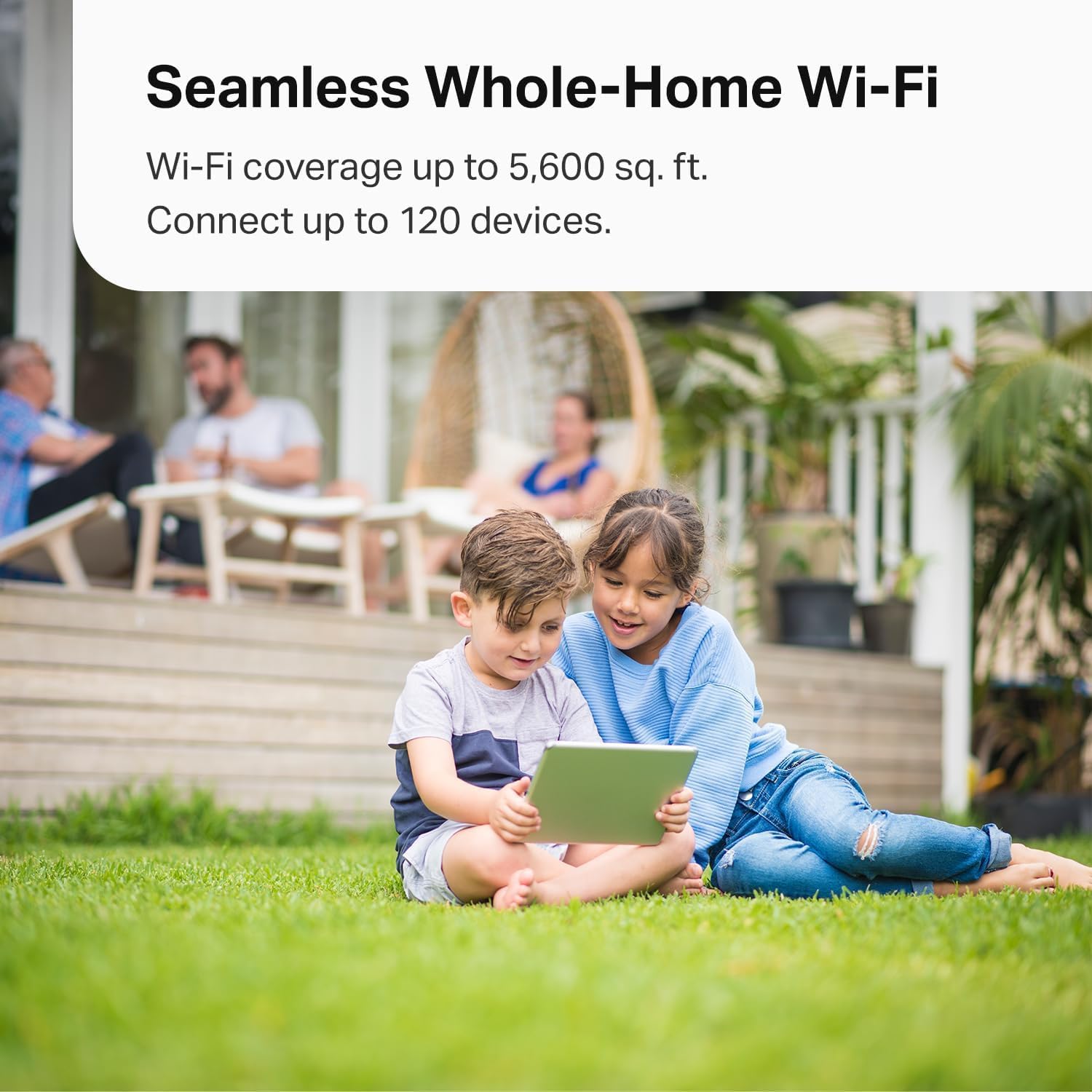
You’ll appreciate it if you need wide reliable coverage across multiple rooms and want an easy setup flow through a mobile app, especially in homes with many connected devices and occasional streaming or online gaming. It’s a practical choice for users who prefer a single network name and hands-off roaming behavior rather than managing separate extenders.
It’s not for you if you require advanced enterprise features or highly specialized configuration options beyond typical home routing and parental controls. Also, if your provider setup demands equipment with integrated modem functions you may still need a separate modem to pair with this mesh system.
Getting the most from it
Place the three Deco units in open, central locations for the best overlap and enable Ethernet backhaul when possible to maximize throughput. Use the Deco app to run the guided setup and apply basic parental controls or QoS profiles. Remember that performance figures are according to the manufacturer and real-world speeds depend on your internet plan and home layout. The Deco family is broadly compatible with other Deco units, so you can expand the mesh later if needed. 🛠️