

TP-Link Archer AX80 (AX6000) Wi-Fi 6 Router
Product description
What to know
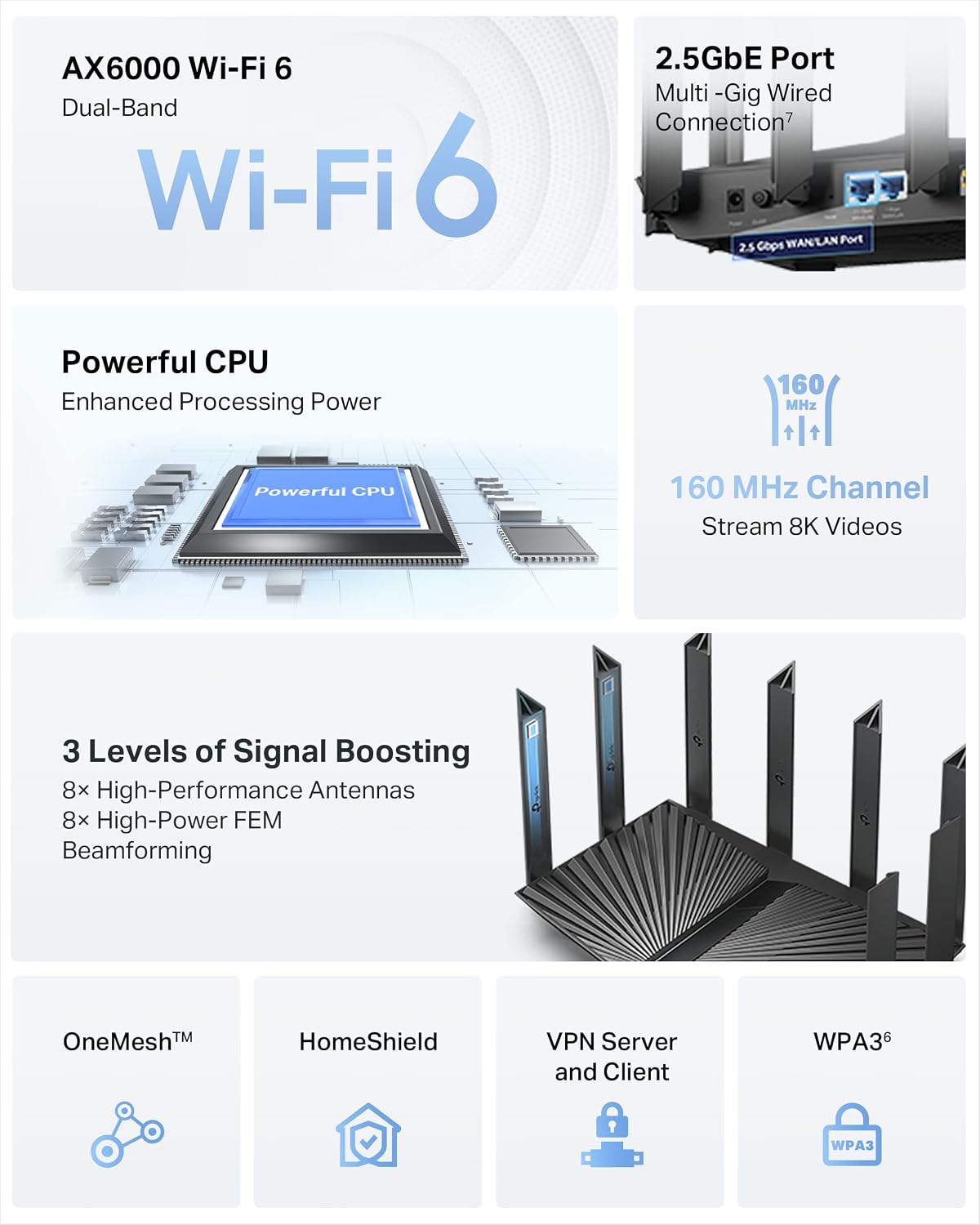
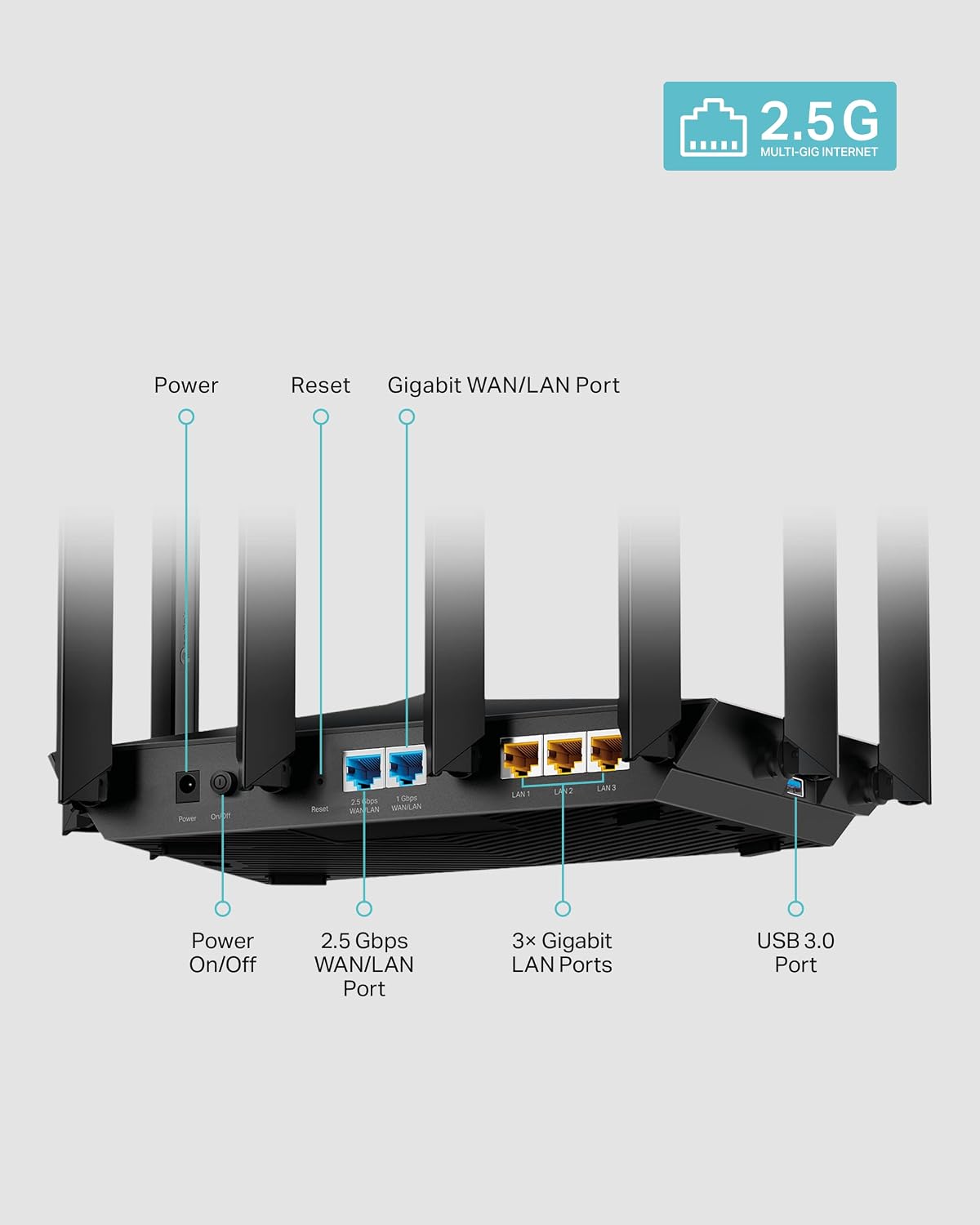
If you’re upgrading a home network, the Archer AX80 aims to balance speed and coverage with Wi‑Fi 6 technology. It supports up to 4804 Mbps on the 5.0 GHz band and 1148 Mbps on the 2.4 GHz band, which on paper translates to faster wireless performance for modern devices and more efficient handling of multiple connections. It also brings a 2.5G Multi-Gigabit WAN/LAN port, so if your internet plan or wired devices push multi‑gig speeds, this router won’t bottleneck you. Think of it as a solid option for homes with several smart devices, 4K/8K streaming needs, and a growing number of networked gadgets.
The essentials
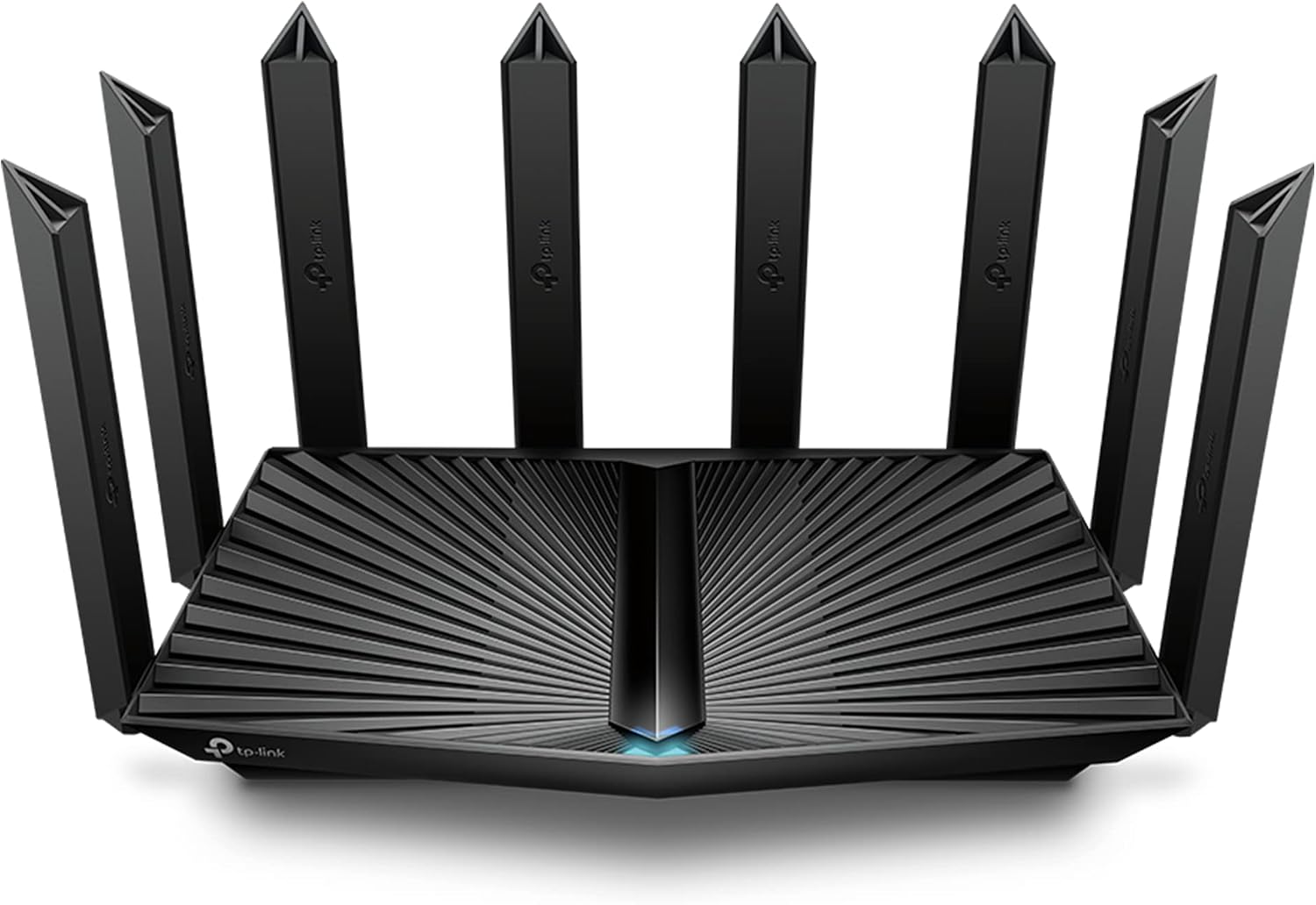
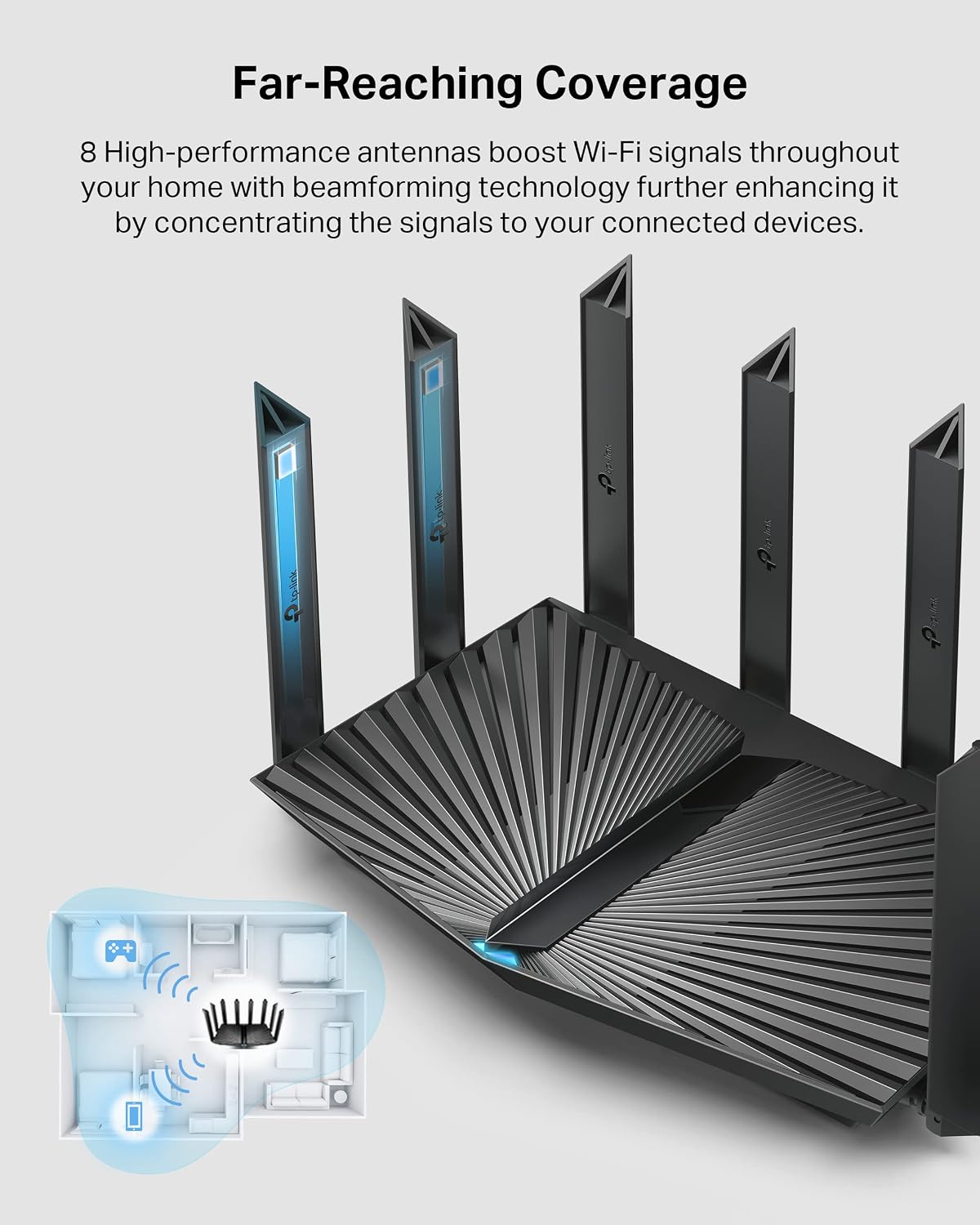
Eight high‑gain antennas with Beamforming are designed to extend coverage and focus signals toward clients, which can help with dead zones in larger layouts. MU‑MIMO and OFDMA tech work in tandem to increase throughput across multiple devices, reducing congestion when the family is active—think simultaneous video calls, gaming, and background smart-home tasks.
Tech specs
- Speed: up to 4804 Mbps on 5 GHz and 1148 Mbps on 2.4 GHz (Wi‑Fi 6)
- Ports: one 2.5G multi‑gig WAN/LAN port for fast wired connections
- Antennas: eight high‑gain with Beamforming
- Networking features: MU‑MIMO, OFDMA for efficient device sharing
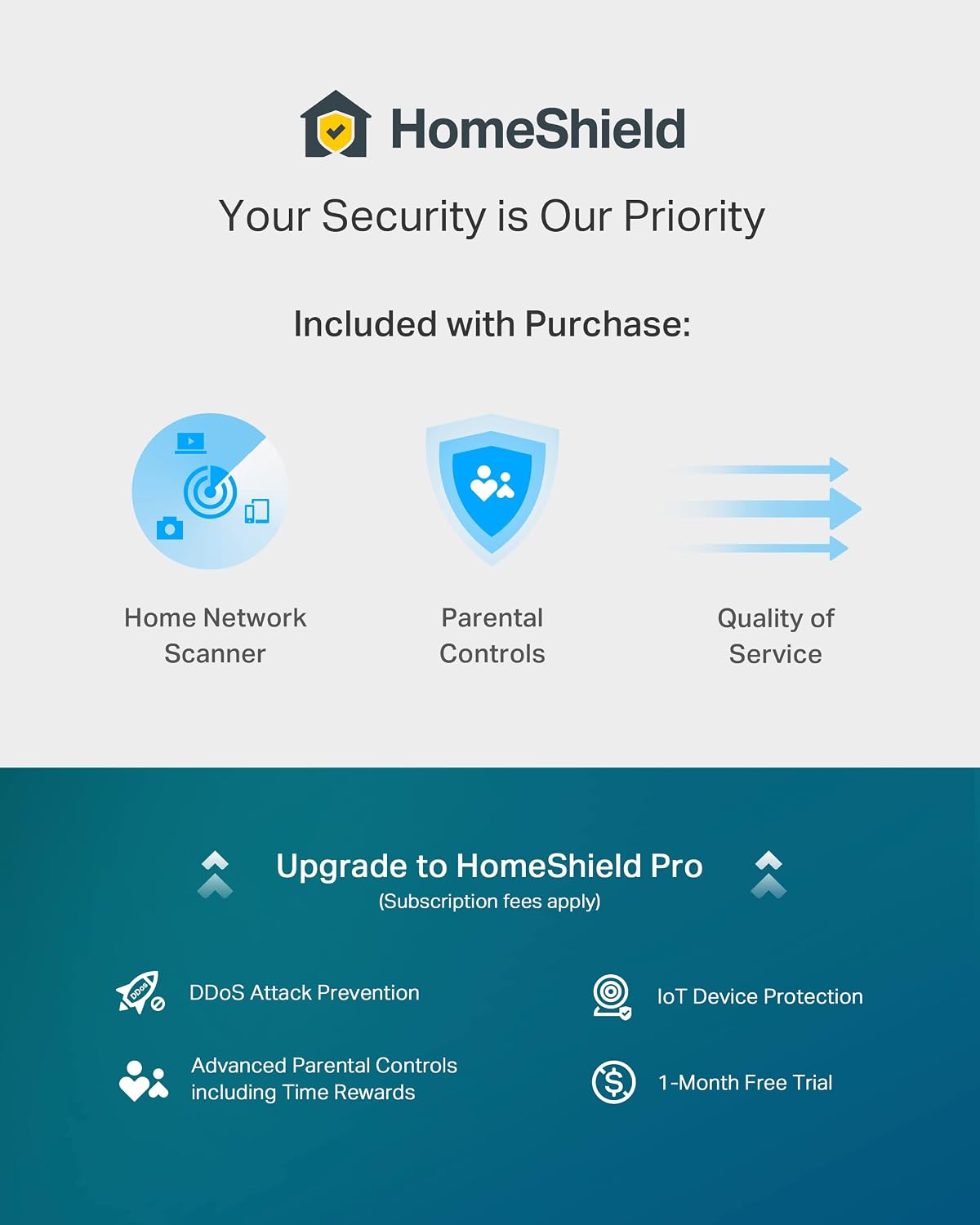
- Security and management: TP‑Link HomeShield basic security, VPN client support, WPA3, OneMesh compatibility
- Ecosystem and controls: OneMesh support to pair with range extenders for whole‑home coverage, Alexa compatibility for voice control
- ISP compatibility: Works with major US providers, a modem is typically required
Pros
On the surface, the AX80 provides a robust wireless specification with Wi‑Fi 6, a multi‑gig port, and features designed to improve coverage and device density. The presence of VPN client support and HomeShield basic protections adds practical benefits for households looking to centralize security and access control. The OneMesh ecosystem can simplify expansion in larger homes.
Cons / considerations
If you don’t have devices that can take advantage of Wi‑Fi 6 or multi‑gig wired speeds, you may not notice the full benefit. Some users may prefer more aggressive security or advanced parental controls, which are available but may require a subscription for deeper features. And while the 2.5G port is appealing, not every internet plan or modem setup will immediately justify the need for multi‑gig capabilities—expect to match it with capable internet service and hardware.
Who it’s for
This router is a sensible choice if you have a mid‑to‑large home, multiple streaming devices, and several smart gadgets that could benefit from improved coverage and more efficient airwaves. It’s also appropriate for households that want easier expansion via OneMesh and appreciate the option to run a VPN client directly through the router.
Who it isn’t for
If your internet plan is far below gigabit speeds, or you don’t own enough compatible devices to leverage Wi‑Fi 6 advantages, you might not gain the full value. It’s also worth noting that some advanced security features and richer parental controls may require additional services beyond the included basic options.
When it makes sense to buy

If you’re planning to upgrade to faster wireless speeds, want to reduce dead zones in a larger home, or need a wired path that accommodates multi‑gig speeds to a PC or switch, this model offers a compelling balance of performance and expandability.
Before you buy, check
Make sure your current plan and modem setup support multi‑gig speeds, and verify whether you’ll benefit from OneMesh in your floor plan. Consider your device mix—if most devices are older and don’t support Wi‑Fi 6, the practical gains may be modest.
Practical usage example
Imagine a family evening: 4K streaming on a smart TV, several tablets and phones in use, a gamer at the desk, and a security camera system online. The AX80’s Beamforming antennas help push coverage toward the TV and living spaces, while OFDMA and MU‑MIMO distribute bandwidth efficiently to multiple devices so streams don’t stall and latency stays manageable.
FAQ (brief)
- Does it support VPN on the router? Yes, a VPN client is supported.
- Can I expand coverage with a range extender? Yes, OneMesh allows seamless roaming with compatible extenders.
- Is it easy to set up for Alexa? Yes, it’s compatible with Alexa for voice control.
Final verdict
Is it worth it? If you want a future‑proofed home router that balances Wi‑Fi 6 performance with expandability and a strong feature set, the Archer AX80 is worth considering. It won’t be the cheapest option, but for homes that anticipate more devices and higher wired speeds, it provides a clear path to better throughput and simpler network management.