


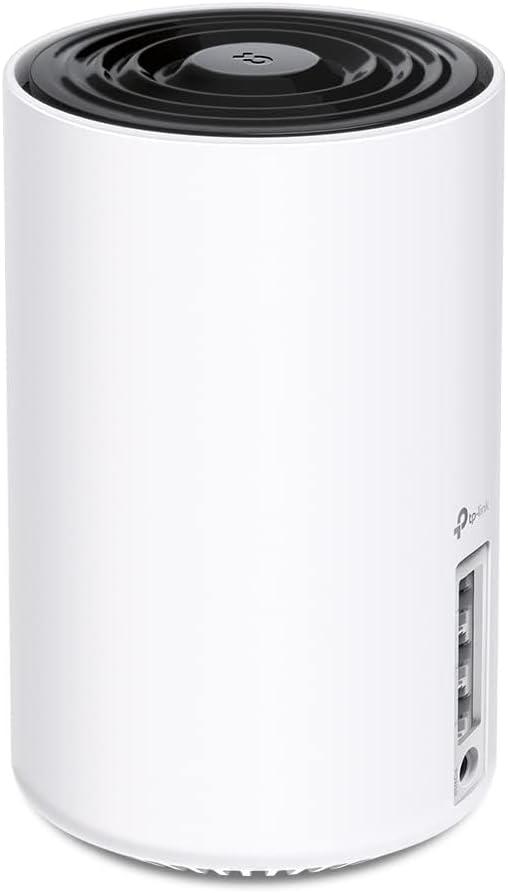
TP-Link Deco XE75 WiFi6E 2900 sq ft
Reviews
Price
Product description
This mesh WiFi system combines speed and coverage for modern homes that stream, game, and work across many devices. The Deco XE75 uses the new 6 GHz band to reduce interference and improve WiFi 6 performance, making it easier to keep multiple connections stable while moving through the house. If you need a WiFi 6E mesh router that handles crowded networks, this model is built for that use and for homes up to 2900 square feet.
Key features
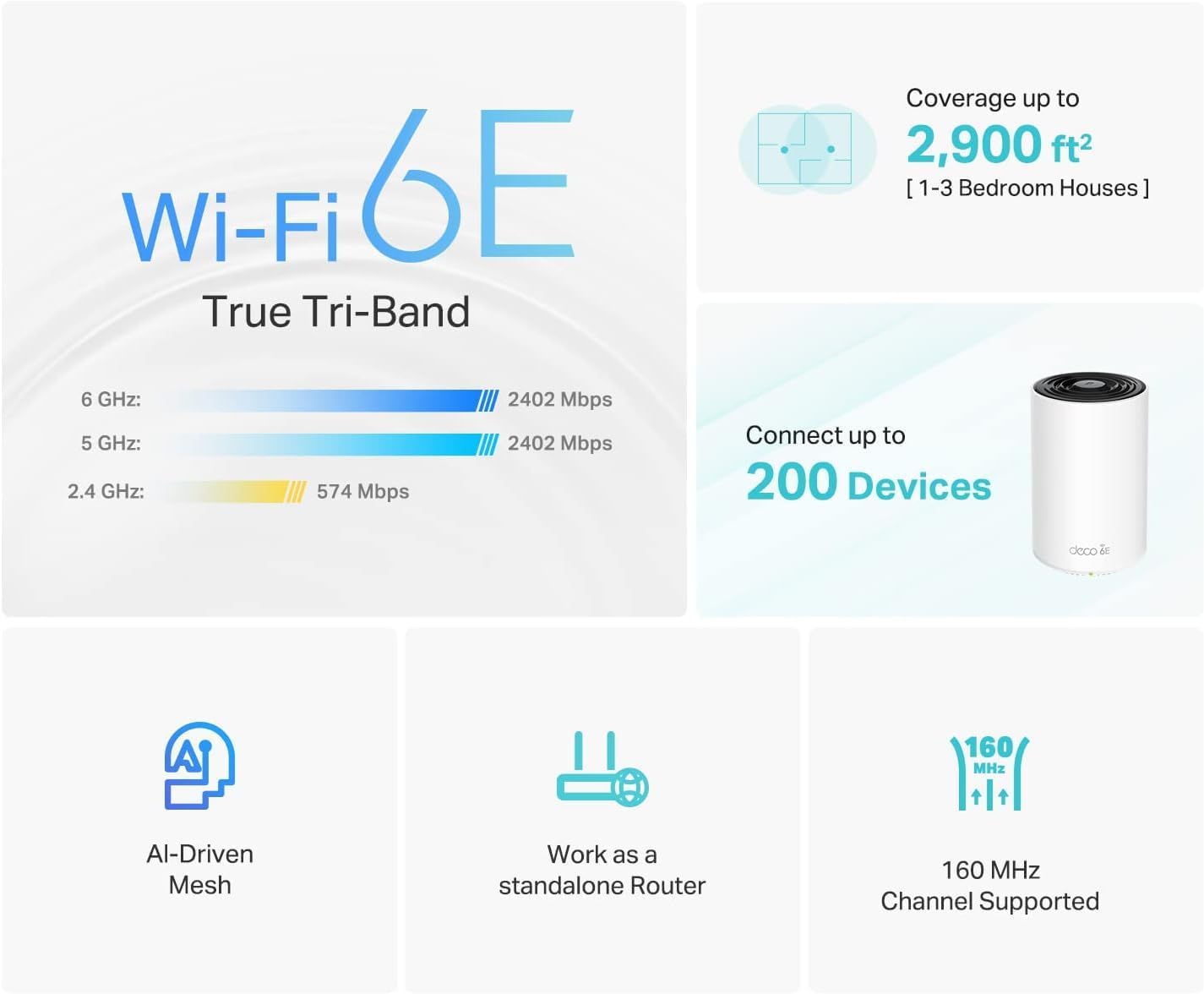
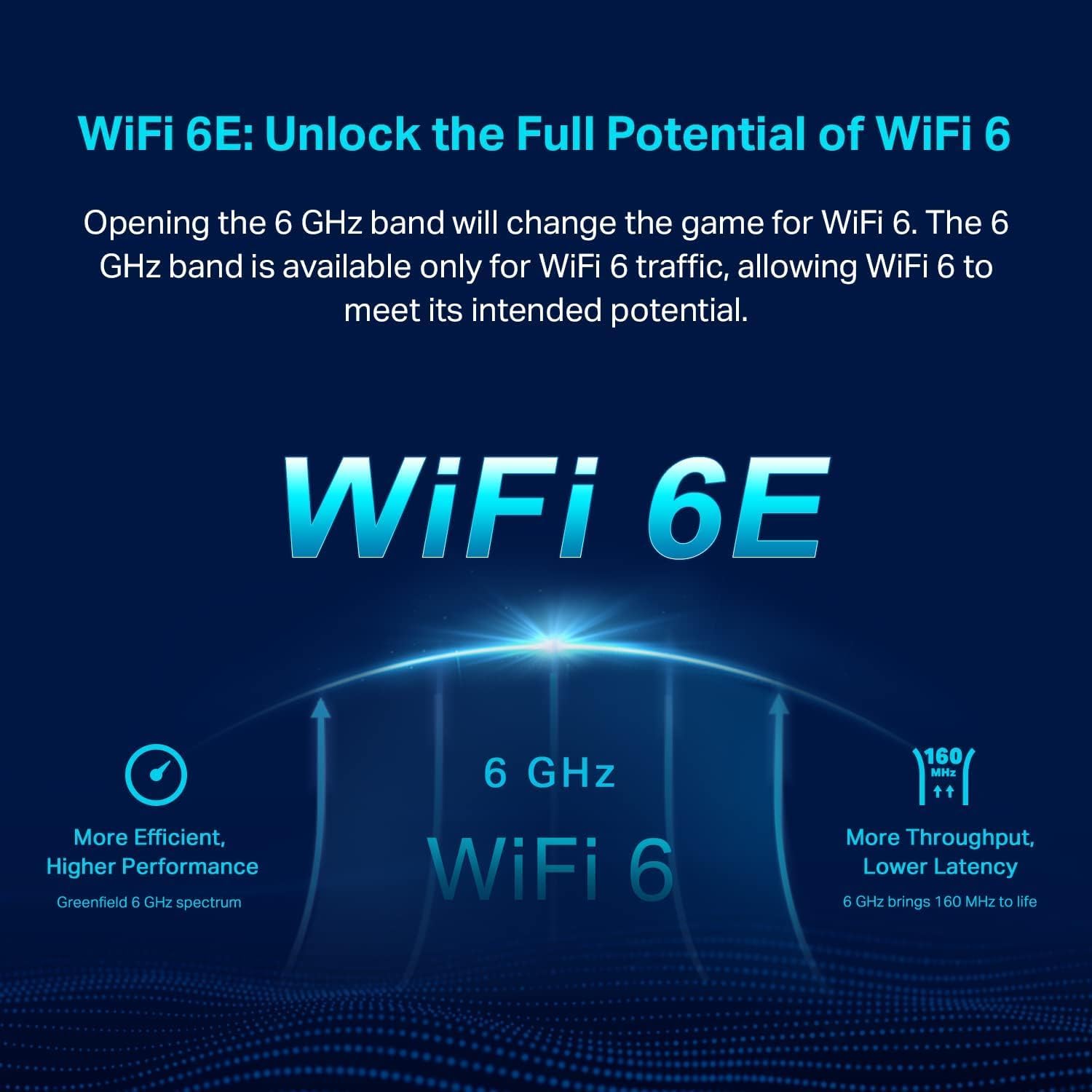
The Deco XE75 integrates a true tri-band design that dedicates the 6 GHz frequency for backhaul by default so nodes can communicate with less congestion. It supports a combined top speed of up to 5400 Mbps, which helps high bandwidth tasks like 4K streaming and multiplayer gaming feel smoother. The system adapts using AI-driven mesh technology to learn your network environment and prioritize device quality over time. Setup is guided by the Deco app with clear steps and remote management, and voice control works via Alexa for basic guest network toggles. One practical note, according to the manufacturer, the 6 GHz band is only available to WiFi 6 devices so legacy devices will remain on lower bands.

Benefits
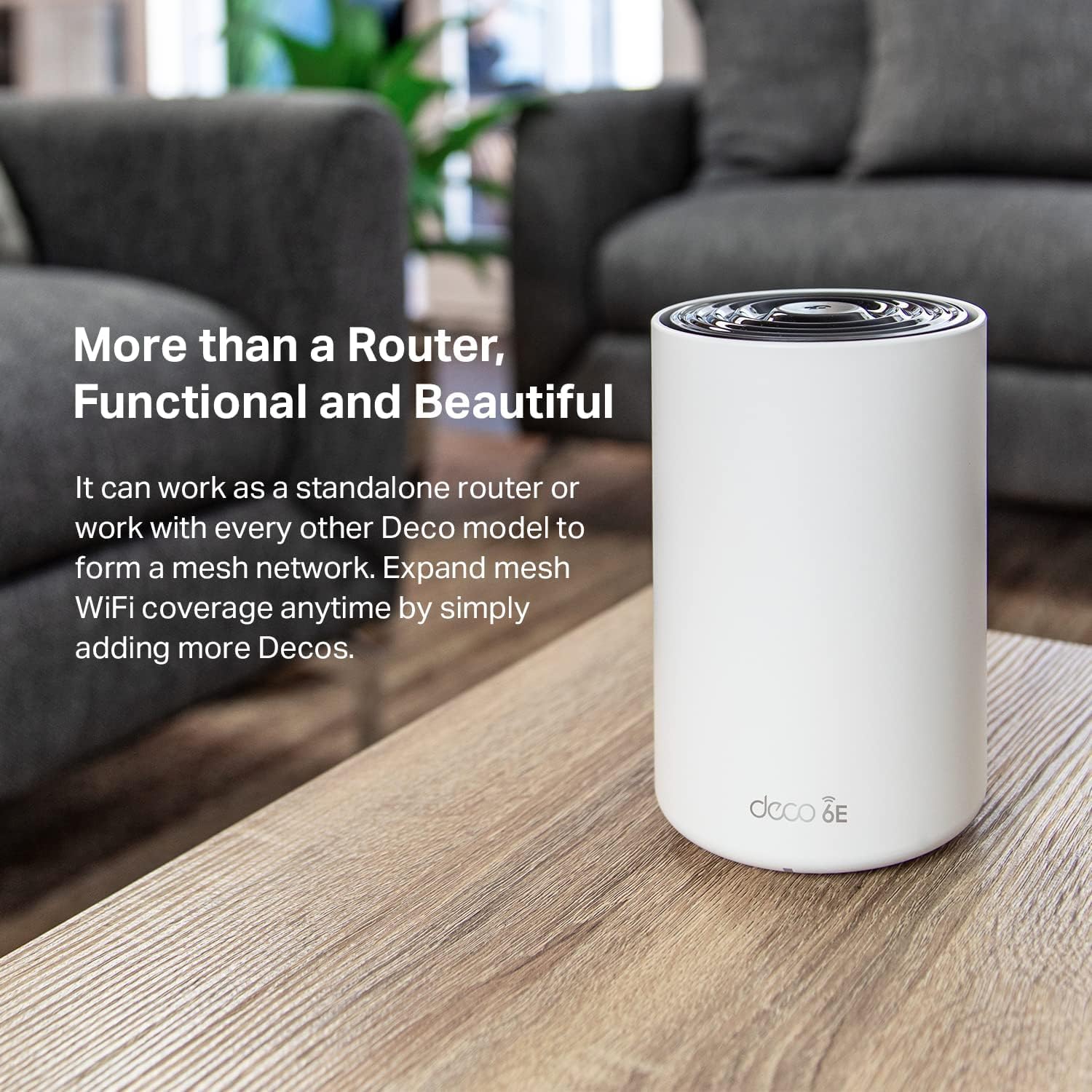
Because the 6 GHz band is dedicated to WiFi 6 traffic the network sees less interference from older devices which can improve real world throughput in busy households. Mesh coverage close to 2900 sq ft reduces dead zones and the automatic band role for backhaul aims to keep node-to-node links stable. Security is a priority here, with TP-Link adhering to secure design practices as part of a U S cybersecurity pledge, offering built in protections and updates. The device can replace both a traditional router and extender, simplifying your setup and reducing clutter. 😊
Technical details
- Name: TP-Link Deco XE75
- Model: AXE5400
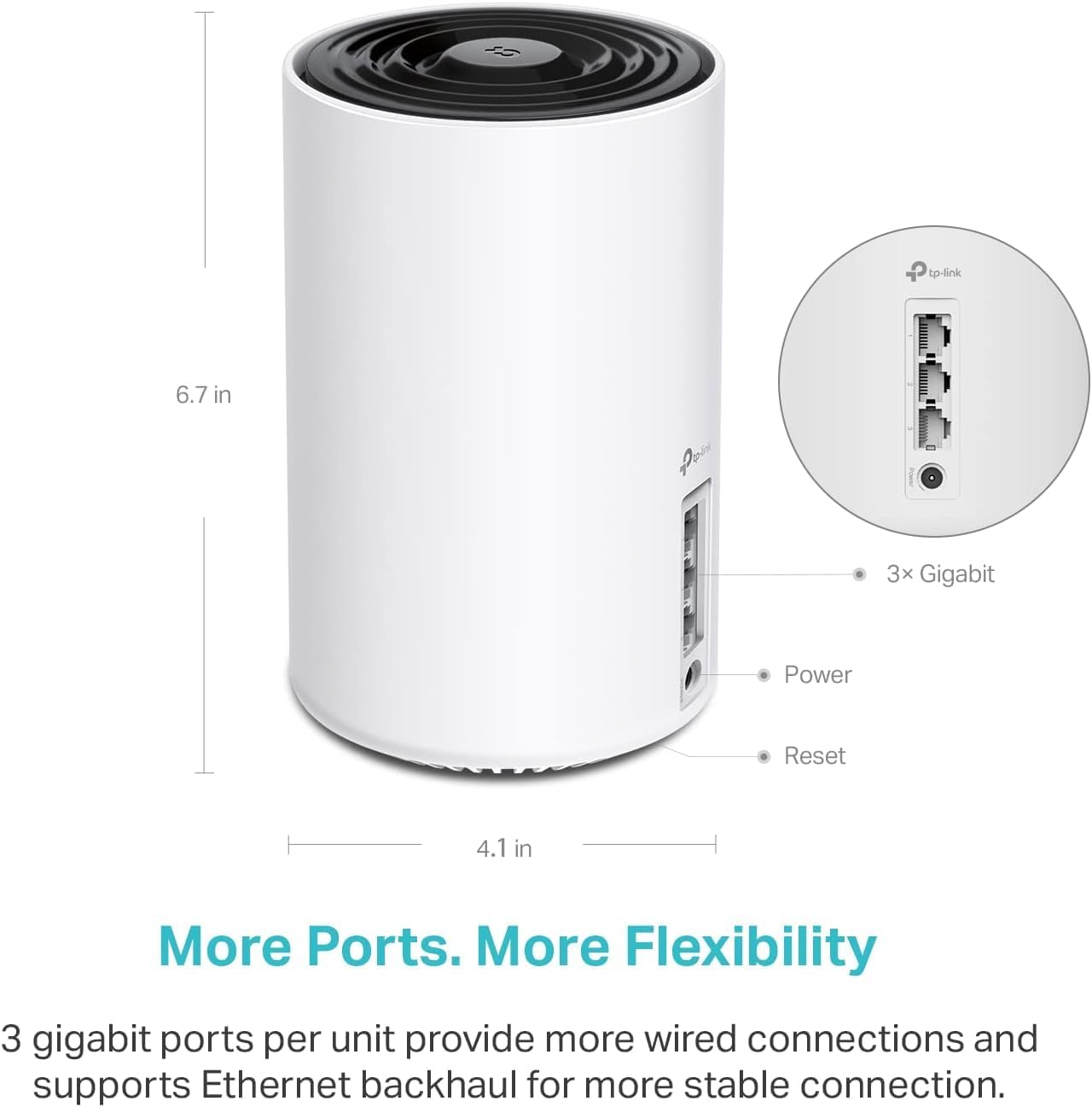
- Coverage: 2900 sq ft
- Bands: 6 GHz: 2402 Mbps, 5 GHz: 2402 Mbps, 2.4 GHz: 574 Mbps
- Pack: 1-Pack
Usage tips
Place the node centrally for best coverage and let the Deco app recommend node locations based on signal strength. If most of your gear supports WiFi 6E switch the 6 GHz band to network mode to connect compatible clients directly otherwise leave it as backhaul. Regular firmware updates help maintain security and performance, and enabling guest Wi Fi only when needed limits exposure. 🙂