



TP-Link Archer GE800 Wi‑Fi 7 Router 19 Gbps
Reviews
Price
Product description
This high‑performance gaming router delivers faster, more reliable connections for intense online play and streaming. The TP‑Link Archer GE800 brings tri‑band Wi‑Fi 7 capacity and hardware tuned for gaming to home networks, helping reduce lag and keep streams smooth. If you need more headroom for multiple players and 4K streaming, this model aims to free up bandwidth and prioritize gameplay.
Key features
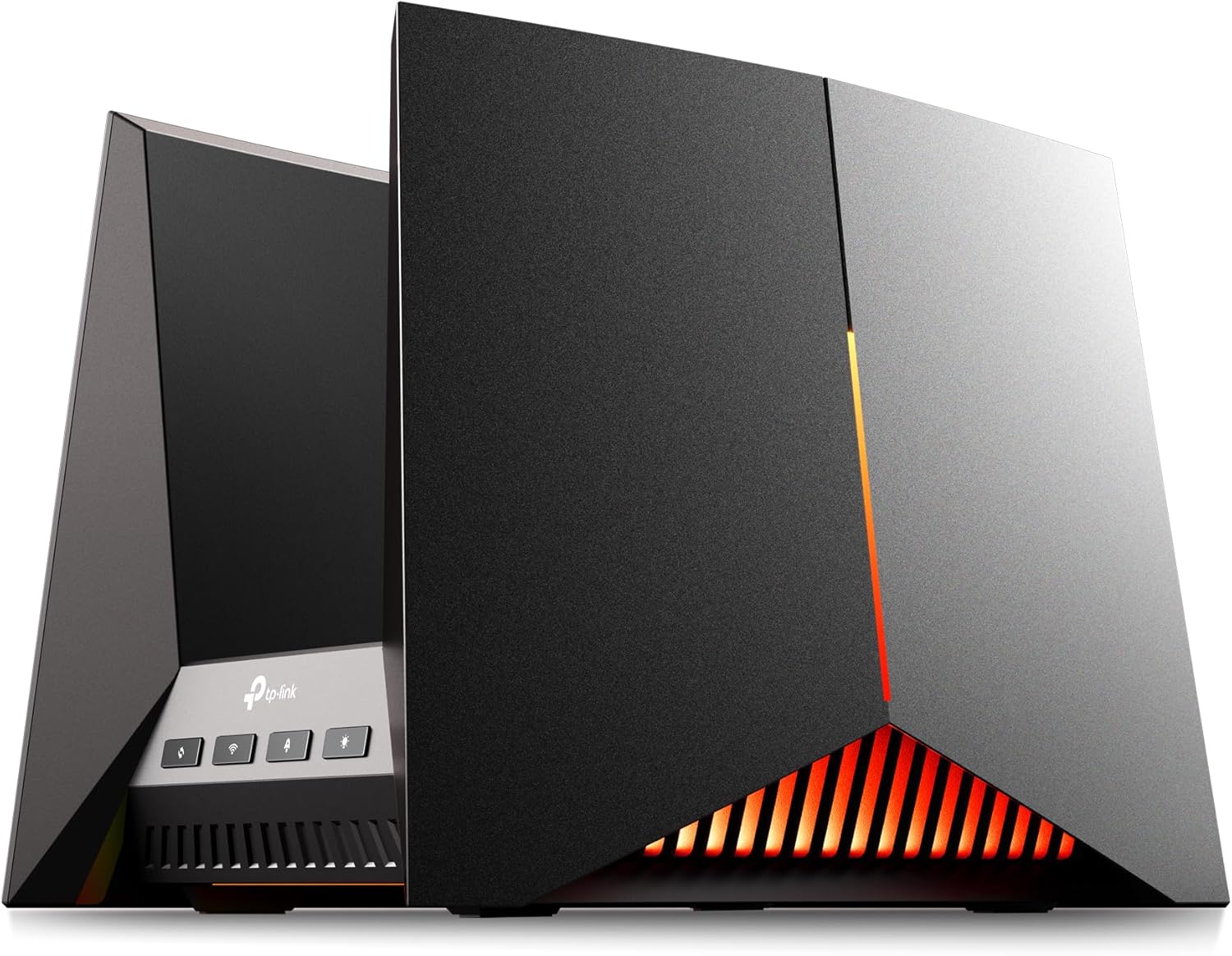
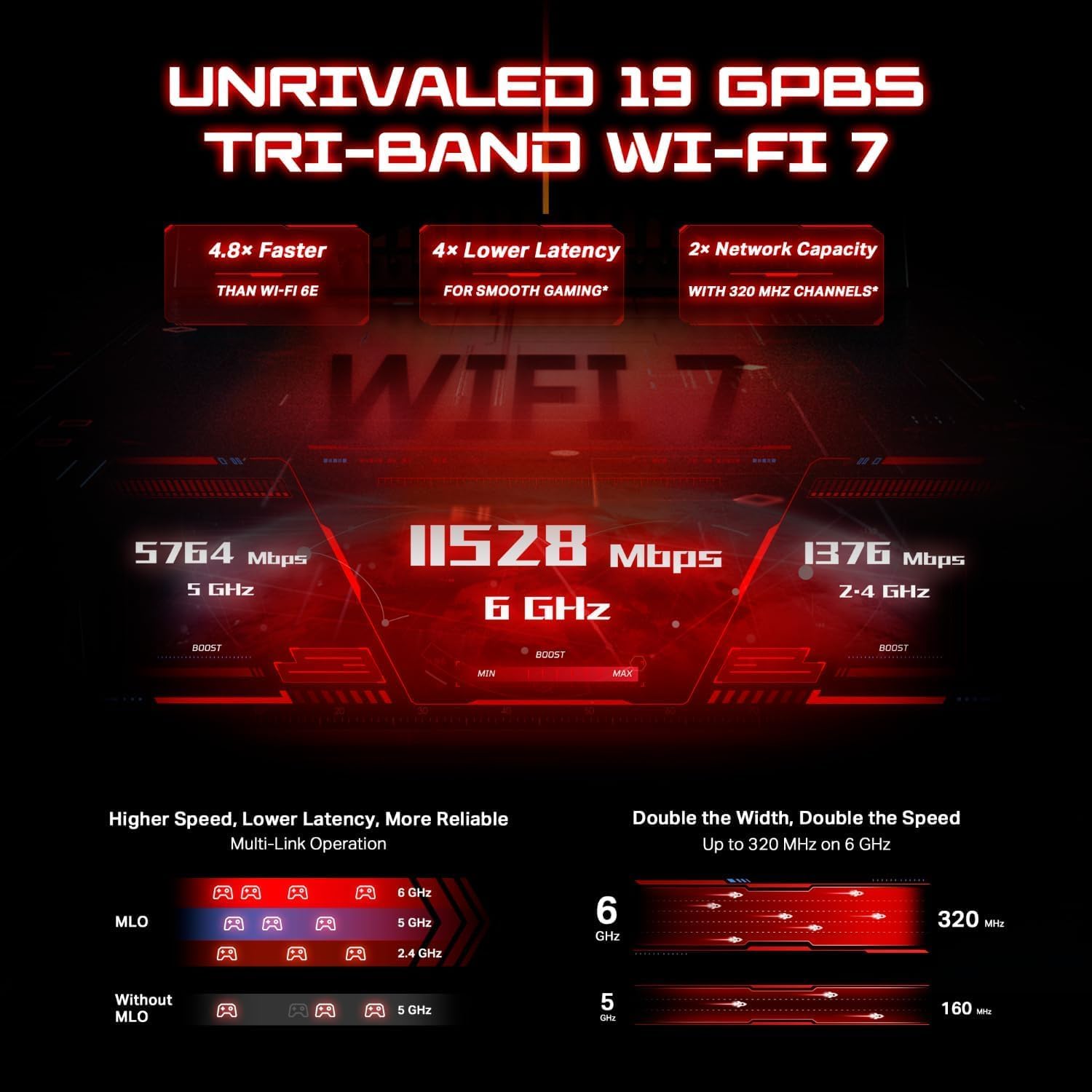
The Archer GE800 pairs Wi‑Fi 7 channels and multi‑link operation to increase throughput and cut interference, according to the manufacturer. It supports up to 19 Gbps across three bands and manages 12 simultaneous streams, which helps when many devices are active. Lighting and a dedicated gaming panel make it easy to monitor network health and tweak performance on the fly 🎮.
Tech specs
- Name: TP‑Link Archer GE800
- Type: Tri‑band Wi‑Fi 7 gaming router
- Capacity: 19 Gbps
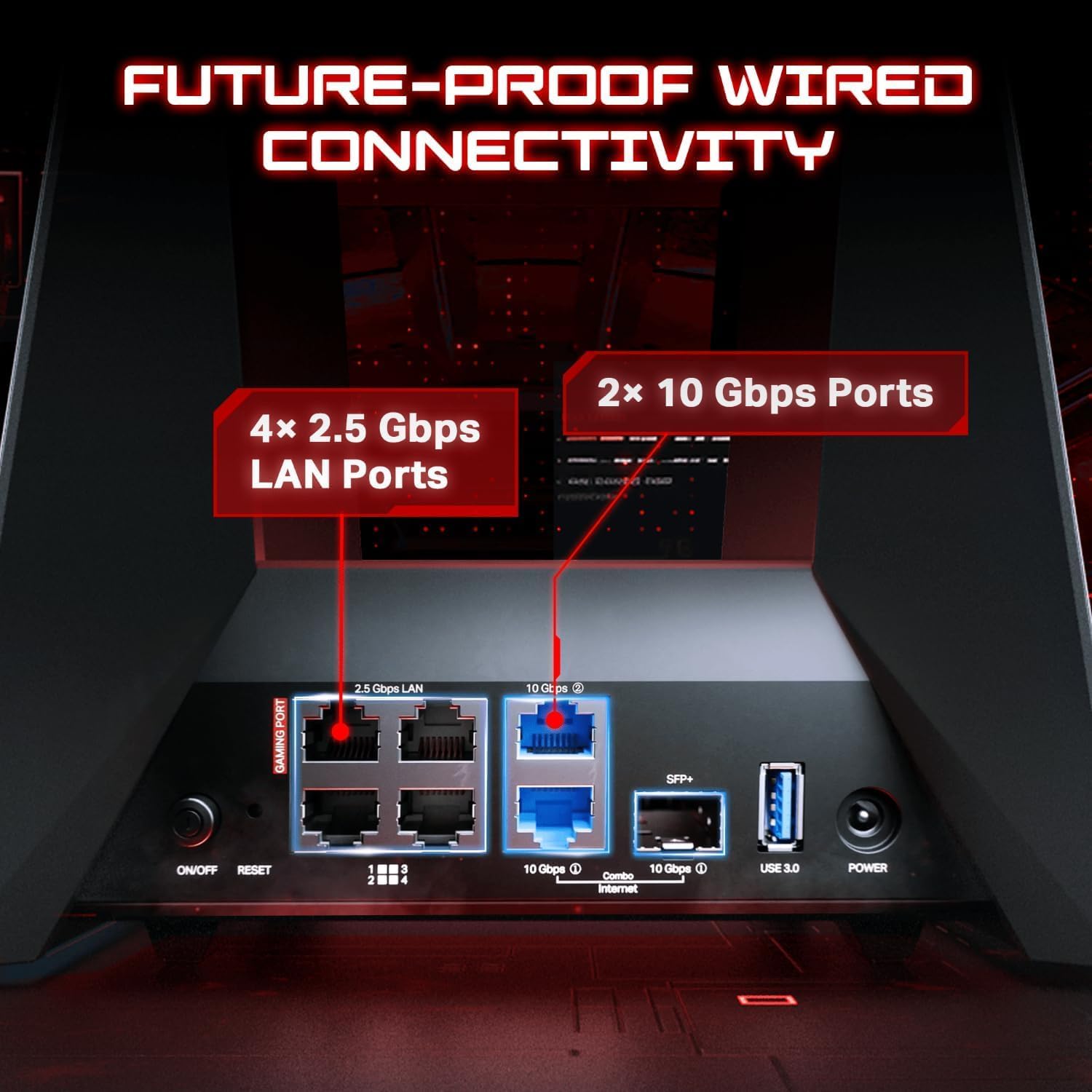
- Connectivity: 2×10G ports, 4×2.5G ports, USB 3.0
- Memory: 2 GB RAM
Where it shines

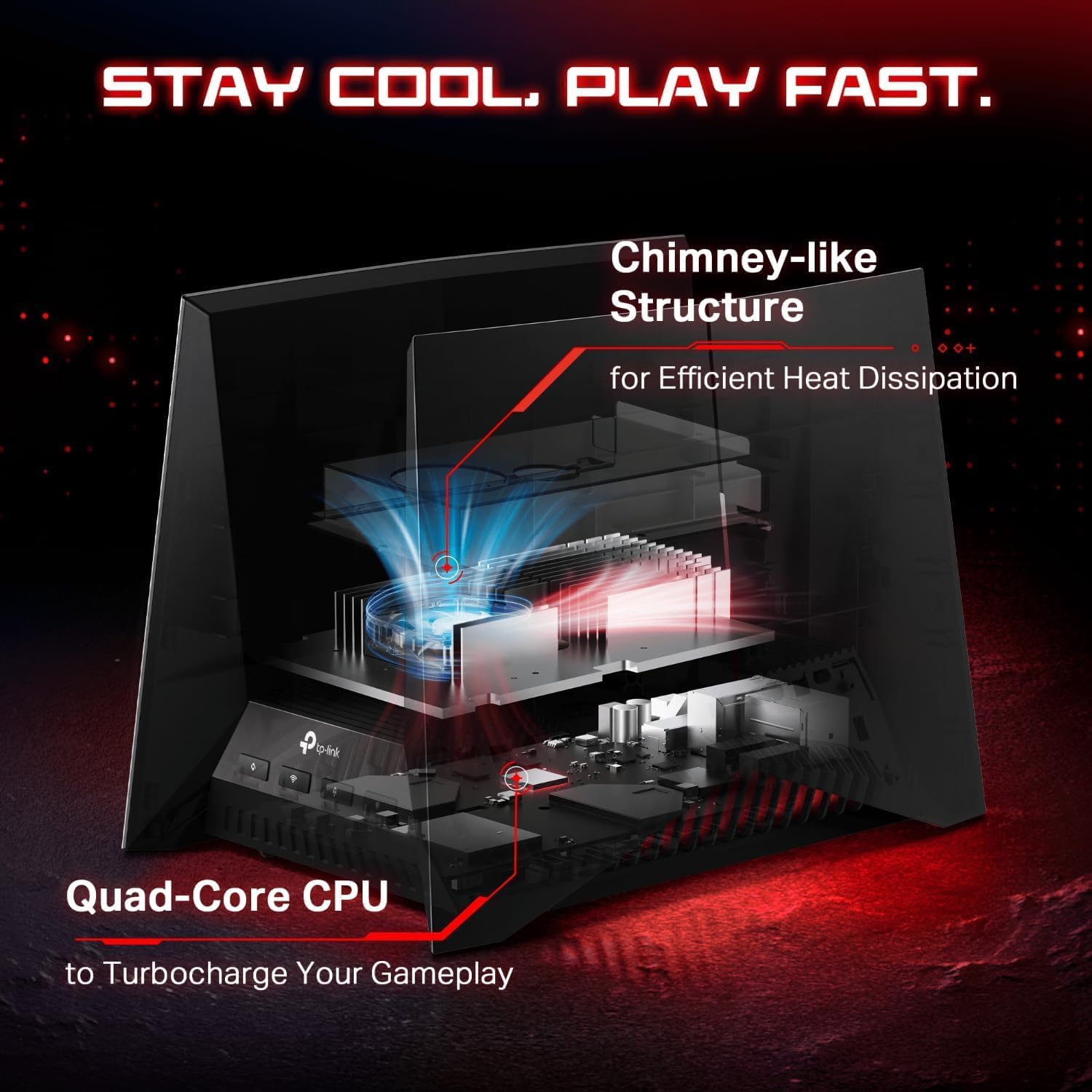
The Archer GE800 stands out when low latency and high throughput matter most. Its multi‑link Wi‑Fi 7 channels and optimized antenna layout aim to reduce congestion during peak usage. The four‑core processor and 2 GB of RAM keep routing tasks responsive while multiple devices share the network.
What it works with
It works with EasyMesh routers and range extenders to build a seamless mesh network and avoid dropouts when moving through large homes. The router is managed via the Tether app on Android and iOS, and a web interface offers deeper controls for advanced users. HomeShield security features add basic network protection and IoT detection, with premium options available from TP‑Link according to the vendor.
Getting the most from it
Use the dedicated gaming port and the router's Turbo Acceleration to assign bandwidth where it matters during matches. Configure QoS and parental controls to balance gaming and streaming across the household. Note that advanced features may require time to tune, and performance will depend on your internet plan and environment.