


TP-Link Deco X55 AX3000 WiFi 6 Mesh System (Deco X55, 1-Pack) with Gigabit Ports & Ethernet Backhaul
Reviews
Price
Product description
If you’re tired of Wi‑Fi that feels fine in one room and frustrating in another, the TP-Link Deco X55 is built to tackle that problem head-on. It’s a Wi‑Fi 6 mesh system designed to spread a more consistent connection across your home, with the kind of setup that replaces the “router plus extender” approach.
The key idea is simple: Deco X55 devices work together as a mesh network, so devices can stay connected without constantly fighting for signal. It also supports using Ethernet backhaul, which matters if you want stronger, steadier performance than you’d get with wireless-only backhauling.
Where the Deco X55 fits (and what it solves)
This system is meant for whole-home coverage where you’d otherwise end up with weak corners, dead spots, or buffering that seems to show up “randomly.” On paper, Deco X55 is positioned as a practical Wi‑Fi 6 mesh setup for homes that want smoother roaming and fewer coverage headaches.
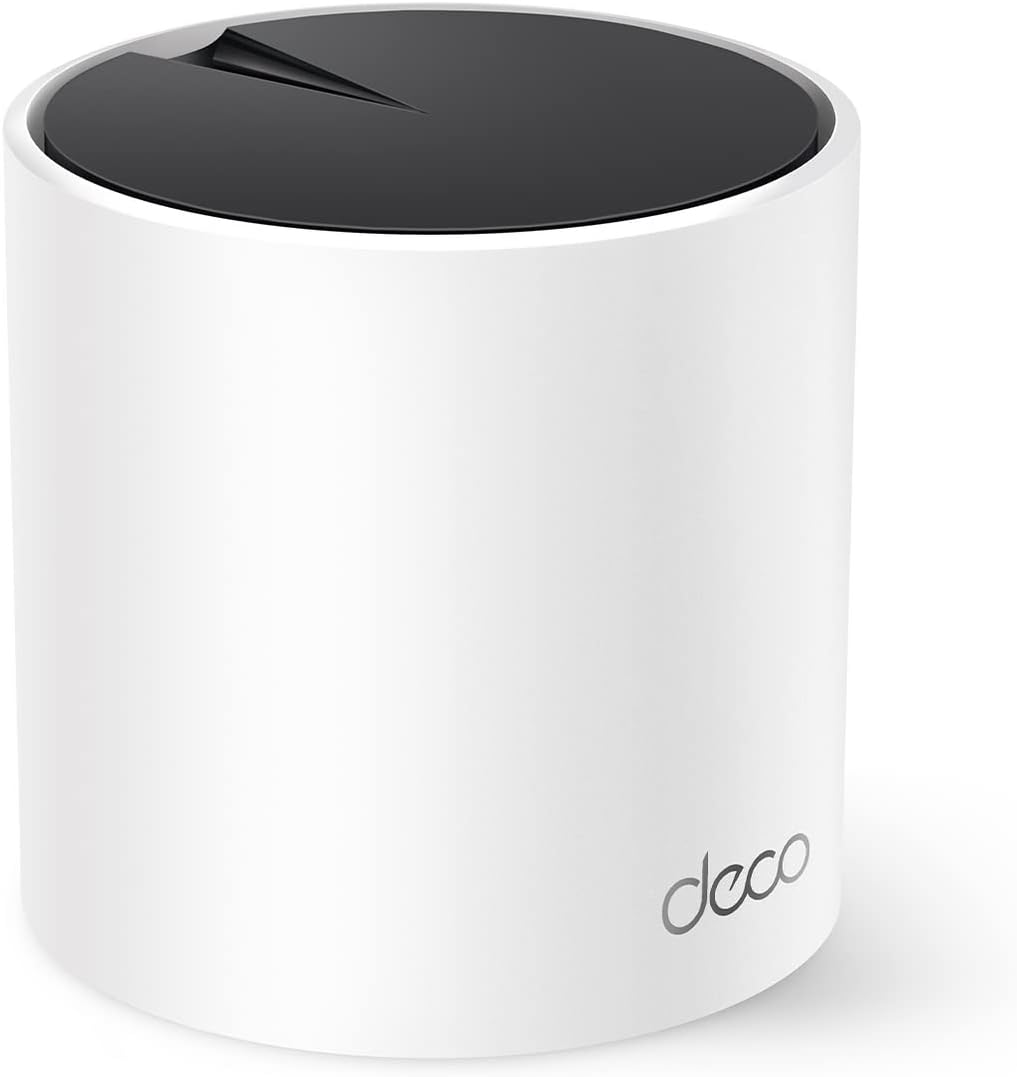
One nuance to keep in mind: the single Deco X55 is rated to cover up to 2500 sq ft (based on the information provided). If your layout is large, multi-story, or heavy on obstacles, you may still need additional Deco units to keep things truly consistent.
Key features that affect real-world use
Deco X55 leans into a few areas that typically impact daily experience:

- Wi‑Fi 6 mesh performance: The base description includes AX3000 performance framing and Wi‑Fi 6 support, aiming for faster, more efficient connections than older Wi‑Fi generations.
- Mesh behavior instead of “range extender vibes”: Unlike a traditional router + extender setup, the mesh system approach is designed to reduce weak-signal handoff issues that can feel like your connection “buffers more than it should.”
- Gigabit Ethernet ports on each unit: Each Deco X55 includes 3 Gigabit Ethernet ports, which gives you options for wired devices and makes it easier to connect equipment that benefits from Ethernet.
- Ethernet backhaul support: If you can run cable between Deco units (with multiple packs), you can use Ethernet backhaul. That’s a big deal for speed consistency, because wireless backhaul can be more sensitive to interference.
- AI-driven mesh optimization: The listing mentions an “AI” mesh that learns the environment to provide an “ideal unique Wi‑Fi” for your home. It’s not magic, but the intent is to adapt coverage behavior to how your house is actually used.
The part that matters most: ports, backhaul, and device placement
If you like having choices for your network, this is where the Deco X55 earns points. With 3 Gigabit Ethernet ports per unit, you can plug in wired devices (like TVs, game consoles, or streaming boxes—whatever you rely on most).
If you plan to add more units later, Ethernet backhaul support can be a smarter upgrade path than relying entirely on wireless links between nodes. Of course, that only helps if your home setup makes it feasible to connect the Deco units with Ethernet.
What stands out, and what might disappoint
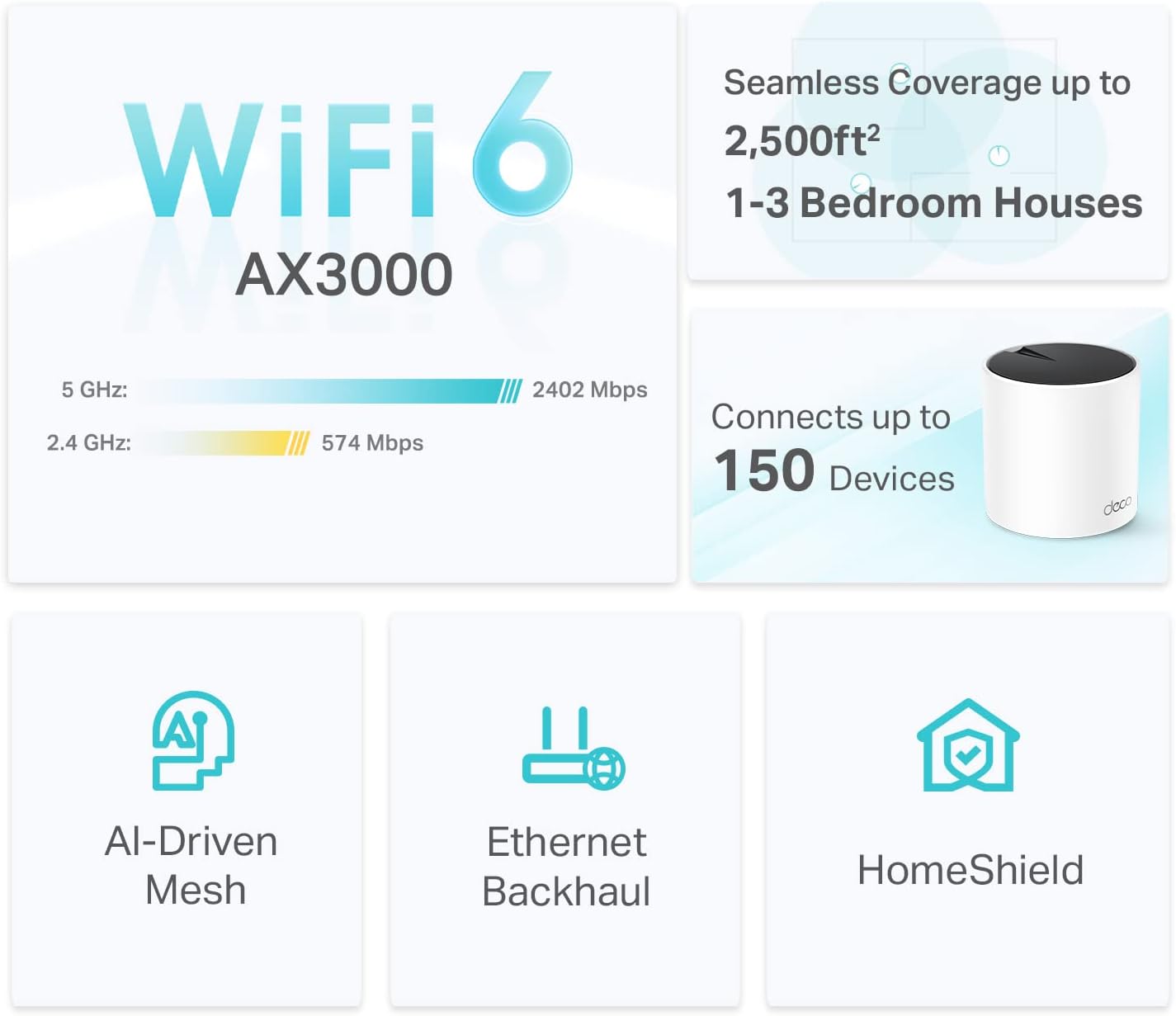
What stands out: the overall mesh approach for eliminating weak Wi‑Fi spots, plus Ethernet backhaul support, plus the extra wired flexibility from 3 Gigabit Ethernet ports.
Limitations to be realistic about: a 1‑pack system can be enough for smaller or straightforward layouts, but for complex homes you may find yourself wanting more than one node. Also, like any mesh system, results still depend on where you place the unit(s) and how your home is laid out—no system can fully override extreme building materials or very challenging geometry.

Who should buy the TP-Link Deco X55 (and who shouldn’t)
It’s a solid pick if you want Wi‑Fi 6 mesh coverage and you’re trying to avoid the “router extender gap” where performance drops right when you need it most. It also makes sense if you care about using Ethernet backhaul when expanding your mesh.
It may not be the best match if your home is extremely spread out and you don’t plan to add additional Deco units. You may also want to look elsewhere if you’re only trying to boost Wi‑Fi for a single device in one spot and you’re not interested in a whole-home mesh approach.
Practical setup scenario (so you can picture it)
Let’s say your main internet router sits in a living room and your home office has constant signal dips during video calls. With a Deco X55 mesh system, you’d typically place the Deco unit in a central spot for better reach. If later you add another Deco unit, you’d position the second one to cover the office area more directly—and if wiring is available, Ethernet backhaul can help the two nodes communicate more efficiently.
Tech specs
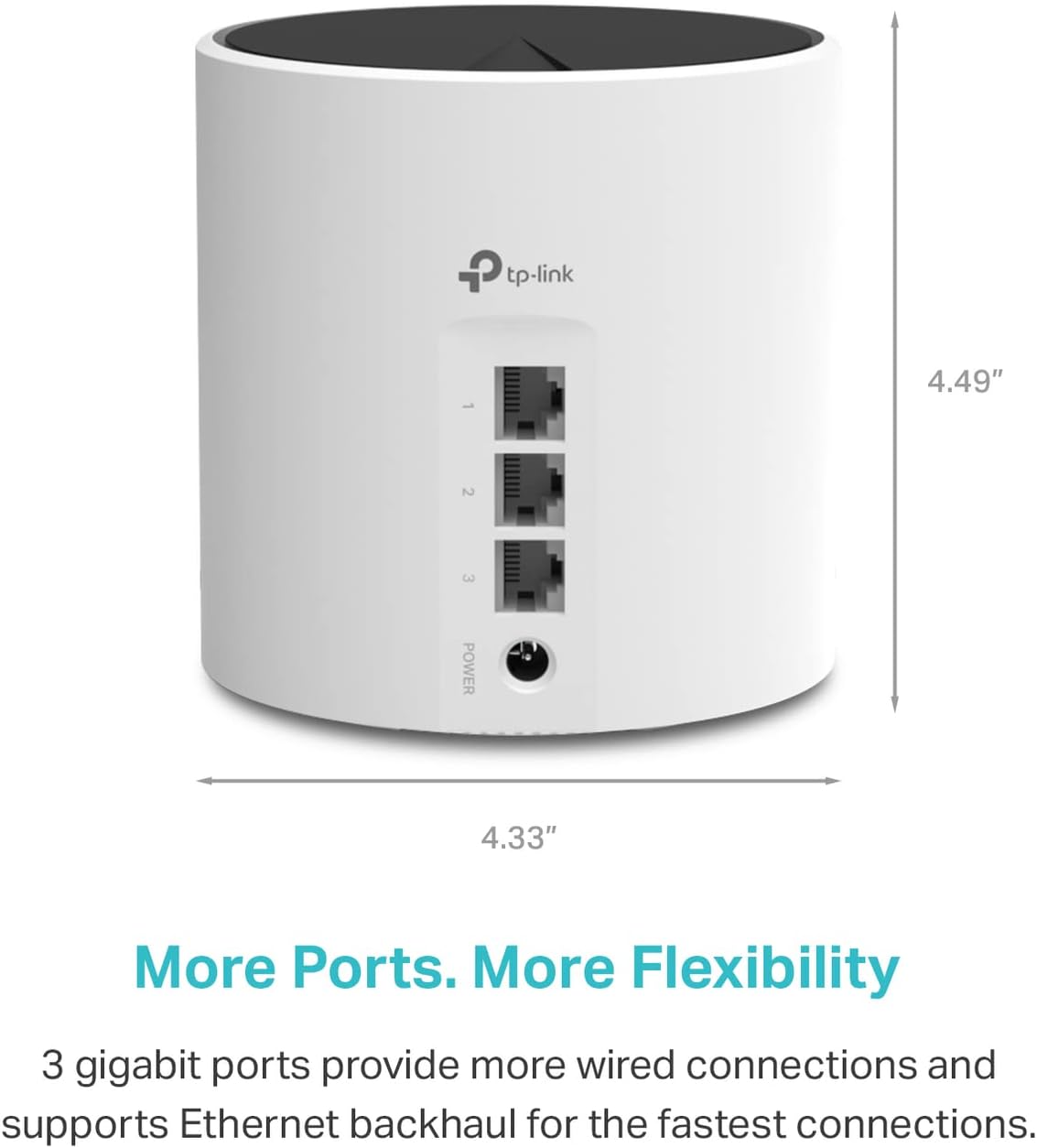
- Type: Wi‑Fi 6 Mesh system
- Network performance (AX): AX3000
- Coverage (with 1 Deco X55): up to 2500 sq ft
- Ethernet ports per unit: 3 Gigabit Ethernet ports
- Backhaul support: Ethernet backhaul (cabled, with multiple packs)
- Wi‑Fi band details (as listed): 2 × 2/HE160 2402 MBps and 2 × 574 MBps
Should you buy it?
A single TP-Link Deco X55 can be worth it if you want Wi‑Fi 6 mesh coverage that reduces dead zones and aims for smoother performance around the house, especially if your layout isn’t overly complex. Worth considering if you also like the idea of Ethernet backhaul for stronger, more stable links when you expand.
You may want to skip it if you already know you’ll need widespread coverage across a hard-to-wire, multi-floor layout and you don’t plan to add more Deco units. In that case, the 1‑pack starting point can feel a little limited compared to a mesh setup built around multiple nodes from the start.
Quick FAQ
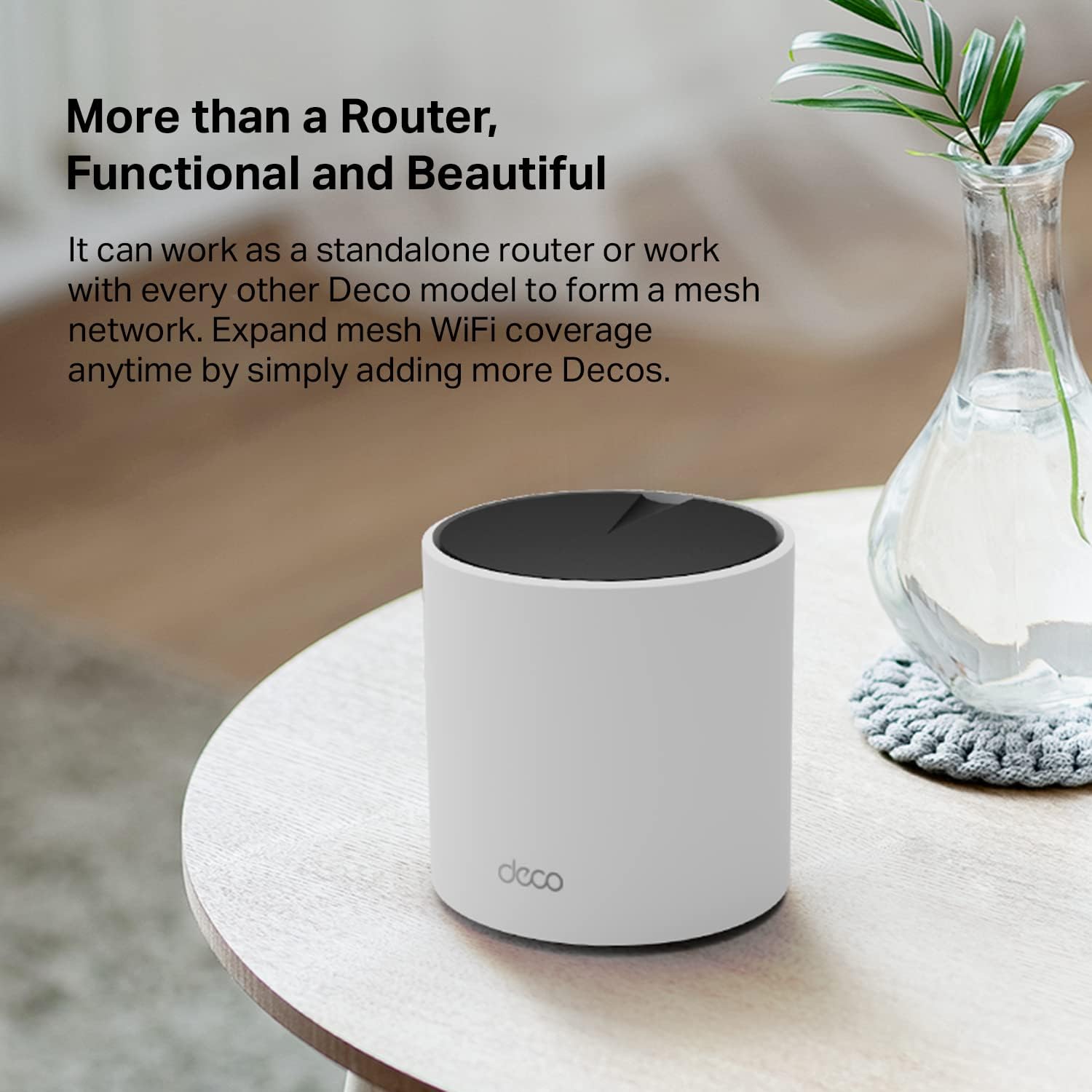
Does the Deco X55 work as a standalone router? The listing states it can function as an independent Wi‑Fi router.
Can I expand the system later? Yes. The description notes adding more Deco units if you need more coverage.
What’s the benefit of Ethernet backhaul here? The listing highlights Ethernet backhaul support for better speeds, assuming you have the ability to cable the backhaul between Deco units.
Is this only for wired devices? No. It’s primarily a mesh Wi‑Fi system, but it also includes multiple Gigabit Ethernet ports for wired connections.
Will a 1-pack solve weak Wi‑Fi everywhere? It can, depending on your home. But if your space is complicated or far from the placement spot, you may still need additional units.