

Techigher VHS to Digital Converter & RCA to HDMI Adapter USB Video Capture Card
Reviews
Product description
What this product is and what it solves
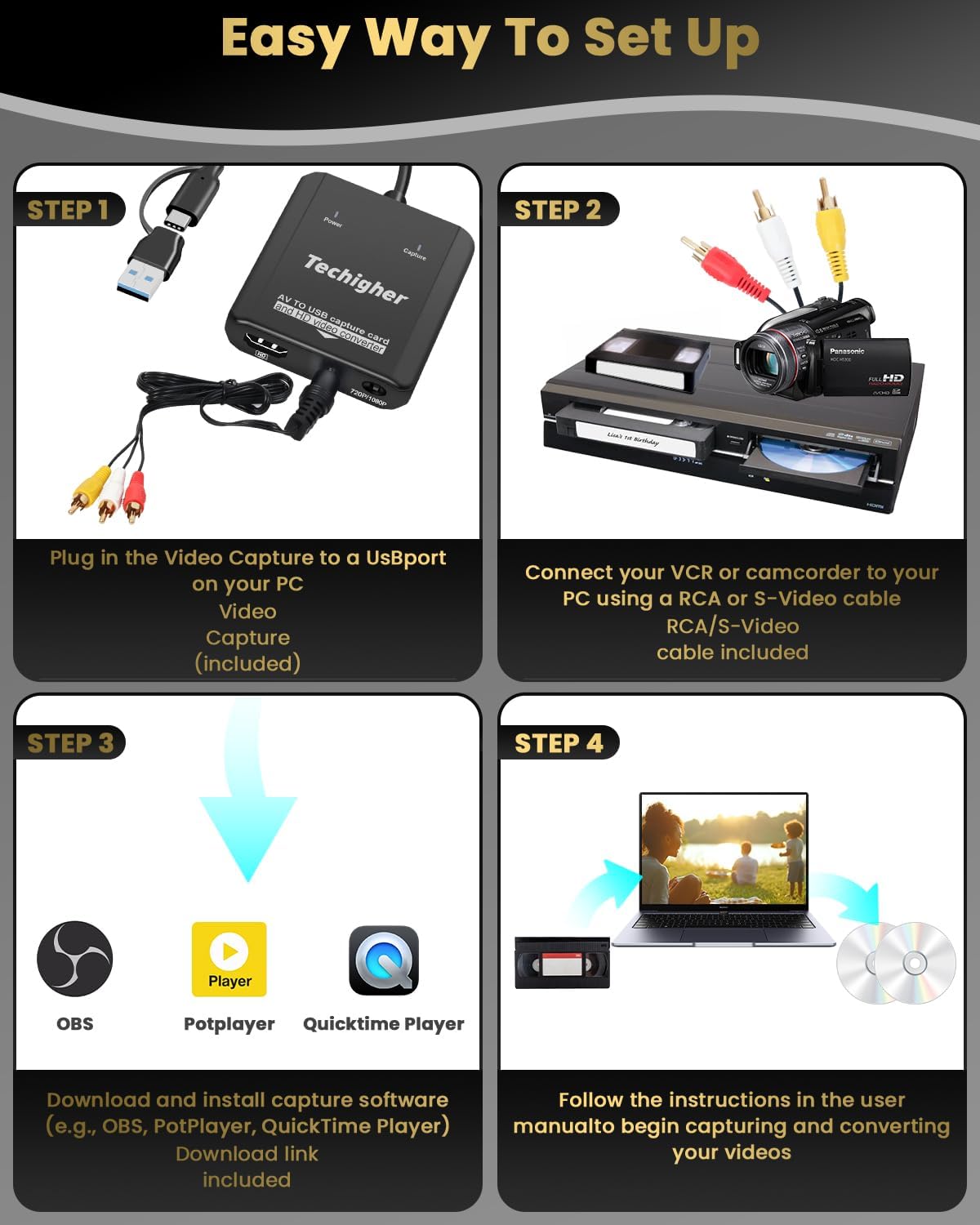
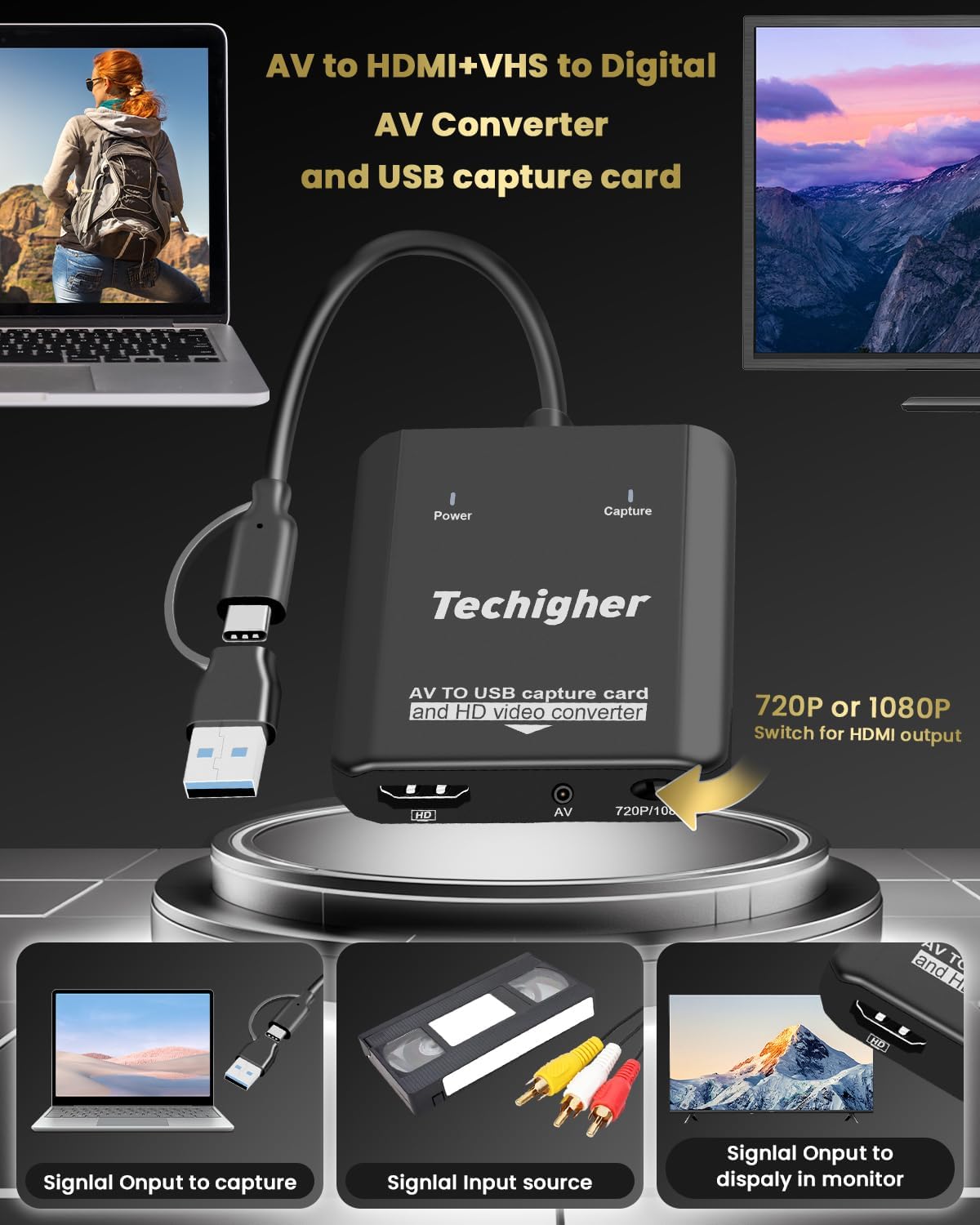
This is a 2-in-1 video capture device designed to digitize old VHS tapes and convert RCA/AV signals to HDMI output. It lets you capture analog video from VHS players, VCRs, Hi8 cameras, PS2/Wii, and other RCA-based sources directly to your computer via USB (A or C), while also allowing real-time HDMI preview on a TV or monitor. The goal is to preserve family memories and play retro games by turning analog footage into digital MP4 files for storage or sharing.
How it works and what you need
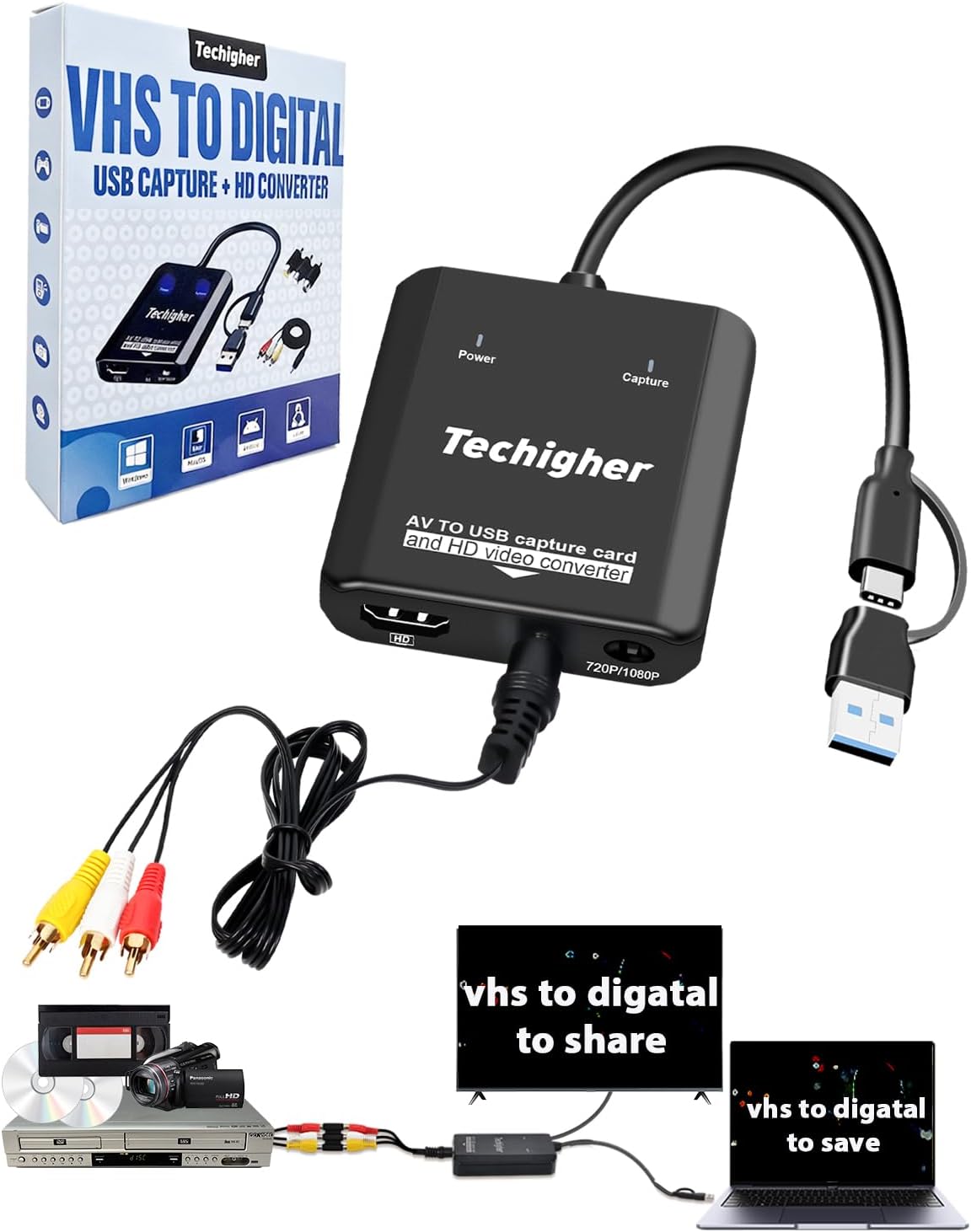
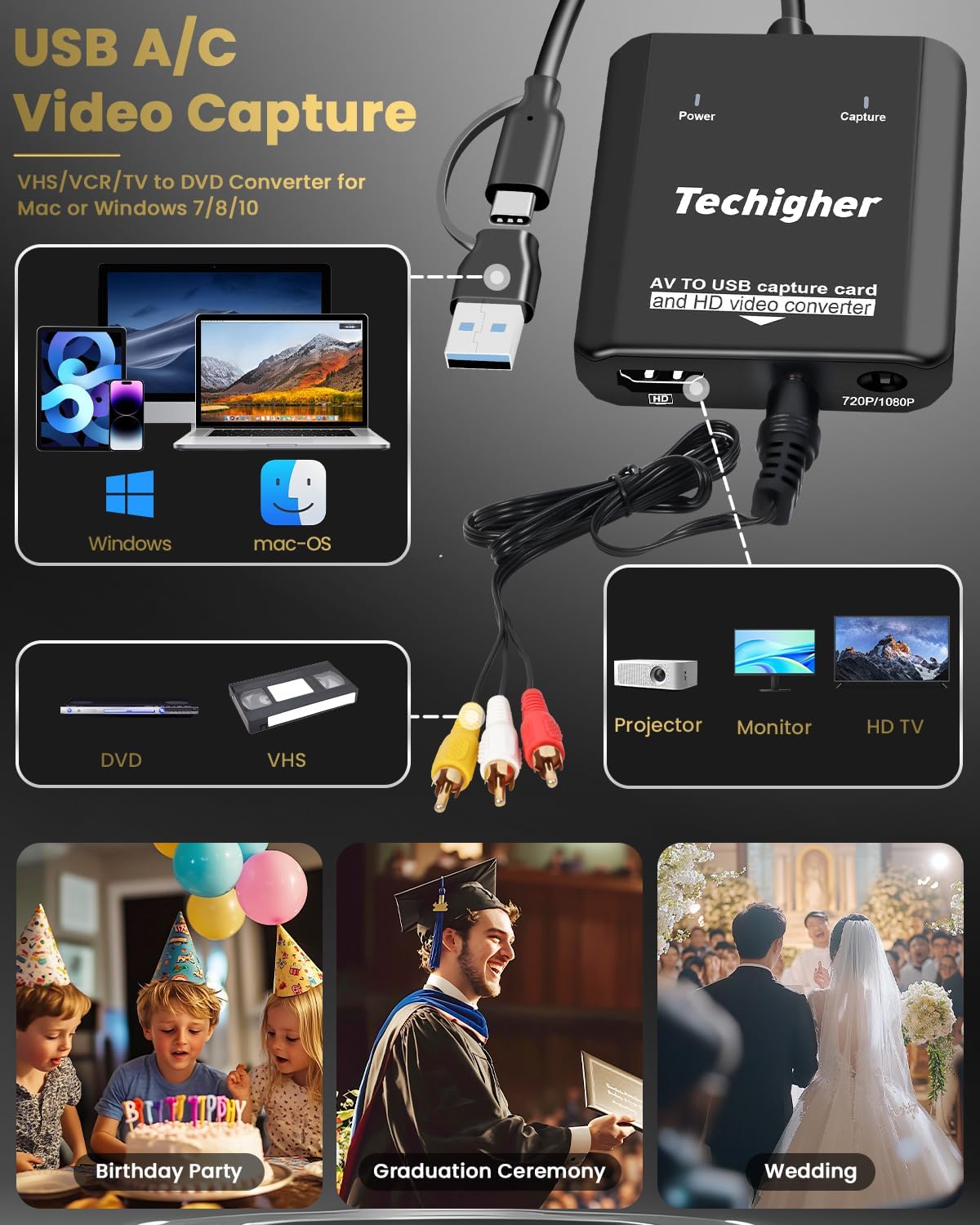
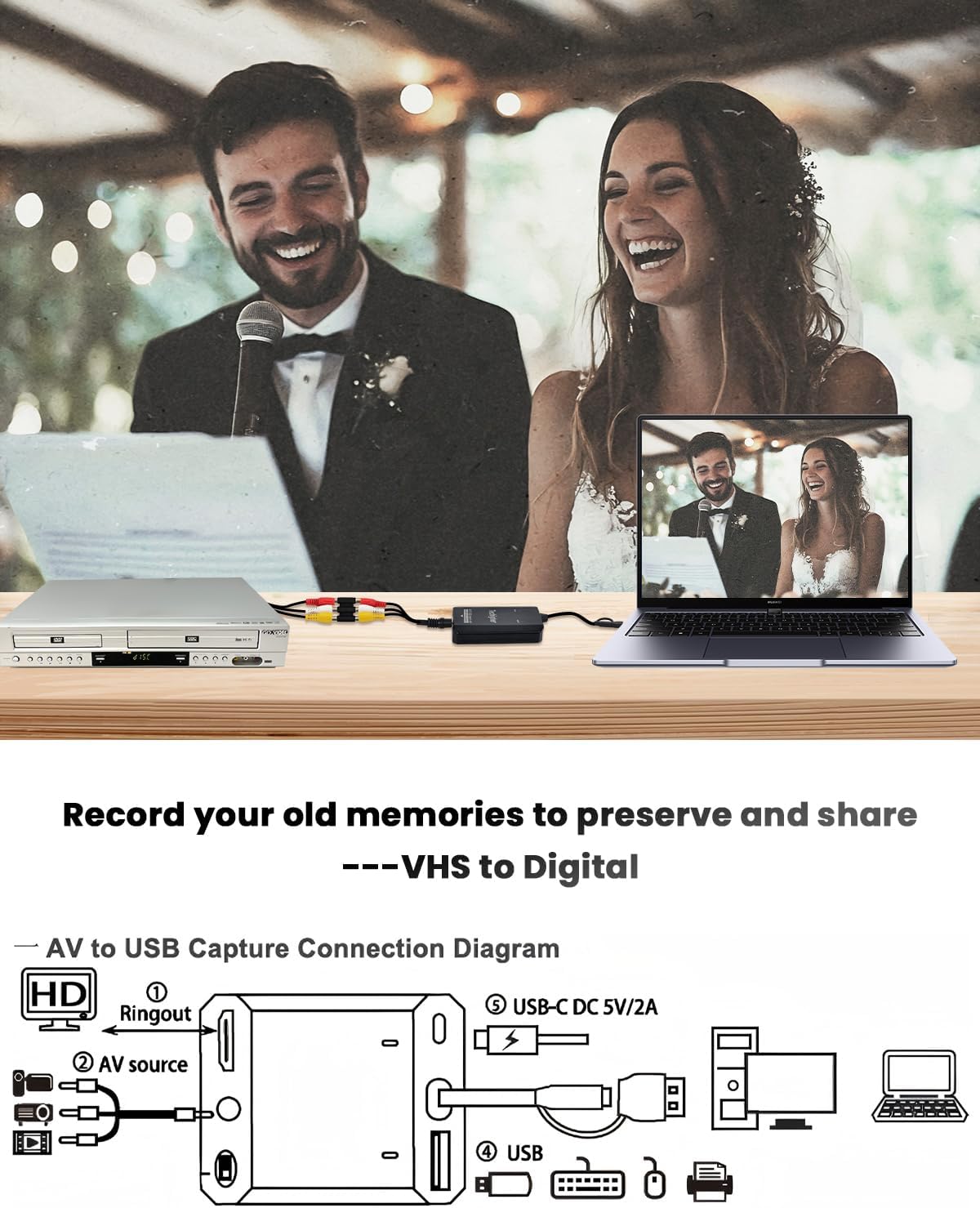
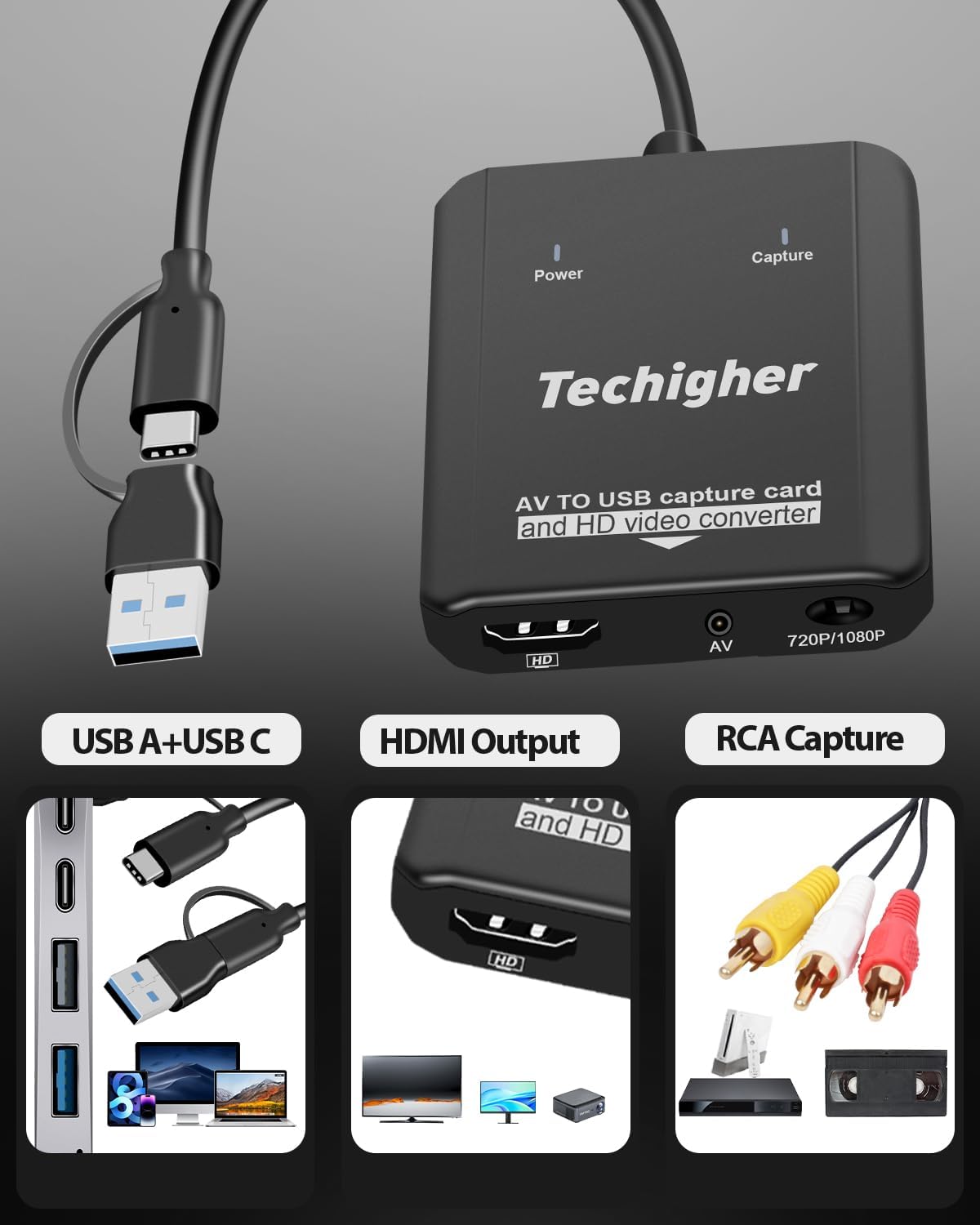
You connect the device to a computer using USB-A for older PCs or USB-C for newer Macs and laptops. The unit also outputs to HDMI so you can watch the capture live on an HDMI display. It supports converting RCA/AV inputs to HDMI at 720p or 1080p, and it includes RCA/AV cables and a USB-C adapter. To capture, you’ll use compatible software (OBS, PotPlayer, Vmix, QuickTime depending on OS) and start a recording session. One practical detail: you may need to restart OBS Studio after configuring audio to ensure sound output.
What stands out on the surface
On paper, the device aims to simplify the process by eliminating the need for multiple standalone boxes. It’s built to handle both VHS-to-digital and RCA-to-HDMI workflows, which can save space and setup time. The inclusion of both USB-A and USB-C inputs broadens compatibility across a range of computers, from older desktops to modern laptops. The real-time HDMI preview feature (via the HDMI loop) is a nice practical touch for tracking progress without guesswork.
The best and the less convincing parts
What’s compelling: the 2-in-1 concept, broad compatibility with older and newer machines, and the ability to both digitize and display simultaneously. For households with a mix of legacy media and modern display needs, it can feel like a one-stop solution. What may fall short for some: reliability depends heavily on using compatible capture software and correct audio routing in OBS or similar programs. The notes about needing to restart OBS for audio output highlight that the setup isn’t perfectly plug-and-play and can require troubleshooting, especially for first-time users.
Who it’s for and who should think twice
Ideal for families looking to salvage old VHS tapes and want to preserve them digitally, or gamers who want to archive PS2/Wii content and play it on modern screens. It’s also suitable for casual users who want a simple way to connect retro devices to 4K TVs without buying multiple adapters. Not the best fit if you need ultra-high-end video quality beyond 1080p, or if your setup relies on a plug-and-play experience with minimal software configuration.
When it makes sense to buy
If your goal is to rescue and store family memories or to enjoy retro gameplay on a modern display, this device provides a practical, space-saving workflow. It makes sense when you want a single box that handles both VHS-to-digital and RCA-to-HDMI conversions, rather than purchasing separate capture devices.
When it might not be the right choice
If you prioritize a completely seamless, hardware-driven workflow with guaranteed ±0 setup effort, this may require some software tuning. Also, if your editing or streaming pipeline expects specific capture formats or higher-bit-depth processing, you might encounter limitations intrinsic to budget capture solutions.
What to check before you buy
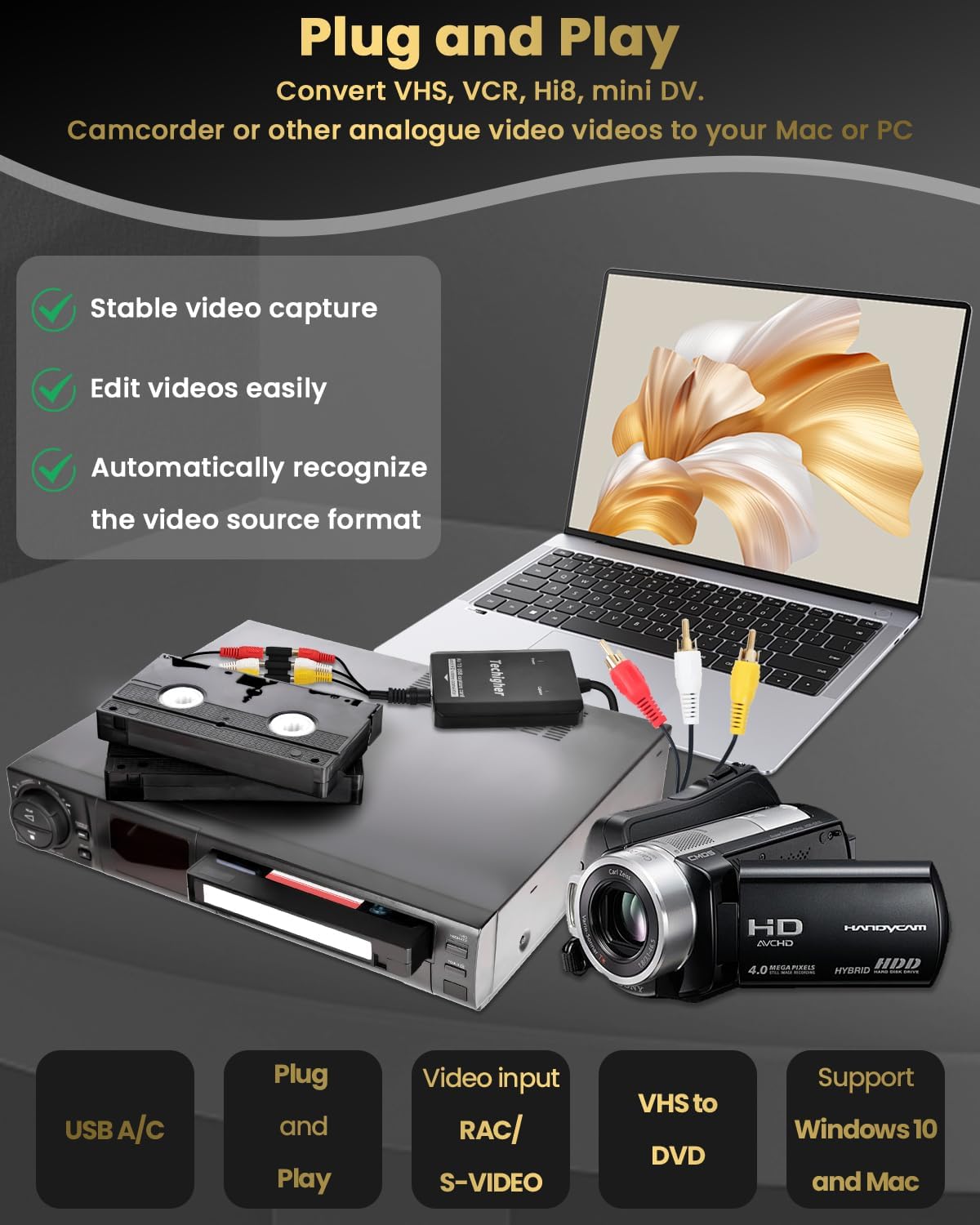
- Confirm your computer’s USB port type (A or C) and ensure you have compatible capture software installed (OBS, PotPlayer, Vmix, QuickTime).
- Be aware you may need to restart OBS after configuring audio to enable sound output.
- If you plan to digitize a lot of footage, check disk space and a stable USB connection to avoid dropped frames during long captures.
- If you’re converting a mix of VHS and RCA sources, verify that the 720p/1080p output matches your display and storage expectations.
Practical usage example
Imagine you’re archiving a family wedding on VHS. You connect the player to the USB-C input, run OBS on a Windows laptop, and start recording. As you watch the live HDMI preview on a living room TV, you also monitor the capture progress on your laptop. After a few hours, you have a clean MP4 copy on your drive and a watchable digital copy for sharing with relatives—without needing to juggle multiple devices.
Quick comparison in context
If you already own a separate VHS-to-digital box and a RCA-to-HDMI scaler, this 2-in-1 solution can save space and simplify cabling. It’s a sensible middle-ground option for those who want an economical path to preserve analog media while still enjoying modern display compatibility. For absolute top-tier post-processing or professional-grade archival, a dedicated, higher-end capture system might be preferable.
Final verdict
Final verdict
Is it worth it? It depends on your priorities. If you value consolidating two functions into one device and you’re comfortable with a bit of software setup, this Techigher model offers a practical, entry-to-midrange route for digitizing VHS and converting RCA to HDMI. It’s particularly appealing for casual users and families looking to salvage memories or enjoy retro games on modern screens. However, be prepared for potential setup quirks with audio routing and ensure your software stack aligns with your workflow.
Frequently asked questions
- Do I need any special software to capture? Yes, you’ll need capture software such as OBS, PotPlayer, or Vmix to run the capture on your computer.
- Will I see live HDMI output while recording? Yes, the device supports HDMI pass-through to preview content in real time.
- What if there’s no sound after setup? You may need to restart OBS Studio after configuring audio to restore output.
- Can I digitize from both VHS and RCA sources at the same time? The device is designed for dual-function conversion, but actual performance depends on your software setup and computer capability.
- What resolutions are supported for the HDMI output? The device supports 720p and 1080p output for RCA/AV to HDMI conversion.