

Roku Streaming Stick 4K with Voice Remote - HDR10+ & Dolby Vision
Reviews
Price
Product description
What it is and the need it serves
The Roku Streaming Stick 4K with Voice Remote is a compact streaming device designed to upgrade any TV setup with 4K picture and HDR support. It aims to simplify access to popular apps, free content, live TV, and your favorite streaming services from a single, easy-to-navigate interface. On paper, it presents a straightforward path to a more versatile TV experience without the complexity of bigger boxes or multiple remotes.
Picture quality and formats
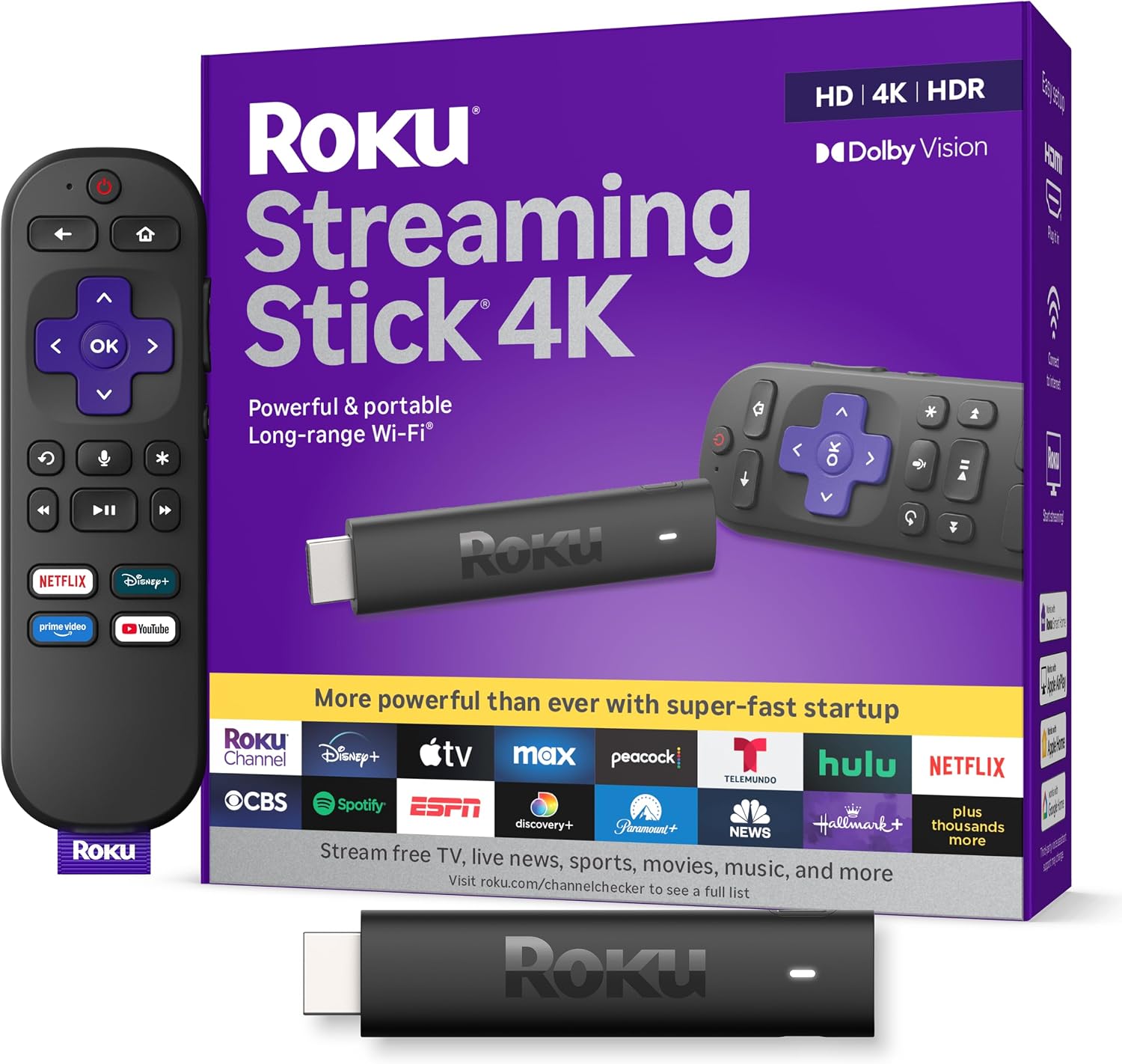
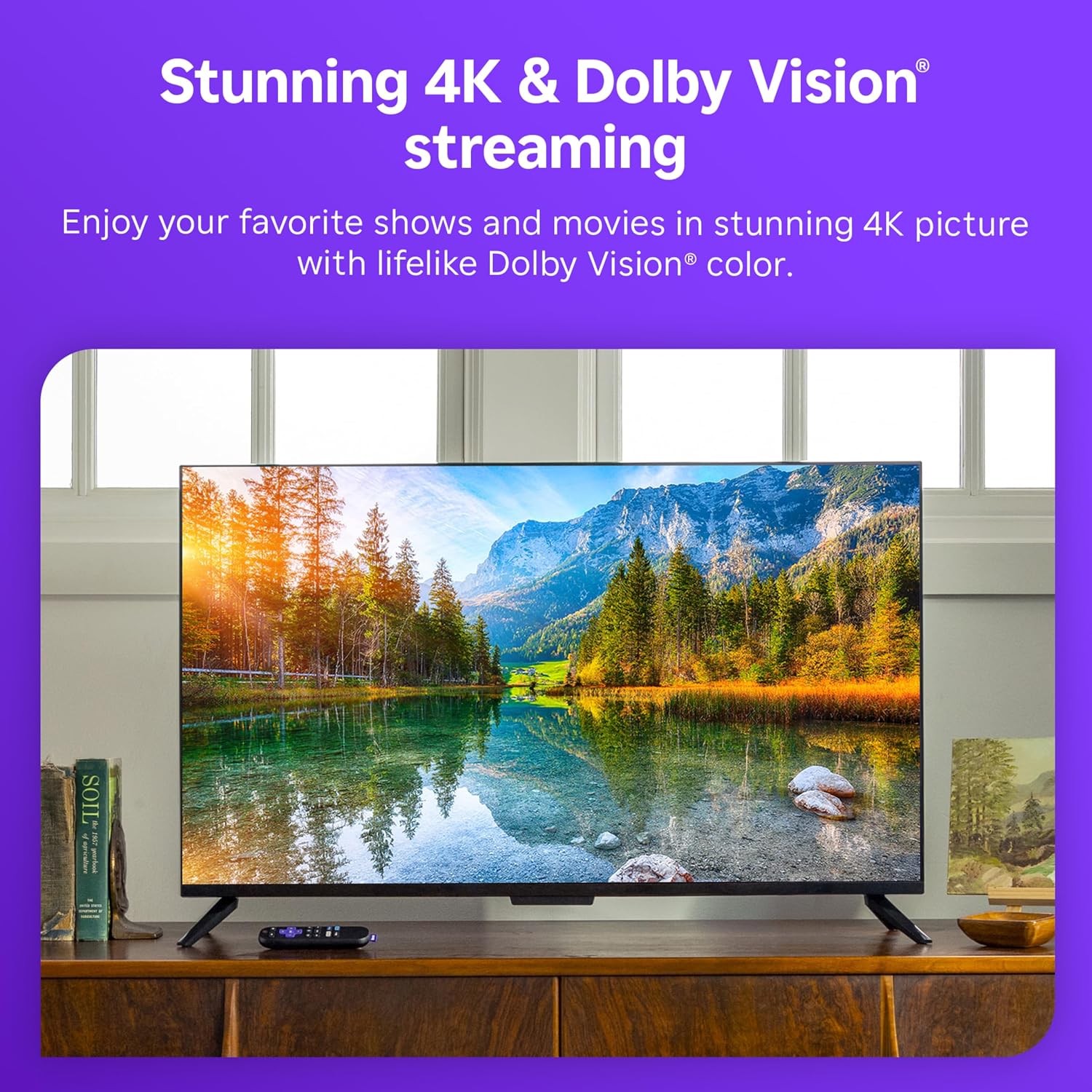
Roku emphasizes 4K quality with Dolby Vision and HDR10+ support, which promises richer color, stronger contrast, and more lifelike detail compared to standard HD streaming. If you prioritize picture quality and a wider color gamut, this device aligns with those expectations. That said, the actual experience will still depend on your TV’s capabilities and the consistency of your internet connection. It’s not a dedicated high-end video processor, so if you chase extreme brightness or cinematic accuracy, you may want to temper expectations.
Setup and everyday use
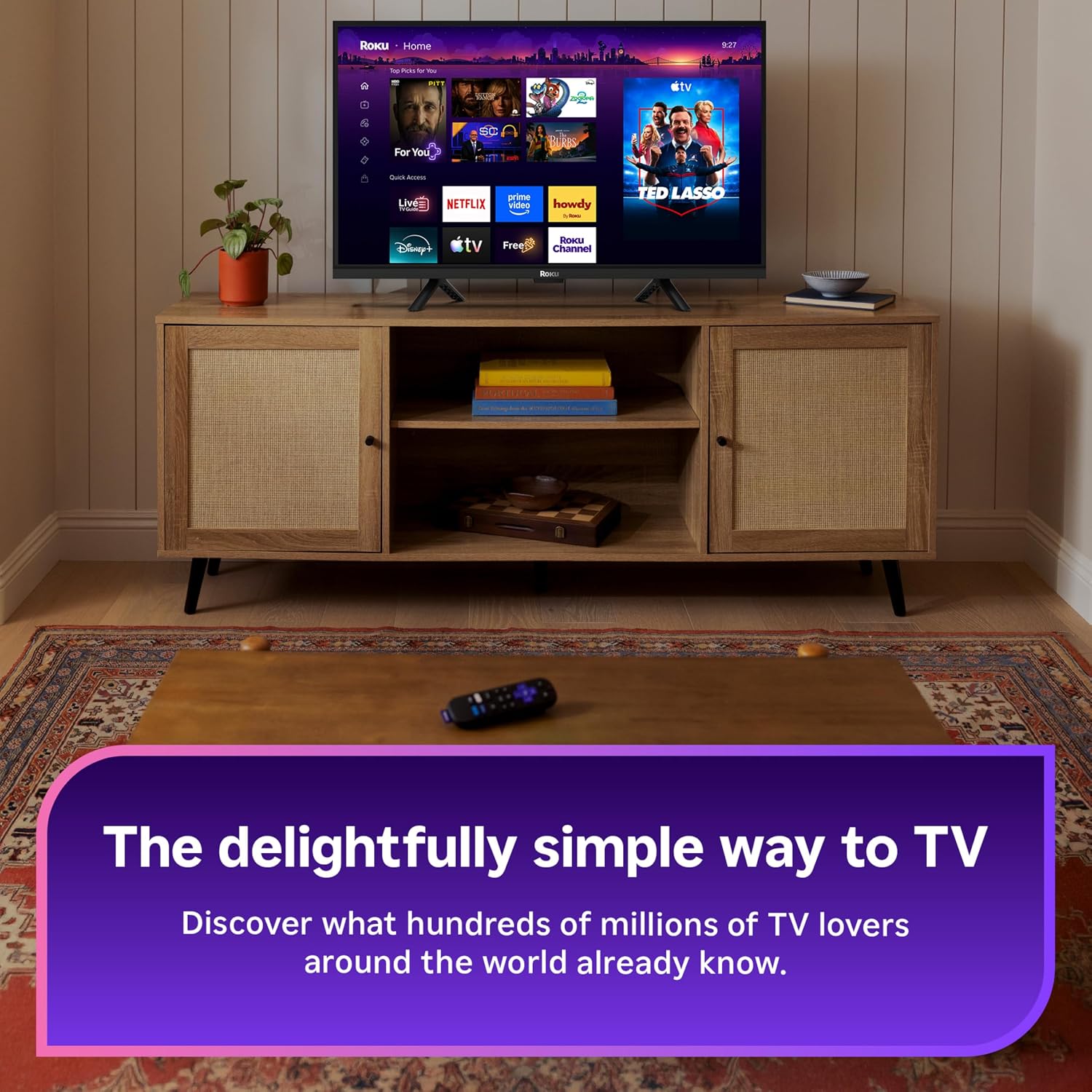
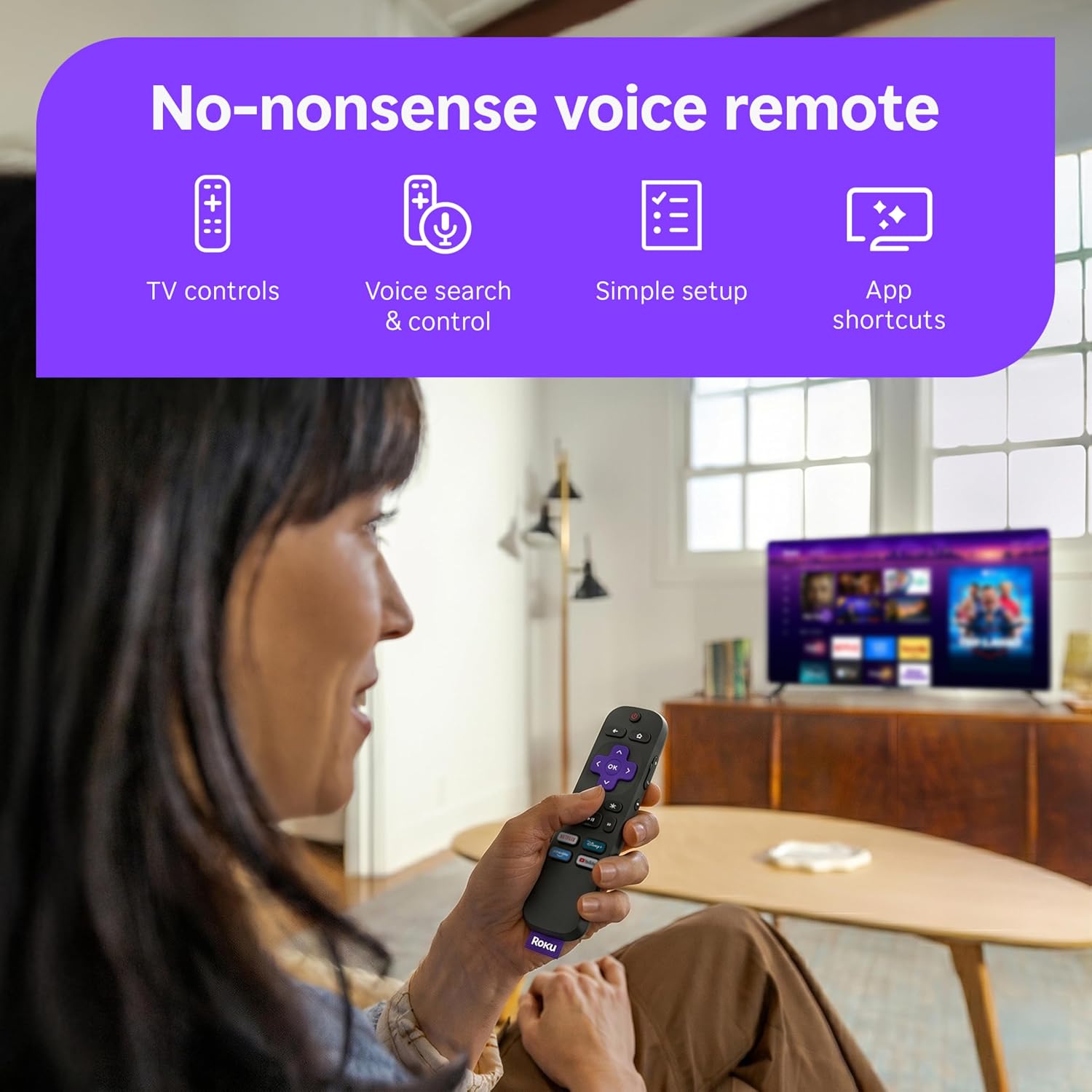
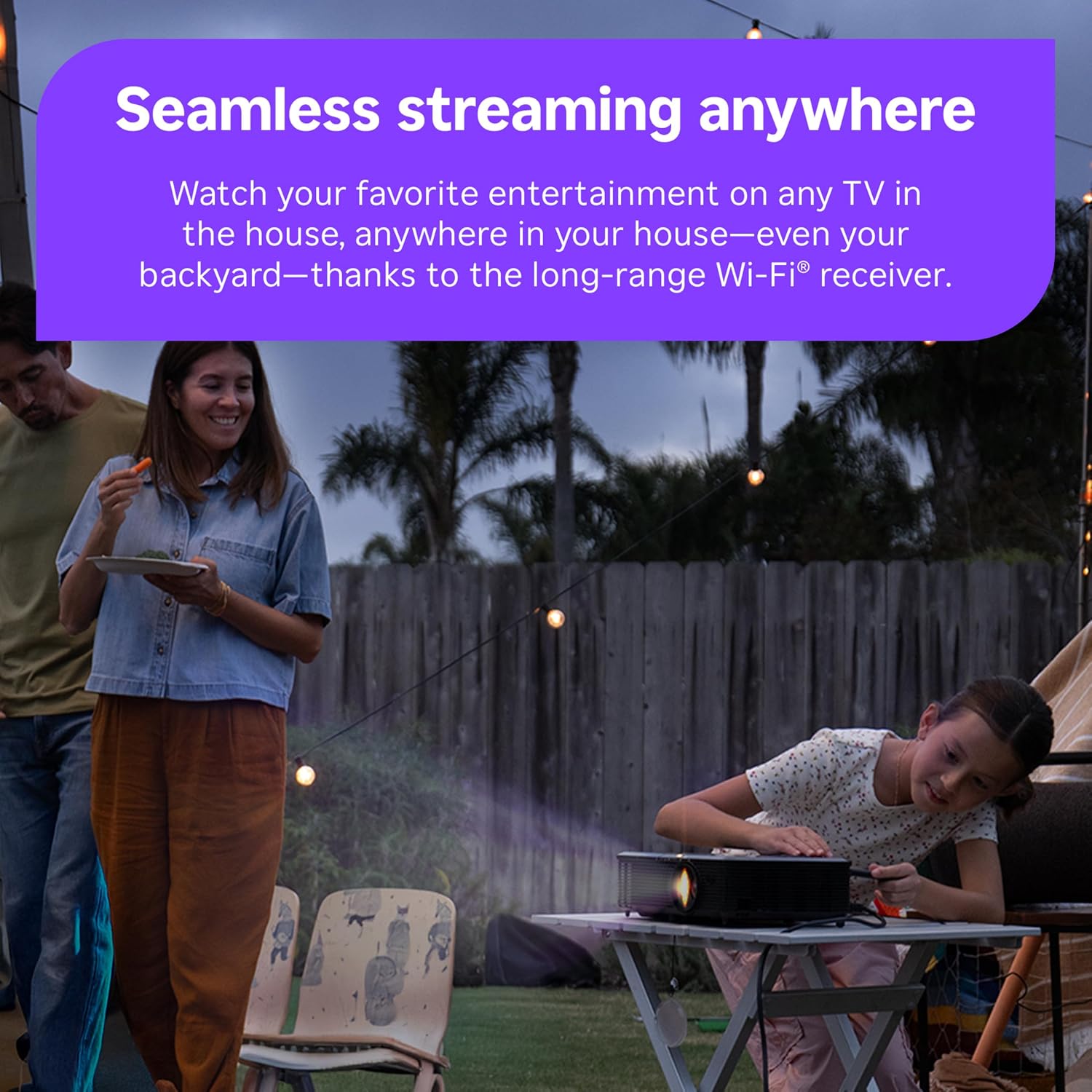
Simplicity is a core selling point. Setup is described as quick and straightforward, and the Home Screen is designed to be uncluttered with quick access to sports, entertainment, and personalized picks. The included Voice Remote lets you search, control power and volume, and launch apps with spoken commands, reducing the need to navigate with a controller alone. The long-range Wi-Fi receiver is highlighted as a perk for reaching TVs in rooms farther from the router, which can be a real-world advantage in larger spaces.
Design and usability in real rooms
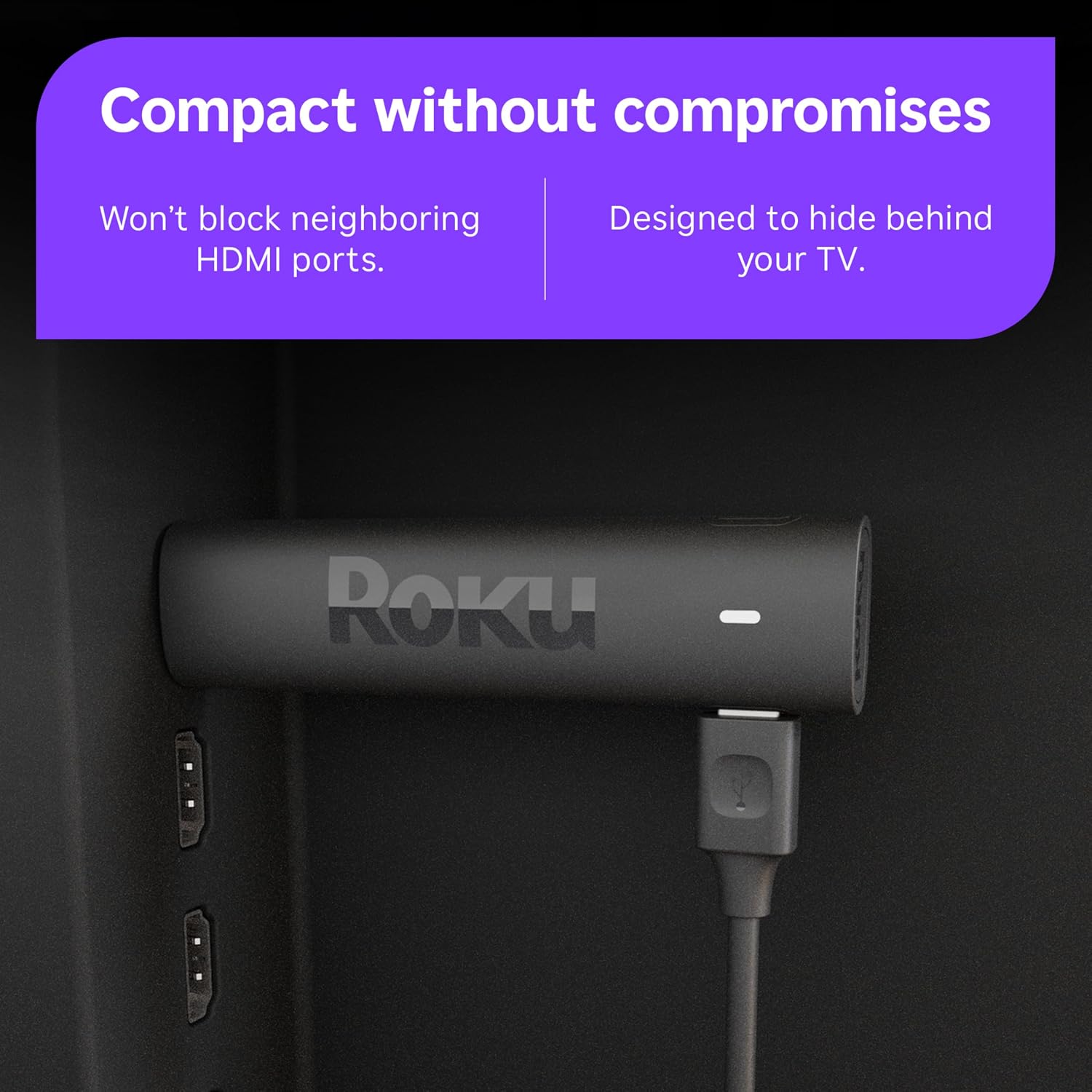
The device is small enough to live behind a TV without blocking other HDMI ports, helping keep cables out of sight. The goal is a tidy setup that can stay hidden while still delivering streaming capabilities. The remote’s voice features contribute to everyday convenience, especially if you frequently switch between apps or search for content by genre, actor, or title.
The best fit audience
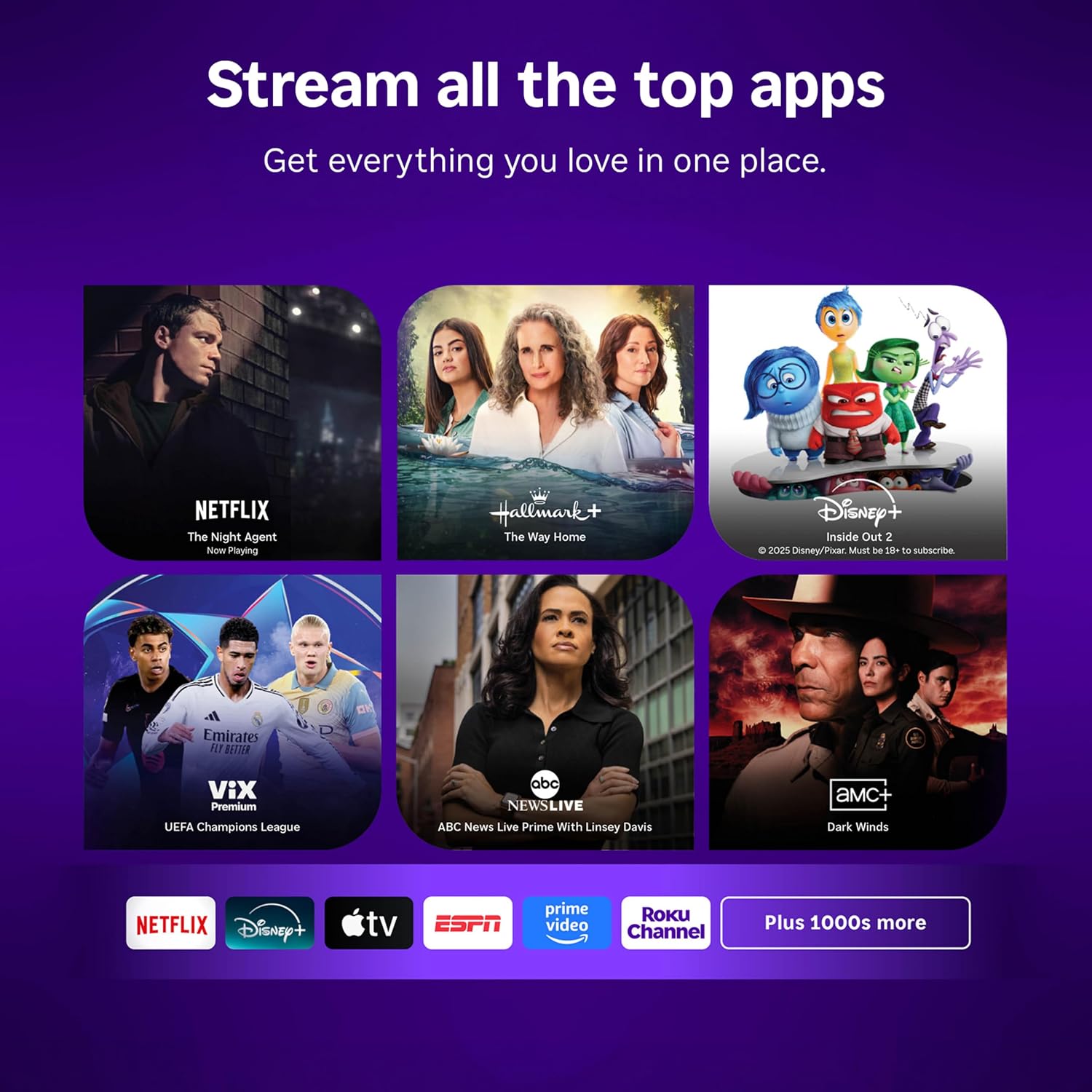
If you want a simple, fast path to a broad library of apps and free content, and you value a compact device that’s easy to conceal, this Roku sticks to that niche well. It can be a solid choice for a secondary TV, a guest room, or a living space where you don’t want a bulky streaming box. It’s also appealing if you prefer a mainstream platform with a familiar interface and a strong emphasis on search efficiency and recommendations.
Potential limitations
No device is perfect for every scenario. If you’re seeking top-tier gaming performance, ultra-precise image calibration, or features that push beyond streaming—like high-end audio post-processing or advanced networking options—you may find this stick falls short of higher-end setups. Additionally, any streaming experience hinges on your internet speed and the app availability in your region.
Before you buy: what to check
- TV compatibility: Ensure your TV supports HDR10+ and Dolby Vision, or at least HDR capabilities, to benefit from the formats advertised. The Roku interface itself is consistent, but the perceived quality depends on your display.
- Network setup: If your home has Wi‑Fi dead zones, consider how the long-range receiver will perform in the room where you plan to place the device. A wired Ethernet option isn’t mentioned, so if your network is unreliable, you might want to test performance before committing.
- Remote and controls: The Voice Remote adds convenience, but some users may still prefer a traditional remote layout or want to add a separate universal remote. Consider how you’ll manage volume, power, and app navigation in your setup.
Practical usage example
Imagine watching a live sports night or a movie marathon where you don’t want to juggle multiple devices. You can launch apps, search by title or actor with your voice, and switch between streaming apps without leaving the couch. For households that value quick access to a broad range of free content, the Roku home screen can surface trending live channels and curated picks, reducing time spent scrolling.
How it compares to other approaches
If you’re weighing this against alternative streaming approaches, the Roku option emphasizes simplicity and a broad app ecosystem with a tidy, minimalistic hardware footprint. For power users who want more granular performance tweaks or a device built for heavy gaming, a larger streaming box or a gaming-oriented console might be a closer match. If you prefer a plug-and-play experience with an emphasis on voice search and a user-friendly interface, this stick aligns well with that philosophy.
What to expect in practice
Overall, you’re getting a compact, HDR-capable streaming stick supported by a widely adopted platform. It’s designed to be easy to set up and use, with a remote that can handle basic TV control and voice searches in a single package. The value rests in how much you value ease of use, quick access to a broad catalog, and the ability to integrate into a multi-room setup without a clutter of devices.
Frequently asked questions
- Do you need a separate streaming service to use the Roku stick? No, you’ll access a broad library including free live TV and apps, with the ability to add services as you choose.
- Will HDR10+ and Dolby Vision always be visible? Their impact depends on your TV’s support and the content being streamed. If your display doesn’t fully support these formats, you may still benefit from improved HDR quality where available.
- Is it good for travel or temporary setups? Yes, its compact design makes it convenient for travel or to set up in a guest room without investing in a larger box.