

Rybozen 4K HDMI Capture Card for Streaming
Product description
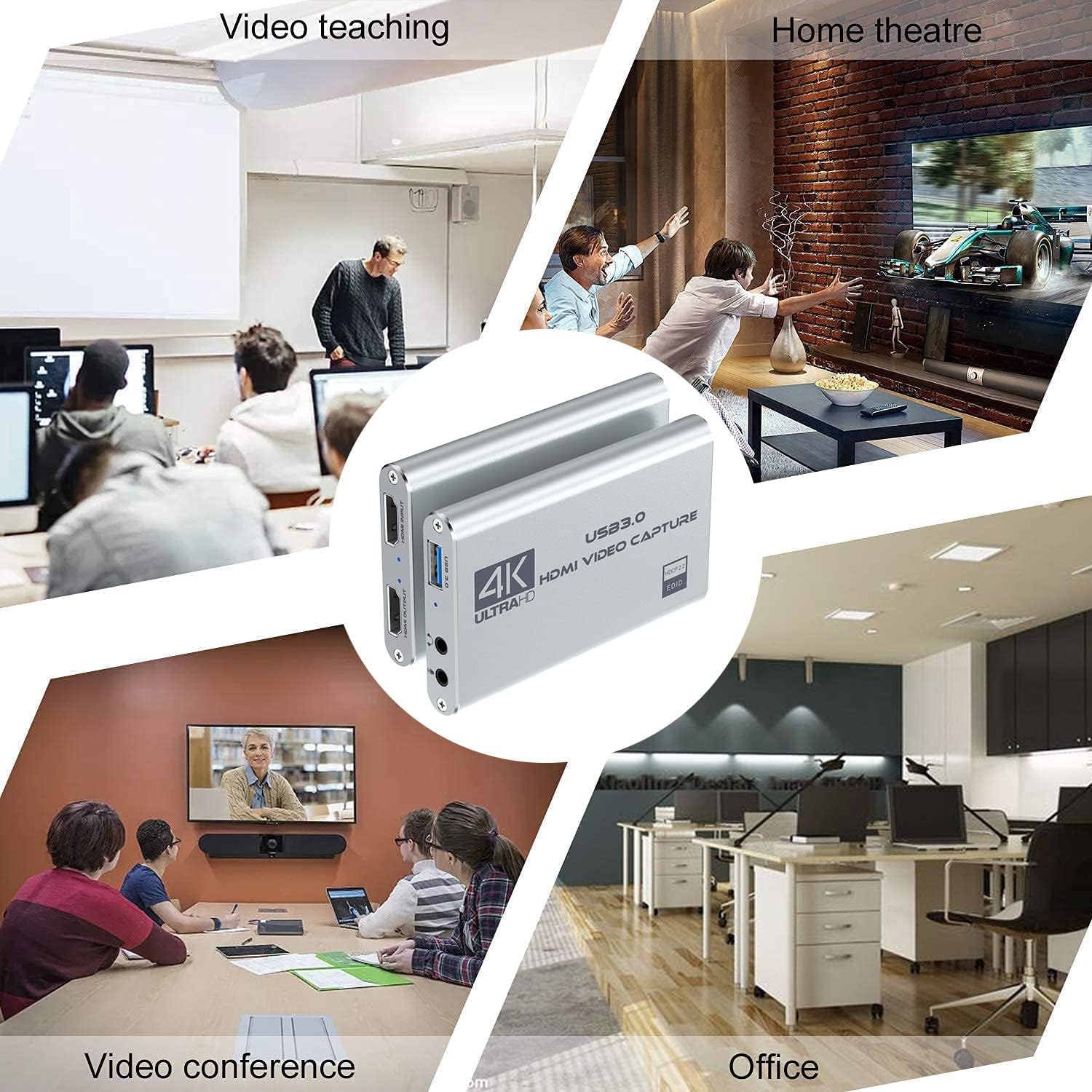
This USB 3.0 HDMI capture device lets you take footage from a camera, console or set-top box and record or stream in Full HD. It is designed to convert HDMI signals into a plug-and-play webcam source, making it practical for live streaming, game capture and video conferencing with low latency and clear audio.
Key Points
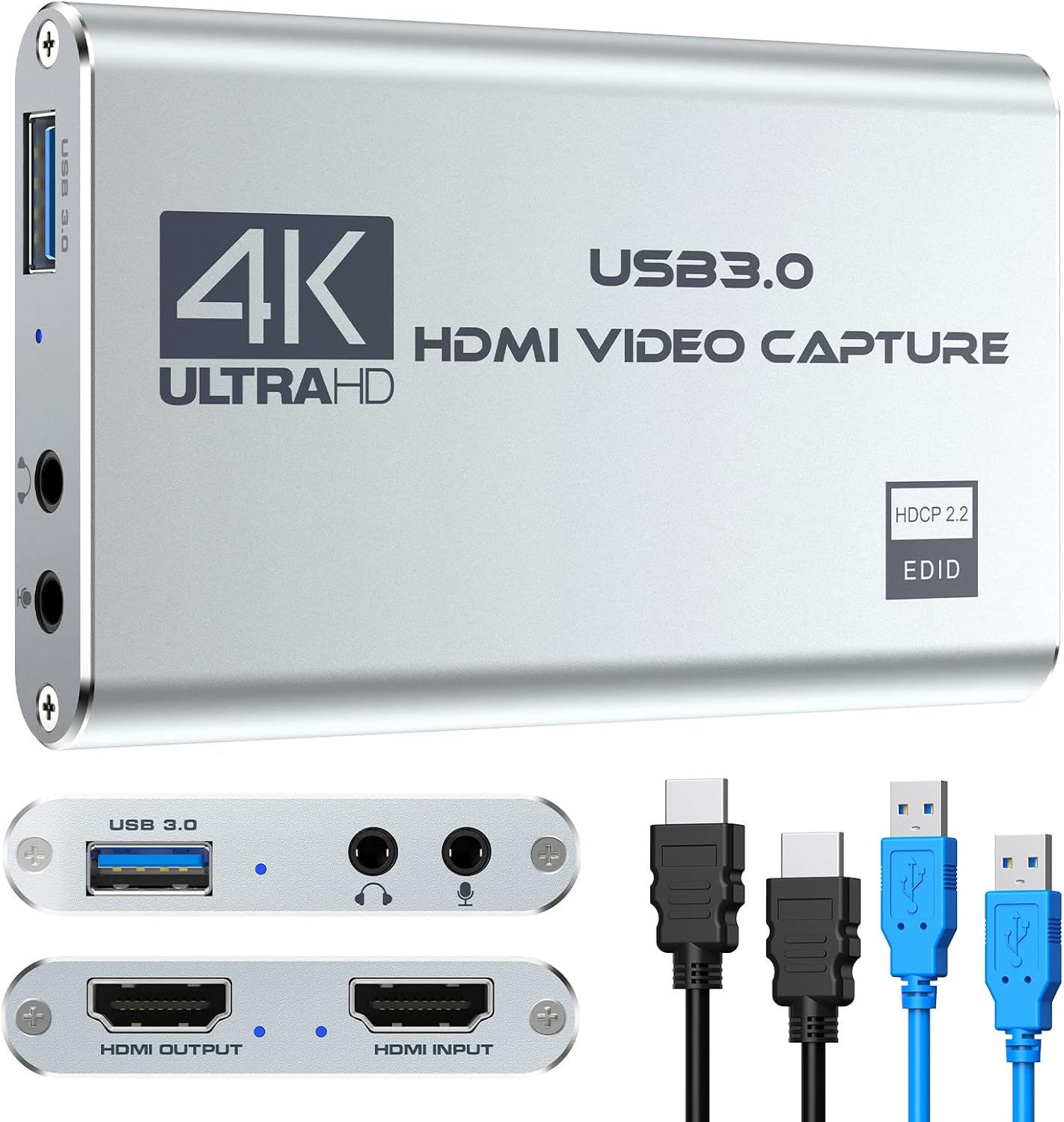
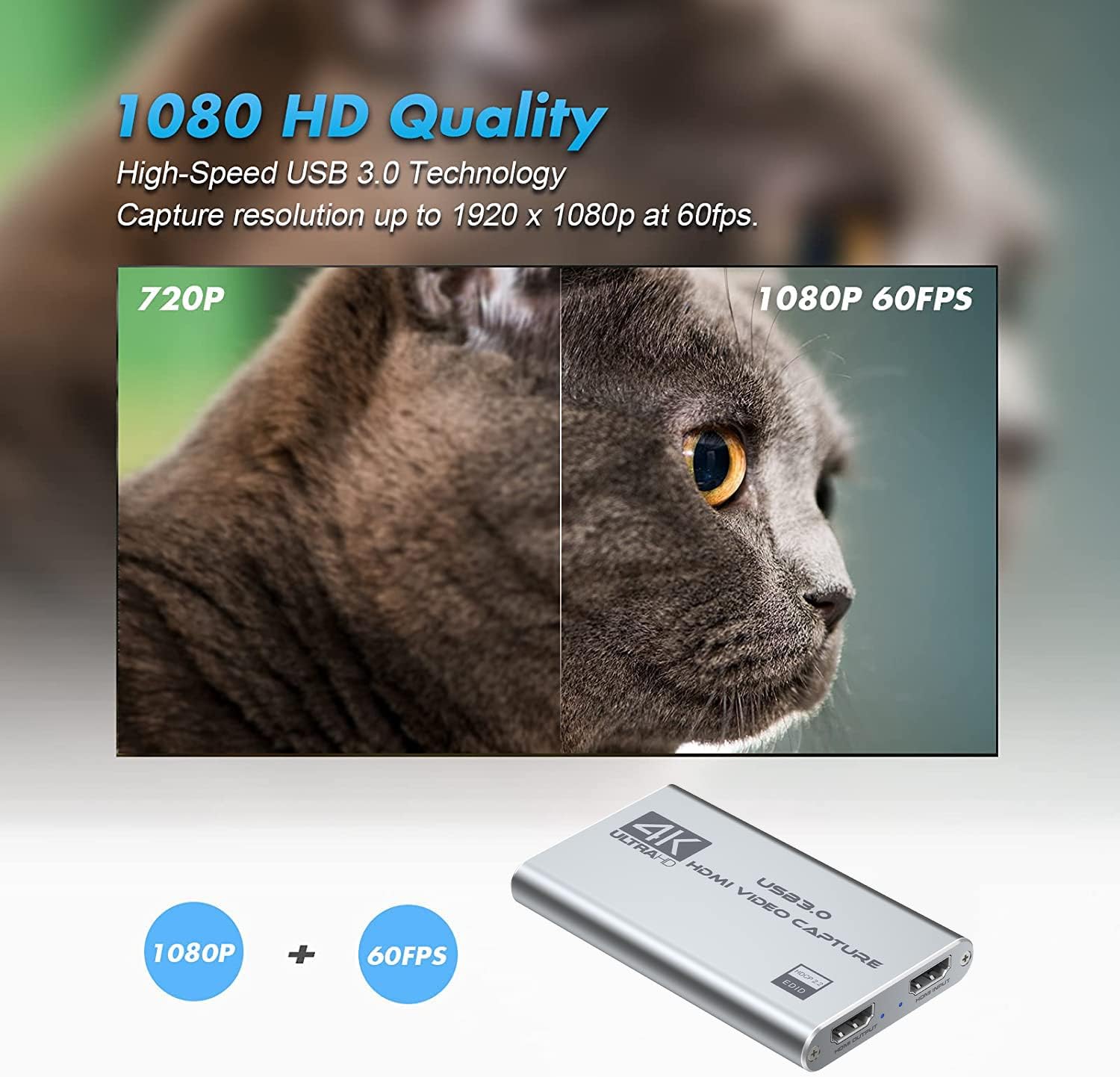
This capture card accepts up to 3840 x 2160 at 60 Hz input and records through USB 3.0 at Full HD 1080p 60 fps, according to the manufacturer. It includes a 3.5 mm mic-in port so you can add external commentary while streaming. The device works without external power or drivers on most Windows and Mac systems, and it supports popular streaming apps including OBS and QuickTime Player. Note that the capture output over USB is limited to 1080p even when the HDMI input is 4K.
Technical Specifications
- Name: Rybozen HDMI to USB 3.0 Video Capture Card
- Input resolution: 3840 x 2160 @ 60 Hz (max input)
- Capture resolution: 1080p @ 60 fps (USB 3.0 output)
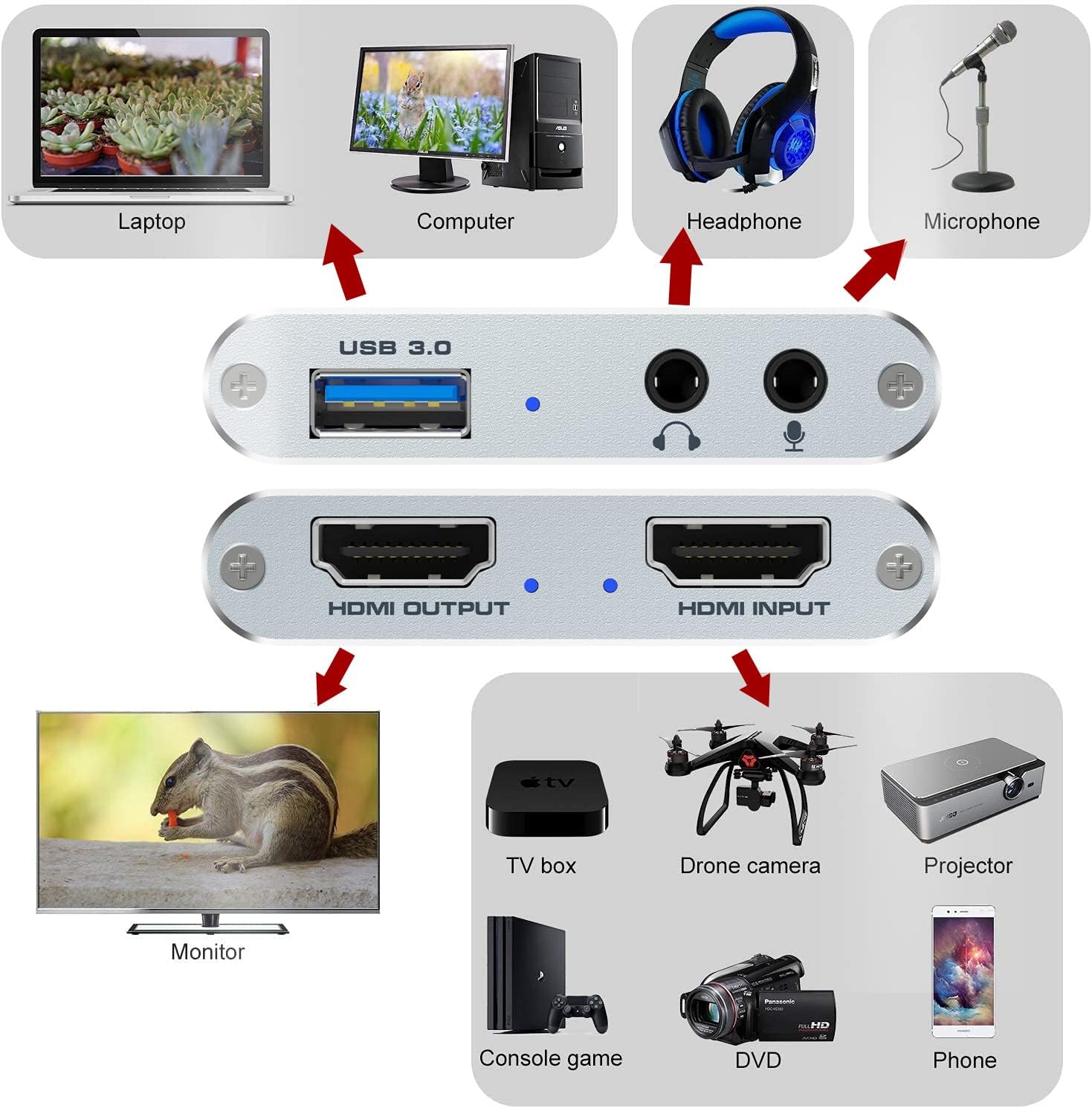
- Interfaces: HDMI in, HDMI loop out, USB 3.0, 3.5 mm mic-in
- Compatibility: Windows and macOS, OBS, QuickTime Player, VLC
- Power: USB-powered, no external adapter required
Usage Recommendations
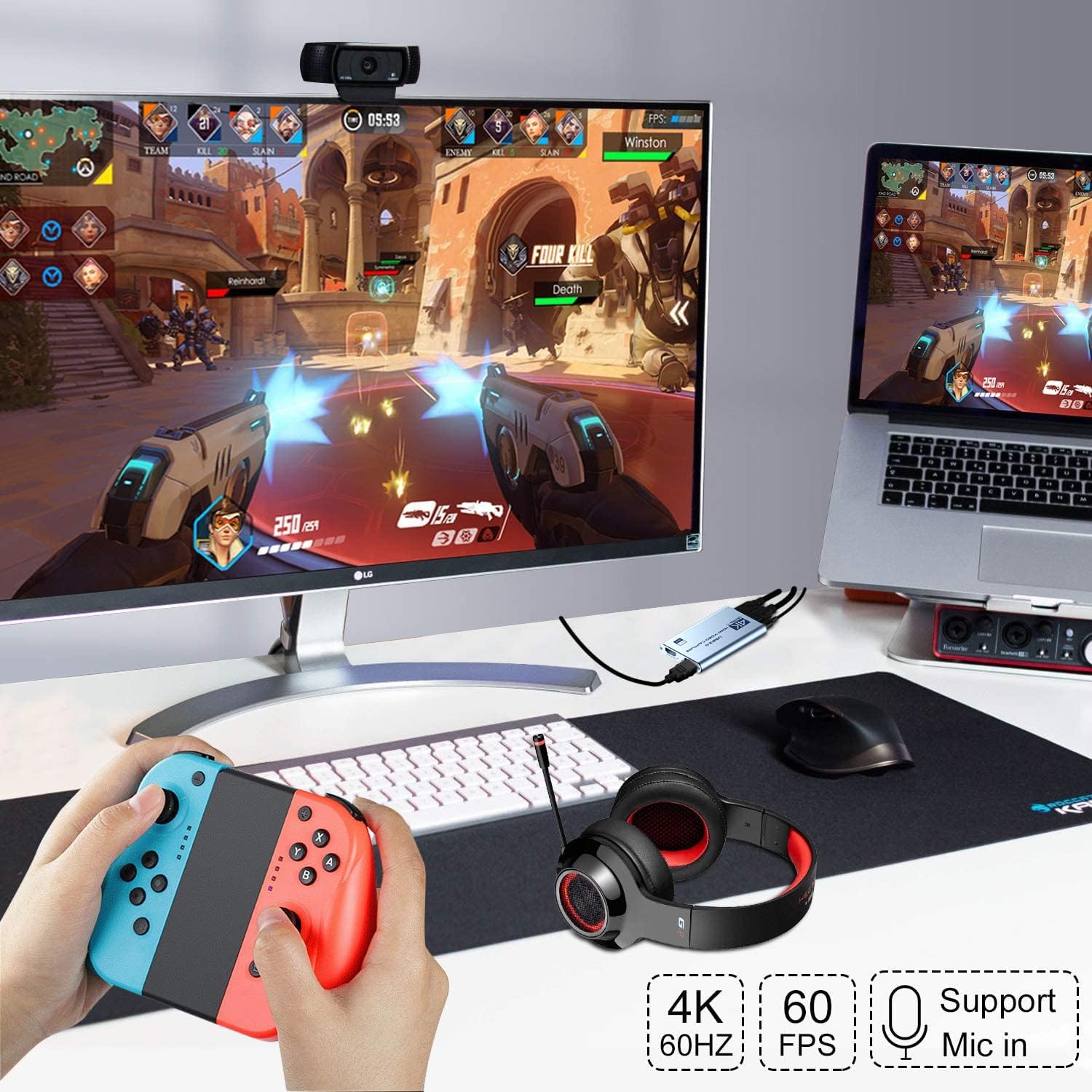
Connect your camera, console or other HDMI source to the device's HDMI input and plug the USB 3.0 cable into your computer. Use the HDMI loop out when you need a local monitor feed while capturing. For live commentary, plug a headset or microphone into the 3.5 mm mic port and set the input in your streaming software. For the smoothest recording, use USB 3.0 ports and verify your streaming app recognizes the device before starting a session.
Positive Aspects
The unit offers simple setup and wide device compatibility, which makes it useful for creators who want a straightforward capture workflow. Its low-latency performance helps reduce sync lag during broadcasts. Consider that if you require native 4K recording over USB, this model records at 1080p and may not meet that specific need.