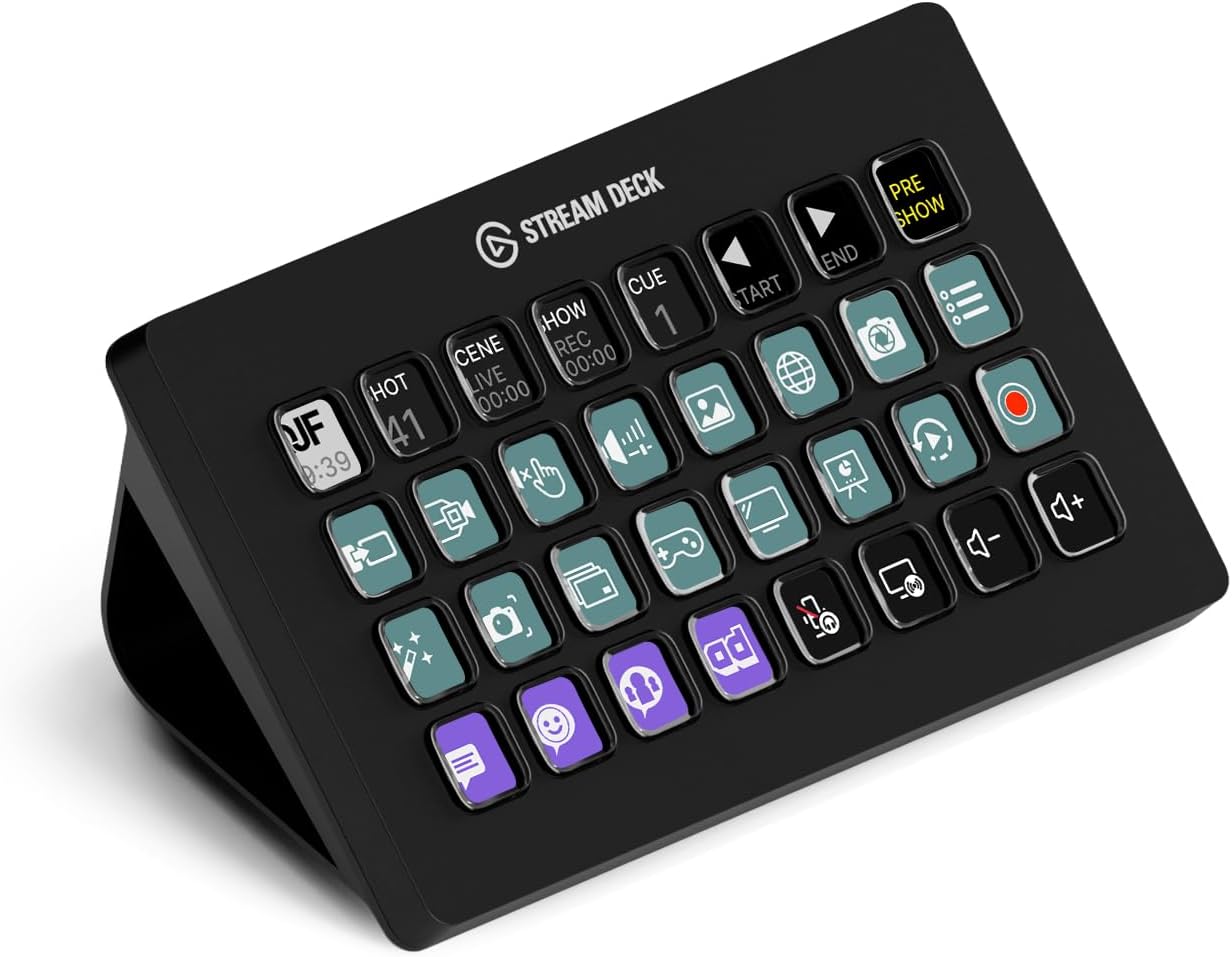
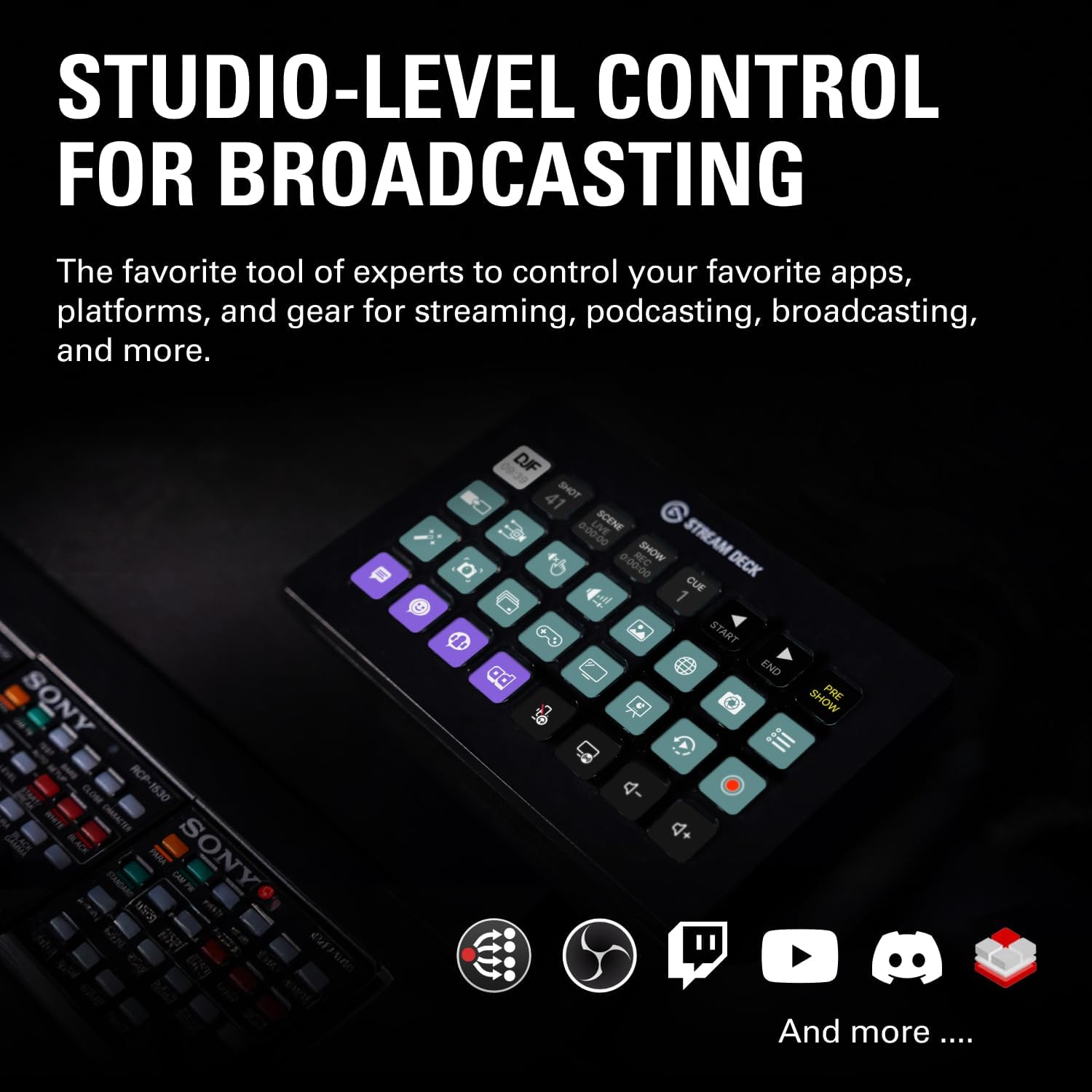
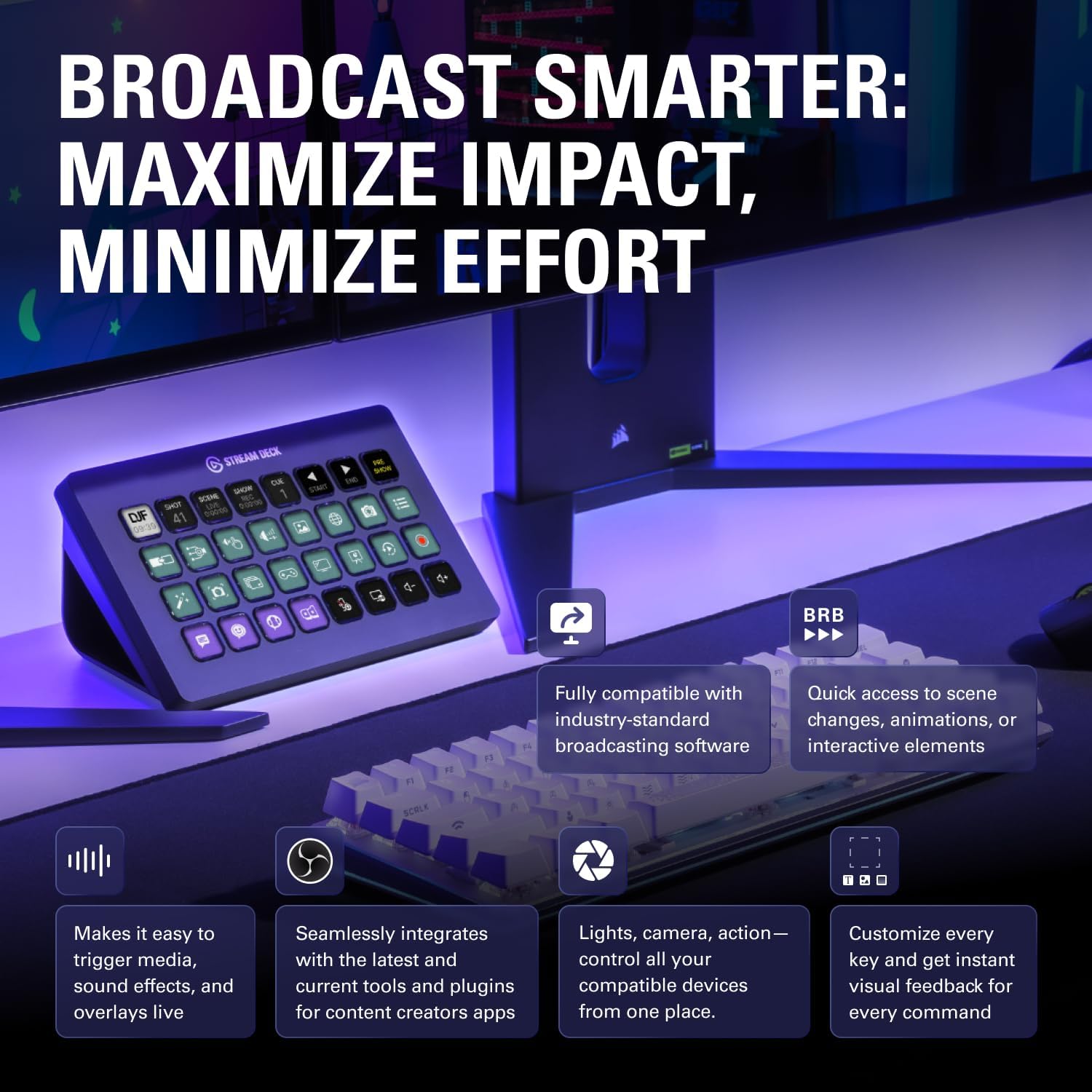
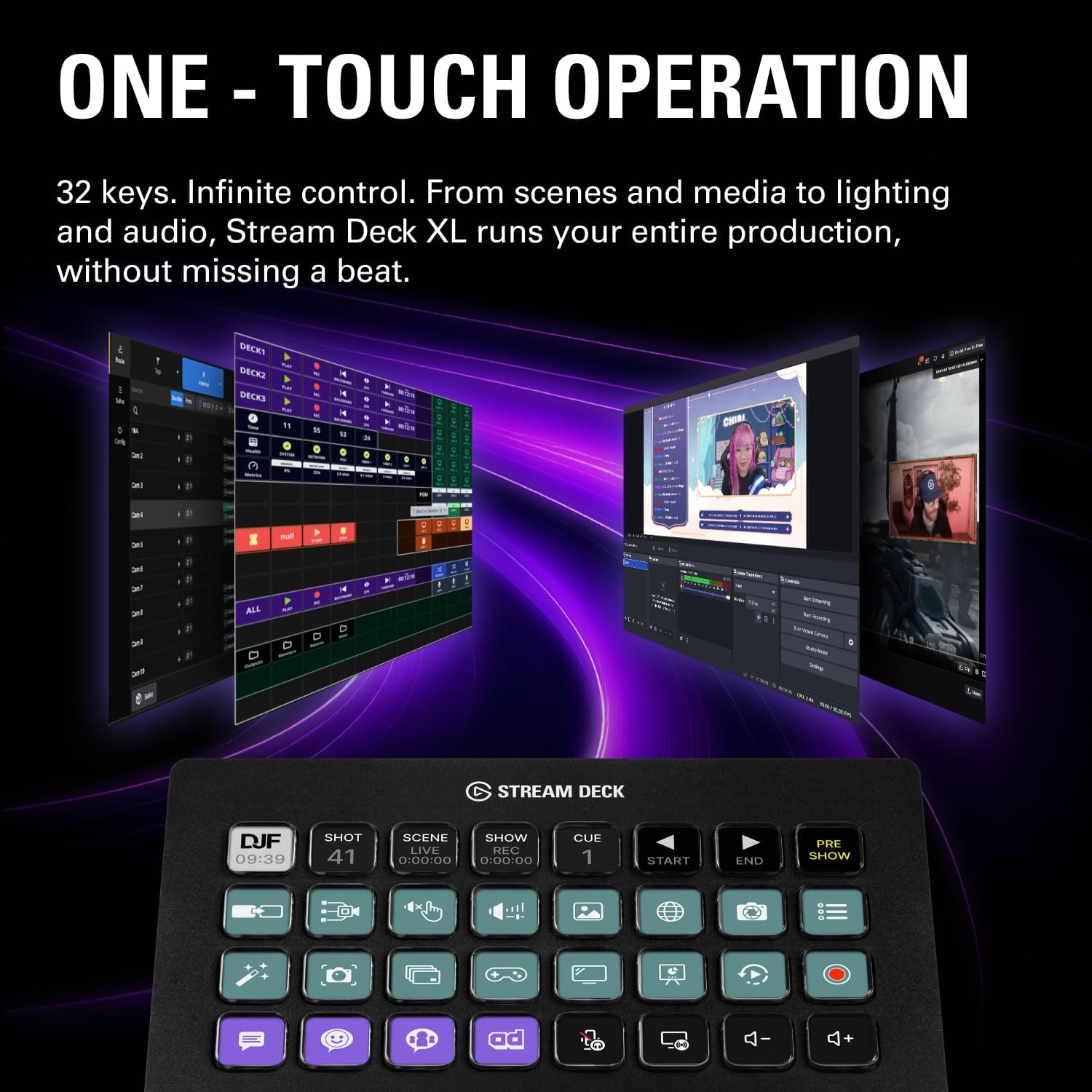
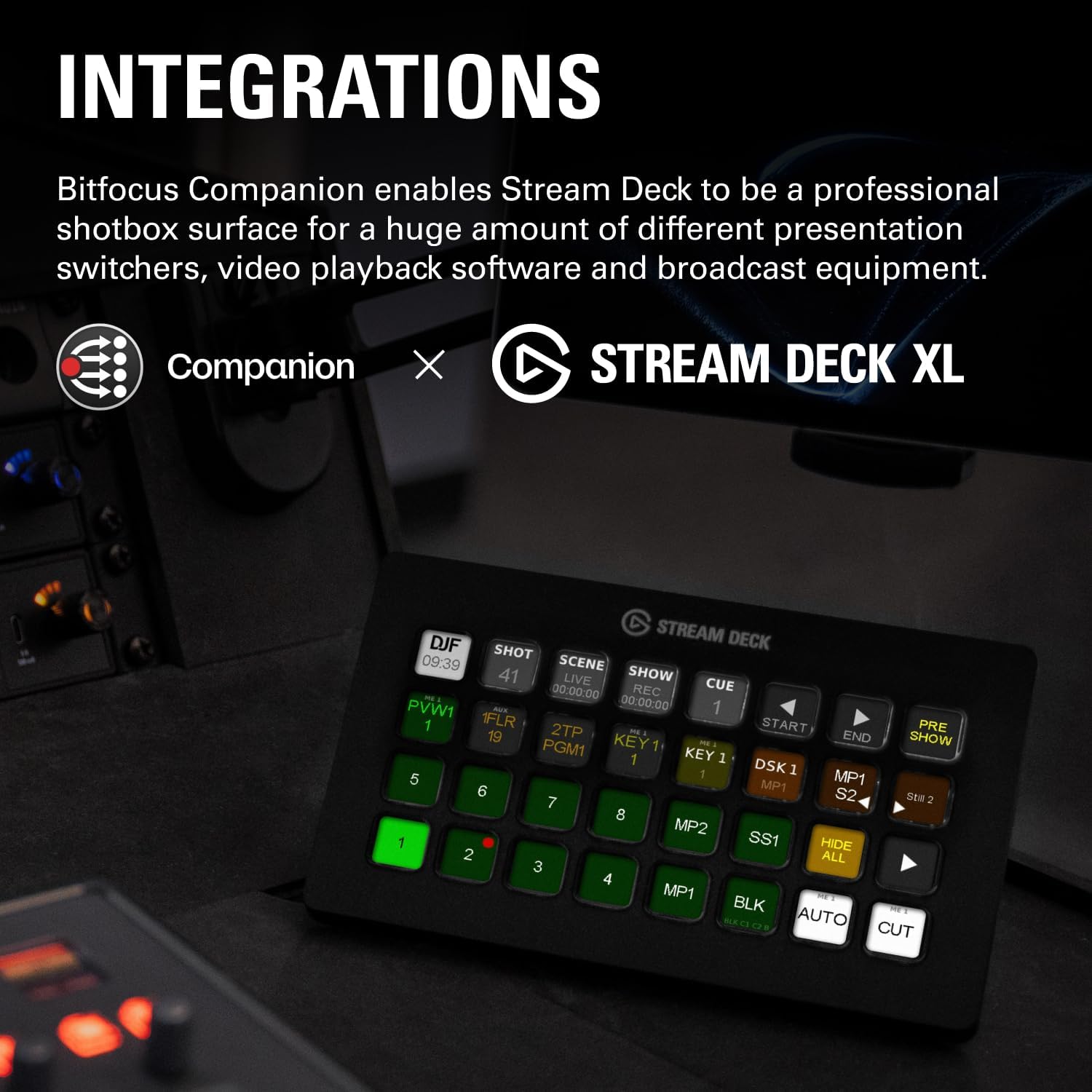
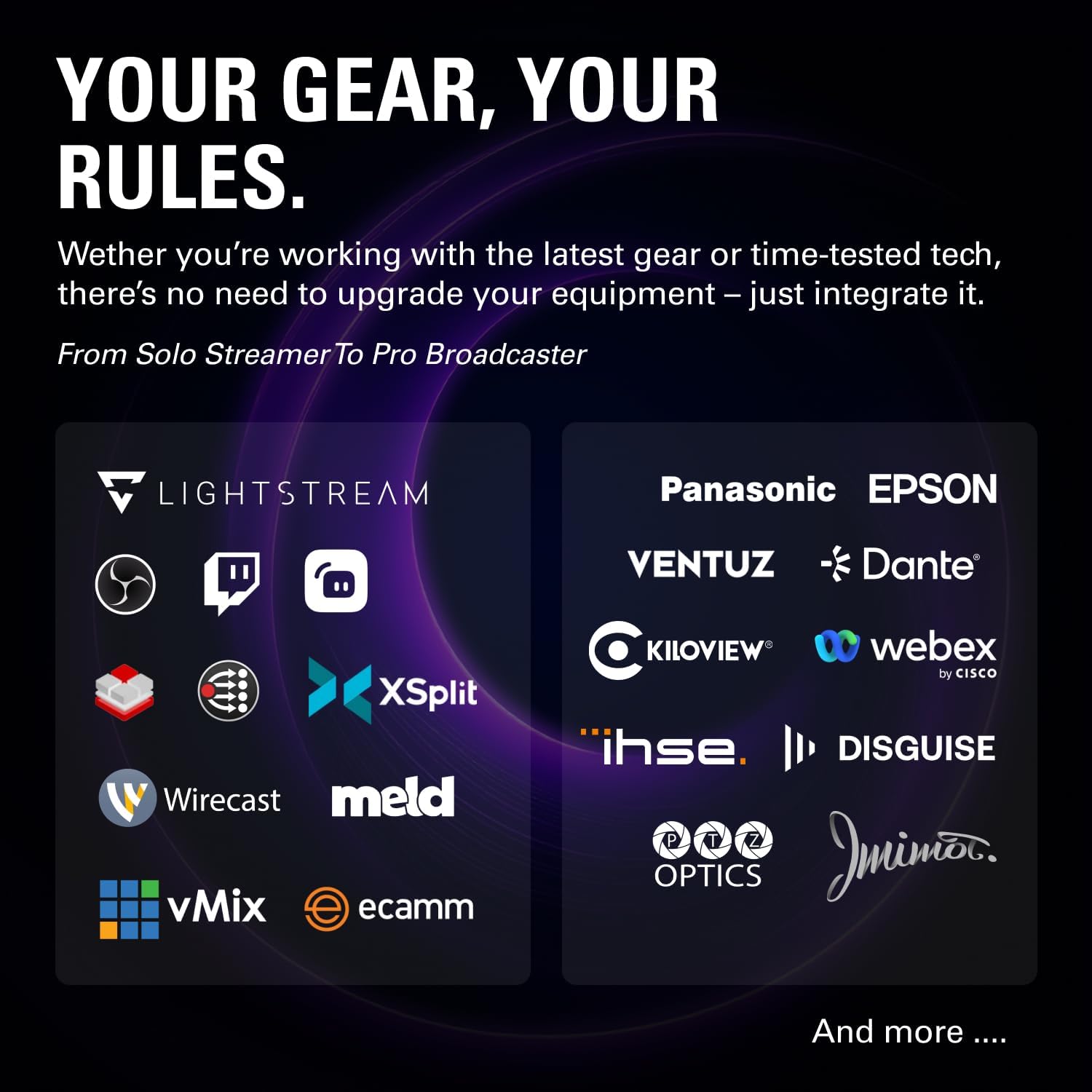
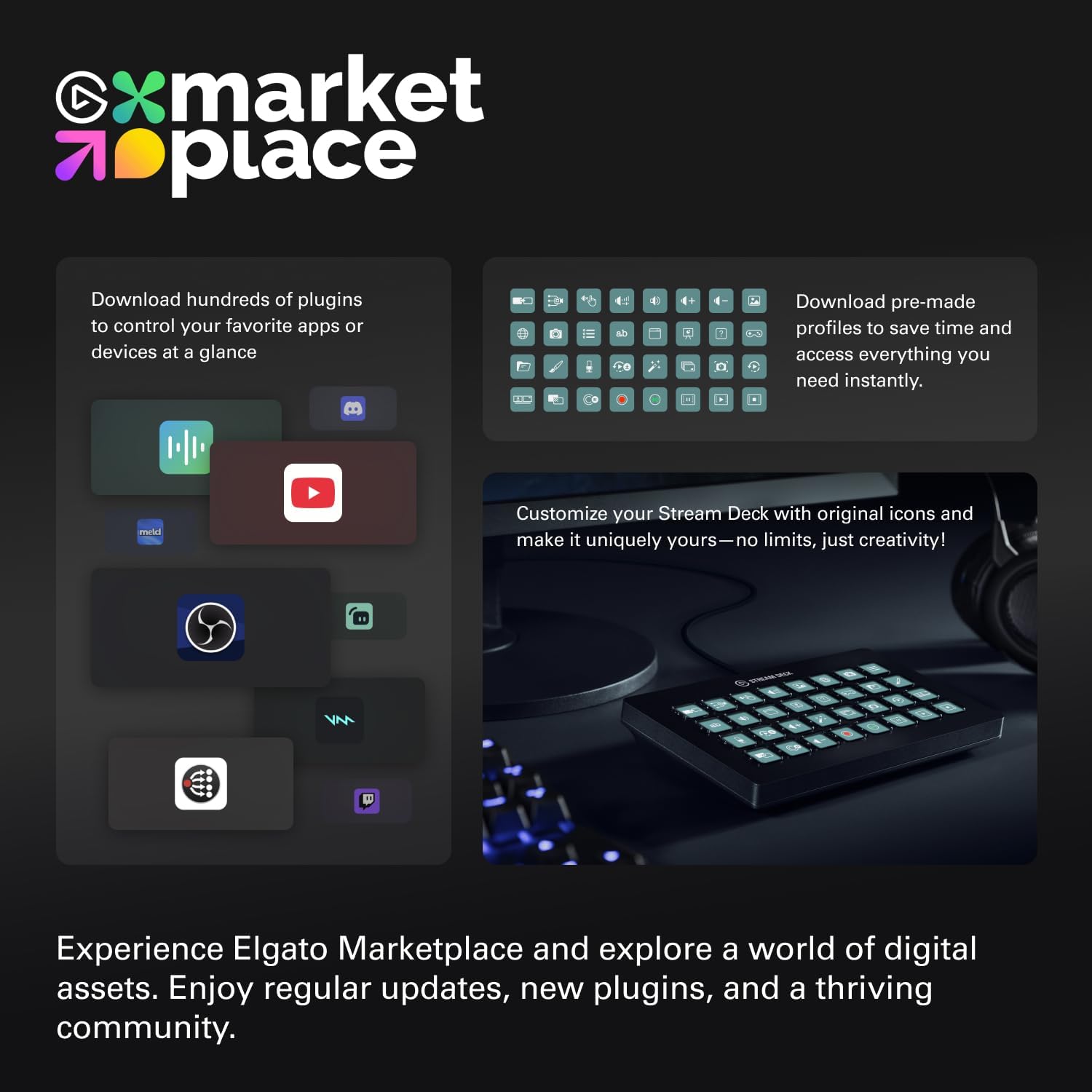
What it is and who it's for\nIf you’re shaping live streams, recordings, or multi-camera productions, the Elgato Stream Deck XL offers one-tap control across your favorite tools. With 32 customizable LCD keys, you can trigger scenes, launch media, switch cameras, tweak lighting, adjust audio, post on social, and more—all from a single, visual interface. It’s a solid option for creators who want to streamline production workflows without juggling multiple apps at once.\n\n## How it works in practice\nThis device acts as a centralized control surface. Each key can be programmed to perform complex sequences or single actions across popular platforms like OBS, Twitch, YouTube, Discord, Spotify, Philips Hue, vMix, VoiceMod, and the Elgato 4KCU ecosystem. The large 32-key layout is designed to reduce menu-diving during live events, letting you respond to the moment with a single press. Visual feedback confirms when a command is executed, so you have fewer doubts during a live take.\n\n## What stands out\n- 32 LCD keys provide a lot of room for mapping essential actions, which can reduce the need to switch between windows mid-production.\n- Broad integrations cover major streaming and production tools, which helps keep your workflow in one place.\n- One-touch operation simplifies switching scenes, launching media, and adjusting lighting or audio on the fly.\n- Visual feedback helps you confirm commands without guessing if a macro fired correctly.\n\n## Potential limitations\nIf your setup relies on software or devices outside the supported integrations, you may need workarounds or additional tools. The value of lumping many actions into a single key depends on how consistently those actions are grouped in your pipeline. Also, the XL size means a larger footprint on your desk, it’s not a compact option for tight setups.\n\n## Ideal user profile\nThis deck suits creators who run multi-tool live productions, editors who want quick scene changes, and streamers who crave a single panel to manage camera, audio, lighting, and social posts. It’s especially appealing if you’re already invested in Elgato hardware or use platforms listed in the integrations.\n\n## When it might not be the best fit\nIf you’re just starting out or work with a minimal setup (one scene, basic mic and camera), a smaller controller or software-based macros could be enough. If your production stack relies heavily on tools outside the listed integrations, you may encounter gaps unless you’re comfortable bridging them with additional software.\n\n## What to check before buying\n- Confirm you’re comfortable with a hardware controller that relies on software to map actions.\n- Consider how you’ll organize 32 keys to maintain quick muscle memory.\n- Review your current toolset to ensure you’ll benefit from the supported integrations.\n\n## Practical use case\nImagine running a live stream: you tap a key to switch from the main camera to a cutaway, another key to start background music, a third to adjust lighting, and a fourth to post a tweet with your latest update. All of this happens in near real time without leaving your primary production screen.\n\n## What you’ll likely compare it to\nIf you’re weighing options, you’ll likely consider other macro pads or software-based control panels. This Stream Deck XL is strongest when you want a tactile, visual, all-in-one hub for live production rather than juggling separate apps.\n\n## FAQ (practical answers)\n- Do I need other Elgato gear to use it effectively? It integrates with many popular platforms and can work well within an Elgato ecosystem.\n- Can I customize each key with different icons? Yes, each key supports customizable LCD visuals for quick recognition.\n- Is the XL size portable? It’s designed for desk use, portability depends on your workspace layout.\n\n## Decision time: Is it worth it?\nA solid pick if you run multi-tool live productions and want centralized, at-a-glance control with strong visual feedback. It may be overkill for simpler setups or if you prefer purely software-based macros.