

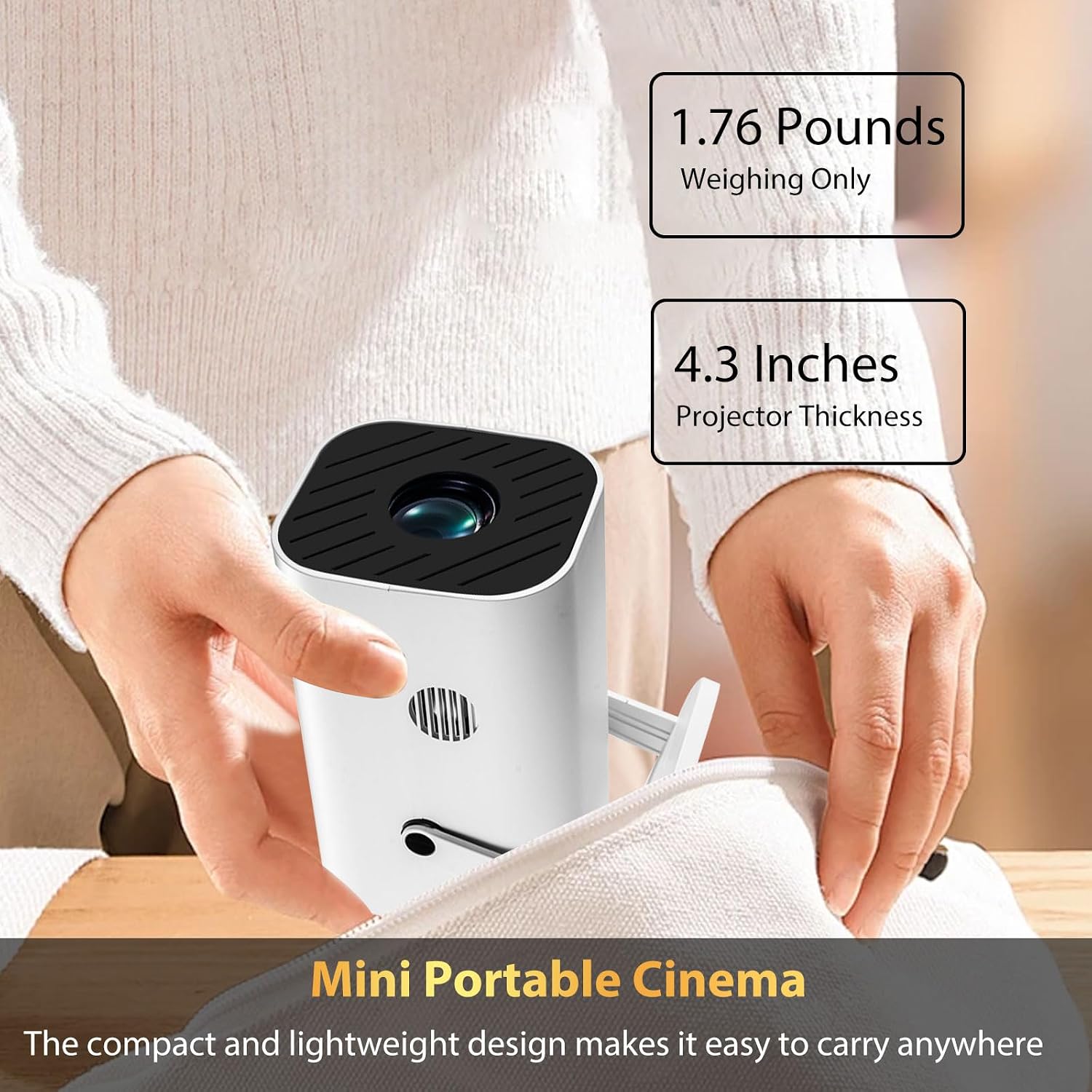
YGSKK Mini Projector with Wifi & Bluetooth: Built-in Apps, 1080p Native, 4K Ready
Product description
What it is and what it solves
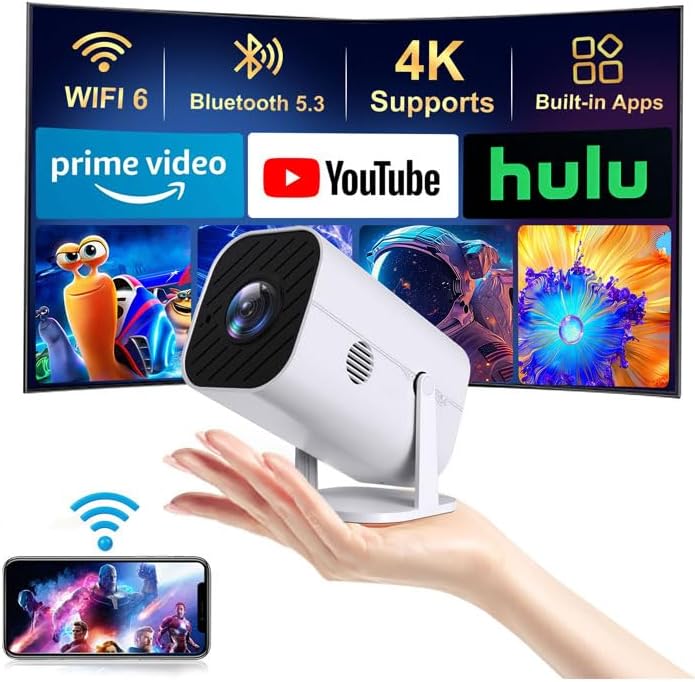
The YGSKK Mini Projector is a compact, smart projection device that aims to simplify home entertainment without extra streaming boxes. It combines Wi-Fi 6 and Bluetooth 5.3 with built-in streaming apps, so you can access movies, shows, and more directly from the projector. If you’ve ever dealt with buffering or juggling multiple devices, this model promises a smoother online experience and easier audio pairing, all in a portable form factor.
How it performs on the basics
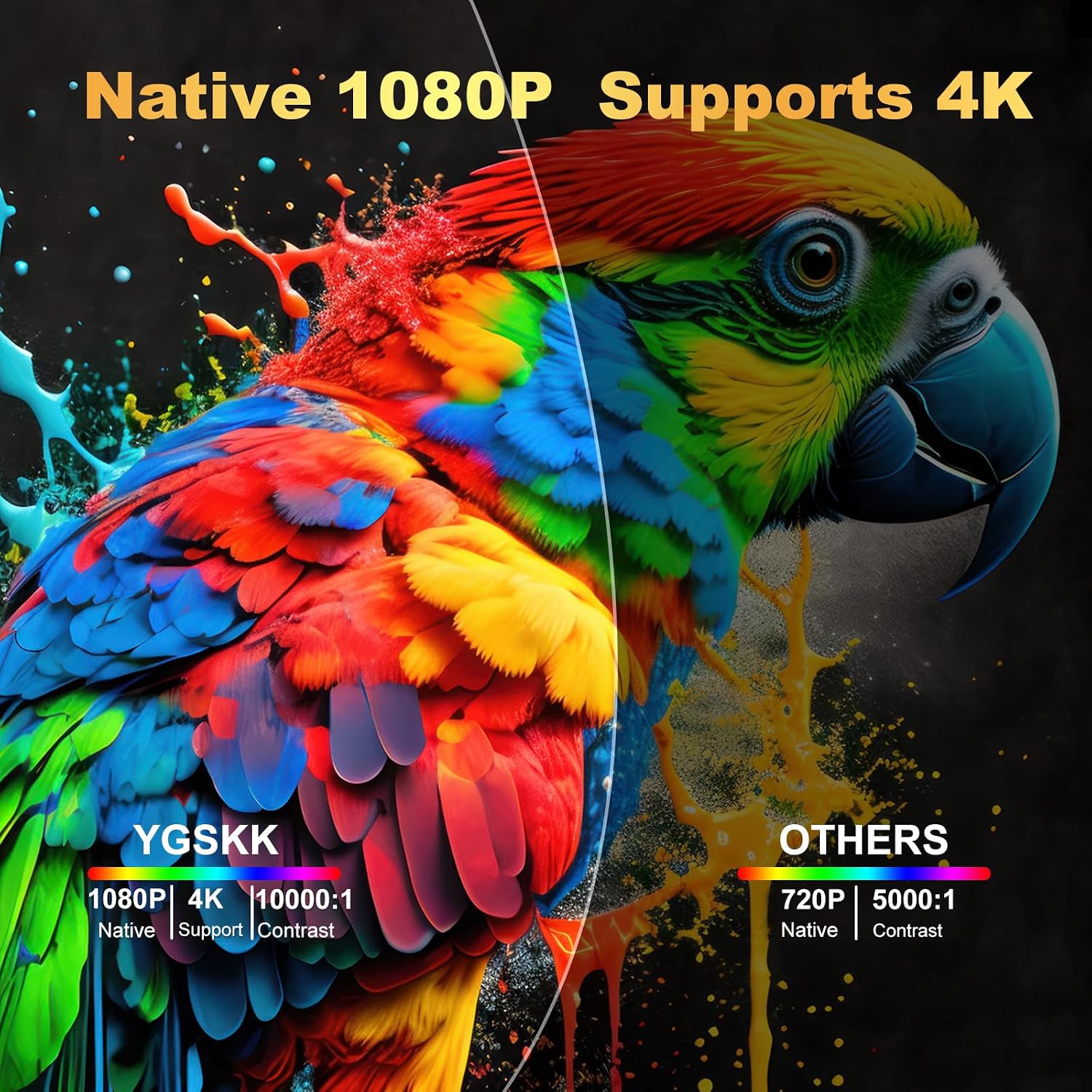
On the picture side, it delivers native 1080p resolution with up to 300 ANSI lumens of brightness. That’s enough for dim to moderately lit rooms and casual viewing, with a claim of about 50% more brightness than comparable compact projectors on the market. It also supports 4K content when you run it through HDMI from a 4K source, so you’re not limited to 1080p if your content and sources can push higher quality.
Connectivity and ecosystem
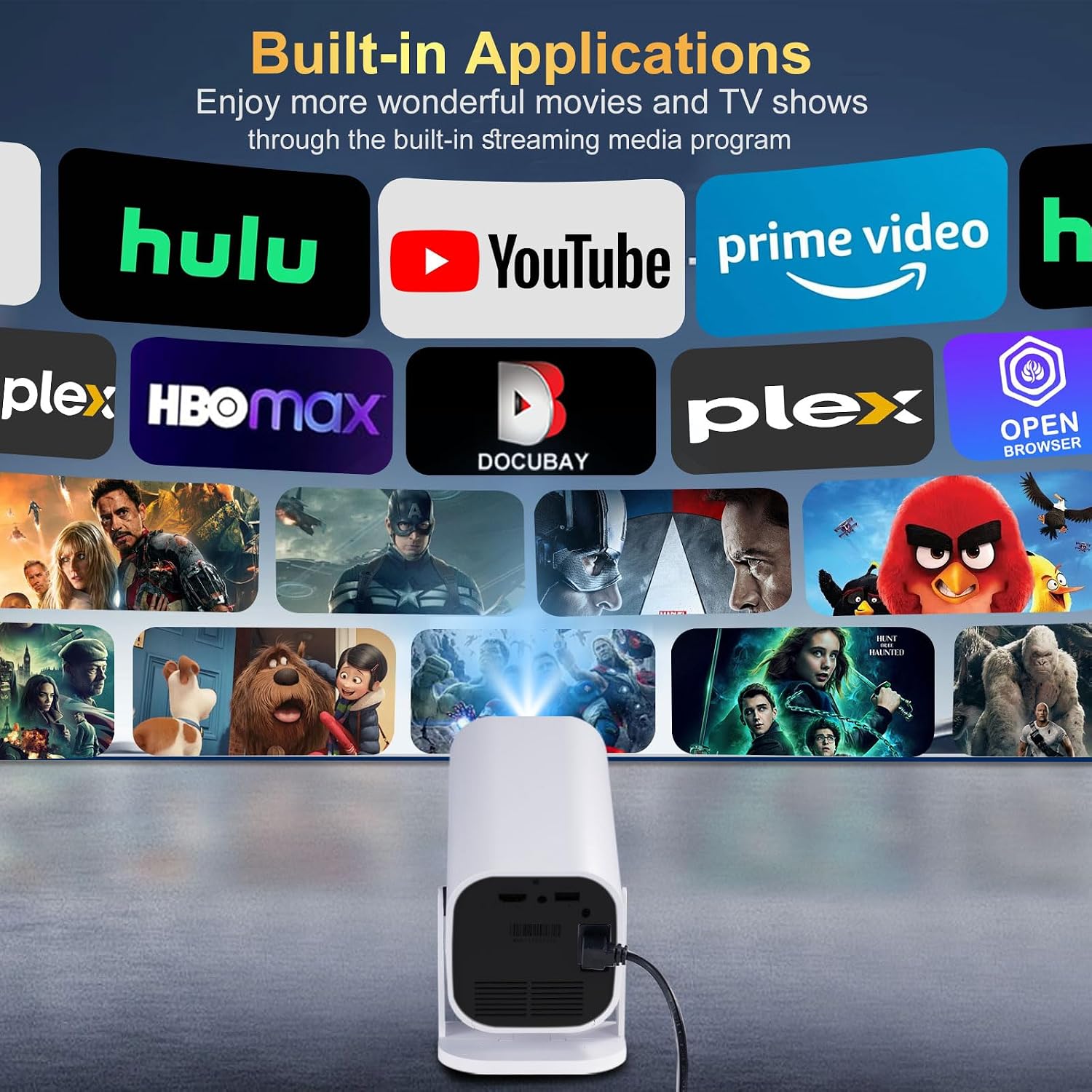
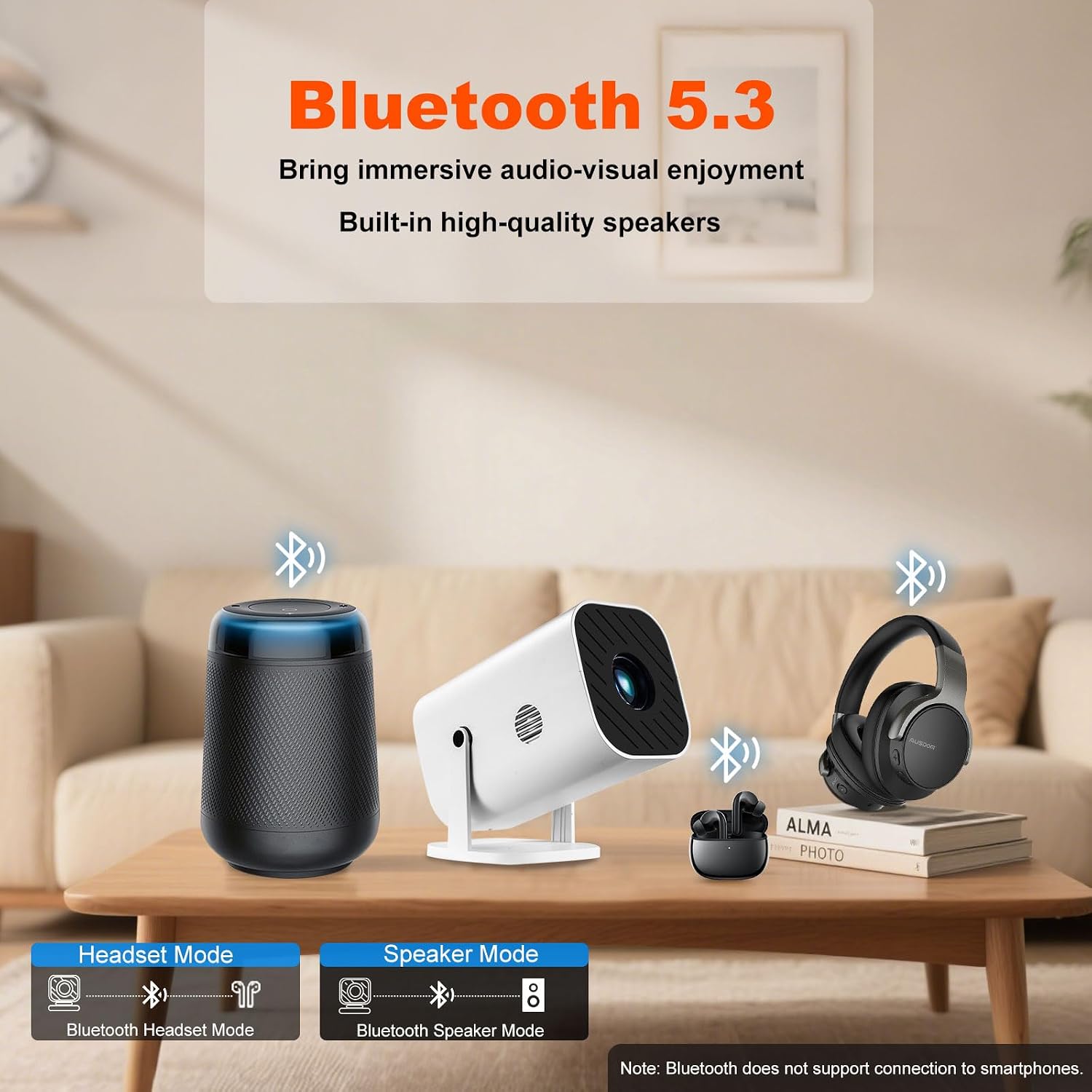
The device supports Wi-Fi 6 across 5G and 2.4G bands and includes Bluetooth 5.3 for easy pairing with Bluetooth speakers, headphones, or audio adapters. The built-in streaming app store means you can grab favorites like Prime Video, YouTube, and Hulu without extra hardware. If you want more apps, there’s also capacity to download additional options from the built-in app store.
Screen size, placement, and ease of use
It projects a large image between 50 and 200 inches, giving you flexibility for different rooms and viewing setups. Wireless screen sharing is supported via the “J-Share” setting, so compatible phones can mirror content—though Android users may need a small software setup, while iPhone users can mirror more directly through the iPhone’s screen mirroring function.
inputs, sound, and practical limits
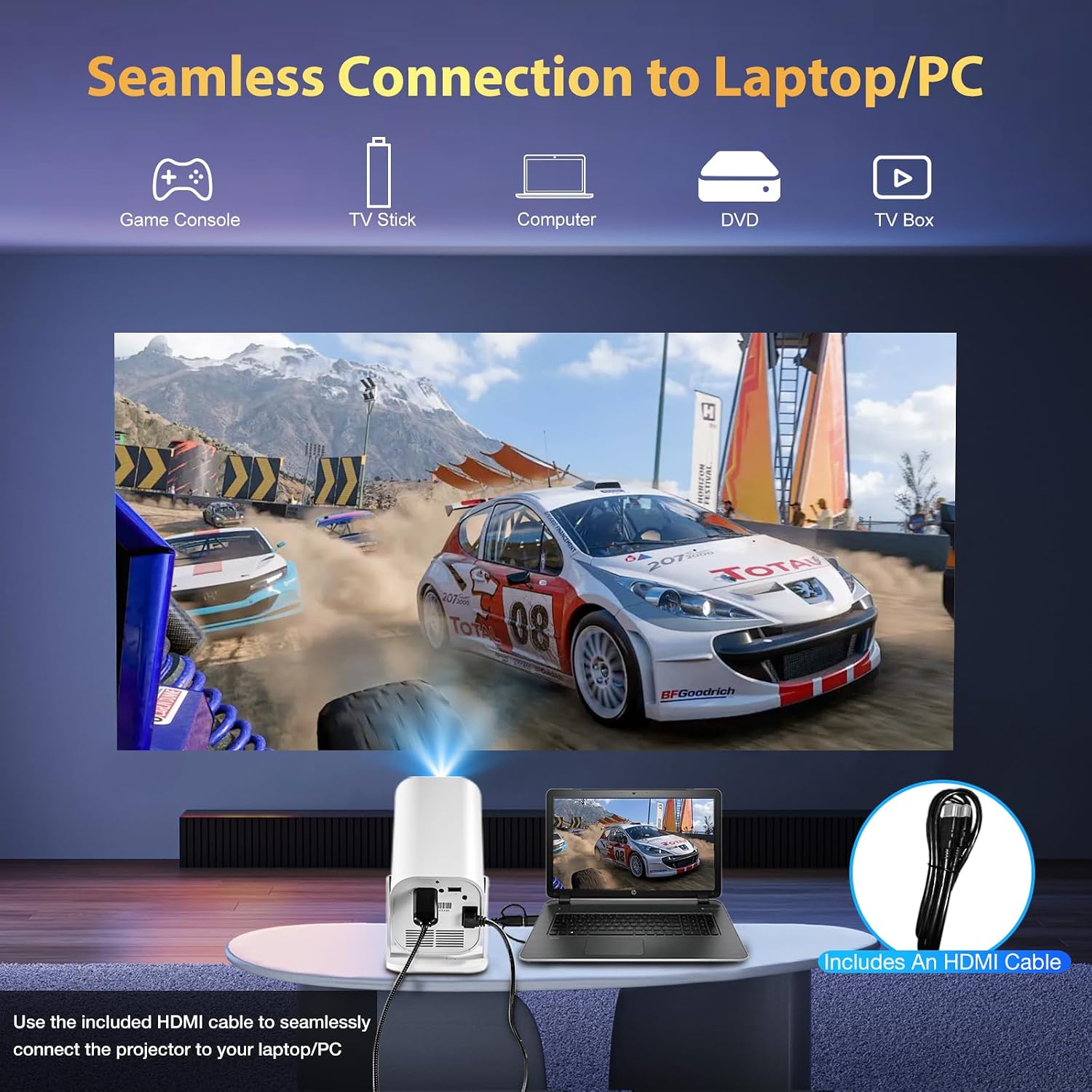
The projector ships with HDMI, USB, and audio outputs, and includes an HDMI cable. Built-in speakers handle general viewing, but you’ll likely want a separate setup if you’re chasing cinema-grade audio. A gentle caveat: the brightness and contrast are enough for home theater in subdued light, but in bright daytime living rooms, performance can drop, and you may rely more on room lighting control.
Who it’s for and who it isn’t ideal for
If you’re after an all-in-one portable solution for movie nights, streaming in a shared living space, or casual gaming from a console or PC, this model offers a compelling blend of smart features and convenience. It’s less suited for bright rooms or users who demand ultra-high brightness and the most color-accurate cinema-grade output. It also assumes you’re comfortable with some setup for Android devices and that you value built-in apps over external streaming boxes.
What to review before you buy
Check your intended viewing environment: dim or moderately lit rooms will maximize the 300 ANSI lumen brightness. Confirm your source compatibility—HDMI for 4K sources and the right network environment for wireless screen sharing. If you plan to use multiple outdoors or in high-noise settings, consider how you’ll manage audio (built-in speakers may be enough for small groups, but a dedicated speaker can elevate the experience).
Practical usage example
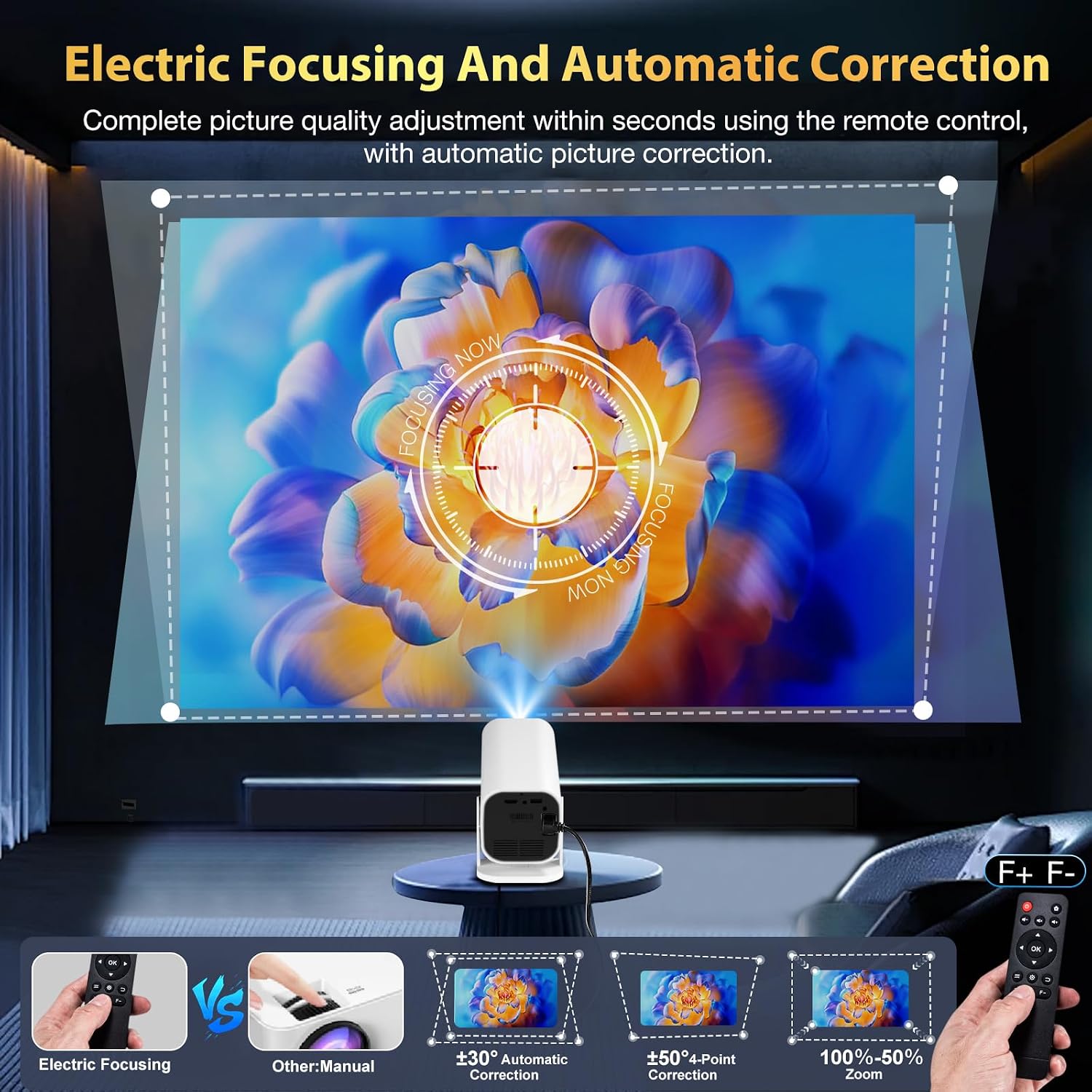
Imagine a weekend movie night in a cozy living room. You pull the YGSKK projector from its shelf, connect your streaming account, cast a few episodes from your favorite app, and adjust the focus with the electric focusing feature. The image fills a 120–150 inch screen in a relaxed light setting, while the speakers keep dialogue clear and music immersive—without hunting for extra devices.
The decision, at a glance
Is it worth it?
It’s worth considering if you want a compact, Wi-Fi-enabled projector with built-in apps and flexible screen sizing for casual home entertainment. If you prioritize brightness in bright rooms or need cinema-level color accuracy, you might find it lacking and may want to explore brighter, more feature-rich options.
Quick FAQ
- Do I need external devices for streaming? No—built-in apps cover core streaming services.
- Will it work with iPhones easily? Yes, iPhones can mirror content without extra apps in most cases.
- Is 4K playback true 4K? Native 1080p with 4K compatibility via HDMI from compatible sources, content must come from a 4K source to leverage that potential.