

VIXLW Video Capture USB 1080p
Product description
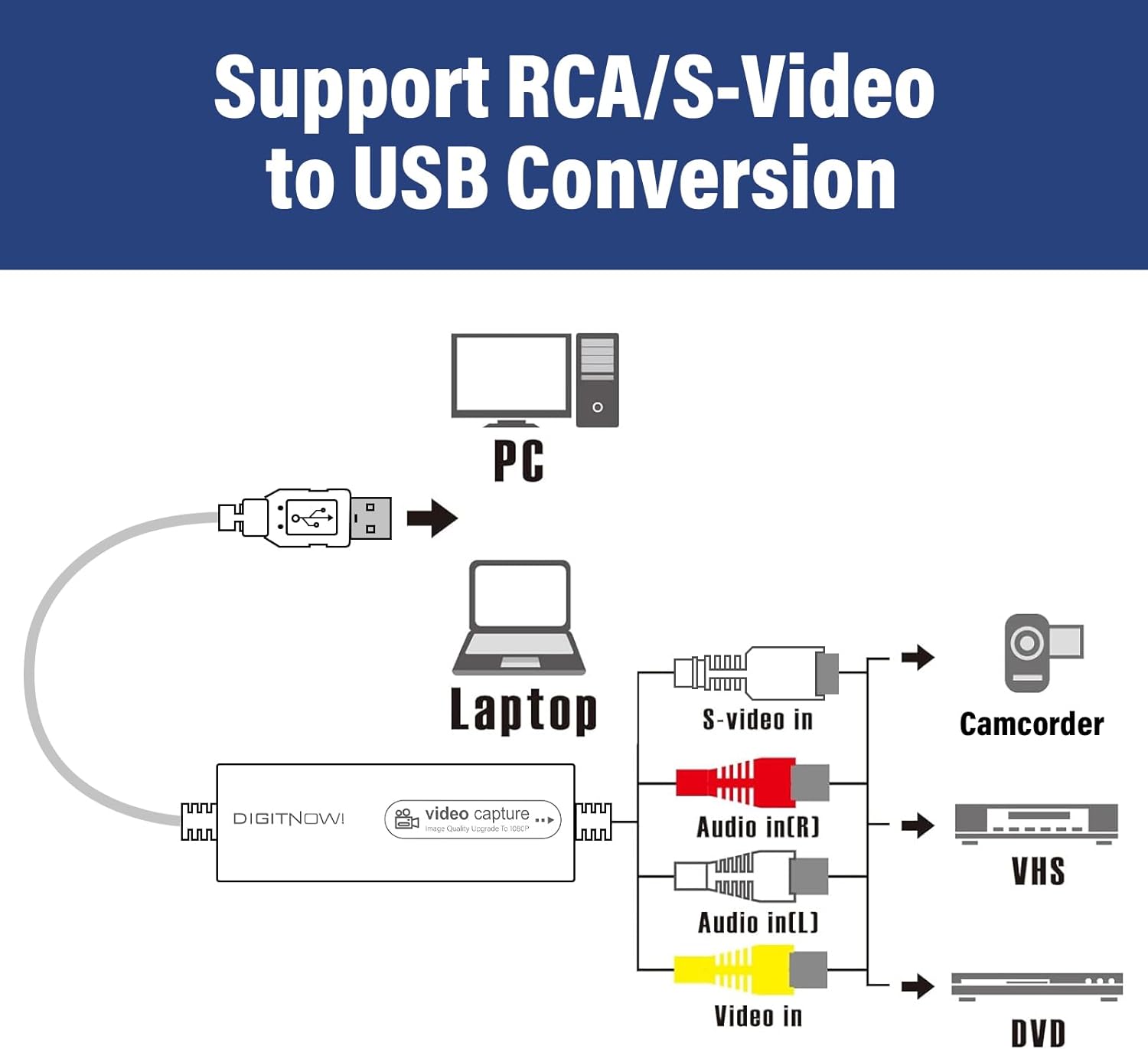
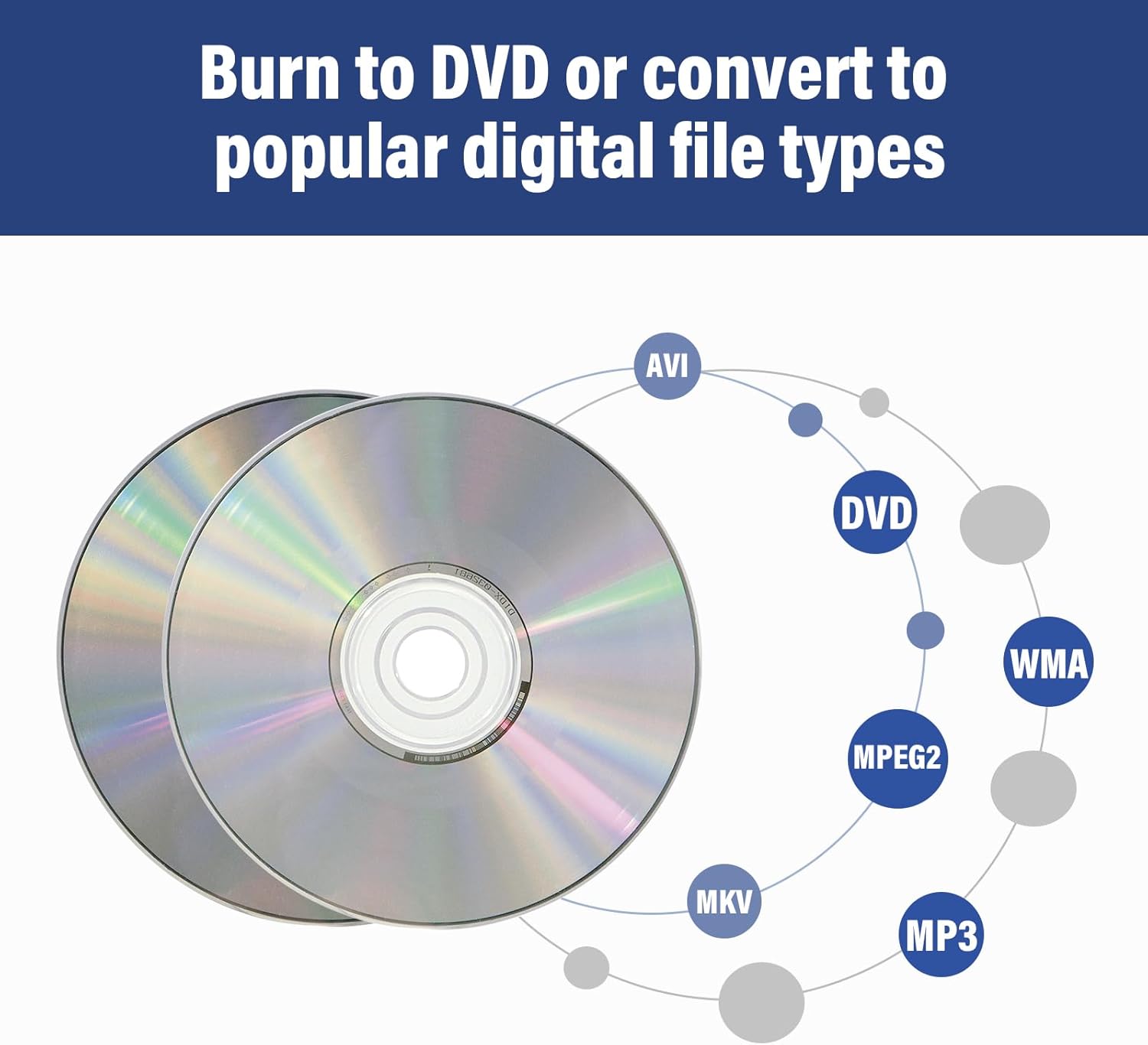
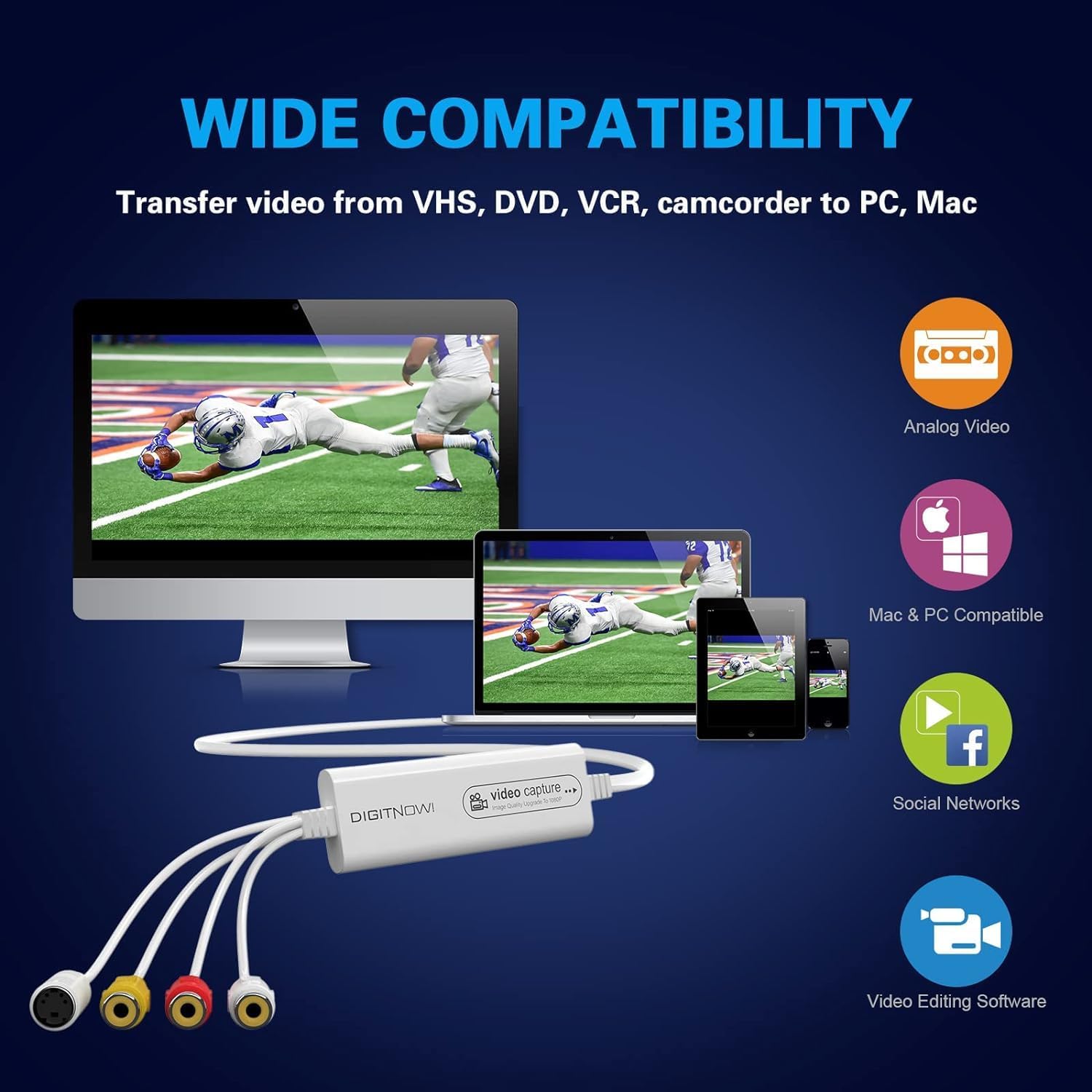
This USB video capture device helps you convert VHS to digital and preserve old tapes for playback and editing. It connects analog sources like VHS players, VCRs, Hi8 decks and MiniDV camcorders to a Mac or PC, and captures footage in MP4 or other common formats for easy post processing. If you want to rescue family memories and make clips ready for modern editors, this unit offers a straightforward workflow with driveless setup and broad system support.
Key points
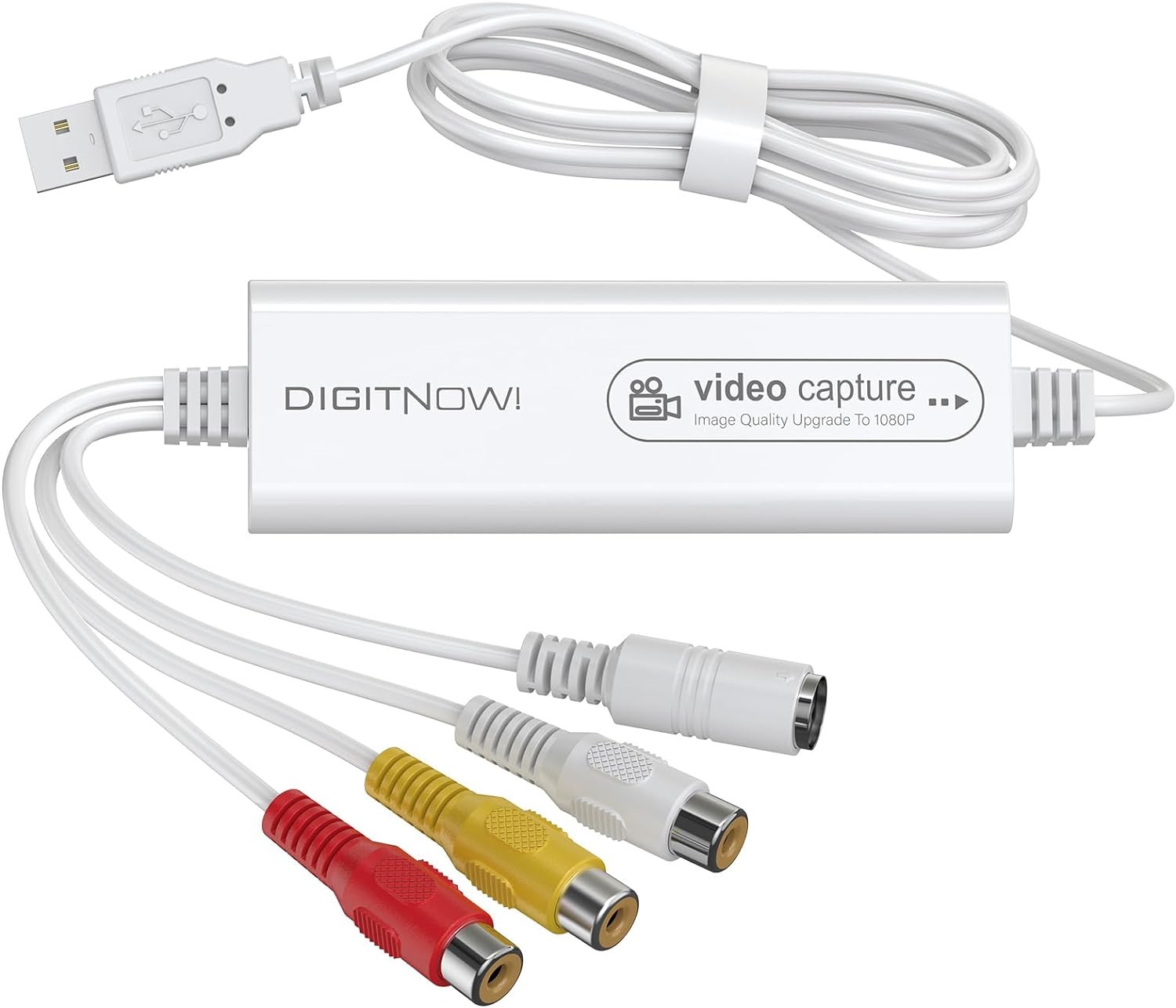
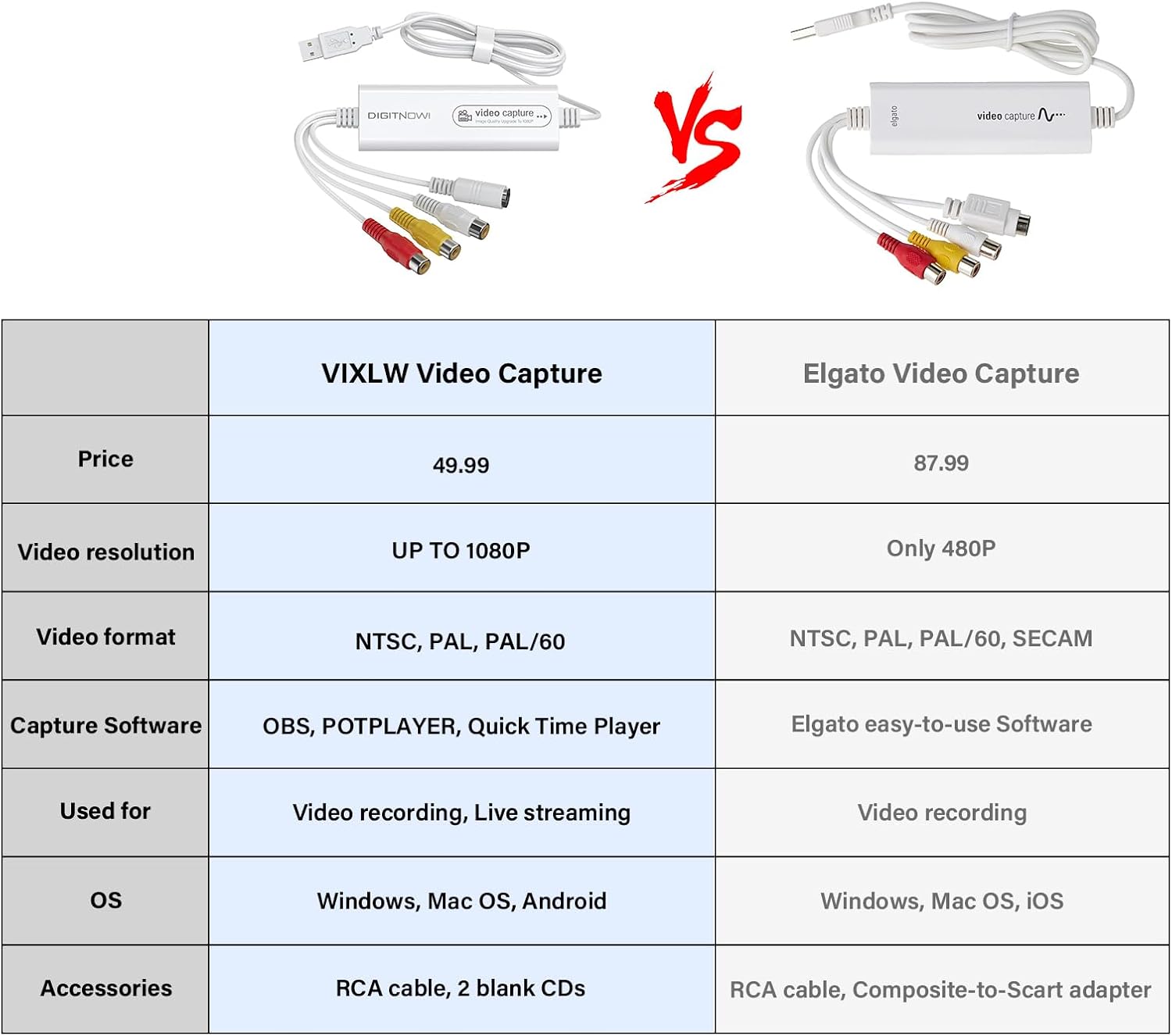
The VIXLW adapter works as a plug and play bridge between legacy tape players and contemporary recording software. It automatically detects NTSC, PAL and PAL/60 signals, so you can move between sources without fiddling with video standards. Capture resolutions include 1920x1080 (MJPEG) for higher quality when the source supports it, or 720x576 (YUV) for standard definition archives. The package includes the USB device, an RCA cable, blank CDs and a printed manual, which helps during initial setup. For Windows users OBS or PotPlayer are recommended, and Mac users can use QuickTime Player for direct recording. 🎞️
Technical details
- Name: VIXLW Video Capture
- Video resolution: 1920x1080 (MJPEG)
- Alternate resolution: 720x576 (YUV)
- Included accessories: USB Video Capture Device: RCA cable: blank CD: User Manual
- System compatibility: Mac OS: Android: Windows XP/7/8/10
- Signal detection: NTSC: PAL: PAL/60
How to use it
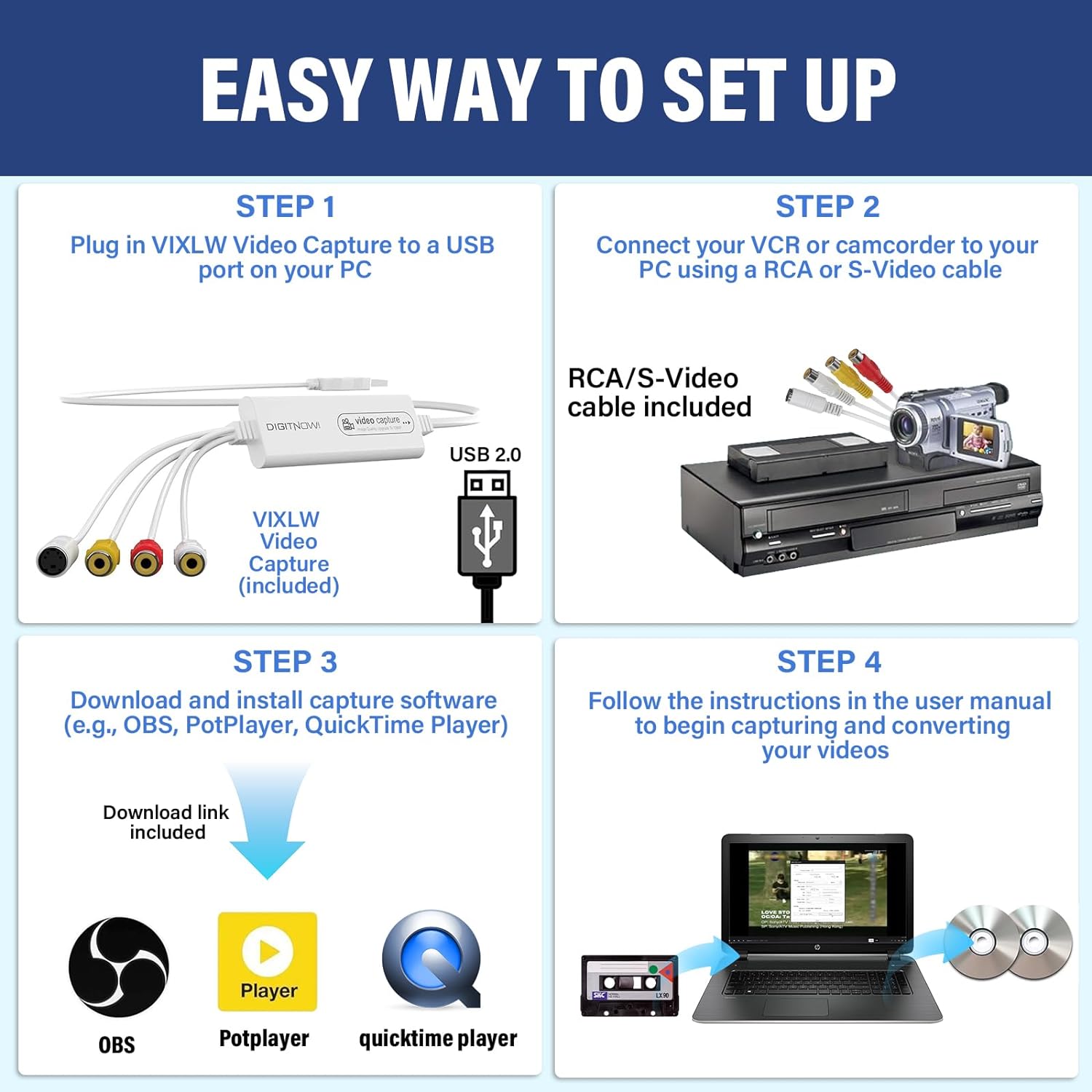
Plug the USB capture into your computer and connect the tape player via the provided RCA cable. Launch your chosen recorder such as OBS or QuickTime, select the capture device, then start playback on the tape source. Recording can be done live and files saved in MP4 for editing. Keep in mind that final image quality depends on the original tape and player condition, so cleaning heads and using a well-maintained VCR can improve results. The device is described by the manufacturer as driveless for most setups which simplifies installation and reduces setup time. ⚙️
Technical limitations to consider include capture behavior tied to the source format and the fact that the device does not upscale signal beyond the source capability. If you need lossless archival workflows consider capturing to higher bitrate settings in your software, but expect larger file sizes. The instructions are user friendly and the bundle targets straightforward digitization and occasional live streaming needs rather than professional broadcast ingest.