

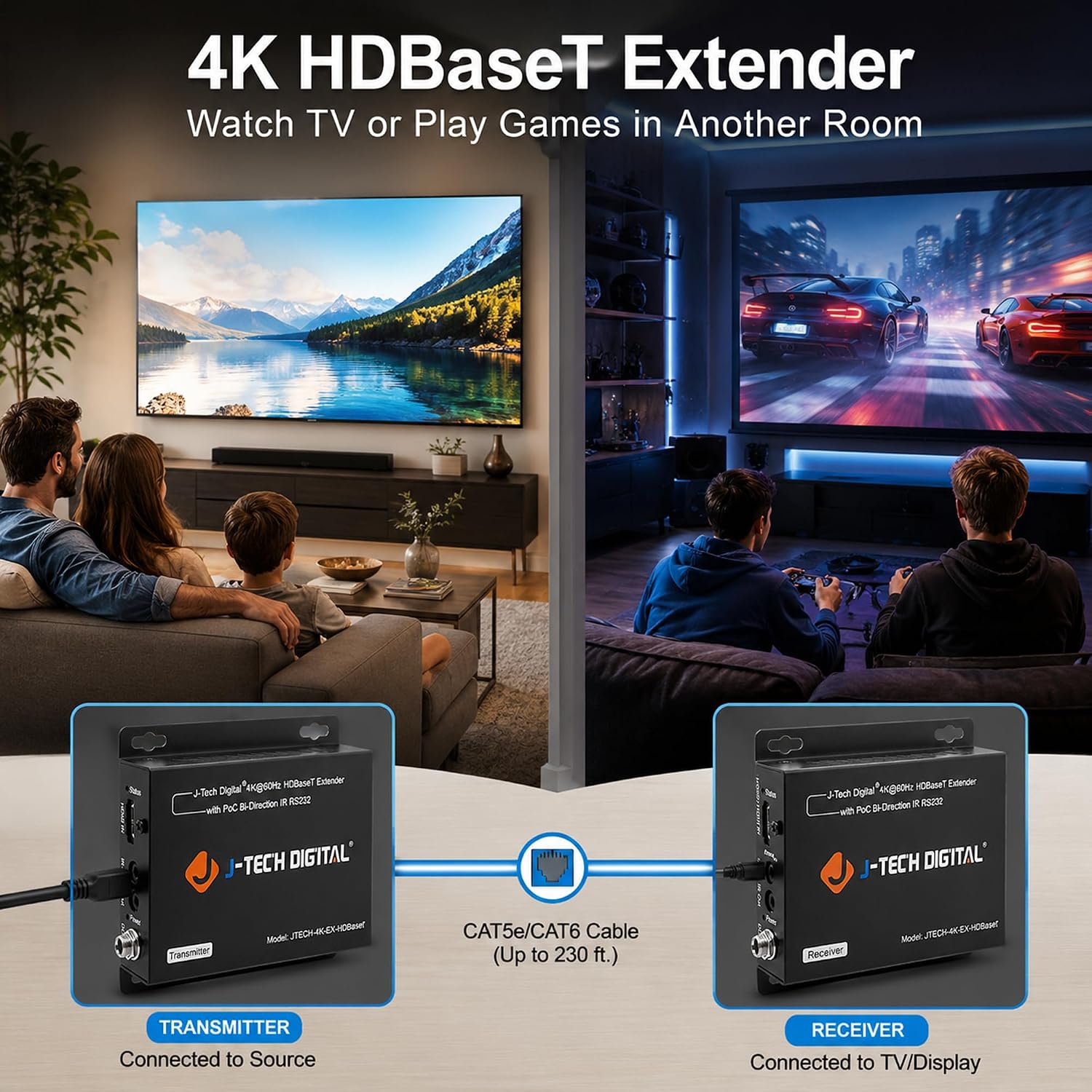
J-Tech Digital 4K HDBaseT HDMI Extender Over Cat5e/6 Cable
Product description
What it is and what problem it solves
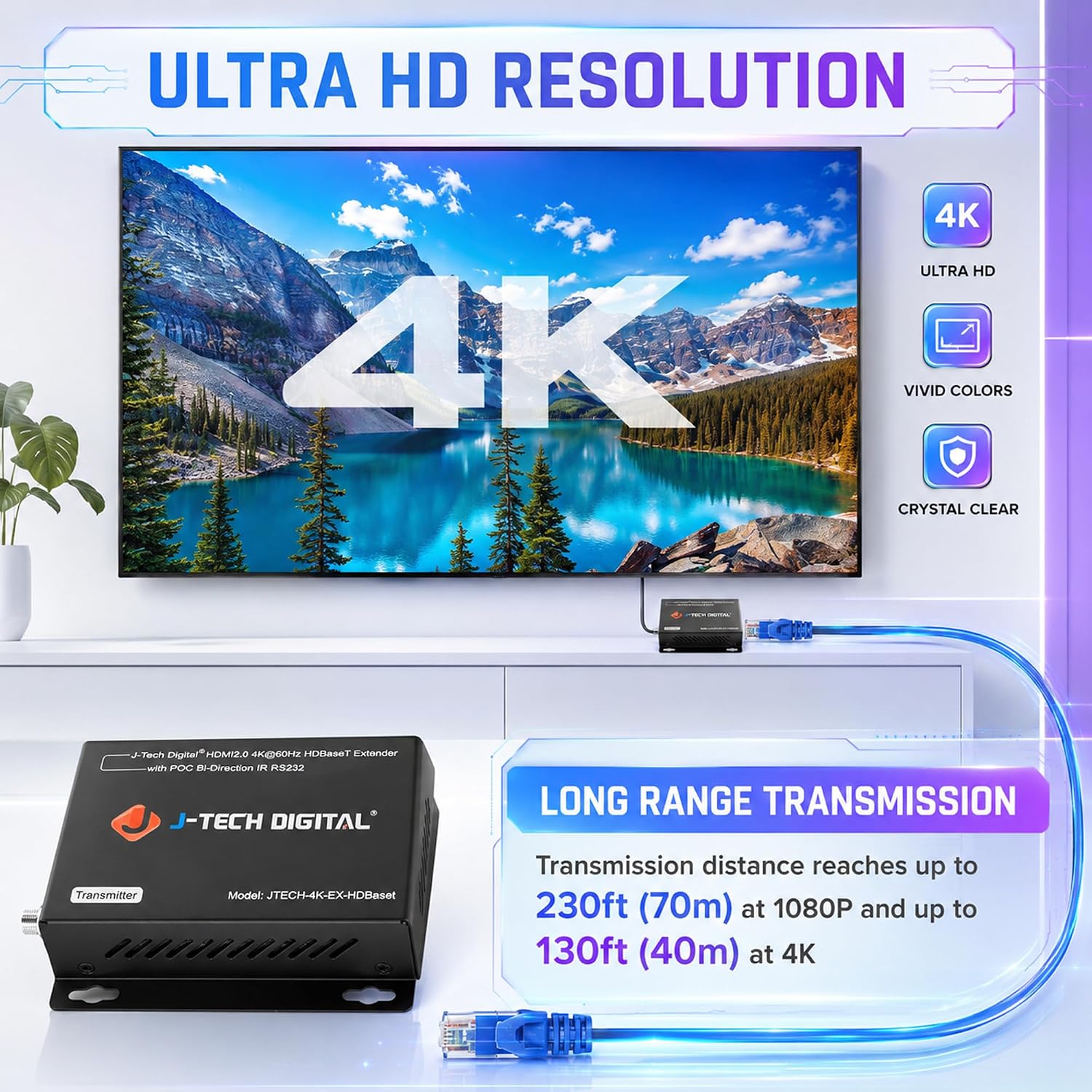
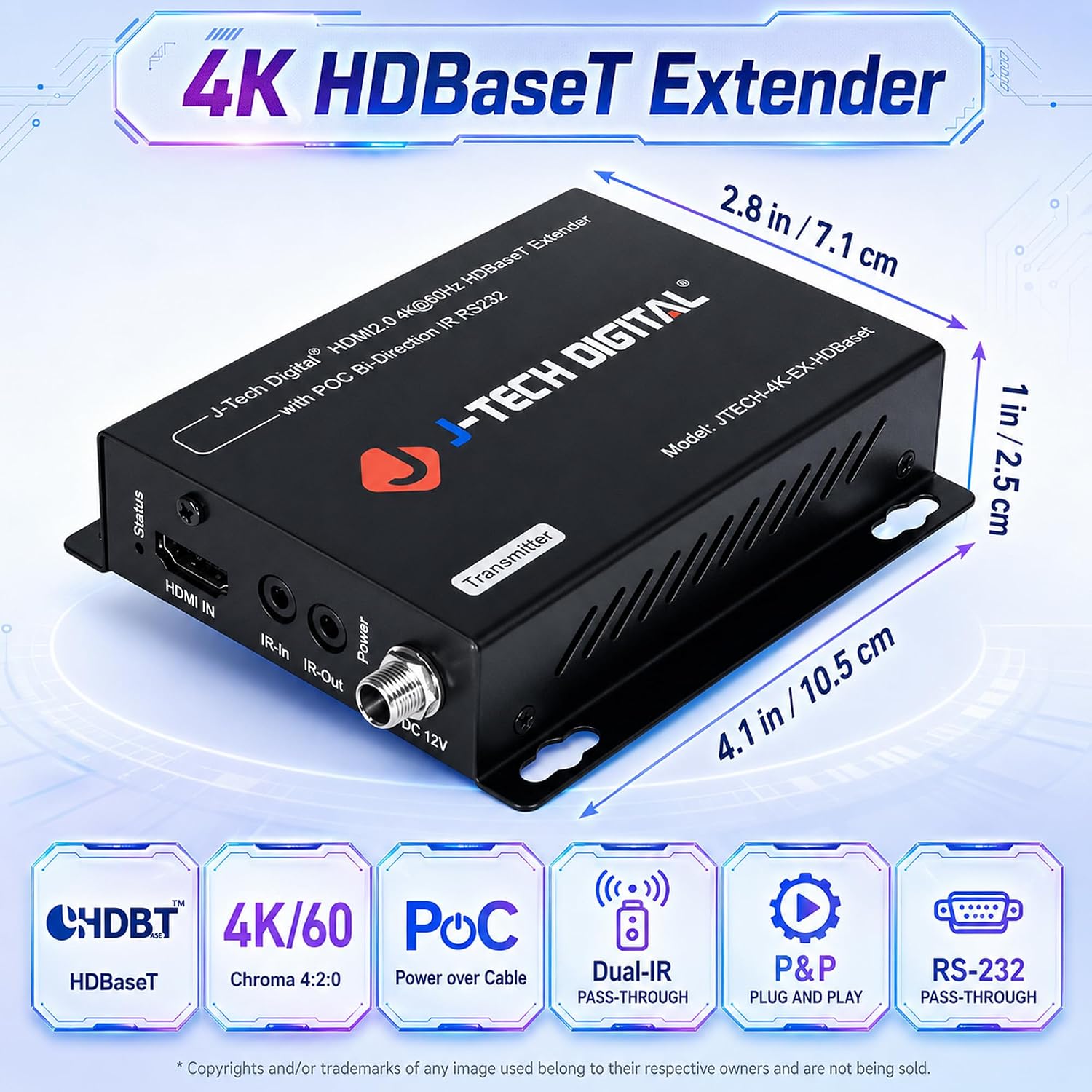
The J-Tech Digital 4K HDBaseT HDMI Extender is designed to send high-quality video and audio signals over standard Cat5e/6 cables. It’s aimed at setups where HDMI signals need to travel longer distances without compromising picture quality, such as home theaters, conference rooms, or digital signage. On paper, it supports 1080p up to 230 feet and 4K at 60Hz (4:2:0) up to 130 feet, with uncompressed HDBaseT transmission and HDCP 2.2/1.4 compatibility. If your goal is to move a 4K signal across a room or into a back area where HDMI cables would be bulky, this extender offers a clean, wired solution that leverages existing network cabling.
How the tech works at a glance
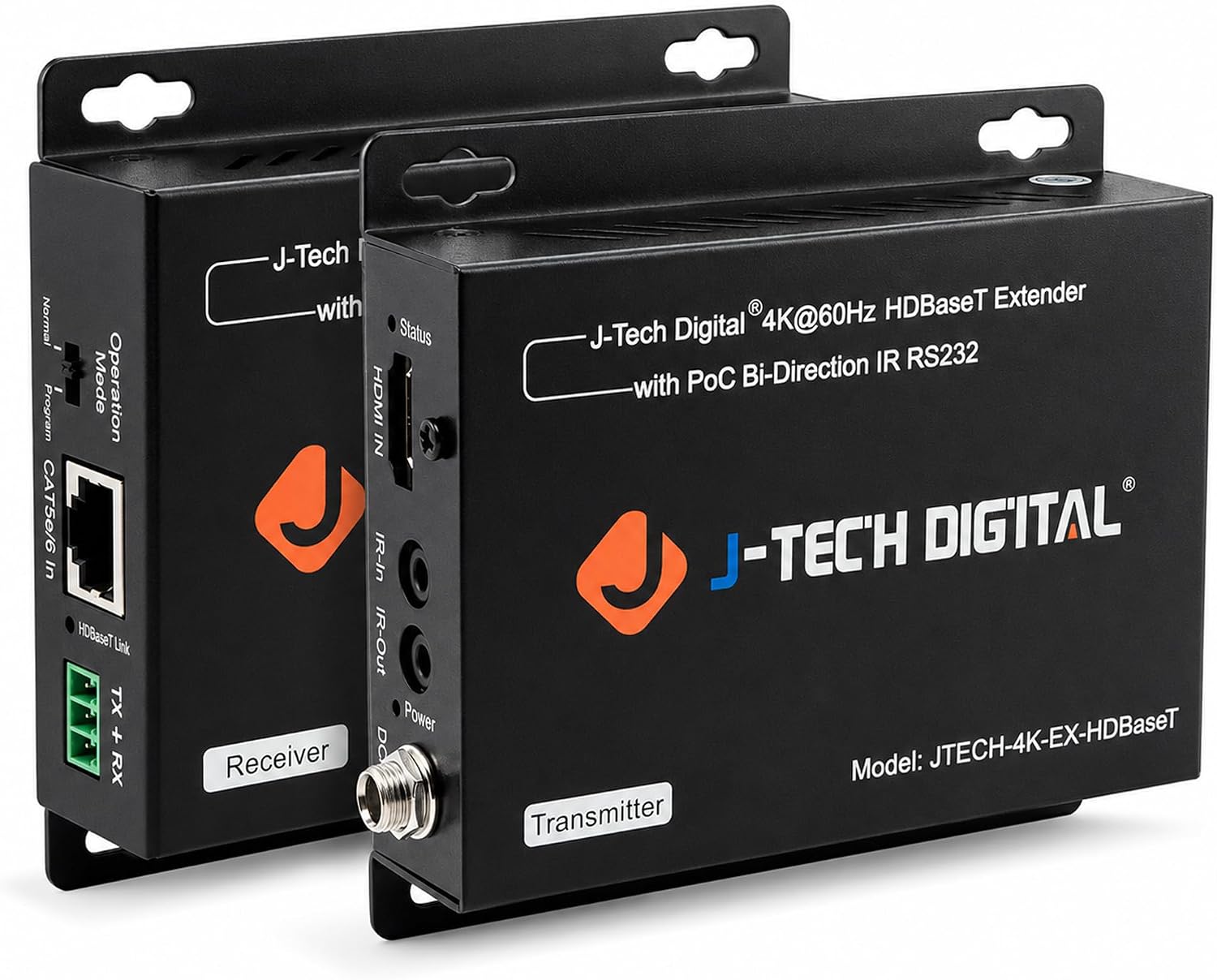
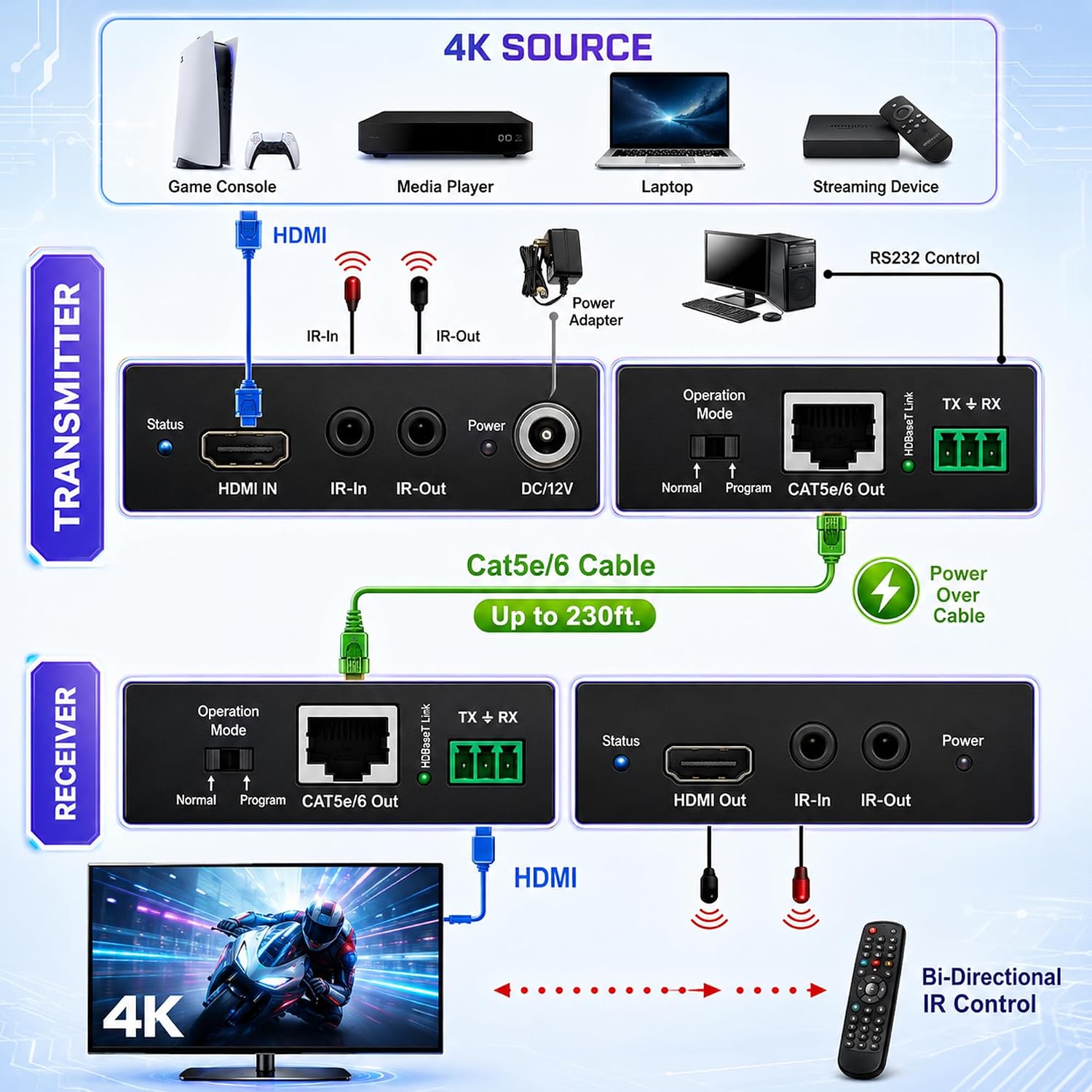
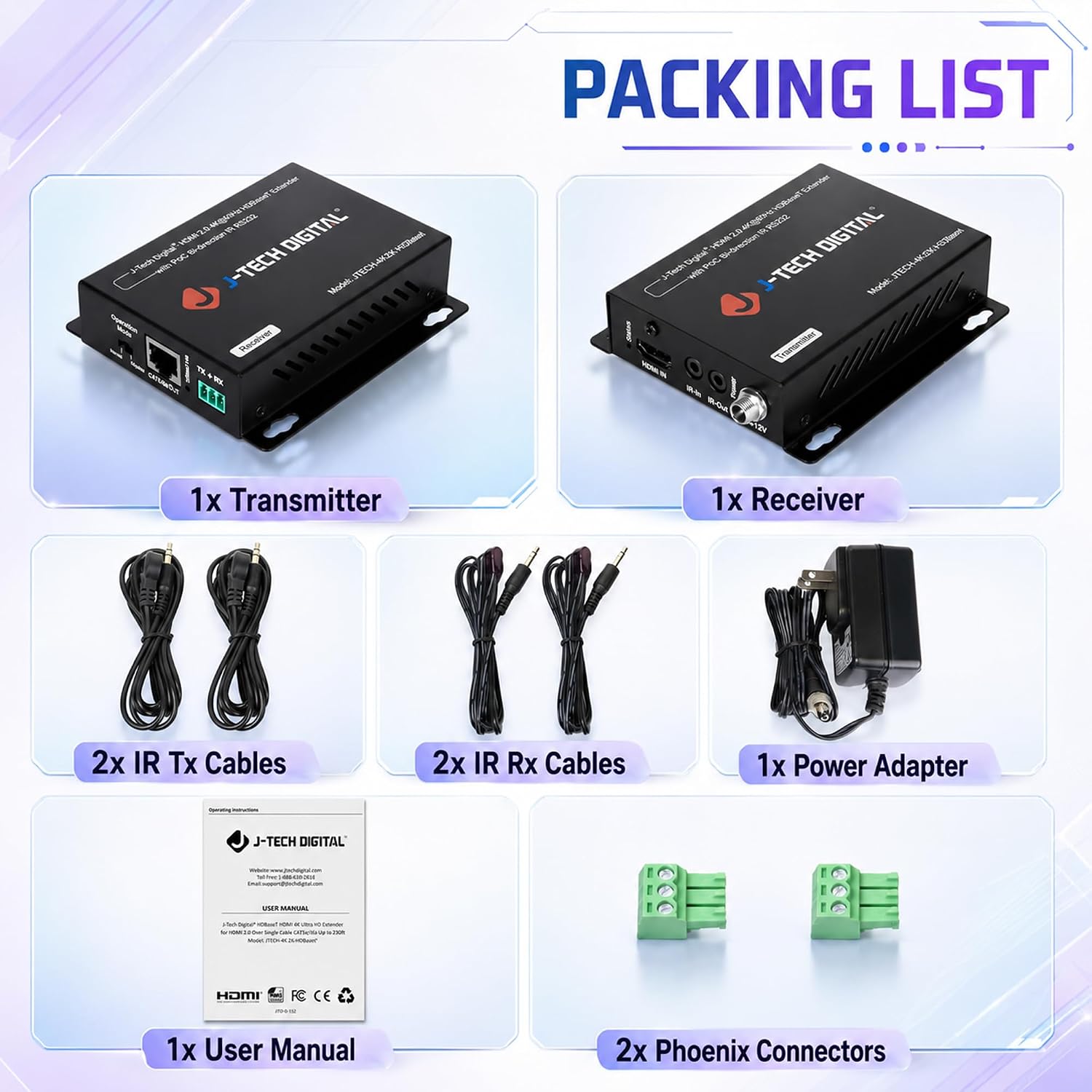
This system uses HDBaseT to carry video, audio, and control signals in one cable. It supports LPCM, DTS-HD, and Dolby TrueHD for audio, and it handles 60Hz 4K with YUV420 color sampling. The product also includes bidirectional IR and an RS232 port for firmware updates or simple remote control signaling, which can simplify management in more complex AV setups.
Strengths you’ll notice in use
On the plus side, the extender provides very long reach for both 1080p and 4K content, which reduces the need for extra equipment or wireless compromise. The inclusion of HDCP 2.2/1.4 compliance helps with streaming protected content, and the HDBaseT approach minimizes latency in typical consumer applications. The RS232 port adds a potential path for integration into more automated or older systems. The retrofitted PoC (Power over Cable) capability can simplify power needs in some installations.
Potential limitations or caveats
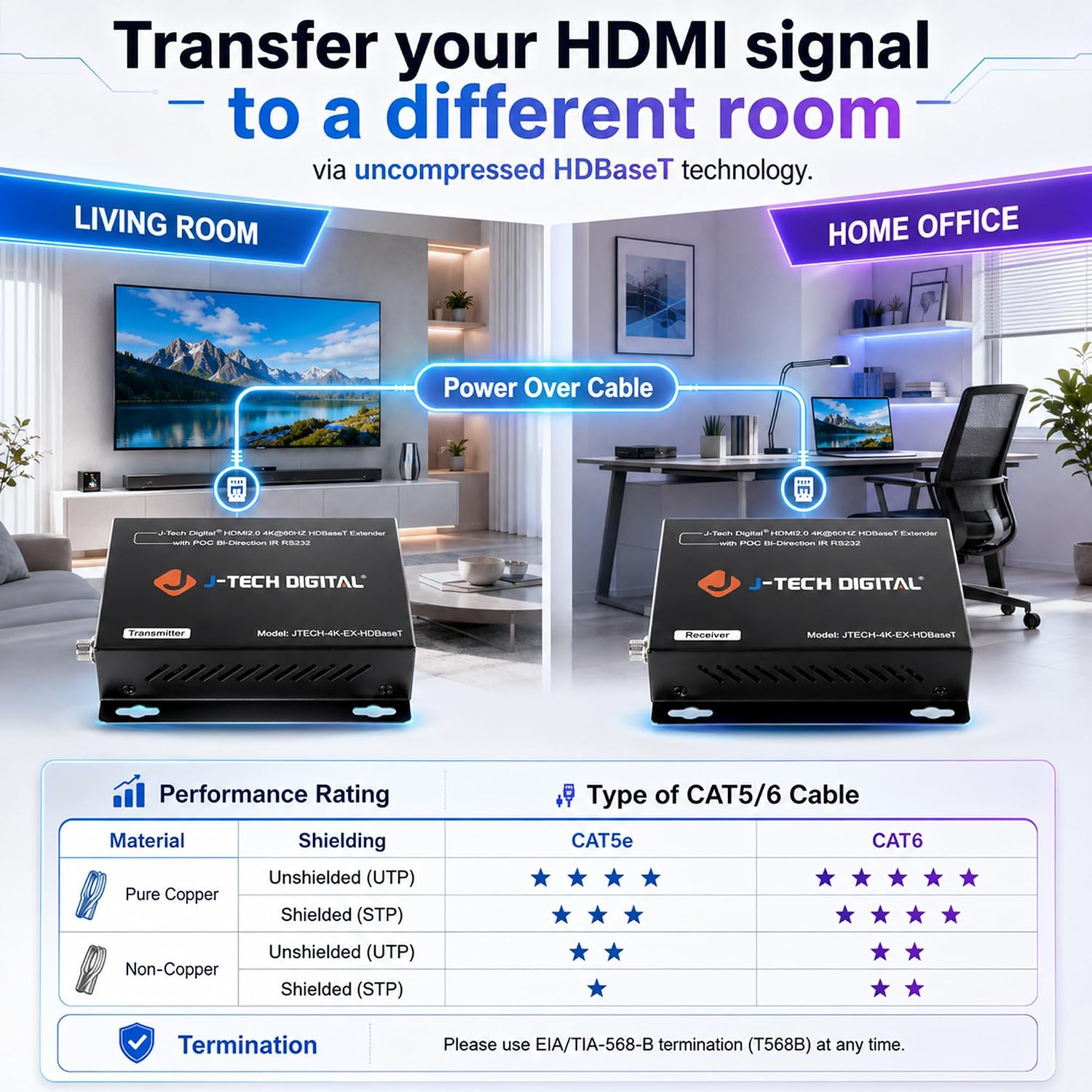
If your primary need is pure 4K at 4K60 with full color subsampling 4:4:4, note that this model specifies 4K60 4:2:0 support, which is common for many HDBaseT solutions at longer distances. That means some color detail might be reduced compared to full 4:4:4 in certain content. Additionally, real-world performance can vary with cable quality, the suggestion to use solid copper CAT cables and even a dedicated 100/150ft Cat6 cable implies you may need to plan cabling accordingly. If you’re counting on extremely simple plug-and-play with no setup, this isn’t a stand-alone display device—it’s an extender that still requires correct pairing and layout.
Who it’s for and who it isn’t ideal for
It’s a reasonable fit for users who want to run HDMI across rooms or small auditoriums without running long HDMI cables or dealing with wireless delays. Ideal for home theaters with a tidy, wired backbone, or small business setups where RS232 control and IR passthrough matter. If you demand true 4K60 with full chroma sampling or you’re aiming for minimal latency with gaming, you might find the 4:2:0 limitation a constraint. It also may not be the best option if you’re counting on a turnkey, ultra-simple HDMI extender with zero configuration requirements.
What to review before buying
Check the maximum distances for your exact content. Confirm that your Cat5e/6 run is of good quality, preferably solid copper, and consider whether you’ll use the recommended 100/150ft Cat6 cable for best results. Make sure your source and display both support HDCP 2.2/1.4 as required, and decide if IR and RS232 control align with your setup needs. If you have security or outdoor signage use cases, the stated industrial reliability claims suggest it’s built to handle tougher deployments, but real-world mileage will vary by environment.
How it compares to common alternatives
If you’re choosing between a wired HDMI extender and a wireless HDMI kit, this HDBaseT option typically offers more stable performance over distance with less interference. Compared with basic HDMI repeaters, you gain the advantage of a single-cable run and built-in control signals (IR, RS232). For many budget-conscious buyers, sticking with longer Cat5e/6 runs plus an extender can be more cost-effective and reliable than sweeping up multiple adapters or extra power sources along the way.
What to expect in day-to-day use (an example)
Imagine a living room with a projector mounted on the ceiling and a cable path running back to a media cabinet. With this extender, you’d connect the source near the equipment rack and the display near the projector, using the Cat5e/6 run you’d already have. The setup lets you control basic playback via IR from the source side and, if needed, send a firmware update through the RS232 port. Of course, you’ll want to test with your actual content to ensure 4K60 performance holds steady at your chosen length.
Final decision: Is it worth it?
It makes sense if you need reliable long-distance HDMI delivery over existing Cat5e/6 cabling, with HDCP compatibility and added control features. It may not be the best fit if you require full 4K60 4:4:4 color or a plug-and-play experience with zero setup, you’ll likely benefit from planning the cabling and confirming content specs first.
Frequently asked questions
- Will it work with 4K content at 60Hz? Yes, but it supports 4K60 at 4:2:0 chroma, so color detail can be less than full 4:4:4 in some cases.
- Do I need to run PoC power to both ends? The device supports PoC, but check your installation for power delivery needs and cable capabilities to ensure stability.
- Can I use RS232 for more than firmware updates? The RS232 port allows firmware updates or control signal transmission, which can help integrate with custom automation setups.