

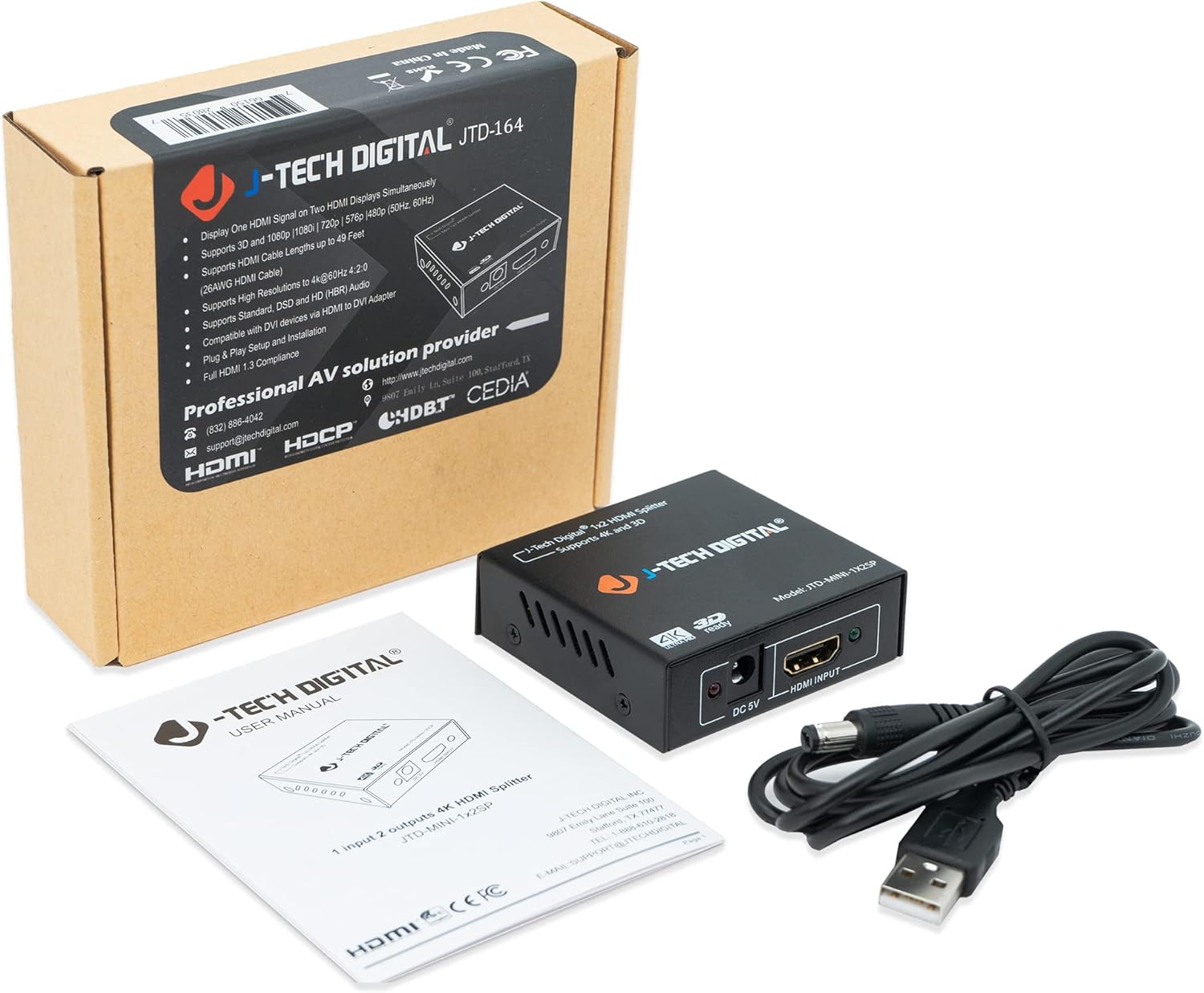
J-Tech Digital JTD-MINI-1X2SP 4K@60 HDMI Splitter 1x2 Powered (1 in to 2 out)
Reviews
Price
Product description
If you need to run the same HDMI signal to two monitors at the same time, the J-Tech Digital JTD-MINI-1X2SP is built for that job. It’s a powered 1x2 splitter, so your single HDMI source can feed both displays simultaneously—useful for setups where you don’t want to duplicate devices or switch inputs every time.
That said, splitters live and die by compatibility details (especially around refresh rate and HDR/chroma behavior). This one supports up to 4K@60Hz using 4:2:0 chroma subsampling, so it can be a great fit for many home office and media uses—just keep expectations realistic if you’re chasing the most demanding video formats.
The essentials
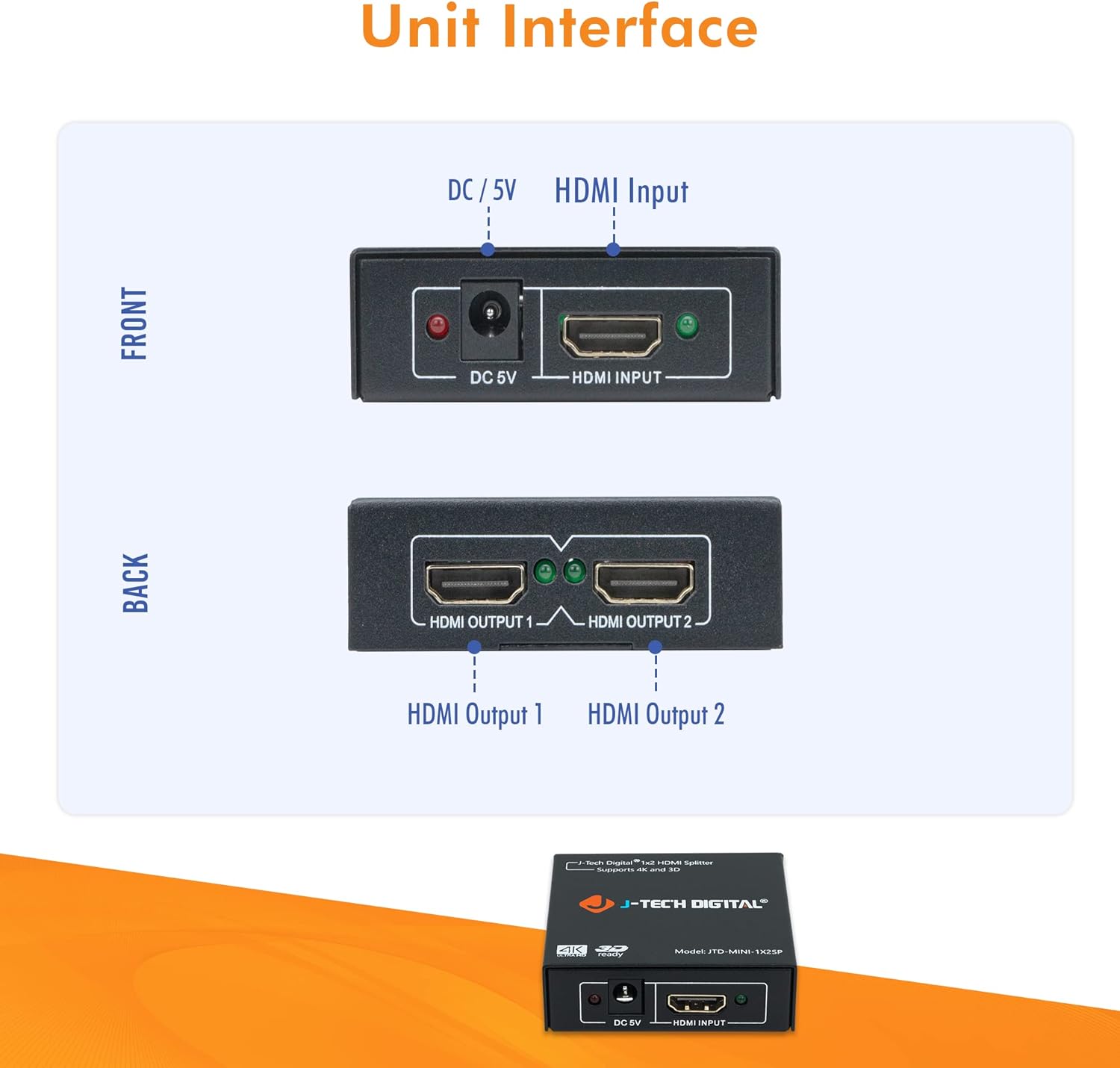
This powered HDMI splitter takes one HDMI input and outputs to two displays. On paper, that means you can connect a single streaming device, game console, laptop dock, or media player into the splitter, then run the same picture to two TVs/monitors.
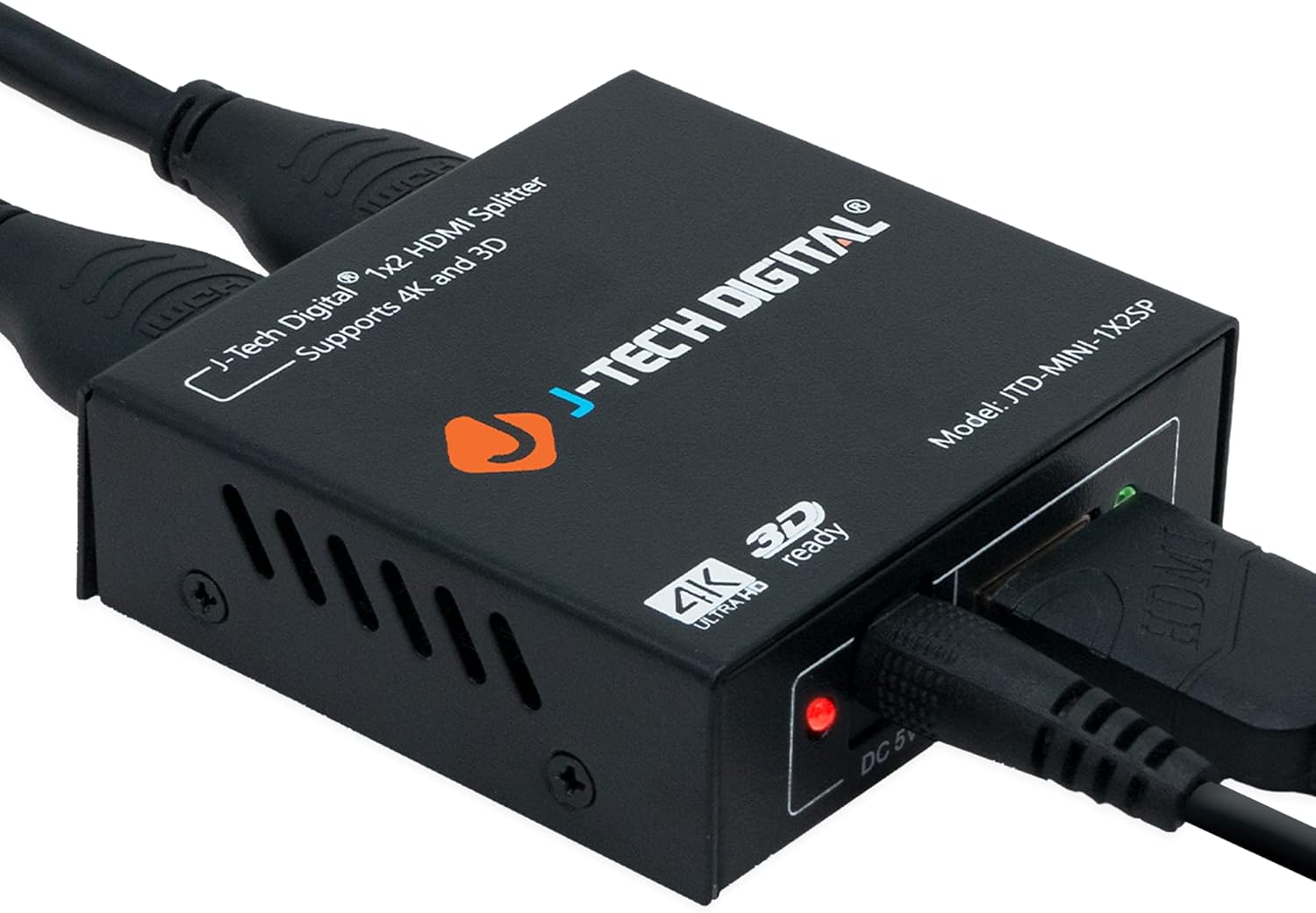
It’s also backwards compatible. If your source or one of your displays isn’t outputting 4K, it’s designed to work with 1080P/1080i and 720P/720i/480P/480i without you having to change your whole setup.
One practical way people use splitters like this: you connect a laptop to the input, then run identical output to a pair of monitors for presentations or casual “watch on both screens” workflows. Instead of extending displays, you’re duplicating—so both screens show the same content.
What matters most (and where it’s strong)
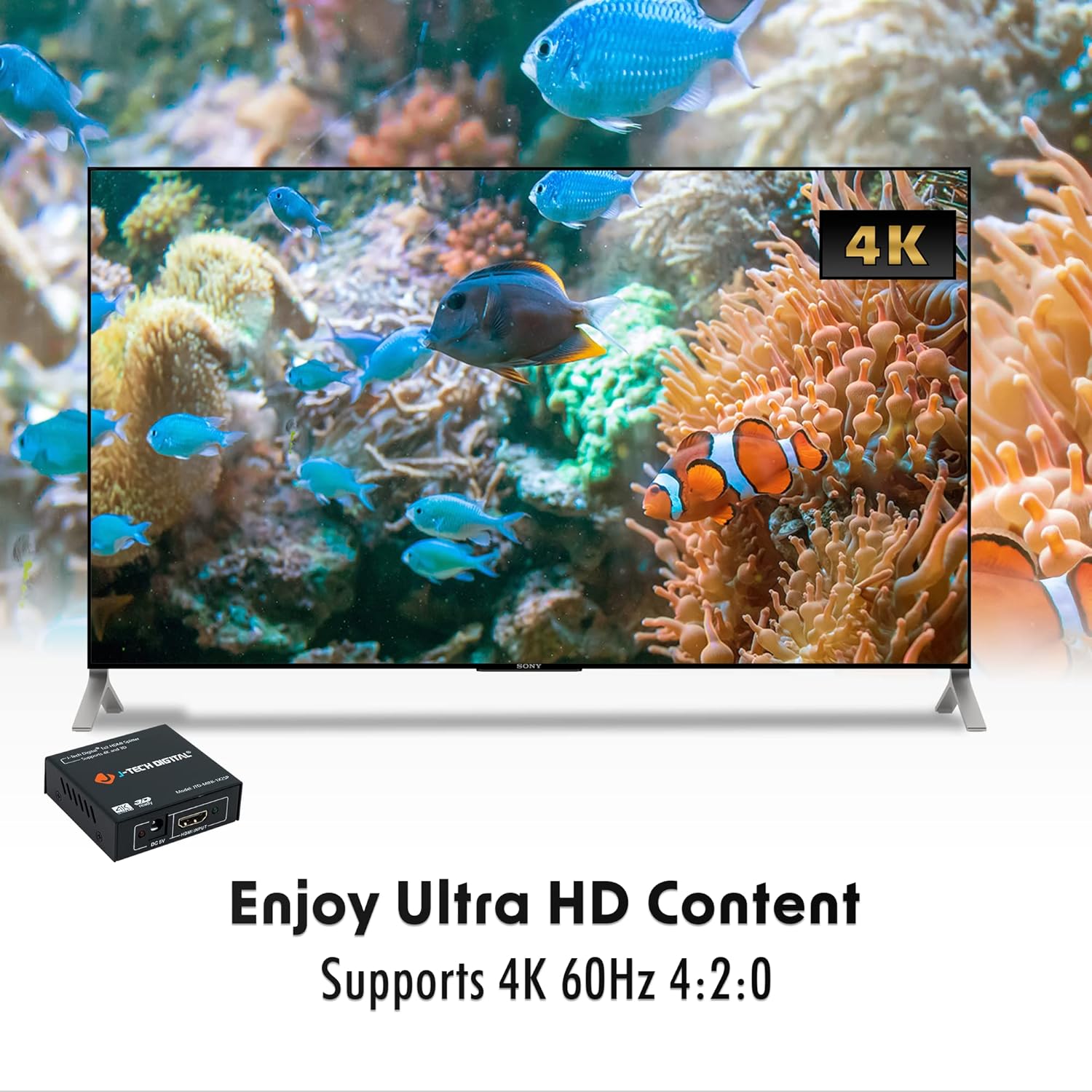
The headline feature here is support for 4K up to 60Hz on both outputs, with 4:2:0 chroma subsampling. For many buyers, that’s the key threshold: they want smooth motion and consistent performance, not a capped refresh rate that feels choppy.
On the audio side, this splitter is described as supporting a wide variety of HD audio formats, including Dolby Digital, Dolby TrueHD, DTS, and DTS-HD Master Audio. If you’re routing HDMI audio to two displays (or just want it to play nicely with common receivers/TV audio paths), that’s an important checkbox.
Where it feels a bit more “market average” than “top-tier”: the chroma detail is specifically 4:2:0 rather than a higher chroma mode. If your goal is maximum fidelity for demanding HDR/video pipelines, you may find this approach a little limiting compared with devices that explicitly support other chroma behaviors.
Tech specs
- Type: HDMI splitter (1 in to 2 out)
- Signal distribution: 1 HDMI source to 2 displays simultaneously
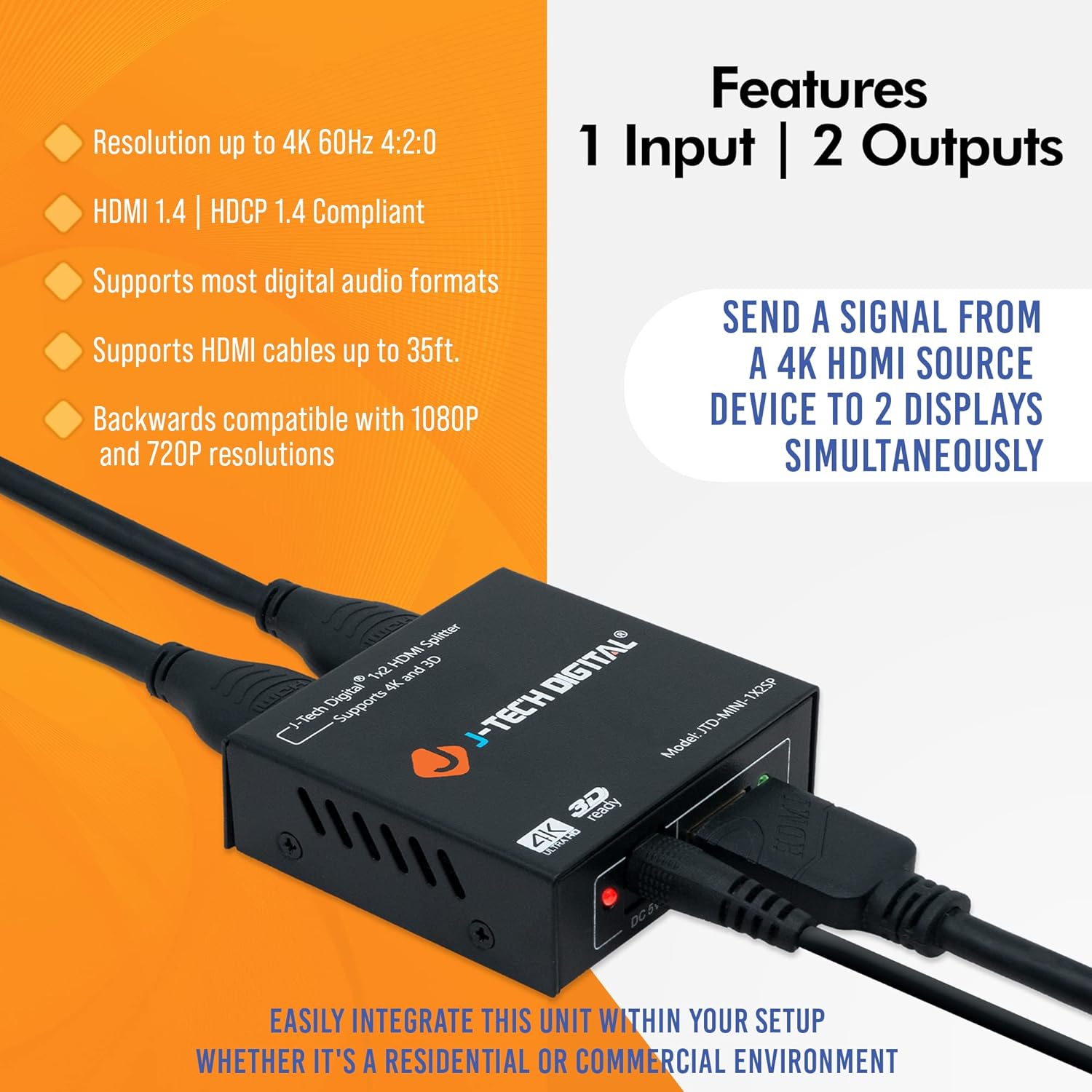
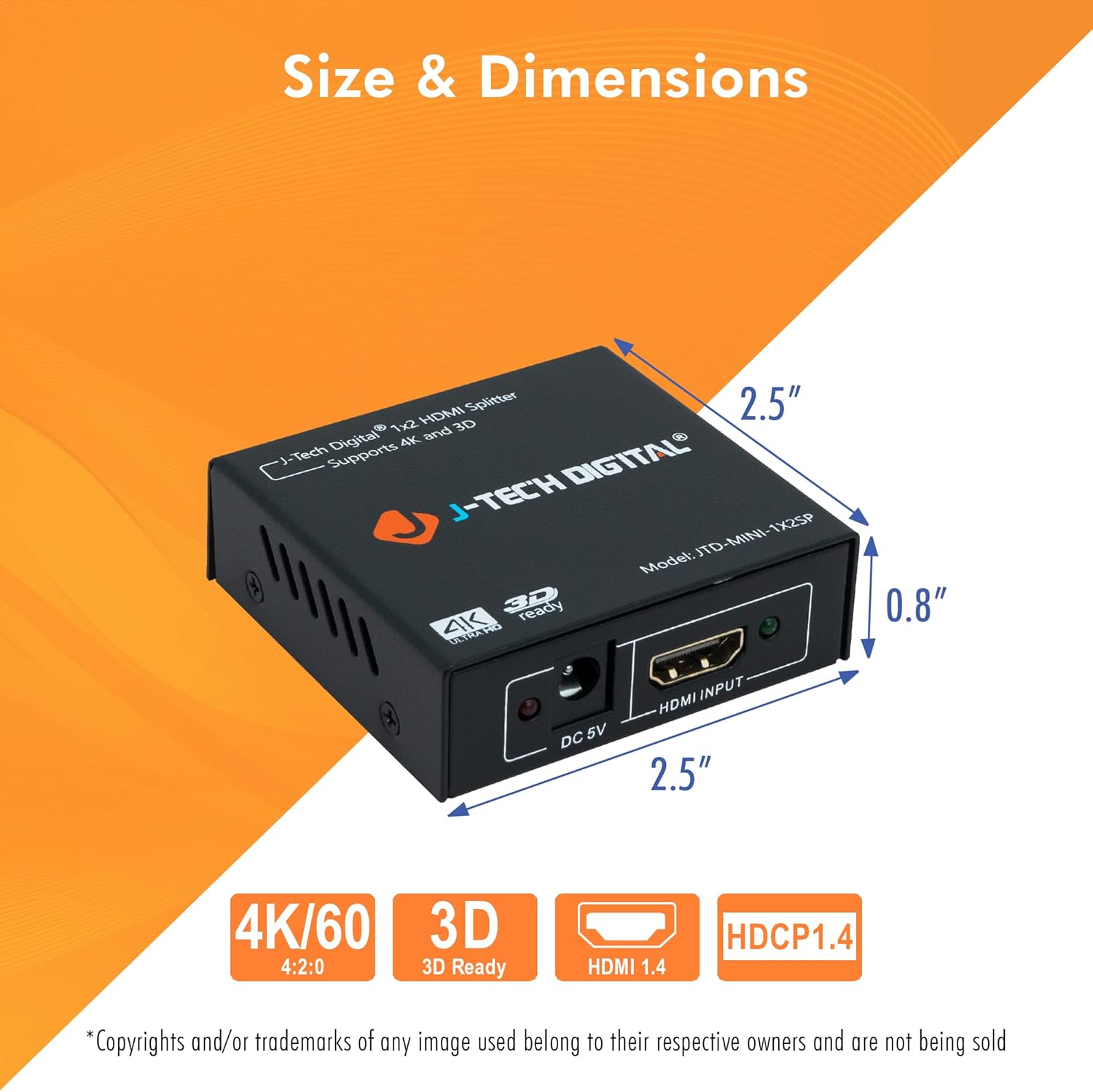
- Supported resolutions: up to 4K@60Hz (4:2:0 chroma subsampling)
- Backwards compatibility: 1080P/1080i and 720P/720i/480P/480i
- Audio formats supported: Dolby Digital, Dolby TrueHD, DTS, DTS-HD Master Audio
Getting the most from it
Using an HDMI splitter is mostly about wiring and expectations. Here’s what tends to make or break the experience with 1x2 units like this:
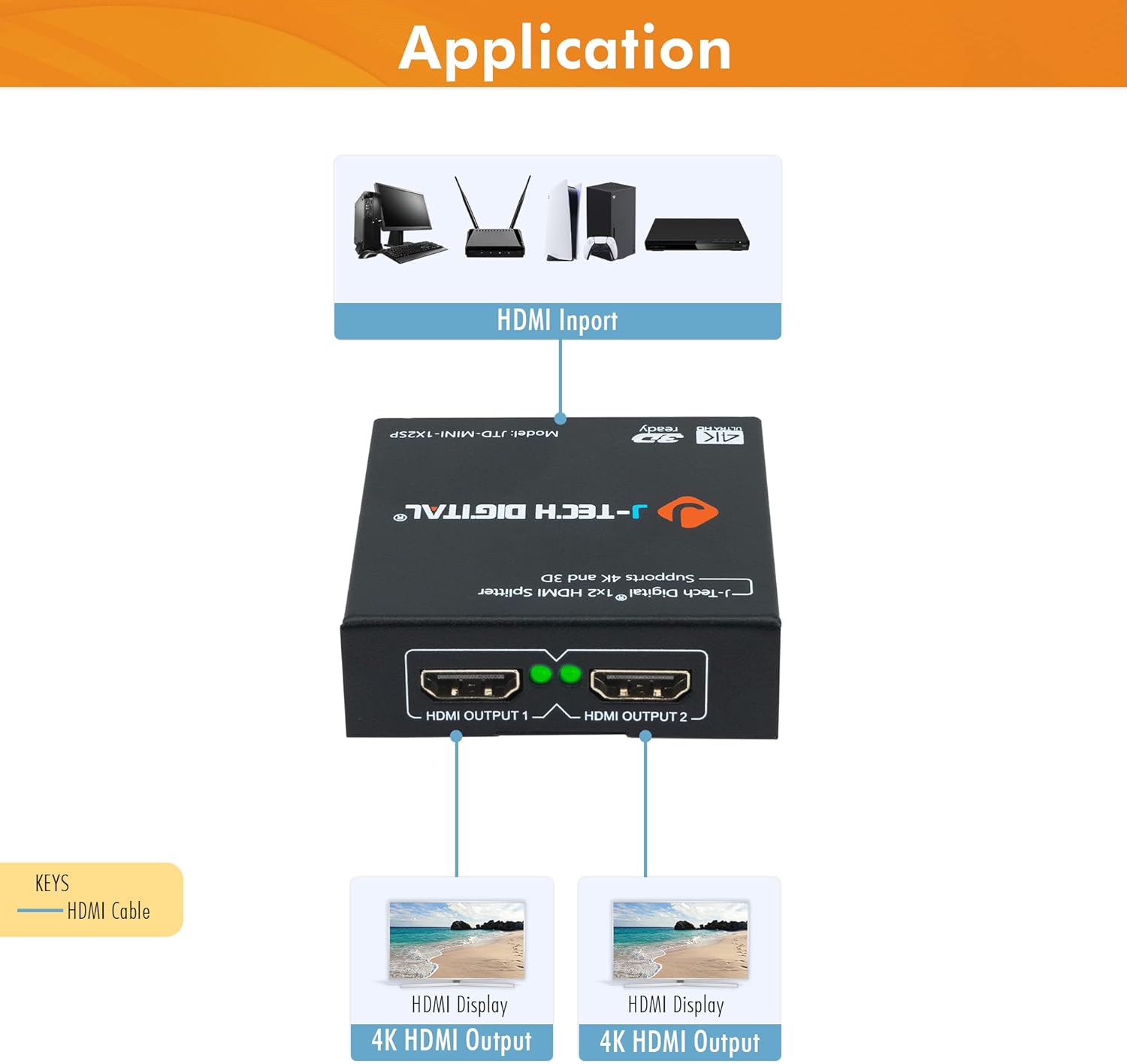
First, match your source output to what you actually need. If you’re aiming for 4K@60Hz, your source device and both displays still have to cooperate with that refresh rate. This splitter can distribute the signal, but it can’t force compatibility upstream.
Second, because it’s powered, it’s generally the kind of solution people choose when they want stable distribution without relying only on passive splitting. That said, cable quality still matters—especially at higher resolutions.
If you’re only running 1080P, it’s reassuring that it’s described as working with 1080P and not limited to 4K-only sources. You can keep the same splitter for future upgrades rather than replacing it later.
Pros and cons you should weigh
What stands out: - Simple duplication: one HDMI source, two displays at the same time - Up to 4K@60Hz support (with 4:2:0 chroma subsampling) - Broad audio format support listed for common HD codecs - Backwards compatibility with 1080P and lower resolutions
What you should double-check before committing: - 4:2:0 chroma subsampling is a constraint, if you’re very particular about video chroma/HDR performance, it may not satisfy - Exact behavior can depend on your specific source device and display handshake, so compatibility isn’t guaranteed just because the resolution is listed
Is it worth it?
This is a solid buy if you want an easy way to mirror one HDMI source to two displays, especially for 4K viewing up to 60Hz where 4:2:0 chroma subsampling is acceptable. It’s also a practical option if you still use 1080P gear and want one splitter that can handle both kinds of setups.
You may want to skip it if your top priority is the most demanding video pipeline performance (where chroma detail matters a lot) or if you’re building a setup that depends on very specific HDMI negotiation behavior beyond what’s described. In those cases, it’s worth being cautious and verifying your source and both displays can work with the listed 4K@60Hz mode.
Mini FAQ
FAQ
Does this splitter support 4K and 1080P sources? Yes. It’s described as supporting up to 4K@60Hz (4:2:0) and also working with 1080P/1080i and lower resolutions.
Will both displays show the same image? That’s the intended use: it distributes the single HDMI input signal to both outputs simultaneously.
What audio formats does it support? The listing states support for Dolby Digital, Dolby TrueHD, DTS, and DTS-HD Master Audio.
Is it powered or passive? It’s described as a powered 1x2 HDMI splitter, which is generally helpful for signal distribution to two displays.
Is it compatible if only one display is non-4K? The product is described as backwards compatible, including working with non-4K resolutions like 1080P—so mixed setups may work, but your exact refresh/resolution behavior will still depend on device negotiation.