

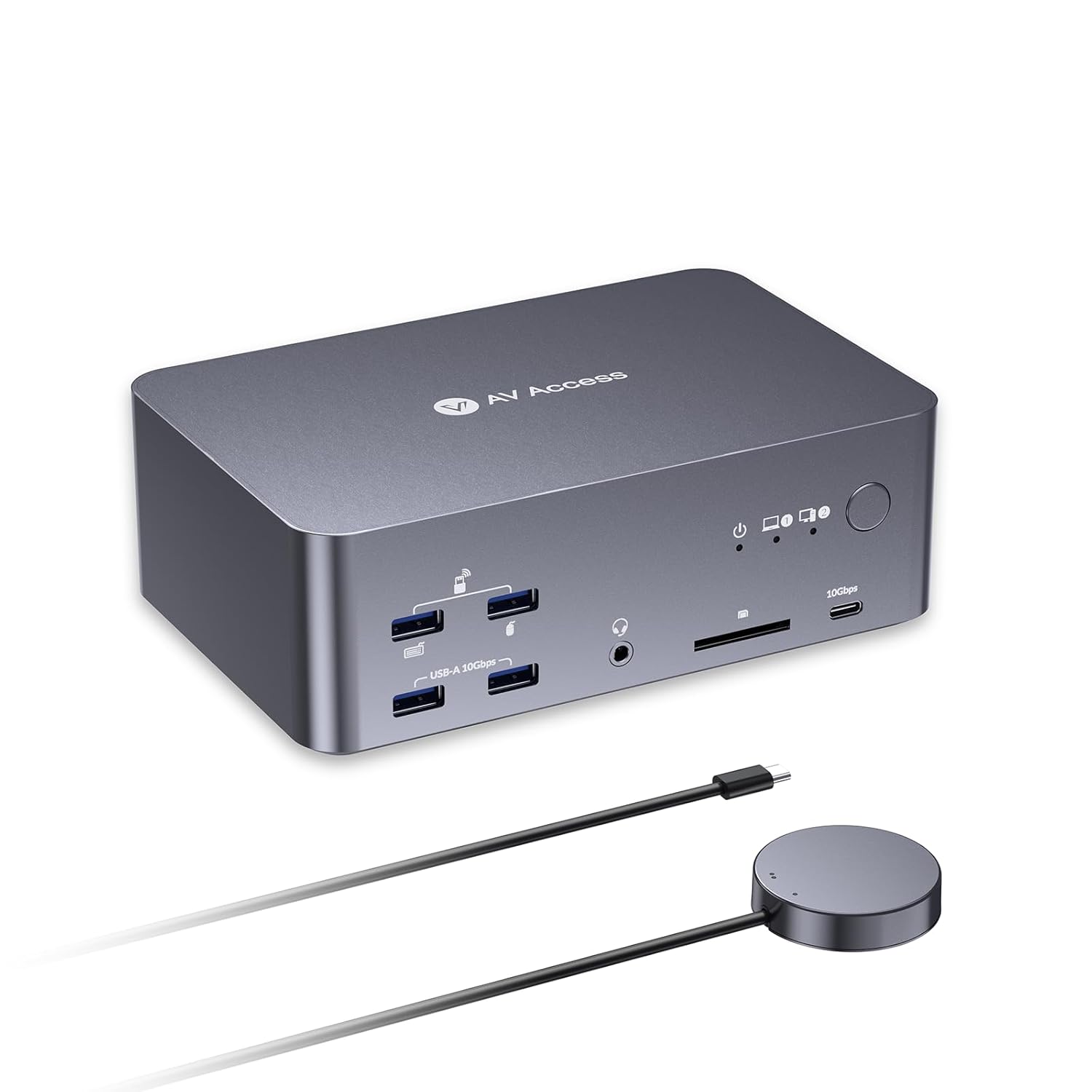
AV Access 8K KVM Switch: 3 Monitors, 2 Computers, Dual-PC Docking Station
Reviews
Price
Product description
What it is
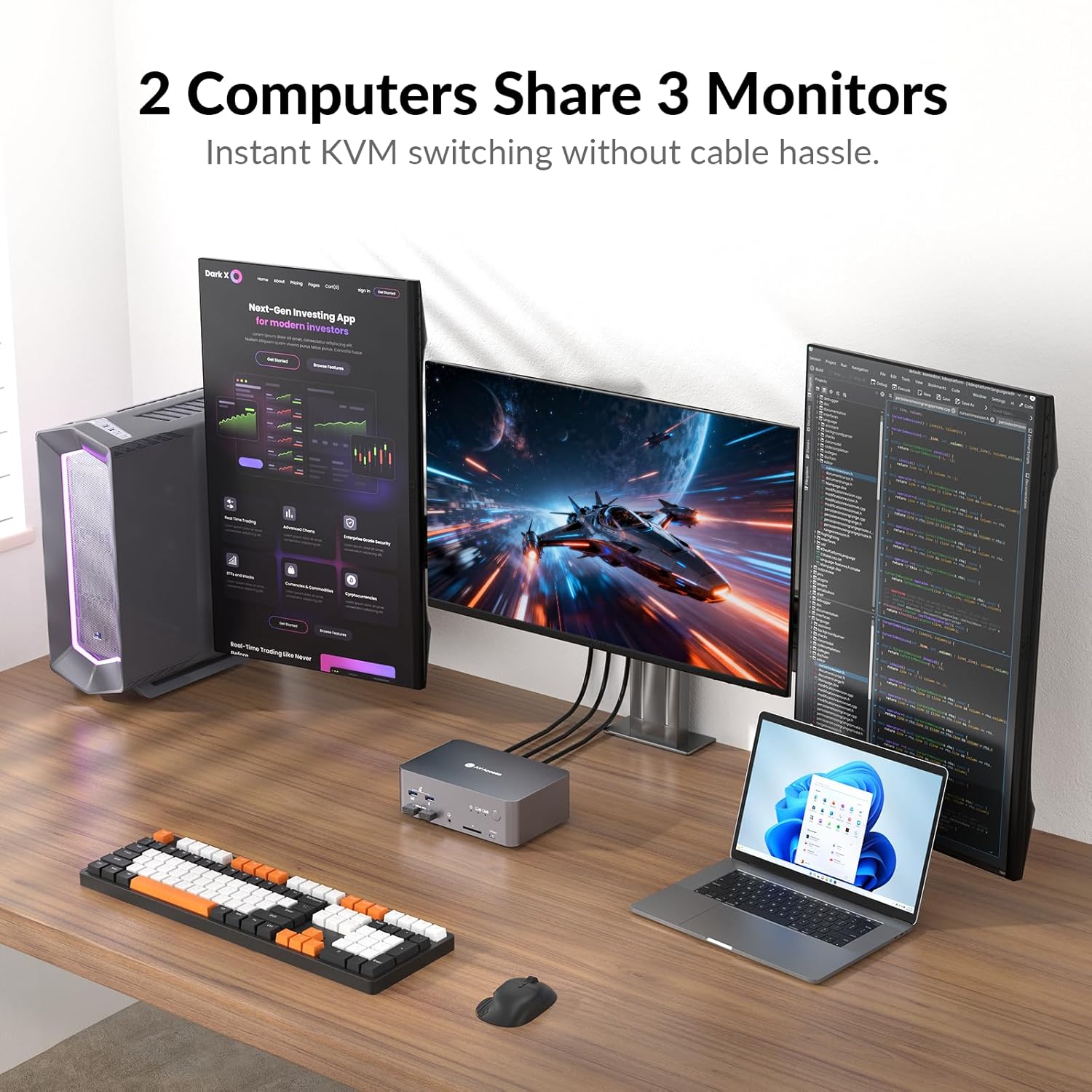
The AV Access 8K KVM Switch is a dual-computer dock that lets a USB-C laptop and a desktop PC share a single docking setup. With two DisplayPorts and one HDMI output, it can drive up to three external displays and connect a keyboard, mouse, and other periphery to both machines without constantly re-plugging cables.
What matters most
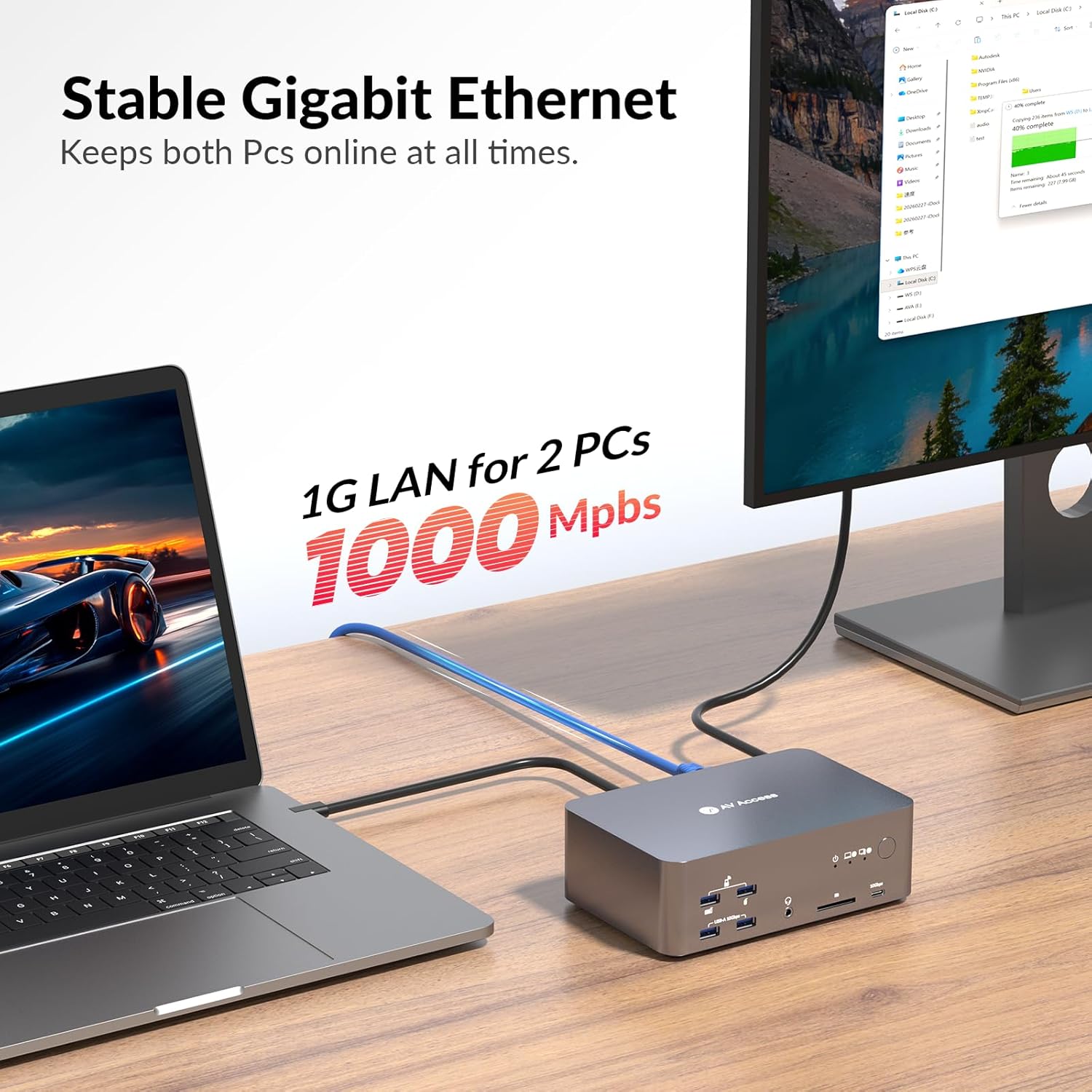
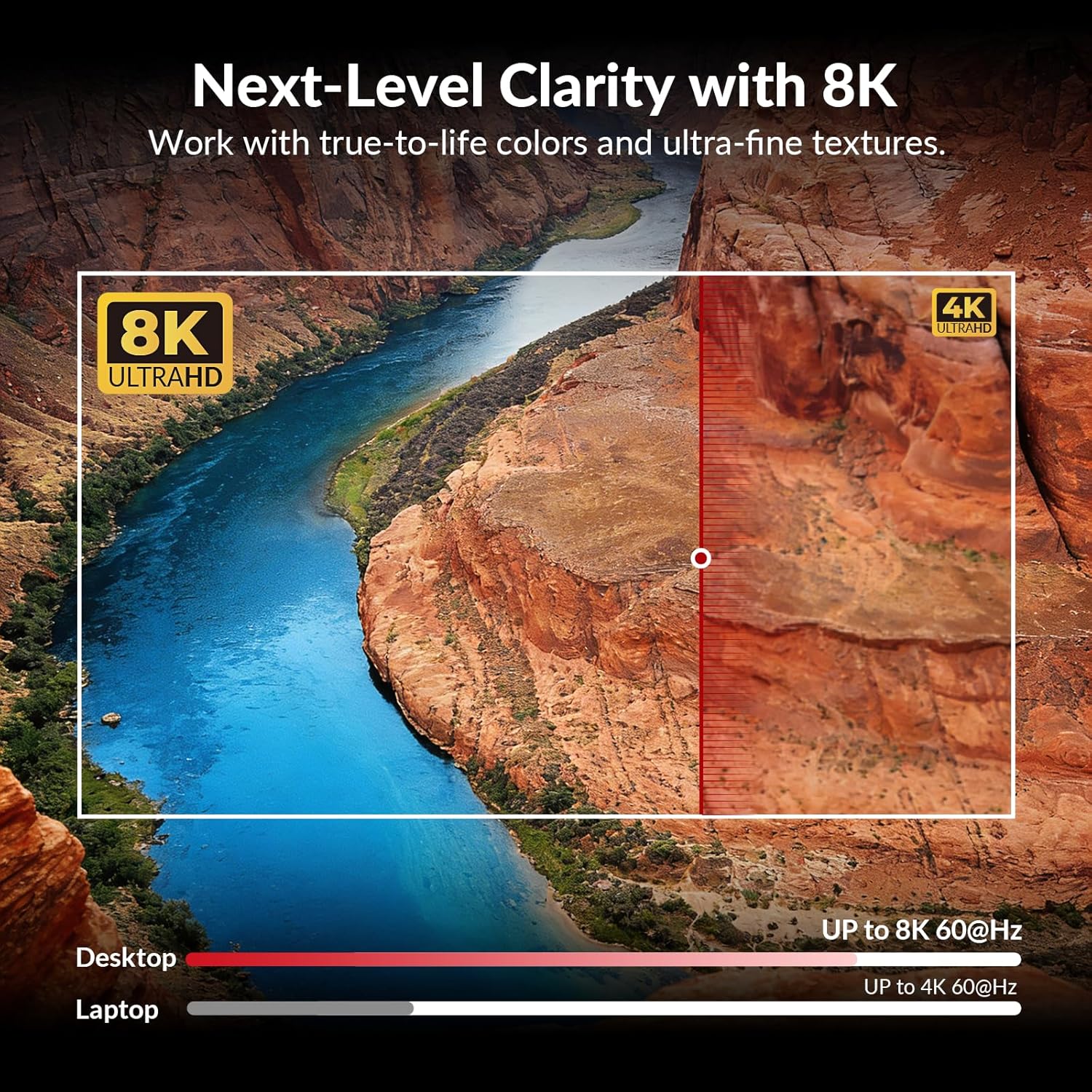
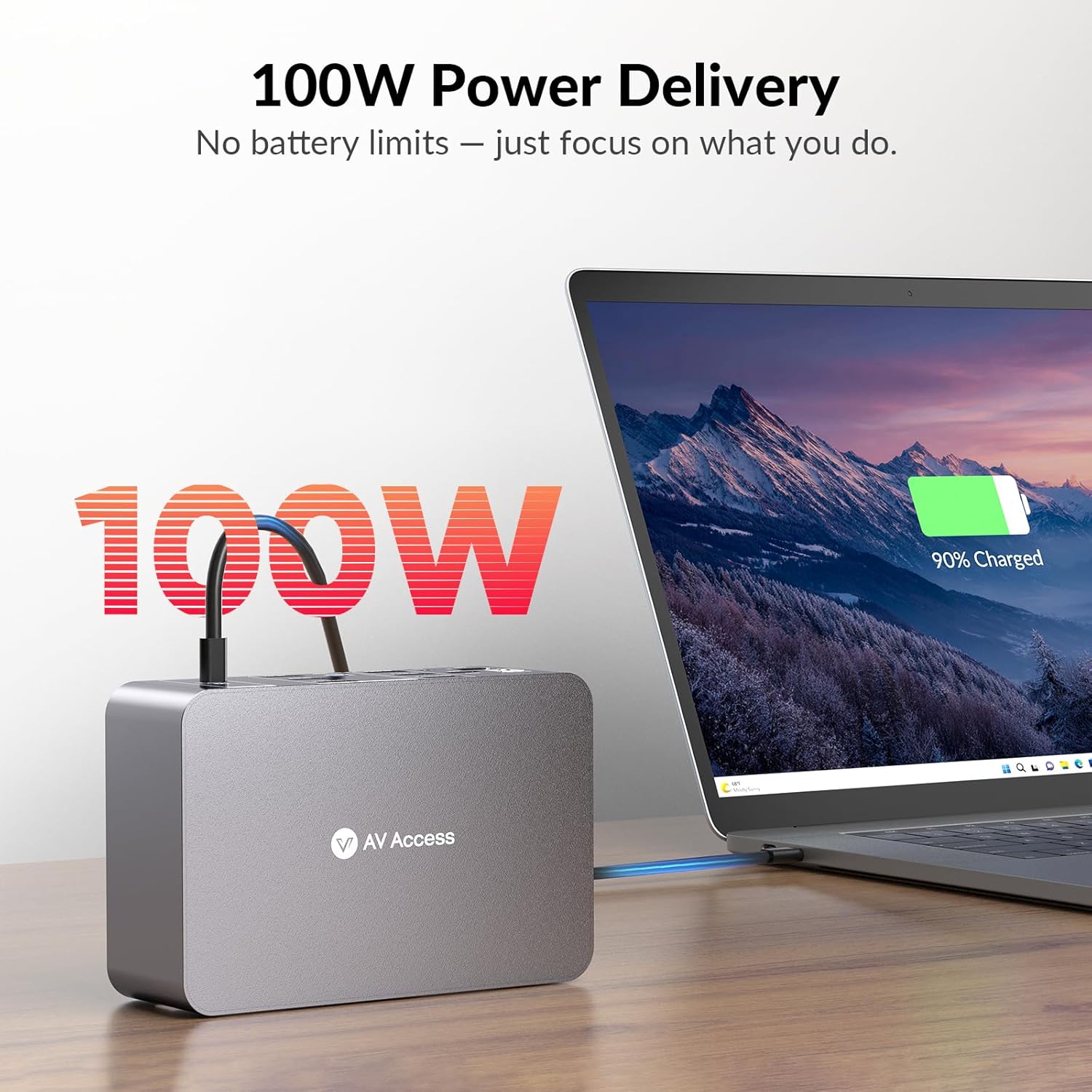
On paper, this device aims to smooth hybrid workflows by keeping both a laptop and a desktop in one control ecosystem. It supports 8K output at 30 Hz or up to 4K at 120 Hz across three monitors, with specific extension limits for laptop and desktop scenarios. A constant 1 Gb Ethernet connection keeps file syncing and downloads uninterrupted even when you switch between systems. Power delivery up to 100W powers a connected USB-C laptop as video and data transfer occur. The built-in USB hub (10 Gbps) and SD card reader add practical data transfer options for media work.
Who it’s for
If you juggle a laptop and a desktop in a hybrid office, or you need a single dock to manage multiple displays and ports, this switch can simplify your setup. It’s especially relevant for designers, developers, or traders who rely on crisp visuals and reliable, continuous connectivity across devices.
How it uses in day-to-day practice
In practice, you’d connect your two computers to the dock, attach your keyboard and mouse, and then extend three displays on the desktop or laptop depending on the source. The 100W PD keeps a laptop charged during long sessions, so you don’t need a separate charger. The SD reader makes media transfers quick, and the TRRS jack allows headset use during calls or editing sessions.
What’s included and the tweak points
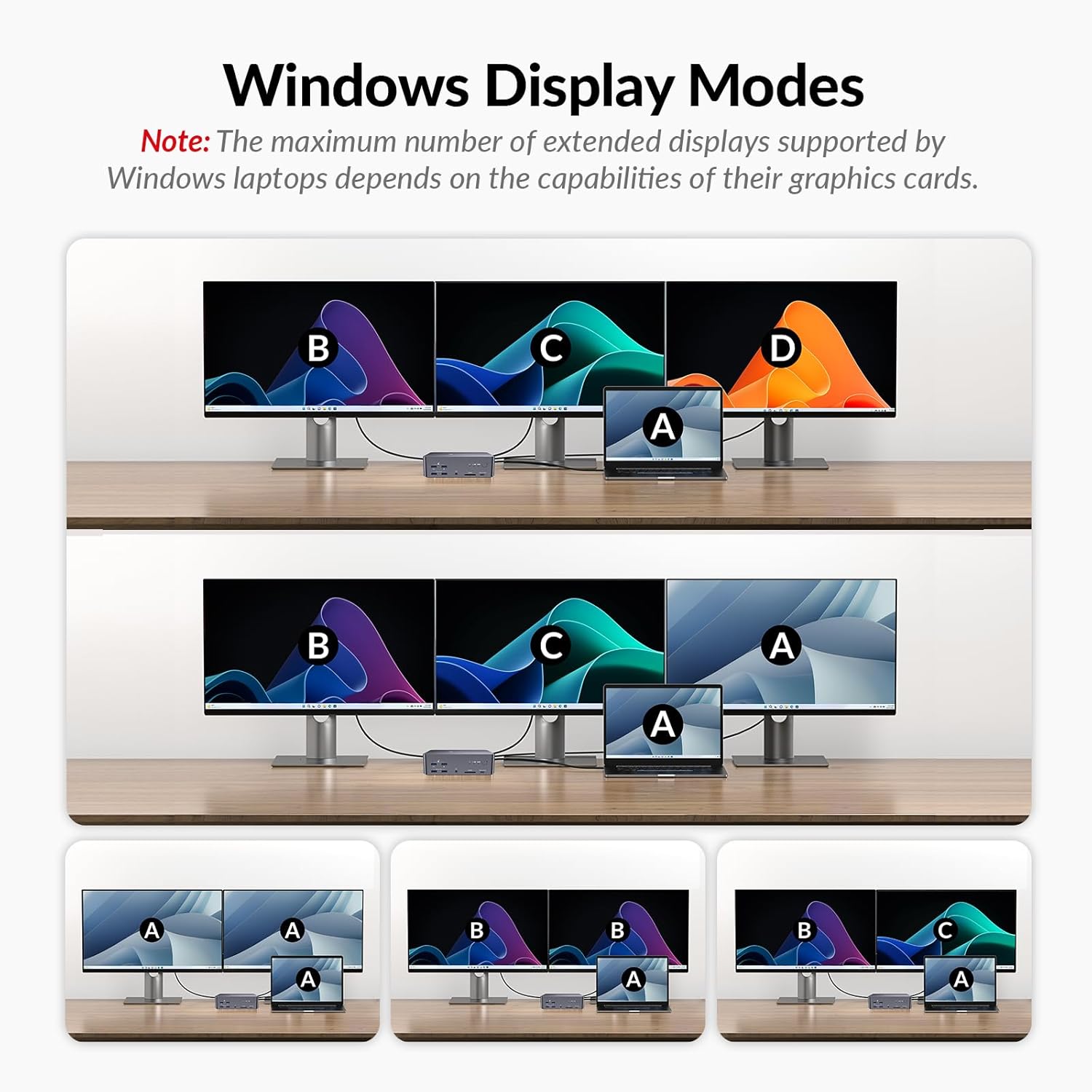
The device combines a USB-C laptop input with power delivery and video/data transfer in one cable flow, plus a front-facing USB hub and rear port options for different peripherals. If you relies on more than three displays, or if your laptop’s display capabilities are limited to two screens, plan your display strategy accordingly. Note that desktop and laptop extension capabilities differ: desktop can reach up to 8K@60Hz across three displays or 4K@165Hz, while the laptop tops at two displays on 4K and one on 4K at 30 Hz—so the available performance scales with the source.
What to check before buying
- Verify your computer outputs align with the switch’s inputs (HDMI and DisplayPort). Some setups may require active adapters or specific cable arrangements.
- If you need full 8K at high refresh rates, ensure your source GPU and cables support 8K in the intended mode.
- Consider whether you’ll routinely rely on all three displays at peak resolution from the desktop, or if your use-case is primarily two displays.
- Check that your peripherals (USB devices, SD cards, audio headsets) align with the hub’s bandwidth and port types.
Pros and cons
- Pros: True multi-device control from one dock, high-speed USB hub, onboard SD reader, continuous Ethernet, and solid power delivery to a laptop. The ability to drive three displays from desktop or two from a laptop offers flexible multi-monitor workflows.
- Cons: The three-monitor 8K support is split by source, laptop support is more modest in display count and refresh for certain configurations. If you primarily need a simple single-PC docking station or a higher-than-8K multi-monitor setup, be aware of the source limitations.
Practical use case
Imagine a designer who codes on a laptop while streaming data from a desktop workstation. With this switch, the designer can drag windows across up to three displays on the desktop, keep a 4K monitor on the laptop, and maintain uninterrupted internet activity through the shared Gigabit Ethernet. All devices stay charged via the USB-C input while a fast USB hub handles external SSDs for large media transfers.
Tech specs at a glance
- Display outputs: 2 DisplayPorts + 1 HDMI (up to 8K@30 Hz or 4K@120 Hz)
- Desktop extension: up to 3 screens (8K@60 Hz or 4K@165 Hz)
- Laptop extension: up to 2 screens at 4K@60 Hz + 1 screen at 4K@30 Hz
- Power: USB-C input with 100W Power Delivery
- Ethernet: 1 Gb shared LAN port (always active)
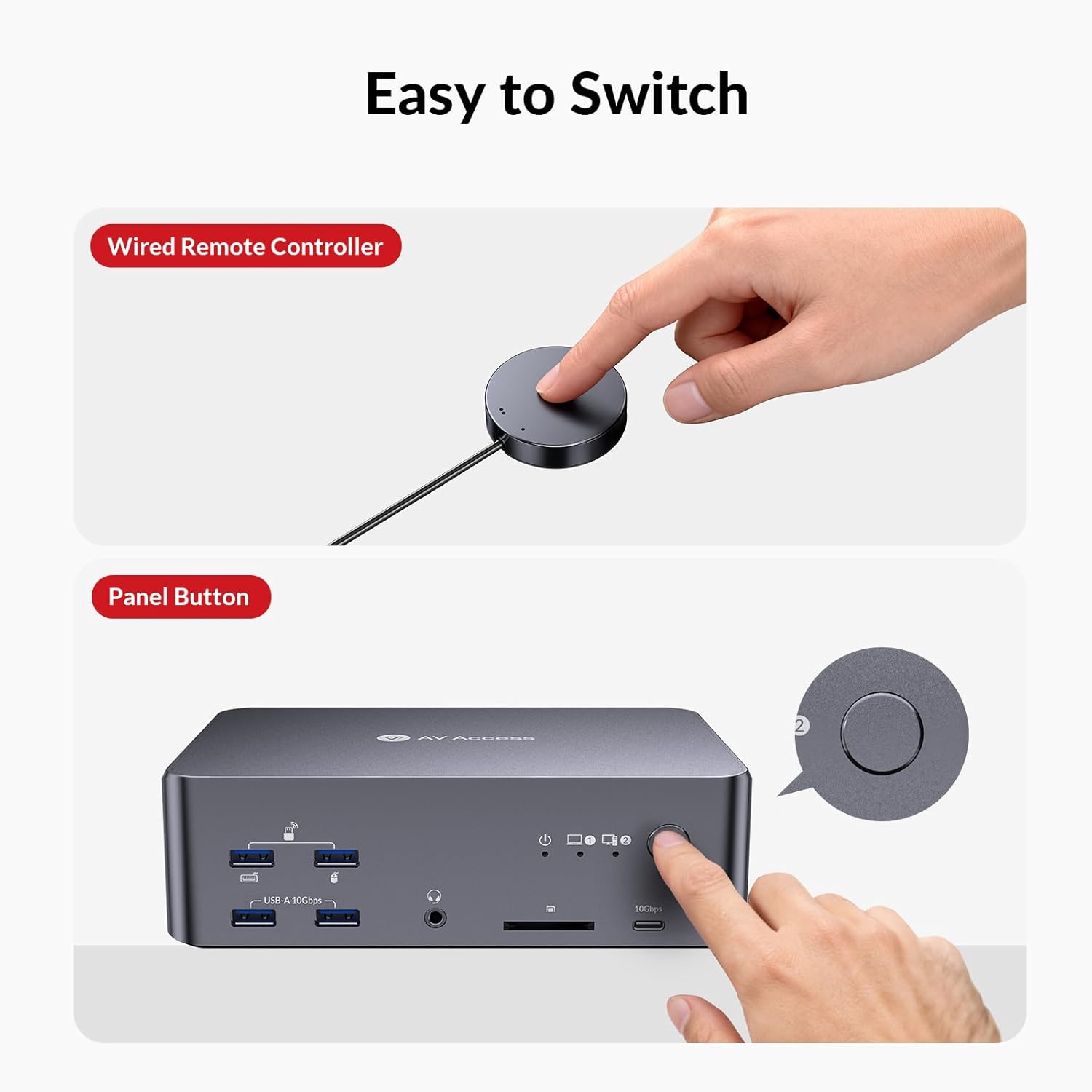
- USB hub: 2x front USB-A 3.2 (10 Gbps), 1x front USB-C 3.2 (10 Gbps, 1.5A), 1x rear USB-A 3.0 (5 Gbps, 1.5A)
- Media: SDXC slot (up to 2 TB, 104 MB/s), 3.5 mm TRRS headset jack
- Compatibility: Works with a range of HP, Dell, Chromebooks, PCs and more
Is it worth it?
If you prioritize a tidy, single-dock solution to manage two computers and up to three displays, with reliable USB data paths and ongoing network access, this AV Access switch offers a compelling balance of features. It may not be the best choice if you only need a simple two-display, single-PC dock or if your setup demands the absolute highest 8K performance across all sources. Consider how often you’ll push all three monitors at high refresh rates from the desktop, and whether your laptop will reliably benefit from 100W PD in your typical workflows.
FAQ
- Can I use three monitors with the laptop? Yes, but laptop support typically covers two displays at 4K and one at 4K 30 Hz.
- Will my Ethernet remain active when switching between computers? Yes, the shared 1 Gb Ethernet port stays active to support ongoing downloads or cloud syncing.
- Is 100W PD enough for my laptop under heavy load? For many laptops, 100W is sufficient, but it depends on your device’s power needs during peak performance.
Final decision
Is it worth it? If your work hinges on fluid multi-monitor workflows across two computers and you value a tidy, power-delivering dock with fast USB data, the AV Access 8K KVM Switch stands out as a thoughtful option for hybrid and dual-PC environments. It’s especially sensible when you want uninterrupted networking and a practical media/data hub in one place. However, if your use case centers on single-PC operation or you require consistent three-monitor 8K output regardless of source, there may be better-aligned choices depending on your exact hardware and display goals.