

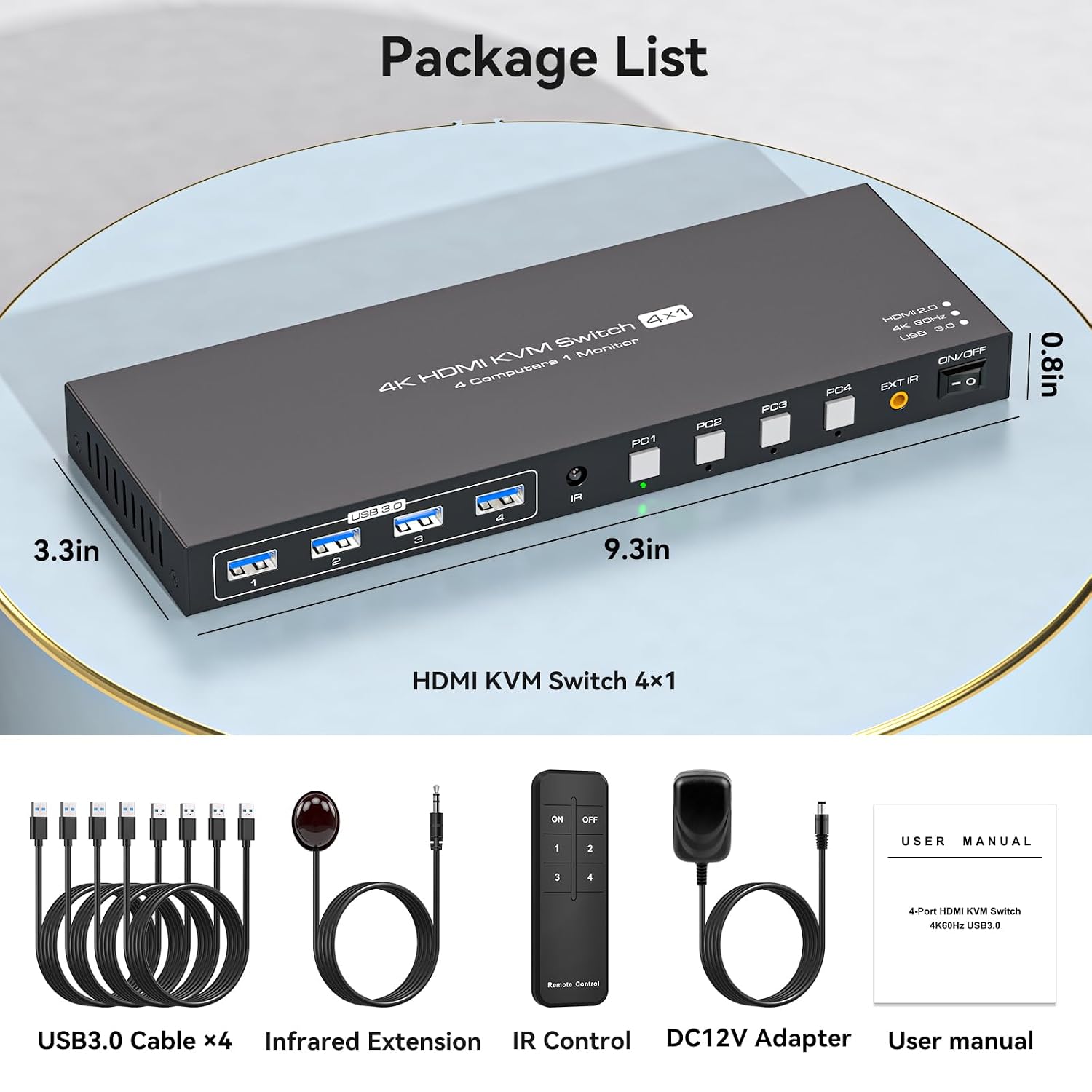
HDMI KVM Switch for 4 Computers
Product description
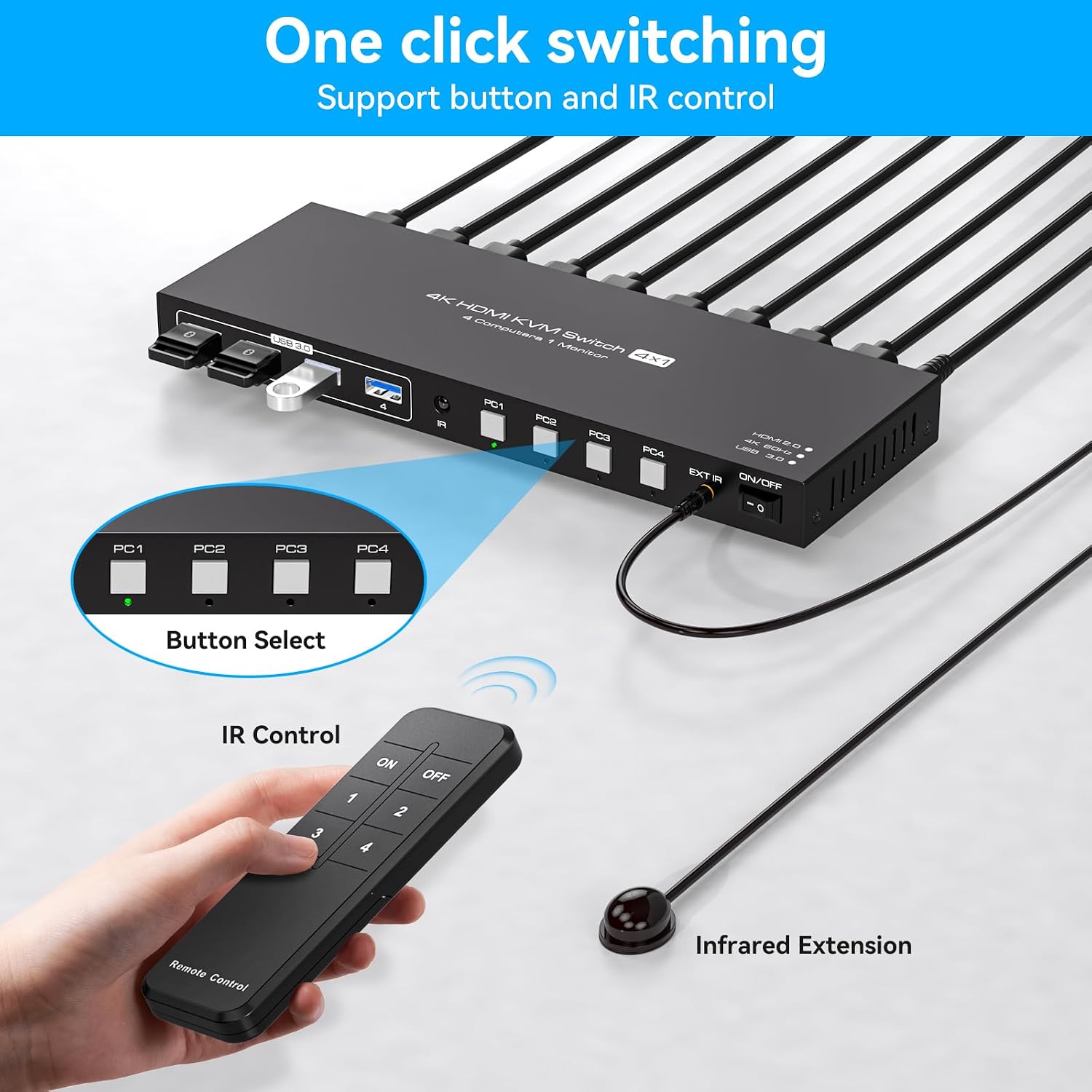
Managing several computers from one desk can mean juggling keyboards, mice, and display connections. This HDMI KVM switch is designed to let four computers share one monitor and up to four USB devices, so you can move between systems without swapping those peripherals by hand. Switching is handled by the panel buttons or the remote control, and the unit can sit away from the main work area. The main trade-off is specific: hotkey switching is not supported, so you’ll need to use one of those two controls.
Key specifications
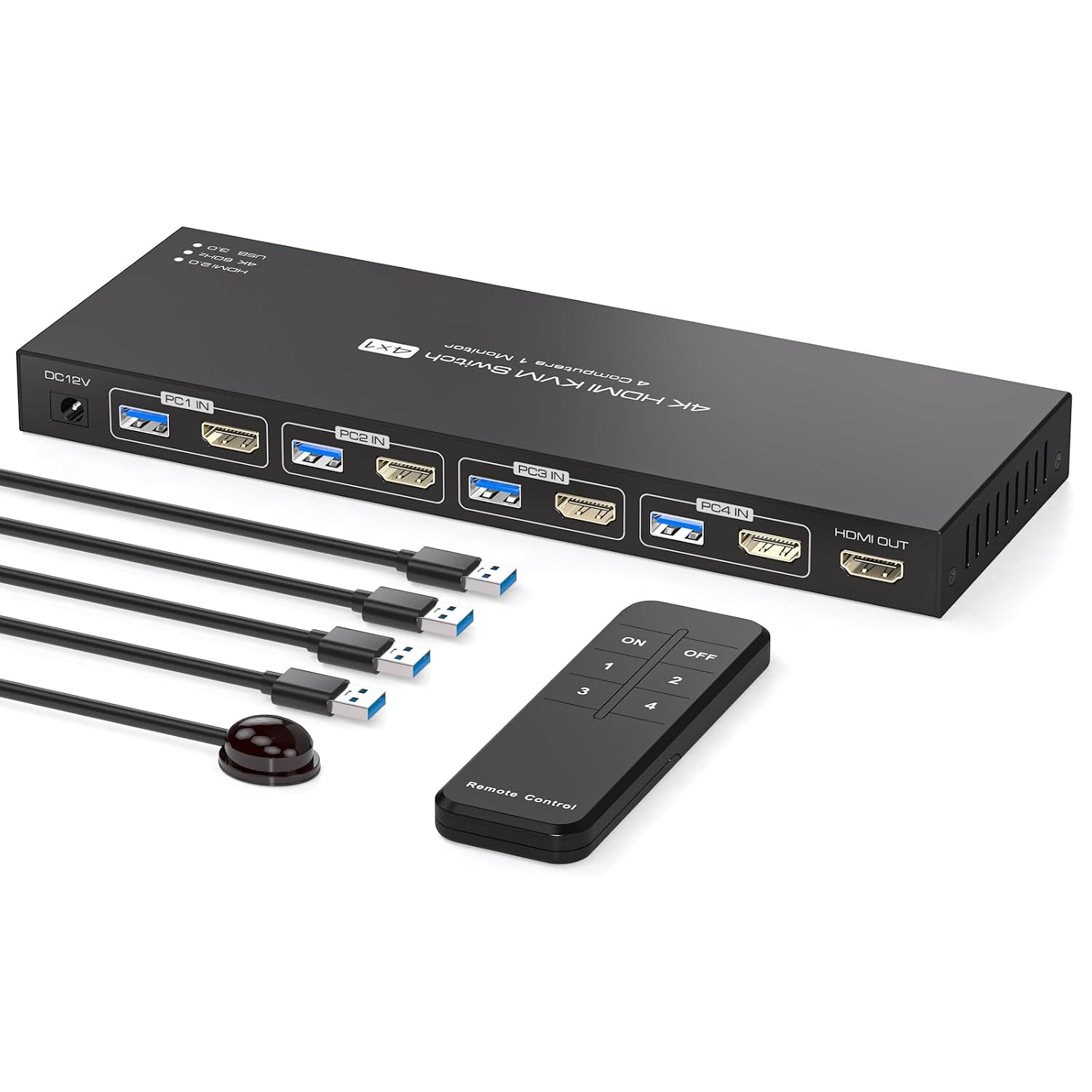
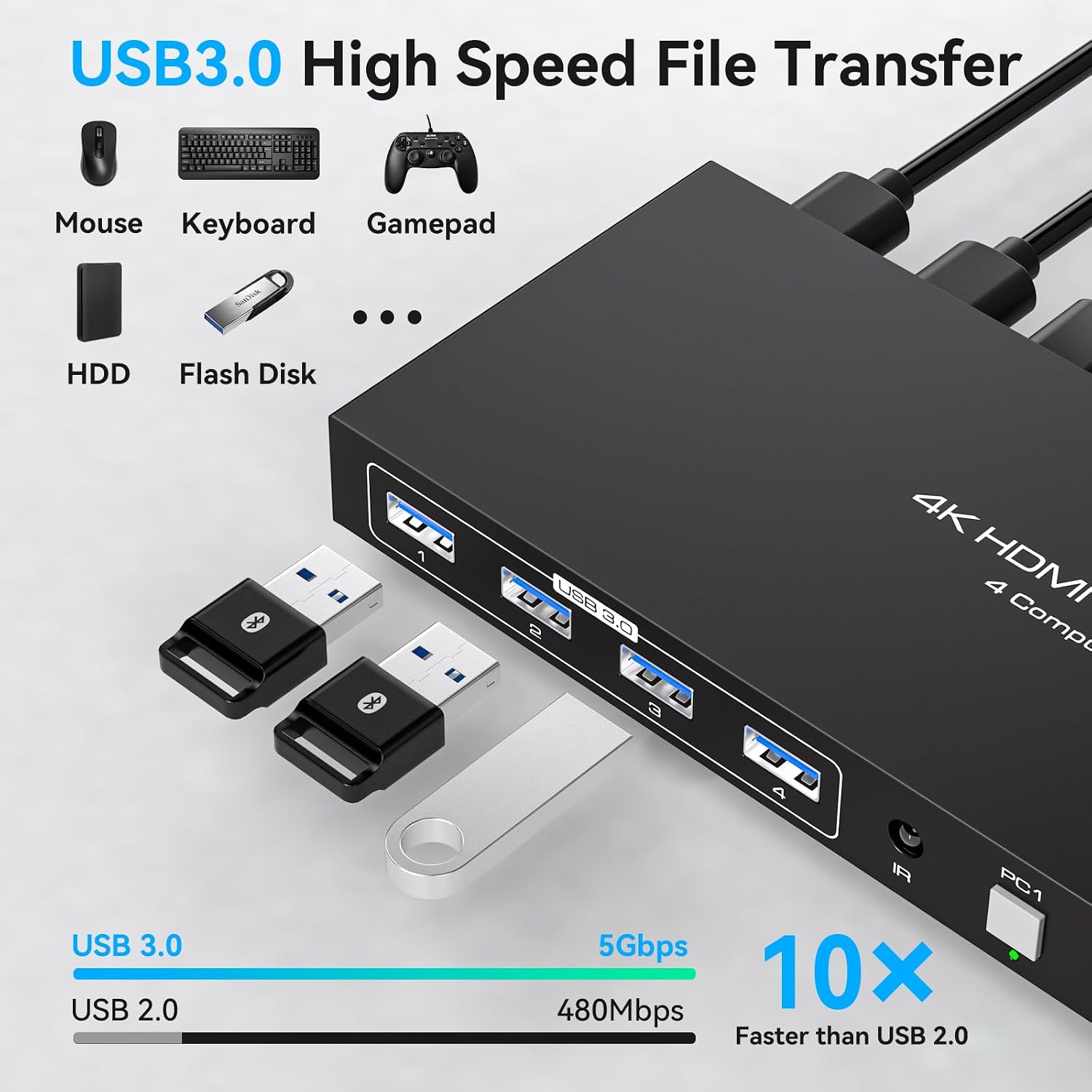
The setup is built around four computer connections, one HDMI display, and four USB 3.0 ports for shared devices such as a keyboard, mouse, printer, or scanner. USB 2.0 devices are also supported. The listed maximum video resolution is 4K at 60Hz, with support for lower resolutions including 4K at 30Hz, 1080p at 60Hz, and 720p at 60Hz. Reaching 4K at 60Hz depends on the computer and the connected video cables supporting that signal, the switch alone can’t make an incompatible source deliver it.
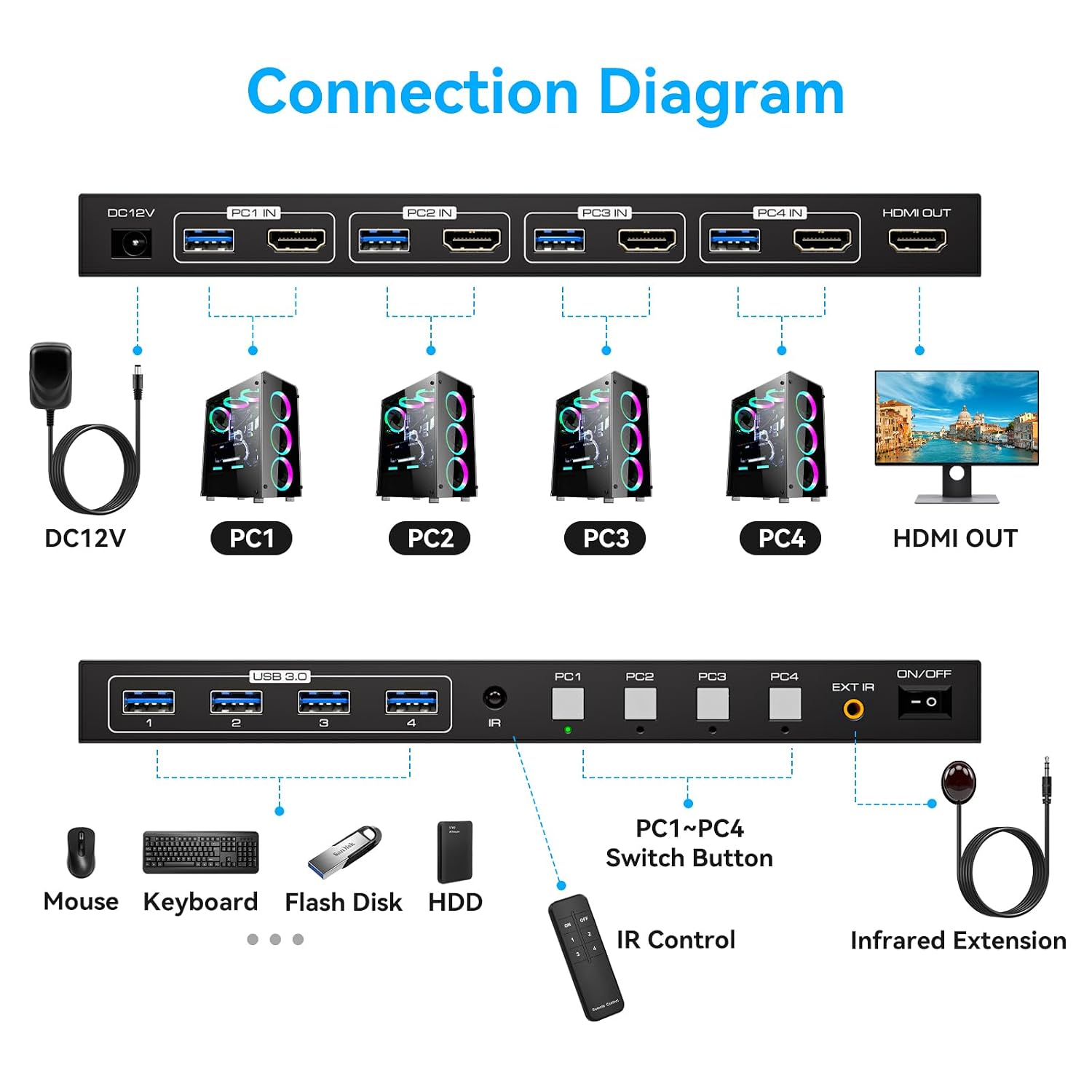
There are two ways to change computers: press the corresponding button on the unit, or use the remote control. The product description also refers to a wired infrared device for remote operation when the switch is placed outside the workspace. It is described as plug-and-play, with no software driver required, and lists compatibility with Windows, Vista, XP, Mac OS, Linux, and Unix. That broad list is useful context, but it does not specify support for every version or configuration of those systems.
Who it’s for
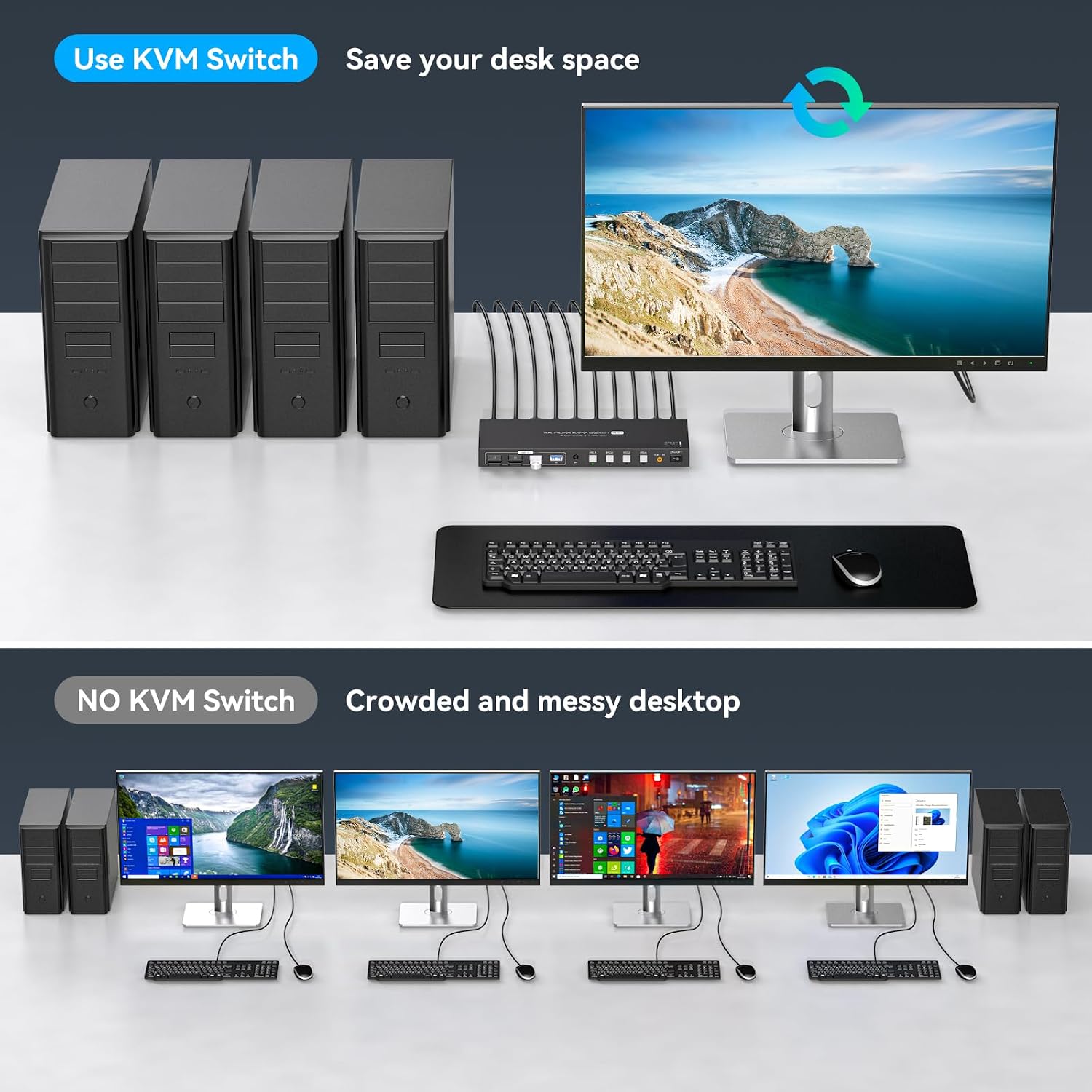
It suits you if your desk has several computers but you want one monitor and one set of USB peripherals to serve them. For example, you could keep a work computer and other PCs connected, then switch the shared display and keyboard-and-mouse setup when moving between tasks. The four USB ports also leave room to share another device, such as a printer or scanner, rather than reconnecting it each time.
It might not be a great match if you need multiple monitors, want to switch systems with keyboard shortcuts, or expect the switch to overcome limits in your computer or cabling. Unlike a simpler setup that shares only a display, this model is aimed at sharing USB devices too, if you only need to change video inputs, its extra peripheral switching may be unnecessary.
Everyday use
On a crowded desk, placing the switch outside the immediate work area can help keep the controls and connections out of the way. When you need another computer, use the remote or press its labeled panel button, the process does not depend on hotkeys. The metal construction is described as durable, but the product details do not give dimensions or weight, so there’s no basis here for judging how much desk or mounting space it needs.

Before you decide
Can it connect four computers to one monitor? Yes. That is the stated configuration, with one display shared across four computers.
Does it support keyboard-shortcut switching? No. The listed switching methods are the remote control and the buttons on the unit.
What is needed for 4K at 60Hz? The computer and connected video cables must support that resolution and refresh rate. If any part of the video chain falls short, the top listed mode may not be available.
Buying verdict
This KVM is worth considering when the practical goal is to share one monitor and several USB peripherals among four computers, especially if switching by remote or front-panel button fits your routine. The four USB 3.0 ports and stated 4K-at-60Hz support make it more capable than a basic display-only switch, but those features matter only if your devices and cabling can use them. Choose a different approach if hotkey control or a multi-monitor setup is essential.