

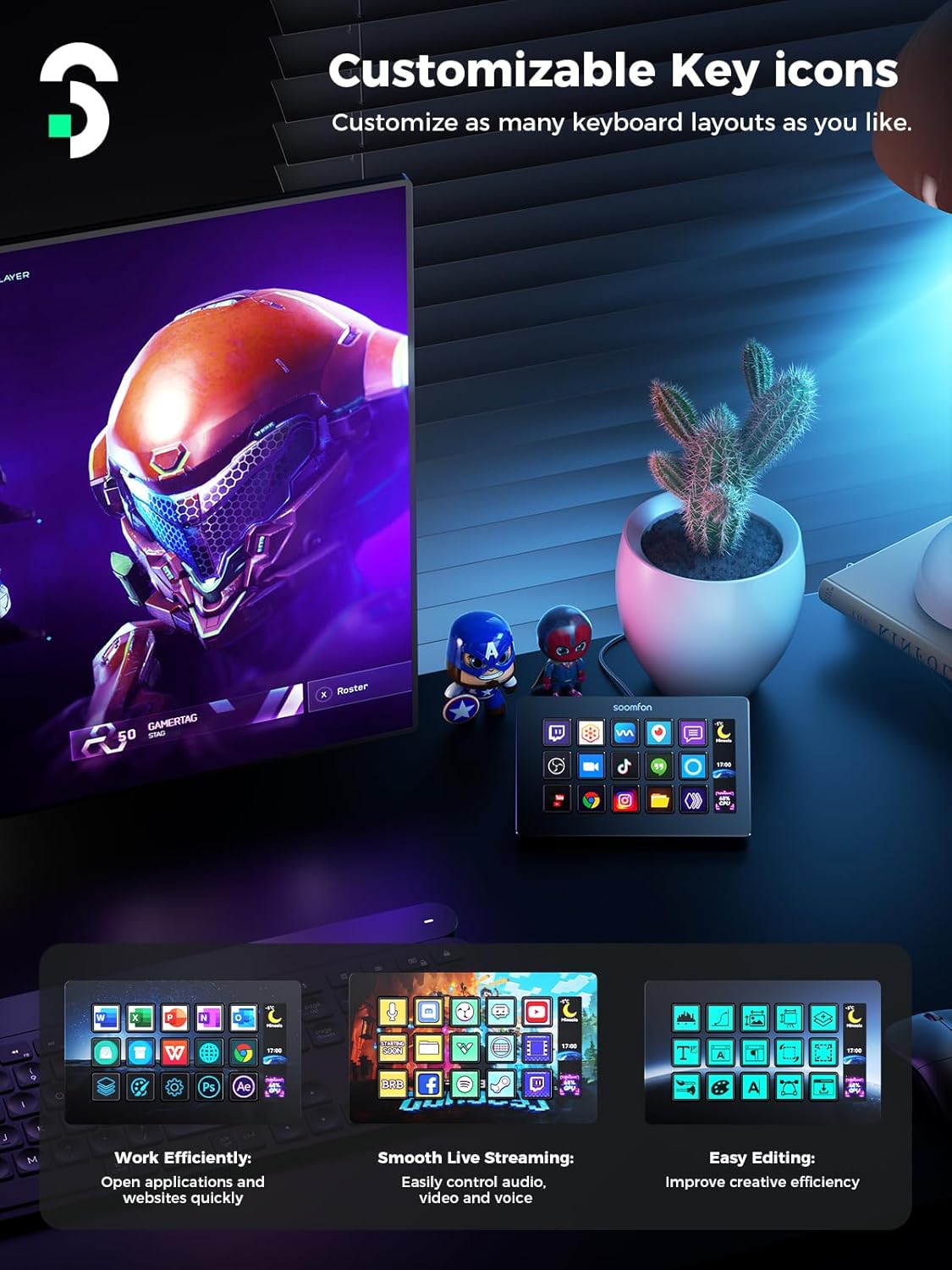
SOOMFON Stream Controller Stream Control Deck with 15 Customizable LCD Macro Keys (OBS, Twitch, YouTube Compatible)
Reviews
Price
Product description
What it is and why streamers care
The SOOMFON Stream Controller is a compact stream control deck built for one job: letting you trigger actions quickly without alt-tabbing around. With 15 customizable LCD macro keys, you can map hotkeys and stream controls to the exact moments you need—things like starting or triggering elements in OBS, managing basic audio, muting a mic, or firing off social actions.
On paper, it’s the kind of accessory that can make your setup feel less “menu-driven” and more like a control surface. Instead of searching for the right button at the right time, you press a labeled LCD key and move on.
That said, it’s still a macro deck: if your workflow depends on very specific, non-standard commands or you’re not willing to do some mapping, the payoff may be smaller.
The essentials: 15 LCD keys that you can actually personalize
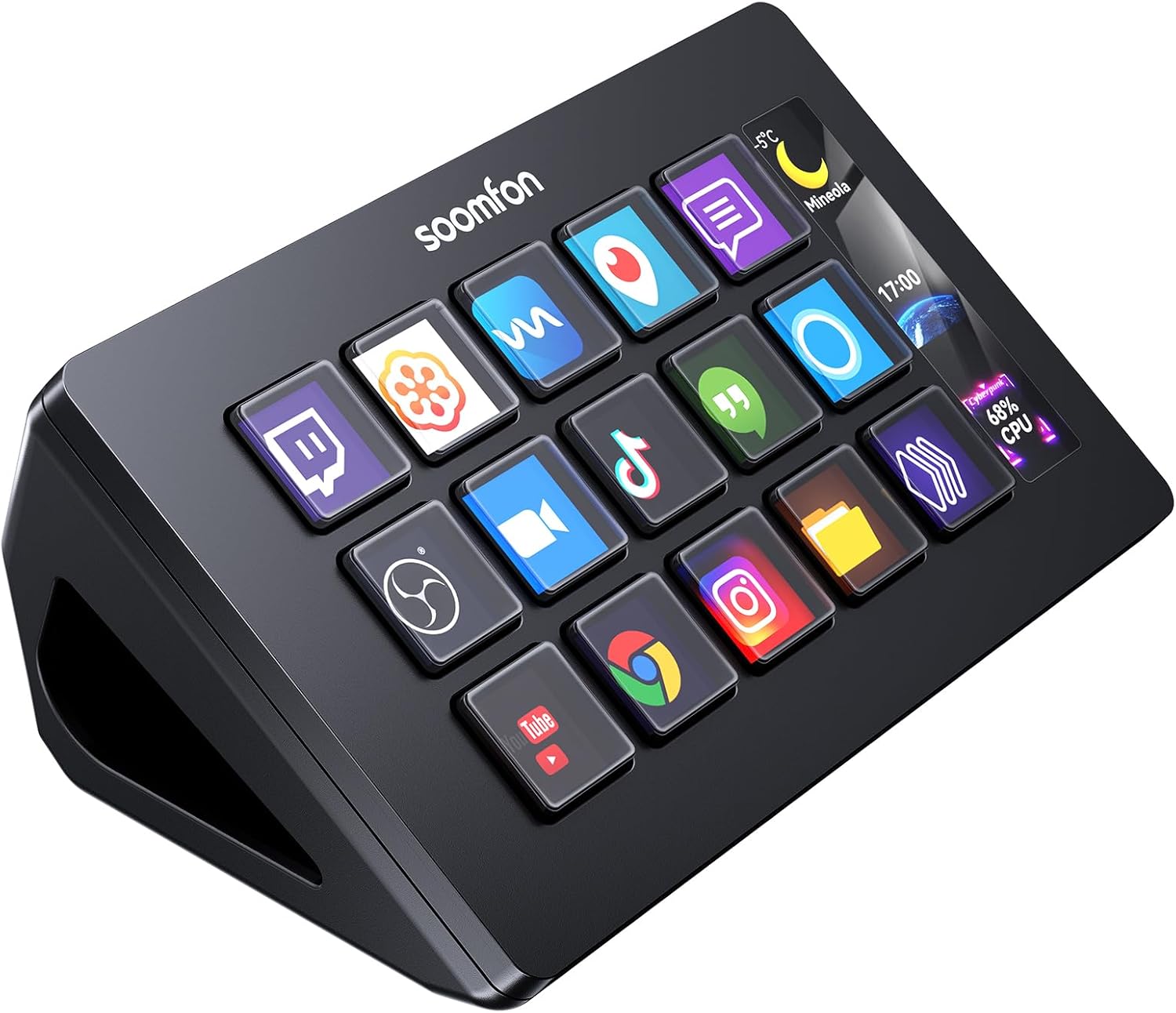
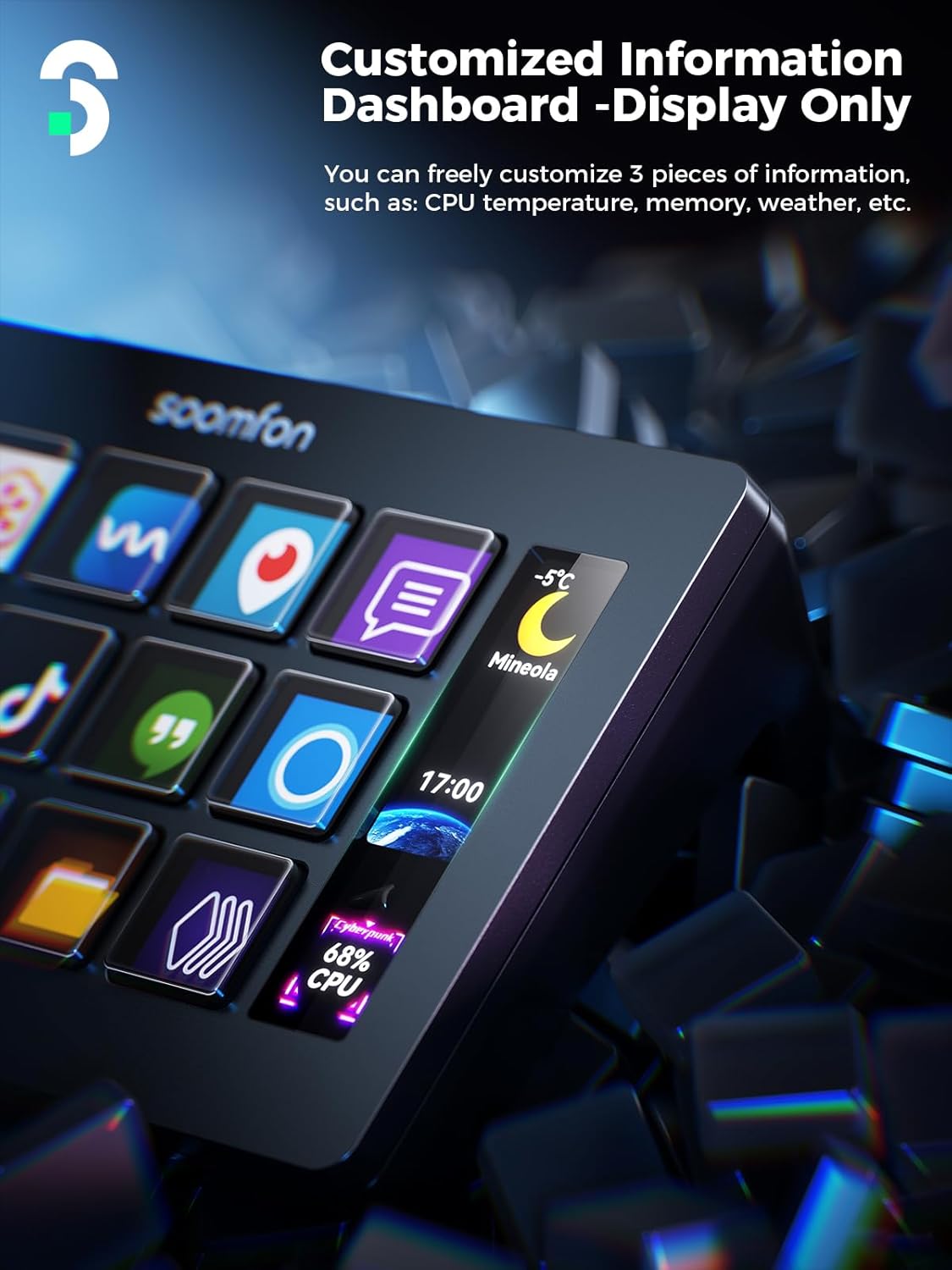
The big differentiator here is that each of the 15 keys comes with an LCD screen you can customize using your own image files. The practical benefit is obvious: you don’t just remember what “Key 7” does—you can label it visually.
This matters for stream and content workflows, where context switches are constant. In a typical session, you might have a key for “Go Live,” another for “Scene switch,” and others for common audio or social actions. Even if you’re not streaming, having quick buttons for repeated tasks can reduce friction in editing, music production, or photography workflows.
It’s also designed for one-touch operation, so the deck is meant to feel immediate rather than like a software-only shortcut board.
Compatibility and integrations (what it supports)
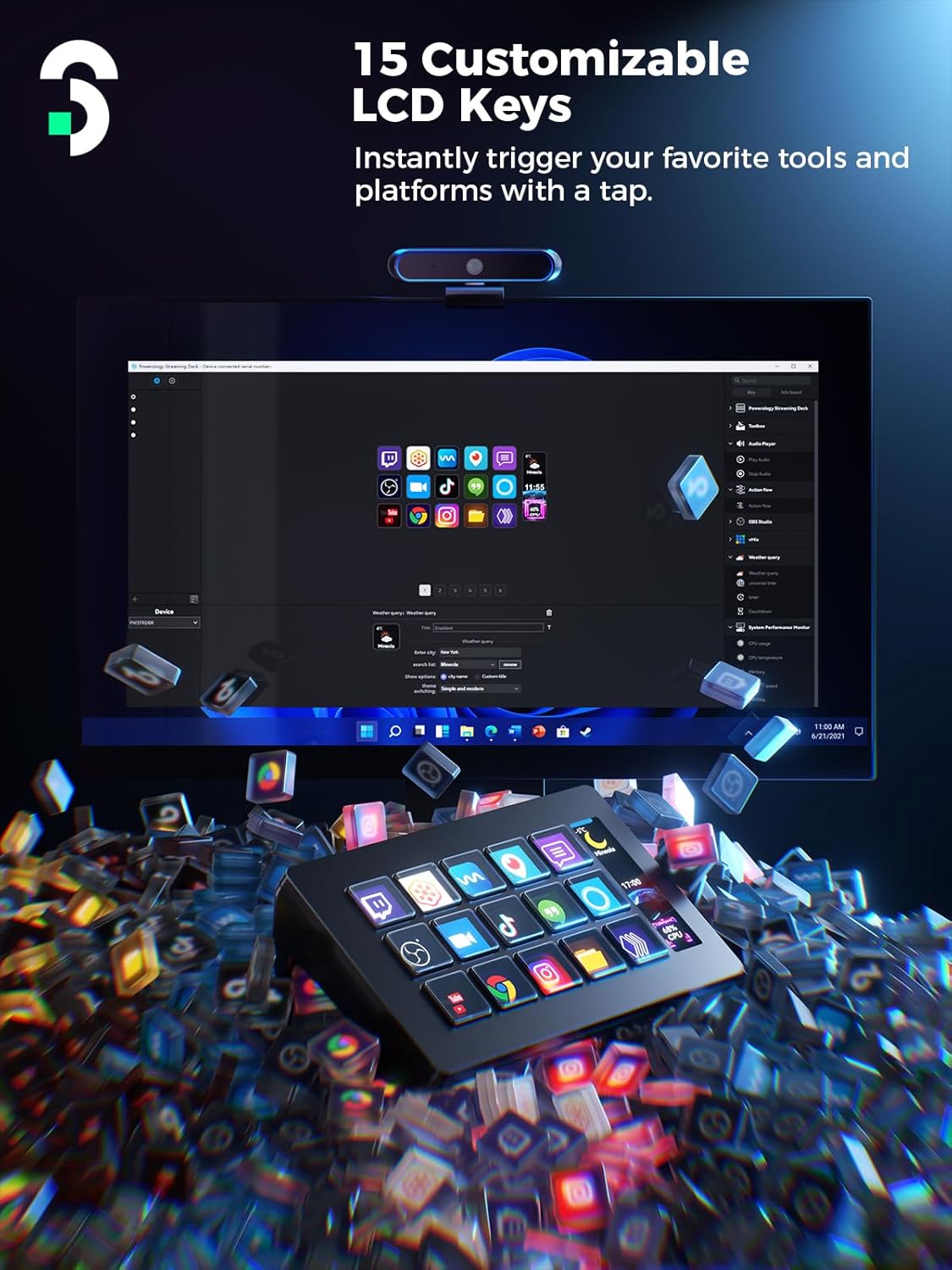
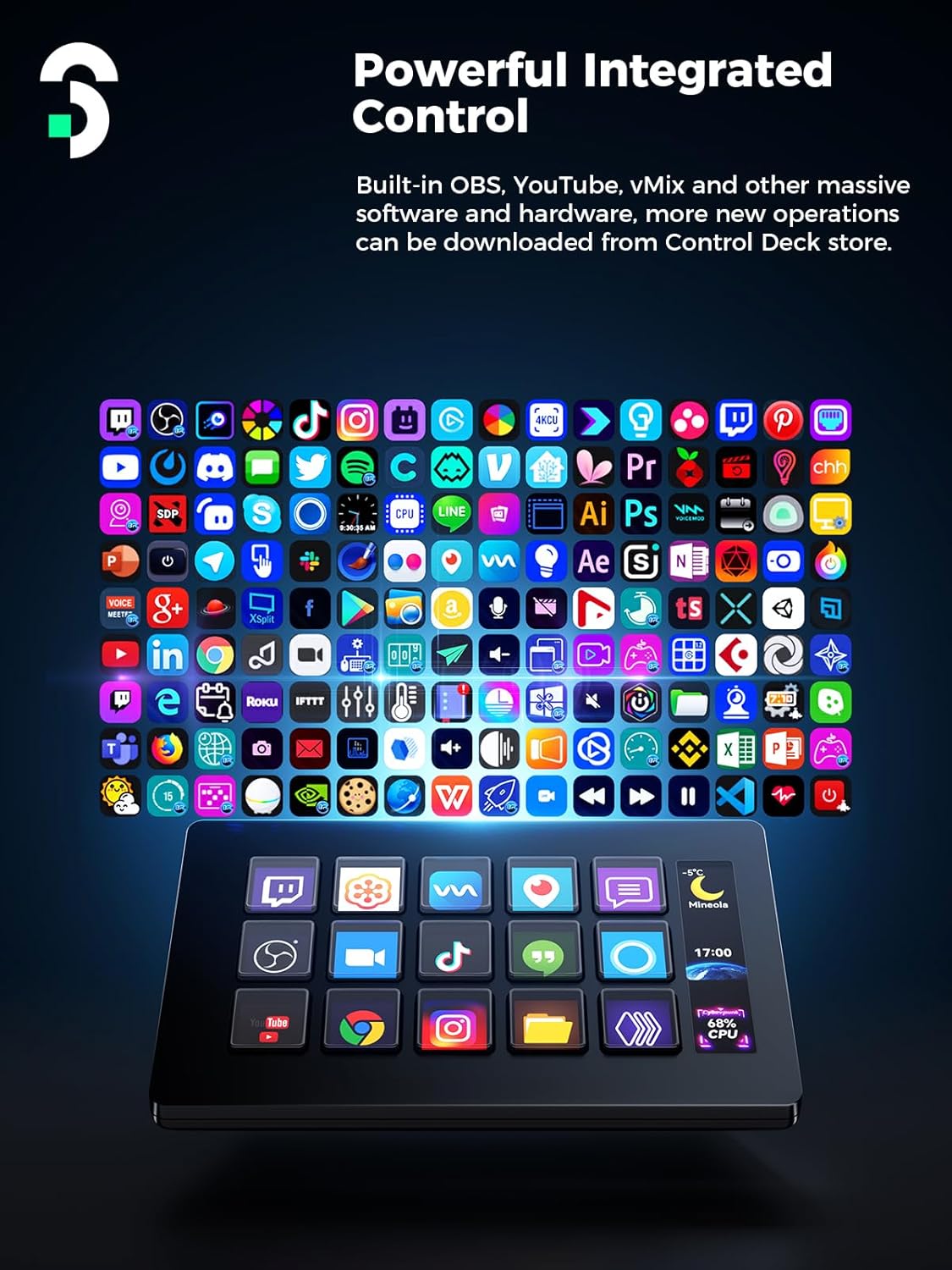
This deck targets a wide range of platforms and tools, with stated compatibility for:
- PC: Windows 10 64-bit or higher
- Mac: macOS Big Sur 11.0 or higher
- OBS Studio: Windows versions 27.0, 28.0 and above, macOS version 28.0 and above (per the provided info)
- Twitch, YouTube, Twitter, Spotify, Philips Hue, and more
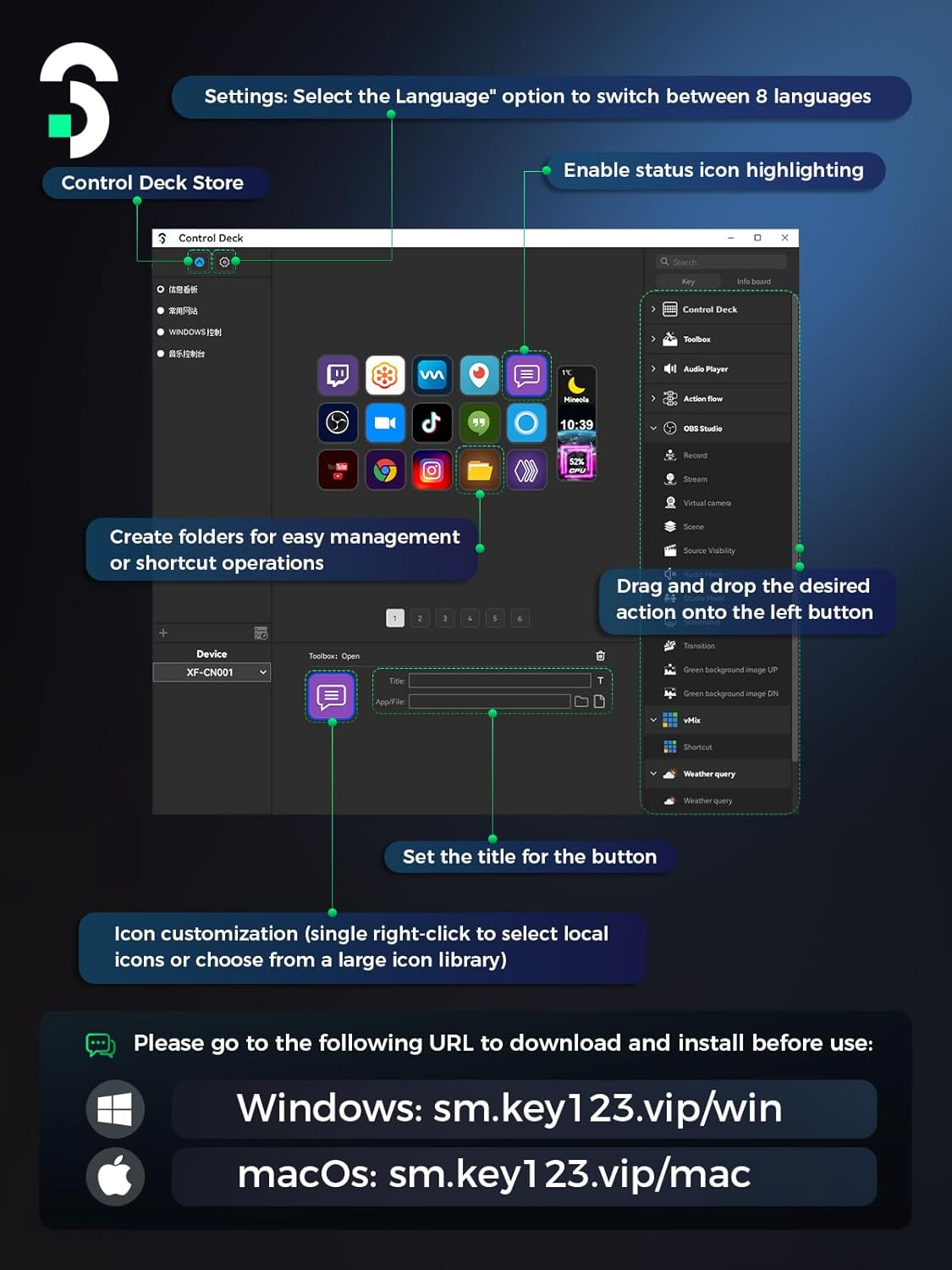
There’s also a setup method mentioned: you can enter the corresponding system address in your browser to download drivers quickly. It’s worth noting that integrations like Spotify require an active Spotify Premium account.
What you’ll notice in day-to-day use
The design is straightforward: it connects via USB to your computer, and it includes a removable stand. You can lay it flat on the stand, and rubber feet help keep it stable on your desk—even when you’re not using the stand.
The real “feel” depends on whether your routine benefits from dedicated physical buttons. If you often run OBS controls, manage quick posting, or toggle audio without wanting to touch the main interface, this fits that workflow. If you already rely on keyboard shortcuts only and don’t need visual labels, you may find the deck a bit unnecessary.
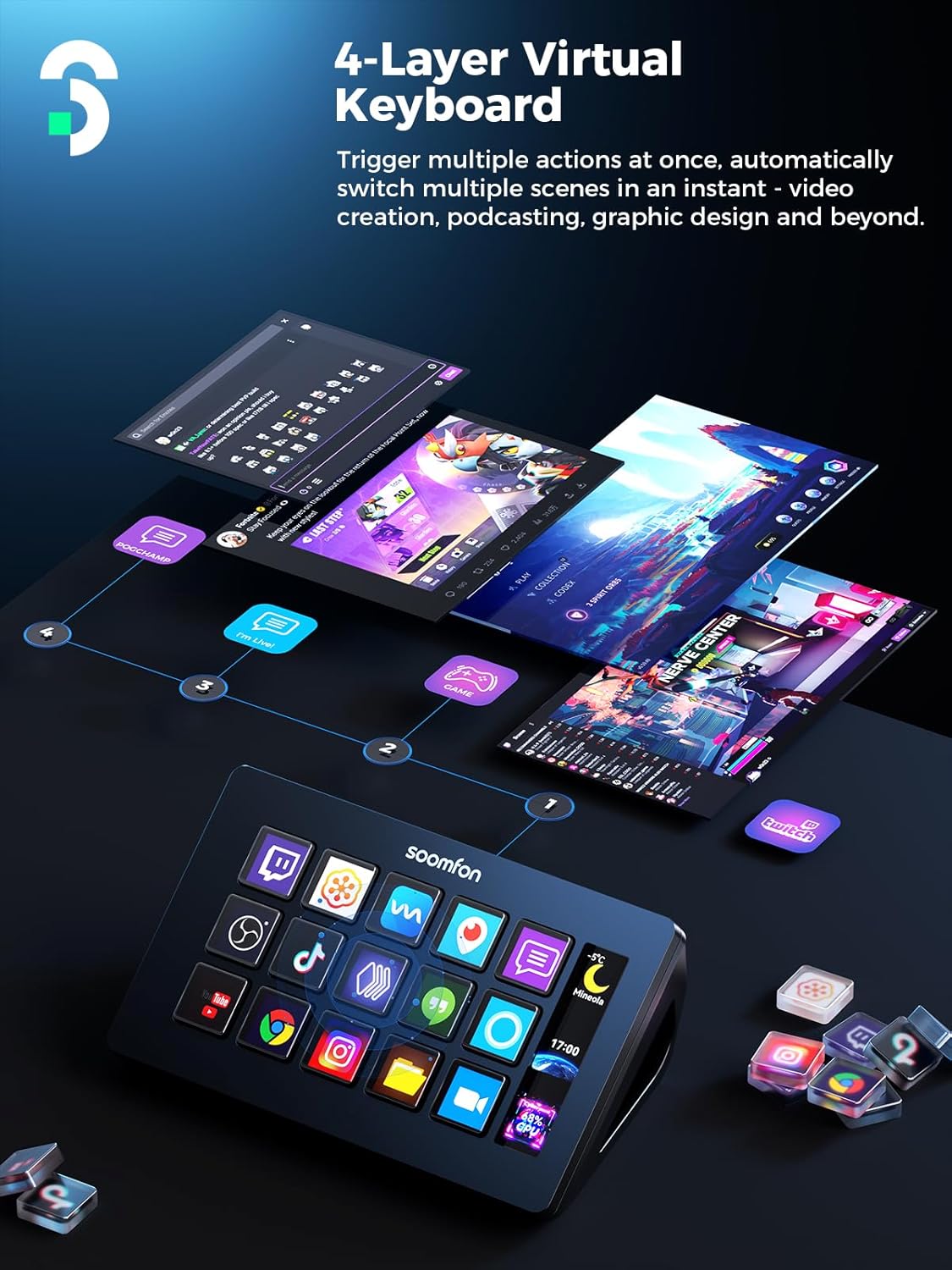
A limitation to keep in mind: it can’t replace everything you might do in a streaming app—macros are great for repeatable actions, but they’re not a substitute for deep configuration inside your software.
Key takeaways before you buy
Before you commit, it helps to sanity-check a few things:
- Are the OBS/Twitch/YouTube-related actions you need supported through the stated integration targets?
- Do you plan to customize the LCD keys with your own images (and therefore want the visual workflow this deck enables)?
- For Spotify features, do you have Spotify Premium available?
- Are you ready to download drivers and update firmware via the official software download link (as noted)?
- For stable setup, it’s recommended to use the original data cable and plug directly into a computer USB port, avoiding a power hub.
If you’re building a content workflow where “press button → done” really matters, it’s easier to justify. If your stream is more occasional and your actions are rare or highly unique, you might be better off sticking with existing hotkeys.
Tech specs
- Name: SOOMFON Stream Controller Stream Control Deck with 15 LCD Macro Keys
- Type: Stream control deck / macro key controller
- Keys: 15 customizable LCD keys
- Platforms (PC): Windows 10 64-bit or higher
- Platforms (Mac): macOS Big Sur 11.0 or higher
- OBS Studio support: Windows 27.0, 28.0 and above, macOS 28.0 and above
Is it worth it?
It’s a solid pick if you want faster stream control, clearer button labeling, and one-touch actions for OBS-style workflows, audio toggles, or social-trigger tasks—especially if you like the idea of having the key functions visible right in front of you.
You may want to skip it if you don’t plan to set up macros, you rarely perform repeatable actions, or you expect the deck to cover everything you’d normally do inside streaming and content software. It’s built for practical shortcuts and control—not for eliminating the need to use your main apps entirely.
Mini FAQ
Does it work on both PC and Mac?
Yes. The provided info states compatibility with Windows 10 64-bit or higher and macOS Big Sur 11.0 or higher.
Which streaming software is it meant to work with?
It specifically mentions integrated support for OBS Studio (Windows versions 27.0, 28.0 and above, macOS version 28.0 and above) plus support for Twitch and YouTube.
Can I label the keys with my own images?
Yes. The deck includes 15 LCD keys that can be customized with image files.
Is Spotify supported?
Spotify integration is mentioned, but it requires an active Spotify Premium account.
What should I check during setup?
The notes recommend downloading drivers via the system address in your browser, updating firmware from the official software download link, and connecting directly to the computer’s USB port using the original data cable (avoiding a hub for power).