

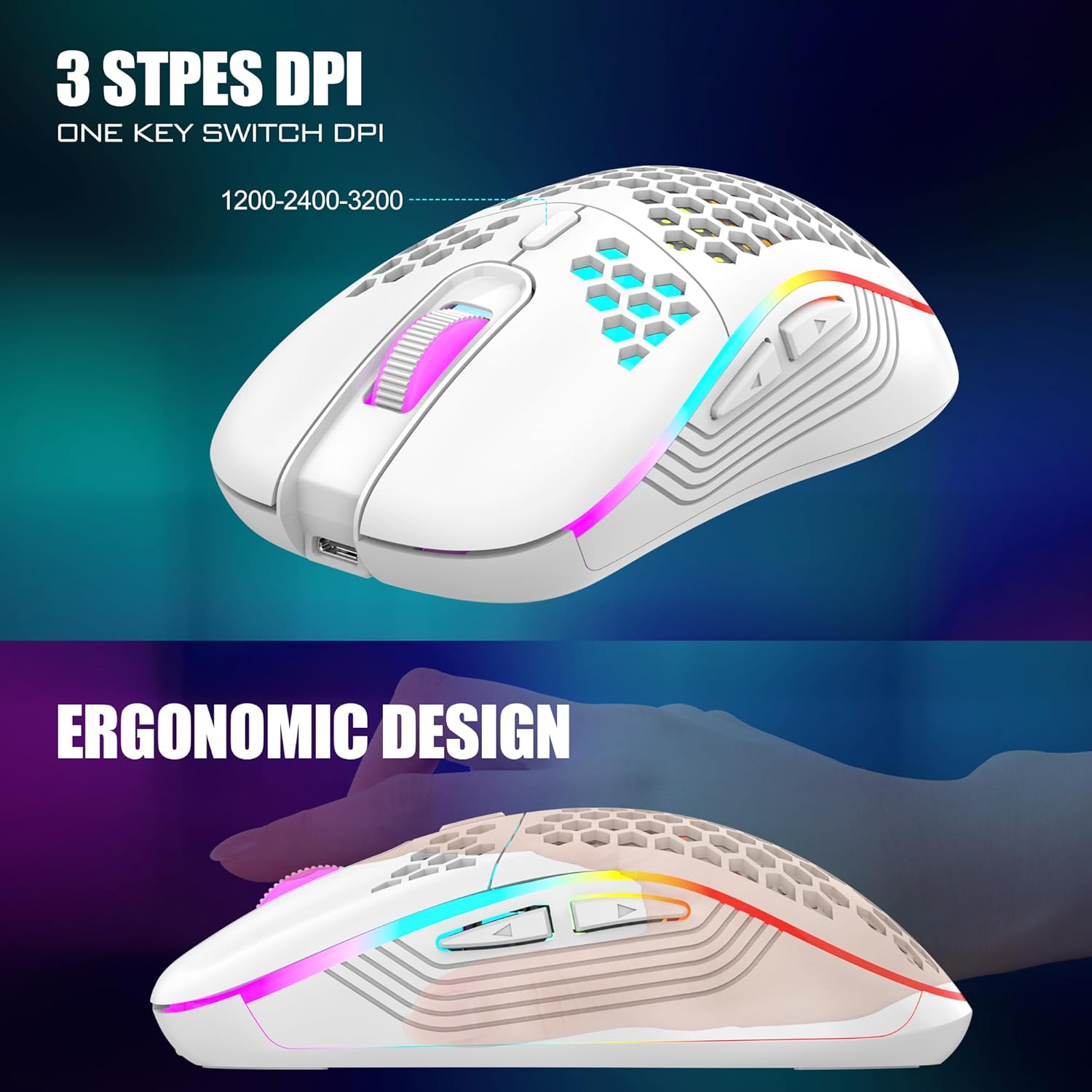
RedThunder 60% Wireless Gaming Keyboard and Mouse Combo (2.4G) with Rechargeable Battery, White
Product description
If you want a smaller desk setup without giving up wireless gaming convenience, this RedThunder 60% wireless keyboard and mouse combo is built for that exact middle ground. It’s compact, uses a shared 2.4G USB receiver (so fewer dongles), and leans into RGB lighting for that “alive” desk vibe.
It’s not perfect—there’s no 10-key numeric keypad on the keyboard, and the wireless receiver setup is shared between keyboard and mouse—so it’s worth checking your workflow needs before you commit. Still, for a 60% layout plus a lightweight honeycomb-style optical mouse, it can feel like a practical buy on paper.
Key features
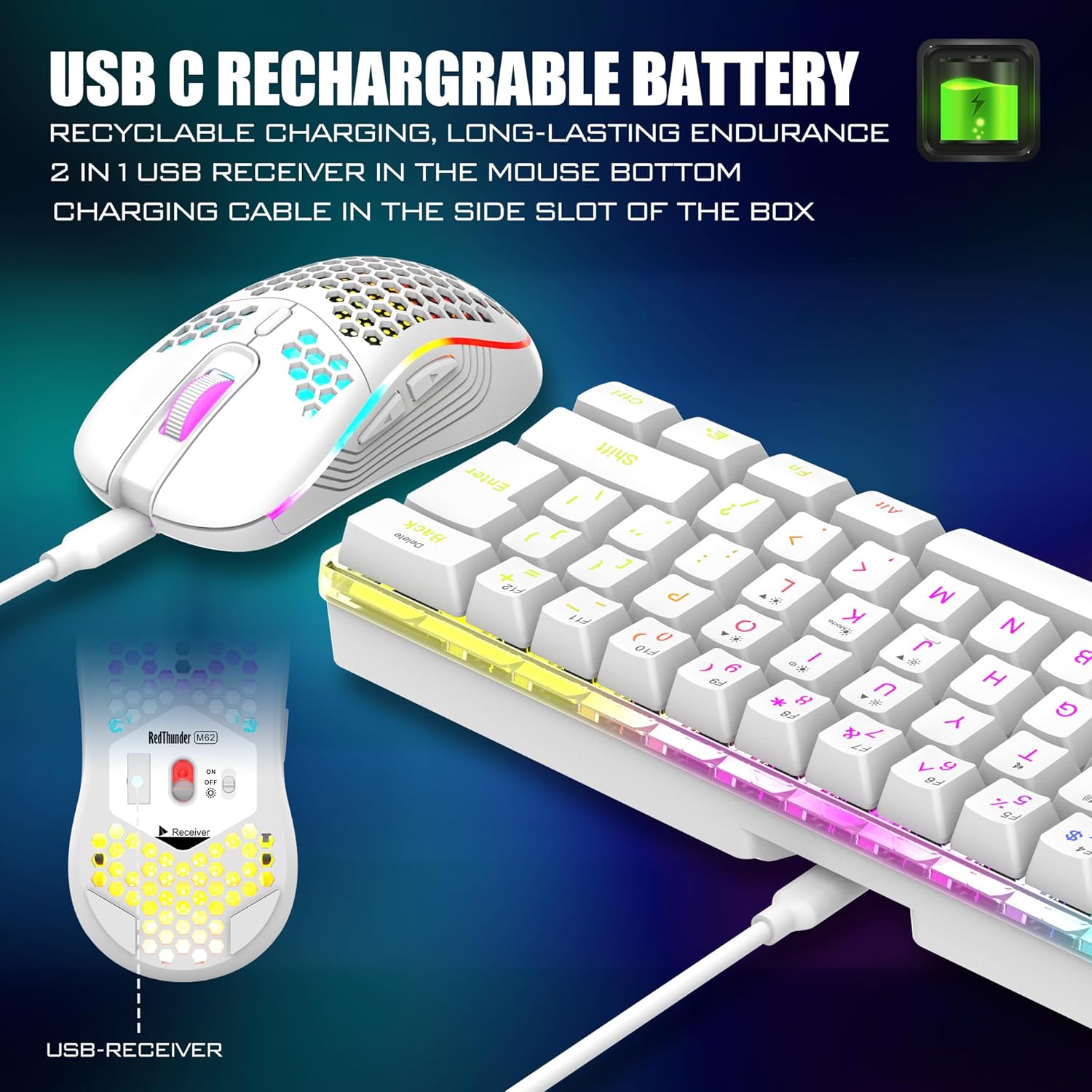
This combo pairs a 60% RGB mechanical-feel keyboard with a very light honeycomb shell mouse. The keyboard uses a 2.4G wireless connection designed for stable, fast transmission, and the keyboard and mouse share one USB receiver placed at the bottom of the mouse.
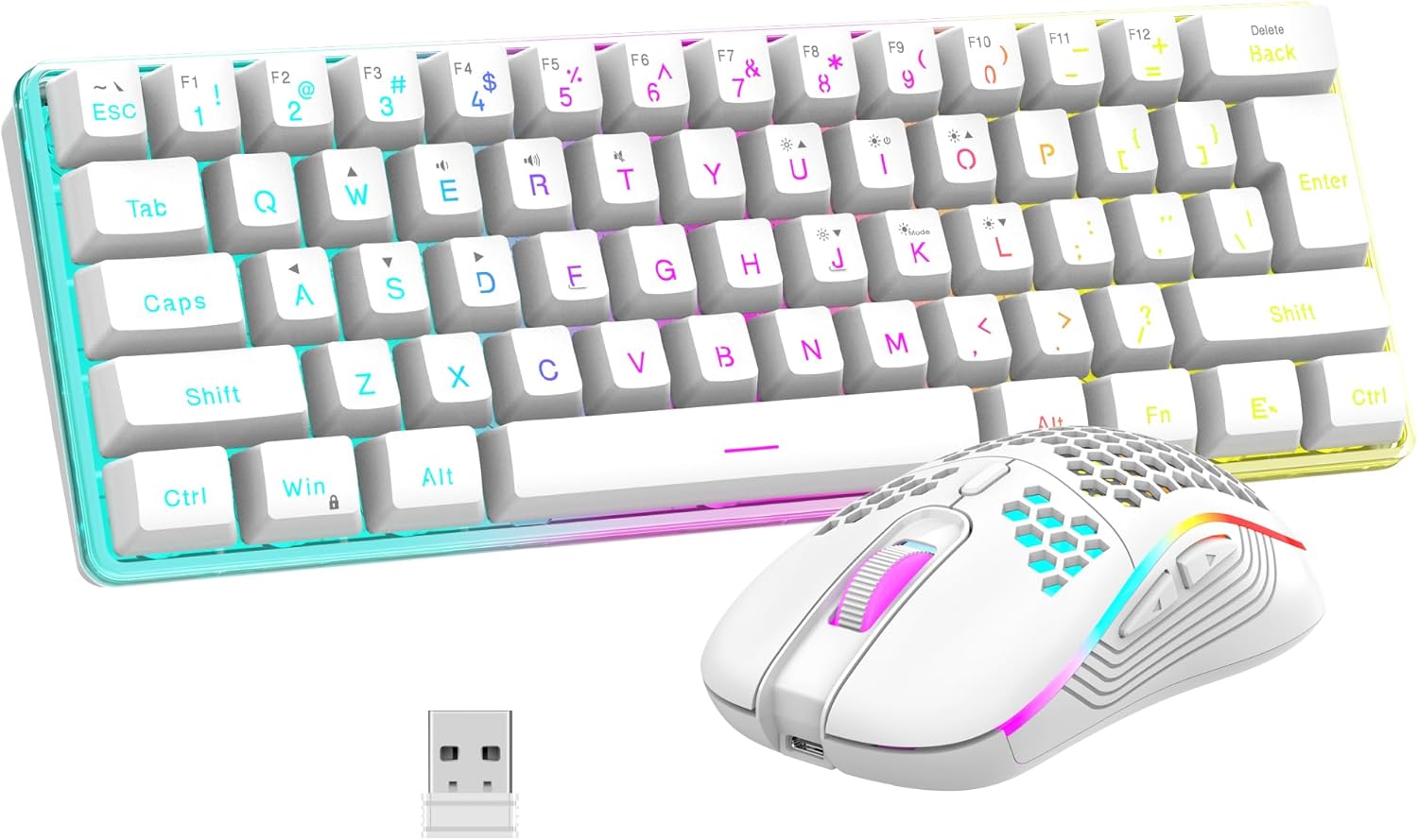
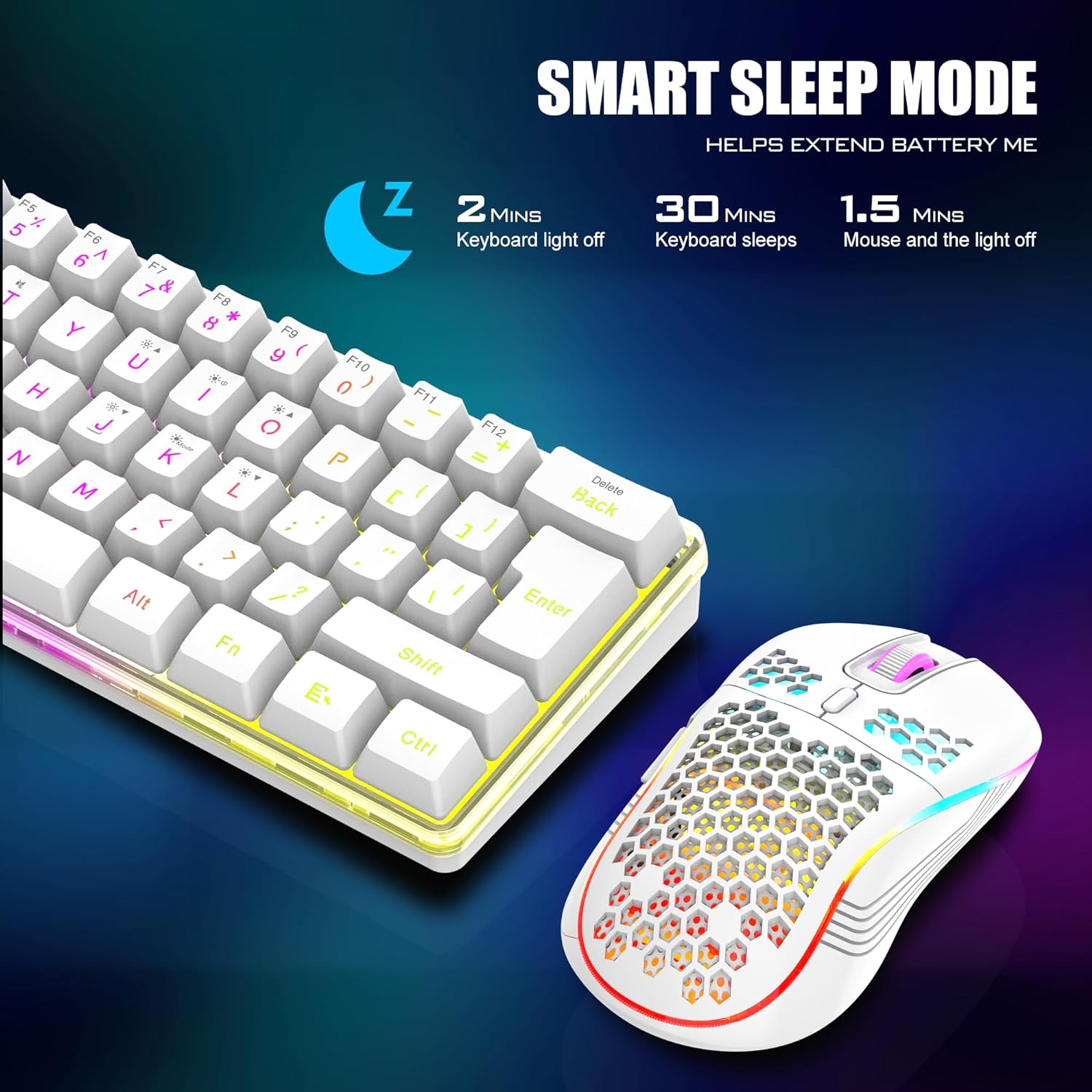
On the battery side, both devices are rechargeable and include smart energy-saving. The keyboard battery is listed as 1850 mAh and the mouse battery is listed as 500 mAh, with the brand stating continuous use for about 8 hours with light use. There’s also sleep behavior if you don’t operate it for 2 minutes, and you can wake it by pressing any key.
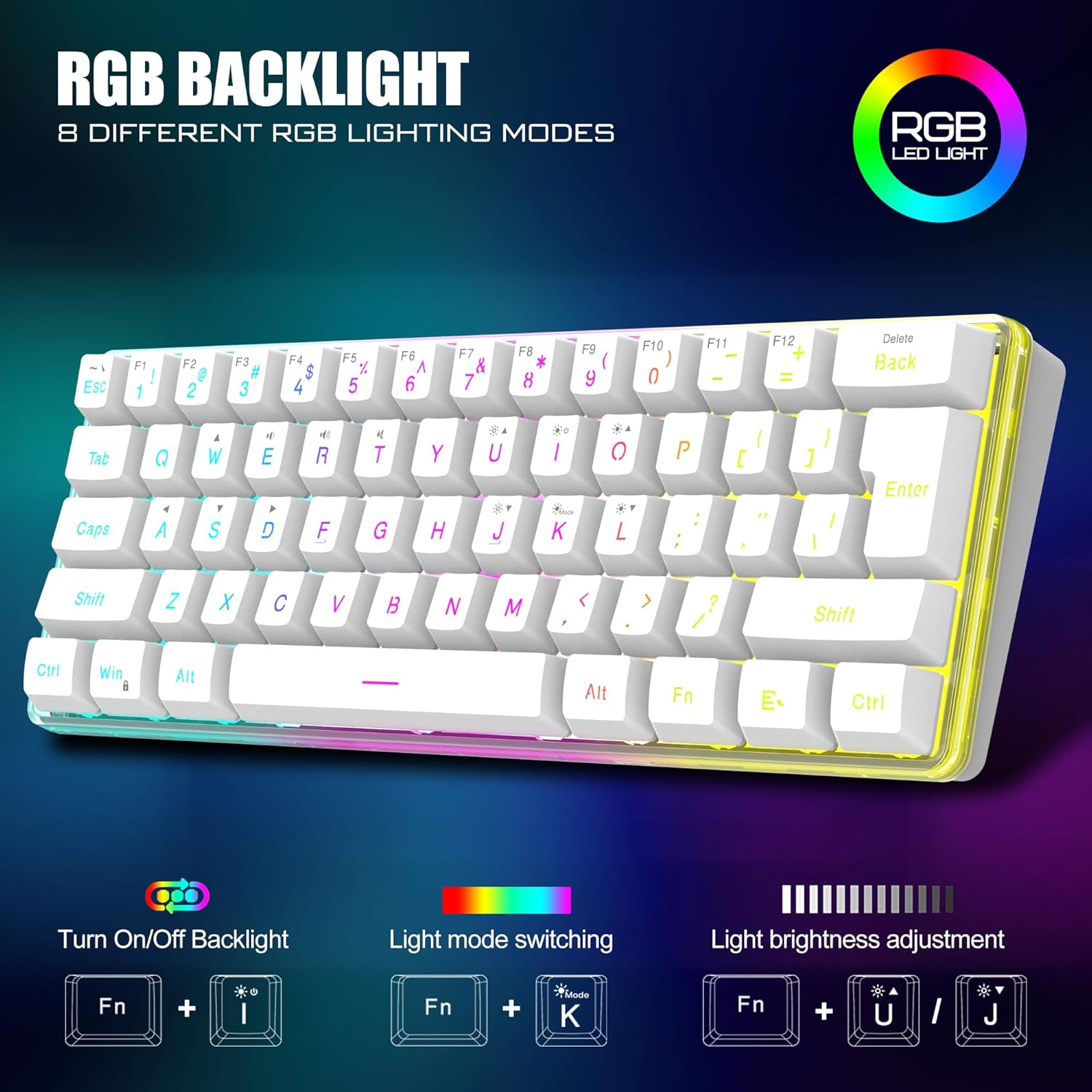
The RGB focus is real: the keyboard includes multiple backlight modes (four RGB backlight modes, four brightness levels, seven monochrome options, and one full rainbow mode). The mouse has a built-in multi-color cyclic gradual lighting effect, with a note that the scroll wheel lights up only while charging.
What you’ll notice day to day
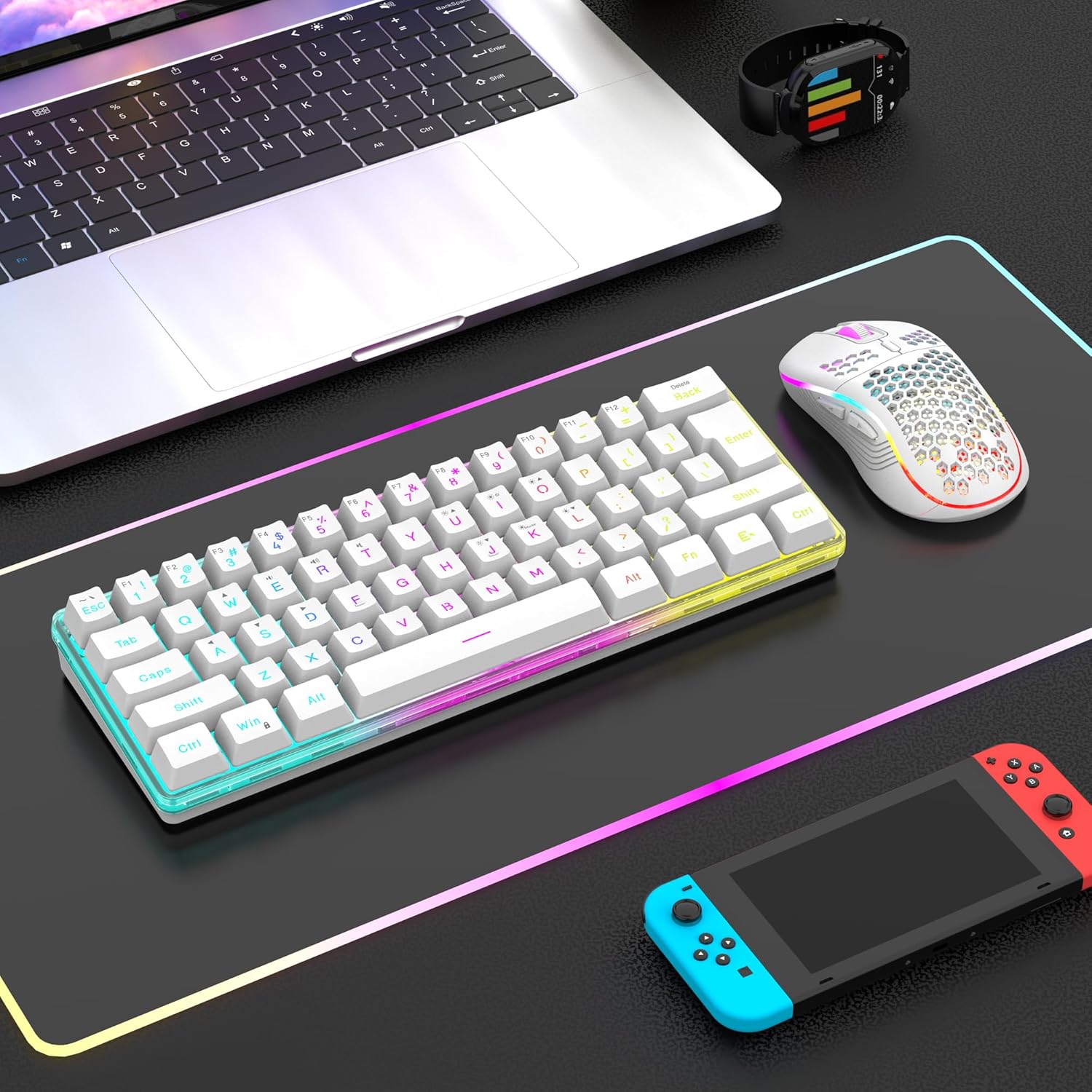
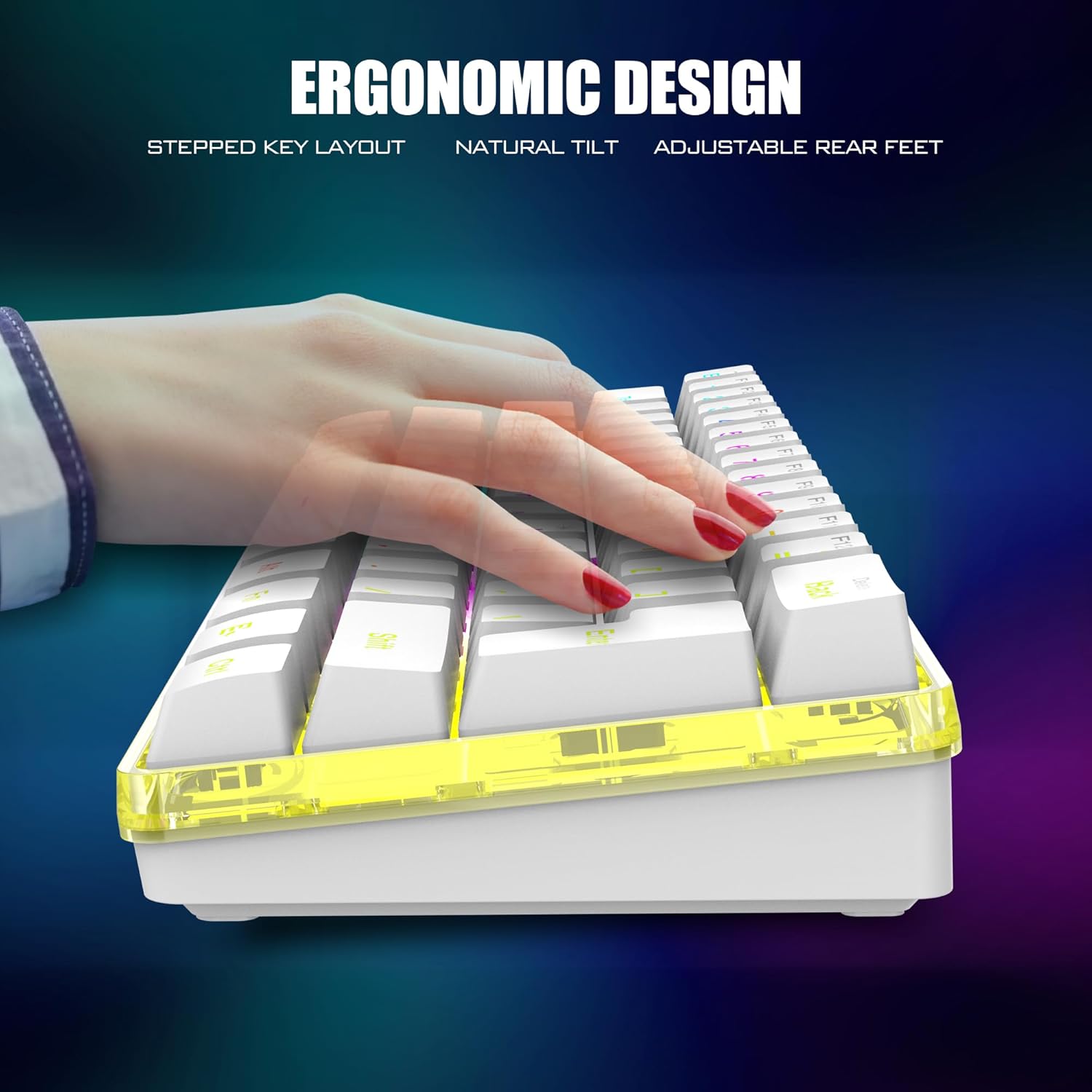
A 60% keyboard is all about reclaiming desk space and keeping your input area focused. With this model, you also get that compact “mini” layout look, which typically works well if you’re moving your mouse a lot or you keep extra gear on your desk (controller, stream deck, tablet, etc.).
For the mouse, the honeycomb-style shell is designed to stay very light (listed at 65 (±5) grams). If you’ve ever felt tired from heavier mice during longer sessions, that weight range is the kind of detail that can actually matter. The grip is also described as ergonomic, with an anti-sweat and non-slip design, aiming for more secure control.
As a quick micro-scenario: you could plug in the shared receiver, turn the keyboard and mouse on, and start typing without a long setup process—then use the mouse lighting as a subtle visual cue while you work or game. The RGB won’t be everyone’s preference, but it’s there if you like your desk to look intentional.
Key specifications
- Type: 60% Wireless Gaming Keyboard and Mouse Combo
- Wireless connection: 2.4G
- Keyboard battery: 1850 mAh (rechargeable)
- Mouse battery: 500 mAh (rechargeable)
- Battery life claim: up to 8 hours with light use
- Power saving: sleep after 2 minutes of no operation, wake by pressing any key
- Keyboard layout note: no 10-key numeric keypad
- Mouse weight: 65 (±5) grams
- Mouse charging lighting note: scroll wheel lights up only while charging
- RGB features: 4 RGB backlight modes, 4 brightness levels, 7 monochrome modes, 1 full rainbow mode
Pros
- Compact 60% layout helps free up space on a crowded desk
- Shared 2.4G USB receiver can mean less clutter than separate dongles
- Rechargeable batteries plus sleep/wake energy saving for everyday convenience
- RGB lighting options for both keyboard and mouse
- Lightweight mouse (listed around 65 grams) may feel easier for longer sessions
Where it may fall short
This is one of those combos that makes trade-offs, and the biggest one is straightforward: the keyboard has no 10-key numeric keypad. If you do a lot of spreadsheets, accounting-style work, or rapid number entry, that omission can be annoying fast.
Also, because the keyboard and mouse share the single USB receiver, connection issues can be more annoying than with a setup that uses separate receivers—though the listing says pairing can be reset if the connection drops.
Finally, it’s described as “mechanical feel,” not a full guarantee of a specific switch type. So if you’re picky about how a keyboard sounds or the exact switch behavior, you may want to think carefully about whether “mechanical feel” matches what you expect.
Is it worth it?
Worth considering if you want a small wireless keyboard with RGB and a very lightweight honeycomb-style optical mouse, and your workflow doesn’t rely on a dedicated number pad. It makes sense if you like the idea of using one 2.4G receiver for both devices and you’re okay with recharging both units.
Skip it if you need a 10-key numeric keypad or you know you’ll be frustrated by shared receiver pairing being tied to both keyboard and mouse. And if your priority is to “buy once and forget,” remember the combo is rechargeable—so you’ll need to charge it with the original cable before first use.
If you’re searching for a compact desk setup for everyday work plus gaming sessions, this combo’s layout, wireless approach, and lighting features are aligned with that goal. But if your work demands numeric input speed, the missing 10-key is the kind of gap that can outweigh everything else.
Mini FAQ
Does the keyboard include a numeric keypad?
No. The keyboard is a 60% layout and does not include a 10-key numeric keypad.
Do the keyboard and mouse use one wireless receiver?
Yes. The keyboard and mouse share a single USB receiver located at the bottom of the mouse.
How does the battery saving work?
If there’s no operation within 2 minutes, both devices automatically go to sleep. Press any key to wake them.
Is the mouse lighting always on?
The mouse has a multi-color lighting effect, and the note says the scroll wheel lights up only when charging and stays off when not charging.
What should I do if the wireless connection stops working?
The listing says you can reset the code pairing if the receiver and keyboard/mouse lose connection, and contact support if you need help.